

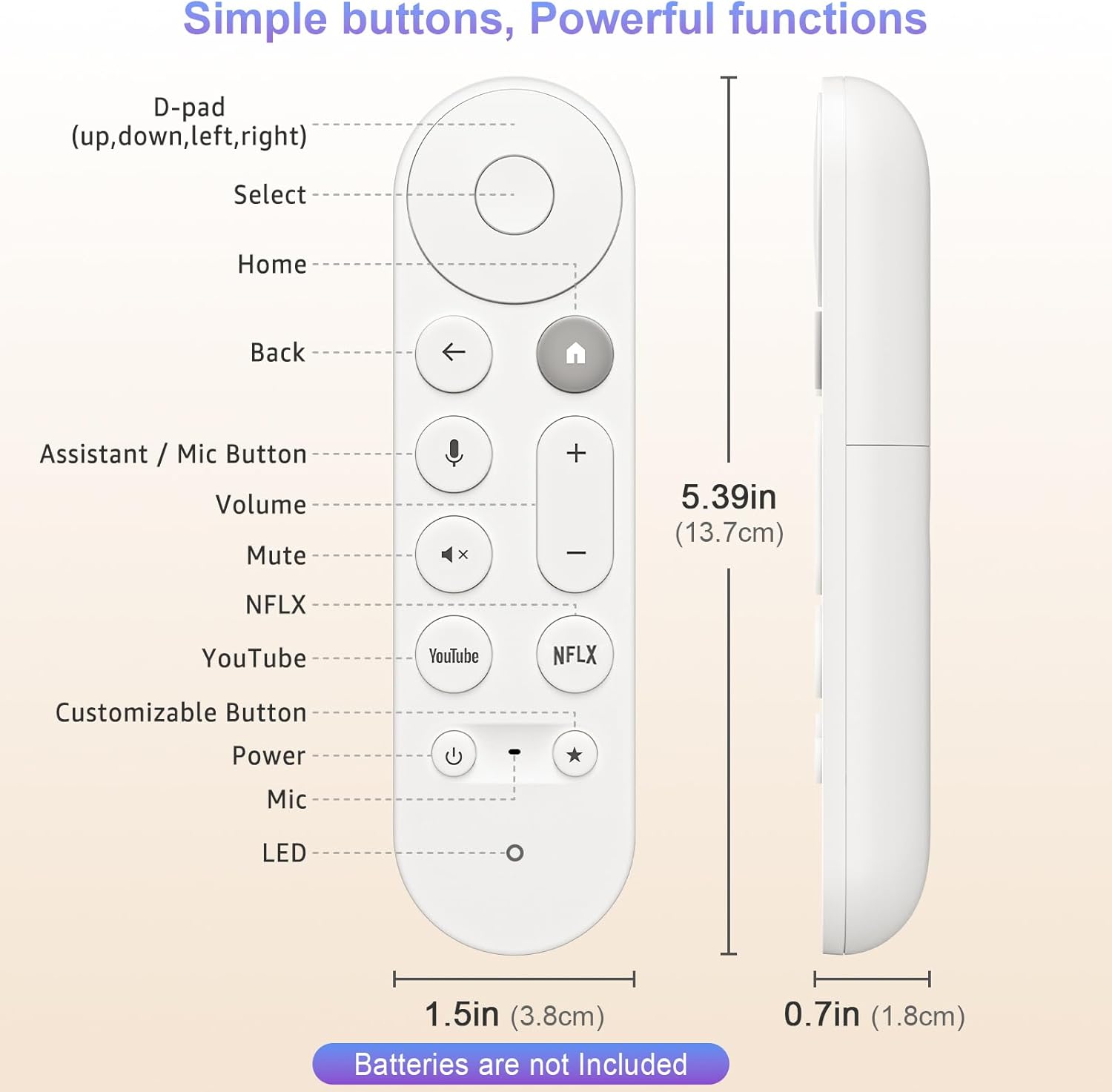
Voice Remote Control for Chromecast with Google TV (Replacement for Google TV Streamer 4K/HD Remote)
Product description
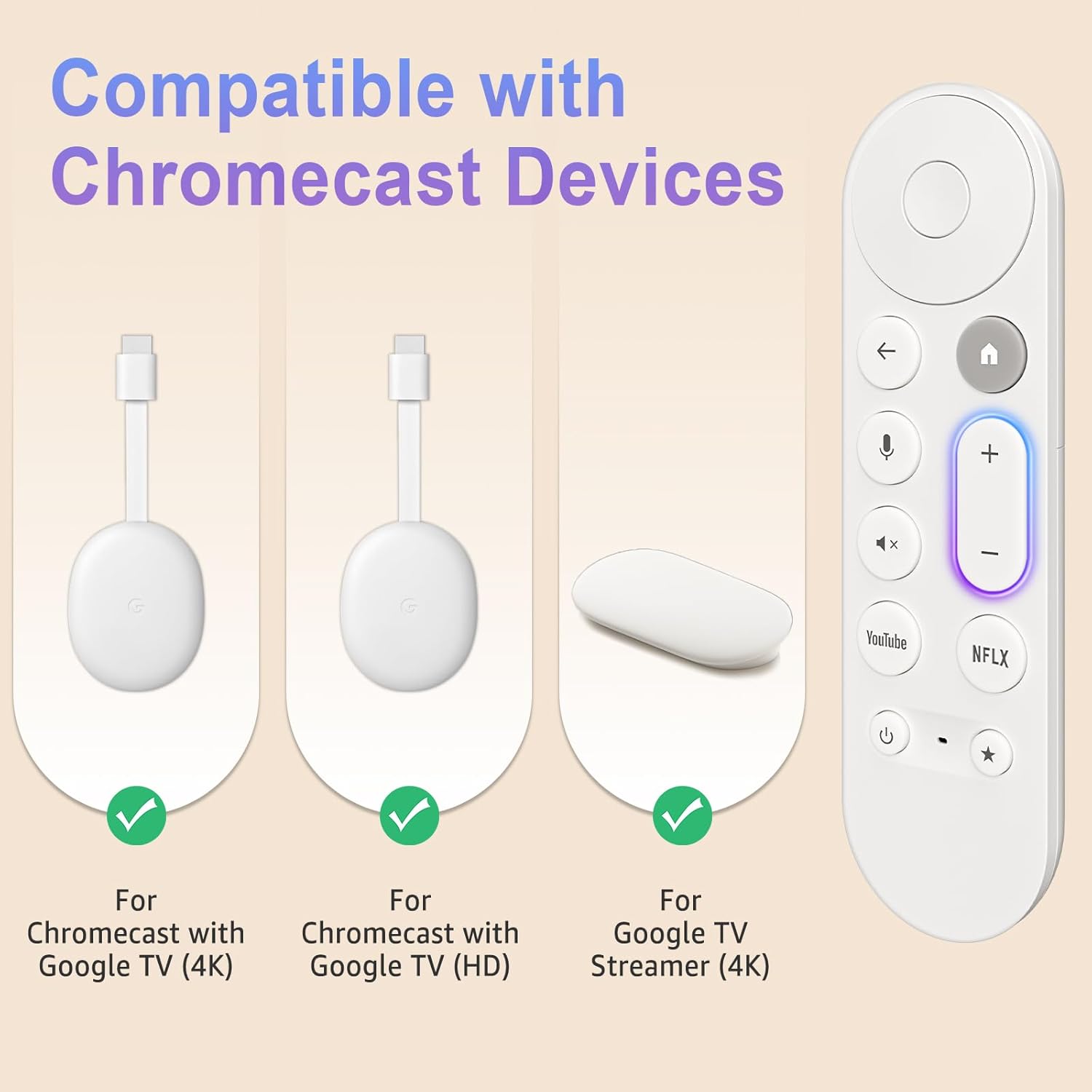
If your Chromecast with Google TV remote has gone missing, stopped pairing, or simply feels unreliable, a replacement remote is often the quickest fix. This Voice Remote is designed as a replacement for the Google TV Streamer 4K/HD remote, bringing voice control and shortcut buttons back to your setup.
On paper, it ticks the practical boxes: voice functionality, instant pairing steps, and a decent operating range. Still, it’s not a universal remote for everything under the sun—so compatibility and what you actually need it to control matter.
The essentials
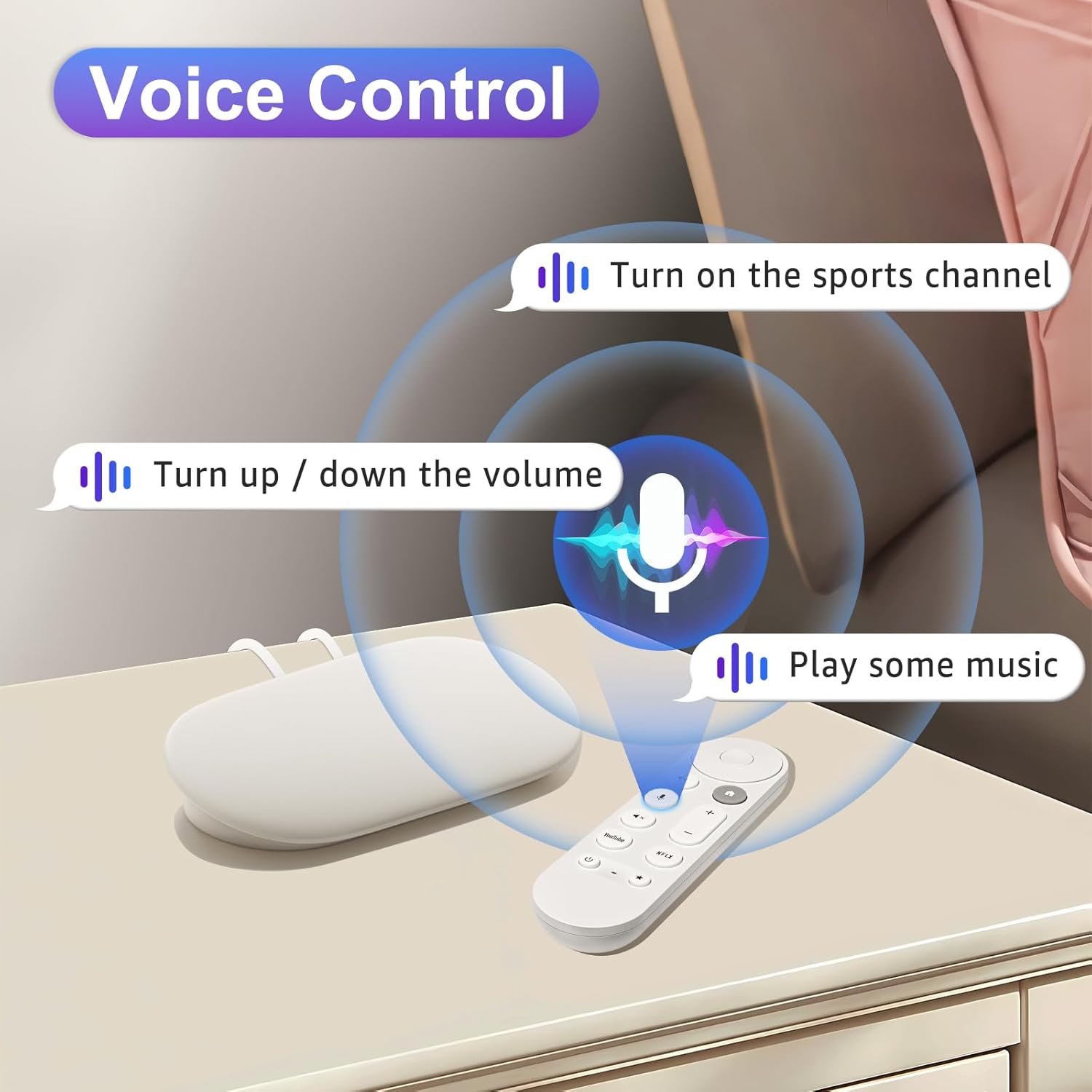
This is a voice-capable replacement remote for Chromecast with Google TV (4K/HD), intended to work with the Google TV Streamer 4K/HD remote setup. The pitch is straightforward: use voice commands to find content, adjust volume, or open apps, rather than relying purely on scrolling.
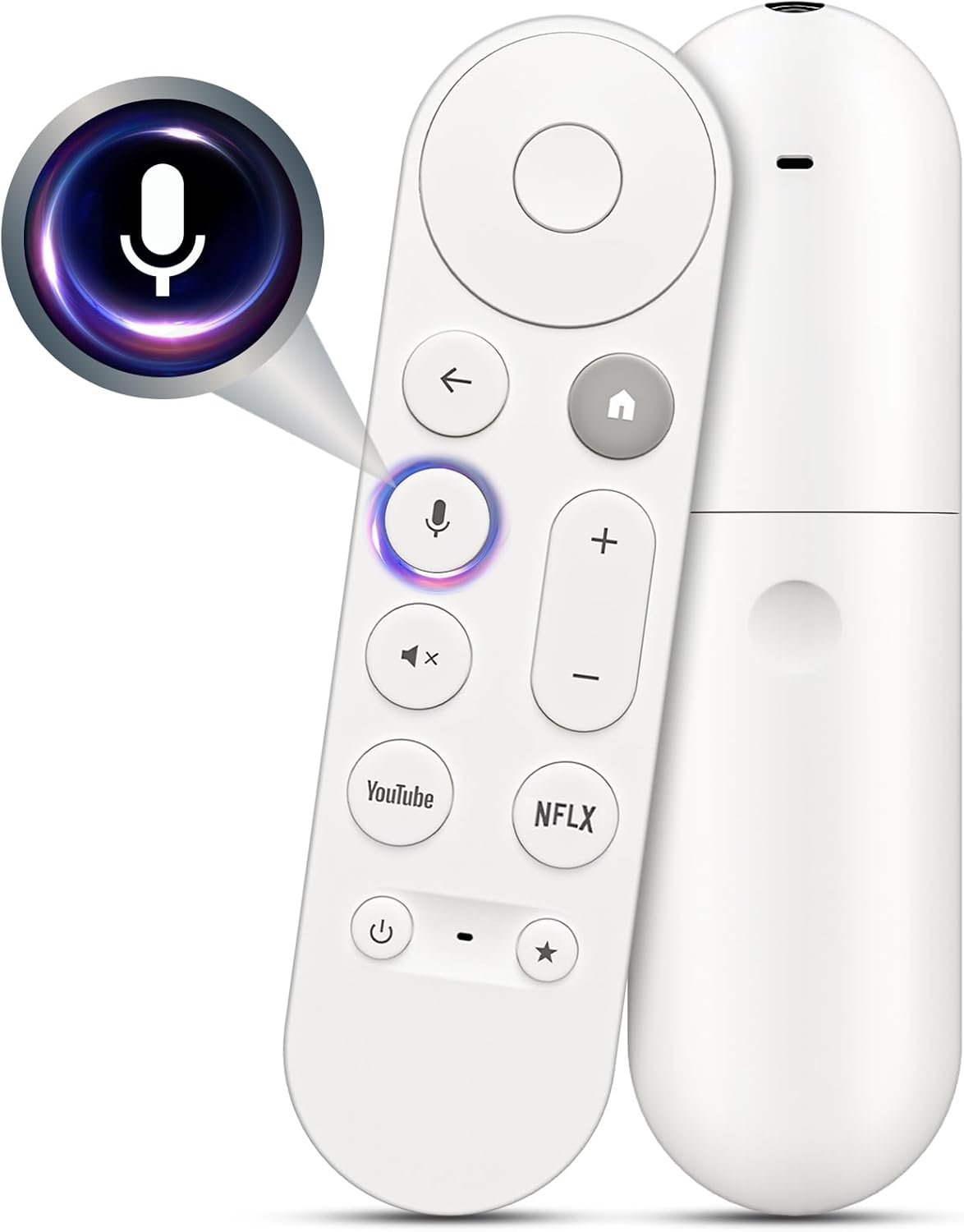
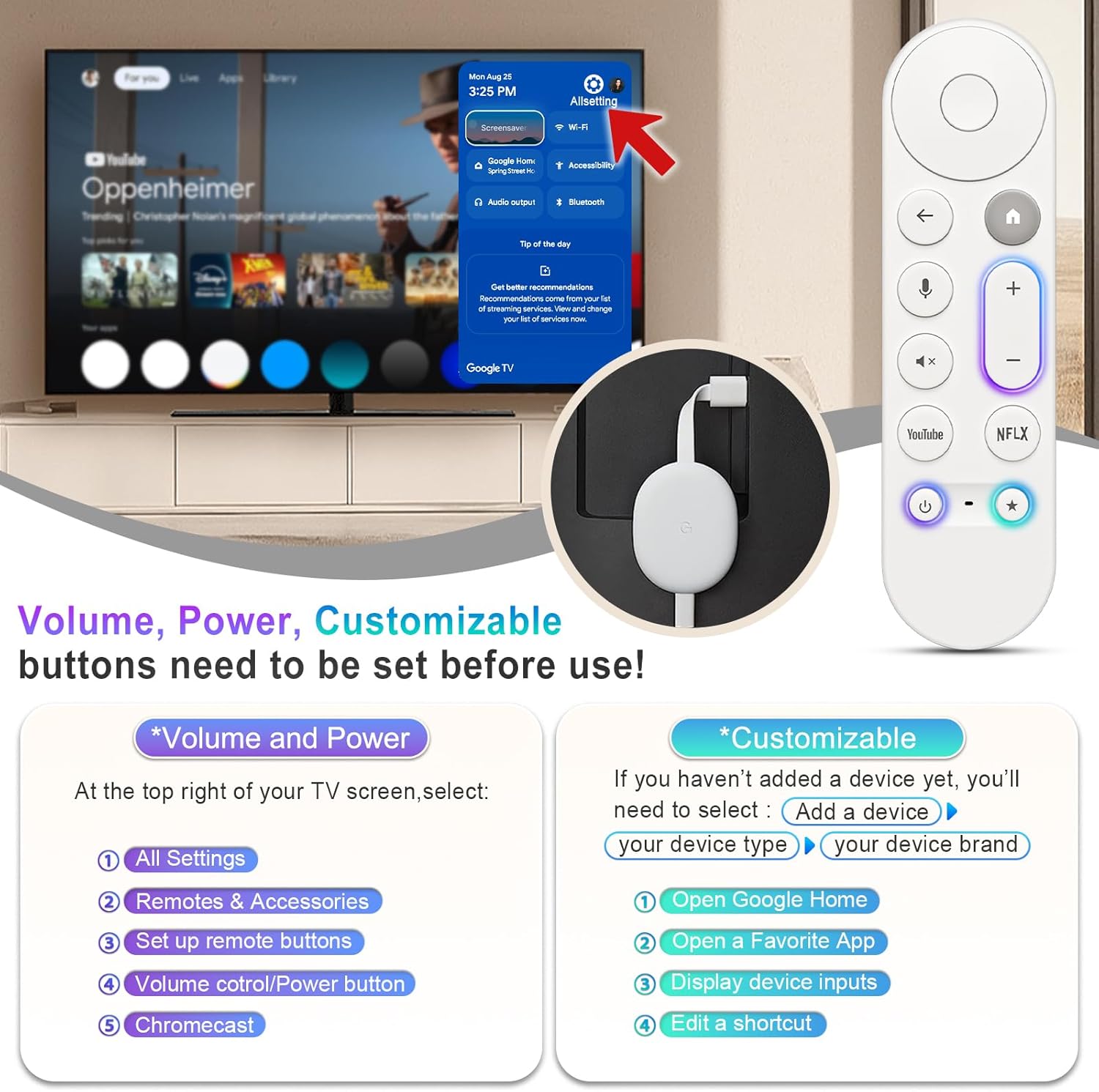
It also includes dedicated one-touch access keys for YouTube and NFLX buttons, which can be handy if you watch those services often. It’s the kind of convenience you notice in daily use: fewer hunts for the right menu, more time actually watching.
Key takeaways
A big part of whether this is “worth it” comes down to how you use your TV box. If you regularly speak commands (for example, to search for a film or bring up a specific app), the voice element is the main reason to consider this remote over a basic replacement.
That said, voice remotes tend to be most useful when they’re paired correctly and when you’re comfortable speaking to search rather than typing. If you prefer to navigate manually and never use voice control, you may be better off looking at simpler replacements.
Worth noting that it’s still a replacement remote—so it’s aiming to restore existing functionality rather than add advanced extras you might find in newer or more feature-heavy remotes.
What’s noticeable in everyday use
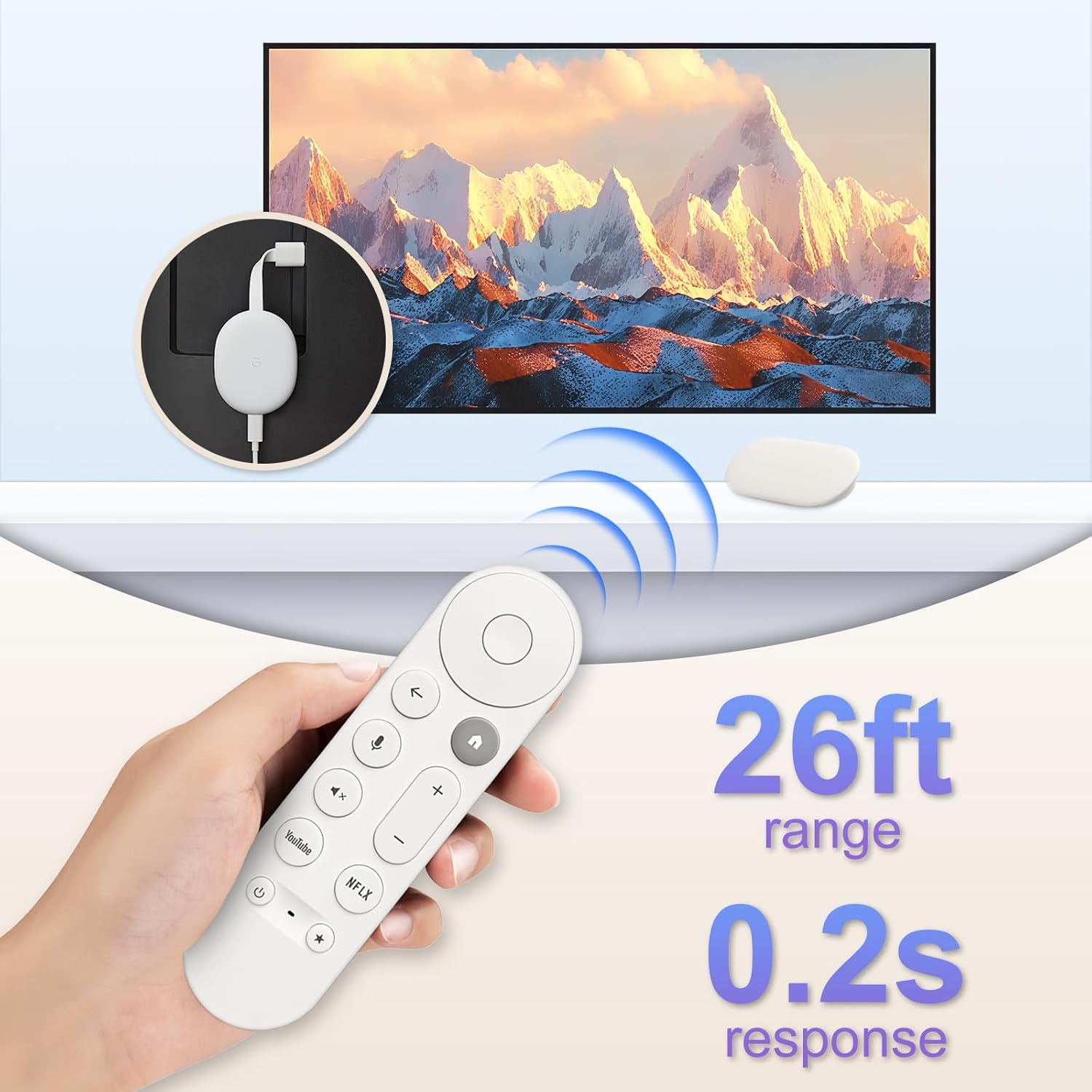
The remote is described as having a wide control range of 32 ft and a fast response time of 0.2 s. In real terms, that suggests you should be able to change things from the sofa without needing to point the remote perfectly at the device.
Here’s a quick example of how it can feel in practice: you’re halfway through an evening, you can press the voice function and ask for something specific, like finding a particular genre or title, then turn the volume up without leaving the couch. If you regularly jump into YouTube or NFLX, the one-touch buttons can also cut down on the extra steps.
How pairing works (and where people can get stuck)
The instant pairing method is clearly laid out: start on your Google device, then press and hold the “Back” and “Home” buttons together on the remote for 10 seconds until the LED flashes.
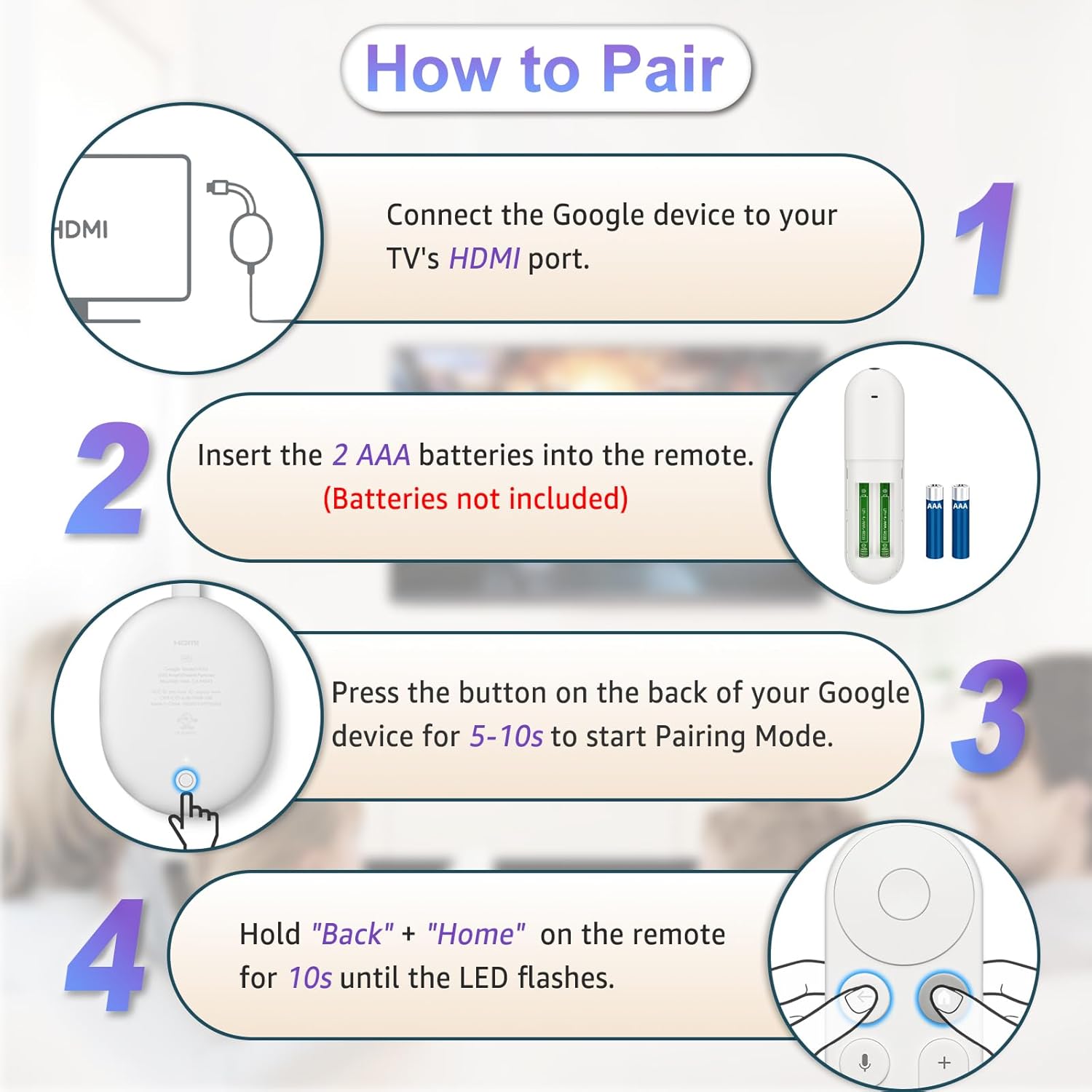
This is usually the make-or-break moment with replacement remotes. If pairing doesn’t take the first time, it can be down to timing, distance, or the particular device setup you’re using. Also, the remote requires 2 AAA batteries, and batteries are not included in the package—so you’ll want to have them to hand before you start.
Tech specs
- Name: Vocie Remote Control for Chromecast with Google TV (Replacement for Google TV Streamer 4K/HD Remote)
- Type: Voice remote control (replacement remote)
- Format: Remote control
- Colour: Not provided
- Dimensions: Not provided
- Weight: Not provided
- Material: Not provided
- Display: Not provided
- Refresh rate: Not provided
- Processor: Not provided
- Memory: Not provided
- Size: 32 ft long-distance control
- Capacity: Not provided
- Control distance: 32 ft
- Response time: 0.2 s
- Battery requirements: 2 x AAA (batteries not included)
Should you buy it?
It’s a solid pick if you want to restore voice control and quick access for YouTube and NFLX on a Chromecast with Google TV / Google TV Streamer 4K/HD setup, and you’re comfortable following the pairing steps using the Back + Home buttons.
You may want to skip it if you’re not sure it matches your exact device model, or if you rarely use voice control and would rather spend less on a more basic navigation-only replacement. Also keep an eye on battery availability—missing AAA batteries can delay your setup.
Mini FAQ
Does this remote include batteries?
No, batteries are not included. It requires 2 AAA batteries.
How do I pair it if it’s a replacement?
Start on your Google device, then press and hold the “Back” and “Home” buttons together for 10 seconds until the LED flashes.
Is it mainly for voice control?
Voice is a key feature, and it’s described as supporting voice commands to find content, adjust volume, or open apps.
How far can you use it from the TV?
It’s described as supporting control up to 32 ft and a response time of 0.2 s.