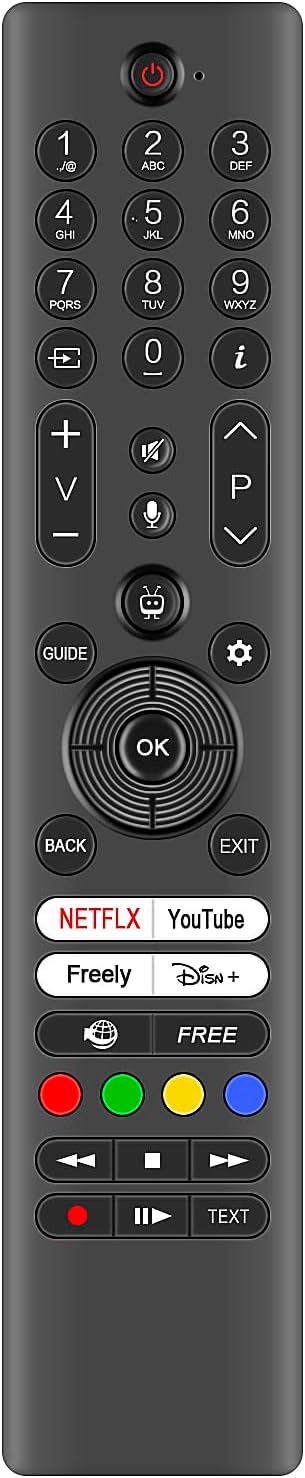
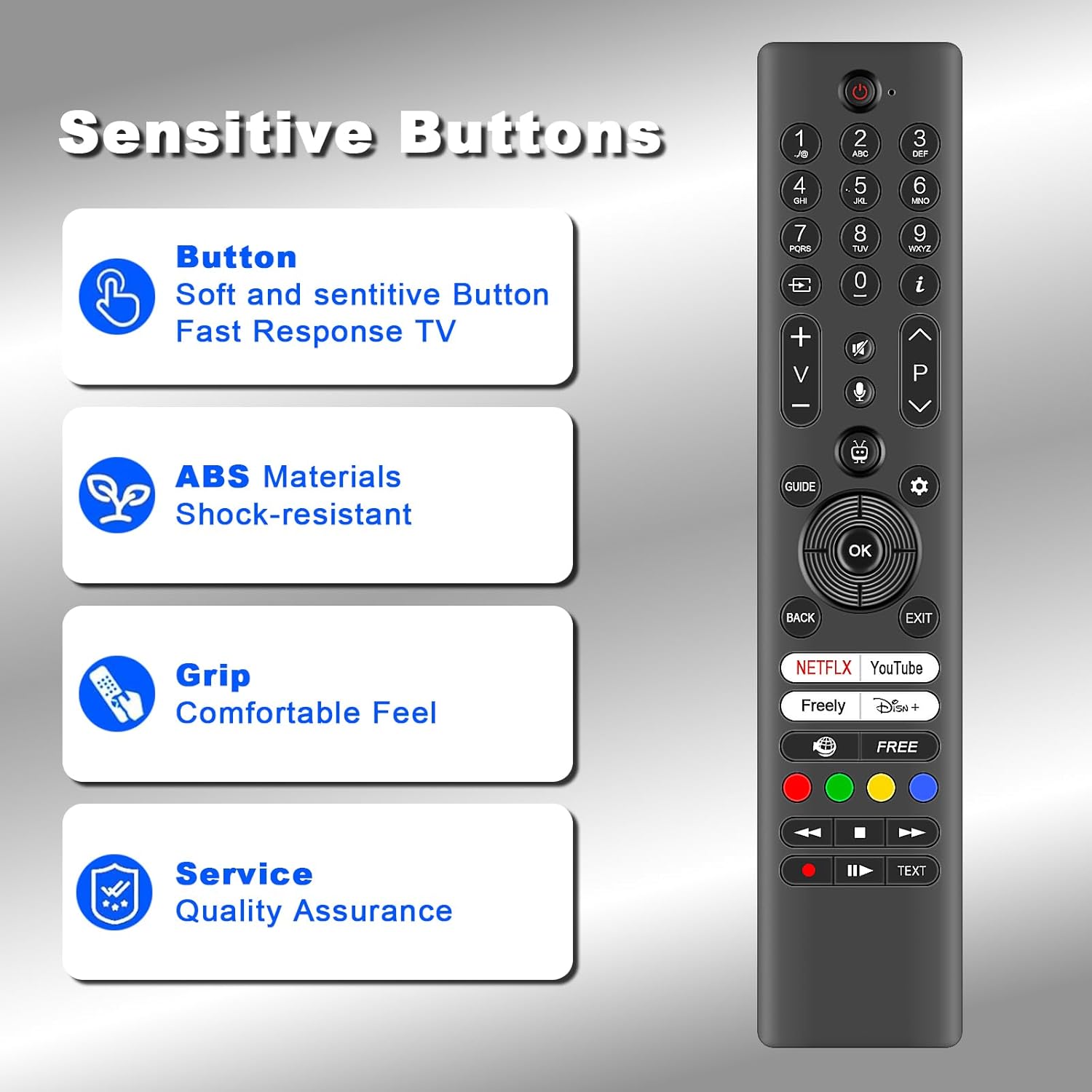
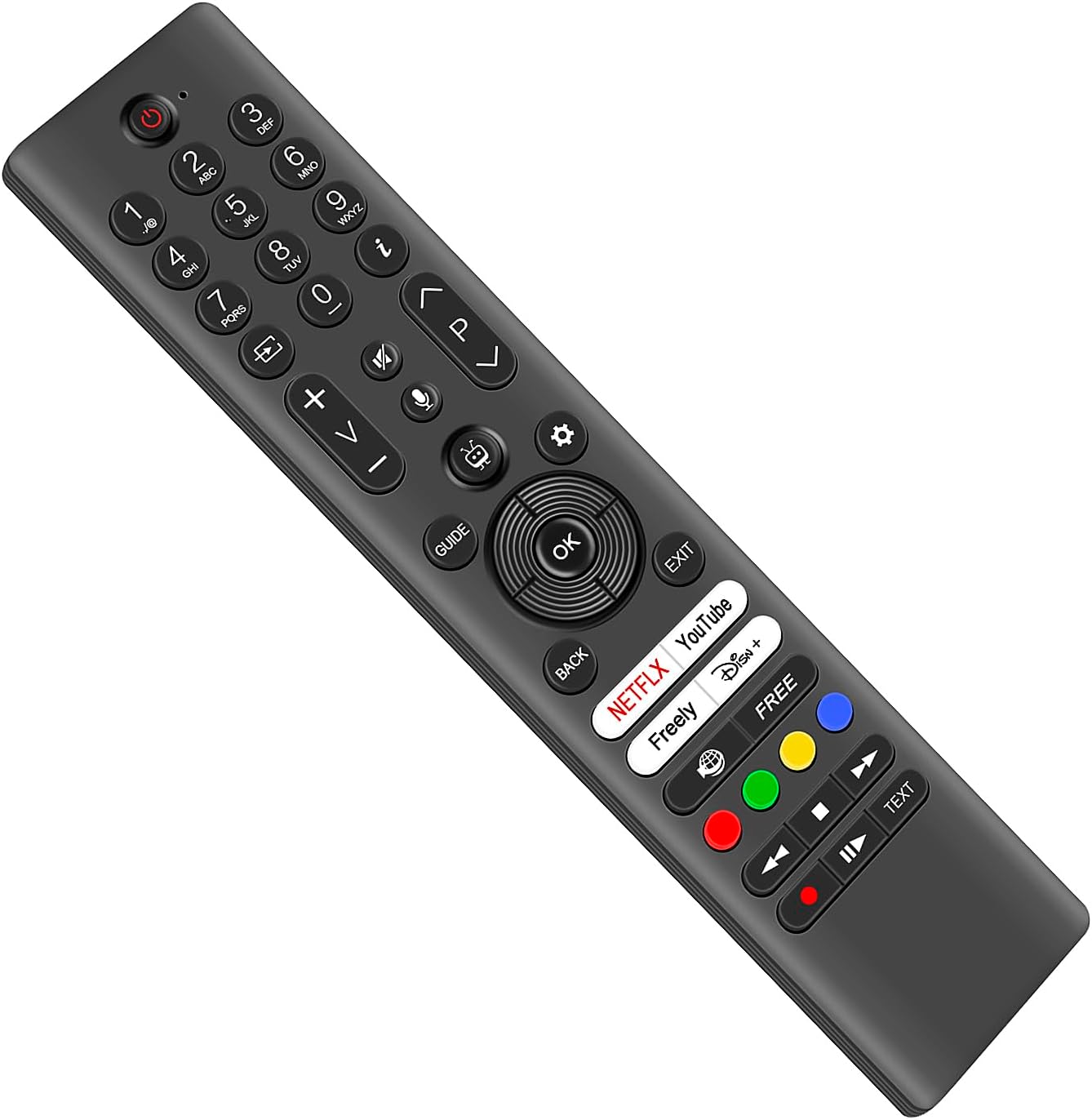
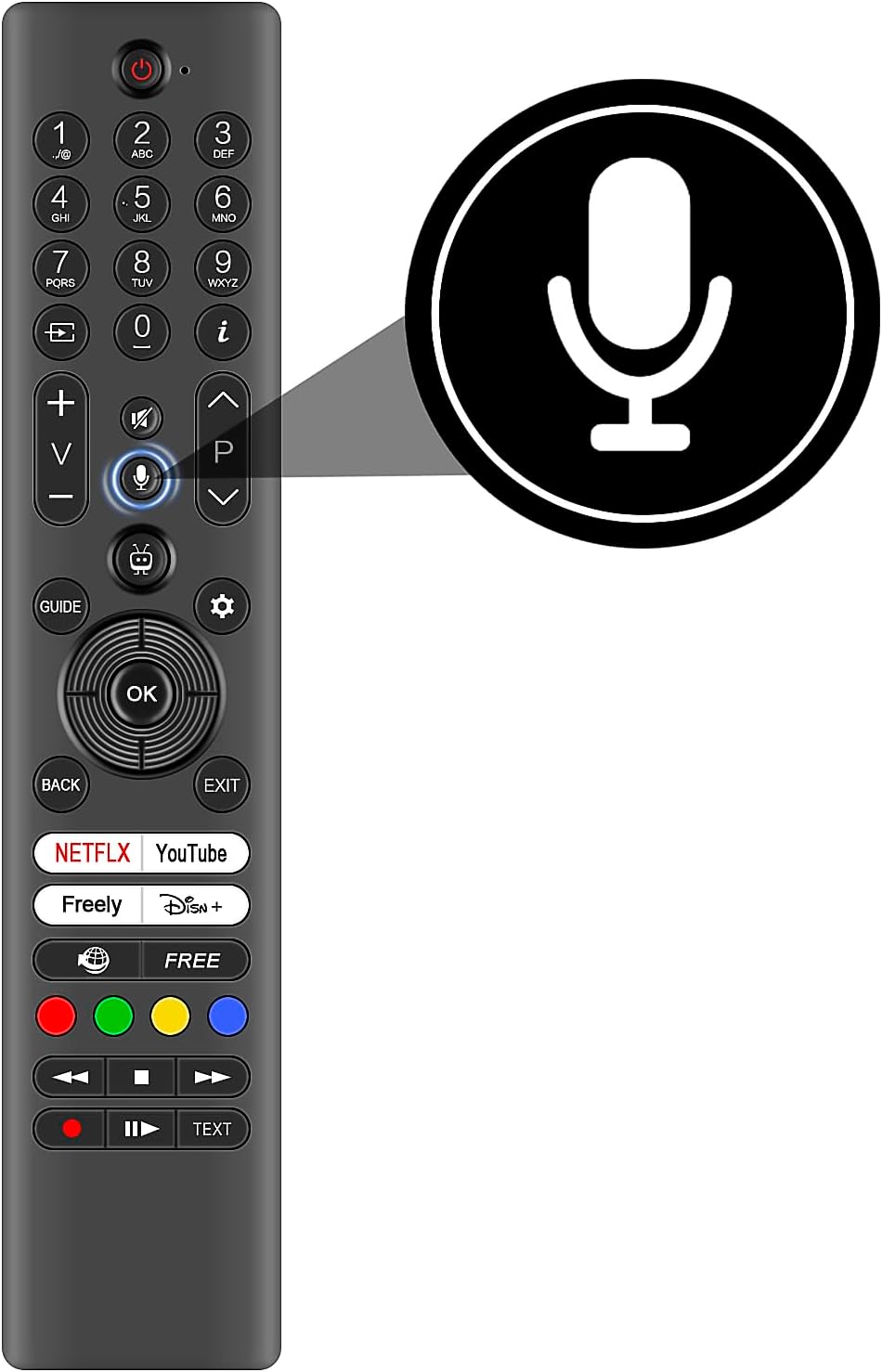
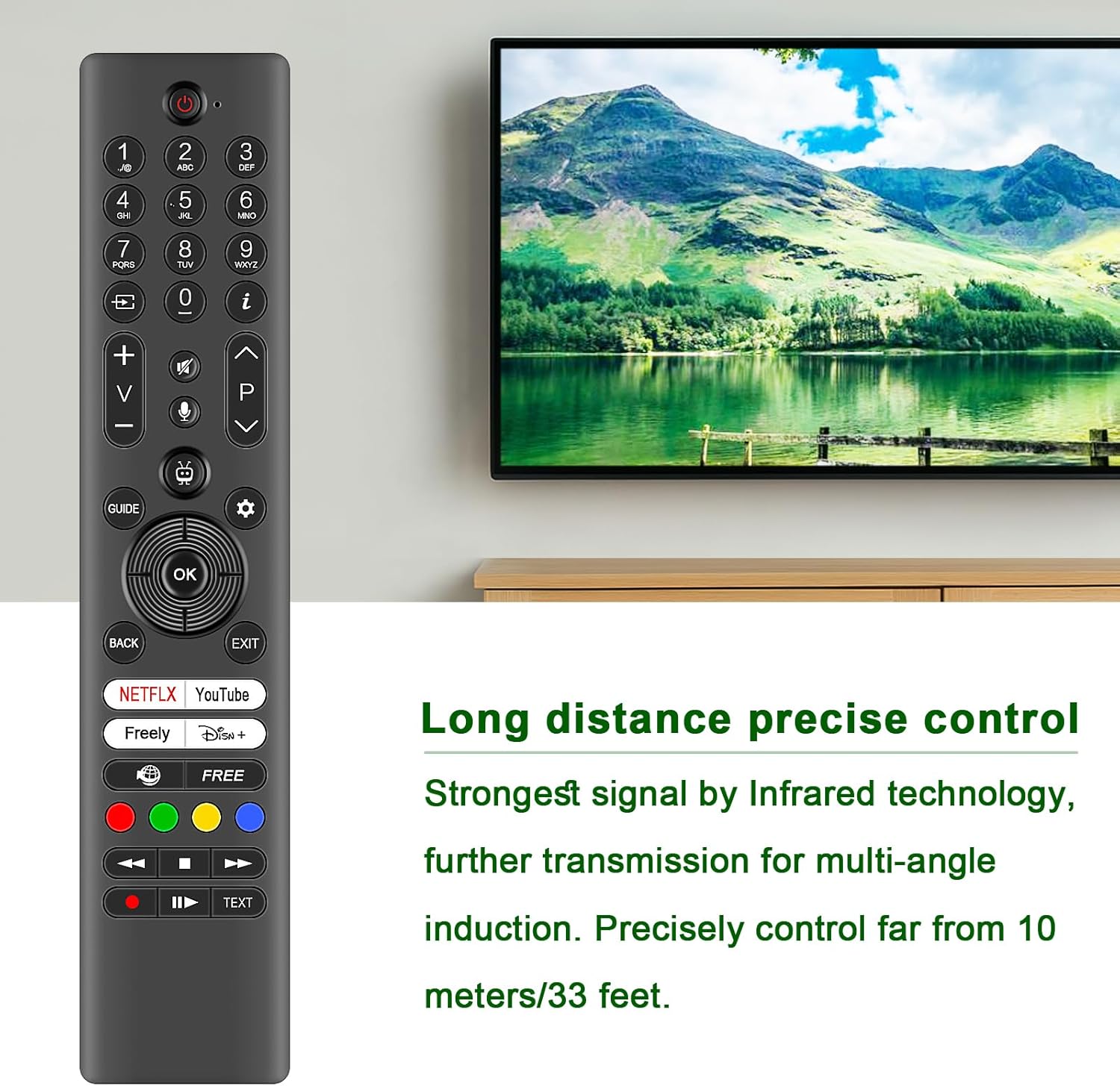
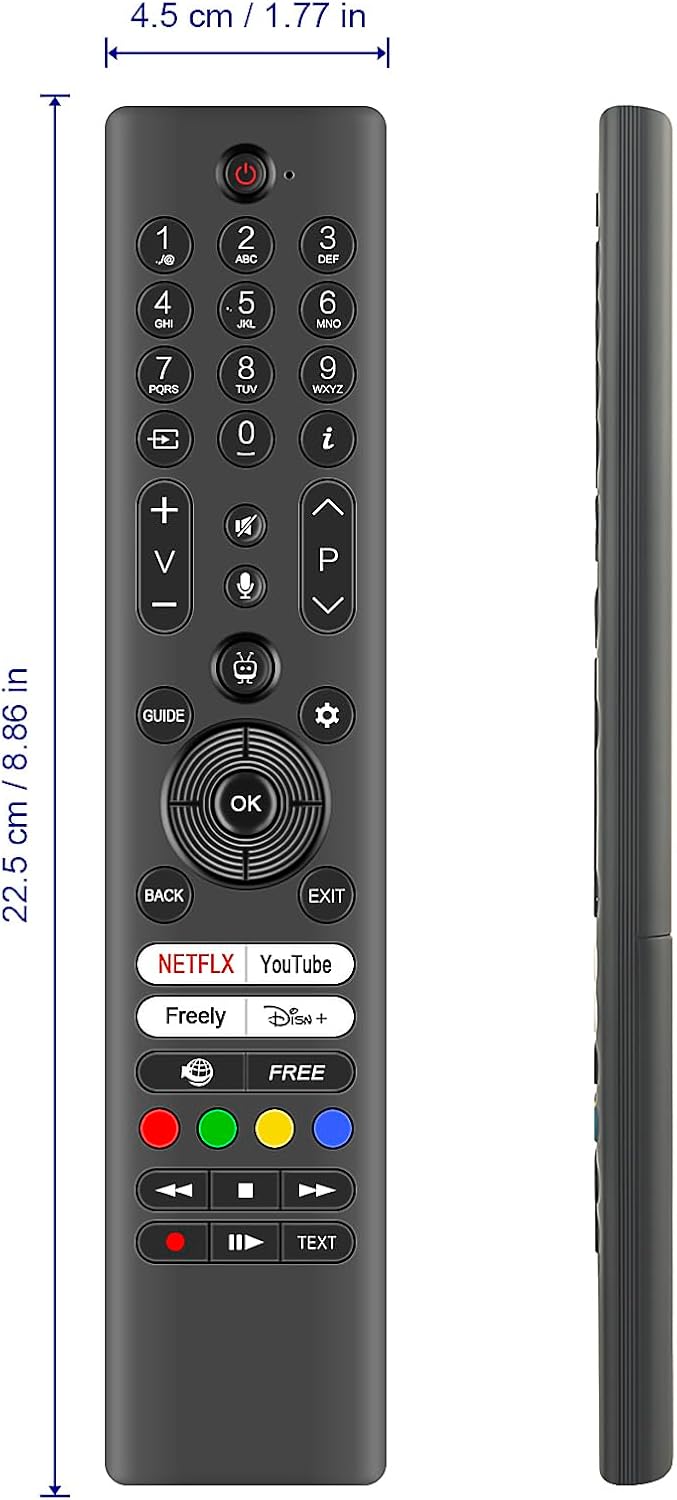
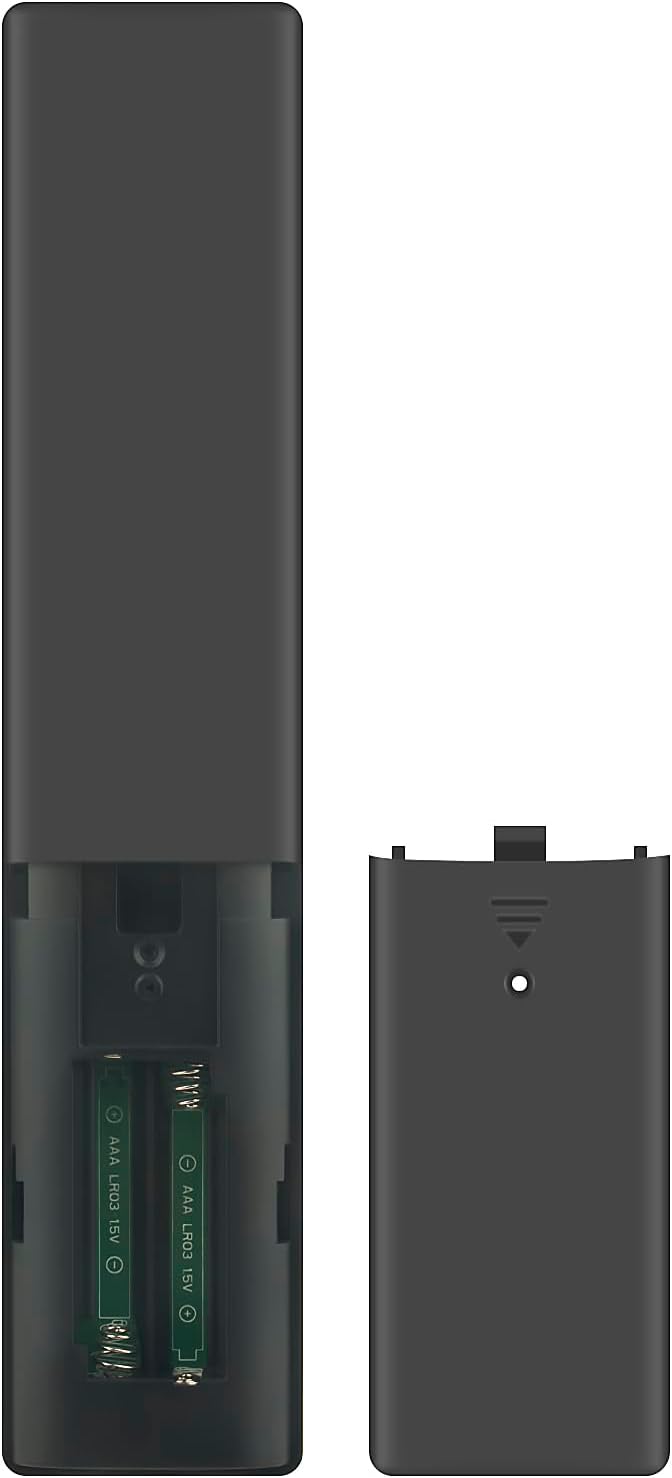
What it is and what it’s for\nThis VINABTY remote is a replacement voice remote designed to work with a range of Panasonic TVs listed in the compatibility note. If your original remote is worn or lost, this model aims to restore the familiar command-and-access flow without needing to swap your TV settings. It uses infrared (IR) tech and is marketed as a practical stand-in for everyday TV control, including basic navigation and access to voice/source features seen on many Panasonic sets.\n\n## How it pairs and what to expect\nPairing is described in concise steps: navigate to Settings > Devices > Pair Remote Control or Other Device, enable Pair Remote Control or Other Device, then use Discover and press OK. Hold the Source button until the LED blinks, then release. Note that this is a standard infrared pairing flow and depends on your TV accepting a replacement remote in the same manner as the original. It’s not stated whether it supports more features beyond those typical of a generic replacement IR remote.\n\n## Design and build quality\nThe remote is constructed with new ABS material and an ergonomic arc design intended to feel comfortable in the hand. The layout is described as having responsive keys that “feel great to touch,” which suggests a straightforward, unobtrusive experience for daily use. The packaging includes 1 IR Remote Control.\n\n## Range and responsiveness\nWith infrared 3.0 technology, the remote aims to maintain a strong signal across a quoted 33 feet (about 10 metres) and a wide 120-degree operating angle. In practical terms, this can translate to more flexibility in seating or sofa setups, but performance will always depend on line-of-sight and room layout.\n\n## What’s compatible and what isn’t clear\nThe product explicitly lists a large set of Panasonic models (TB-43W60AEY to TX-42MZ700B and others). If your TV matches one of these models, the replacement should pair as described. However, exact feature parity—such as voice command accuracy or any dedicated TV menu shortcuts—cannot be confirmed beyond the standard remote functions described. If you rely on advanced features from your original remote, consider verifying compatibility for those specific functions.\n\n## Pros and cons in practical terms\n- Pros: straightforward replacement for missing or worn Panasonic remotes, ergonomic design, solid IR range on paper, compatible with a wide model range, simple pairing process.\n- Cons: not guaranteed to replicate every feature of the original voice remote, setup relies on your TV accepting a replacement via standard pairing, no details on supported smart-TV features beyond basic navigation.\n\n## Who it’s for\nThis is a sensible option if you’ve got a Panasonic TV from the listed family and you want a practical, no-fruss remote to restore basic control without paying for official parts. It’s particularly suitable for households where one remote is essential for daily viewing and where a spare or replacement is preferable to hunting for the original.\n\n## Who might want to skip it\nIf you rely on highly specific voice commands, dedicated shortcuts, or features unique to your original remote, you may not get a perfect one-for-one. If your TV model isn’t confirmed in the compatibility list, you should verify compatibility before purchase.\n\n## Before you buy: quick checks\n- Confirm your TV model appears in the compatibility list.\n- Check whether you primarily need basic control versus advanced features.\n- Expect standard infrared remote behaviour, no details are given about firmware-based restrictions or updates.\n\n## Practical usage example\nImagine you’re relaxing on the sofa and realise the original remote has a stuck button. You reach for the VINABTY replacement, aim it at the TV, and with a quick pairing step you’re back to watching. The 33-foot range means you’re not glued to the sofa, you can control volume, source, and navigation from across the room if line-of-sight is clear.\n\n## FAQ (based on available data)\n- Which models are compatible? A broad list including TB-43W60AEY, TB-50W60AEY, TB-55W60AEY, TB-65W60AEY, TV-43W60AEB, TV-50W60AEB, TX-42MZ700B, and several others as provided in the product notes.\n- How do I pair it? Go to Settings > Devices > Pair Remote Control or Other Device, enable pairing, highlight Discover, press OK, then hold the Source button until the LED blinks.\n- What’s included? 1 IR Remote Control.\n- What if it doesn’t work as expected? The description doesn’t specify additional features beyond standard remote functions, consider compatibility with essential controls first.\n\n## Final thought: is it worth it?\nIf you’re after a pragmatic replacement for a Panasonic TV in the specified range and you value a straightforward pairing process, this VINABTY remote could be a sensible, value-for-money option. It isn’t presented as an exact clone of the original, and you should weigh whether you need more advanced features that may not be replicated. Decide it if reliability and a simple control experience are your priorities, but don’t expect to gain features that aren’t documented in the product notes.