

MOUNTUP EU0030 full motion TV mount 15kg
Product description
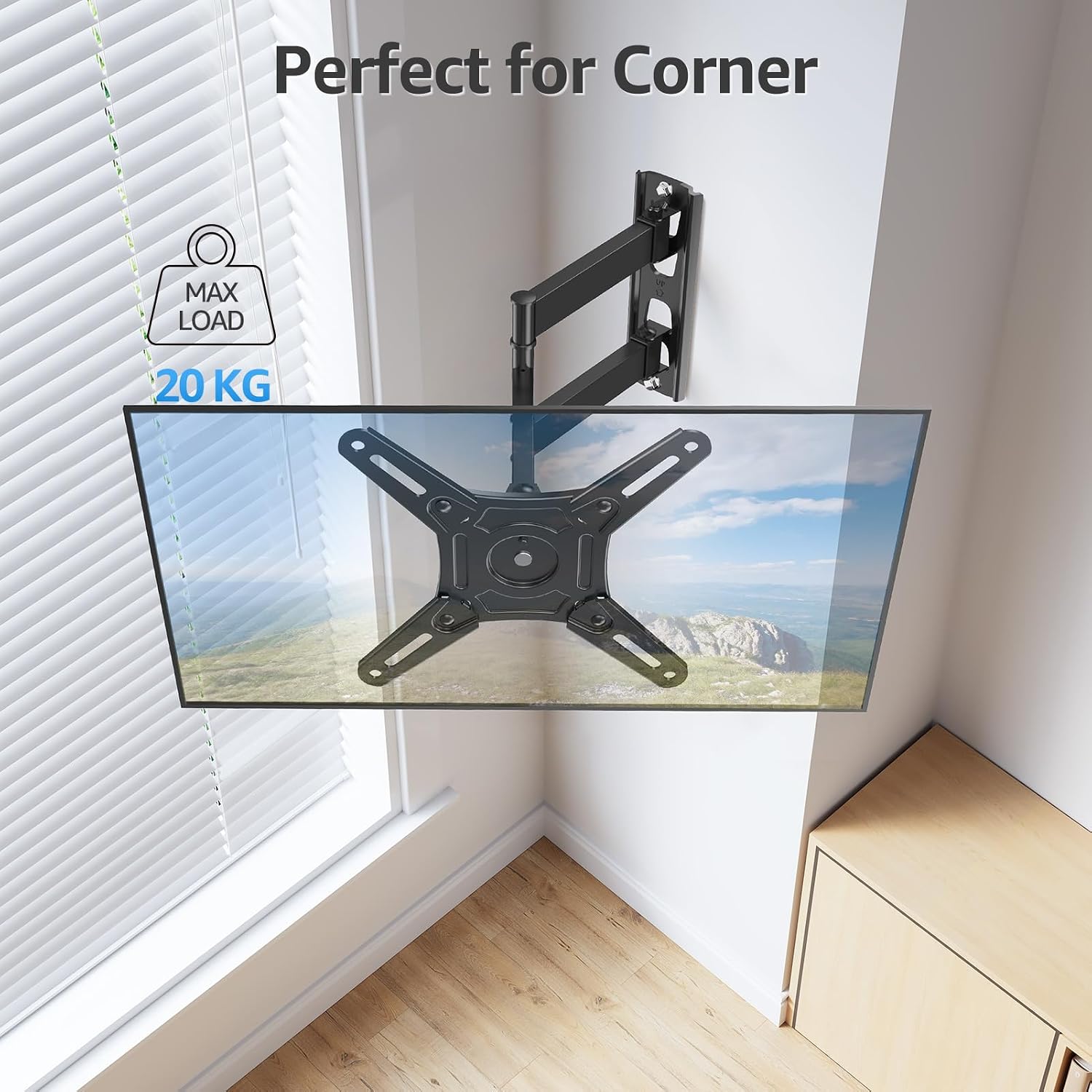
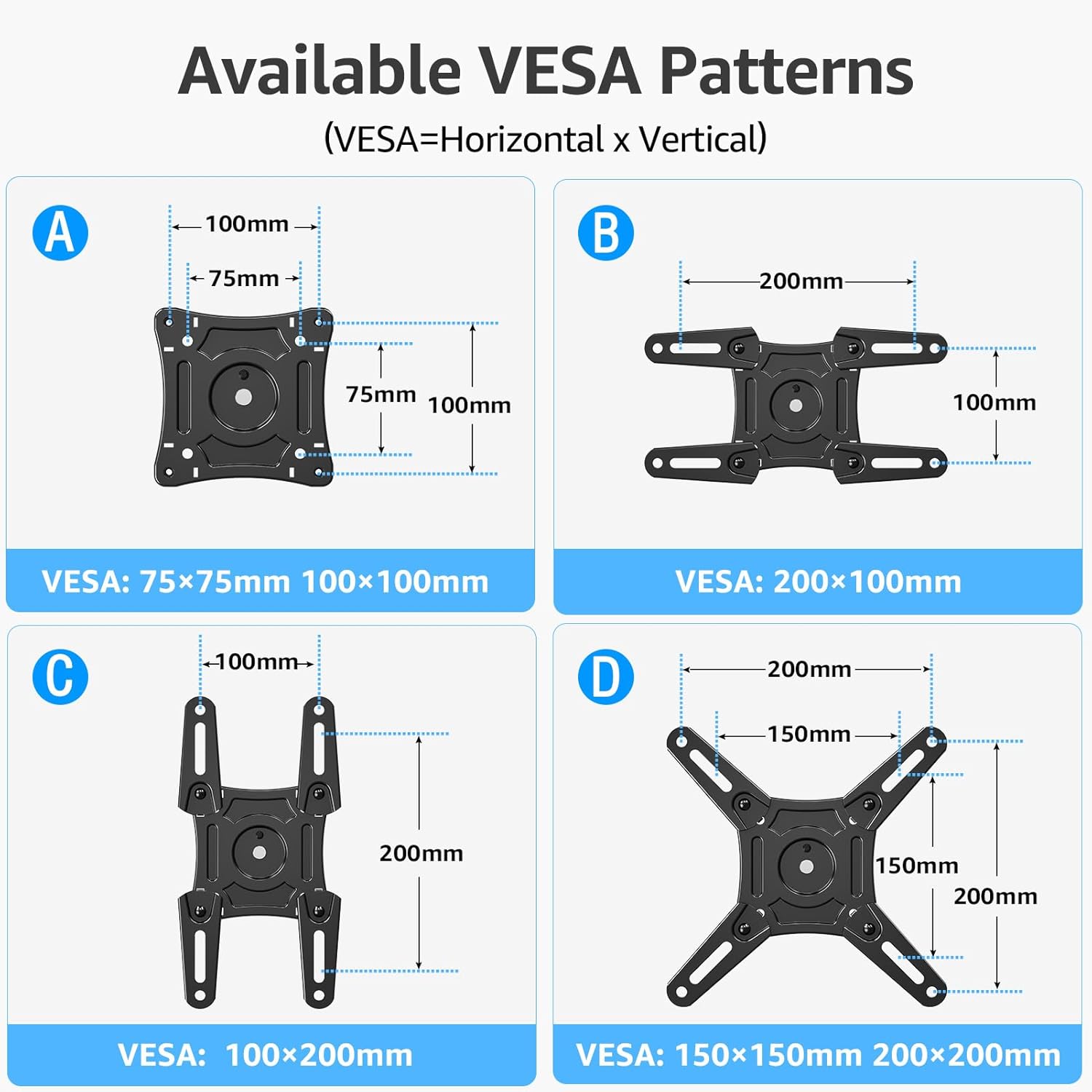
This full motion TV bracket from MOUNTUP lets you mount most 14–42 inch flat LED, LCD or OLED screens while keeping flexibility for everyday viewing. It supports up to 15kg and VESA patterns from 75x75mm to 200x200mm, so you can adjust position and reduce glare when watching films or browsing menus.
Key features
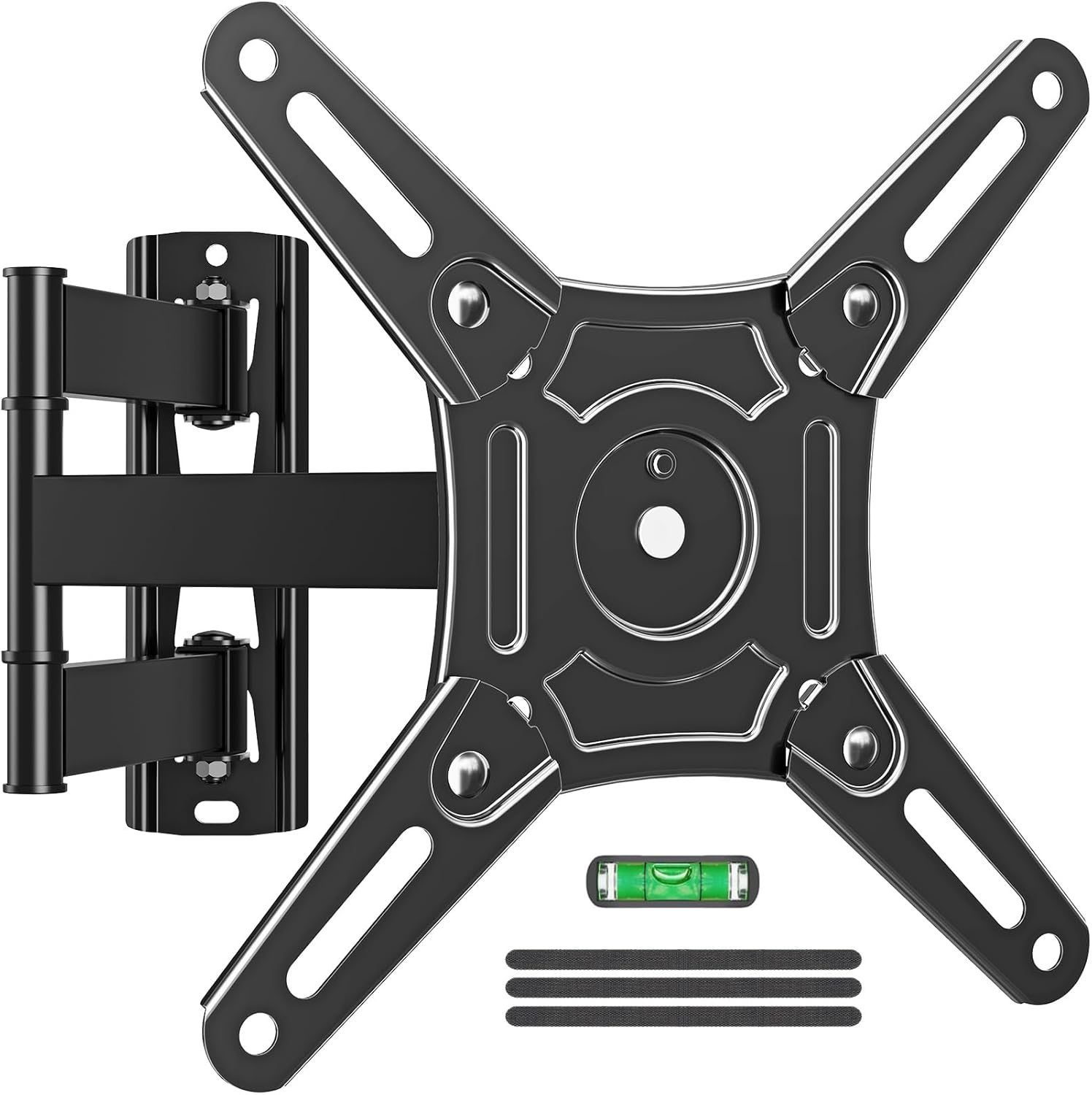
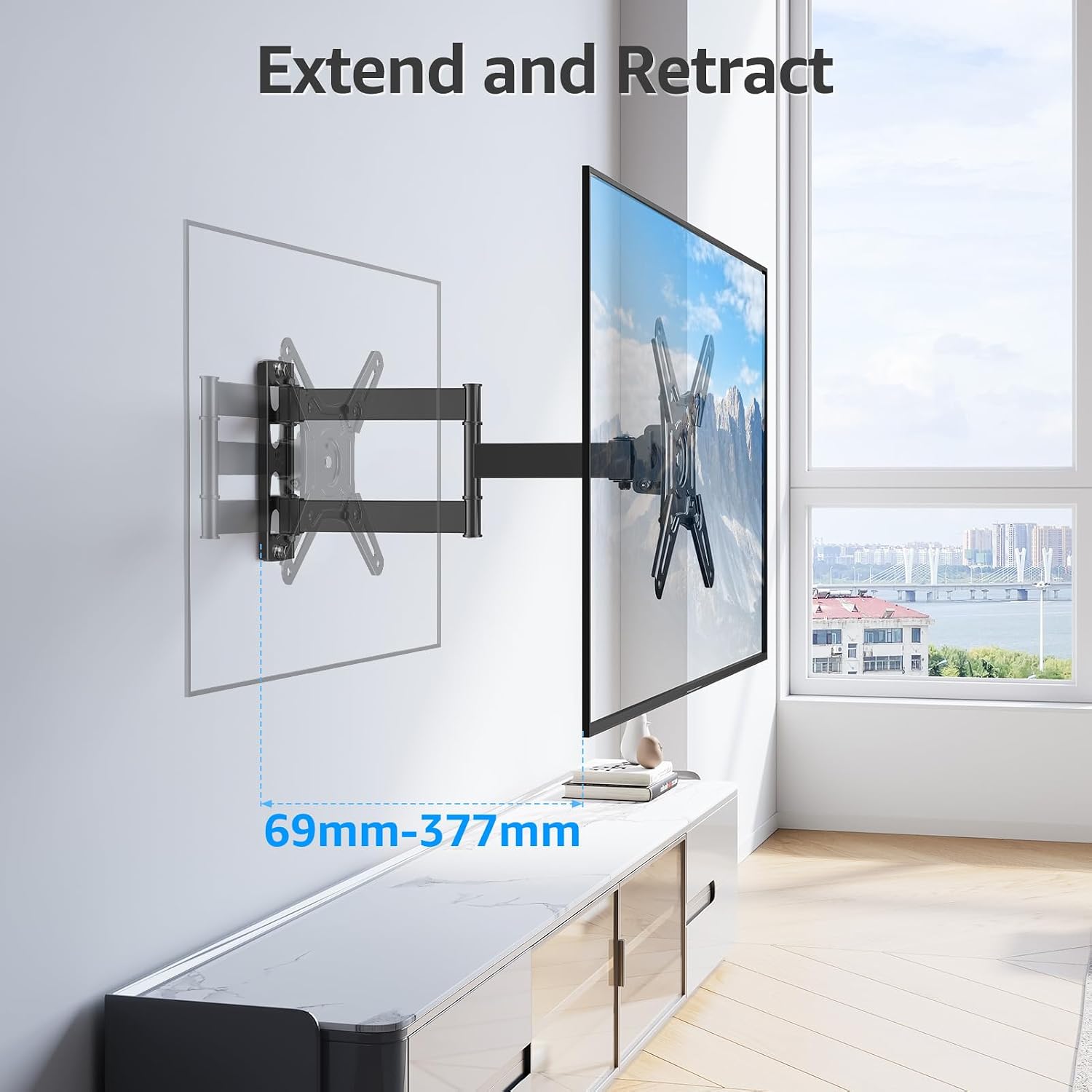
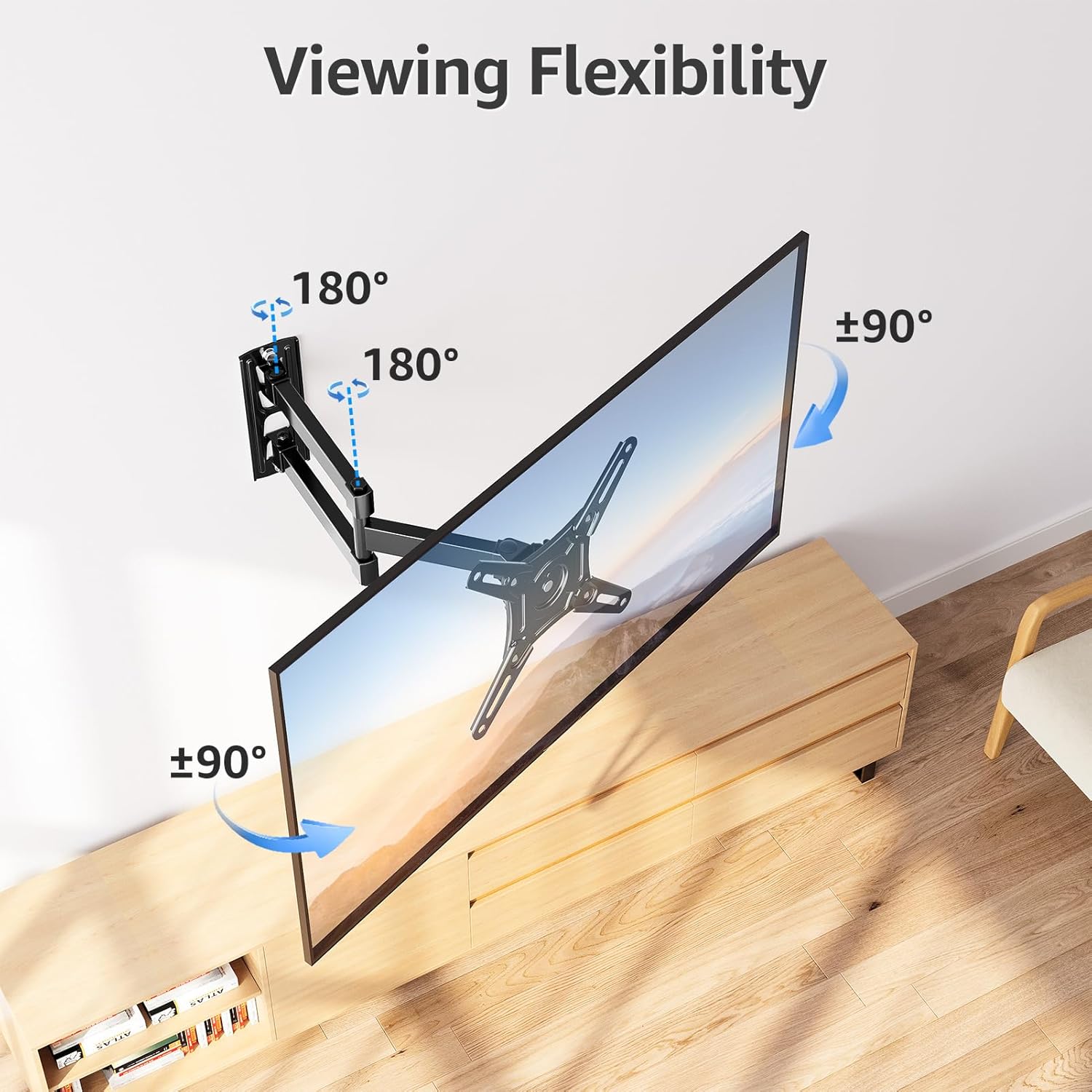
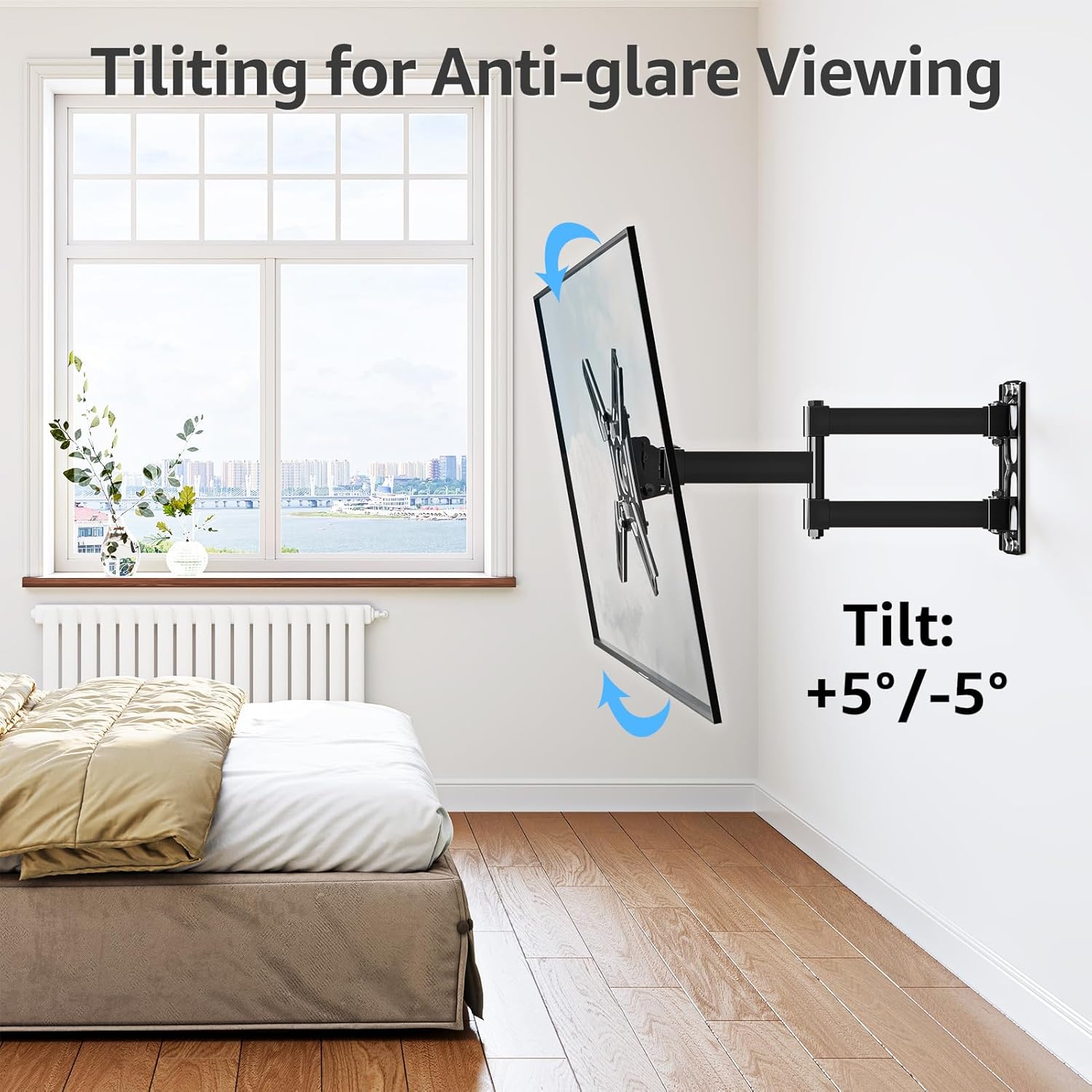
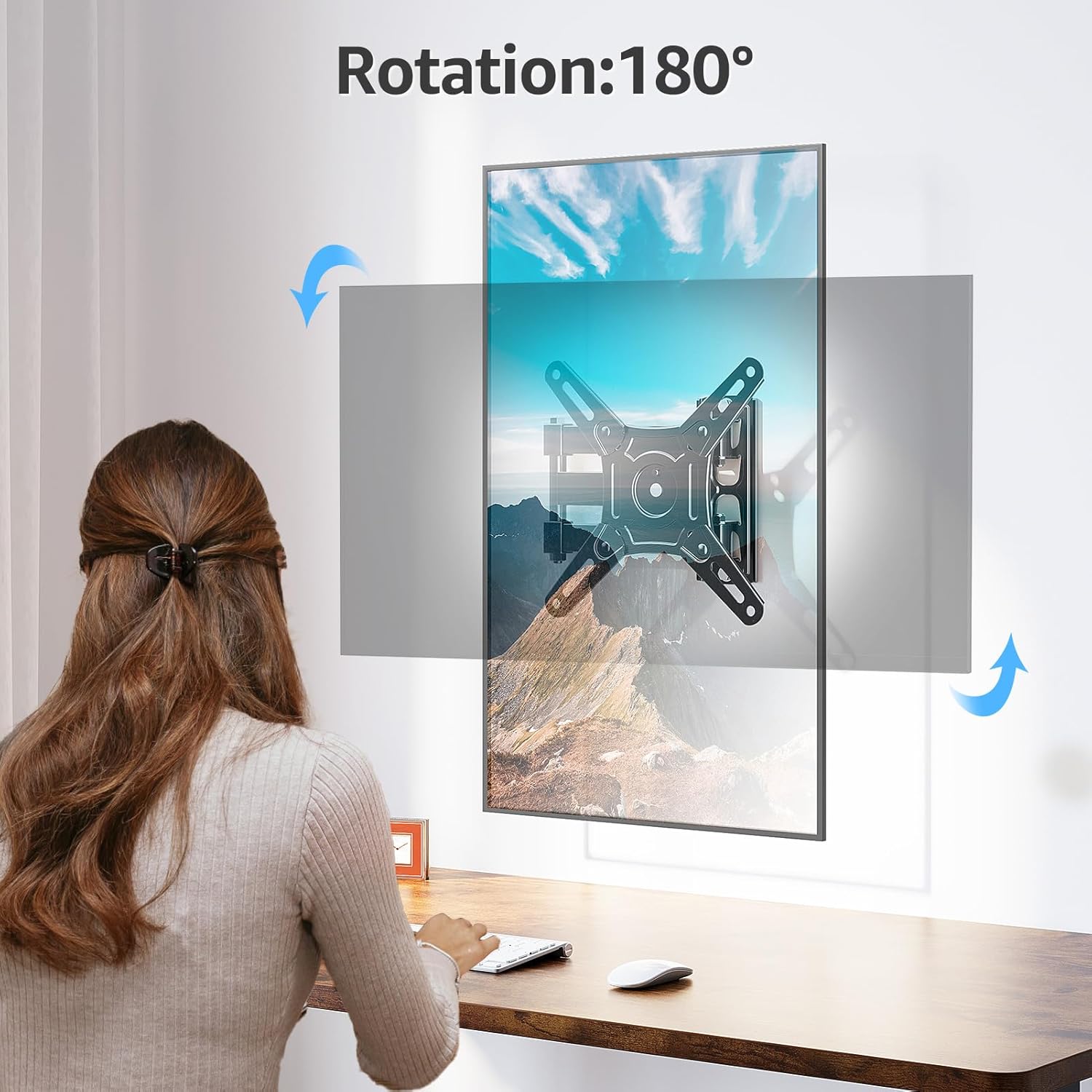
The mount pulls out to 377mm and retracts to 69mm, offering a wide range of placement options and easier access to rear ports. It tilts +5° and -5° to cut reflections, and its swivel and 180° rotation let you switch between landscape and portrait orientations when needed. Installation is straightforward thanks to the supplied hardware kit and step by step instructions, though you should check wall type and VESA pattern beforehand. Have a question during fitting? Customer support is available daily and the product is backed by a three year protection period.
Tech specs
- Name: MOUNTUP EU0030
- Compatibility: 14-42 inch
- VESA: 75x75mm to 200x200mm
- Weight limit: 15kg
- Extension range: 69mm to 377mm
- Tilt: +5°/-5°
Usage tips
Position the mount on a solid wall rather than drywall alone, and use the full extension to reach ports before finalising cable routing. Want to avoid reflections? Try a small tilt adjustment to improve contrast when ambient light changes. If you plan to rotate the screen often, ensure cables have enough slack to move freely.