

VHS to Digital Converter with RCA to USB Video Capture Card
Reviews
Price
Product description
What it is and what it does
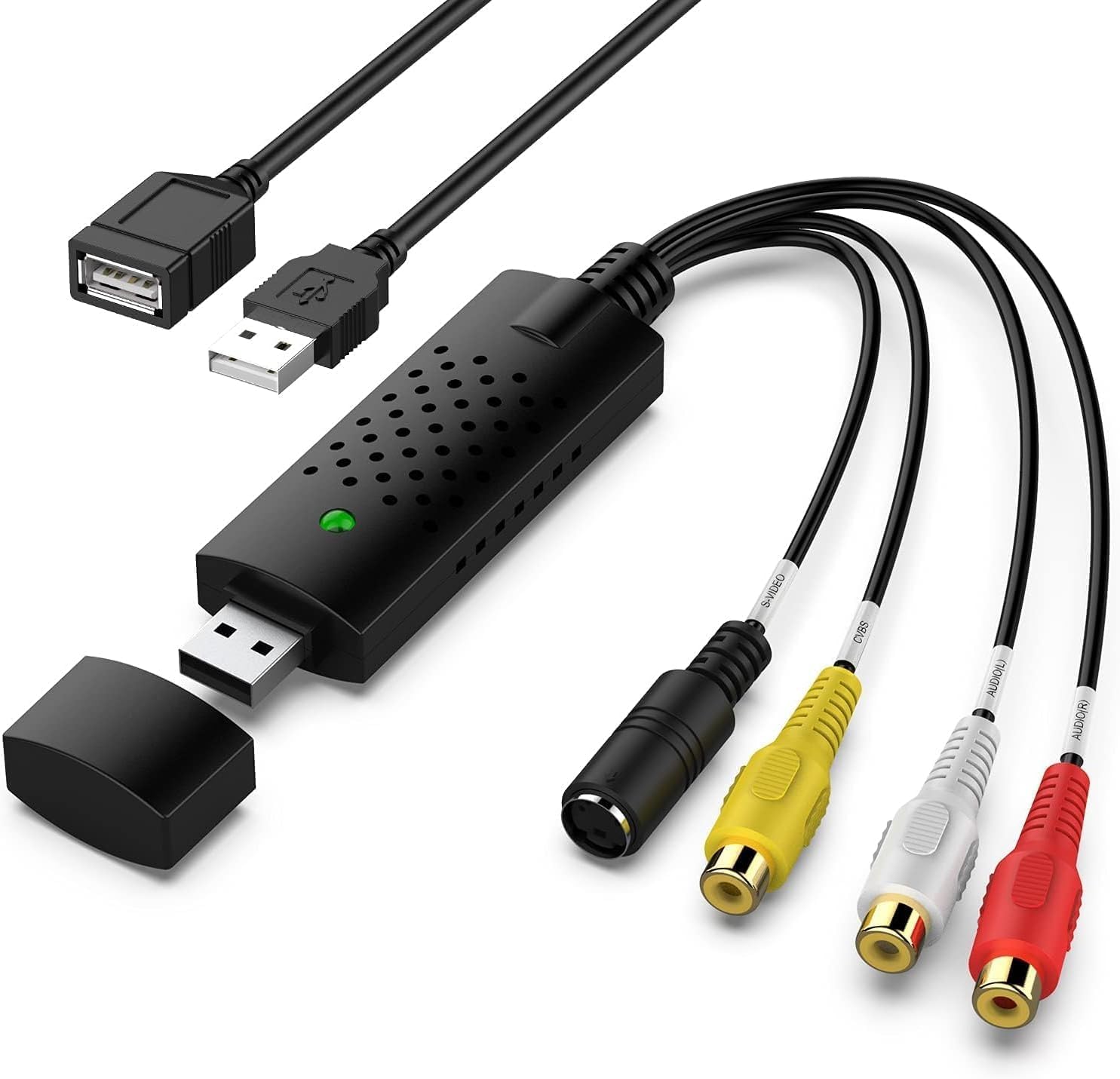
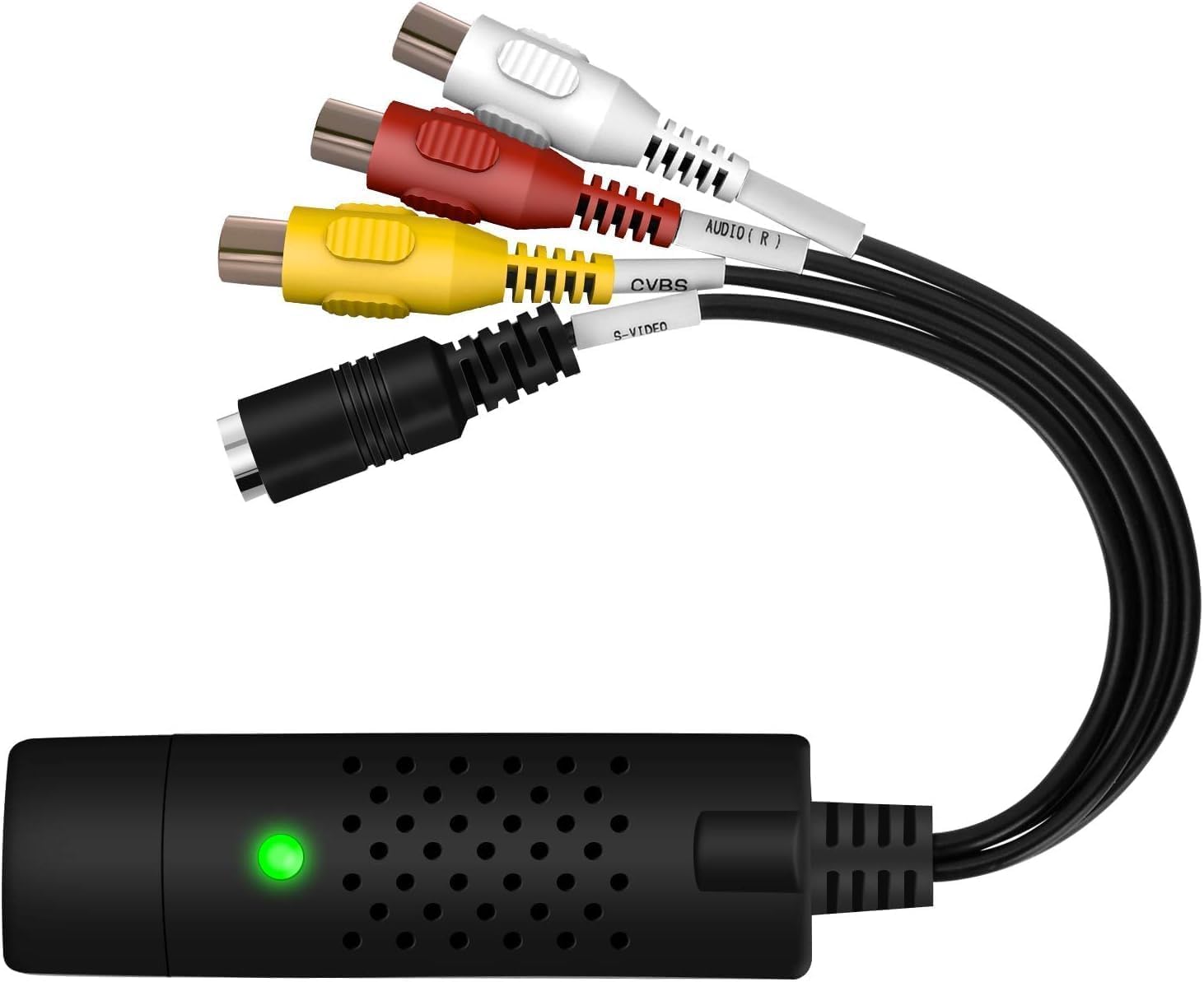
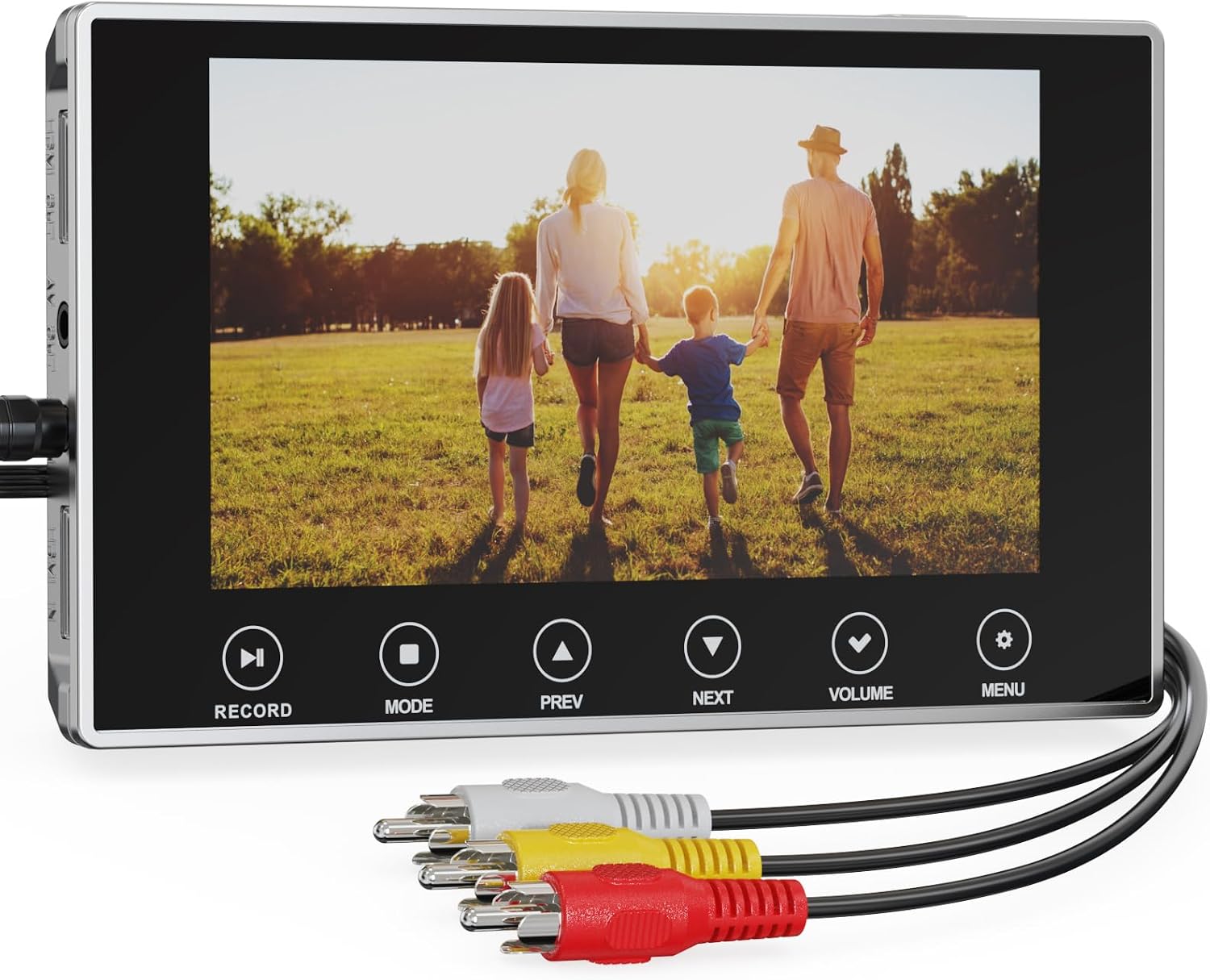
This VHS to digital converter is designed to bridge an analogue past with modern digital devices. It connects a PC or laptop to video gear that uses RCA or Audio/S-Video connectors, enabling you to transfer memories from VHS, VCR or similar tapes to digital formats. On the face of it, the setup is simple: a USB 2.0 interface for plug‑and‑play operation and a path from analogue video to a computer. If you’re aiming to safeguard family videos or home movies, this kind of device provides a pragmatic route to preserve those moments in a file you can store, edit and share.
What you can expect in practice
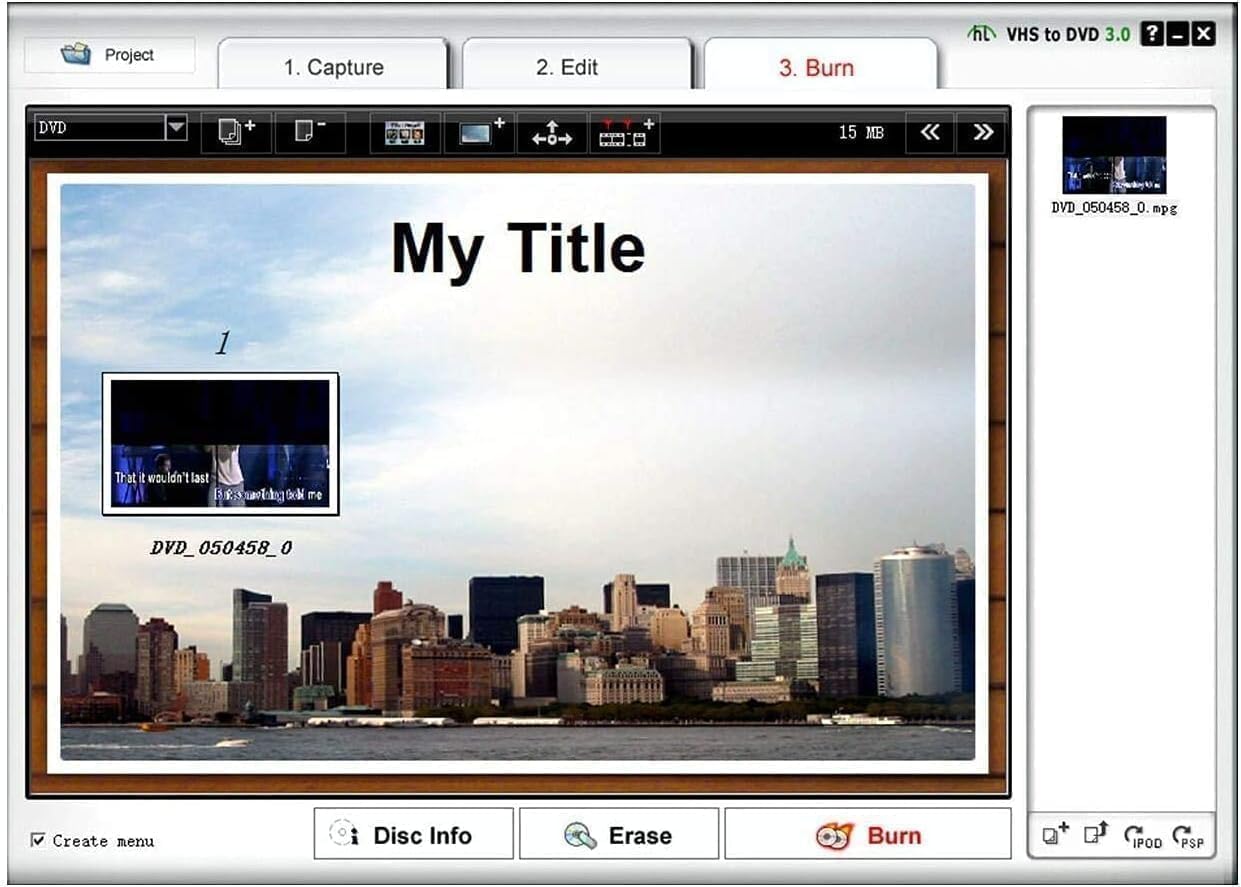
On paper, this converter supports a range of common video formats and disc types—DVD±R/RW, DVD±VR, and DVD-Video—while also offering basic controls for brightness, contrast, hue and saturation. It can capture both video and audio through USB 2.0 without requiring a separate sound card, which makes the initial setup calmer for the non‑techy user. For those worrying about compatibility, the device explicitly mentions NTSC and PAL formats, which covers the majority of consumer tapes historically used in the UK and elsewhere.
The strengths you’ll notice
The most practical aspect is the plug‑and‑play approach. If you prioritise a straightforward path to digitising old tapes without extra power adapters or complicated drivers, this model aims to fit that need. A real-world benefit is the potential to share finished projects online or on storage devices, thanks to the bridge between analogue sources and current computers.
What may leave you wanting
It’s worth noting that this is a conversion tool aimed at capturing from legacy media rather than producing ultra‑premium video. A common caveat with budget converters is that the capture fidelity and feature depth can be modest compared with higher‑end capture equipment. If your tapes contain significant wear, colour shifts or audio drift, results may vary and some post‑processing could be required after capture. Users expecting 4K or advanced real‑time editing should temper expectations, the device is framed for converting and archiving rather than high‑end production.
Who it’s for
This is a sensible option for people who want a practical, low‑friction path to digitise family videos, home movies or old footage stored on VHS, S‑Video or RCA sources. It suits first‑time converters as well as those who want a simple way to create digital backups without investing in more complex gear. If you’re aiming to compile videos for a shared online gallery or for personal archives, it covers the fundamentals you’ll need.
Who it isn’t ideal for
If you’re after the highest possible video fidelity, aggressive post‑processing, or contemporary camera‑grade input handling, this device may feel limited. It’s not the best option if you rely on professional tape libraries, or if your tapes are extremely degraded and you need substantial enhancement during capture. In those cases, more advanced capture hardware or dedicated software workflows could be worth exploring.
When to buy it
Consider this purchase when you want a practical, cost‑effective way to convert common analogue media to digital files, with minimal setup hassle. It’s particularly useful if you have a backlog of VHS tapes, camcorder tapes such as MiniDV or Hi‑8 stored away and you want to create a portable archive on your computer or cloud storage.
What to check before buying
- Ensure your computer has a free USB 2.0 port for plug‑and‑play connection.
- Confirm you have or can obtain compatible analogue sources (VHS, VCR, DVD players with RCA or S‑Video outputs).
- Be prepared for basic video quality that is appropriate for home viewing rather than professional restoration.
- Consider whether you’ll need post‑capture editing or conversion to more varied formats beyond standard video files.
Practical use example
Imagine you’re tidying a box of family tapes. You connect the VHS player to the converter, plug it into your laptop, and within a few clicks you’ve got a digital copy of a birthday party from decades ago. It isn’t theatre‑level footage, but it preserves the memory in a file you can edit lightly, burn to a DVD if you wish, or upload for relatives to view online.
The bottom line – Is it worth it?
Is it worth it? Worth considering if you want a straightforward, no‑fuss route to digital archives from common analogue sources, without paying for higher‑end gear. It’s a sensible mid‑range option for home users who value practicality over professional‑grade capture. If your goal is casual preservation and easy sharing, this kind of converter can be a helpful start.
Quick FAQ
- Do I need external power for this device? The description implies USB 2.0 power, suggesting no extra power adapter is required.
- Will it work with all UK‑common formats? It lists NTSC and PAL support, which cover most UK and global tape standards.
- Can I edit the footage afterwards on my computer? Yes, you can use your computer’s software after capture to tweak basic settings or combine clips.
Final note
If you value a practical, budget‑friendly way to digitise memories without complicating your setup, this VHS to digital converter offers a reasonable balance between simplicity and capability. It won’t replace a pro‑level workflow, but for a home archive project it can be a sensible starting point.