

XINLEI MAP3L TV Wall Bracket (Tilt Swivel) for 26–70 inch screens, up to 45kg, max VESA 400×400
Reviews
Price
Product description
What this XINLEI wall mount is for
A TV wall bracket is the sort of purchase you don’t think about much until you’re actually drilling into the wall. The XINLEI MAP3L is designed for people who want a proper wall-mounted setup for a wide range of flat or curved TVs, with the added flexibility of tilt and swivel.
On paper, it’s a straightforward “one mount for many screen sizes” approach. It’s also an option worth considering if you care about viewing comfort—because flat-on-the-wall isn’t always ideal when your seating position shifts or when the screen needs to be angled slightly.
That said, it isn’t a magic fix for every TV. Wall mounts are only as good as their fit: the key details are whether your TV sits within the stated size range, weight limit, and VESA pattern.
Key features (and what you’ll notice day to day)
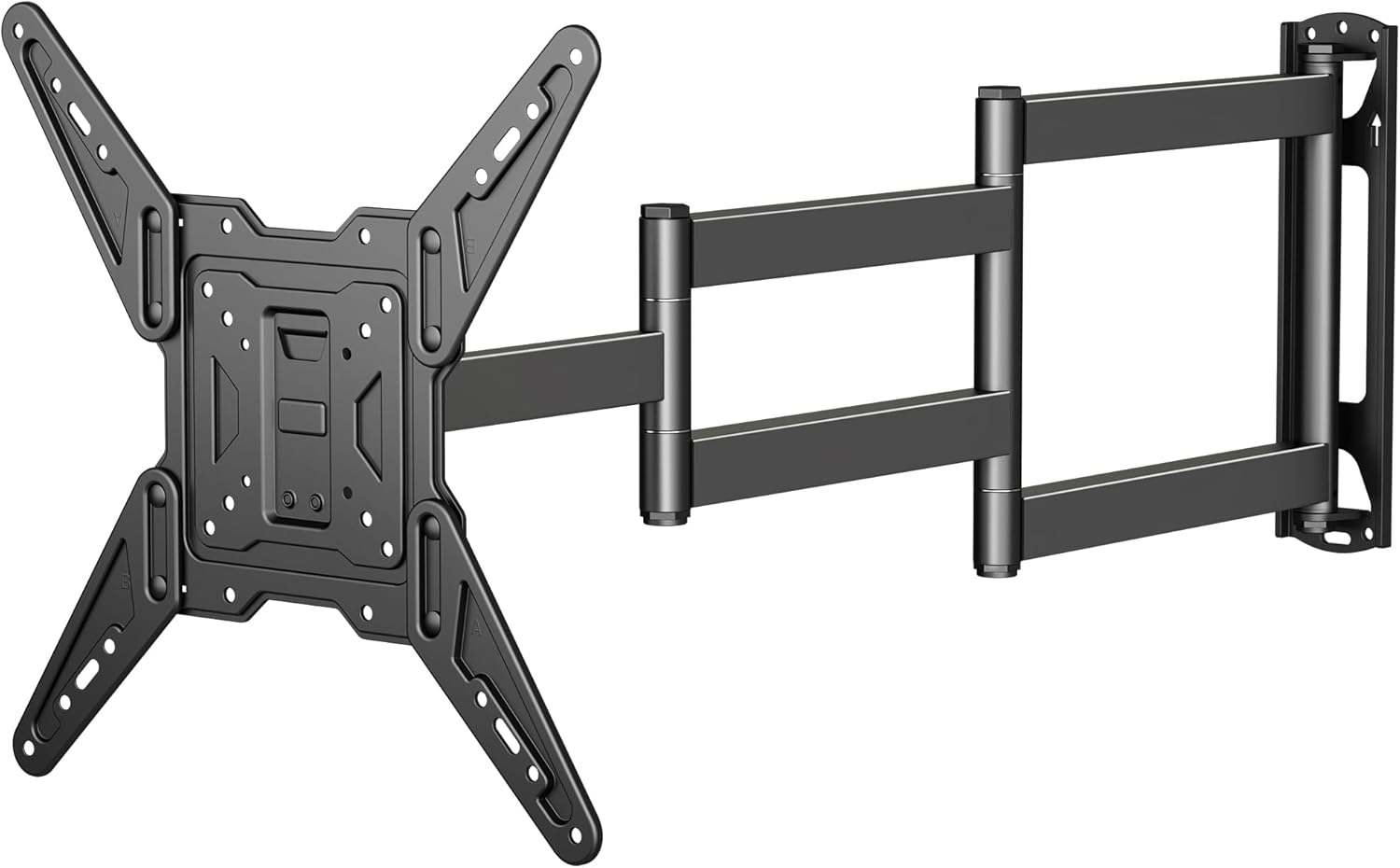
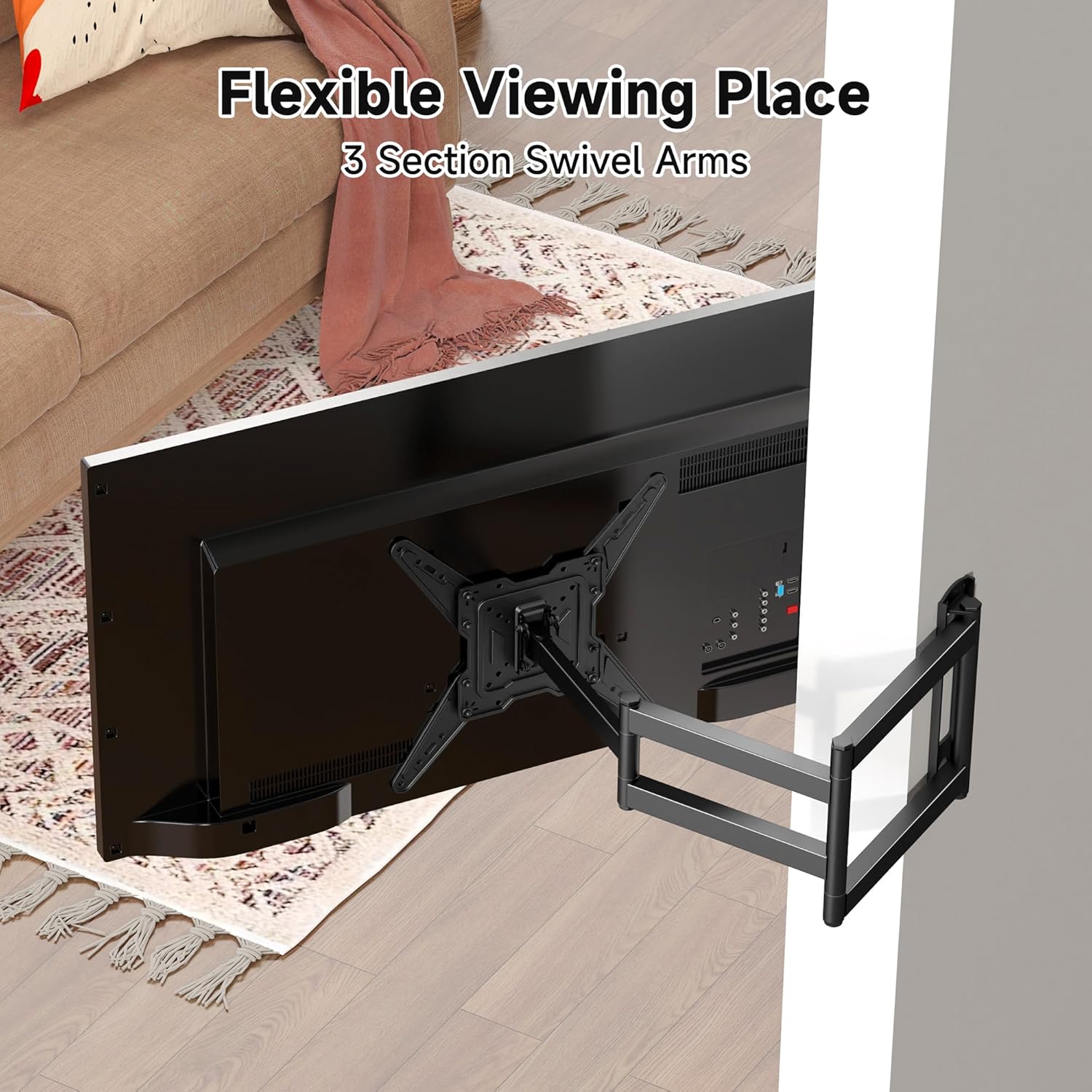
The MAP3L is built as an extendable wall bracket with tilt and swivel movement. In practical terms, that usually means you can:
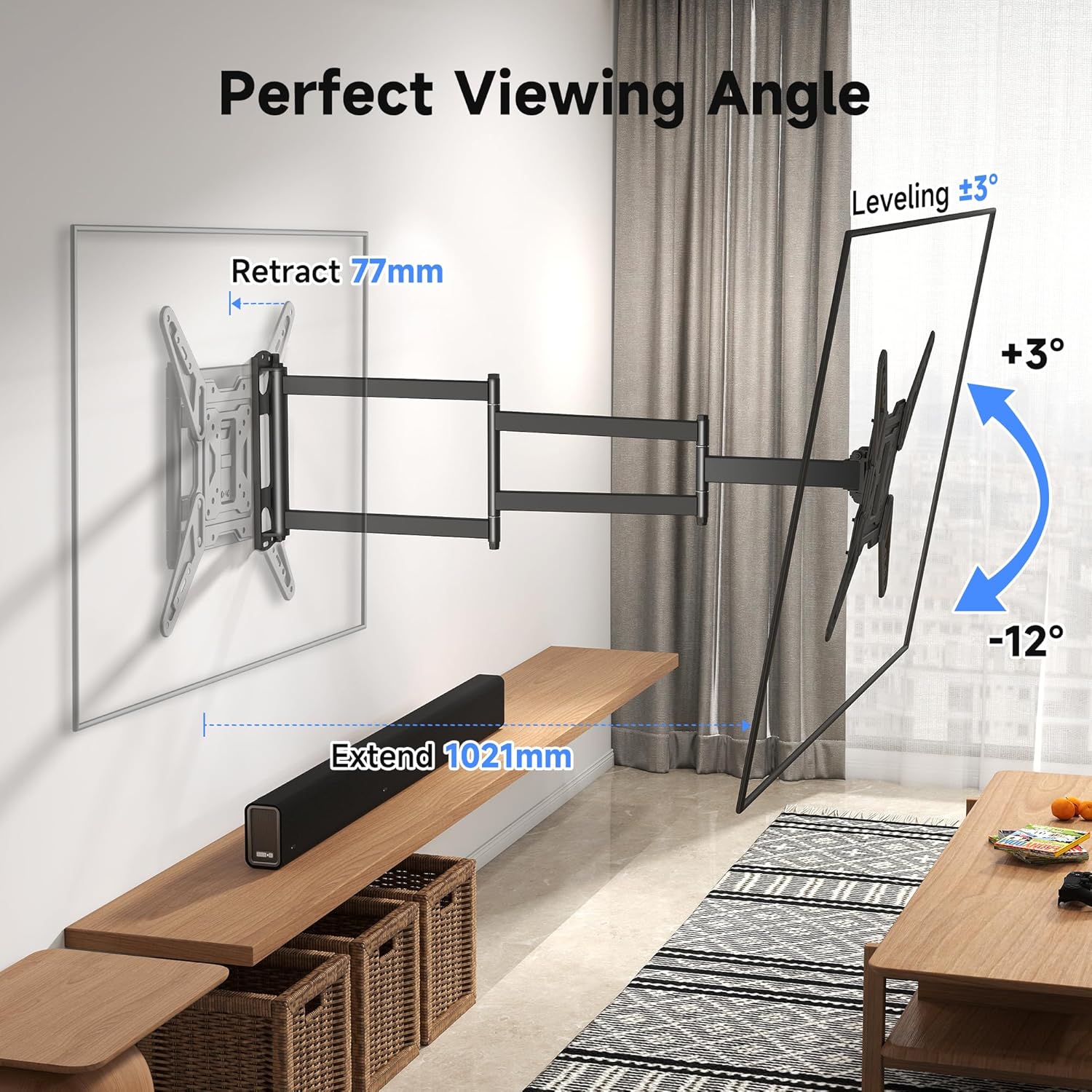
- Tilt the TV to reduce glare or improve sightlines when the screen is higher/lower than your seated eye level
- Swivel it a little for different viewing positions across a room
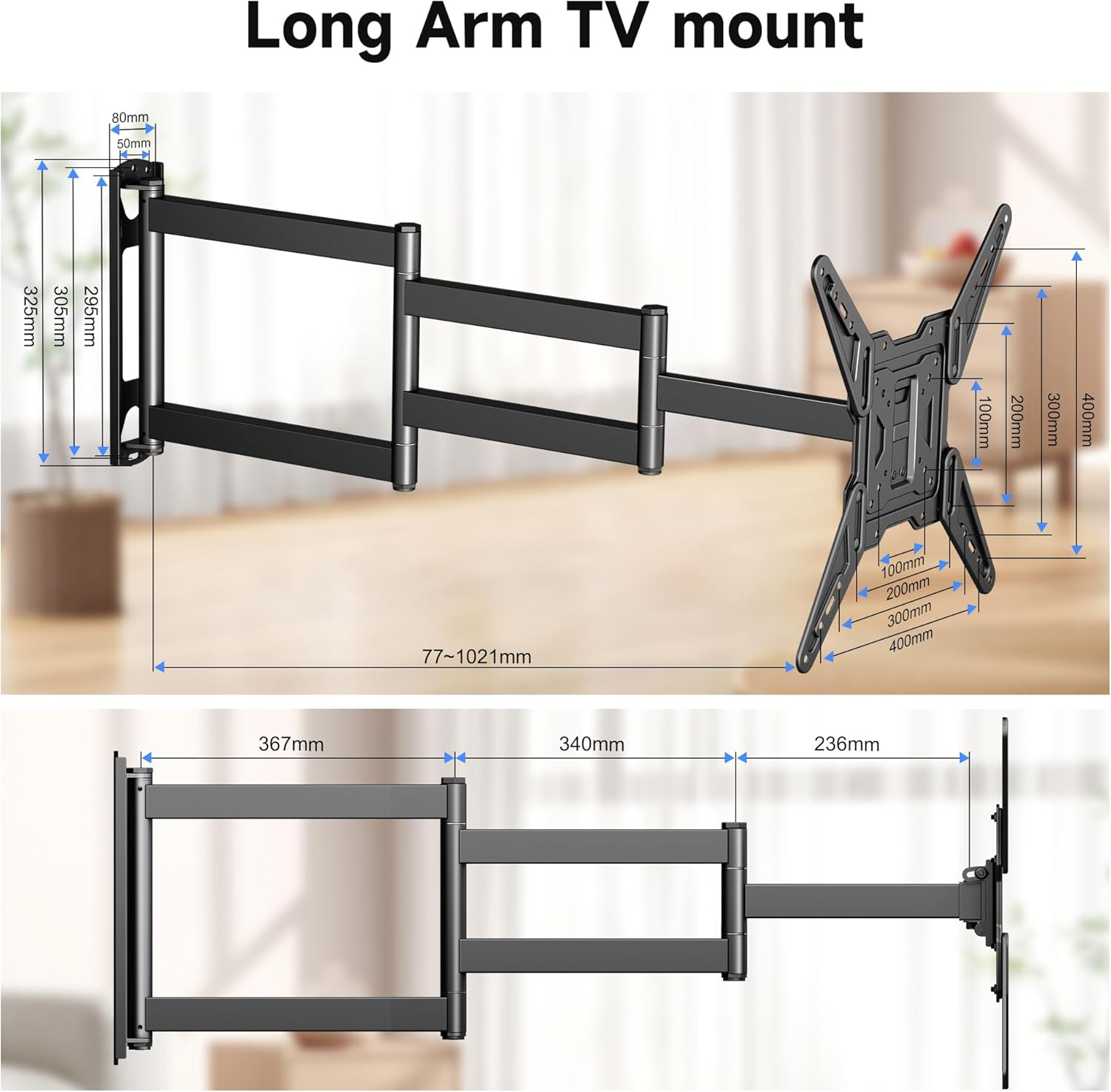
- Extend the bracket as needed during installation and for getting the TV into the most comfortable position
If you’ve ever mounted a TV and then realised you can’t quite get the angle right, the tilt/swivel concept here is exactly what helps. It’s especially relevant in living rooms where seating isn’t perfectly symmetrical.
Still, keep expectations grounded: tilt and swivel give you adjustment, but they don’t automatically solve every room layout issue (for example, extreme viewing angles or awkward wall locations). You may still need to spend a bit of time aligning it carefully.
Compatibility: the numbers that matter before you buy
This mount is listed as compatible with XINLEI MAP3L, and the product description gives the boundaries you should check.
From the information provided:
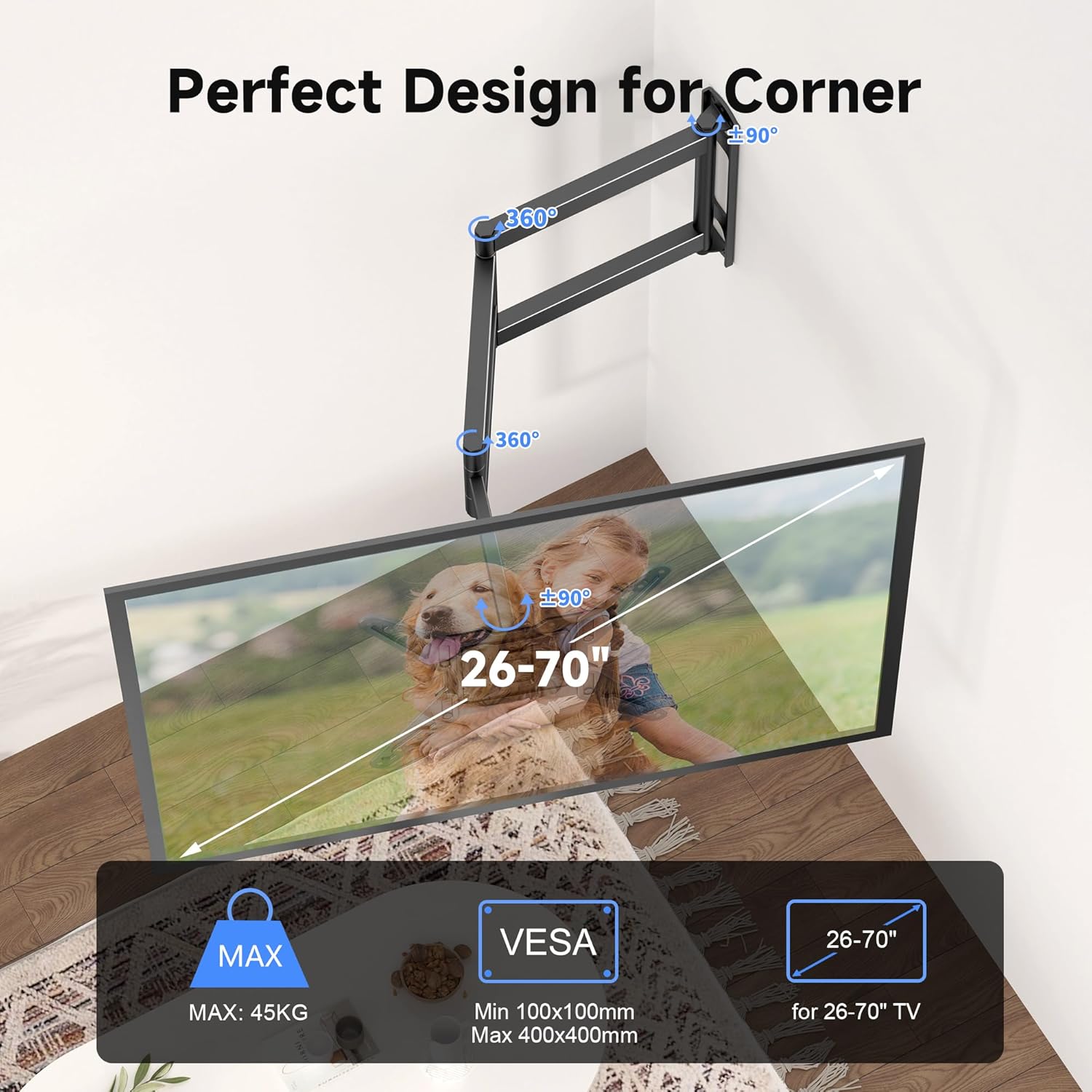
- Suitable for most 26–70 inch flat/curved screens
- Supports TVs up to 45kg
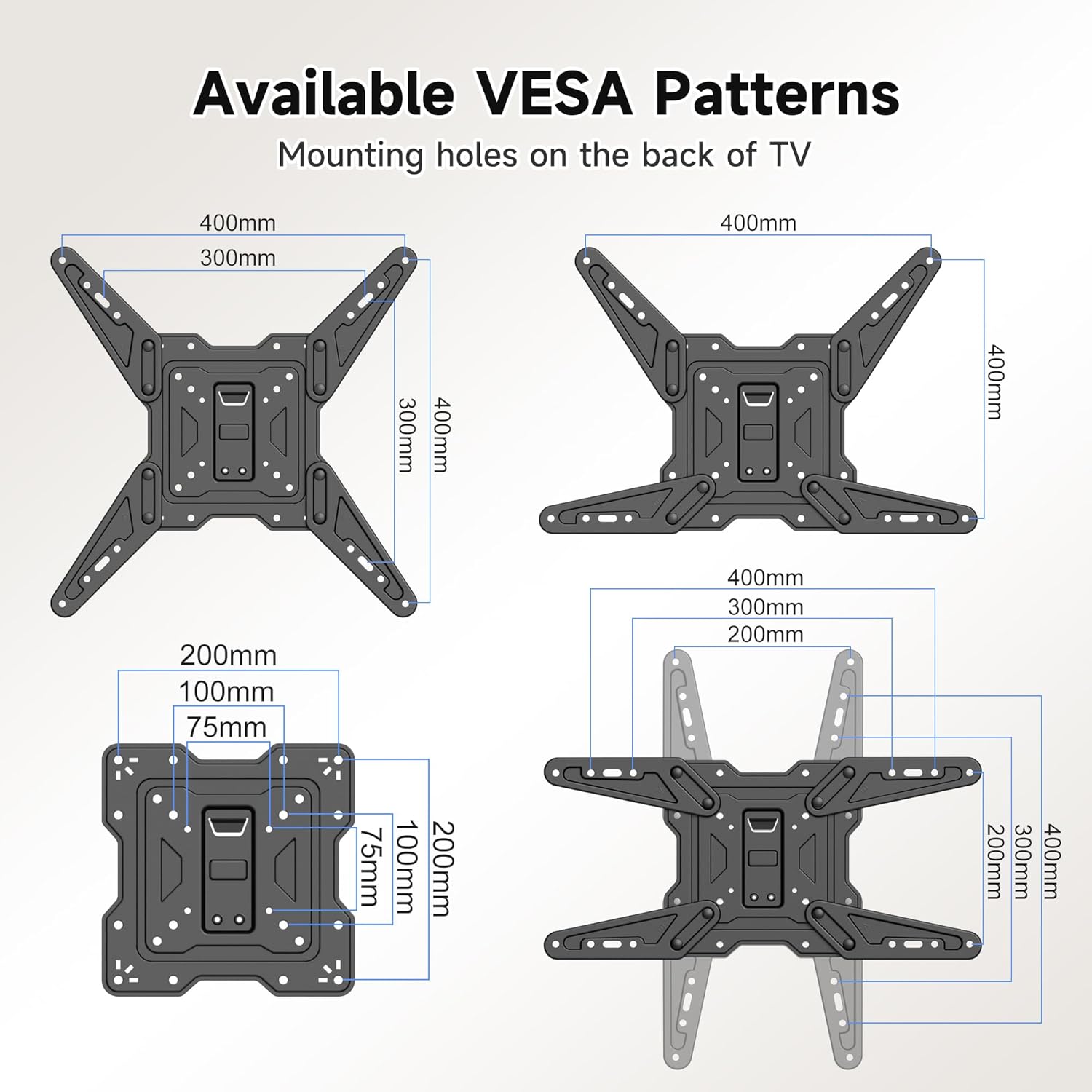
- Maximum VESA of 400×400mm
A simple way to approach this: look up your TV’s VESA size (often found in the TV manual or by checking the back panel mounting pattern). If your TV’s VESA is larger than the stated maximum, the bracket won’t be a match. Similarly, if your TV is over the stated weight limit, it’s not the right choice.
It’s also a good idea to consider whether your TV is genuinely “in-range” for the size category. Sizes are helpful, but the weight and VESA limits are what make the real difference for safe mounting.
Where it shines in real setups
This kind of bracket tends to be a good fit when you want a clean wall look without committing to a fixed, straight-on position.
Consider a typical scenario: you mount your TV in a living room where your main sofa is slightly off-centre. With swivel, you can fine-tune the angle so you’re not constantly looking from the side. Likewise, if the TV needs to sit higher on the wall than you’d ideally like, tilt helps bring the screen back to a more comfortable viewing angle.
Also, an extendable bracket can make installation less stressful, because you have some flexibility when positioning the TV during setup.
What to watch out for (limitations worth noting)
There are a couple of practical “be careful” points with wall mounts like this, even when the compatibility headline looks promising.
First, VESA maximum is a hard limit. If your TV’s VESA pattern exceeds 400×400mm, you’ll need a different bracket rather than hoping an adapter will sort it—nothing in the provided details suggests otherwise.
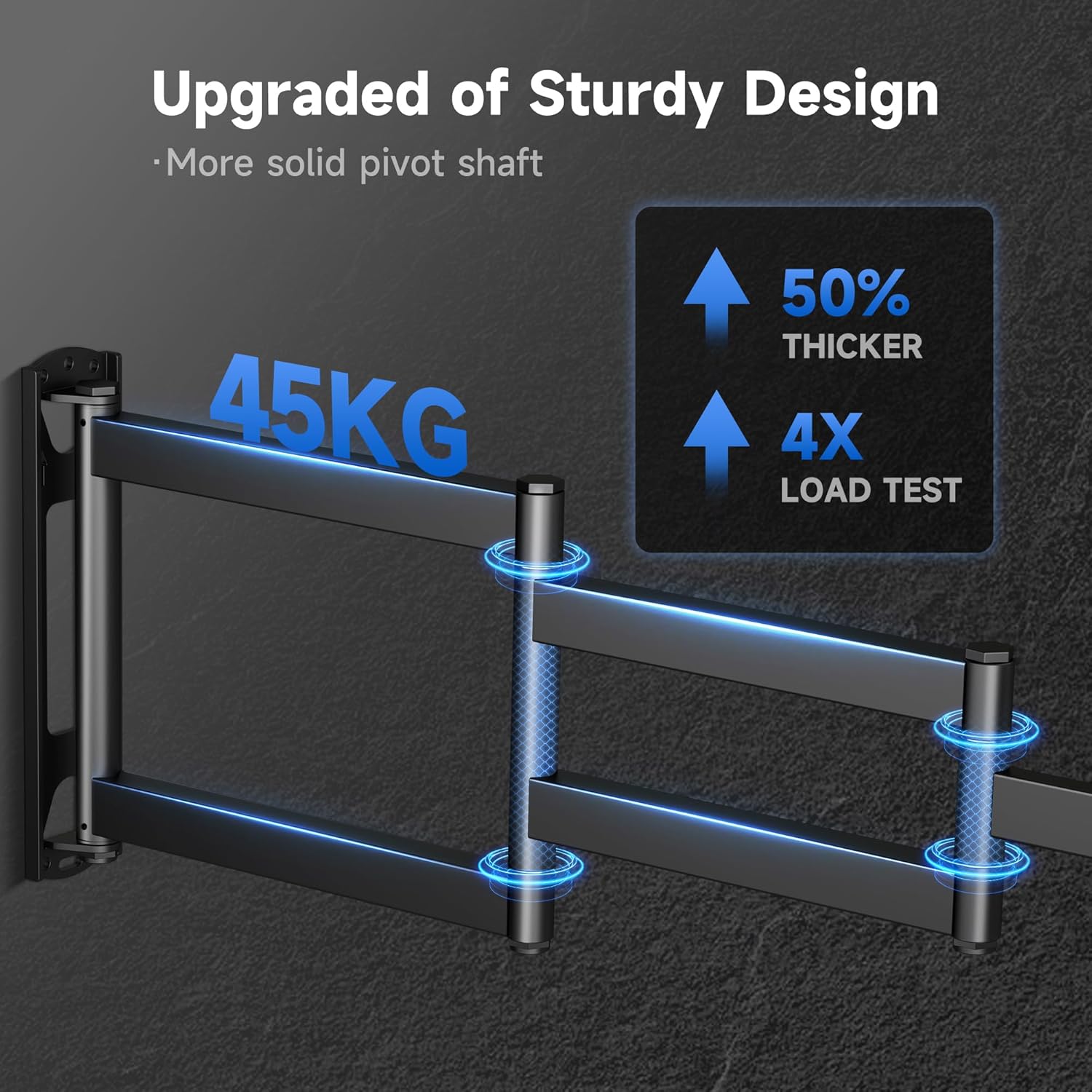
Second, weight matters. The stated limit is up to 45kg, so heavier TVs may not be suitable.
Finally, the screen range is broad, but broad ranges can still be misleading if your exact VESA pattern and TV mass sit near the extremes. If you’re right at the upper end of size/weight, it’s especially sensible to double-check the mounting pattern carefully.
Compatibility & requirements to confirm
Even when a mount claims “most” screens in a range, buying success usually depends on confirming a few details.
It’s worth checking:
- Your TV’s VESA pattern (must be within 400×400mm max)
- Your TV’s weight (must be within the stated 45kg limit)
- Whether your TV is a flat or curved model (the listing mentions both in its intended use range)
If any of these don’t line up, it may not suit you—even if the screen size looks close.
Is it worth it?
It’s a solid pick if you want a tilt-and-swivel wall mount for a TV in the 26–70 inch bracket, and you’ve confirmed your TV sits within the 45kg limit and the VESA pattern is no larger than 400×400mm. The adjustability is the part that tends to pay off in everyday viewing, especially in rooms where your seating angle changes.
You may want to skip it if your TV’s VESA pattern is beyond the maximum, if the TV is heavier than the stated limit, or if you’re expecting a fully “set and forget” alignment with no need to fine-tune.
Mini FAQ
Will this mount fit my TV?
It should if your TV is within the stated range (most 26–70 inch flat/curved screens), weighs no more than 45kg, and uses a VESA pattern up to 400×400mm.
What does tilt and swivel mean for viewing?
Tilt helps angle the screen up or down for comfort and glare control, while swivel lets you adjust left/right for different seating positions.
What’s the main thing to check before ordering?
Check your TV’s VESA size and weight first. Those are the numbers that decide compatibility for wall mounting.
Is this only for flat screens?
No. The listing indicates it’s intended for most flat and curved screens within the stated size range.