

Gatatol Nano Wireless CarPlay Adapter (USB-A to USB-C) for iPhone — turns wired CarPlay into wireless
Product description
What it is and why people buy it
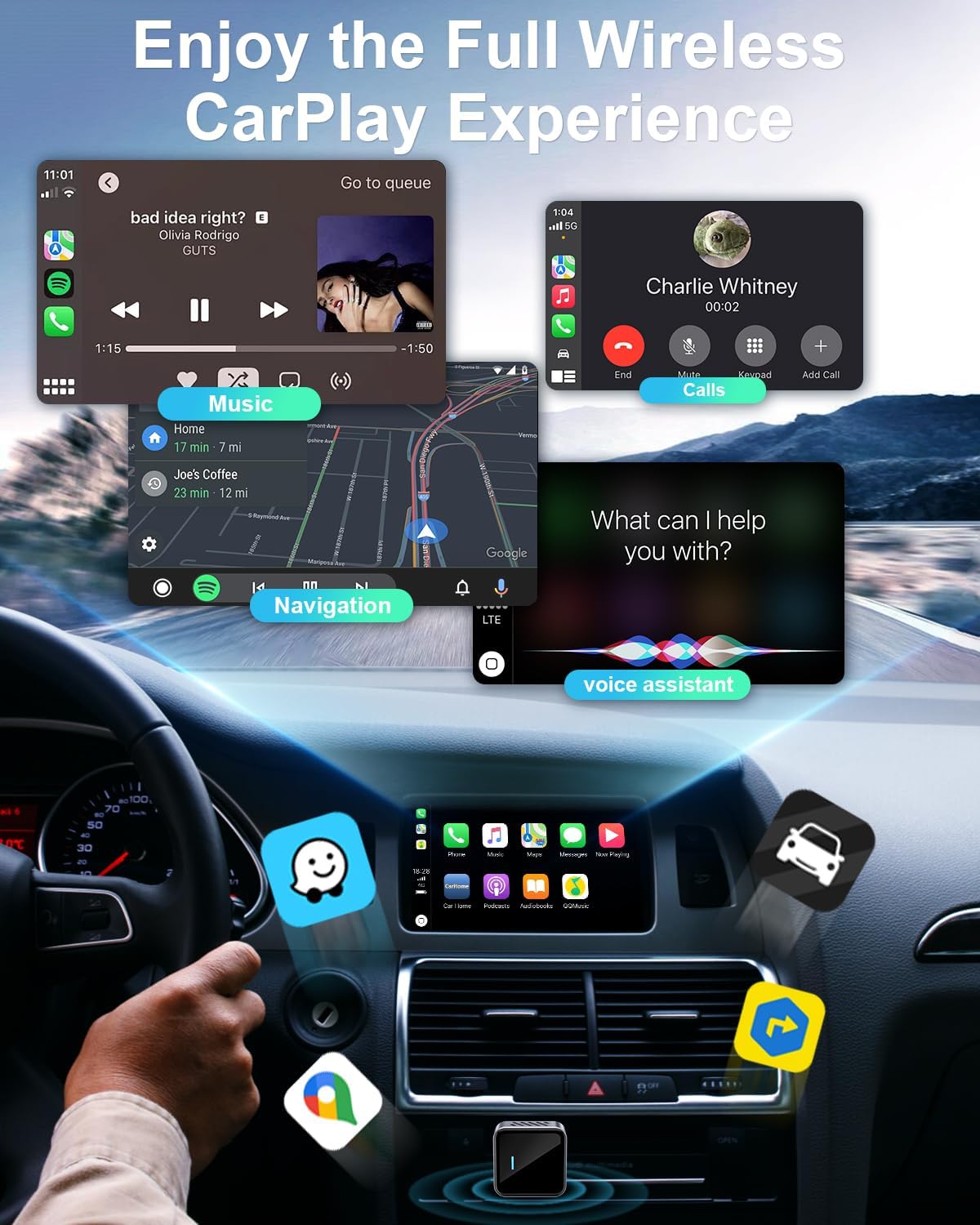
Gatatol’s Nano Wireless CarPlay Adapter is built for one specific job: if your car supports wired Apple CarPlay, this adapter aims to let you use CarPlay wirelessly instead. In day-to-day terms, that means less fumbling with cables when you jump in, start the car, and want your maps, music, calls, and messages ready.
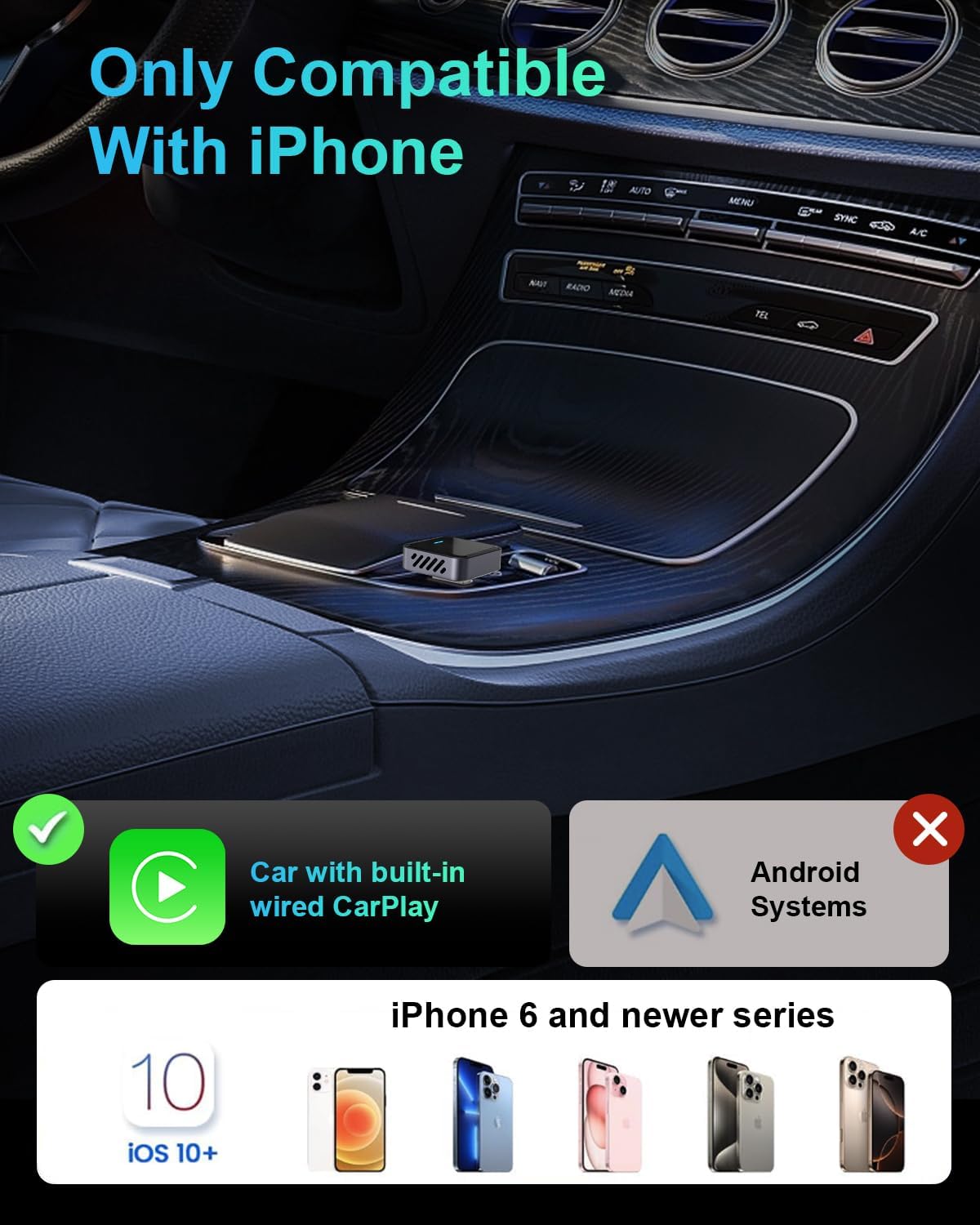
It’s not an all-purpose media gadget, and it’s worth being clear about the boundary: the adapter is only described as working with iPhone models that are compatible with Apple CarPlay, and it’s only intended for cars that have wired CarPlay installed from the factory. It’s also stated as not compatible with Android Auto.
The essentials: connection approach and what to expect
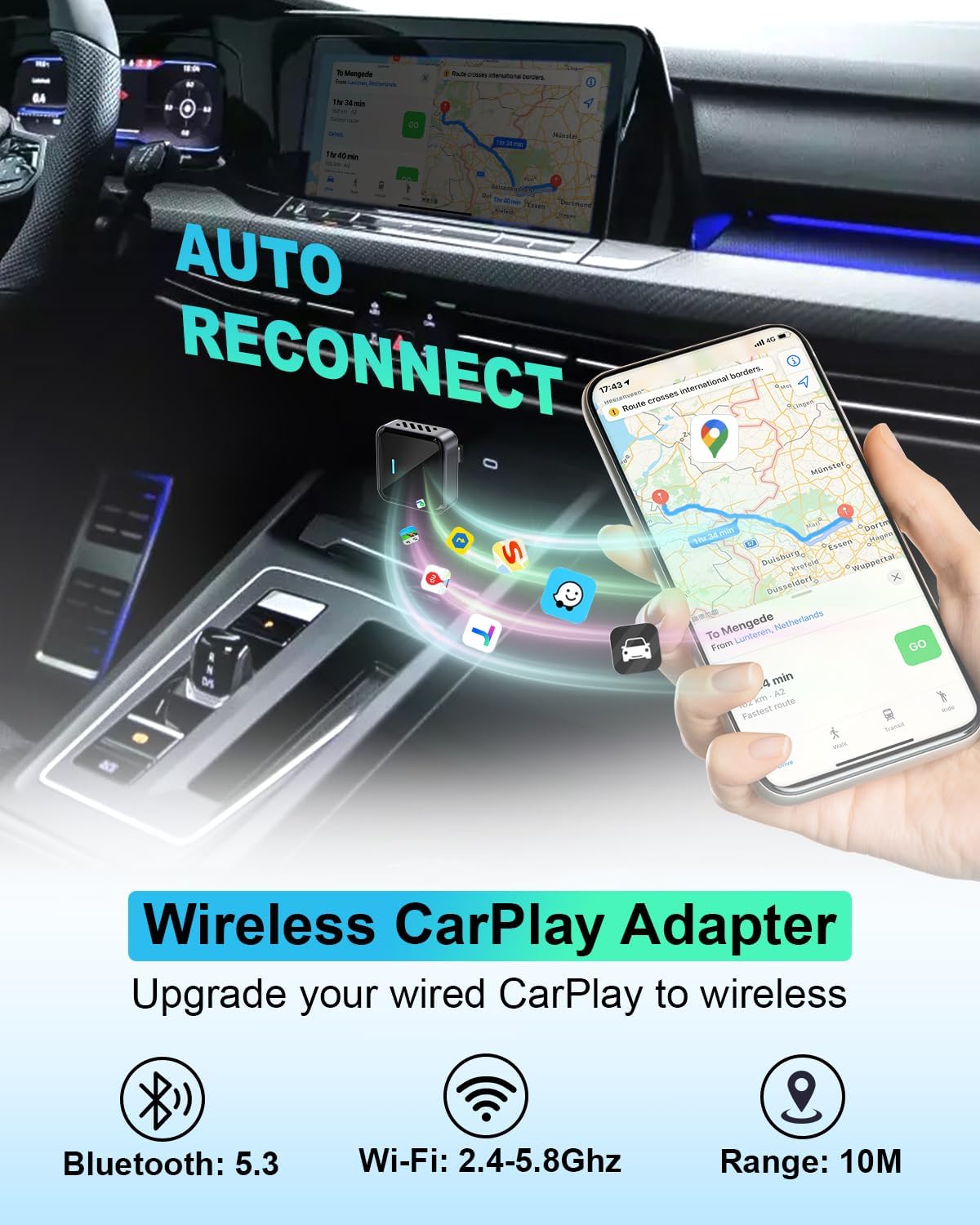
On paper, the pitch is pretty straightforward. The adapter uses WiFi (listed as 2.4 to 5.8 GHz) and Bluetooth alongside the included receiver hardware. According to the product description, the first connection takes around 5–10 seconds, and then it should auto-connect in about 3 seconds when you start your car.
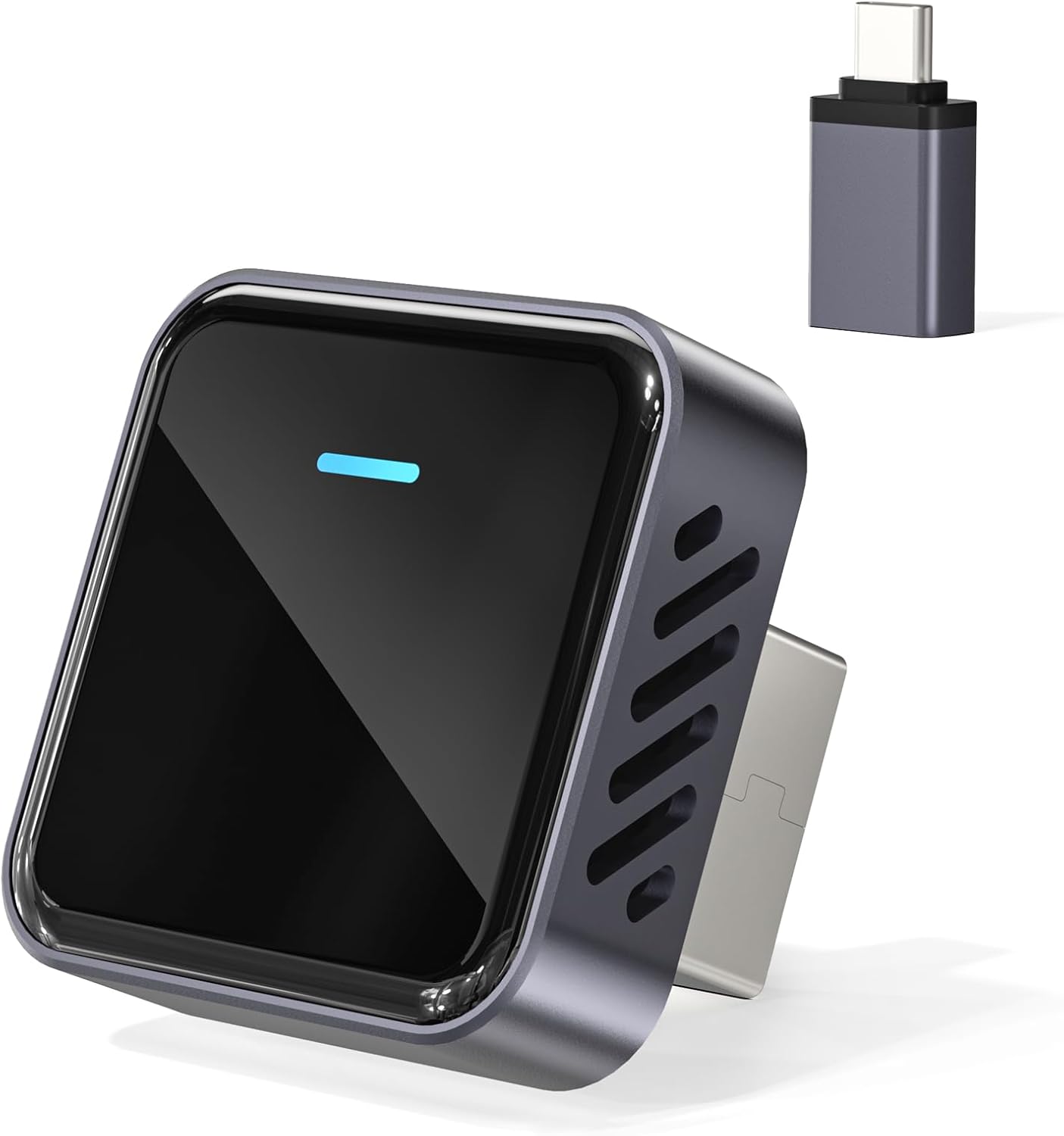
There’s also a claim about smoother operation with “no delay latency”, plus faster transmission than other adapters. Real-world performance can depend on your car’s USB setup, your phone, and local WiFi conditions, so it’s a good idea to treat speed/latency claims as promising targets rather than guarantees.
A practical micro-example: imagine you pull up at a junction, drop your phone into your pocket, and you want your sat-nav to be immediately on the car screen. With this setup, the adapter is designed to activate wireless CarPlay automatically when you switch the ignition on—so you’re not hunting for the cable every time.
Key points that matter in use
This adapter’s “wireless” claim is exactly why you’d consider it, but its day-to-day value really comes down to reliability. The description highlights a cable-free design to remove common issues like cable strain from movement over rough roads—something that can be a pain with wired adapters that sit loosely or get tugged.
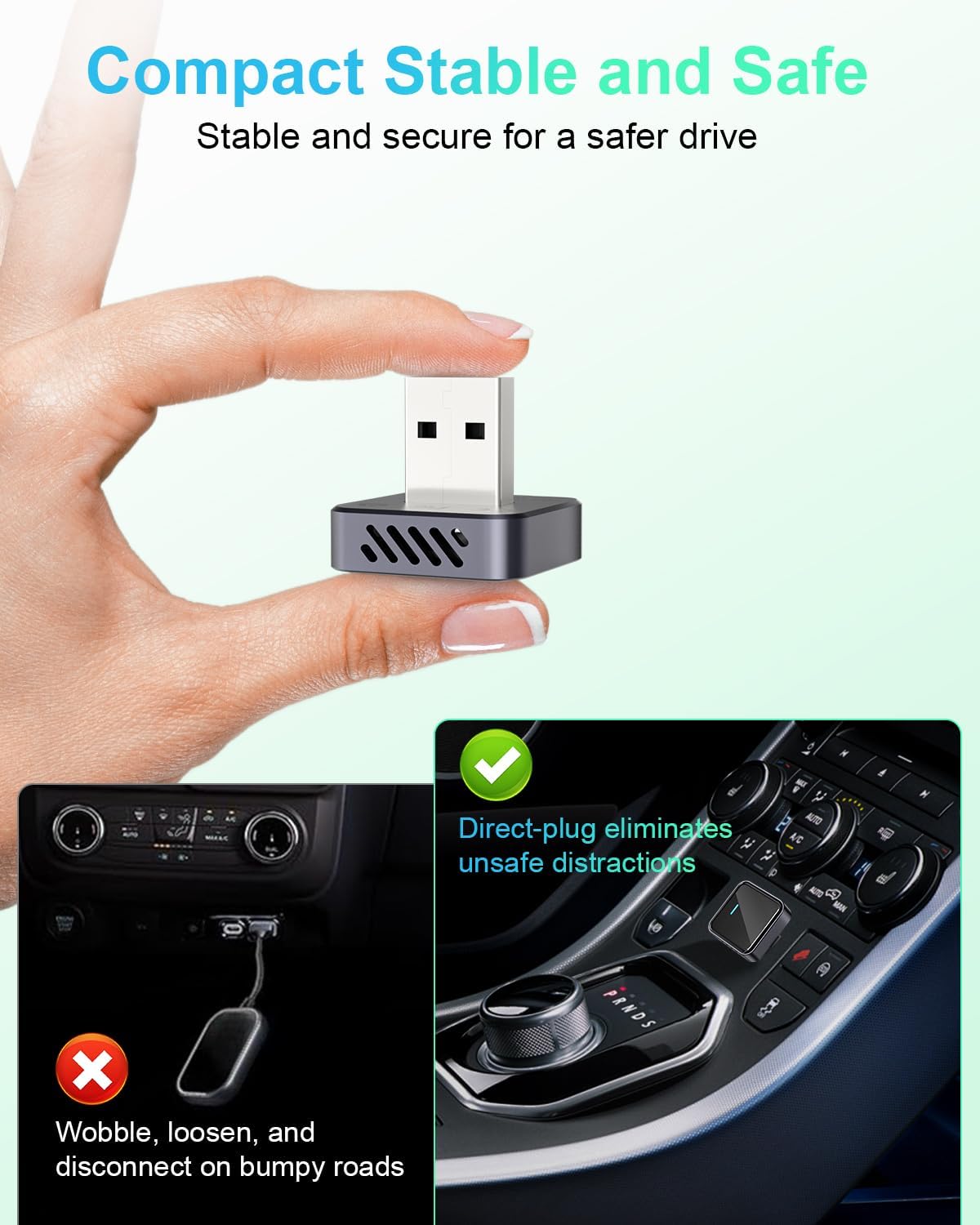
It also includes an angle that’s easy to overlook: heat management. The metal frame and integrated ventilation grilles are said to help with heat dissipation during longer sessions, while protecting the car’s USB port.
There’s a durability note too—tested with over 10,000 insertions and described as fitting securely with “zero wobble”. For anyone who regularly uses CarPlay on commutes, that kind of “it should hold up over time” thinking is a positive.
One more detail to keep in mind: it’s described as 80% smaller than the previous version, so it’s aimed at fitting neatly in tighter car spaces. That’s useful if you’ve ever had adapters that stick out and get knocked.
Where it shines (and where it may not)
It’s not a perfect match for everyone, but it’s a strong fit if you already know your car supports wired CarPlay and you mainly want the convenience of going wireless.
It may not suit you if: - your car doesn’t already support wired CarPlay installed from the factory (this is the key limitation stated in the description) - you’re trying to use it with Android Auto - you want something that works regardless of whether CarPlay is present on the vehicle side
Worth noting too: for some Nissan models (2018 to 2020), the description says you might need an additional Y-split USB power cable because the car’s USB port may not provide enough energy for the adapter. If you’re driving one of those cars, it’s a good idea to factor in that potential extra requirement before you commit.
What to check before you buy
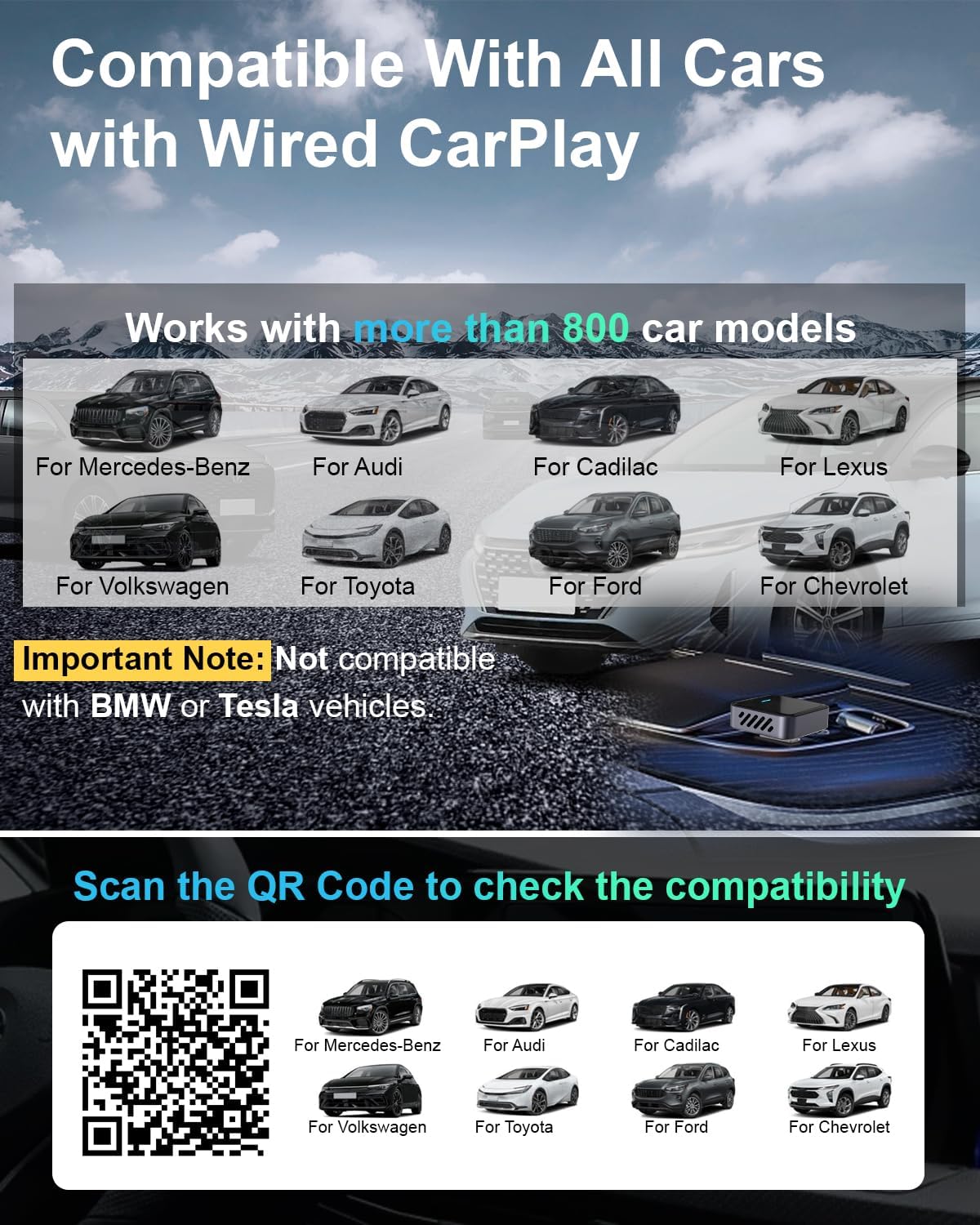
The product description is quite clear that compatibility depends on your specific car setup. Before ordering, you’re advised to confirm your car model by scanning the QR code on the product details page.
You should also confirm CarPlay availability. The description points you to Apple’s CarPlay info and notes that for vehicles launched before 2019, you should ensure the car is equipped with CarPlay.
Finally, check your iPhone model against the stated compatibility range: it says compatibility for iPhone 6 and later iPhone series (as written), so if you’re on an older handset, you’ll want to confirm it aligns with that claim.
Tech specs
- Name: Gatatol Nano Wireless CarPlay Adapter (for Apple iPhone)
- Type: Wireless CarPlay receiver adapter (converts wired CarPlay to wireless)
- Format: Wireless connectivity using WiFi and Bluetooth
- Size: 80% smaller (as stated in the product description)
- Weight: Not provided
- Material: Metal frame with ventilation grilles
- Colour: Not provided
- Display: Not applicable
- Processor: Latest chip (exact model not provided)
- Memory: Not provided
- Refresh rate: Not provided
- Connectivity: WiFi 2.4 to 5.8 GHz (as stated), Bluetooth (as stated)
- Included adapters: USB-A and USB-C extension adapters (as stated)
Is it worth it?
A solid pick if you have a car with wired CarPlay installed and you want the day-to-day convenience of wireless connection without constantly plugging in a cable. The durability and heat-management points also suggest it’s aiming to be practical for regular commuting.
It might not be a great match if your car doesn’t have factory wired CarPlay, if you need Android Auto support, or if you’re in a Nissan 2018–2020 scenario where you may have to source additional USB power via a Y-split cable.
If you like the idea of fewer cables, more consistent routine activation when you start your car, and a compact receiver that’s meant to sit securely, it’s worth considering. Just make sure your car’s CarPlay setup is confirmed via the QR check first.
Quick FAQ
Will it work with Android Auto?
No—this adapter is stated as not compatible with Android Auto.
How does the connection behave when I start the car?
The description says you complete the first connection in about 5–10 seconds, and then it should auto-connect in roughly 3 seconds after you turn on your car.
Do I need to buy extra accessories for every car?
Not necessarily, but for certain Nissan models (2018–2020), the description says you may need an additional USB Y-split power cable if the car USB port doesn’t provide enough power.
Does it only work with iPhones?
Yes. It’s described as only compatible with iPhone and Apple CarPlay, and it lists iPhone 6 and later iPhone series as the stated baseline.
Does it fit in tight car spaces?
It’s described as 80% smaller and “ultracompact”, so it’s designed to be easier to place without blocking things.