

OBD2 Bluetooth Scanner for Cars
Reviews
Price
Product description
This compact Bluetooth OBD2 scanner turns the vehicle diagnostic port into a wireless interface for checking engine light codes and live data on phones and laptops. It is useful for hobby mechanics and drivers who want quick fault reading and basic resets with an iPhone, Android device or Windows PC, and it works with popular apps for clear visualisation.
Key Points
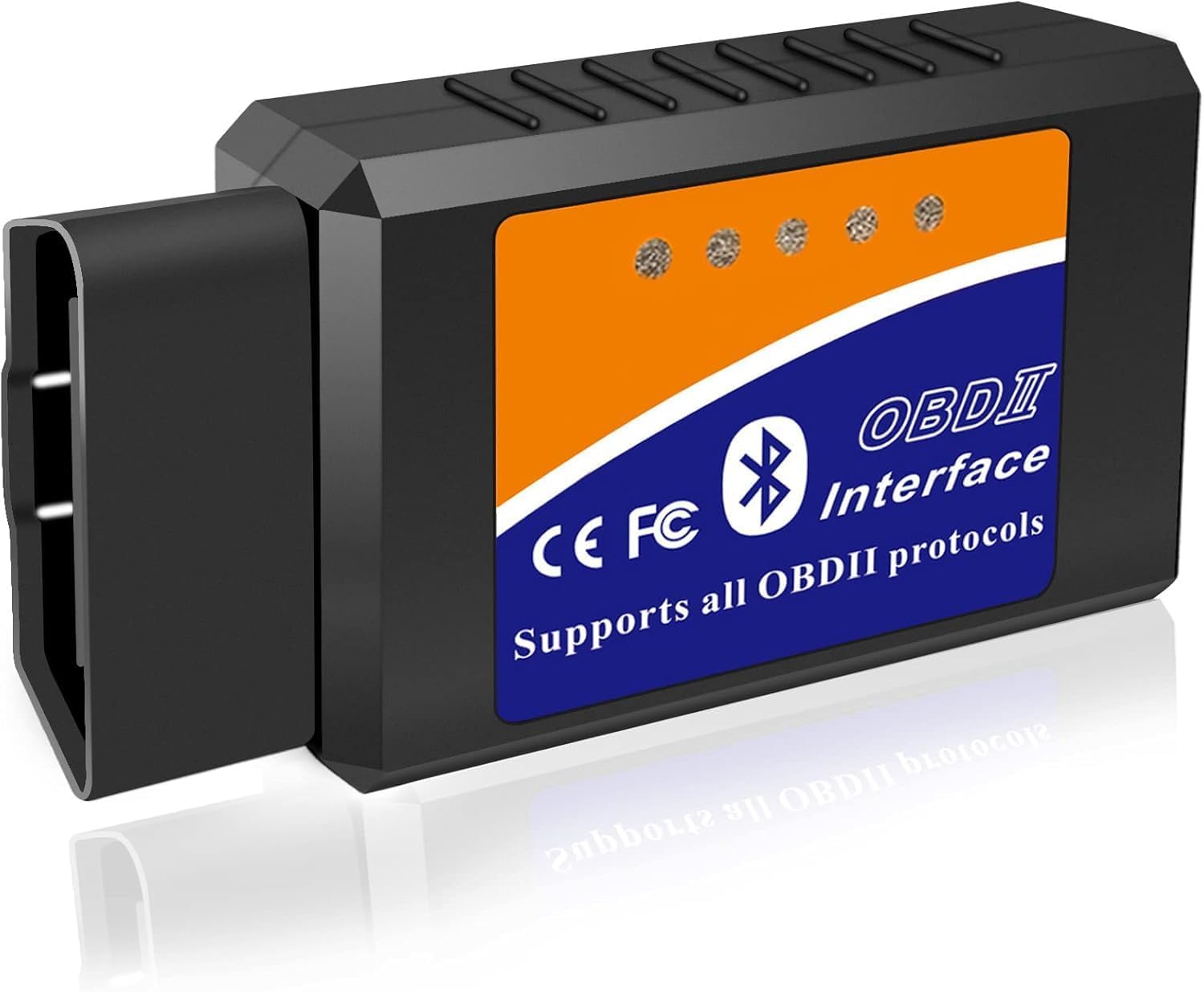
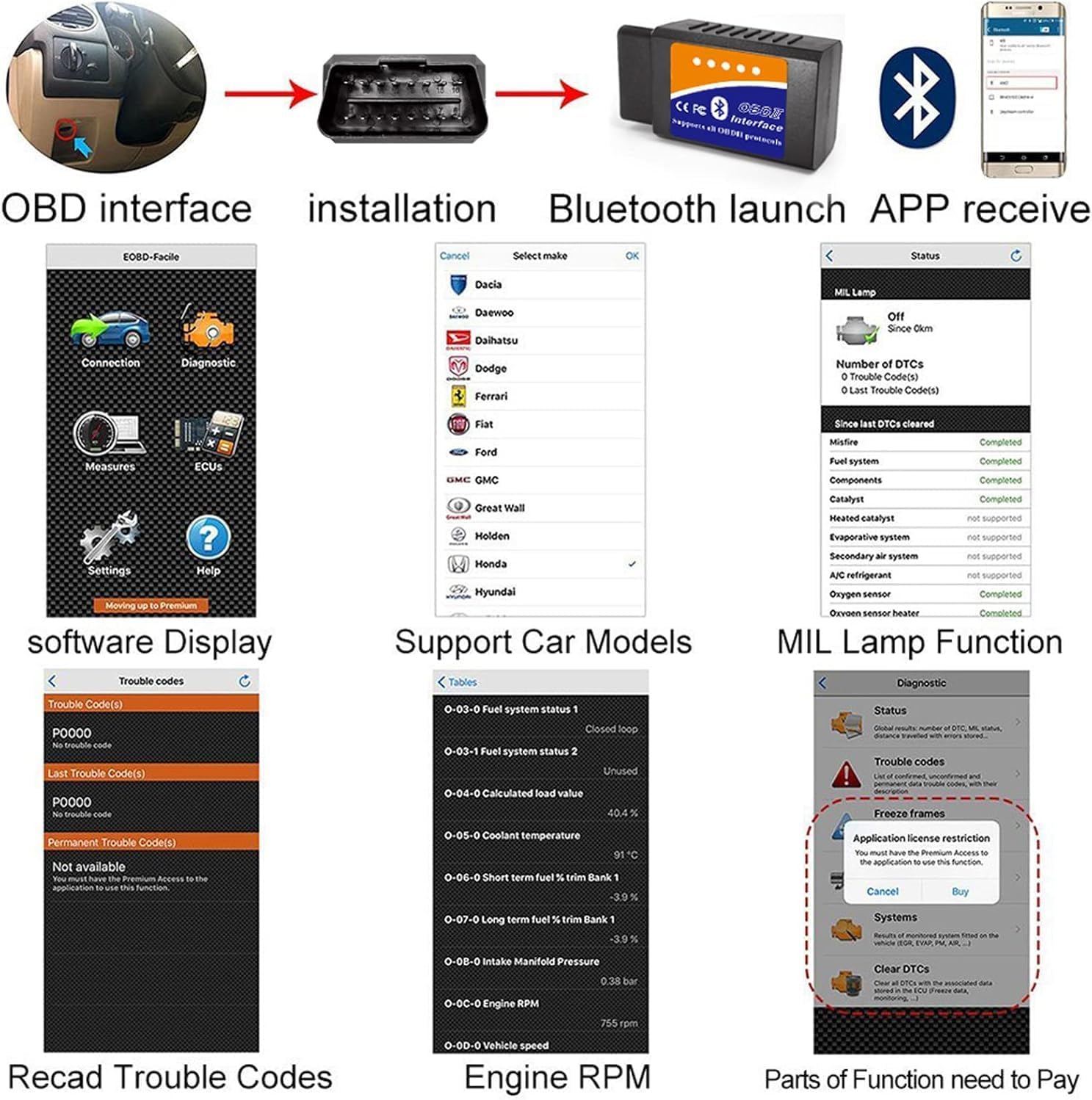
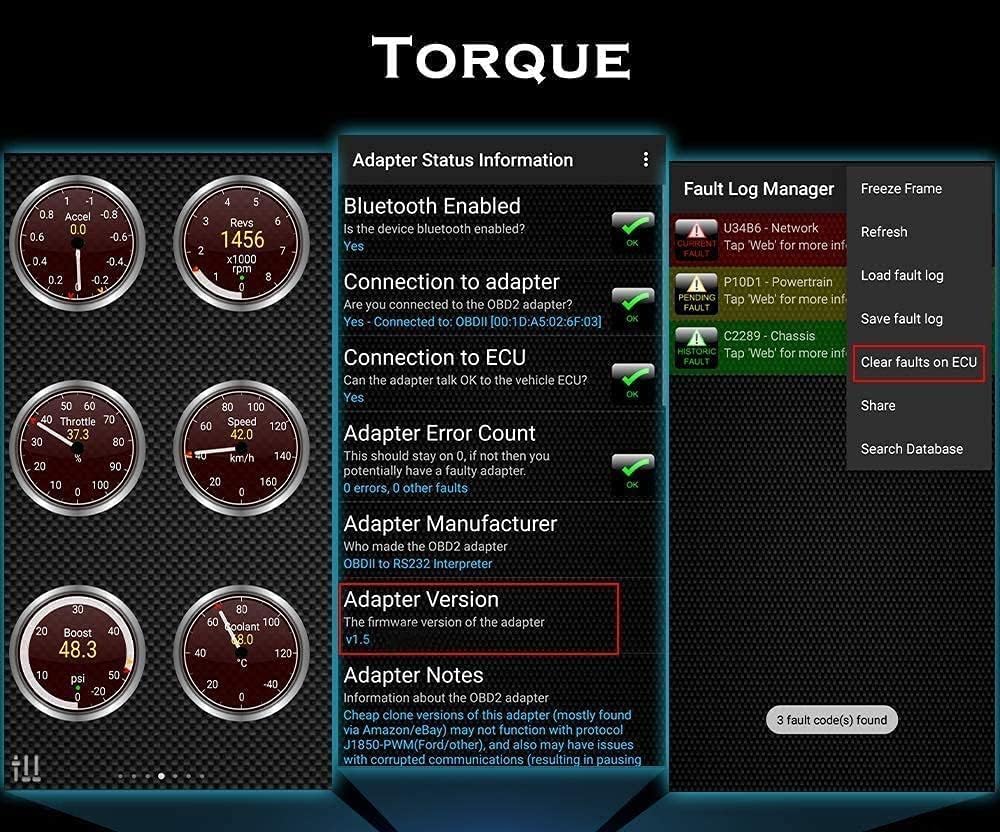
The scanner offers a simple way to access standard OBDII data without cables, making routine checks faster and less obtrusive. It connects to apps such as Torque, OBD Fusion and Car Scanner, so you can read and clear error codes, monitor engine parameters and view live sensor values on a familiar screen. 📱
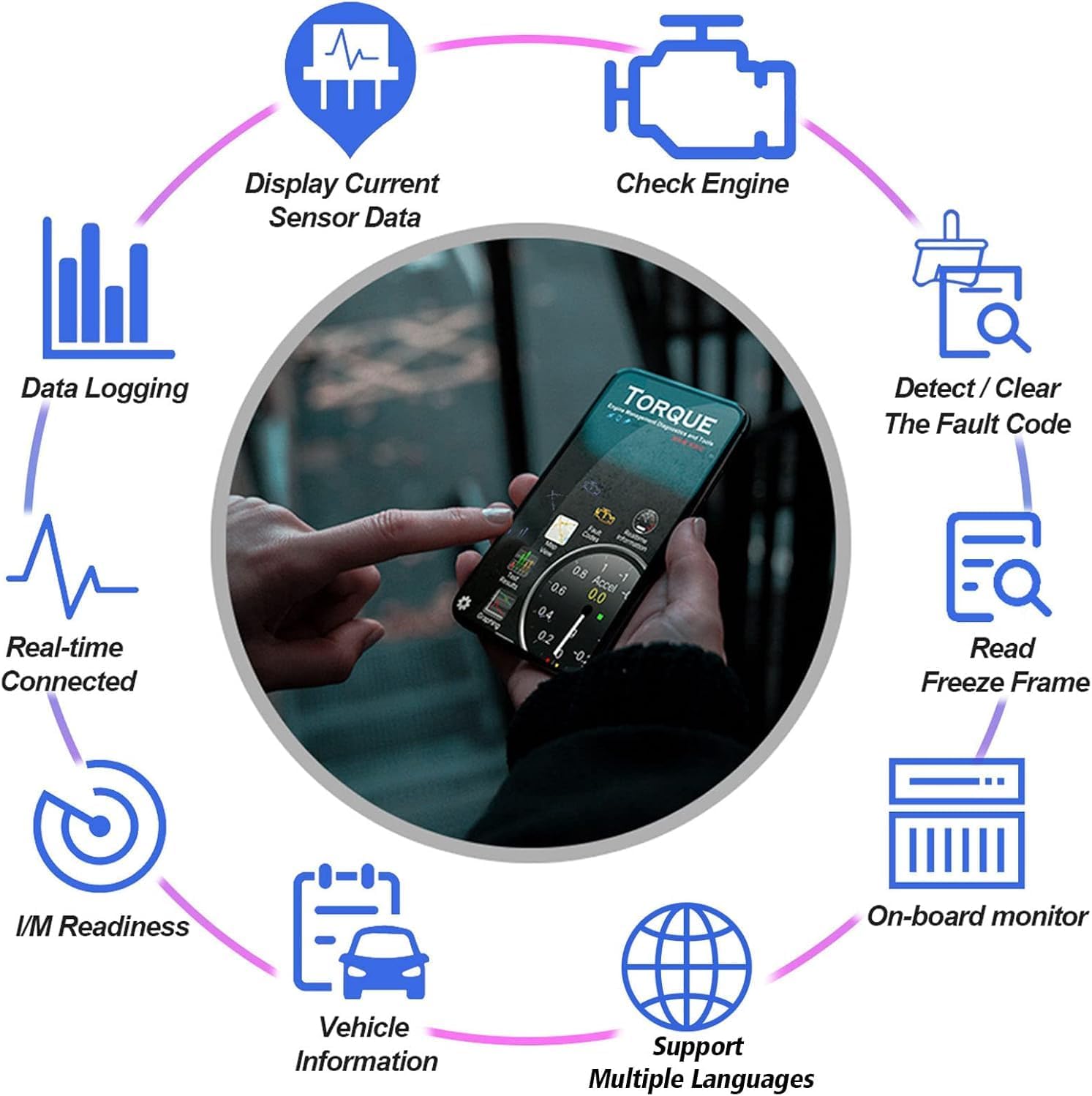
Connection is via Bluetooth, which keeps the setup straightforward for mobile devices and many laptops. Note that functionality and advanced features depend on the app used and the vehicle manufacturer’s support for OBDII protocols. 🔧
Benefits
Using this adapter allows quicker diagnosis of an illuminated check engine light and can help identify intermittent faults while driving. Data logging is possible when paired with compatible apps, which helps when tracking repairs or performance changes over time. The device is lightweight and portable, so it can be left plugged in for short diagnostic sessions and removed for storage.
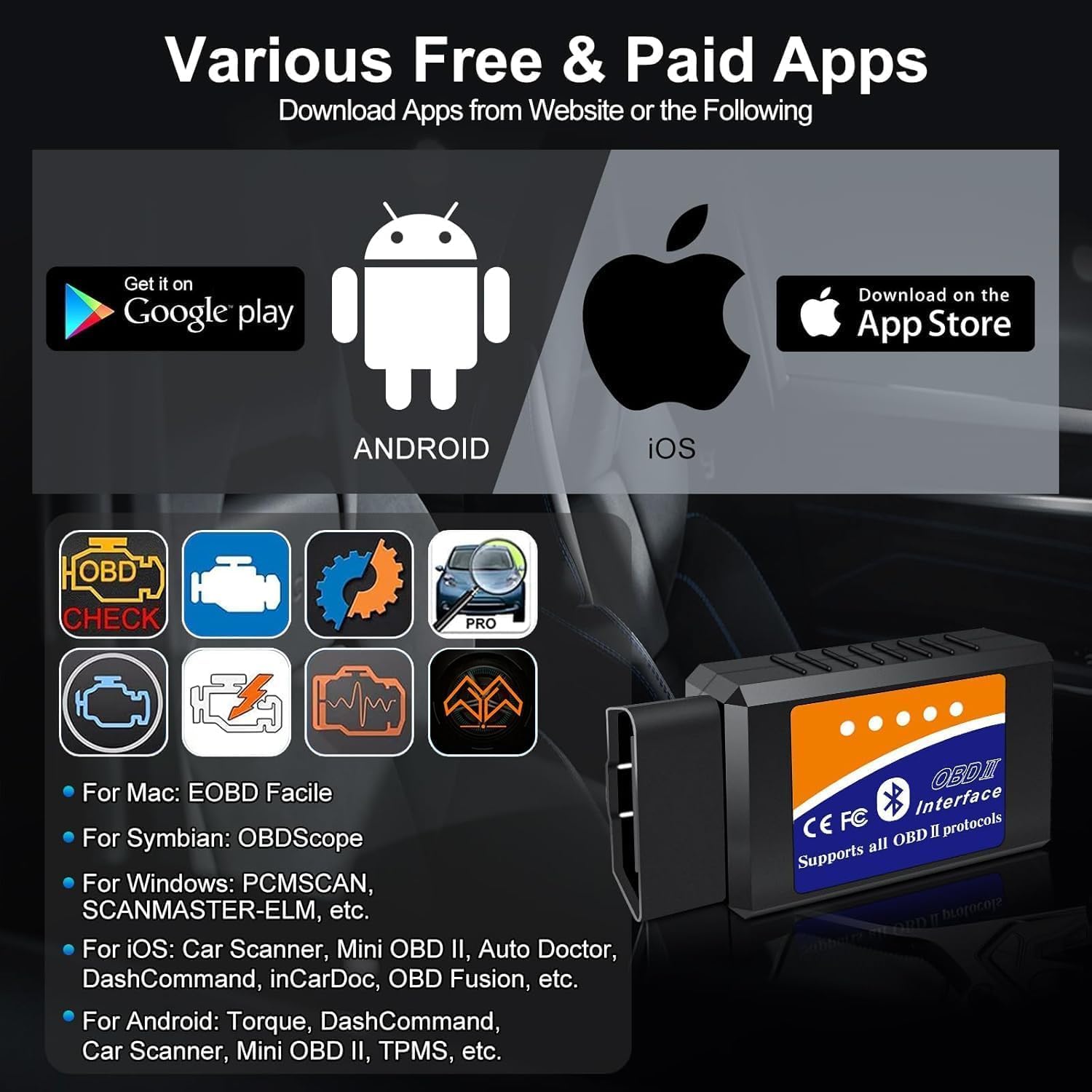
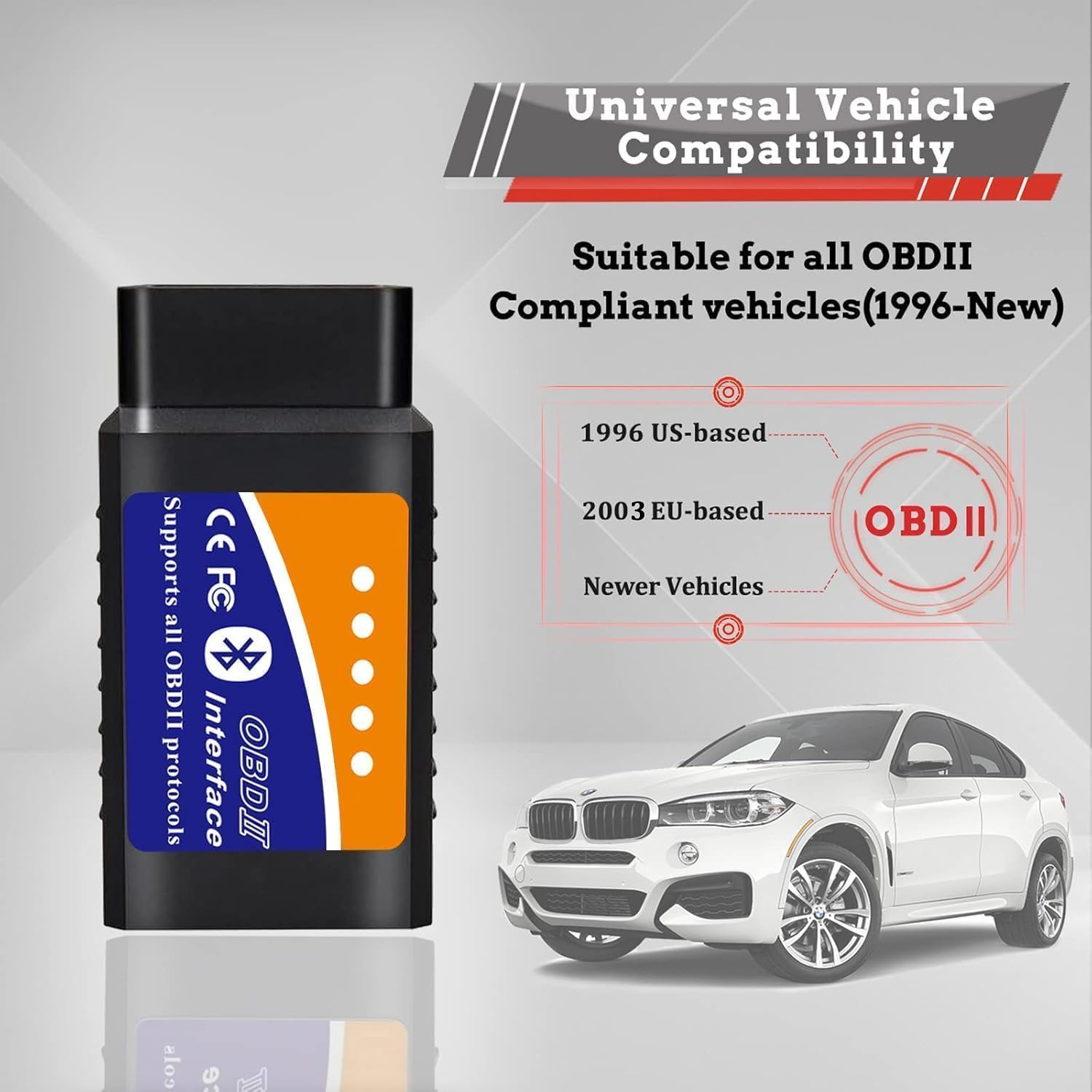
Consider that full manufacturer-level diagnostics are not available with standard ELM327-based adapters, according to common device limitations. Also remember that iPhone compatibility may require apps that explicitly support Bluetooth to iOS devices rather than Wi-Fi only connectivity.
Technical Specifications
- Name: RICOKEY OBD2 Bluetooth Scanner
- Brand: RICOKEY
- Compatibility: iOS iPhone, Android, Windows
- Interface: Bluetooth, OBDII port
- Supported apps: Torque, OBD Fusion, Car Scanner
Usage Recommendations
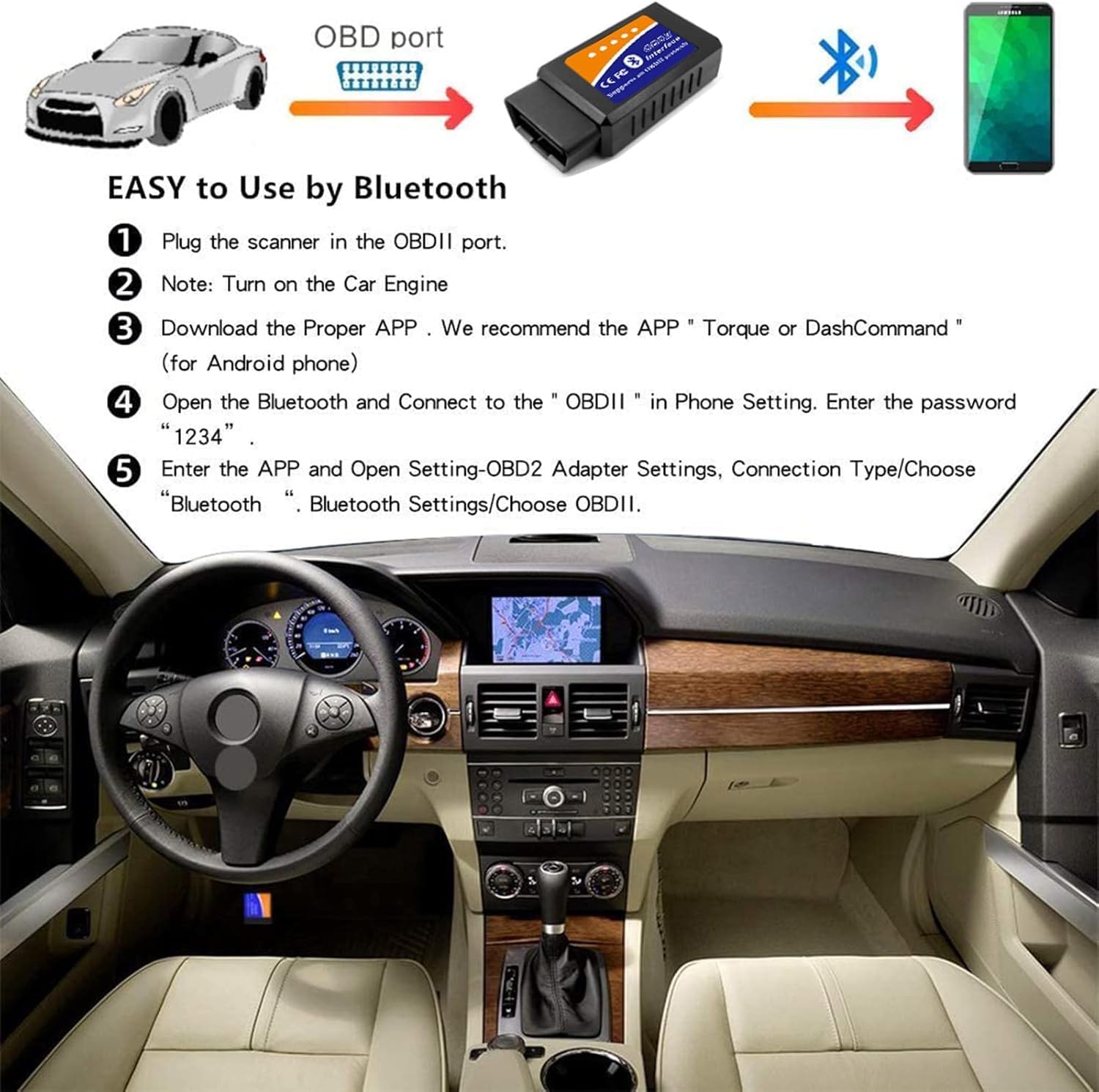
For best results, install a compatible app before connecting the scanner to avoid pairing issues. Start the vehicle and plug the adapter into the OBDII port usually found under the dash, then enable Bluetooth on your device and select the adapter in the app. When using logging or real-time data displays, ensure the app is configured to the correct vehicle profile and that you observe safety by not manipulating the device while driving.