

USB to HDMI Cable with Built-in Drivers — 3m USB A to HDMI Male Converter (HD 1080P) for Desktop and Laptop
Product description
What it is and who it helps
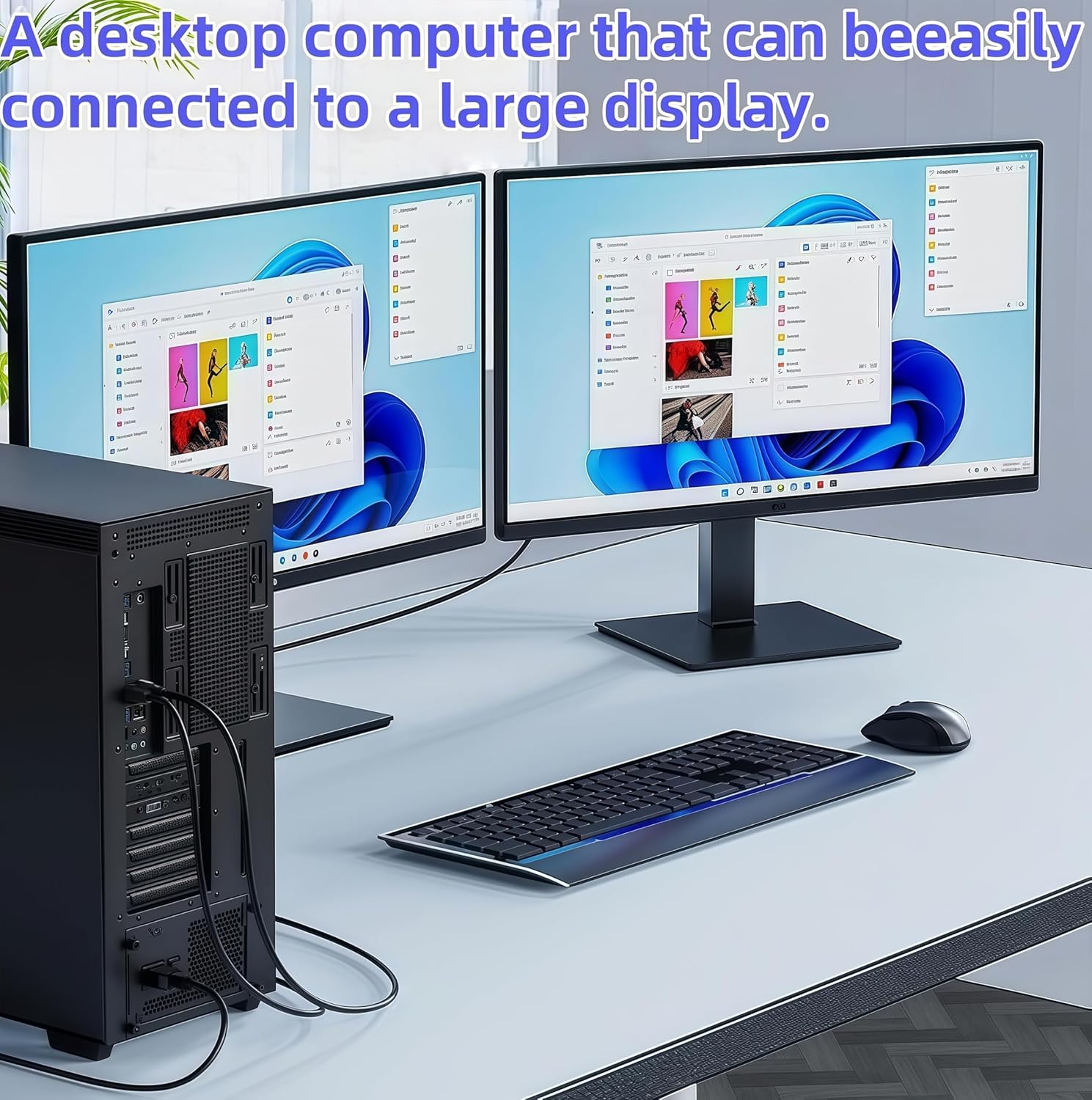
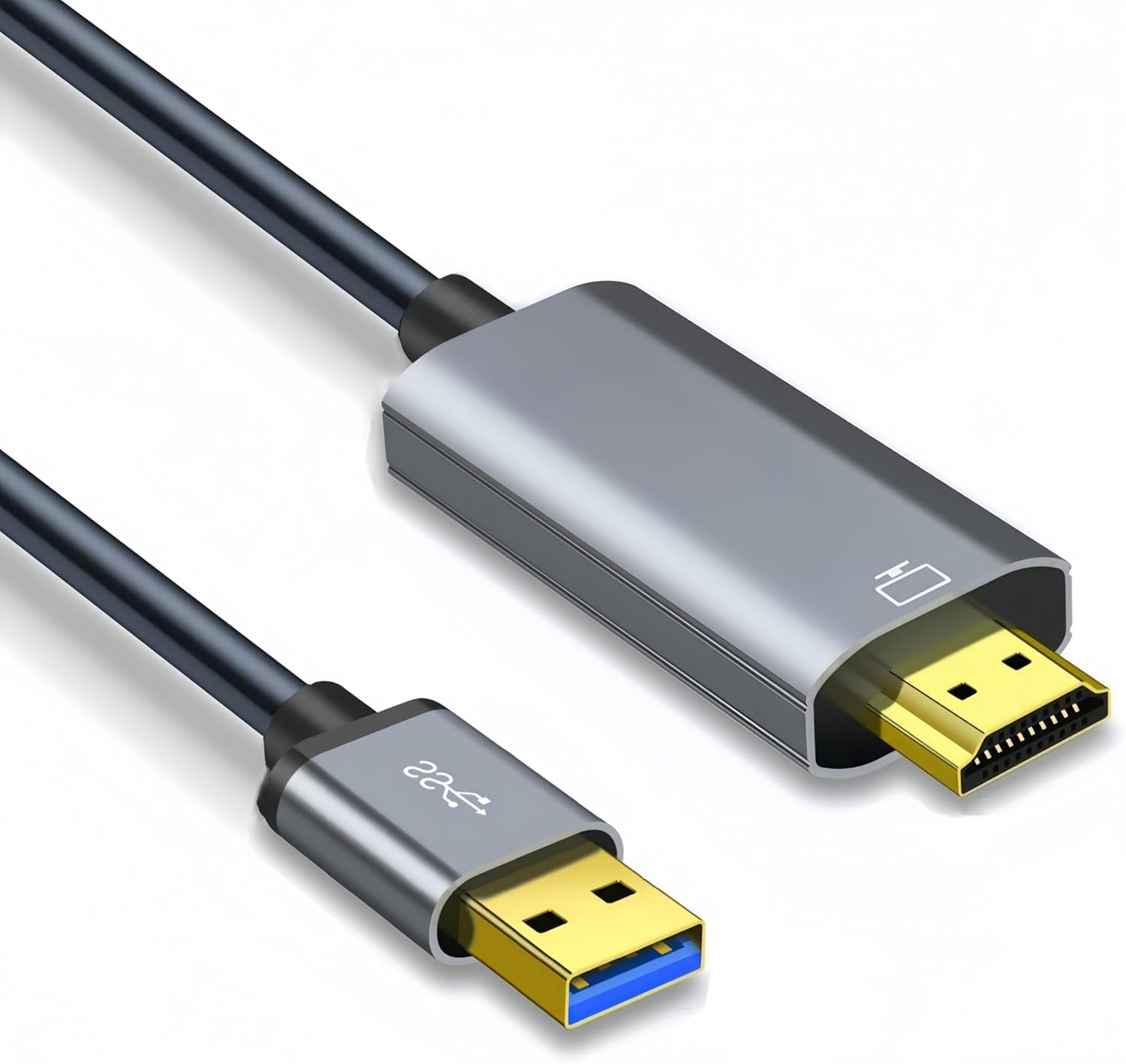
This USB to HDMI Cable is designed to connect a USB-enabled computer (laptop or desktop) to an HDMI-enabled display such as a monitor, projector or HDTV. It’s a simple, one-way solution for extending or mirroring your screen, without needing a separate HDMI cable for video transfer. It’s particularly useful if your device lacks an extra HDMI port or you want to bulk up your display workspace with a straightforward setup. On paper, it provides a practical route to a larger screen, but the real-world experience depends on your computer’s capabilities and the driver installation.
How it works and what you should know before buying
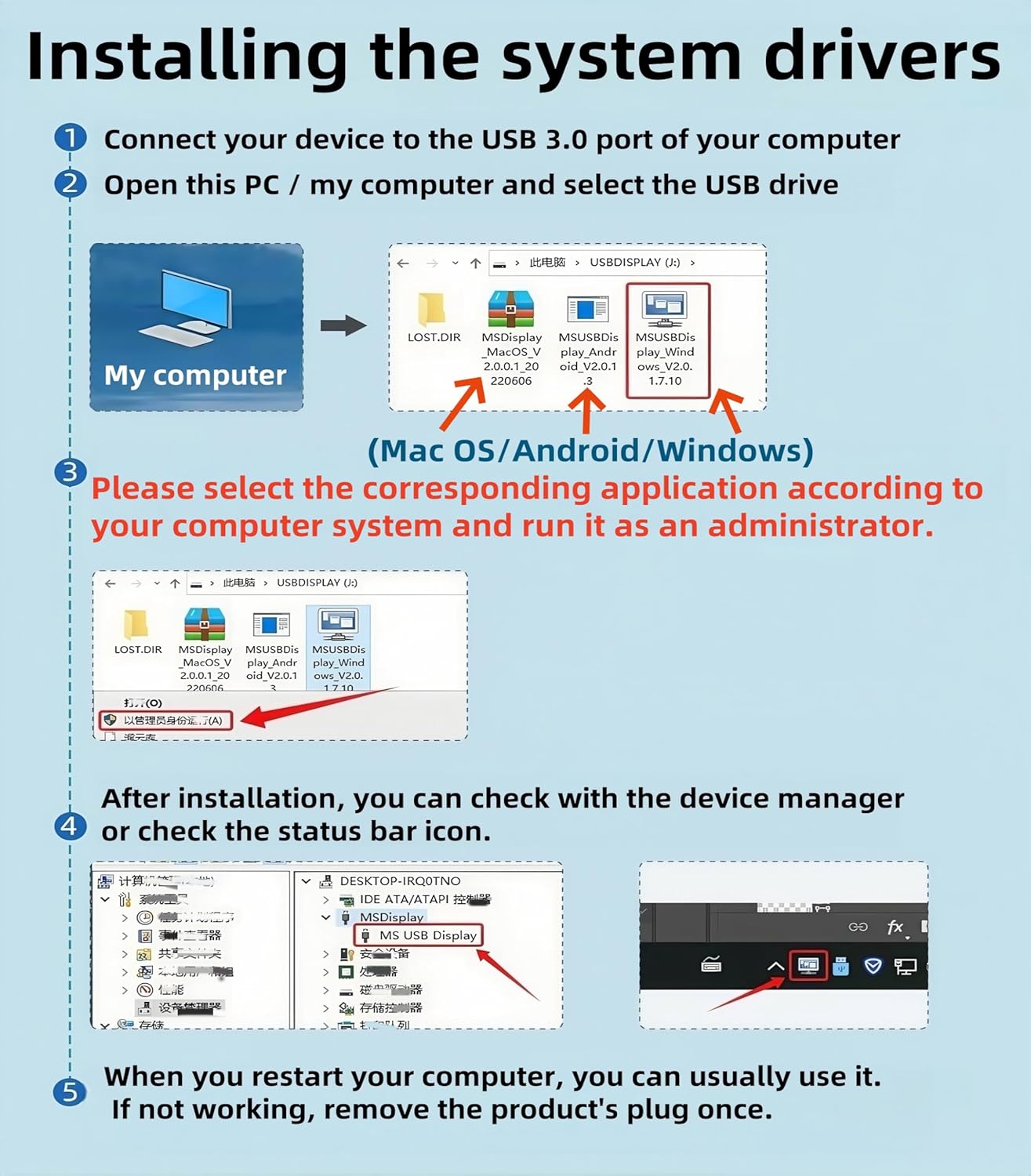
The cable ships with built-in drivers and requires a driver installation on first use. After plugging in, you should follow the on-screen prompts to complete setup. Note that this is not a bidirectional interface, it only converts from USB to HDMI and is intended for video transmission, not charging or data transfer. The package may include a driver backup CD, but you can also obtain the driver from DisplayLink if needed. Ensure all connected devices are powered during setup.
Compatibility and limits
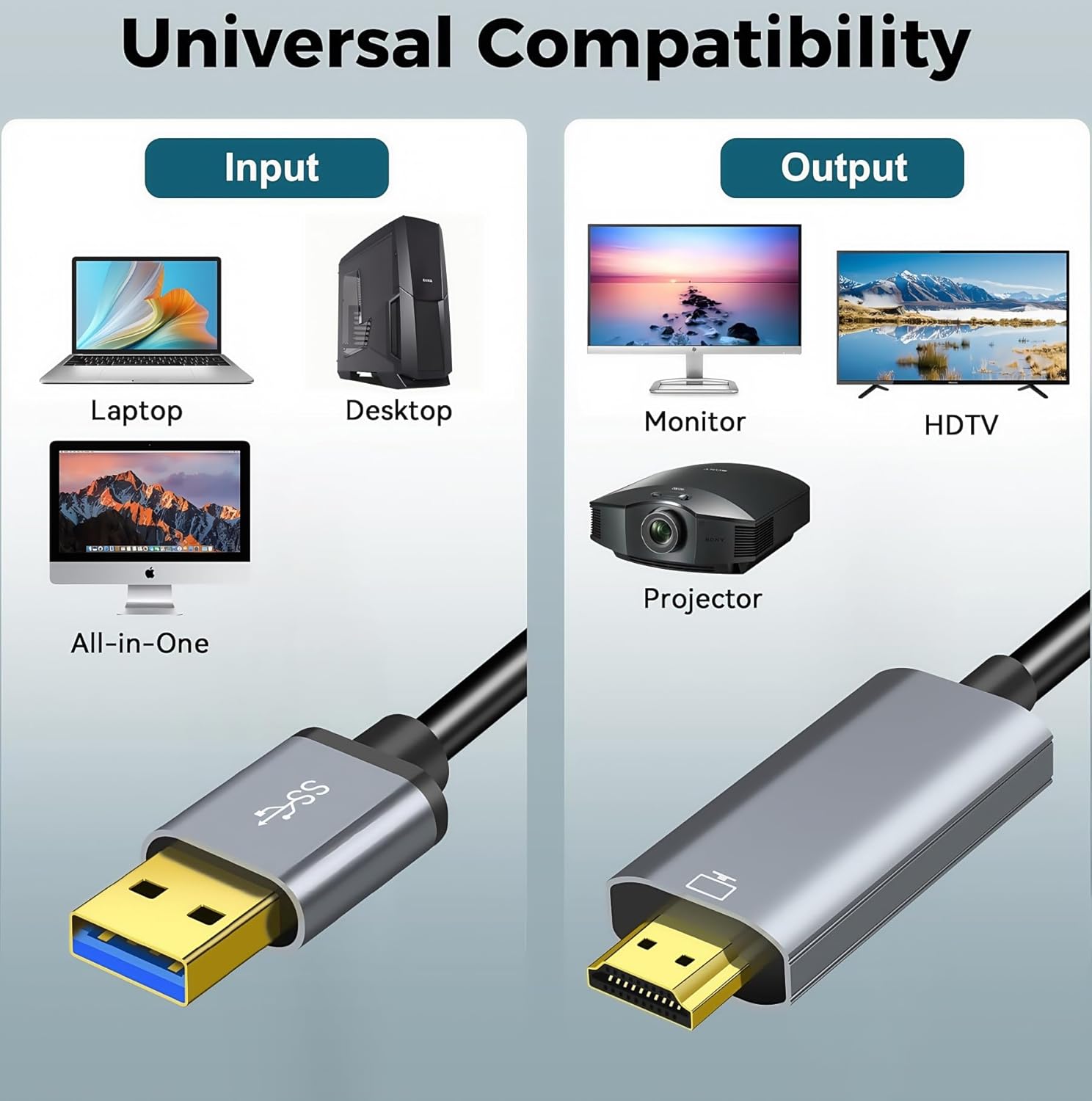
It’s advertised as compatible with Windows 11/10/8.1/8/7 and Mac, and is aimed at laptops and desktops. The product explicitly states it does not support other devices with USB 3.0 ports like PS3/PS4, Xbox, Chromebook, or streaming devices. If you’re unsure about your device, it’s sensible to check compatibility before purchasing. The effective use depends heavily on your computer’s processing power and graphics capabilities, performance can vary with what you’re trying to display and how many tasks you have running simultaneously.
How it performs in everyday use
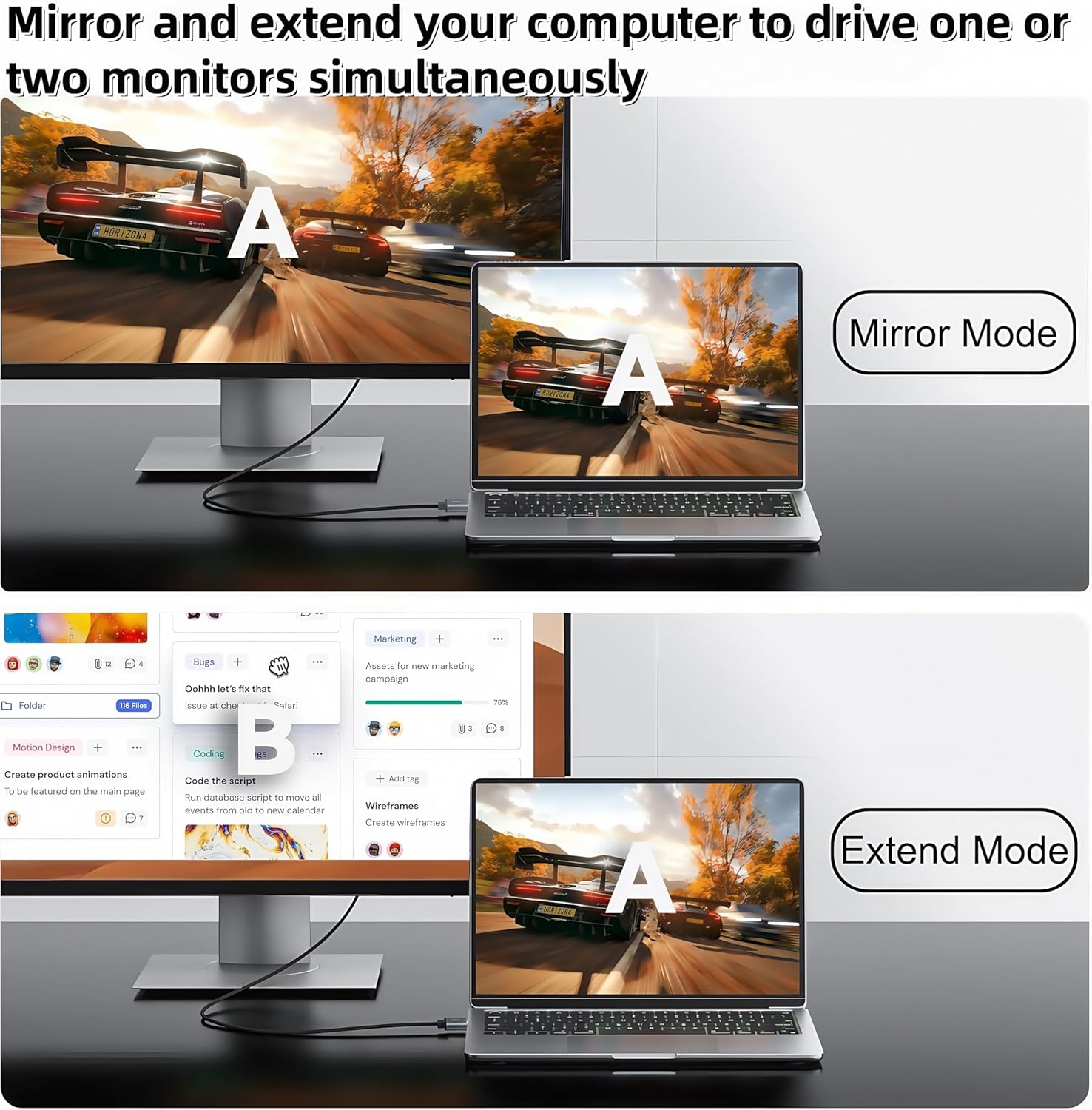
The adapter offers two modes: extend mode for multi-tasking across screens and mirror mode for displaying your laptop screen on a larger display. In practice, this can help with video conferencing, training sessions or presenting content to a group. The connection aims to deliver stable signal transmission and a clear picture, but the actual image quality might be influenced by the host device’s GPU and the length of the cable. A 3-metre length provides reasonable flexibility for typical desk setups, though longer runs can introduce signal degradation in some configurations.
What to consider before you buy
If you prioritise a tidy desk and a straightforward one-way connection from USB to HDMI, this cable offers a neat solution without extra HDMI cables. However, bear in mind the one-way nature and the need to install drivers. If you rely on quick plug-and-play with many devices or you need bidirectional display features, this solution may not be the best fit. Also, if your main use involves charging devices or moving large files, you’ll want to look elsewhere.
Practical use example
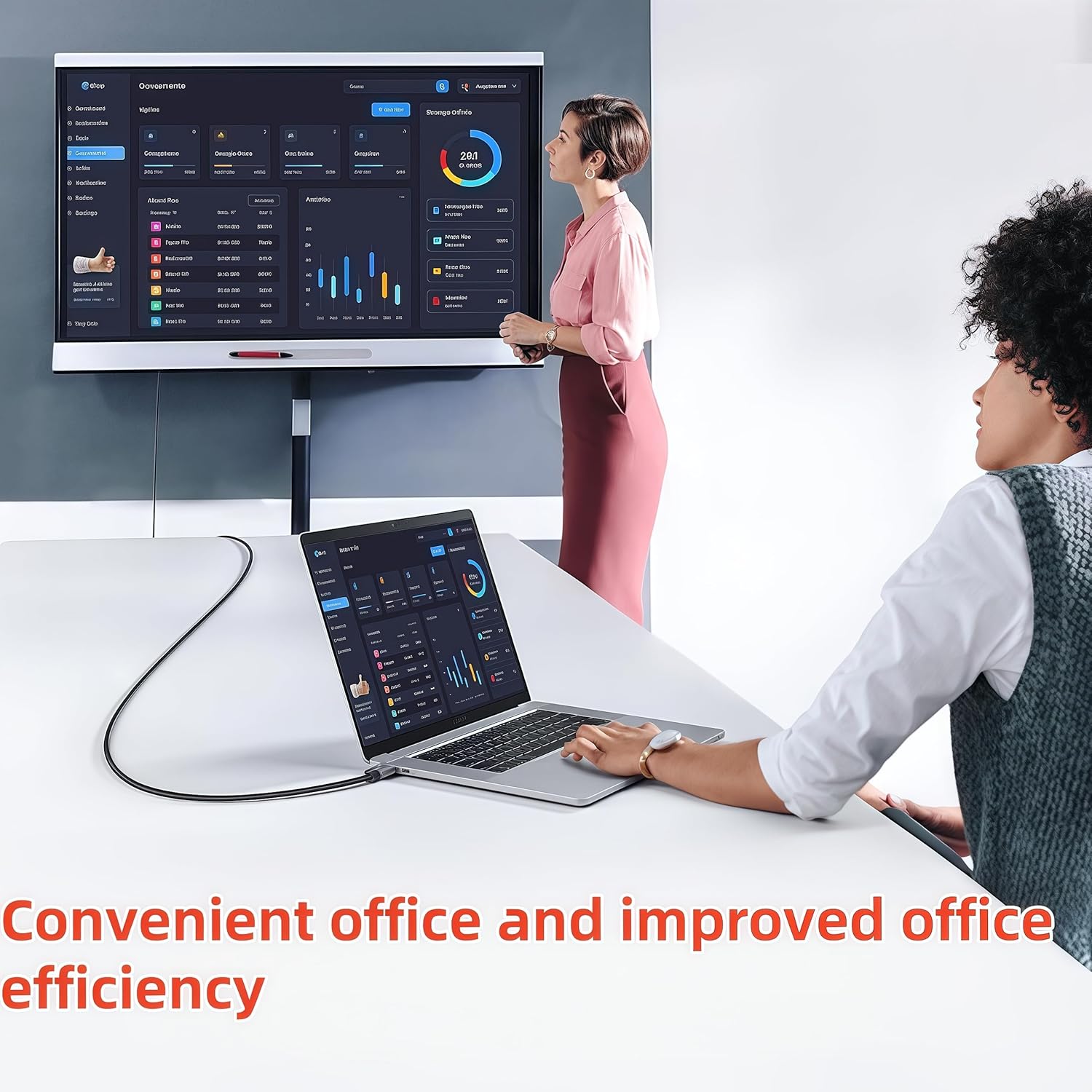
Imagine you’re giving a quick training session and need to project your laptop screen to a larger display. You connect the USB to HDMI cable to your laptop, install the driver as prompted, and choose mirror or extend mode using Windows shortcuts (WIN+P). The result is a larger, legible display suitable for a small group, without rummaging for extra cables.
What stands out and what may fall short
On the plus side, the built-in drivers simplify setup, and the 3-metre cable length provides flexibility. It’s a practical, low-friction option for occasional presentations or home office use. On the downside, the requirement to install drivers might add a step for some users, and performance can vary depending on system load and the specific display being used. If you need audio via HDMI as part of the same cable, note that the base description focuses on video transmission, you may need to confirm audio handling with your specific setup.
Technical snapshot (brief)
- Type: USB-A to HDMI (one-way) video adapter with built-in drivers
- Video output: HDMI, up to 1080p
- Cable length: 3 m
- OS compatibility: Windows 11/10/8.1/8/7, Mac
- Use case: Extend or mirror a laptop/desktop display to a monitor, projector or HDTV
FAQ (if applicable)
- Do I need an external power source? The description does not specify, so power needs are typically supplied by the USB port, verify with your device.
- Can I use this to charge my laptop? No, it is stated for video transmission only, not charging.
- Will audio pass through to HDMI? The primary focus is video, check your device and driver setup for audio support if needed.
Is it worth it?
It’s worth considering if you need a simple, dedicated USB-to-HDMI solution for occasional extended or mirrored display on a laptop or desktop, and you’re comfortable installing drivers. It’s less ideal if you require plug-and-play across diverse devices, need bidirectional display, or rely on USB 3.0 ports on non-traditional devices.