

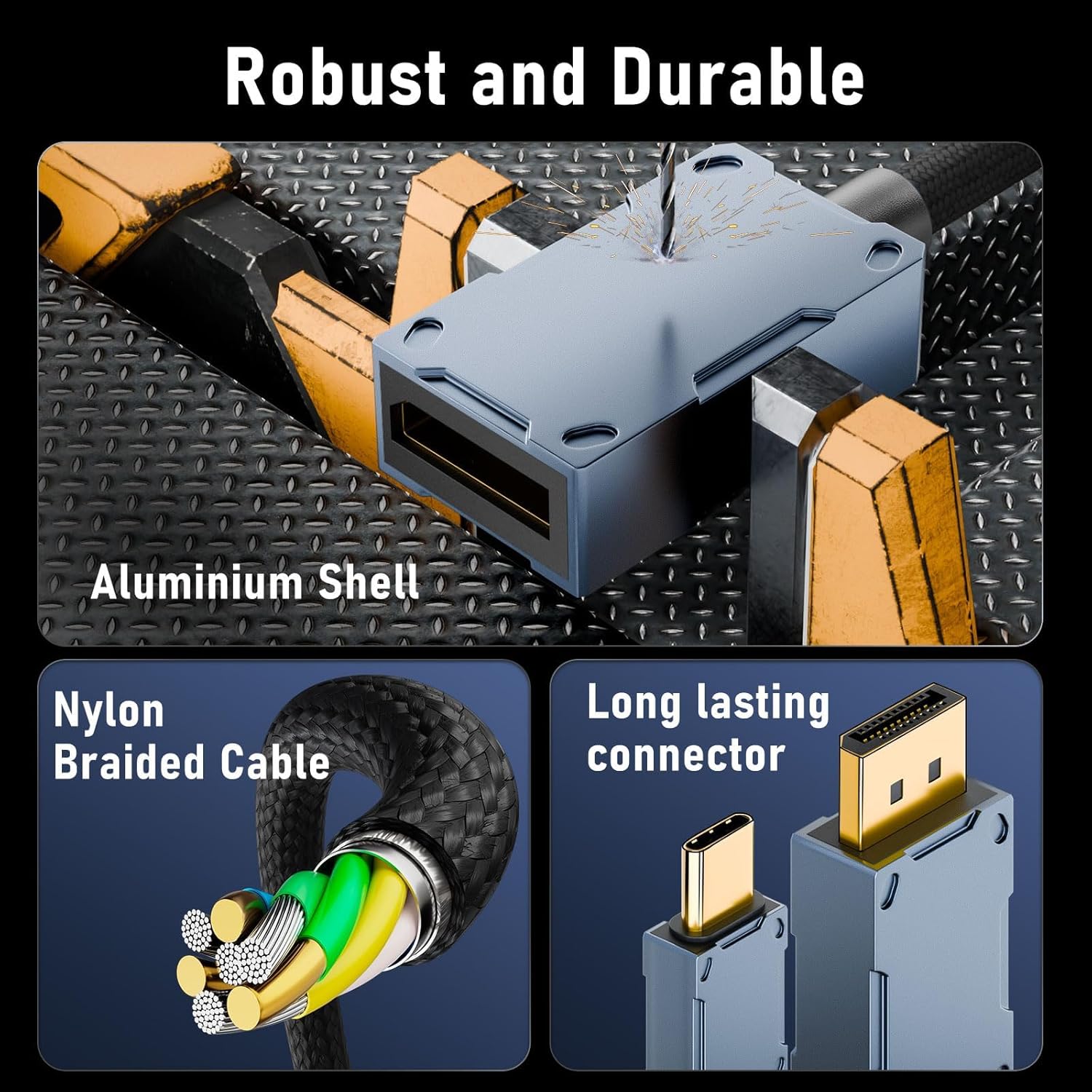
USB-C to DisplayPort 2.1 Cable (80Gbps) – 16K@30Hz, 8K@120Hz, 4K@240Hz, Thunderbolt 4/3 compatible – 2m/6.6ft
Product description
What it is and what you’re using it for
This USB-C to DisplayPort 2.1 cable is designed to connect a USB-C (or Thunderbolt) source to a DisplayPort monitor, with support for very high bandwidth modes (80Gbps is the headline). On paper, it’s built for people who want the higher-spec display options you tend to see with modern 4K high refresh panels, and it also claims support for features around HDR handling.
If your setup is more “desk and gaming monitor” than “basic office screen”, this kind of cable can matter. It’s essentially a bridge between your laptop/phone/tablet and a DisplayPort display, so your ability to get the resolution and refresh rates you want will depend mostly on what the USB-C/Thunderbolt port on your source device can output.
Key takeaways for decision-making
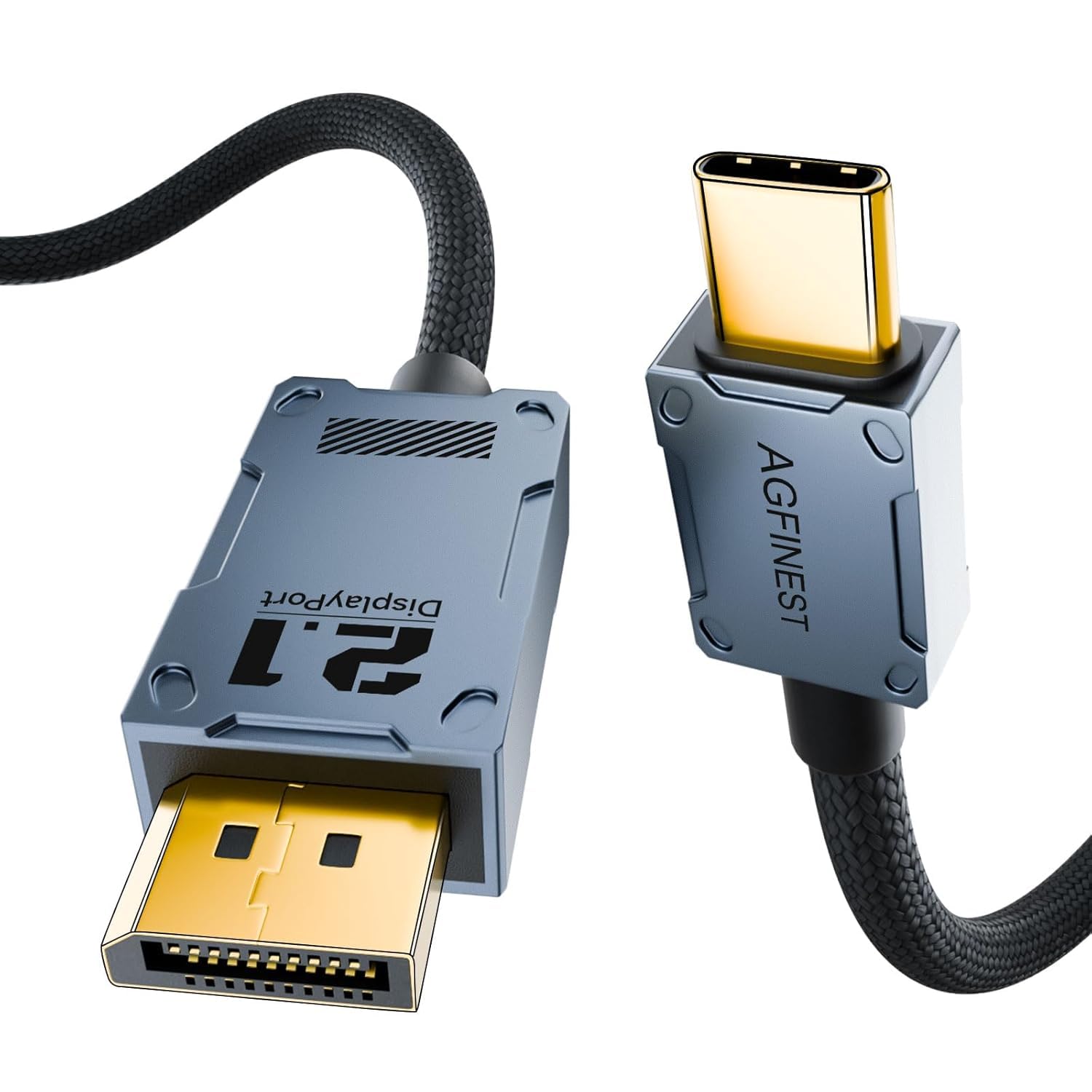
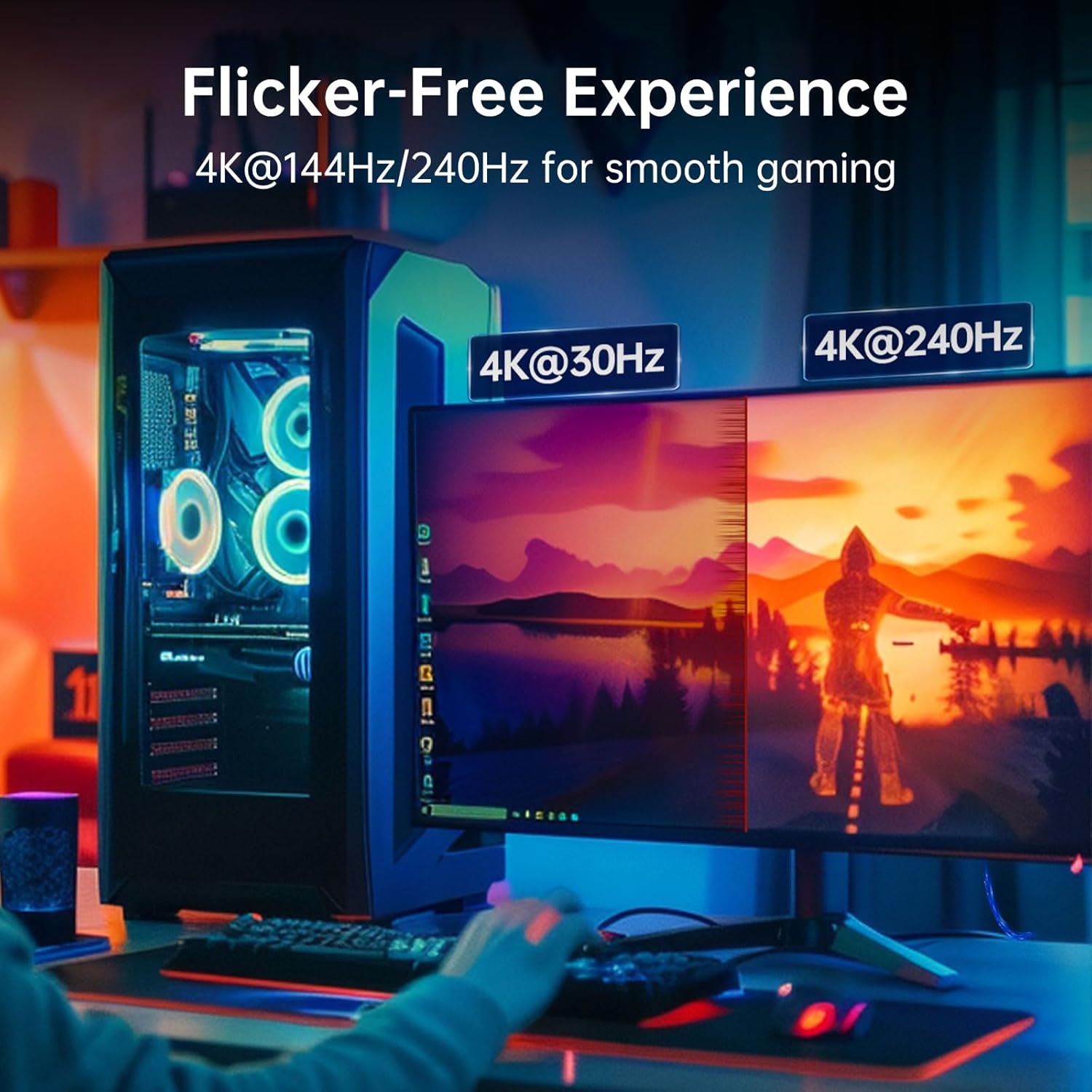
The standout element here is the spec promise: up to 16K@30Hz, 8K@120Hz and 4K@240Hz, plus 80Gbps bandwidth. That’s the sort of range you’d buy for if you’re aiming to run higher refresh gaming or want a cable that’s less likely to feel like the weak link later.
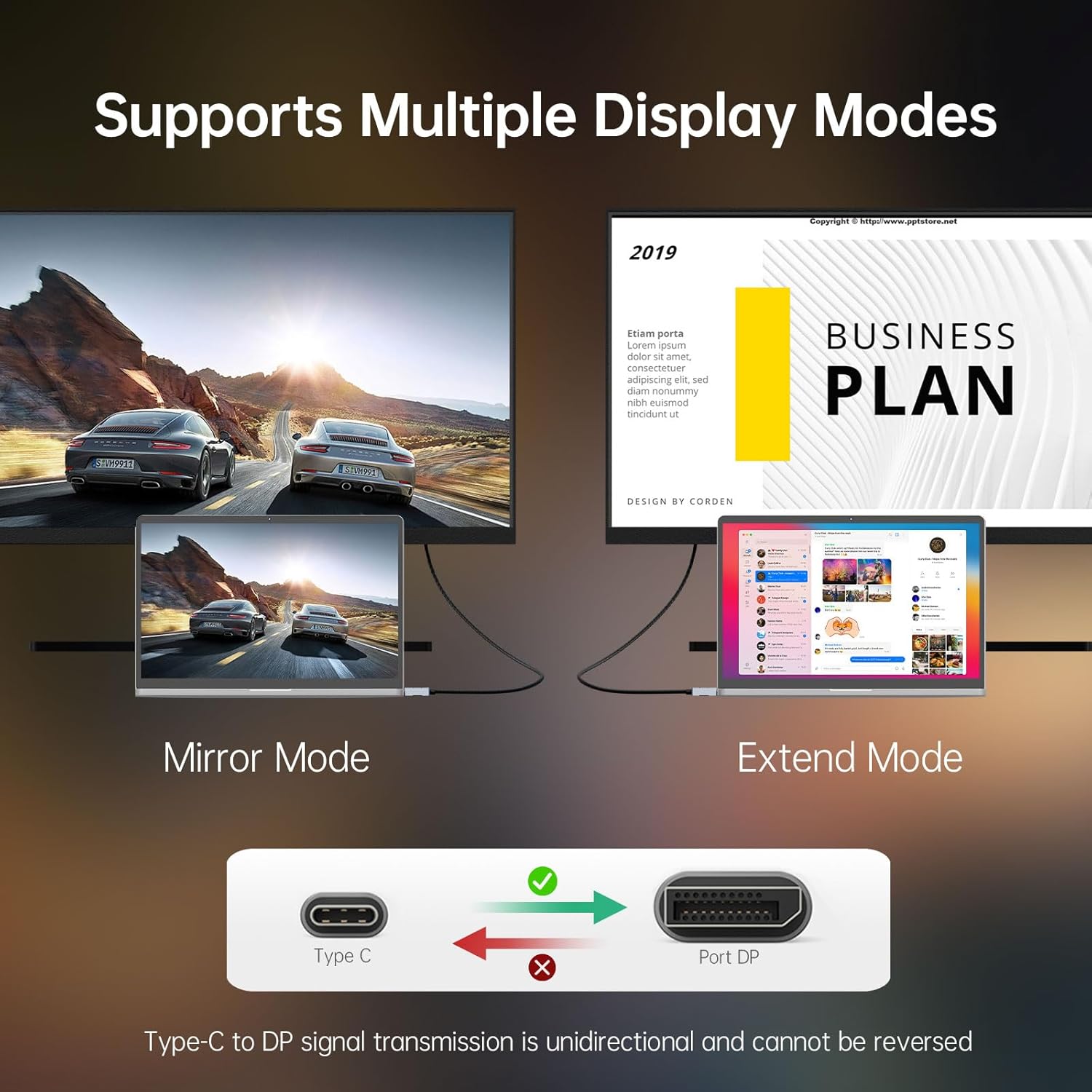
That said, there’s an important limitation baked into the description: it only supports a USB‑C source going to a DisplayPort display. In other words, it’s not a two-way adapter cable—don’t expect it to work in reverse.
Also, the cable is described as plug and play with no driver, but you still need your USB‑C device to support DisplayPort Alt Mode. If it doesn’t, you may end up with “it doesn’t detect the monitor” rather than a neat high-spec output.
Where it fits best
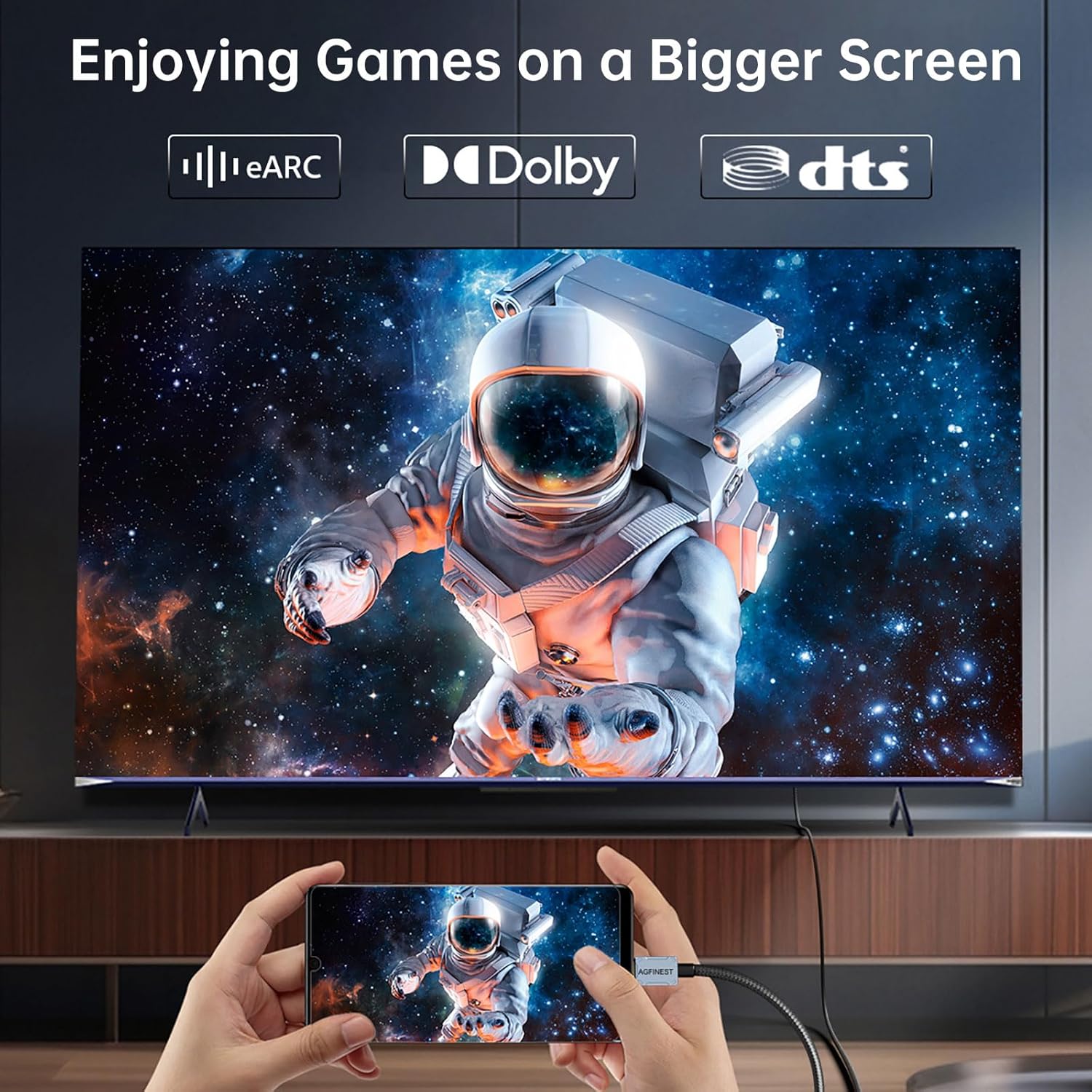
This cable is positioned for gamers, creators and power users, specifically for high refresh 4K monitor use and multi-screen office work. The description also calls out technologies and behaviours that are relevant when you’re trying to keep visuals stable during long sessions.
A practical example: imagine you’re docking your laptop to a DisplayPort gaming monitor for late-night play. If you’re chasing sharp, tear-free motion and fewer signal interruptions, a cable that supports the listed HDR-related and variable refresh features (as described) is the kind of thing you’d want in place. It won’t fix everything (your GPU and monitor settings still matter), but it helps avoid the “bad cable” suspicion.
What stands out in day-to-day use
The “smooth HDR image without flicker” claim is tied to support for dynamic HDR and features including DSC and FEC, alongside variable refresh technology support such as G Sync and FreeSync. The description also notes fewer black screens and signal drops “even in long sessions”, which is exactly the sort of complaint people tend to have when their cable/signal chain isn’t coping.

Worth noting: these are claims, not independent test results in the information provided. So treat them as what the cable is intended to do, and check compatibility on your specific devices.
Tech specs (as stated)
- Name: USB C to DisplayPort 2.1 Cable
- Type: USB‑C to DisplayPort (unidirectional)
- Format: DisplayPort 2.1 support with claimed bandwidth up to 80Gbps
- Capacity: up to 80Gbps
- Resolution/refresh support (claimed): 16K@30Hz, 8K@120Hz, 4K@240Hz
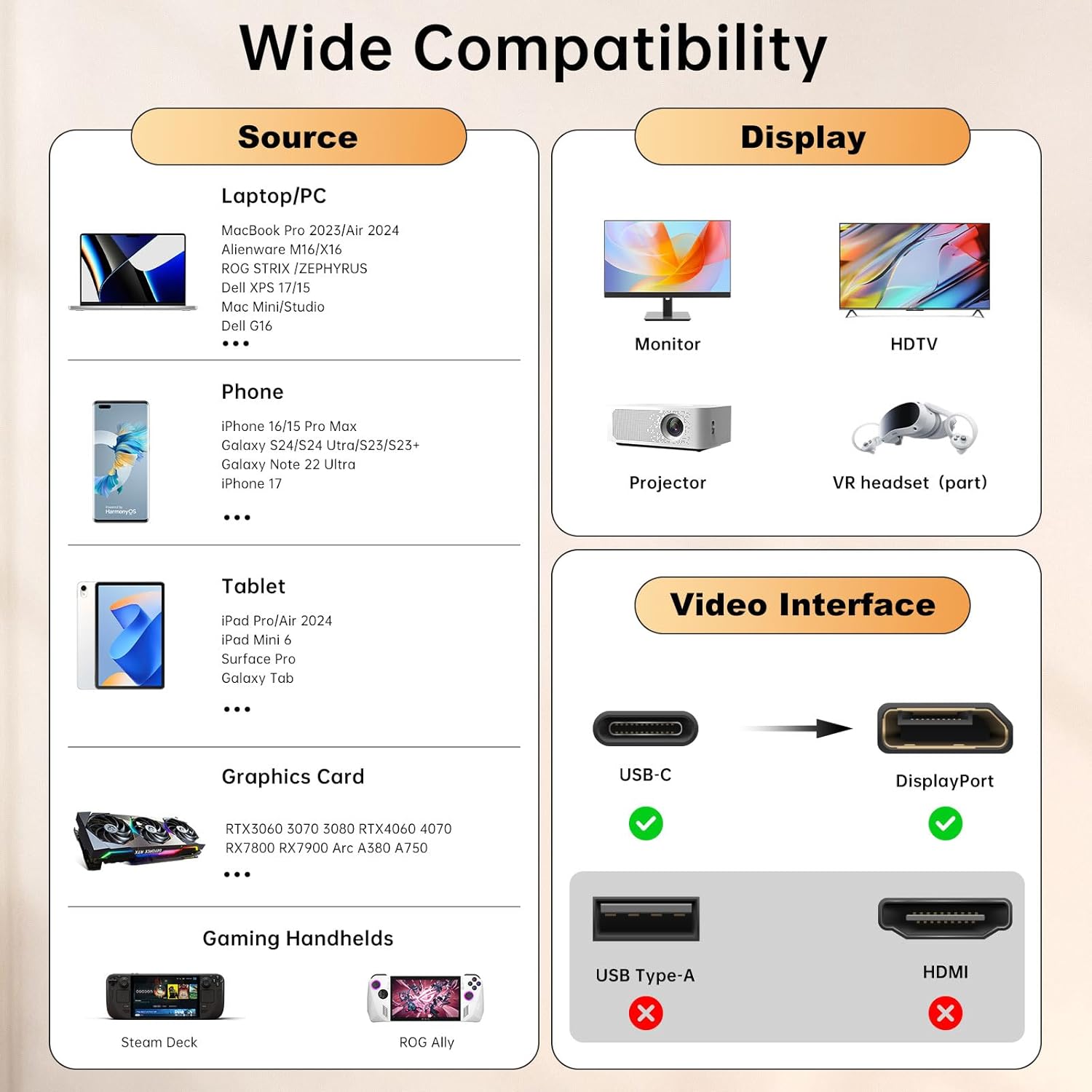
- Compatibility (stated): supports Thunderbolt 4/3 and USB‑C sources that support DisplayPort Alt Mode, backward compatible with DP 2.0/1.4/1.2 displays
Compatibility and requirements
This is the part that can make or break results.
It’s described as working with USB‑C or Thunderbolt ports that support DisplayPort Alt Mode. That includes a list of example devices mentioned in the description (such as MacBook Pro/Air, Mac mini, iPhone models, iPad, Dell XPS, Thinkpad, Surface Pro, and some handheld gaming devices), but the key requirement is Alt Mode support on your specific USB‑C port—not just the brand name.
Also remember the direction: the cable supports USB‑C source → DisplayPort display. If you’re trying to connect the other way around, or use it as a general-purpose bidirectional adapter, you may be disappointed.
Should you buy it? (Final verdict)
Buy it if you want a single-cable, plug-and-play approach to run a USB‑C or Thunderbolt 4/3 source into a DisplayPort monitor, and you’re specifically interested in the high-bandwidth/High refresh + HDR-oriented spec set described (80Gbps, 4K up to 240Hz on paper). It also suits people keeping a home office or gaming setup tidy with longer cable length options mentioned in the title.
Skip it—or at least double-check first—if your USB‑C device doesn’t support DisplayPort Alt Mode. In that scenario, the cable can only do so much, and you may not get the monitor recognition or the performance levels you’re expecting.
It’s a good match if you’re building a modern “laptop to DP monitor” workflow. It’s not the best fit if you need a two-way connection, or if you’re relying on a USB‑C port that can’t output DisplayPort.
Mini FAQ
Does it need a driver?
The description says it’s plug and play with no driver needed, but that assumes your source supports DisplayPort Alt Mode.
Will it work with any USB‑C port?
Not automatically. It’s described as requiring USB‑C DisplayPort Alt Mode support on the source device.
Is the cable two-way?
No, it’s described as unidirectional: USB‑C source to a DisplayPort display.
Will it support older DisplayPort monitors?
It’s stated as backward compatible with DP 2.0/1.4/1.2 displays.