


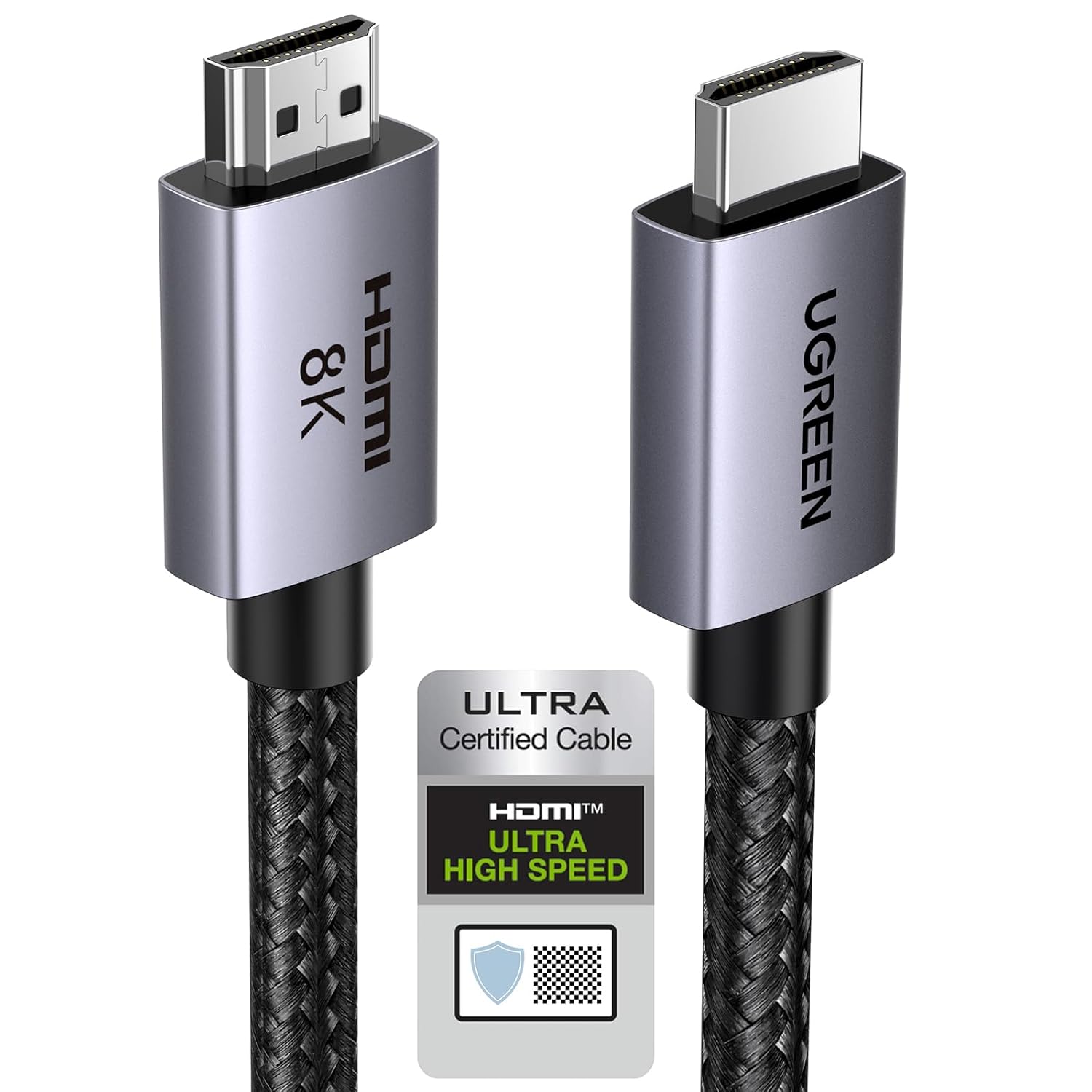
UGREEN HDMI 2.1 Cable 1M — 48Gbps HDMI cable
Reviews
Price
Product description
This HDMI 2.1 cable from UGREEN brings high-bandwidth connectivity for gaming consoles, PCs and AV systems, offering support for up to 8K at 60Hz and 4K at higher refresh rates to enhance both visuals and responsiveness when playing or streaming. It is designed for setups that require eARC, HDR and high frame rates to match modern TVs, soundbars and graphics cards.
Key Points
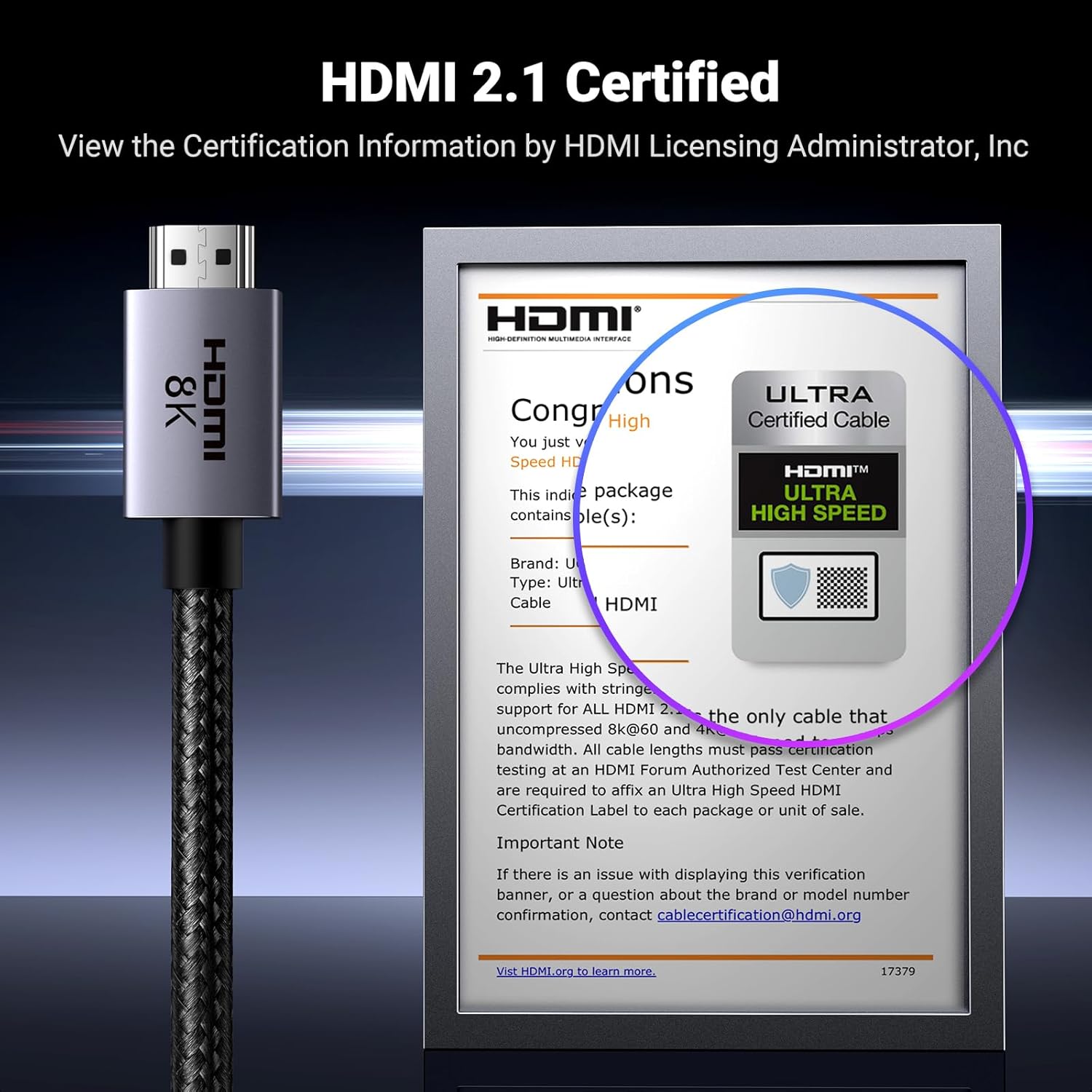
The cable supports a maximum bandwidth of 48 Gbps, enabling 8K@60Hz and 4K at refresh rates such as 240Hz and 120Hz according to the manufacturer. It includes audio return channel functionality with eARC for compatible soundbars and receivers, which helps deliver advanced audio formats like Dolby Atmos and DTS:X with fewer cables. The product also supports features that reduce latency and visual artefacts during gaming, including VRR, QFT and ALLM, helping to provide smoother motion and lower input lag. Durable materials such as an aluminium shell, nickel-plated connectors and a braided nylon jacket are included for longer service life and better signal protection. 🎮📺
Technical Specifications
- Name: UGREEN HDMI 2.1 Cable
- Bandwidth: 48 Gbps
- Supported video: 8K@60Hz, 4K@240Hz, 4K@120Hz, 2K@144Hz, 1080P@240Hz
- Audio and formats: eARC, Dolby Atmos, DTS-HD Master Audio, Dolby TrueHD
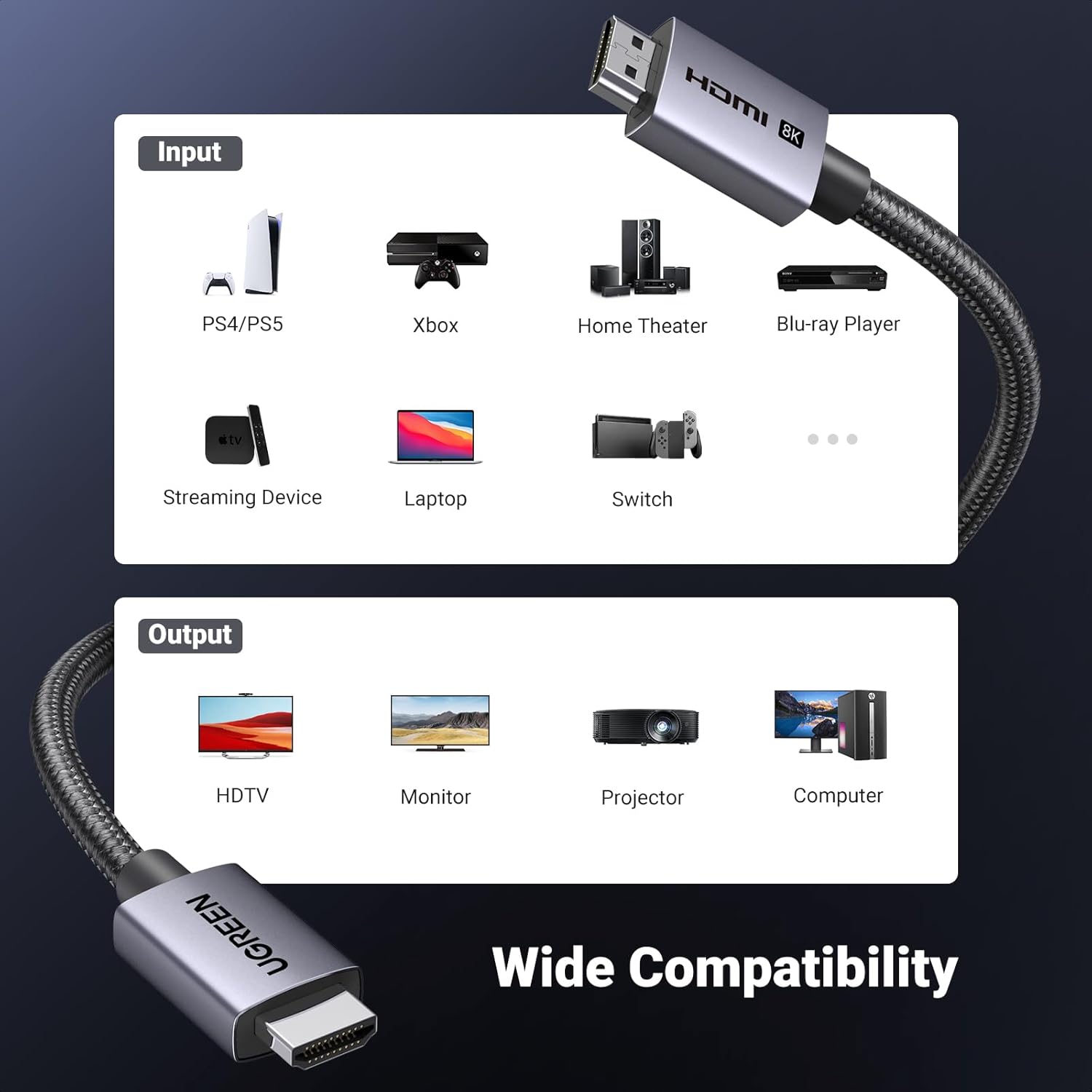
- Compatibility: PS5, Xbox Series X/S, laptops, TVs, soundbars, monitors, PCs
Benefits
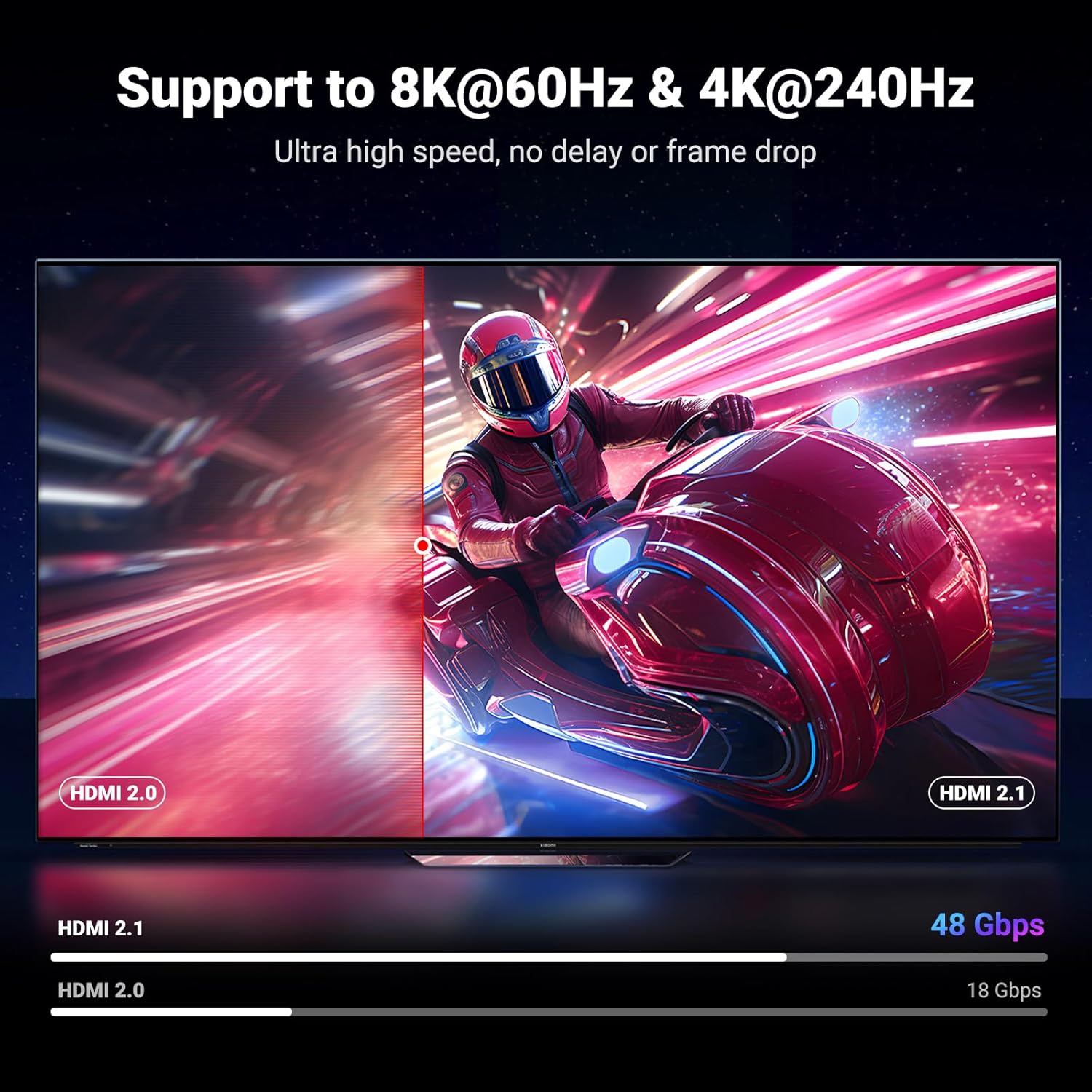

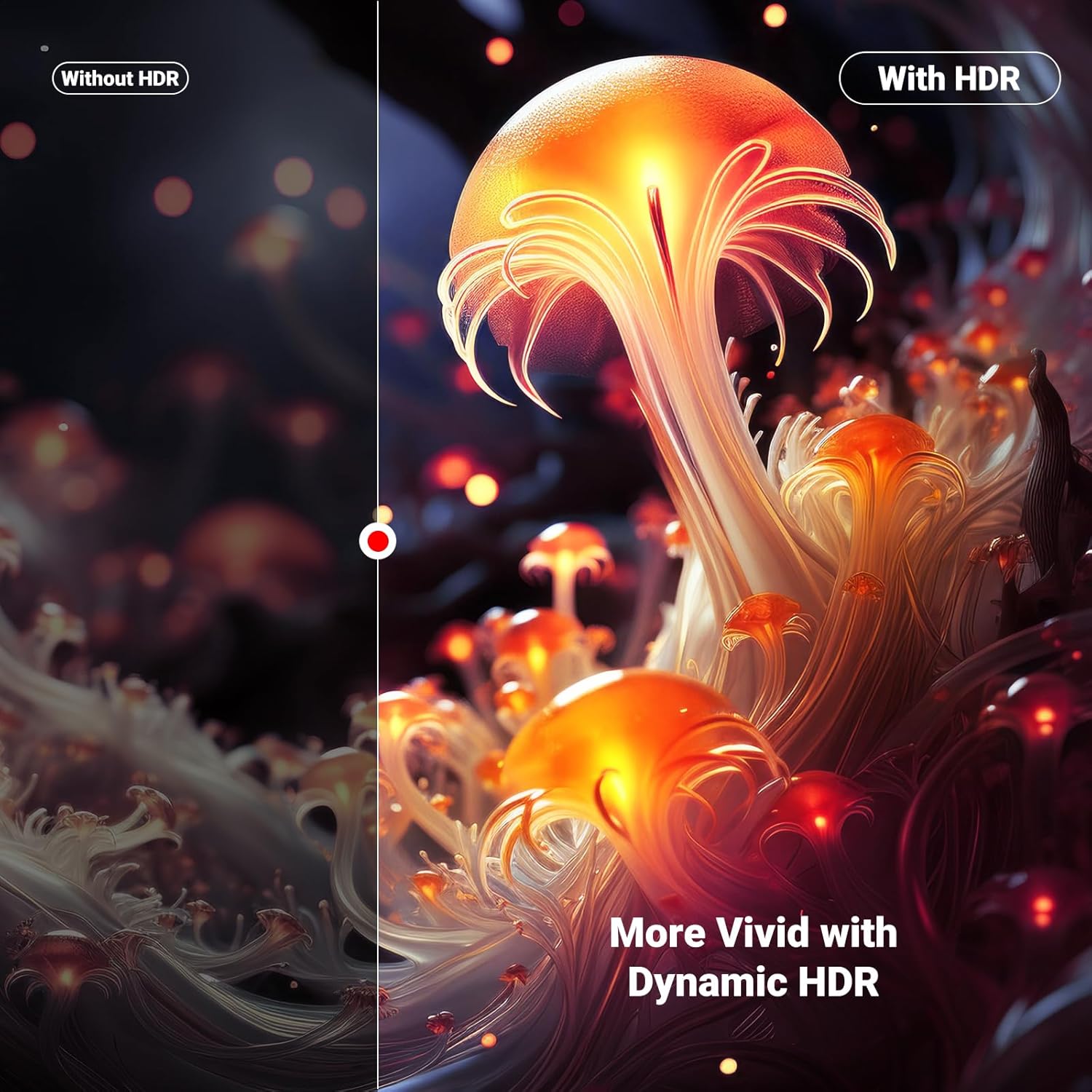
Using this cable can simplify a multi-device living room or gaming desk by consolidating high-resolution video and high-definition audio over a single lead. The support for HDR, both dynamic and static, improves contrast and colour reproduction on compatible displays. For competitive or fast-paced gaming, the combination of high refresh rates and adaptive features helps reduce tearing and stutter, which can make gameplay feel more responsive. Note that the actual experience depends on the source device and display capabilities, according to the manufacturer. 🔊
Usage Recommendations
Run the cable directly between the HDMI output of the source device and the HDMI input of the TV or receiver that supports the required HDMI 2.1 features to get the best results. For setups using eARC, ensure the TV and soundbar or AV receiver both have eARC enabled in their settings. Consider routing the braided cable to avoid sharp bends, and keep firmware on consoles and TVs up to date so features like VRR and ALLM are recognised and activated. ⚙️.