

TP-Link TL-WA1801 AX1800 Access Point 📡
Product description
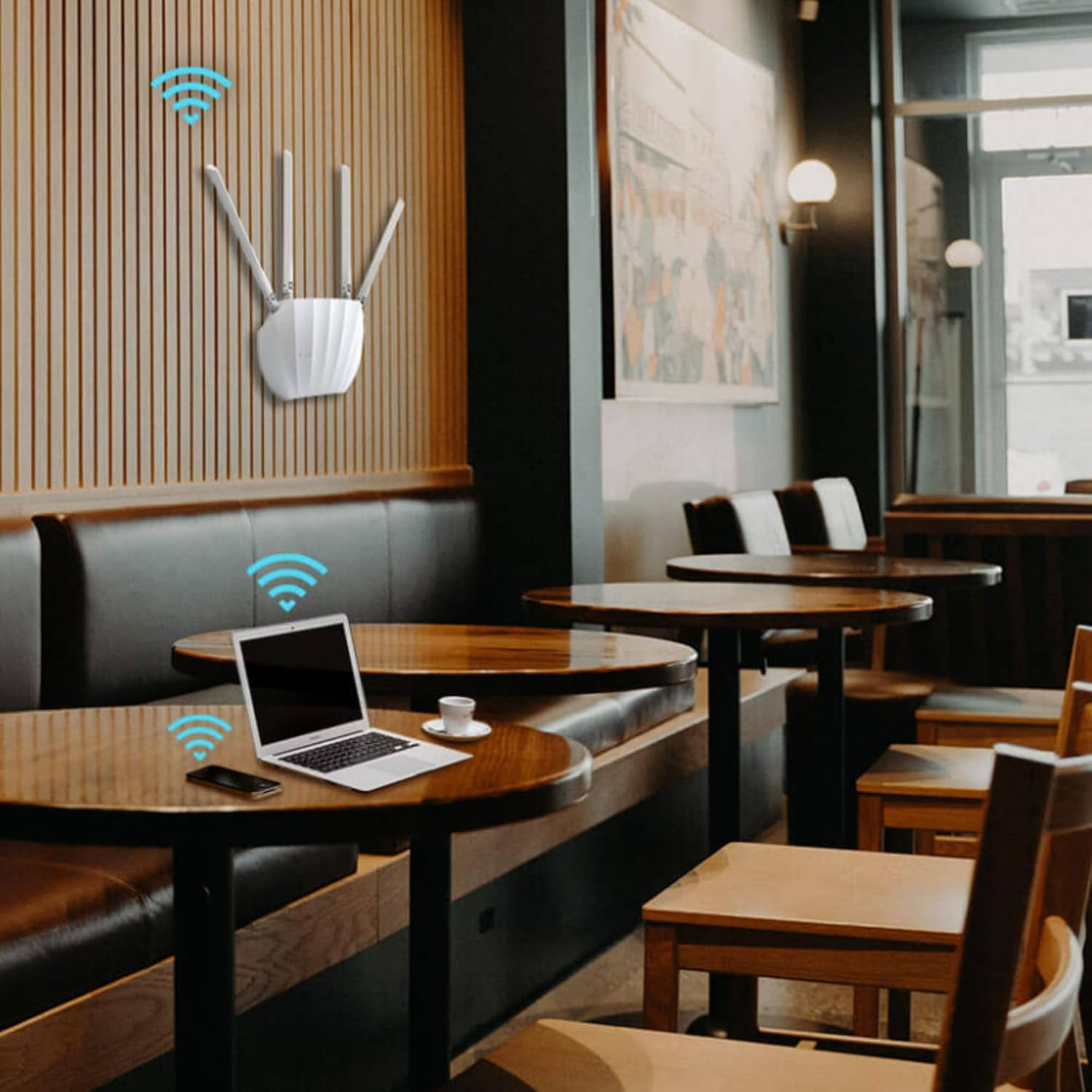
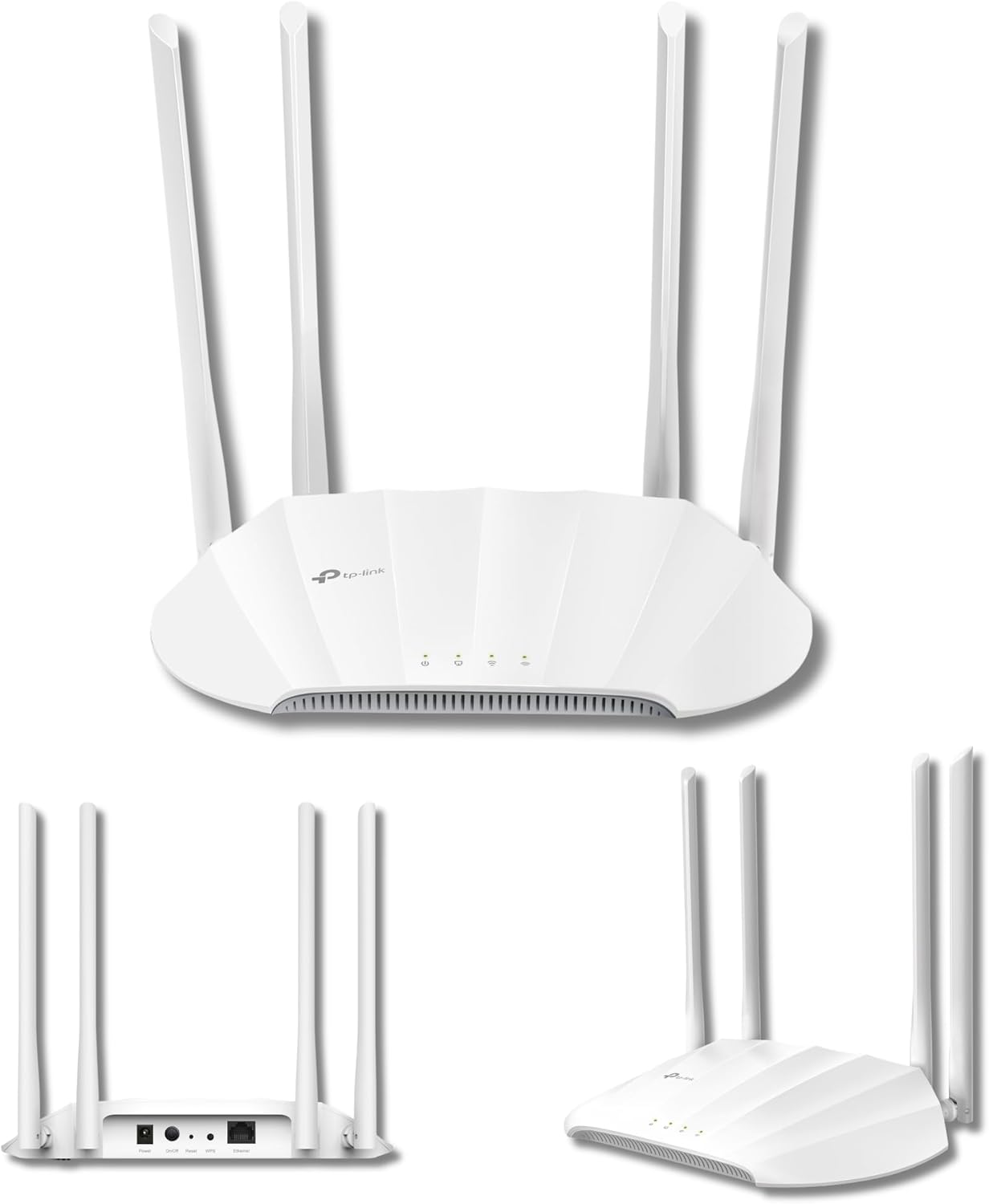
This TP-Link access point delivers faster, more stable Wi‑Fi for homes and small offices, with flexible deployment and extended coverage thanks to Beamforming antennas. It suits setups where multiple users stream, browse and download simultaneously, and it can adapt to different network roles.
Key features
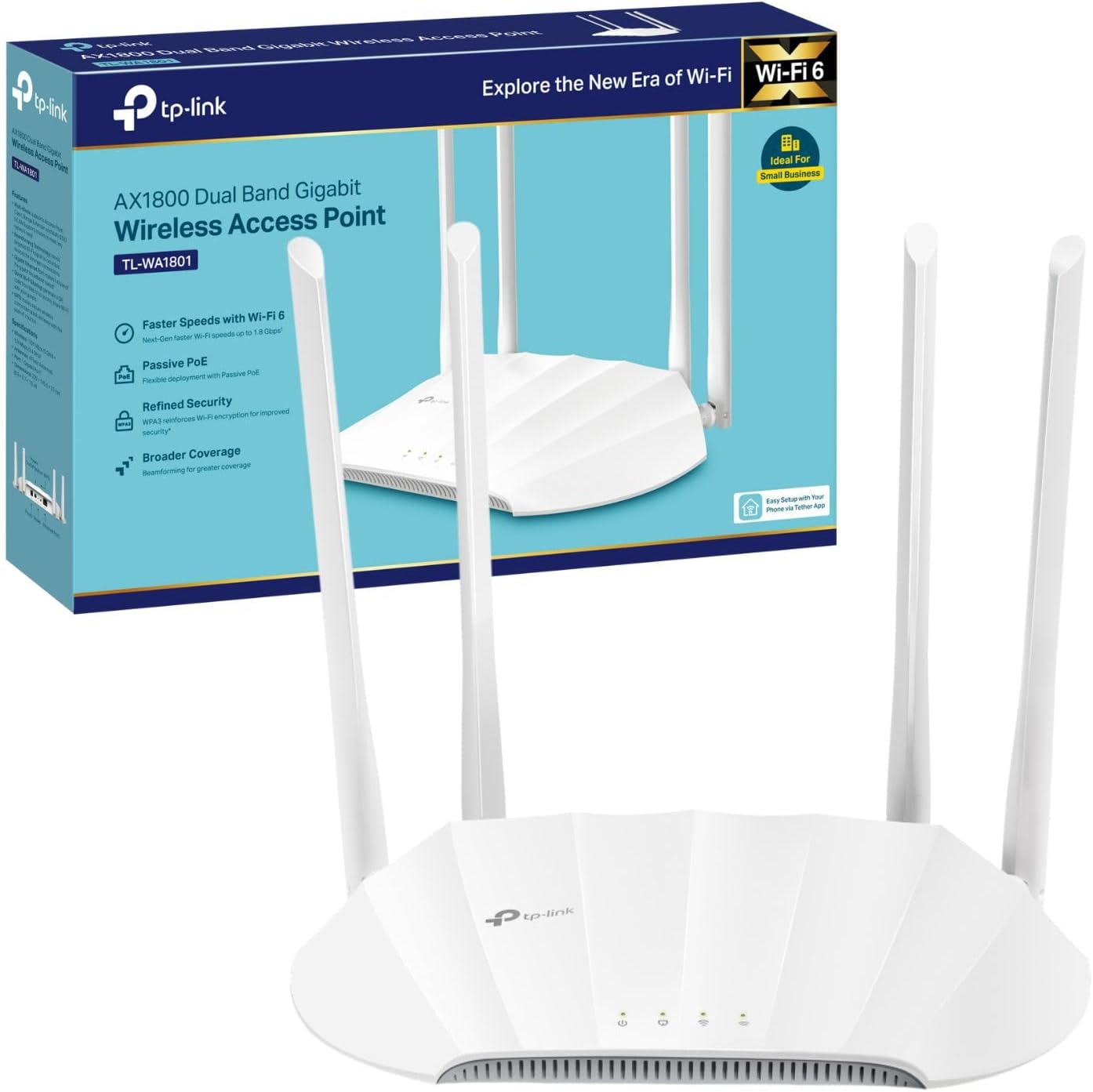
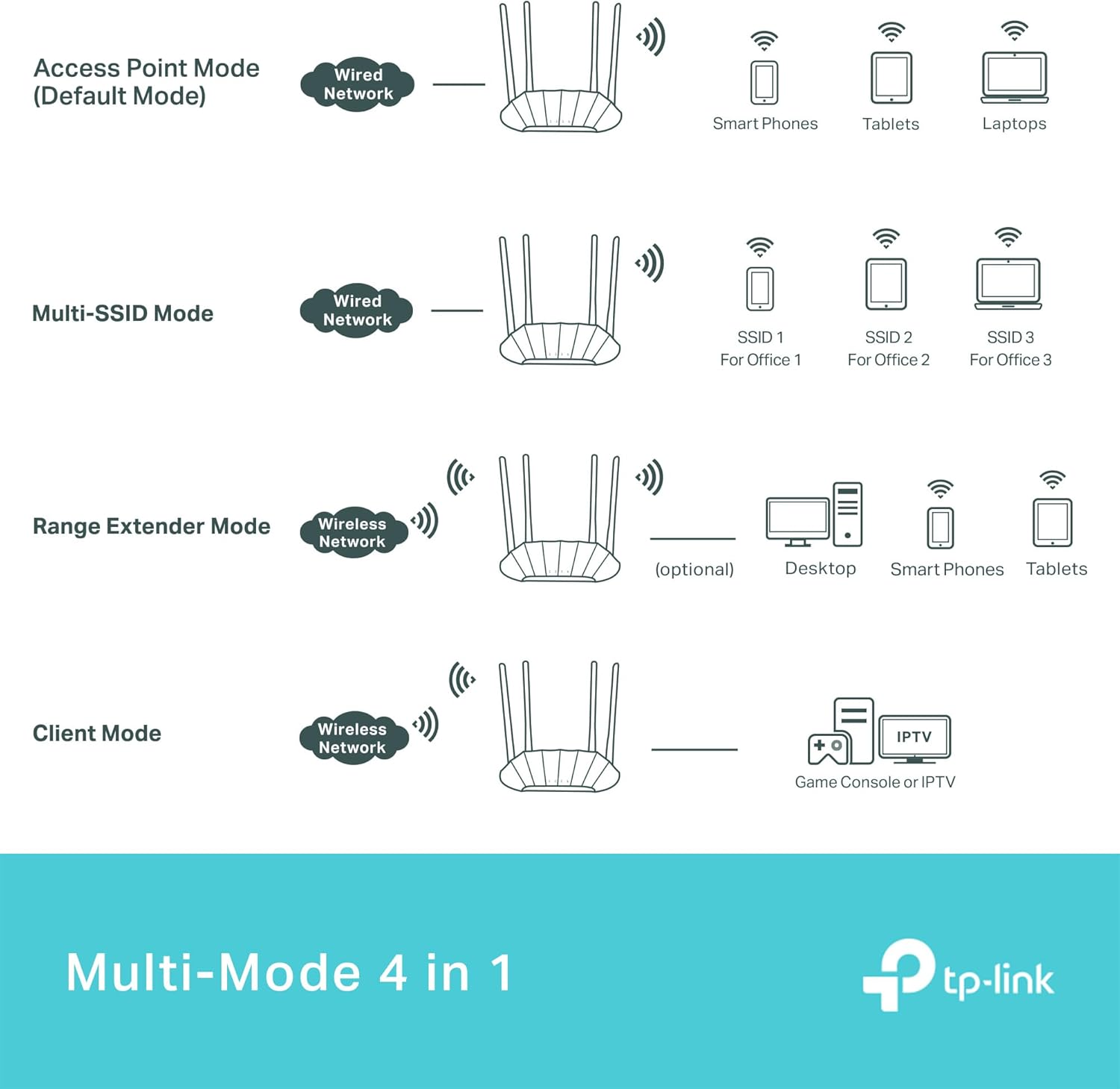
The TL-WA1801 supports Dual Band AX1800 speeds for smoother simultaneous connections, and it includes Passive PoE for easier placement where power outlets are limited. If you prioritise flexible installation you will appreciate the multiple operation modes, if you prefer simple expansion the range extender function helps cover blind spots. The device also supports WPA3 security and a captive portal for controlled guest access, useful in small business environments or shared spaces. 📶
Tech specs
- Name: TP-Link TL-WA1801 Access Point
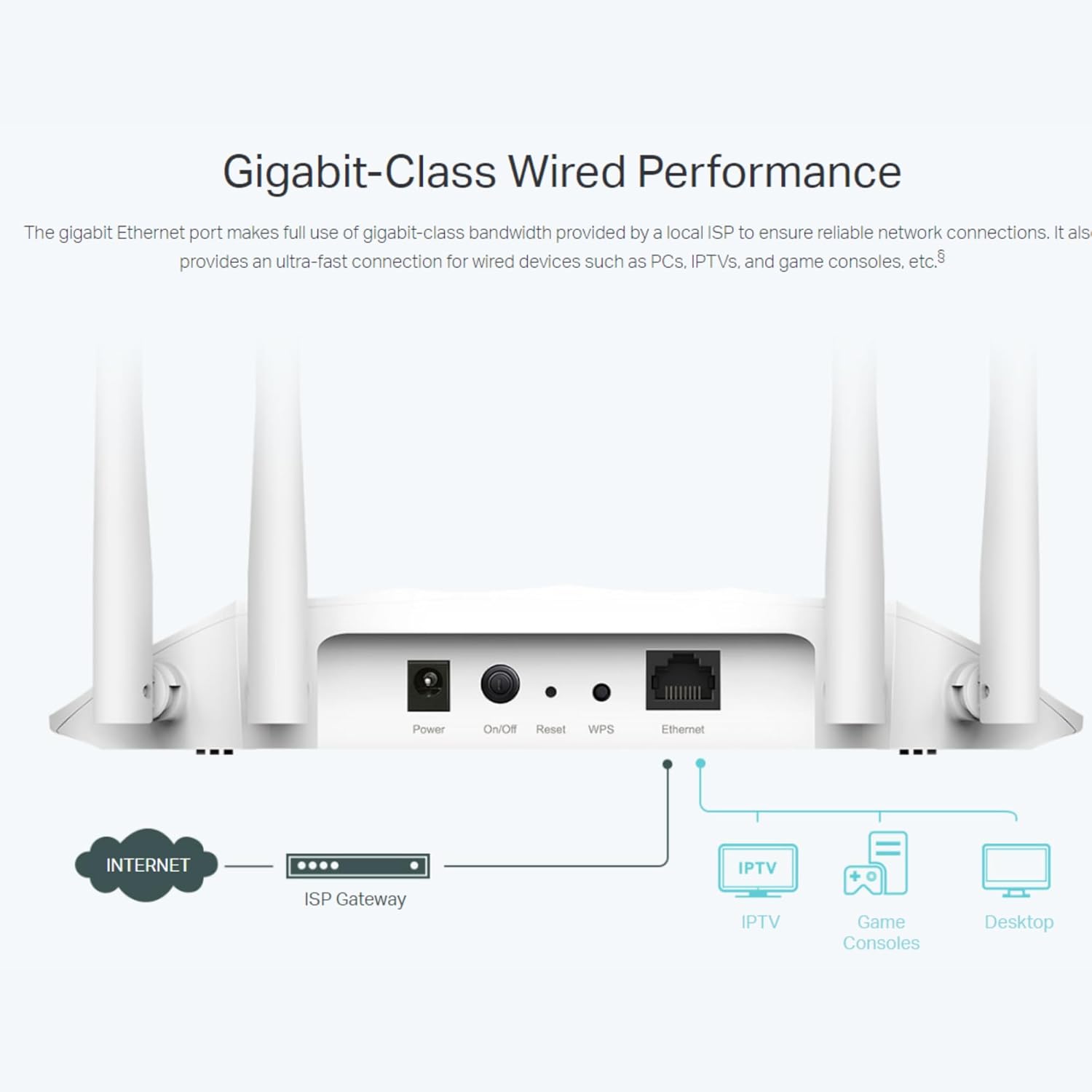
- Connectivity: Dual Band Wi‑Fi 6, Gigabit Ethernet
- Speed: AX1800Mbps
- Power: Passive PoE
- Security: WPA3
What you’ll notice day to day
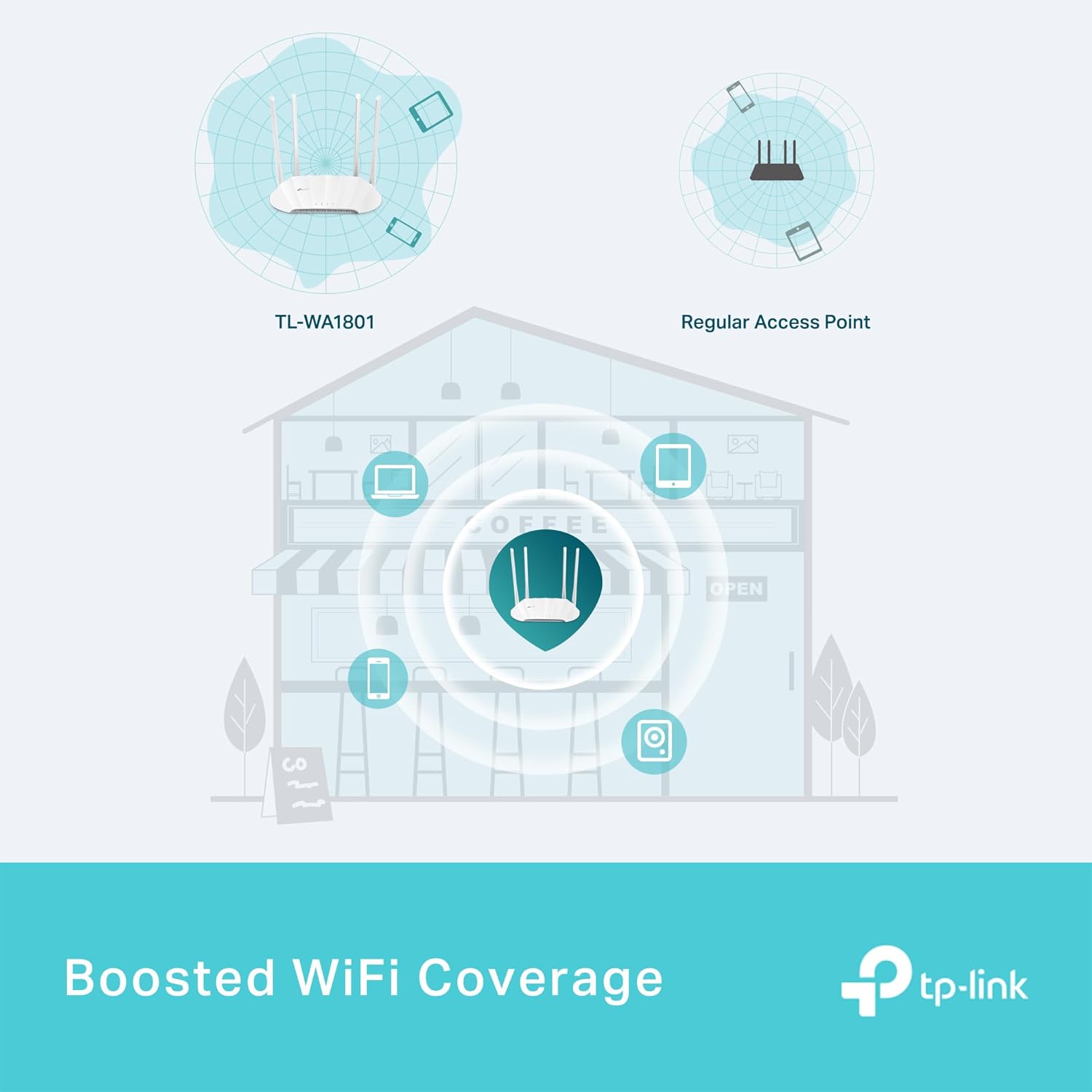
Setup is straightforward with easy configuration options and a captive portal for guest management. Wireless performance is more consistent thanks to four fixed antennas with Beamforming technology, which focuses signal where it is needed. Routine use brings fewer dropouts and better coverage across rooms, though overall range will depend on building layout and materials.
Getting the most from it
Place the unit centrally and, where possible, use the Passive PoE option to avoid trailing cables. For mixed usage with many devices, enable multi‑SSID and segment traffic to keep guest access separate from main devices. Keep firmware updated according to manufacturer guidance to maintain security and stability.