

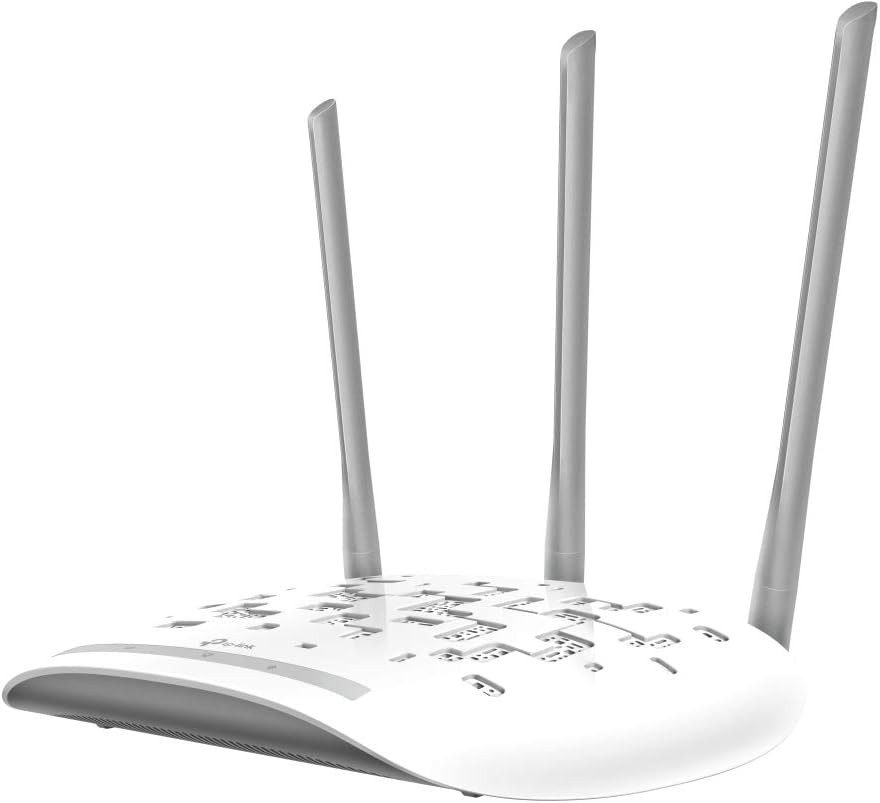
TP-Link TL-WA1201 AC1200 Dual-Band Access Point with Passive PoE
Product description
The essentials
The TP-Link TL-WA1201 is a dual-band Wi‑Fi 5 access point designed to improve coverage and add flexibility to a home or small office network. On paper it focuses on practical expansion: you can use it as an access point, push it into range-extender style behaviour, split networks with Multi‑SSID, or even operate it in client mode depending on how you want to wire things up.
It’s also one of those units where the “deployment” details matter as much as the Wi‑Fi spec. The inclusion of Passive PoE support is a big part of its appeal because it allows power and data over the same Ethernet run (helpful when you can’t easily reach a power socket near the best spot for Wi‑Fi coverage). That said, PoE isn’t magic—if you don’t plan the placement and cabling, the benefits can feel less obvious.
Key features that affect everyday use
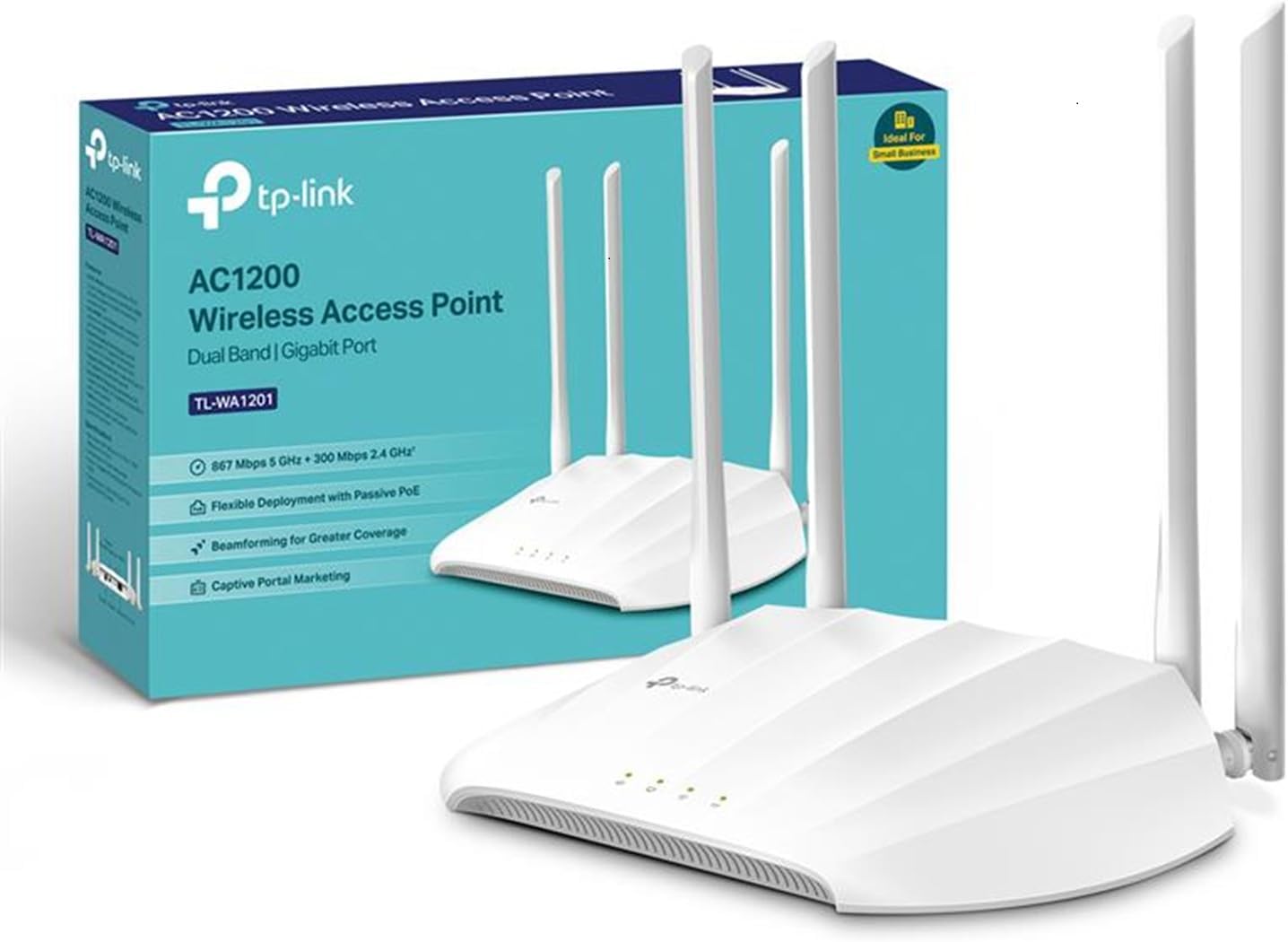
Where this model tries to stand out is in the combination of coverage and multi-device handling. Beamforming is included via four fixed antennas, which is intended to concentrate Wi‑Fi signals towards connected devices rather than just blasting in all directions. If your problem is “the signal drops off in the far room” rather than slow speeds everywhere, boosted coverage features like this are often the most noticeable.
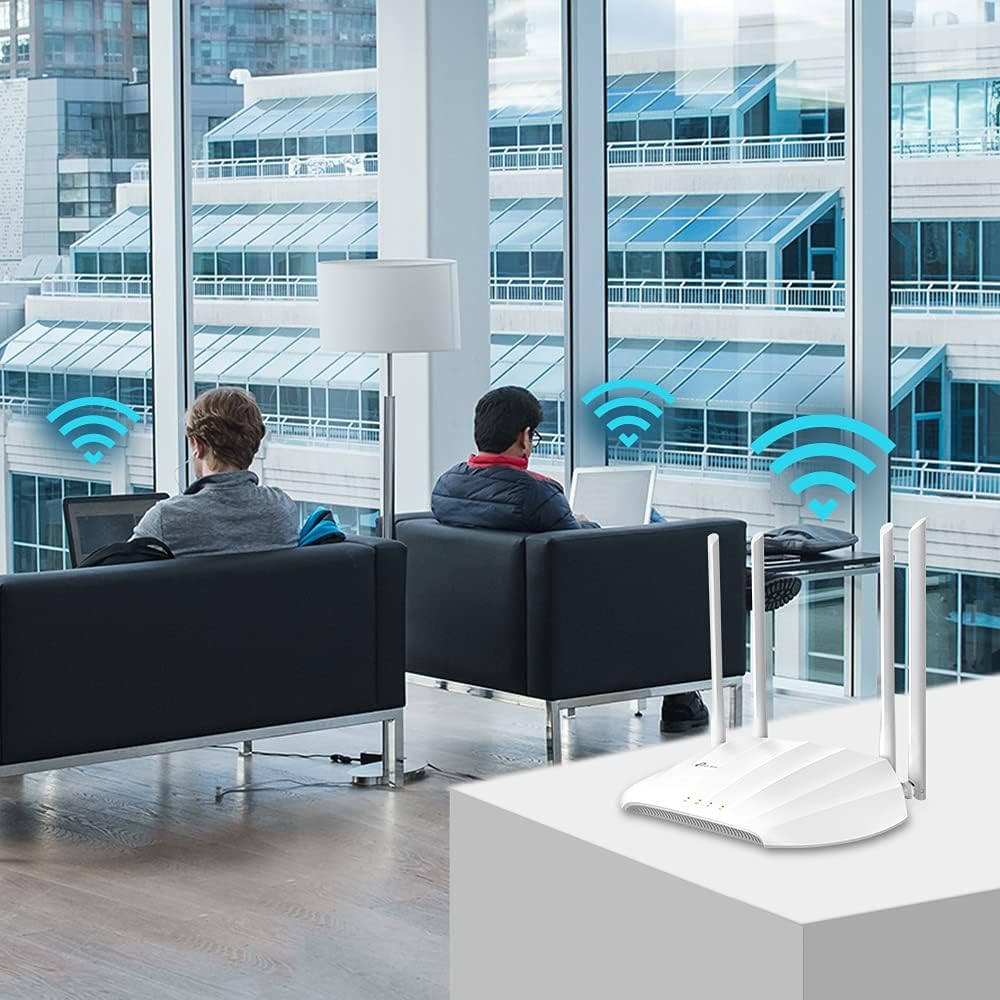
The unit also mentions MU‑MIMO (simultaneous transfers to multiple devices). That doesn’t automatically mean “twice as fast” in every real-world situation, but it does align with modern household usage—multiple phones, laptops, streaming boxes and smart devices sharing the same Wi‑Fi at once. If your Wi‑Fi feels especially busy during evenings, this is the type of feature set that can help.
Another practical inclusion is Multi‑SSID support. In plain terms, that’s useful if you want to separate networks—for example, one for everyday devices and another for guests. Finally, it includes a captive portal page designed for heightened security and marketing. Just bear in mind this is more relevant if you’re thinking about controlled access (such as visitors) rather than typical “set and forget” home networking.
Tech specs (what’s stated in the listing)
- Type: Dual-band AC1200 access point
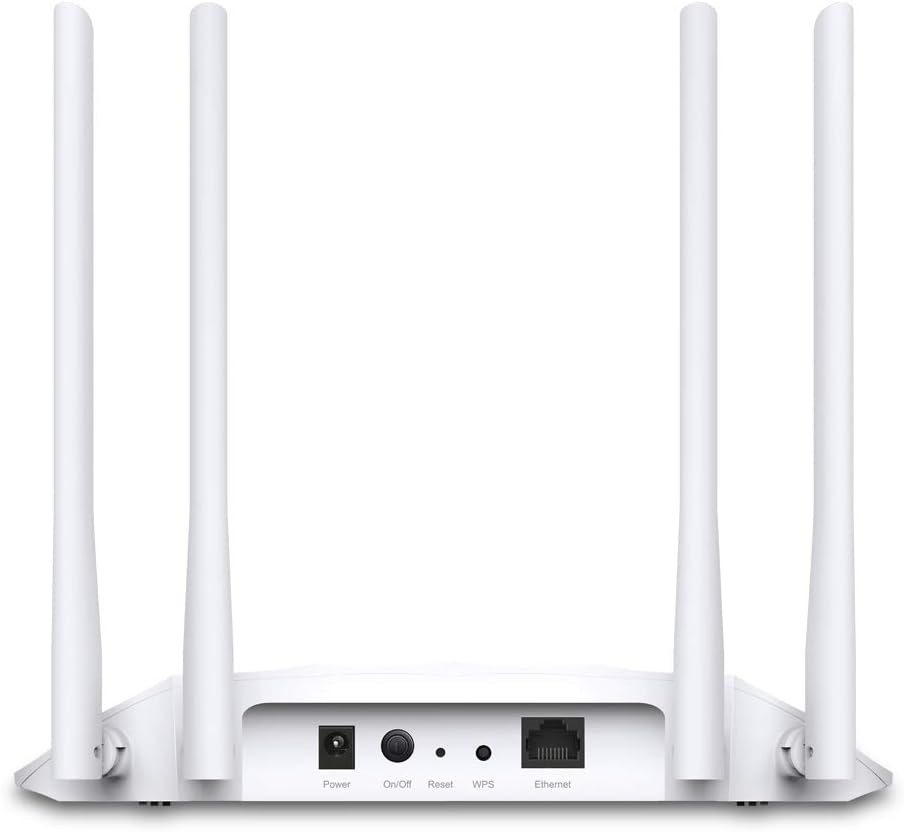
- Passive PoE: Supported (power and data over the same Ethernet cable)
- Ports for wired devices: Gigabit Ethernet port
- Antennas: Four fixed antennas with beamforming technology
- Wi‑Fi features mentioned: MU‑MIMO, multi-SSID, captive portal
- Supported modes: Access Point, Range Extender, Multi‑SSID, Client modes
Installation and setup: where Passive PoE helps (and where it doesn’t)
A typical use case is placing the access point higher up, near the middle of your property, or in a hallway spot where you can’t easily power a router-like device. With Passive PoE, you can run one Ethernet cable to the TL‑WA1201 and power it through the same line—so the unit can live in the location that gives better signal, not just the location where a plug happens to be.
That said, it’s worth thinking about the realities of PoE before you buy: you’ll need a compatible PoE setup for Passive PoE power delivery. If your current network gear doesn’t support that, you may end up needing additional equipment or a different arrangement to benefit from the “one cable” idea.

Pros and cons to weigh up
What stands out - Flexible operation: Access Point, Range Extender, and Client modes give you options when your network layout isn’t straightforward. - Coverage-focused design: Beamforming from four fixed antennas is aimed at improving signal quality where it matters. - MU‑MIMO for multi-device homes: useful when lots of devices share the same connection. - Gigabit port for wired devices, so you can plug in equipment that benefits from Ethernet.
What might feel limiting - It’s an AC1200 (Wi‑Fi 5) class device on the listing, so if you’re specifically chasing the newest Wi‑Fi generation, this may feel like a “medium performance” approach rather than future-proofing. - Captive portal is included, but it’s not something you’ll use day-to-day unless you have a reason to manage access (so it won’t add much for everyone).
Who it suits (and who should look elsewhere)
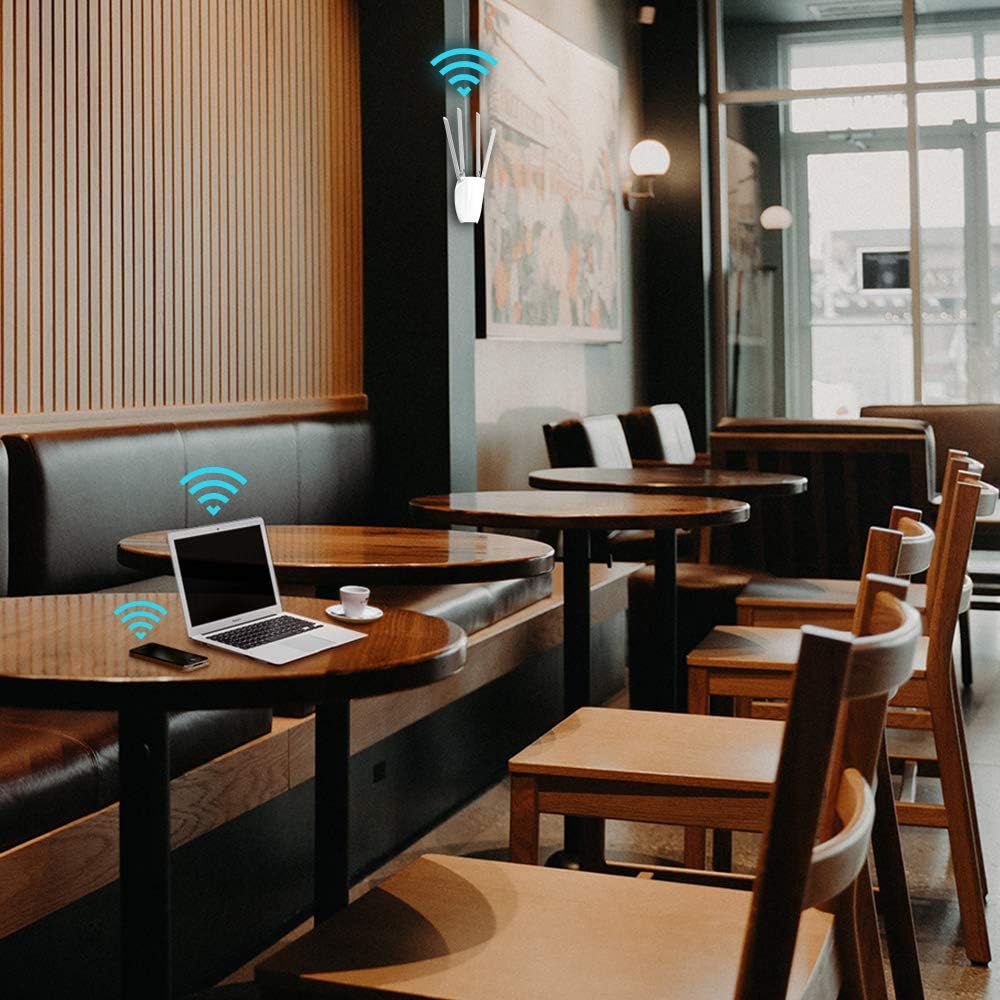
It’s a solid pick if you want a straightforward way to add Wi‑Fi coverage and flexibility around the house or in a small workplace. If you’ve got dead zones, heavy evening usage, or you want separate SSIDs for guests versus personal devices, this model’s feature set lines up well with those goals.
It may not be a great match if your main requirement is the absolute highest wireless throughput with the latest Wi‑Fi standard, or if you’re not planning any cabling work and can’t realistically use the Passive PoE setup. Also, if your network needs are very specific and depend on features not mentioned in the listing, you may want to double-check whether this mode/tooling fits before committing.
Best use cases you can picture
- Coverage boost in a larger home: mount the access point in a central corridor and use beamforming to target devices more effectively.
- Guest network separation: set up multiple SSIDs so visitors don’t share your main network.
- Wired connections where it matters: use the Gigabit Ethernet port to connect a desktop, TV, or network device that benefits from a stable link.
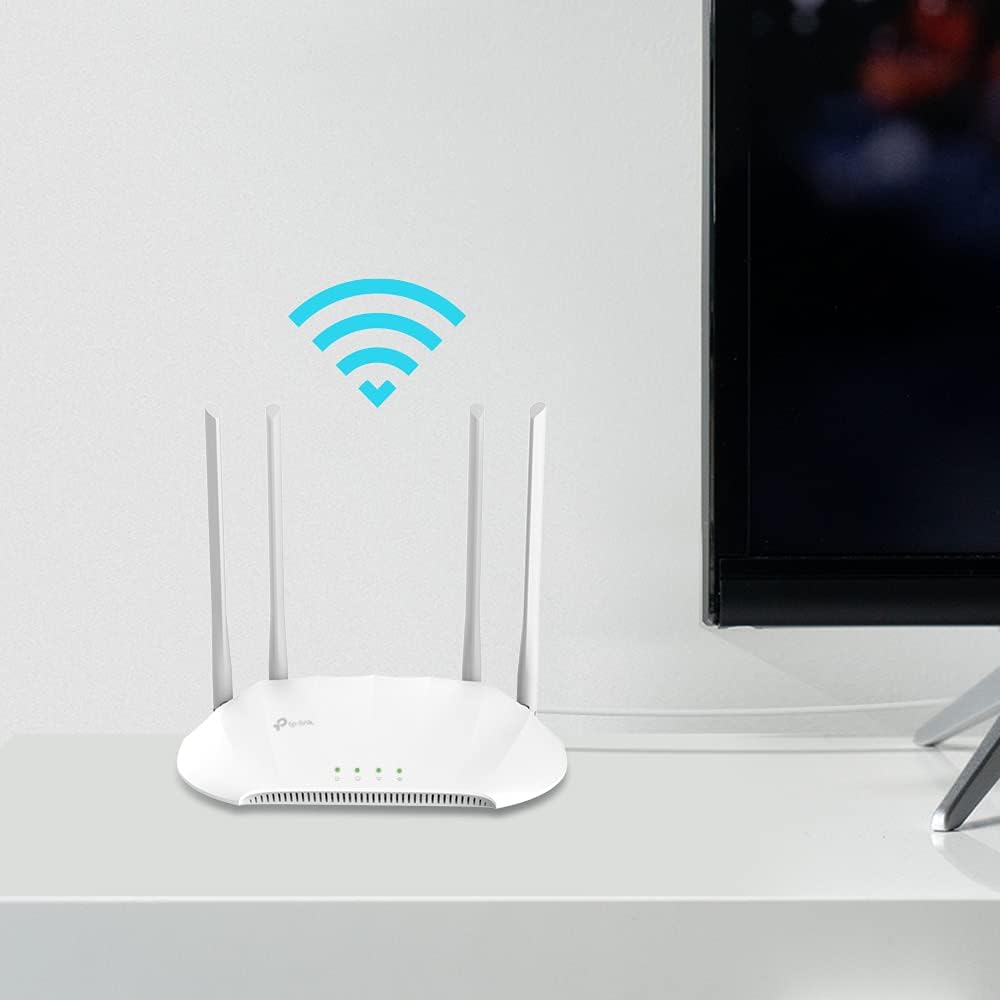
And if you’re trying to “rescue” a weak area without moving your main router, the range-extender style approach (as described) is the sort of workaround many people use when the layout makes rewiring a pain.
Buying verdict
It makes sense to buy the TP‑Link TL‑WA1201 if you want a flexible dual-band AC1200 Wi‑Fi 5 access point that can improve coverage, support multi-SSID setups, and simplify placement with Passive PoE.
You may want to skip it if you need the newest Wi‑Fi generation for maximum future performance, or if you can’t reasonably support Passive PoE power delivery where you intend to mount the unit.
Mini FAQ
How many modes does it support?
The listing states it supports Access Point, Range Extender, Multi‑SSID, and Client modes.
Is Passive PoE supported?
Yes—Passive PoE is listed as supported to carry power and data over Ethernet.
Does it include beamforming?
Yes, the four fixed antennas are described as having beamforming technology to help concentrate Wi‑Fi signals.
What is Multi‑SSID for?
Multi‑SSID support is intended for creating multiple network names, which is commonly used to separate networks (for example, different groups of users/devices). The listing also mentions a captive portal page.