

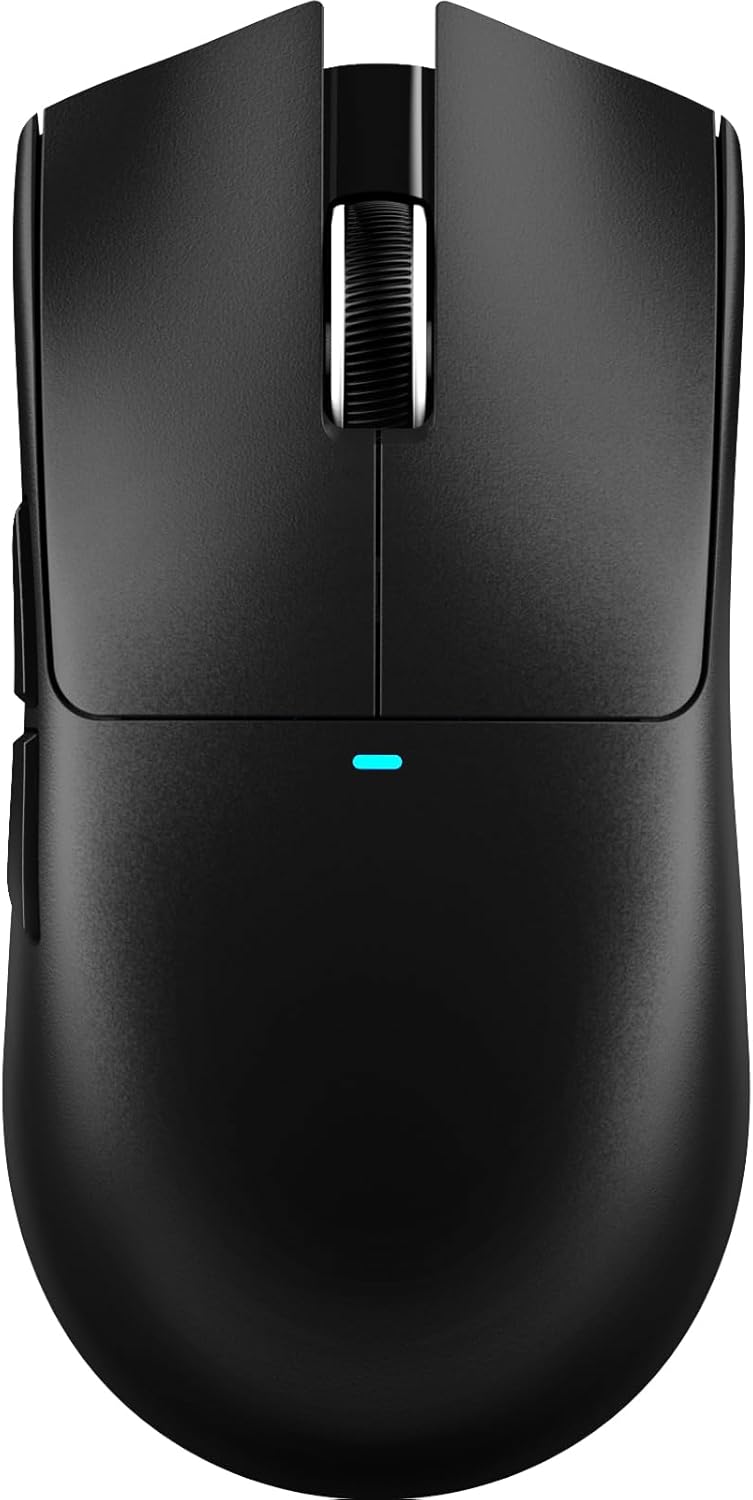
ATTACK SHARK X11 SE Wireless Gaming Mouse
Product description
What it is and what it sets out to do
The ATTACK SHARK X11 SE is a versatile wireless gaming mouse designed to cover both office tasks and gaming needs. It offers three connection modes — wired USB-C, 2.4GHz wireless, and Bluetooth — so you can switch between devices and contexts without swapping hardware. On paper, this kind of flexibility is convenient for those who work across a PC, laptop, and perhaps a tablet, or for gamers who want zero-hassle when moving between setups. The core of its performance rests on the PAW3311 optical sensor, which supports a wide DPI range and a respectable tracking profile for precise control.
How it performs in practice
The sensor supports 6 adjustable DPI levels from 800 to 22000, giving you a broad spectrum to suit different games or spreadsheet-heavy days. With up to 300 IPS tracking speed and 1000Hz polling, you should expect responsive cursor movement and low latency, especially in wired or 2.4GHz modes where latency is advertised as low as 1ms to 2ms. For everyday office use or casual gaming, that level of responsiveness can feel noticeably smoother than lower-end mice. The inclusion of HUYU switches and TTC encoder technology aims at durability (about 20 million clicks) and precise actuation, which many players notice in long sessions.
Comfort and build quality
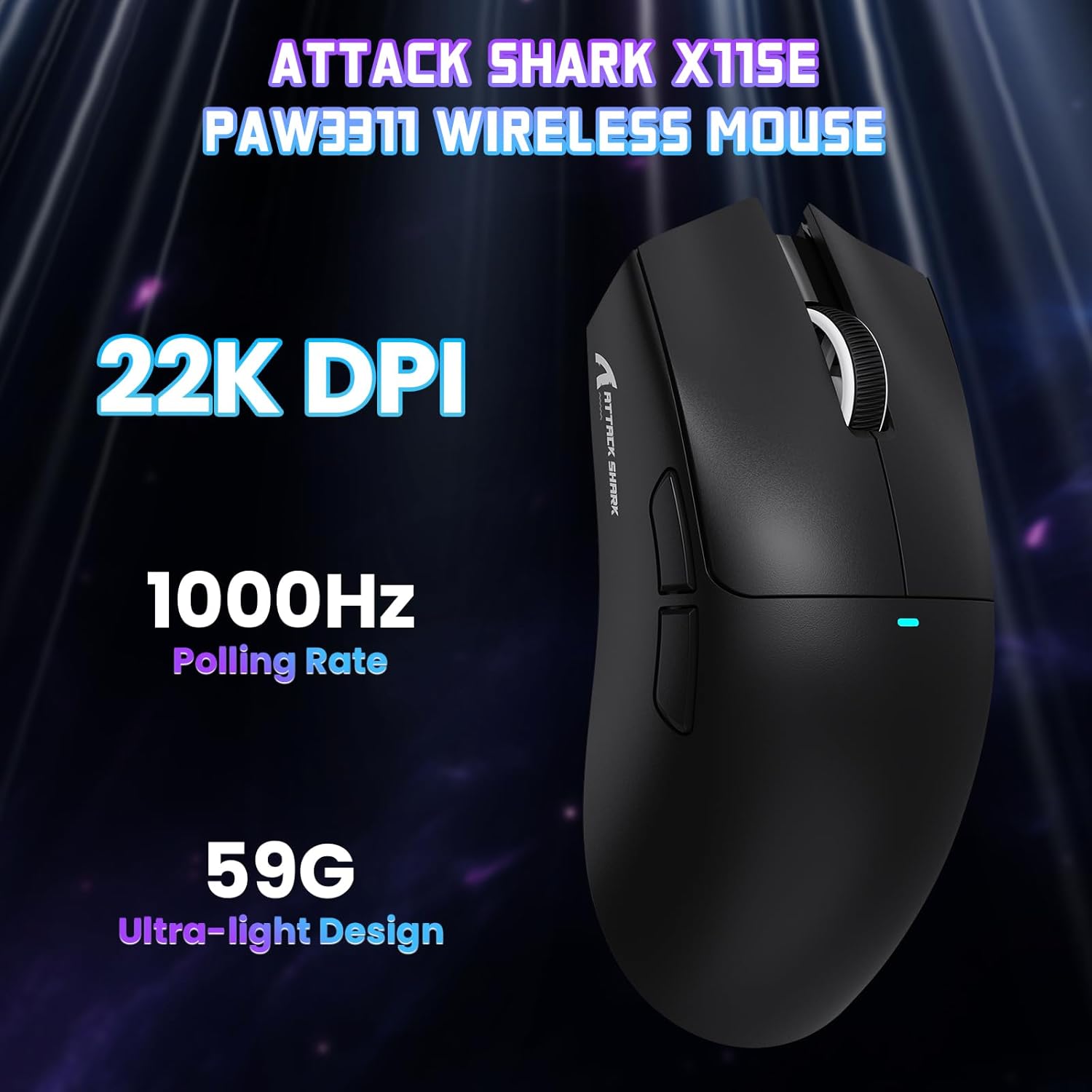
Weighing roughly 59g, the X11 SE is intentionally light. A lightweight design can be a real advantage if you move the mouse quickly or travel with your setup, but it may not be ideal for users who prefer a heavier, anchor‑like feel. The ergonomic shape is described as comfortable for extended use, which helps if you’re gaming for hours or doing data entry. However, it’s worth noting that ergonomics can be very personal, what feels good to one hand may not suit another as well, especially if you have a distinctive grip style.
Battery life and charging
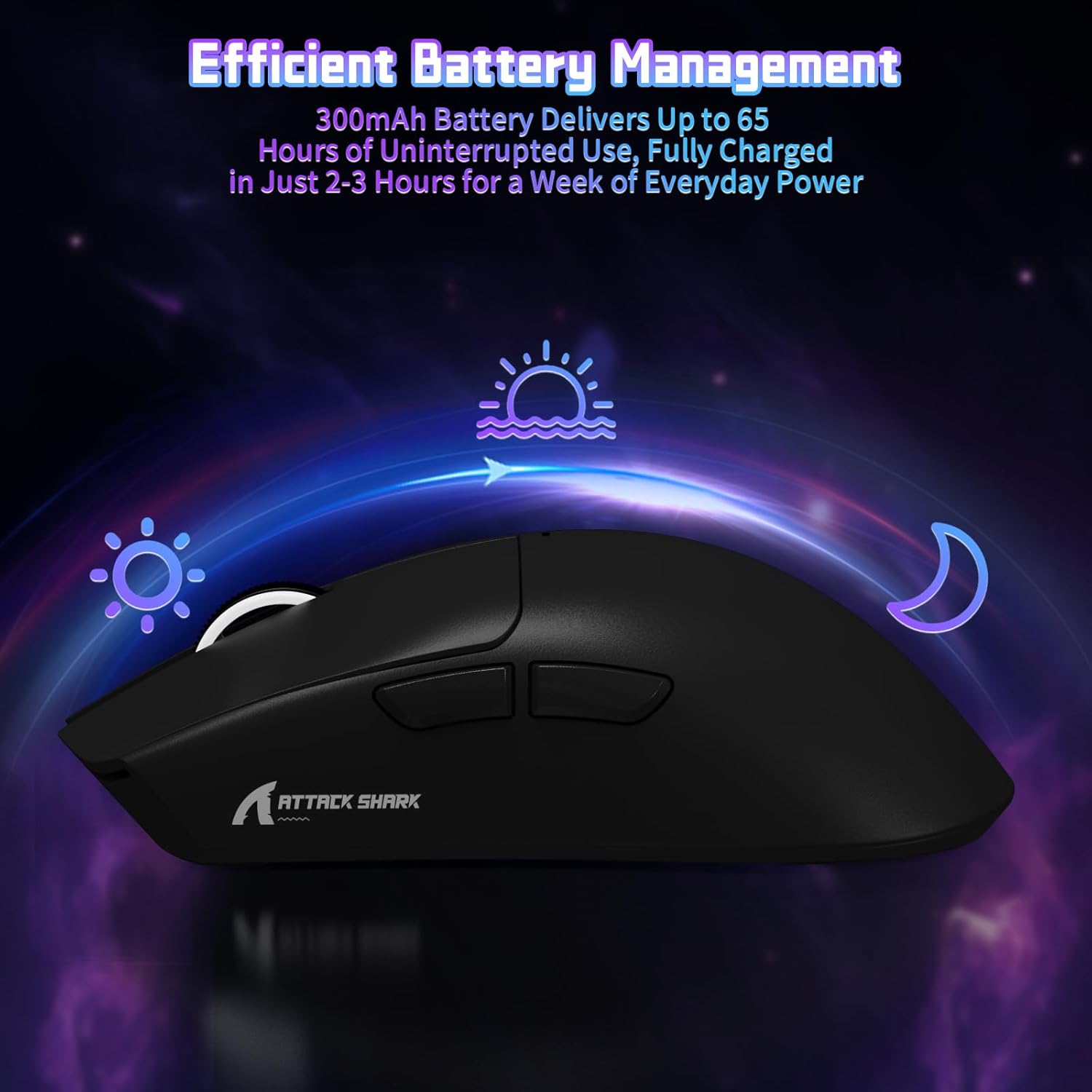
One of the standout claims is a 65-hour single-charge lifespan in typical use, with a 2–3 hour recharge time. In practical terms, this means you could get through several long gaming sessions or work weeks without constantly worrying about recharging. If you’re a heavy user who often forgets to charge, this could be a meaningful advantage. That said, real-world battery life will depend on how aggressively you use wireless modes, DPI, and lighting features (if available). If you do run the battery down, the 2.4GHz and wired modes offer flexible fallback options to keep you productive.
Software, customisation and compatibility

The X11 SE comes with driver software that allows you to adjust DPI, polling rate, lift-off distance, and to programme macros across five buttons. This level of configurability is helpful whether you’re aiming to create hotkeys for office tasks or for in-game combos. A notable feature is the inclusion of a web software version, which broadens compatibility to Linux and macOS users beyond Windows. While software customisation is a benefit, it’s sensible to check whether you actually need all five programmable buttons and if the software environment you use supports the full feature set you want.

Everyday use: pros and potential drawbacks
On the plus side, you get flexible connectivity, a light and comfortable body, strong expected durability, and a fair amount of customisation for a consumer‑level mouse. The 65‑hour claim is attractive for anyone who sessions long blocks of gaming or work without frequent recharges. On the downside, the ultra‑light form factor isn’t for everyone, some users may prefer a bit more heft for stability during aggressive movements. The three‑mode setup is handy, but it adds a layer of complexity if you’re not sure which mode you’ll use most or if you mainly work from a single device.
Who it’s for and who might skip it
If you value versatility and long battery life, and you want a mouse that can cope with both gaming and office tasks across several devices, the X11 SE is worth a closer look. It suits people who benefit from a lightweight, portable device and who don’t mind configuring a few settings to get the most from the DPI spectrum. If you prioritise an ultra‑heavy, competition‑grade feel, or you only work on one system with no need for Bluetooth, there may be better options that align more tightly with those preferences.
What to check before you buy

- Confirm which devices you intend to pair (Windows, macOS, Linux) and whether you will rely on Bluetooth or a 2.4GHz connection for latency‑sensitive tasks.
- Consider your grip and preferred weight — at 59g this is a light model that may behave differently from heavier mice.
- Think about whether you’ll use all five programmable buttons and how you’d map macros or shortcuts to them.
- If you rely on software, ensure the available drivers or web software support all features you need on your preferred OS.
How it compares to the buying approaches you might take
This mouse makes sense if you want a single device that can bridge work and play, rather than carrying separate peripherals. If you mainly game on one system and don’t need Bluetooth or multiple modes, you might prioritise simplicity and possibly a lighter or more feature‑specific model. For those who move between office tasks and gaming, and who value battery life and flexibility, the X11 SE offers a balanced option that avoids a strict focus on one use case.
Final decision
Is it worth it?
Worth considering if you prize multi‑mode connectivity, long battery life, and customisation for both work and play. It may not be the best match if you want a heavier, more traditional gaming mouse or if you don’t need Bluetooth. Overall, for a pragmatic buyer weighing versatility against a price‑conscious approach, the X11 SE provides a compelling middle ground.
Frequently asked questions
- How many DPI levels does it have? It offers 6 levels: 800, 1600, 2400, 3200, 5000, and 22000.
- Can it be used without software? Yes, it supports plug‑and‑play in wired or wireless modes, software enables deeper customization.
- Is the battery life sufficient for a typical gaming session? The claimed 65 hours is for typical use, with longer sessions possible depending on mode and lighting.
- Does it support Linux? Yes, there is a web software version that improves compatibility with Linux and macOS systems.
- How durable are the switches? The switches are rated around 20 million words, aimed at longevity, though real‑world performance can vary with usage.