

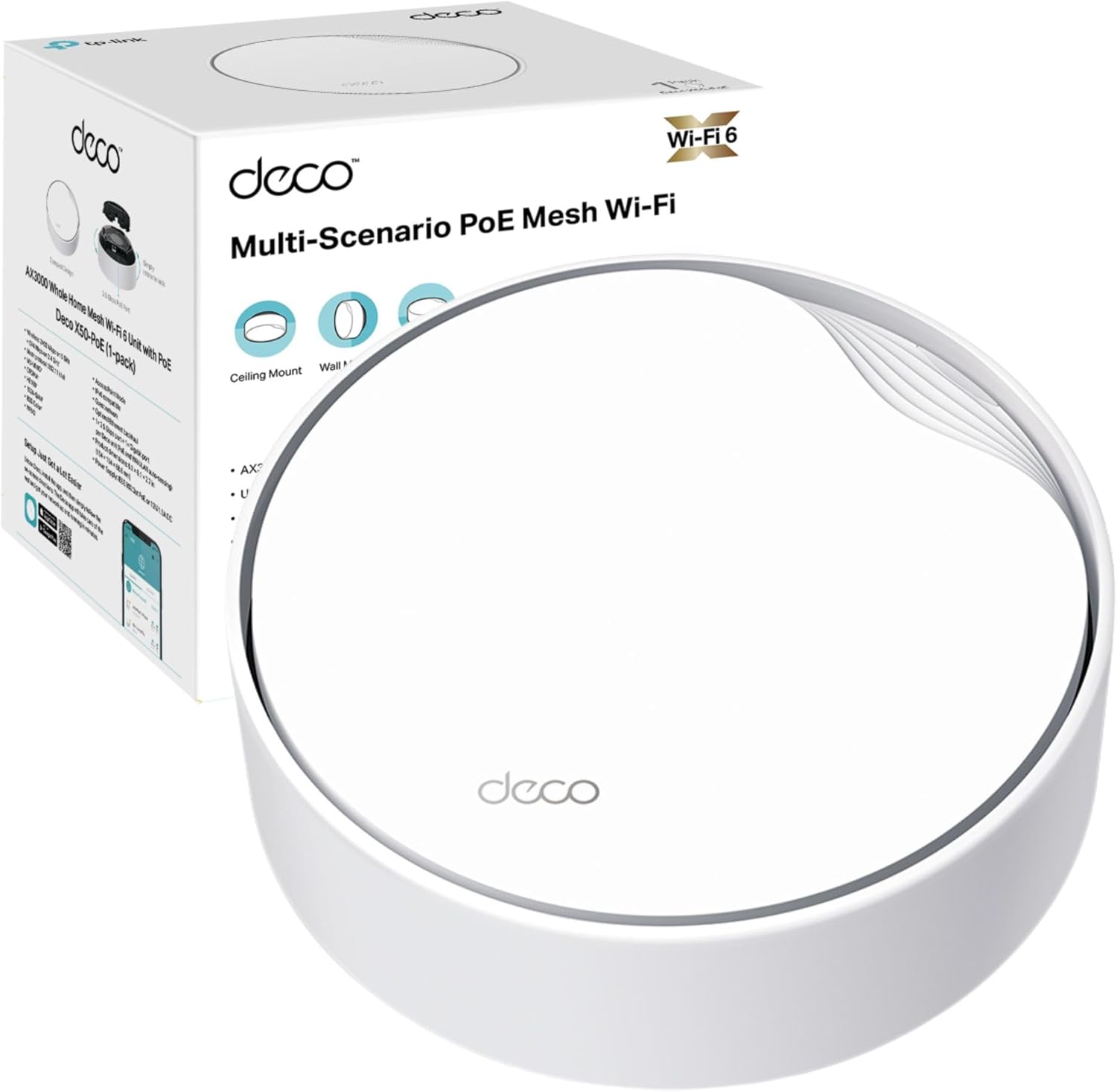
TP-Link Deco X50-PoE (1-pack) AX3000 Whole Home Mesh Wi‑Fi 6 with PoE
Product description
The essentials
If you’re trying to smooth out dead spots and keep a whole-home connection feeling consistent, TP-Link’s Deco X50-PoE is aimed squarely at that “mesh for real life” job. It’s a dual-band AX3000 (Wi‑Fi 6) system built around intelligent AI-driven networking, and it also leans on wired performance via multi-gigabit ports.
This is the 1-pack version, so it’s best thought of as a starting point for a mesh setup or for smaller homes where coverage needs are simpler. If your property is larger or has awkward layouts, you may quickly want additional units—no matter how good the software is, one node can only do so much.
Key features and what they mean in day-to-day use
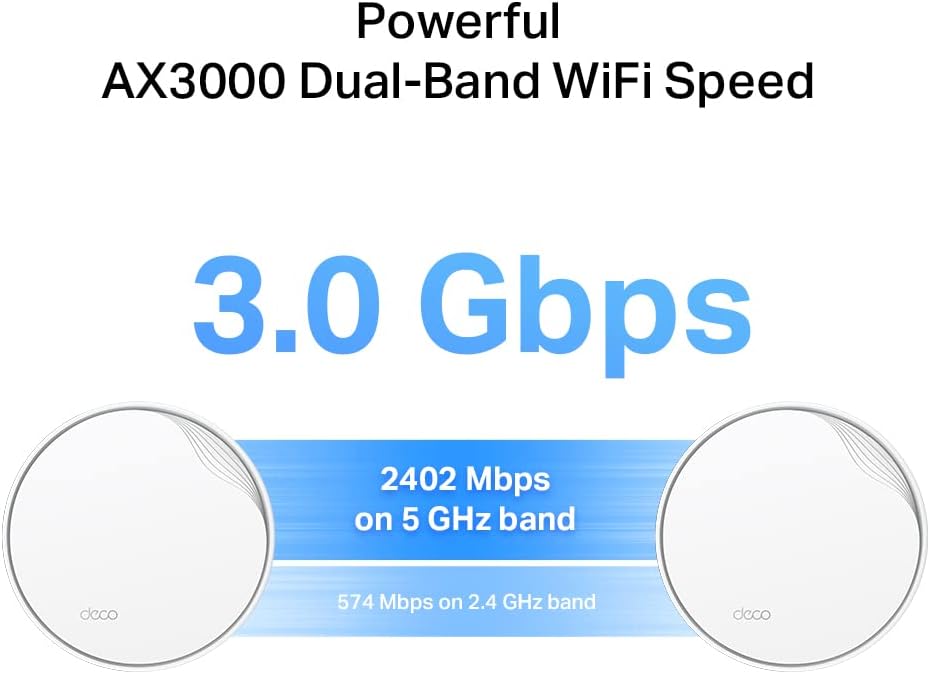
On paper, the headline specs are clear: AX3000 dual-band Wi‑Fi (up to 2402 Mbps on 5 GHz and 574 Mbps on 2.4 GHz), plus a 1.0 GHz dual-core CPU intended to help accelerate both wired and wireless traffic together. In use, the practical takeaway is that the system isn’t only for Wi‑Fi convenience—it’s designed to keep speeds steadier as you move around and as devices talk at the same time.
The “AI-Driven Mesh” angle matters too. Instead of treating your network as static, it’s described as learning your environment to provide what it considers the ideal Wi‑Fi for your home. That’s the kind of feature that can reduce the annoying moments where a device clings to the wrong access point.
Then there’s the latency focus. Ultra-low latency is positioned as a way to make gaming and video chatting feel more responsive. It won’t magically remove every factor that affects lag (your internet connection and traffic matter), but if you’re sensitive to jitter, it’s a sensible inclusion.
Wired performance and PoE flexibility
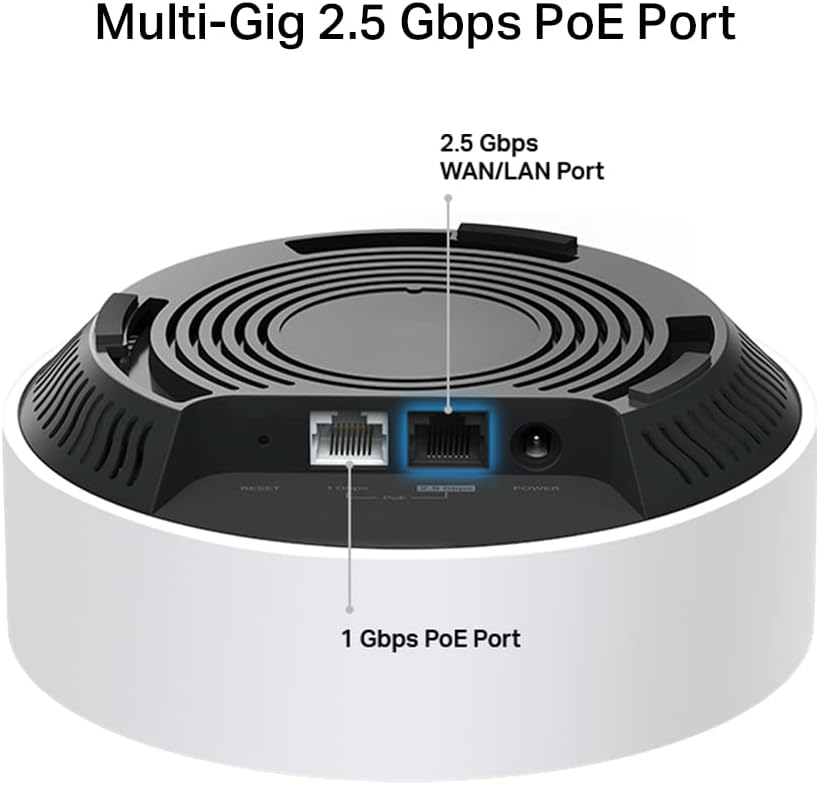
A big reason people look at this model is its wired options, including a 2.5G port and a Gigabit port. The description specifies “1× 2.5 Gbps port + 1× Gigabit port”, which is useful if you want a faster backbone than standard gigabit.
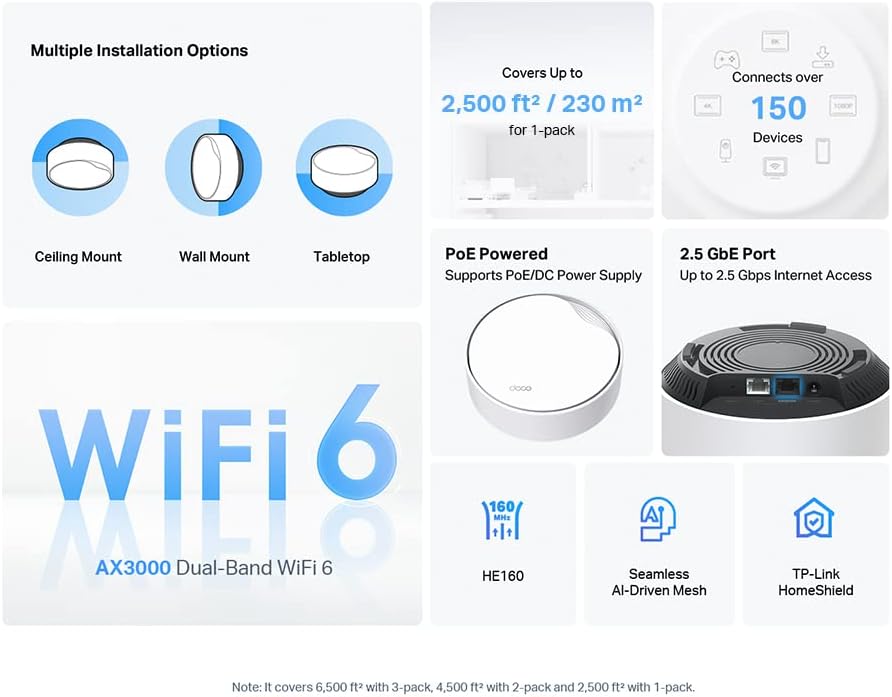
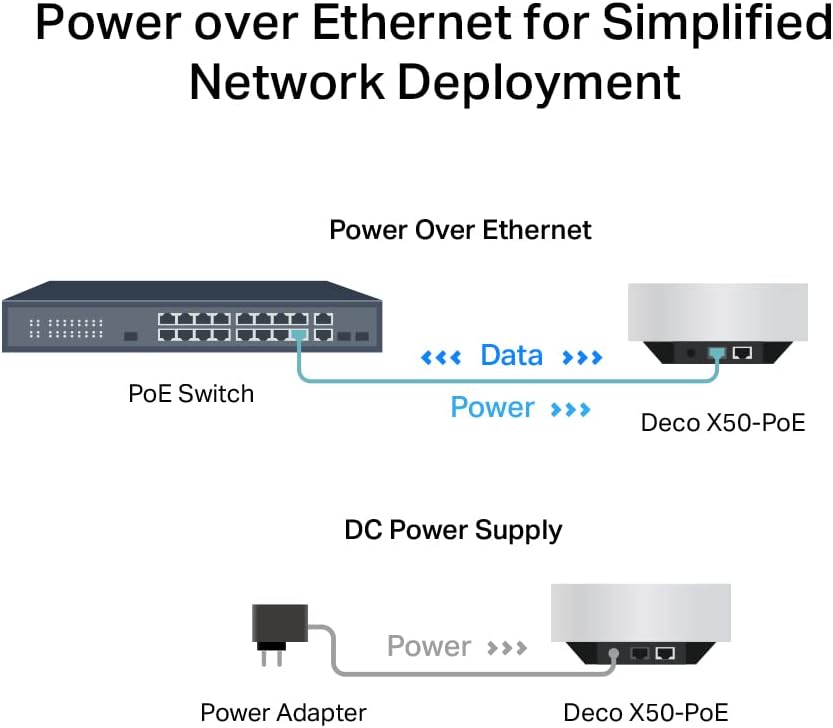
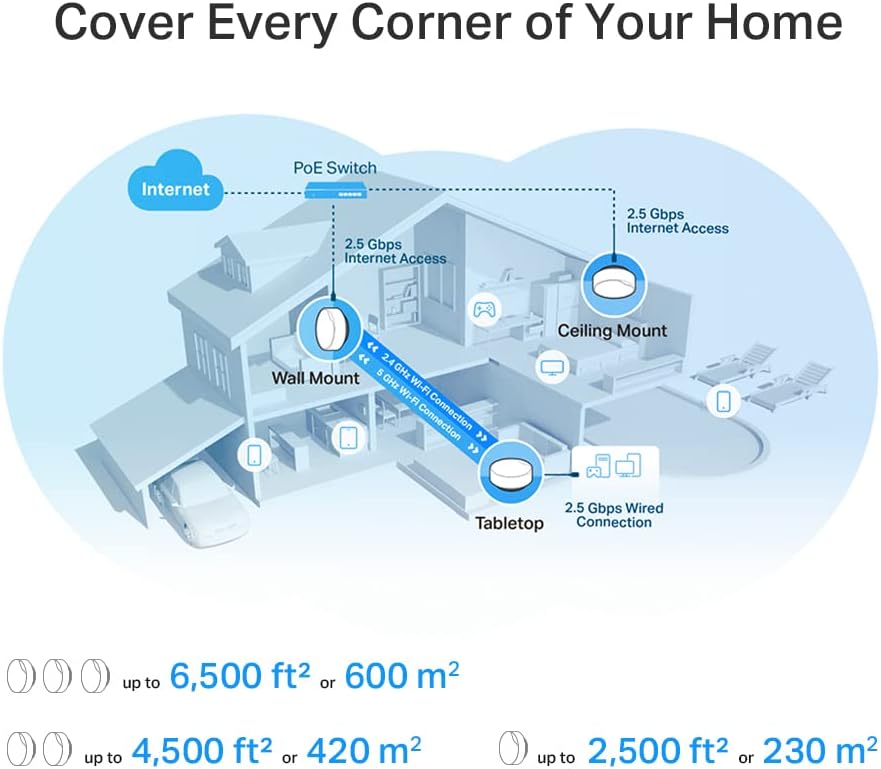
It also supports PoE and a DC power supply, and the unit is described as suitable for flexible installations: tabletop, ceiling mount, and wall mount. That flexibility can be a real time-saver if you’re working around sockets, cabling routes, or wanting the access point out of sight.
Network protection, parental controls, and IoT security
Deco’s HomeShield suite is listed with comprehensive network protection, robust parental controls, and real-time IoT security. If you’ve got smart devices at home (and especially if you’ve accumulated more of them over time), having those layers baked into the system can reduce the “set-up then forget” risk.
It’s not something you’ll notice every day like Wi‑Fi signal strength, but it’s the sort of feature that becomes valuable once you start assigning profiles, managing access, or tightening up device security.
What stands out—and where it might fall short
This system has a few strong selling points for everyday buyers: Wi‑Fi 6 with AX3000 dual-band performance, AI-driven mesh behaviour, a latency-focused approach for interactive use, and multi-gigabit wired connectivity alongside PoE options.
However, the one-pack reality check is important. If your home needs mesh coverage across several zones, one unit can be limiting. In that scenario, the software can help steer devices, but you still need enough physical nodes to cover the spaces you care about.
Also, if your main priority is the absolute simplest router experience with no cabling considerations, the PoE capability might feel like “extra thinking”. It’s a strength when you can make use of it, but not everyone wants that route.
Setup, management, and a simple use example
You manage and set up the network via the TP-Link Deco app, and the description also mentions setup and management “anytime and anywhere”. So if you’re away from home and want to adjust basic settings or check what’s connected, it’s there.
A practical scenario: imagine moving from the kitchen to the living room during an evening movie. With a mesh setup, the goal is that your phone or smart TV should stay on a good connection without you manually switching networks. The AI-driven approach is meant to help with that kind of handover experience.
Tech specs
- Wi‑Fi standard: Wi‑Fi 6 (AX3000)
- Dual-band speeds: up to 2402 Mbps (5 GHz) + 574 Mbps (2.4 GHz)
- CPU: 1.0 GHz dual-core
- Ports: 1× 2.5 Gbps port + 1× Gigabit port
- Power: supports PoE and DC power supply
- Installation: tabletop, ceiling mount, wall mount
- Warranty: 3 years manufacture warranty
Should you buy it?
It makes sense if you want a Wi‑Fi 6 mesh system with PoE support and multi-gigabit wired performance, and you’re aiming for a more consistent whole-home experience than you’d get from a single basic router. You’ll likely get the best value if your layout is moderate or if you’re planning a mesh expansion rather than trying to cover a large, multi-storey home with only one unit.
You may want to skip it if you’re only looking for a single, no-fuss Wi‑Fi point for one room, or if you already know you need multiple nodes for reliable coverage—because starting with a 1-pack can be a bit of a wait-and-see step.
Mini FAQ
Is this suitable for PoE installations?
Yes. The description states it supports PoE as well as a DC power supply, and it’s designed for flexible mounting options.
Is AX3000 enough for a family home?
AX3000 dual-band (with 5 GHz and 2.4 GHz) is positioned as performance-focused Wi‑Fi 6 for home use. That said, real-world results still depend on your internet service and how many devices are active at once.
Does it include security features?
HomeShield is listed with comprehensive network protection, robust parental controls, and real-time IoT security.
Can I manage it from my phone?
Setup and management are described as available via the TP-Link Deco app, including remote access “anytime and anywhere”.
Final verdict
If you can make use of PoE mounting and want a mesh system with Wi‑Fi 6, multi-gigabit wired performance, and HomeShield protection, the TP-Link Deco X50-PoE is a convincing starting point. Just don’t ignore the fact it’s a 1-pack—coverage needs will decide whether you’ll be happy long-term or whether you’ll want to add more units.