

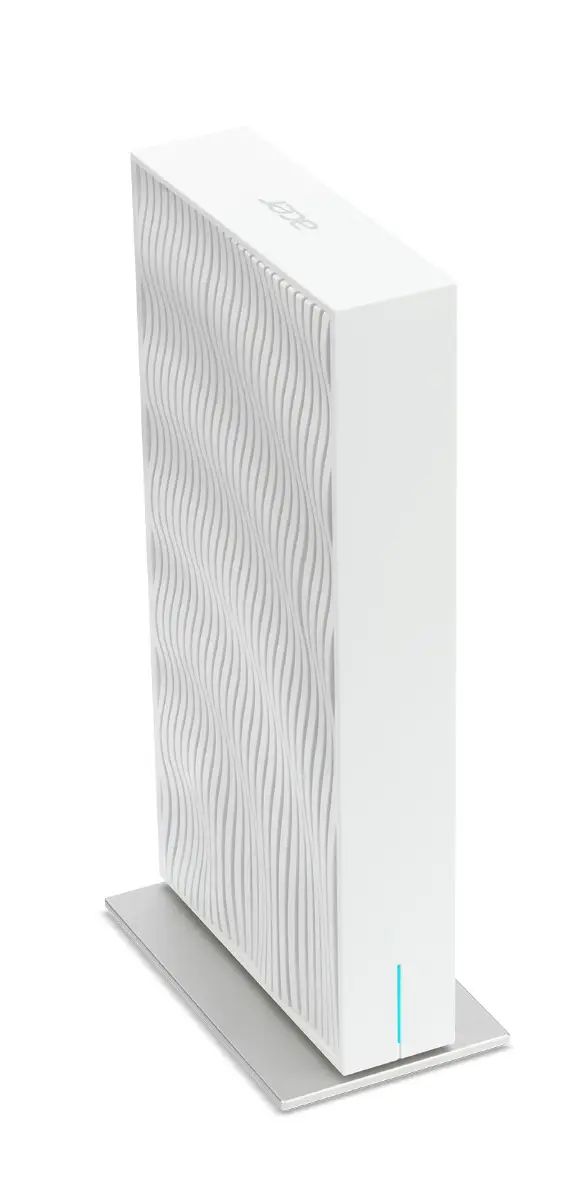
Acer Wave 7 Mesh Router Dual Pack
Price evolution
Product description
Key points
The Acer Wave 7 Mesh Router Dual Pack delivers Wi‑Fi 7 speed and coverage designed to keep every corner of your home online. It operates on the latest 2.4 GHz and 5 GHz bands, offering a combined throughput that can reach up to 10 Gbps in theory, giving you plenty of headroom for gaming, streaming and smart‑home devices.
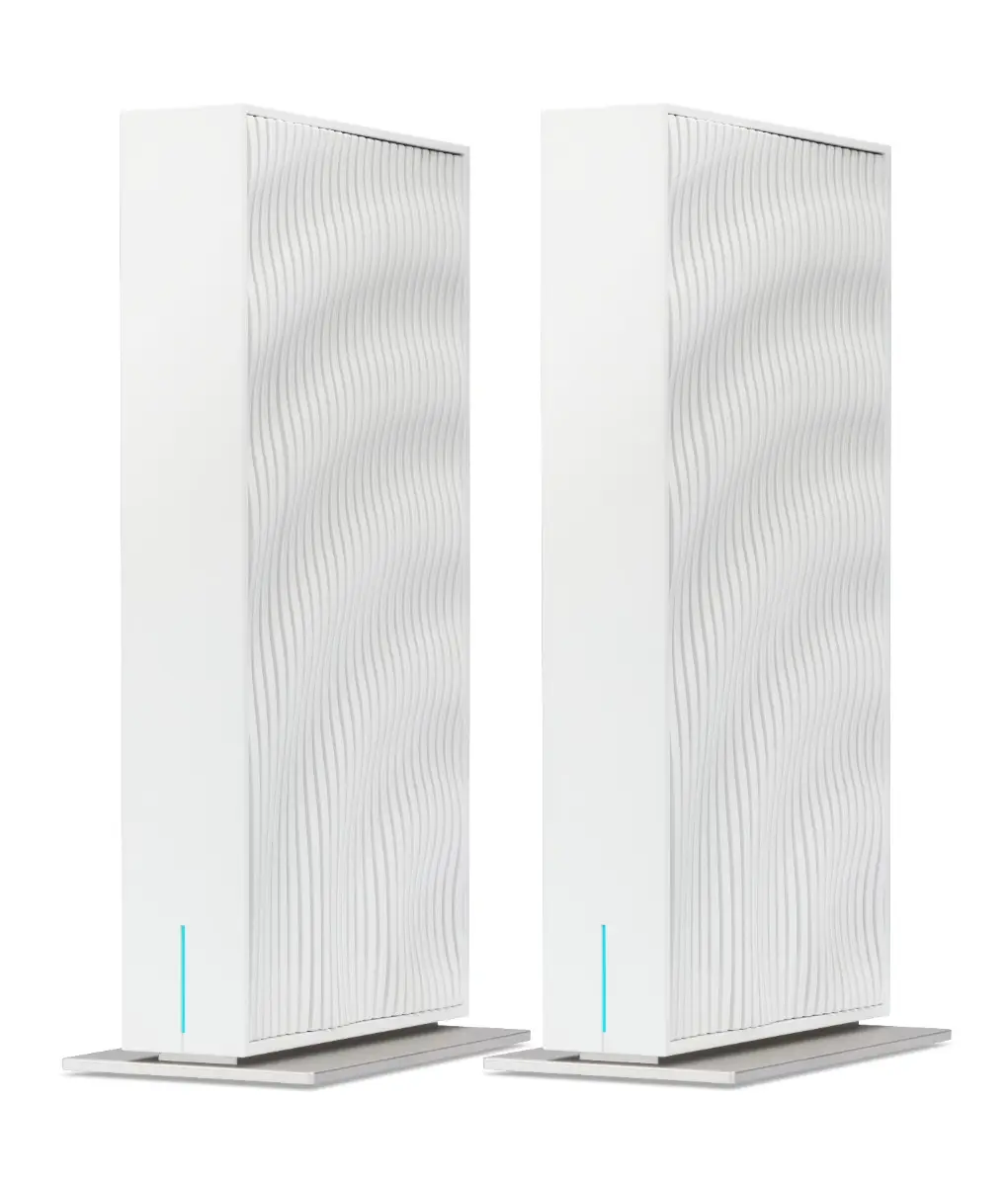
The dual‑pack setup means two routers work together as a single network, creating seamless handover when you move from the living room to the bedroom. The system is managed through an intuitive web interface and a companion app that lets you see real‑time traffic, set parental controls and even schedule bandwidth limits.
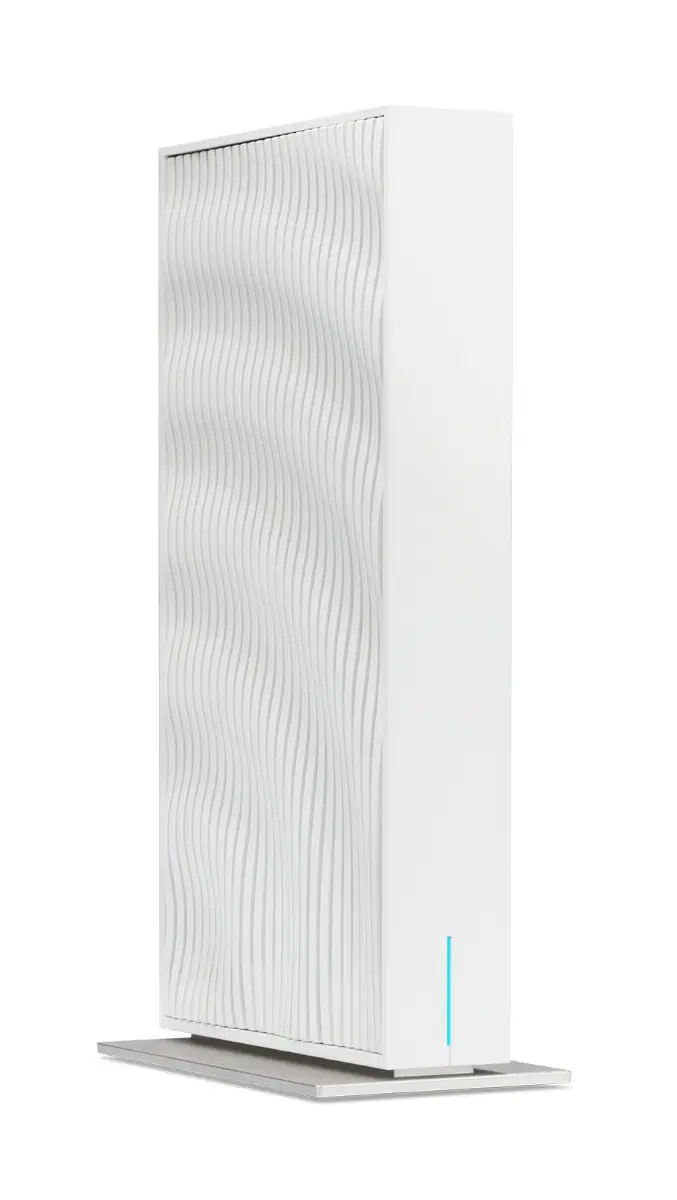
Acer’s Mesh design includes advanced beamforming technology that focuses signal towards connected devices, reducing interference from walls and other obstacles common in UK homes.
The routers are powered by a standard 12 V/3.5 A adapter and feature a quiet fanless cooling system, making them suitable for placement on desks or shelves without adding noise.
Security is handled through WPA‑3 encryption and automatic firmware updates delivered over the air, ensuring your network stays protected against new threats.
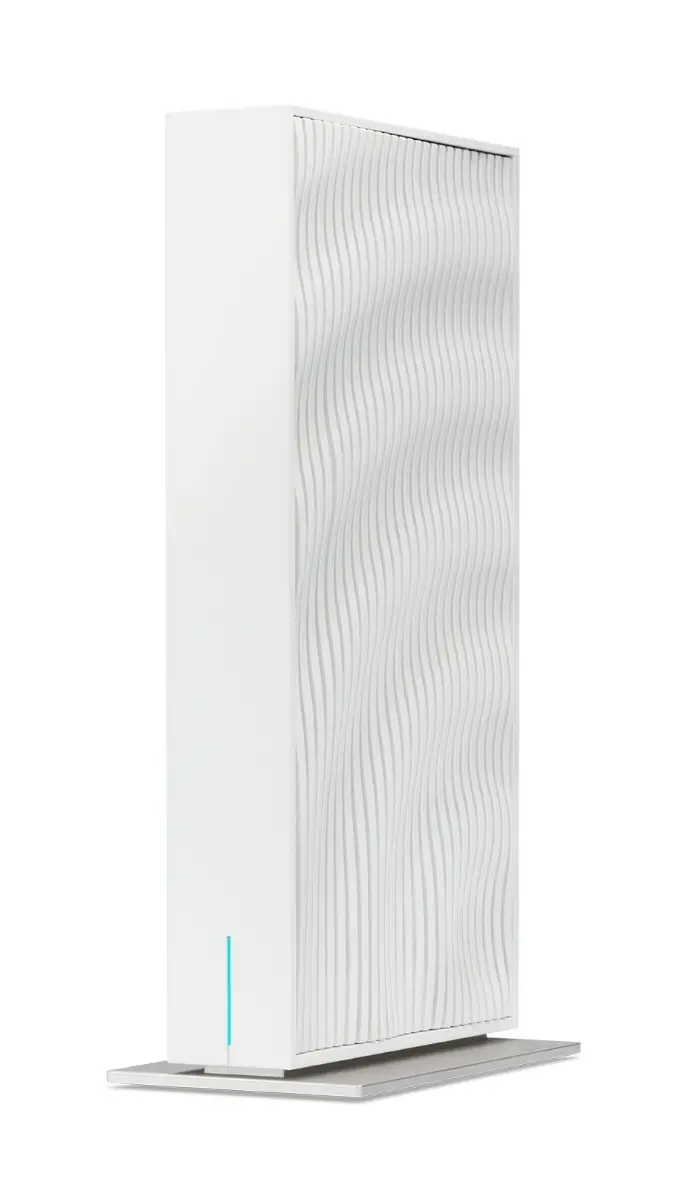
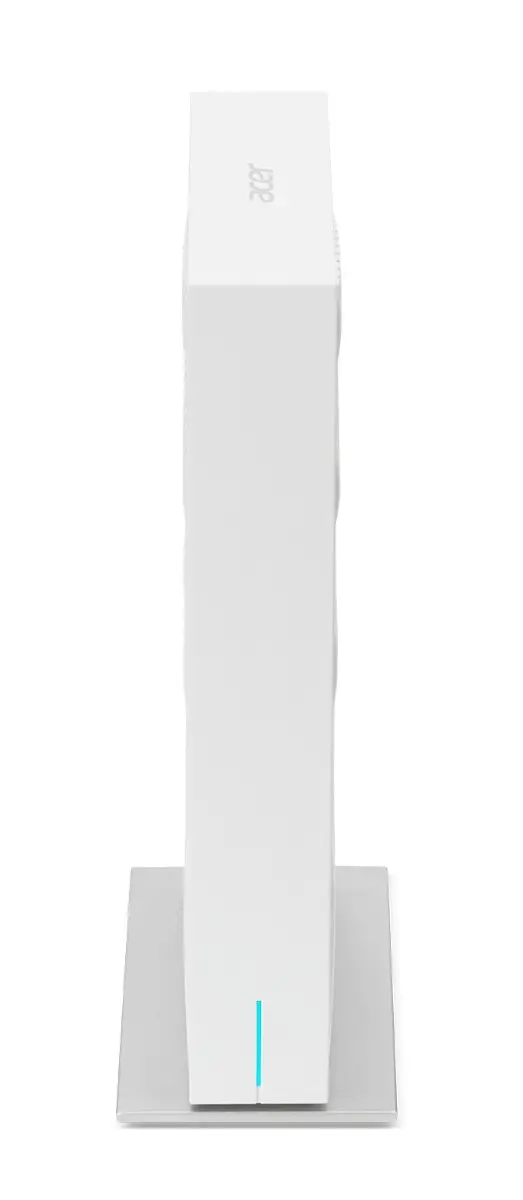
The product comes with two units, an Ethernet cable and a quick‑start guide. The setup takes less than ten minutes for most users.
How to use it
Setting up the Acer Wave 7 Mesh Router Dual Pack is straightforward:
1. Unbox both routers and plug them into power outlets.
2. Connect one router to your modem via Ethernet, leave the second router unconnected for now.
3. Open a web browser on a device connected to Wi‑Fi, type 192.168.0.1 and follow the wizard.
4. During setup, choose ‘Mesh’ mode, the system will detect the second unit automatically once you power it on.
5. Use the mobile app to rename networks, adjust QoS settings or create guest access.
6. Place the second router in a central location, preferably on a higher surface, to maximise coverage.
Once both units are online, the network name and password remain the same across all devices, eliminating the need for multiple SSIDs.
Keep the firmware up‑to‑date by enabling automatic updates, this ensures you receive performance improvements and security patches without manual intervention.