

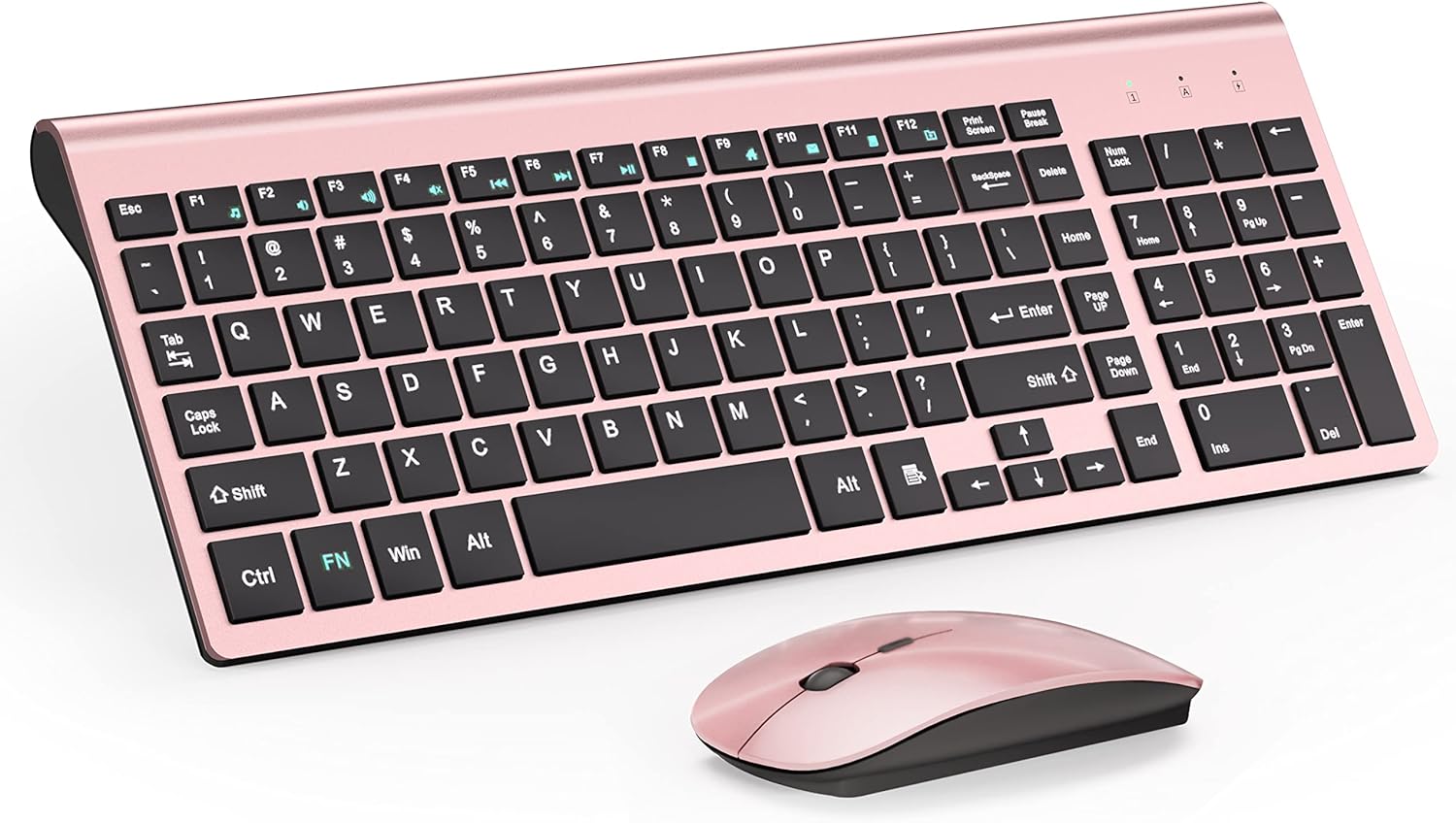
TopMate 2.4G Wireless Ultra Slim Keyboard and Mouse Combo (scissor switches, 2400DPI) – Gray Black
Product description
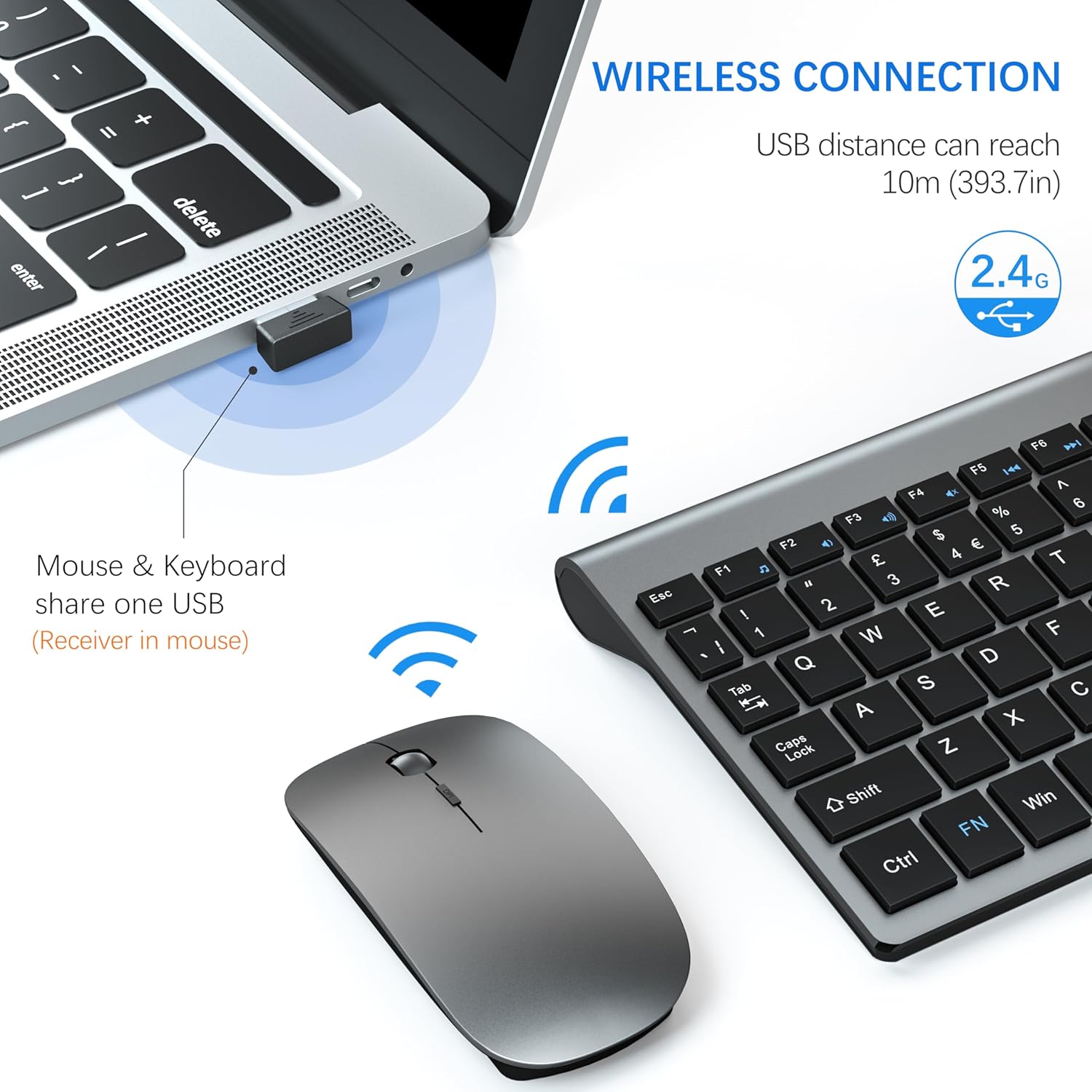
If you want a cleaner desk setup without sacrificing everyday typing comfort, this wireless keyboard and mouse combo is built for exactly that. The 2.4G connection is designed to be stable, and the mouse and keyboard share a single nano receiver, so it’s meant to be plug-and-play rather than a fiddly setup.
That said, it’s not trying to be a premium gaming kit. It’s a practical office/home travel option, and whether it’s the right buy depends on how noise-sensitive you are and what you expect from the mouse tracking.
Quick overview
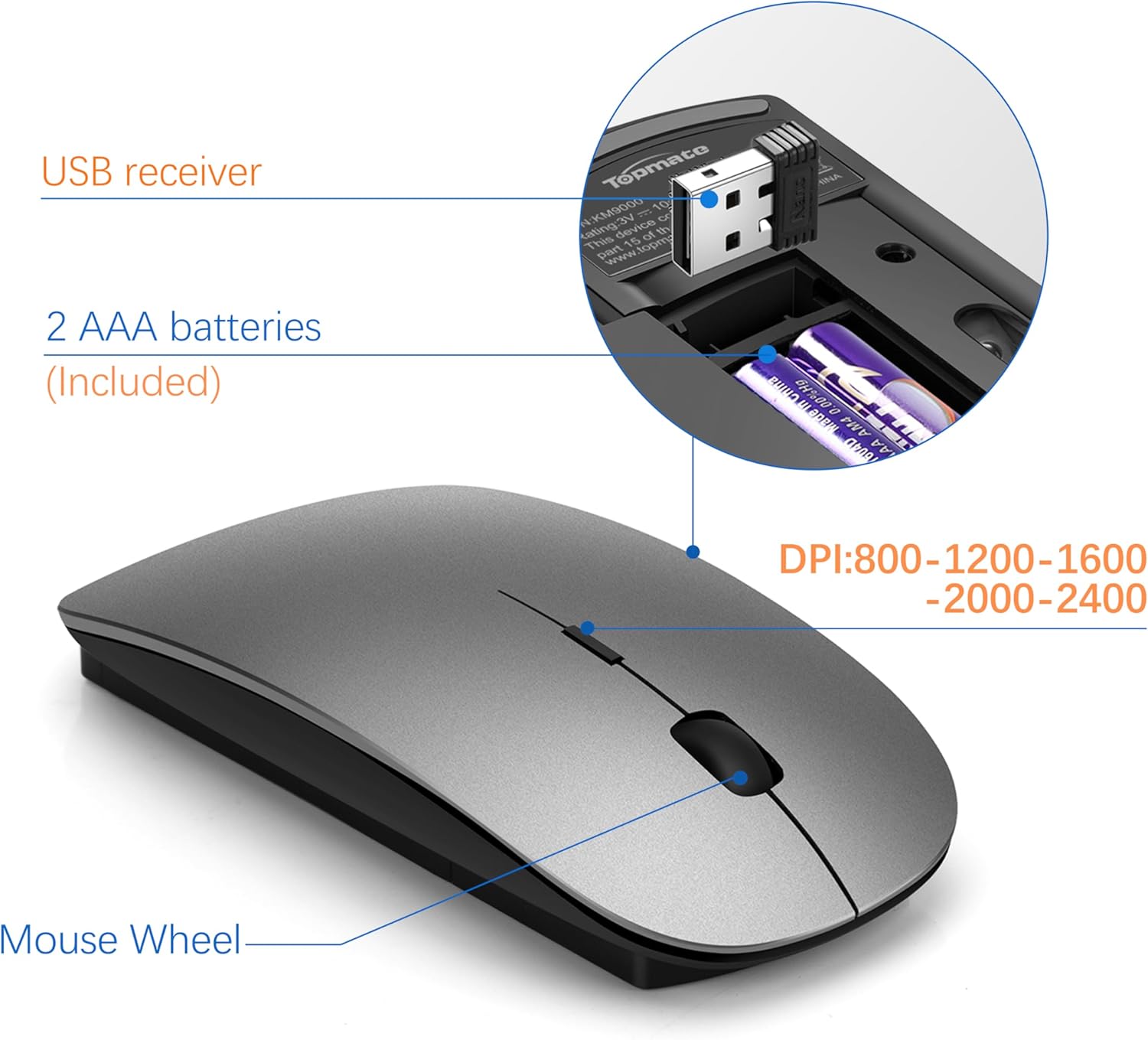
This TopMate wireless combo pairs an ultra-slim scissor-switch keyboard with a compact silent-style mouse. Both connect via a shared 2.4G nano receiver that plugs into your PC or laptop, you store the receiver in the bottom of the mouse, which helps if you’re moving between workstations.
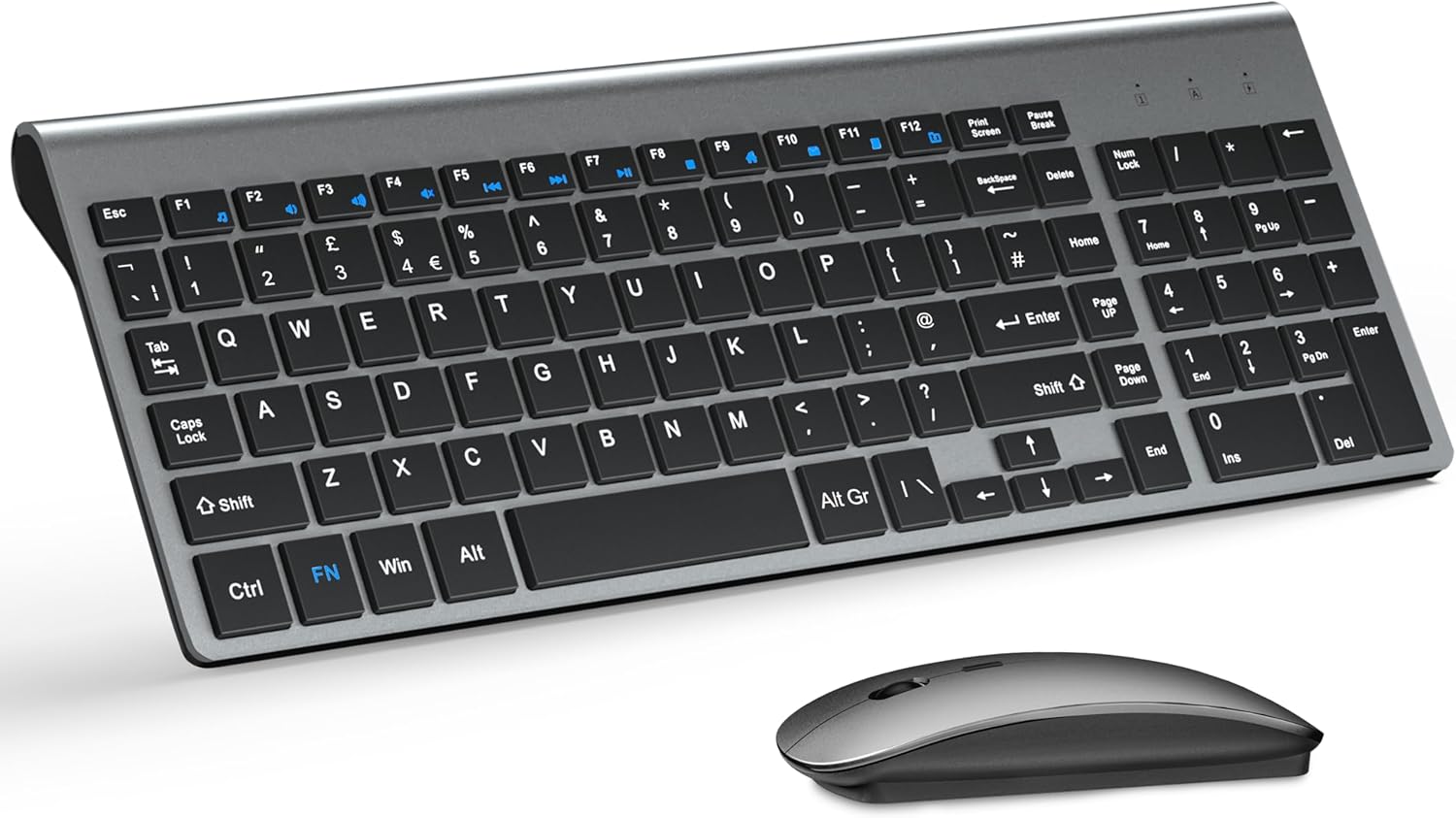
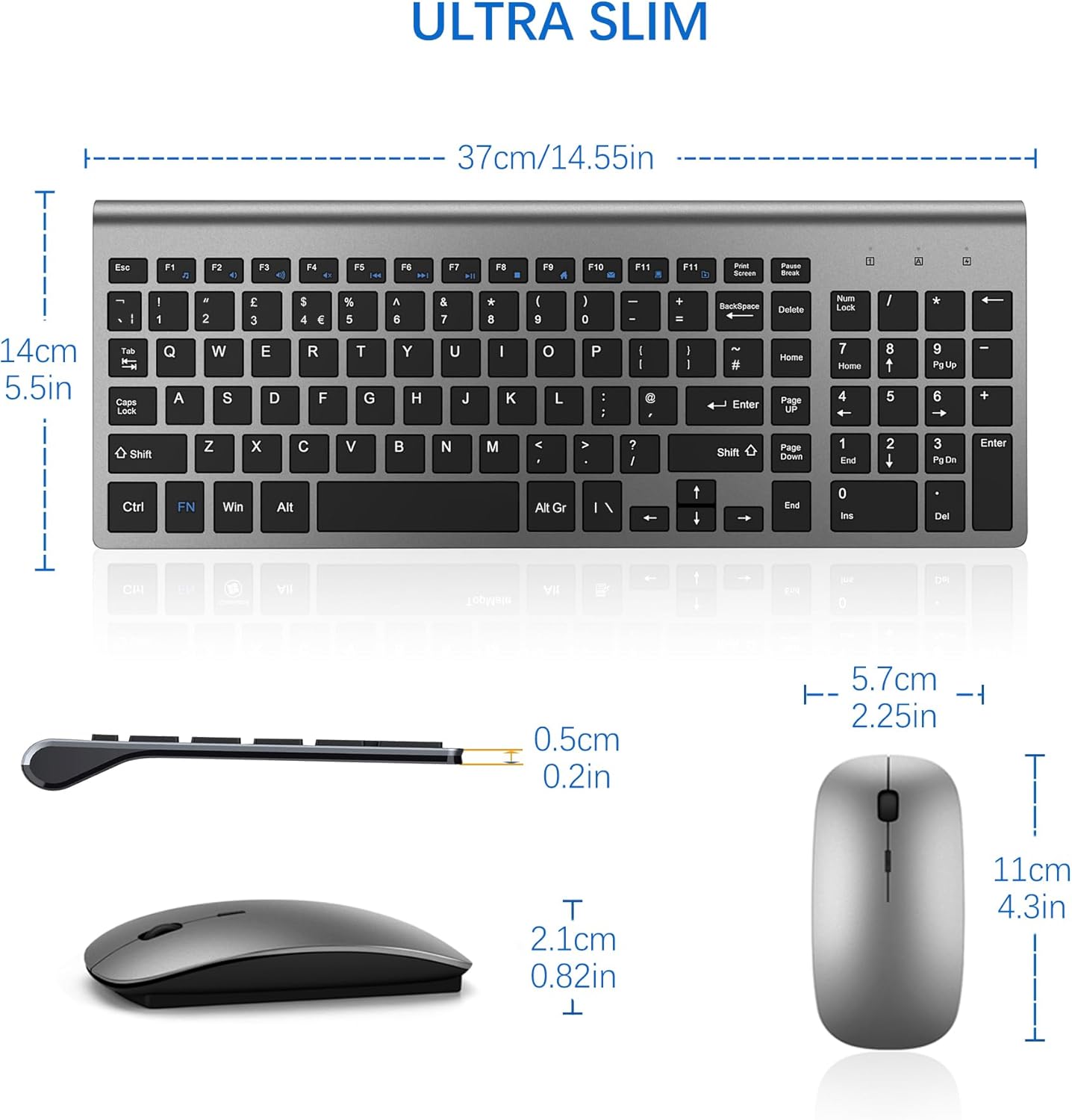
On the keyboard side, the layout keeps numeric keypad keys and a full-size style layout, plus 12 function keys for quick actions (the description mentions things like music/control volume and mail). The mouse includes adjustable DPI with five levels, up to 2400DPI.
Key points
A big part of why this combo makes sense is how low-maintenance it is. The receiver approach is straightforward, no extra software is implied, and you’re keeping cables off your desk. The ultra-thin keyboard frame is also aimed at saving space and staying portable.
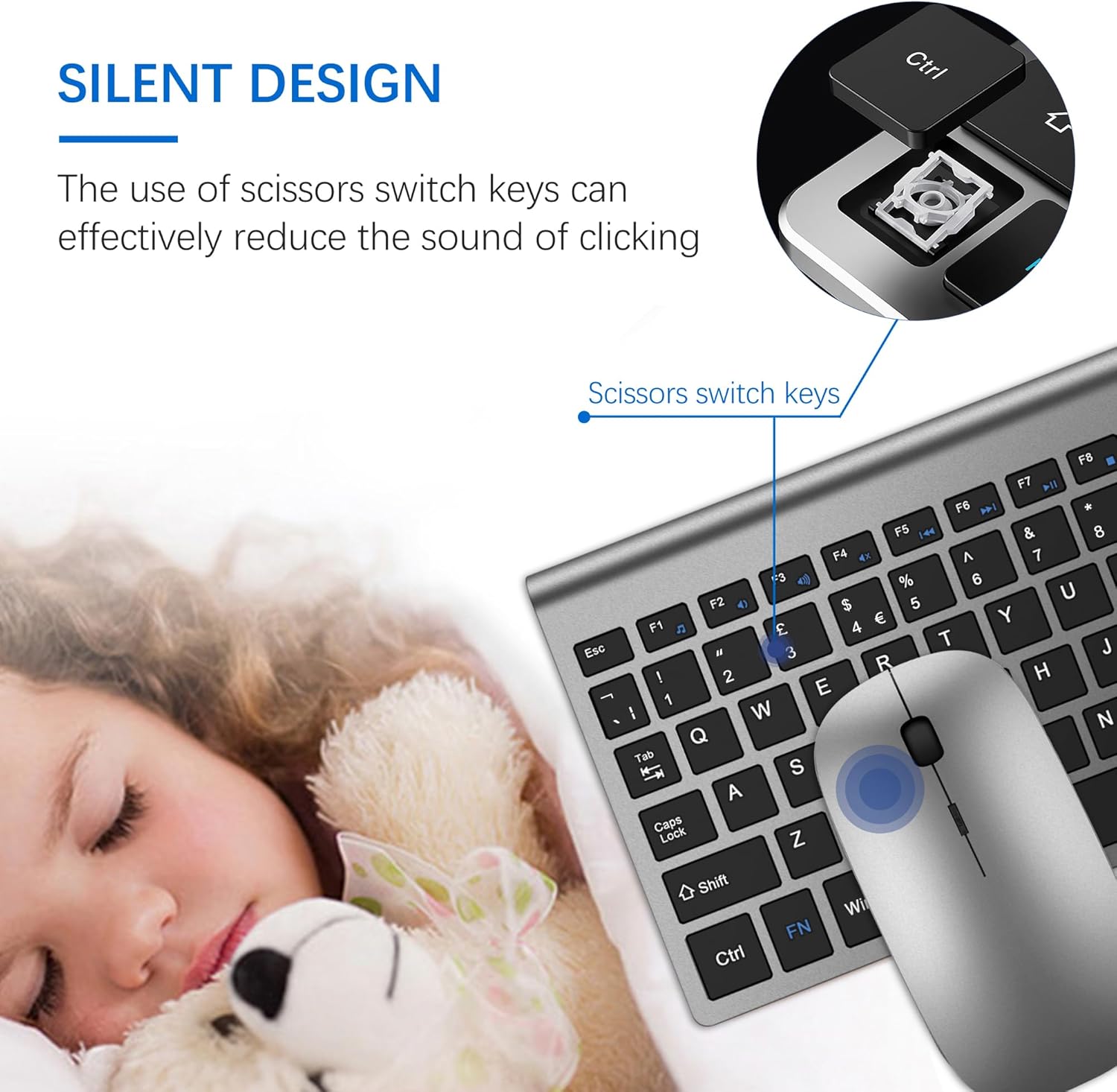
There’s also a clear “quiet where it counts” theme: the keyboard uses scissor-switch keys (positioned as less noisy) and the mouse is described as silent, with the idea that it should be easier to work around other people.
What you’ll notice day to day
In everyday use, the keyboard’s scissor switches are the part you’ll feel first. They’re described as light and responsive, with a quieter, softer typing approach compared with louder switch styles. If you’re doing typical office tasks—emails, spreadsheets, document writing—that comfort-focused design should fit nicely.
For the mouse, the immediate difference is the DPI range and the “fast and precise” positioning. With five DPI levels (800/1200/1600/2000/2400), you can usually dial in cursor movement for general browsing, writing, and day-to-day navigation. The potential catch is that higher DPI is not automatically “better” for everyone—some people prefer lower sensitivity for controlled work, so you may want to test which setting suits your habits.
A small practical detail: the mouse receiver sits in the bottom of the mouse. That reduces the “where did the dongle go?” problem when you pack for travel.
Where it shines
This is a strong pick if you want a compact wireless setup for an office, home desk, library/workspace, or business travel. It’s also described as working with Windows XP/ME/Vista/7/8/10 and OS operating systems, which should cover a lot of common environments.
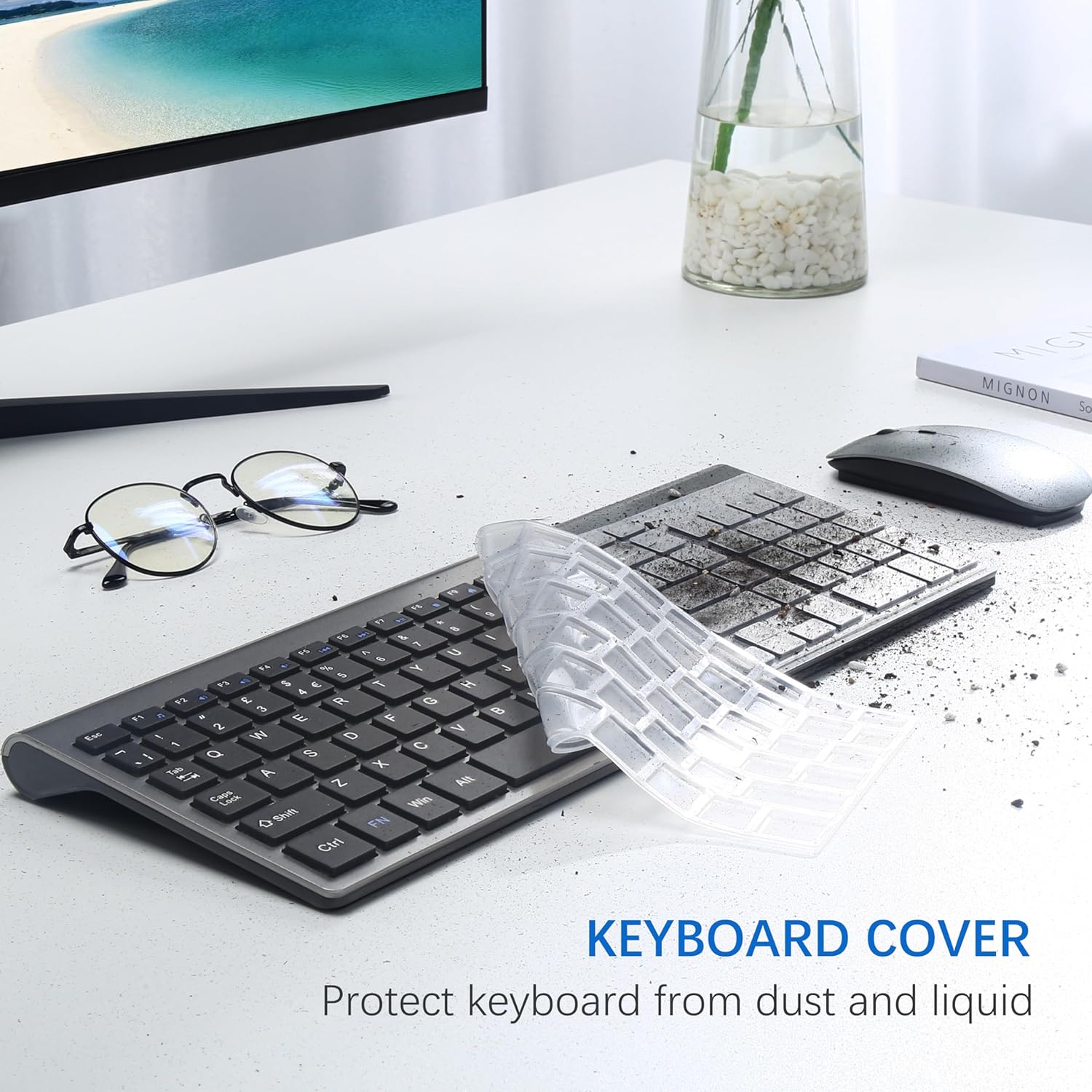
The included cover is another sensible touch. It’s meant to protect the keyboard from dust and liquid, which is exactly the kind of everyday risk that tends to build up over time—especially in shared rooms or when your desk isn’t always pristine.
Things to consider before buying
A couple of limitations are worth bearing in mind. First, the battery life is described as “between 3 and 5 months” and explicitly varies by usage conditions. That means you’ll want to factor in your daily workload (and how often you’re using the mouse at higher DPI).
Second, this combo is positioned as silent and office-friendly rather than performance-focused. If you’re looking to “exaggerate” precision for fast reflex gaming or you need advanced customisation, you may find it slightly too basic for demanding play.
Finally, while the keyboard is ultra-slim and portable, ultra-thin designs don’t suit everyone’s typing preferences. If you love a heavier, more substantial key feel, this might feel different.
Is it worth it?
You should buy it if you’re after a tidy wireless keyboard and mouse combo with a stable 2.4G setup, a quieter scissor-switch typing experience, and a silent-style mouse. It suits everyday work, general home use, and users who want portability without constantly dealing with cables.
You may want to skip it if your priority is high-end gaming performance, deep software customisation, or you expect “premium” build feel beyond a compact office kit. It’s also not the best fit if you dislike battery-managed devices and would rather have wired consistency.
Mini FAQ
FAQ
Can I use it without installing software?
The description says the combo uses a nano receiver and is plug and play, with no additional software mentioned. So on paper, setup should be straightforward.
How far will the wireless connection reach?
It’s described as a reliable wireless keyboard and mouse connection of up to 10 m, which should cover typical desks and rooms.
How quiet is it meant to be?
The keyboard’s scissor-switch keys are positioned as providing less noise, and the mouse is described as silent. Real-world quietness can vary by environment, but the intent is clearly work-friendly.
What DPI options does the mouse have?
The mouse offers five DPI levels: 800/1200/1600/2000/2400.
What batteries does it use?
Batteries are included, and the combo uses 2 AA and 2 AAA cells.