

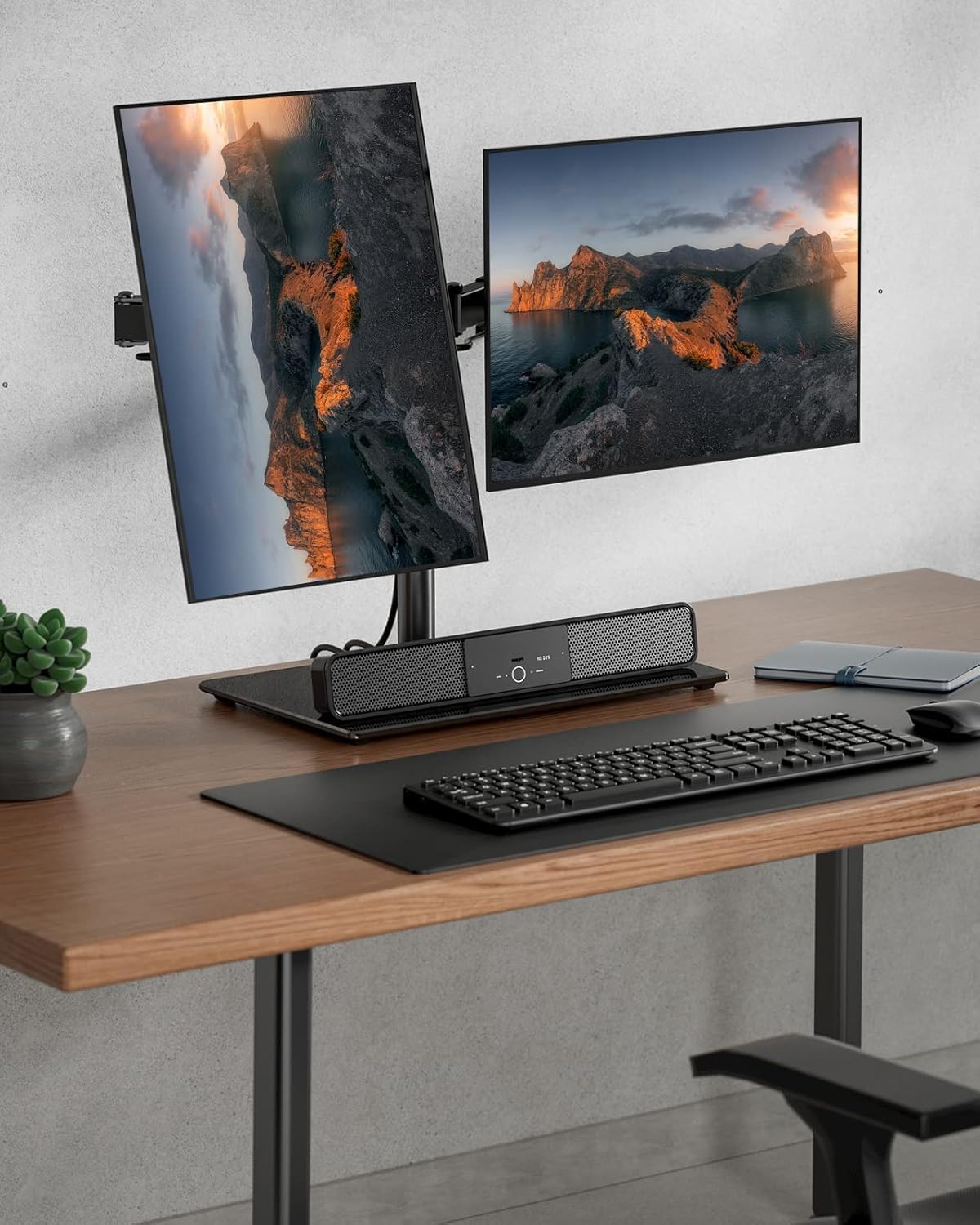
ErGear Dual Monitor Stand for 13"–32" Screens — Freestanding, Wide Base Dual Monitor Arm Desk Mount
Product description
What it is and what it solves
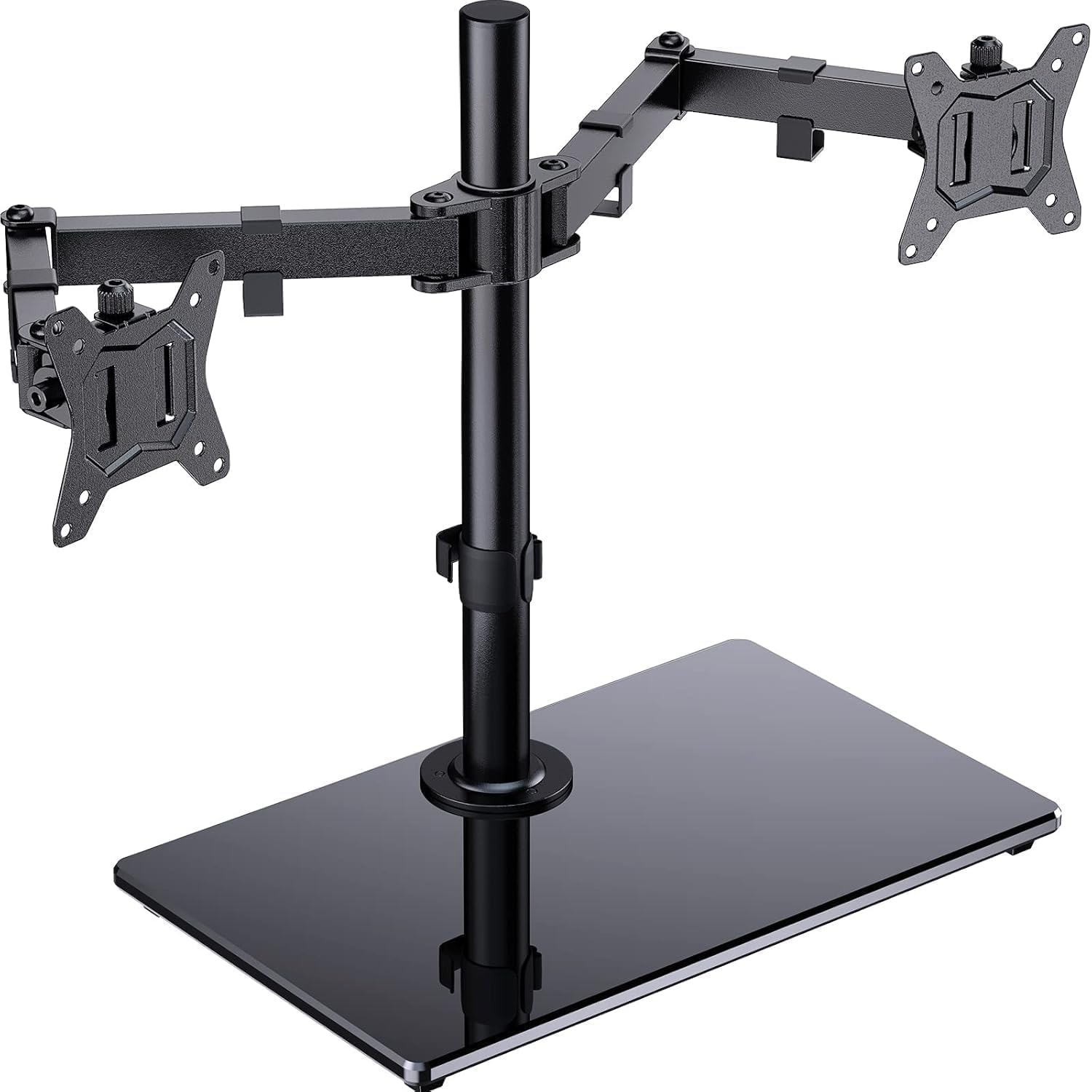
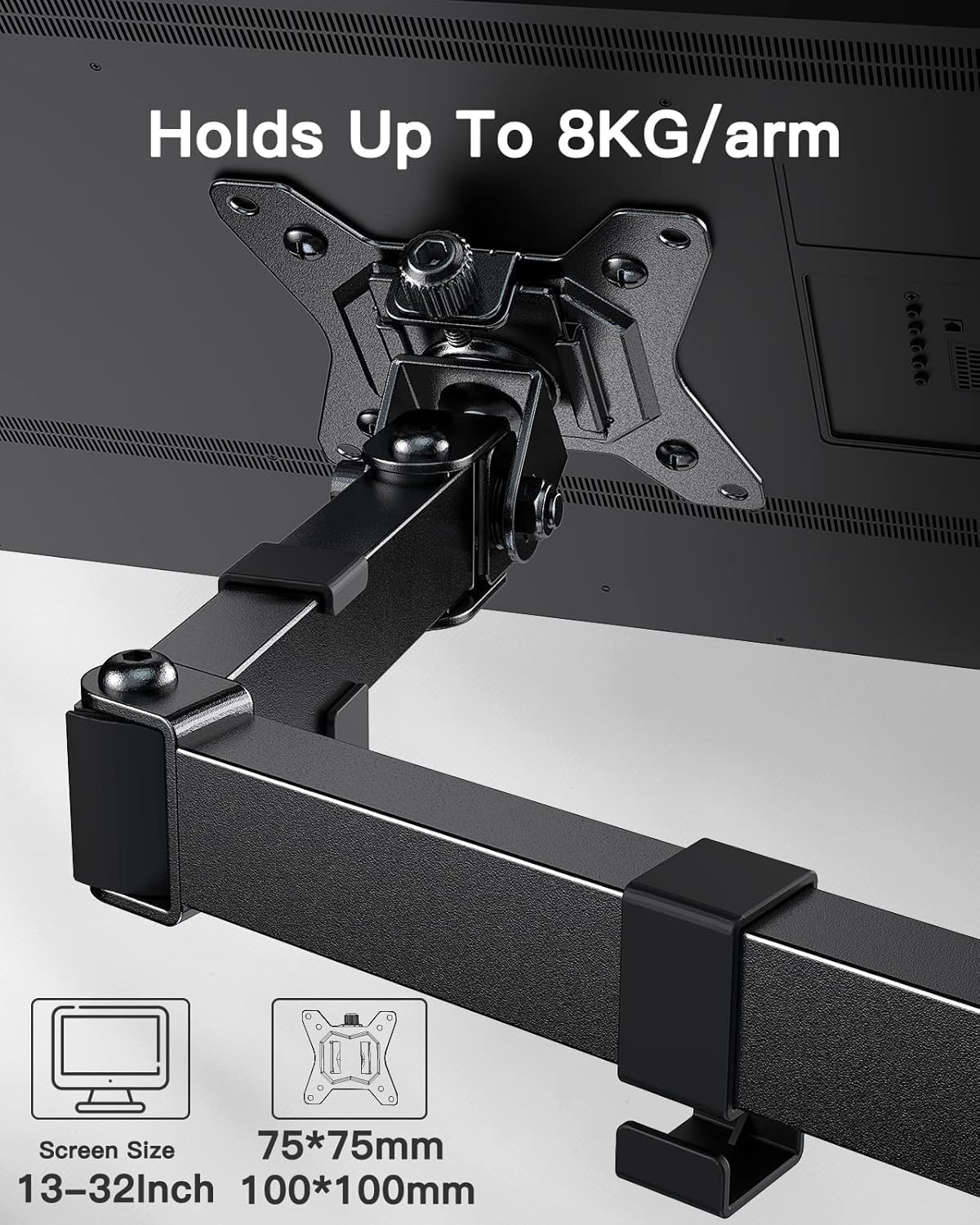
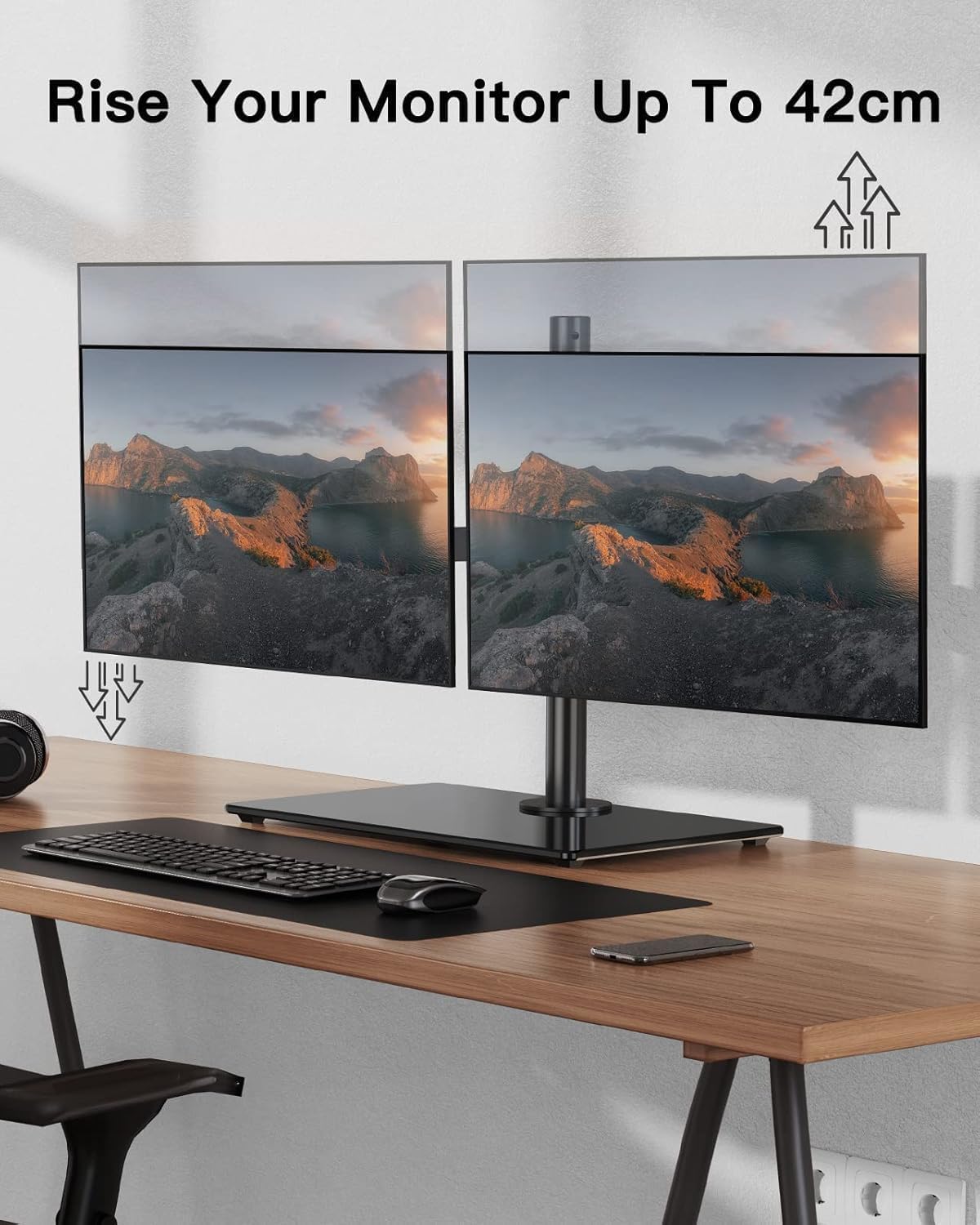
The ErGear Dual Monitor Stand is a freestanding desk mount designed to hold two screens from 13" to 32". Built from high‑grade steel, it aims to deliver a stable setup with a widened base so you can raise and orient two monitors without sacrificing desk space. Each arm supports up to 8kg, which covers most mainstream LCD and curved monitors that fit the VESA patterns of 75×75 mm or 100×100 mm. If you’re balancing multiple tasks at a desktop, this stand helps you position both displays for a cleaner, more ergonomic workflow.
Alignment and adjustability in everyday use
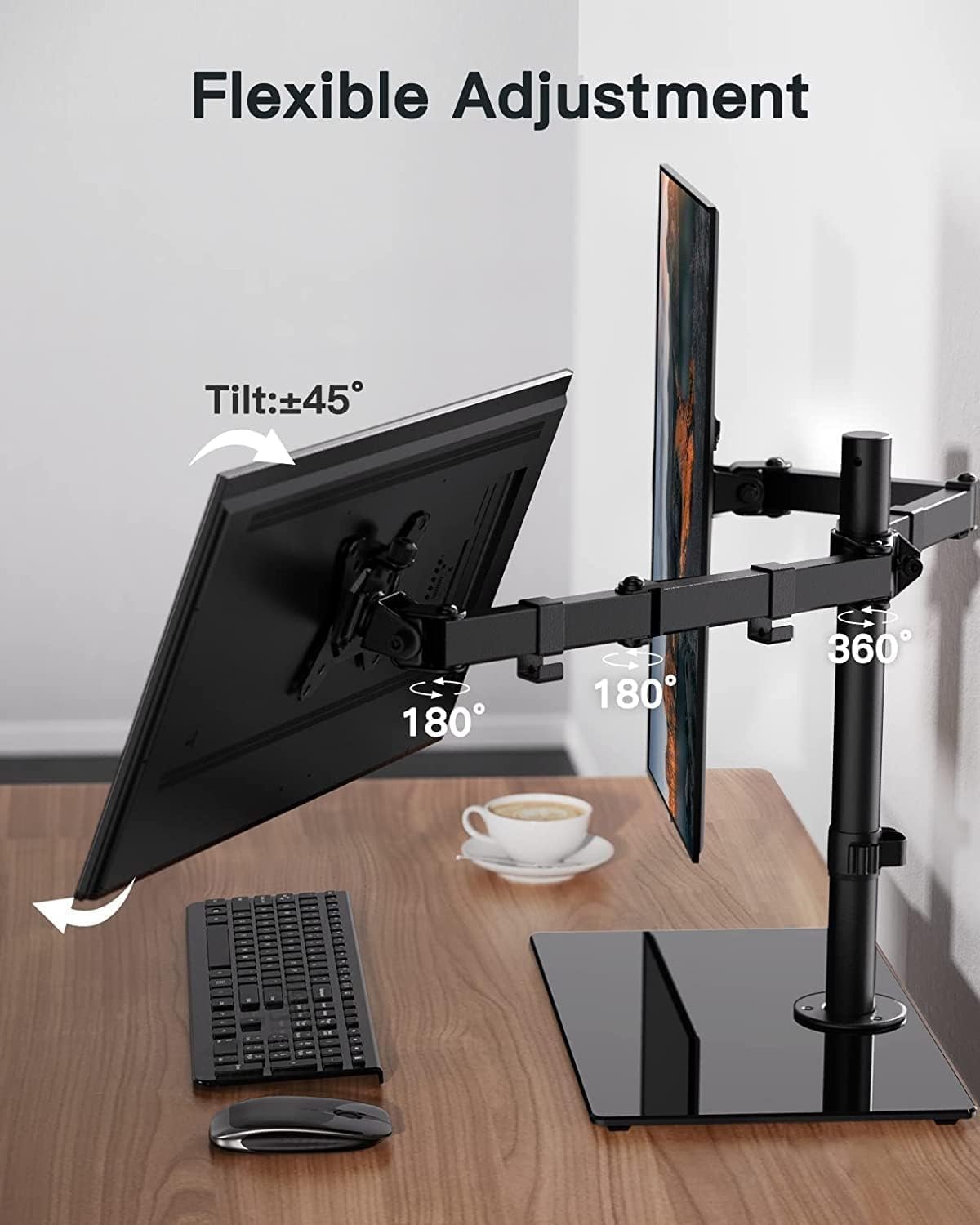
On paper, the dual arms offer a full suite of adjustments to help you find a comfortable viewing angle. The tilt goes up to ±45°, the screen can swivel left and right up to 180°, and rotation to landscape or portrait is 360°. In practice, that translates to easy fine‑tuning whether you’re editing documents on one screen and browsing on the other, or gaming with a companion task running alongside. The ability to rotate and swap orientation without moving the entire stand makes it versatile for mixed tasks and changing priorities during the day.
Stability and build quality
The widened base is highlighted as a key feature for stability. While the description emphasises the steel construction, it’s worth noting that despite the solid framing, real‑world performance will still depend on your desk surface and how the weight is distributed across two monitors. If you prioritise a robust, non‑slip setup on a larger desk, this design tends to meet that requirement more reliably than slimmer, lighter mounts.
What it fits and what it doesn’t
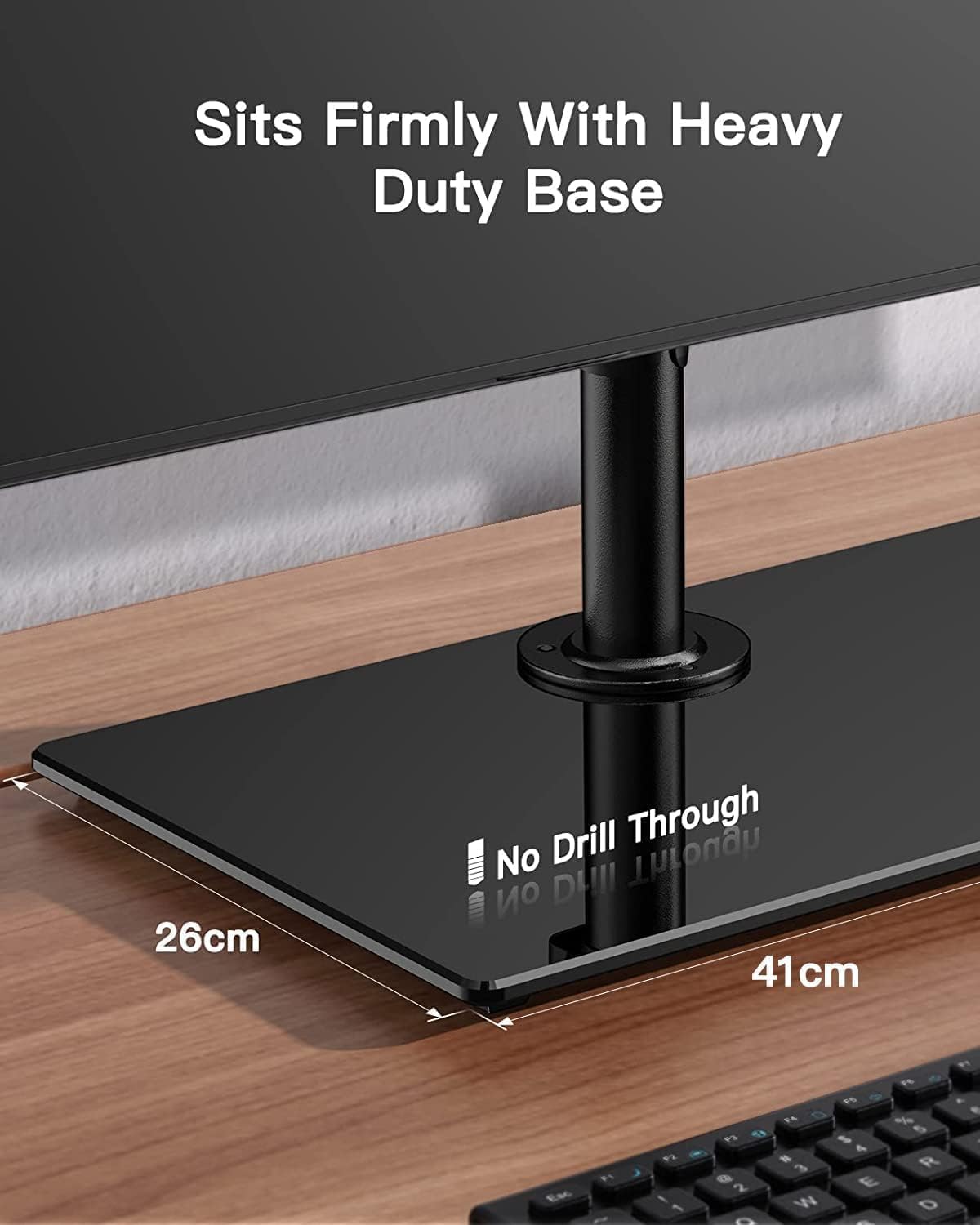
Compatibility focuses on common 13"–32" monitors with VESA 75×75 mm or 100×100 mm mounts. If your screens fall outside these sizes or use non‑standard mounting patterns, you’ll want to verify compatibility before buying. The dual‑arm design means you’ll have two fixed arms in one freestanding unit rather than one arm per clamp, which can simplify cable management but may limit some desk configurations that rely on clamp‑style mounting.
Pros and what stands out
- Solid, steel construction with a wide base for stability.
- Supports two monitors up to 8kg per arm, within common 13"–32" sizes.
- Flexible adjustments: tilt, swivel, and rotation for customised viewing angles.
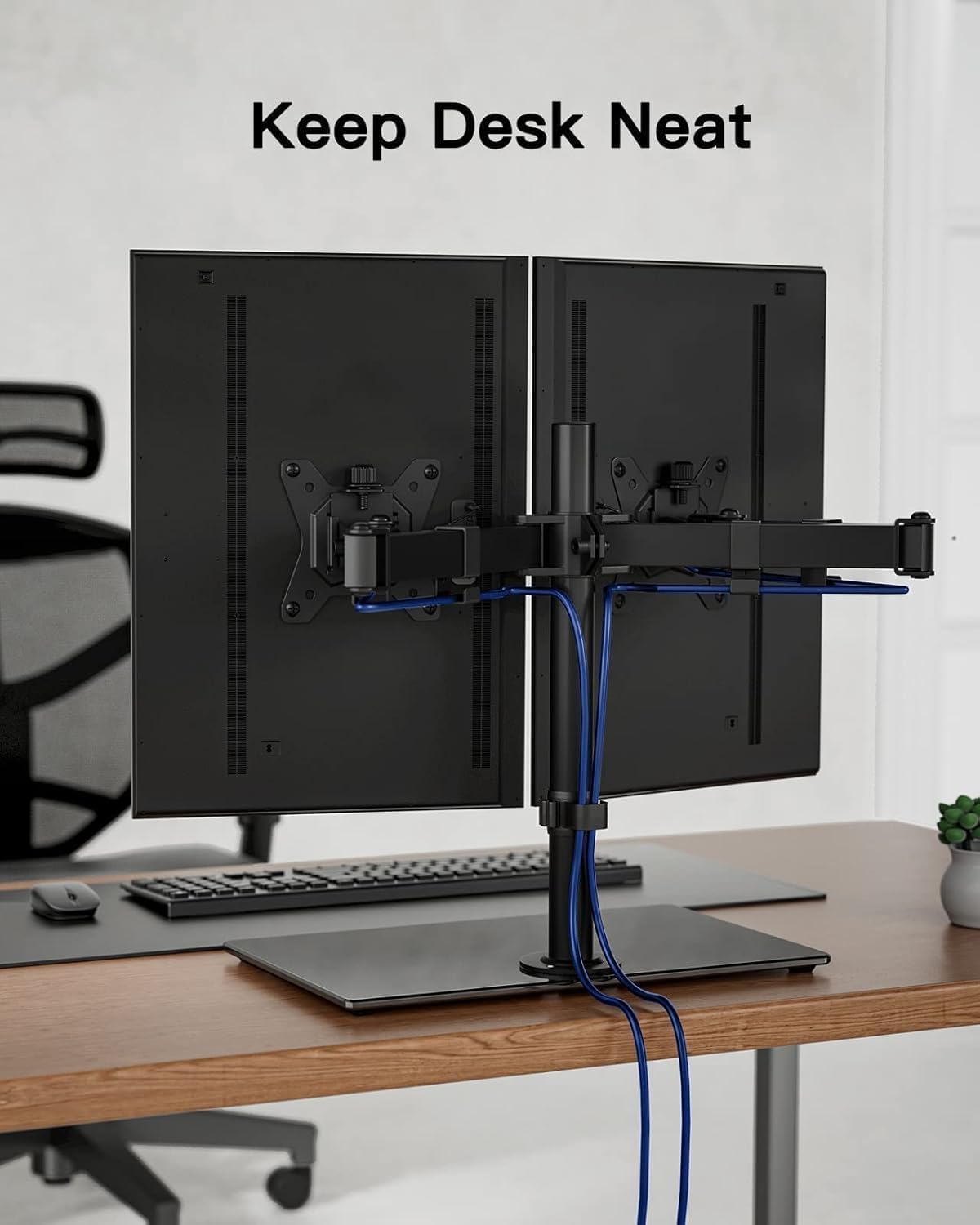
- Freestanding design helps keep cables tidy and saves desk space.
- Suitable for home or office use where a clean dual‑monitor layout is valued.
Cons and caveats
- It may not be the best choice if your desk surface is very small or if you need clamps for mounting flexibility in tight spaces.
- The stated weight limit is per arm, pushing beyond that on heavier models could affect stability.
- Some users may prefer a single‑arm setup per screen for extreme adjustability, this model keeps both arms on a single stand, which can feel bulkier on compact desks.
Who it’s best for
This stand suits you if you routinely work with two monitors and want a neater, more ergonomic desk arrangement without drilling into your desk. It’s a sensible pick for home offices, colour‑correcting tasks, coding setups, or multi‑tasking environments where keeping cables out of the way matters.
Who it isn’t ideal for
If you have unusually small desks, very heavy 32" panels near the weight limit, or screens that don’t conform to VESA 75×75 or 100×100, this solution might not be optimal. It’s also not the lightest option, so portability is limited compared with more compact, clamp‑mounted variants.
When it makes sense to buy
Consider this stand if you want a straightforward, sturdy dual‑monitor solution that frees up desk space and provides flexible positioning for two displays. It’s particularly sensible if you value a stable freestanding base over a clamp, and your monitors fall within the supported size and weight range.
What to check before you buy
- Confirm your monitors are 13"–32" and use VESA 75×75 or 100×100.
- Measure your desk to ensure the freestanding base fits without obstructing use of peripherals.
- Check the weight of each monitor to stay within the 8 kg per arm rating.
- Consider your preferred working posture and whether you’ll frequently switch between landscape and portrait layouts.
Practical example of use
Imagine a multi‑screen workstation where you keep a coding window on one panel and reference material on the other. The tilt and swivel allow you to angle the monitors away from the keyboard for a more open desk, while the 360° rotation makes it easy to switch between landscape and portrait during research tasks or long document reviews.
What stands out in use vs. alternatives
Compared with lightweight clamps or single‑arm setups, this freestanding unit offers a more stable base and less chance of desk damage. If you want to avoid drilling or clamping and you’re comfortable with a slightly larger footprint, it can be a practical middle ground between pure clamp mounts and heavier, fully articulated desks supports.
FAQ (based on available information)
- Can I mount curved monitors with this stand? Yes, it supports 13"–32" displays, including curved panels, as long as they use VESA 75×75 mm or 100×100 mm.
- Do the arms move independently? The description implies two arms on a single stand with joint adjustments, exact independence isn’t specified, so plan for coordinated adjustment.
- Is there concealed cable management? The design is described as having a concealed wiring approach to help keep the desk tidy, though it doesn’t detail a full cable channel system.
Final decision
Final verdict: Worth considering if you want a solid, two‑monitor setup with a wide, stable base and flexible viewing angles, provided your monitors fit the supported sizes and weight. It’s a sensible middle‑ground option for a neat, functional desk without drilling into the surface. If your space is extremely tight or you require lightweight, ultra‑compact mounting, you may want to explore alternatives that prioritize footprint or clamp versatility.