

HP Smart Tank 6006 All-in-One Printer (Colour) with Wireless Wi‑Fi, Print/Scan/Copy
Product description
The essentials
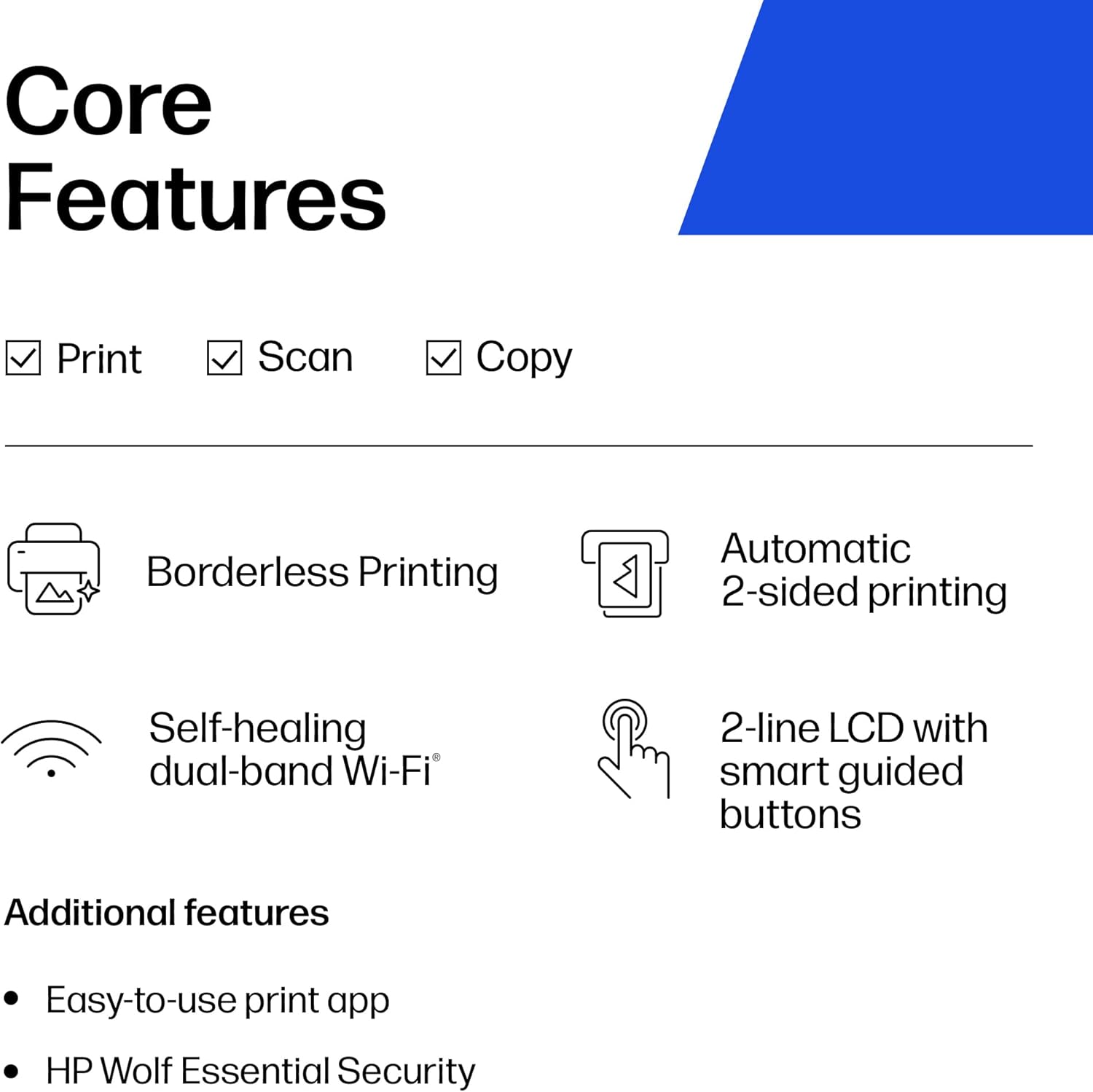
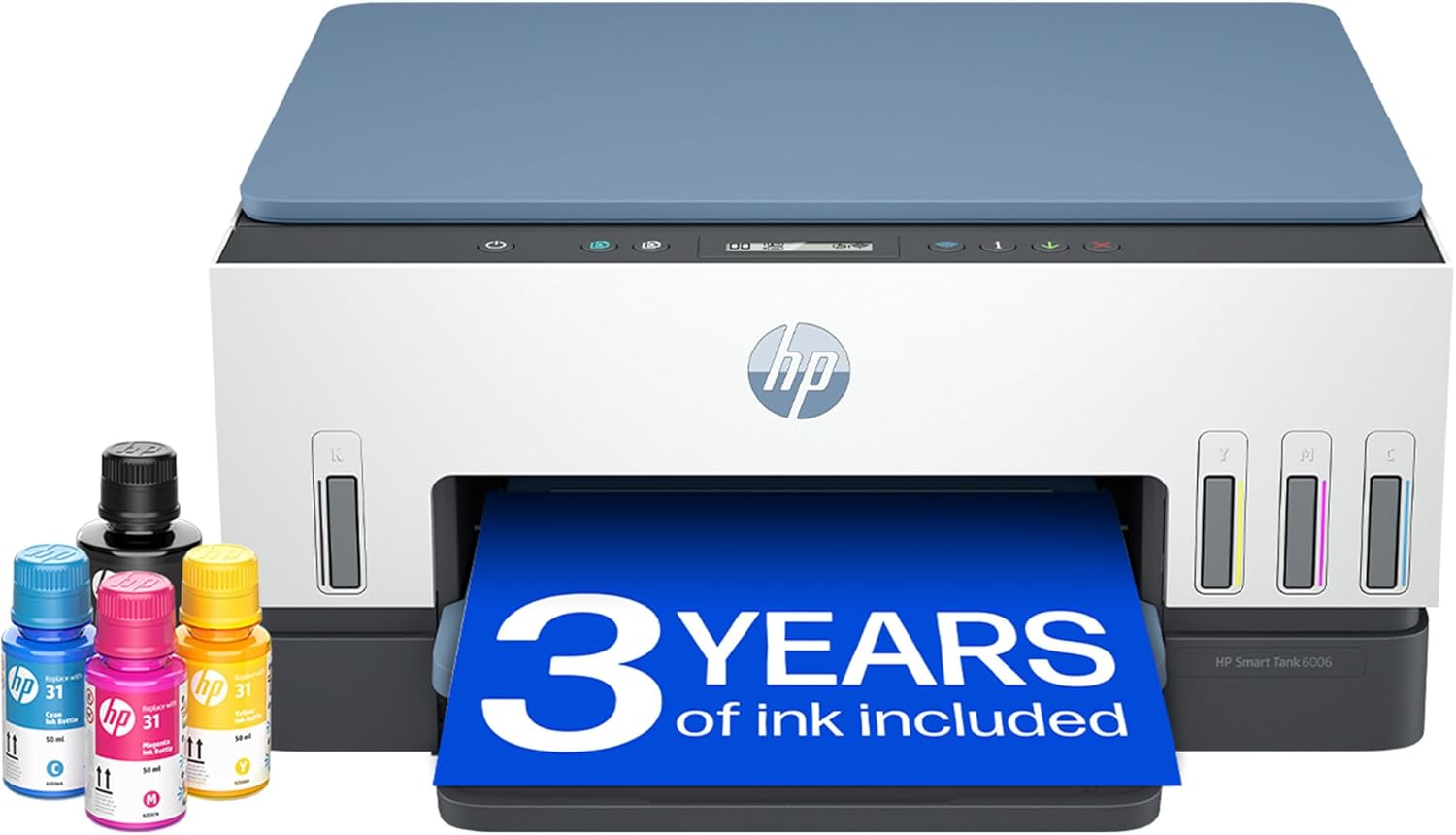
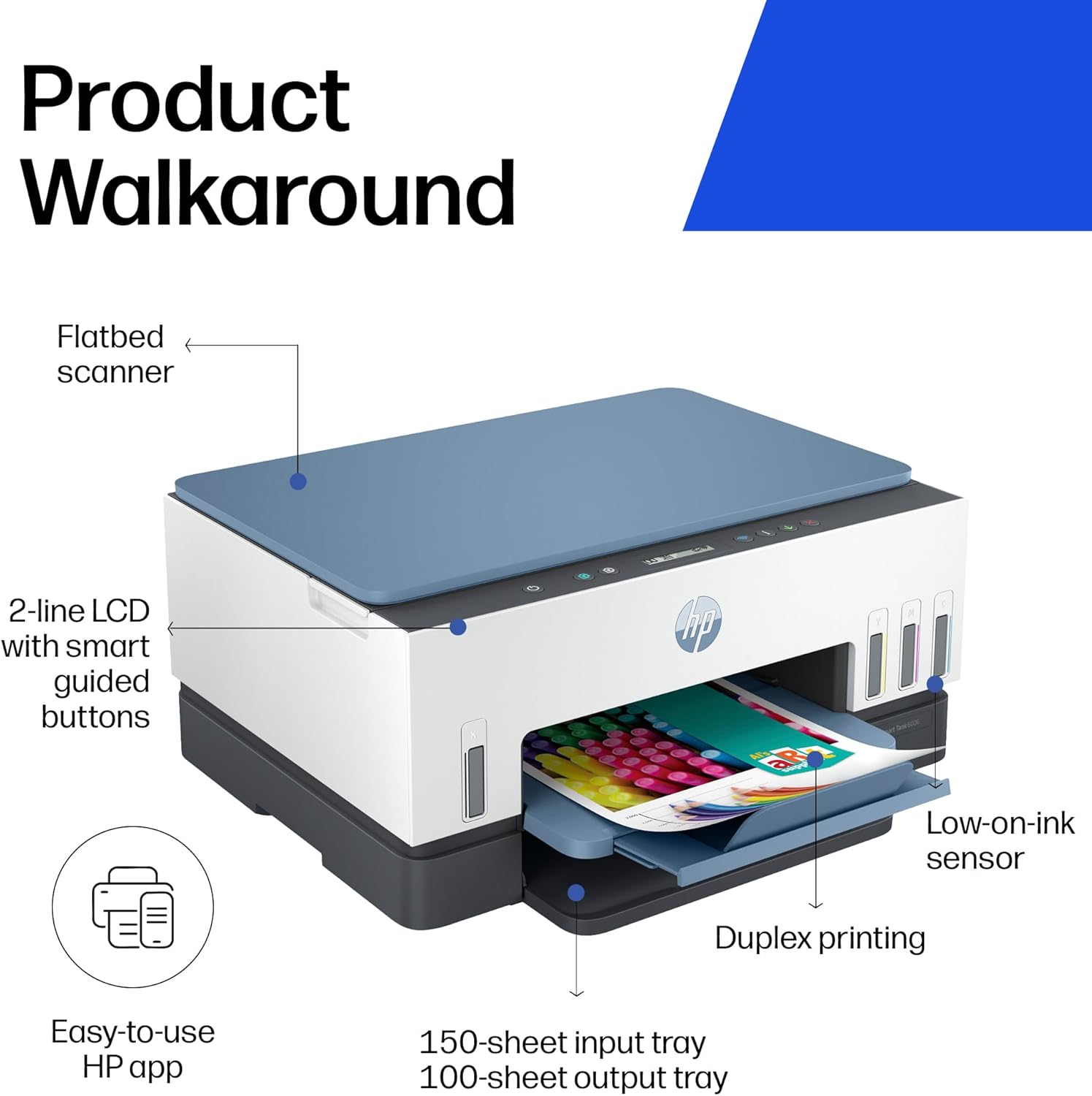
The HP Smart Tank 6006 is an all-in-one ink tank printer aimed squarely at home use where you print regularly, not just occasionally. On paper, it ticks a lot of practical boxes: wireless printing, print/scan/copy in one, guided set-up, and automatic two-sided printing to help you knock out multi-page documents without manual effort.
What really sets this model apart for everyday buyers is the cartridge-free approach. Instead of swapping cartridges, you refill ink into the tank, and the box includes Original HP ink bottles intended to get you started. HP also mentions low-ink sensors, so you’re less likely to get caught out mid-print.
It’s not positioned as a “minimum effort, minimum cost” gimmick. It’s more of a home productivity tool: designed to handle frequent jobs, reduce hassle around ink replacements, and keep an eye on connectivity so you’re not constantly re-pairing devices.
What matters most in daily use
Setup is one of the smoother parts of the experience according to HP. The guided, step-by-step videos are there to walk you through getting the printer working, and the wireless side uses dual band Wi‑Fi with self-healing (so, again, the idea is fewer connection hiccups over time).
In day-to-day tasks, automatic two-sided printing is the feature you’ll notice first if you regularly print documents, schoolwork, or longer emails with attachments. It’s also useful for anyone who tends to forget to flip pages.
There’s also the “smart-guided buttons” with illuminated guidance. That’s aimed at reducing guesswork when you’re selecting tasks like copying or scanning. It’s a small thing, but small things matter when multiple people in the house use the same printer.
One limitation to keep in mind: as with any home ink tank system, you’re committing to a refilling workflow. If you strongly prefer cartridges you can pop in and forget, ink-tank refills may feel like extra faff—even with a spill-free design.
Ink system and ongoing running costs
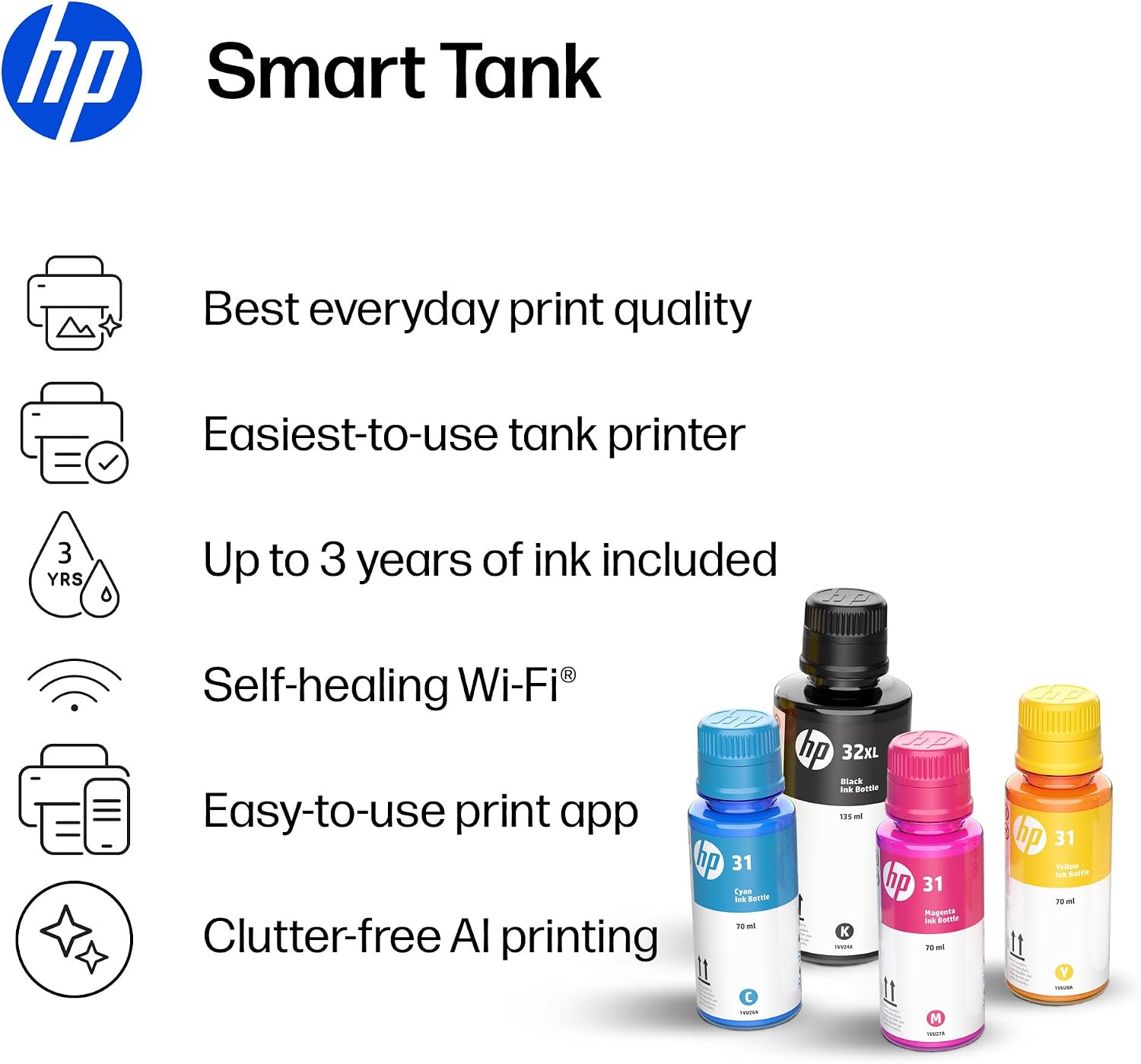
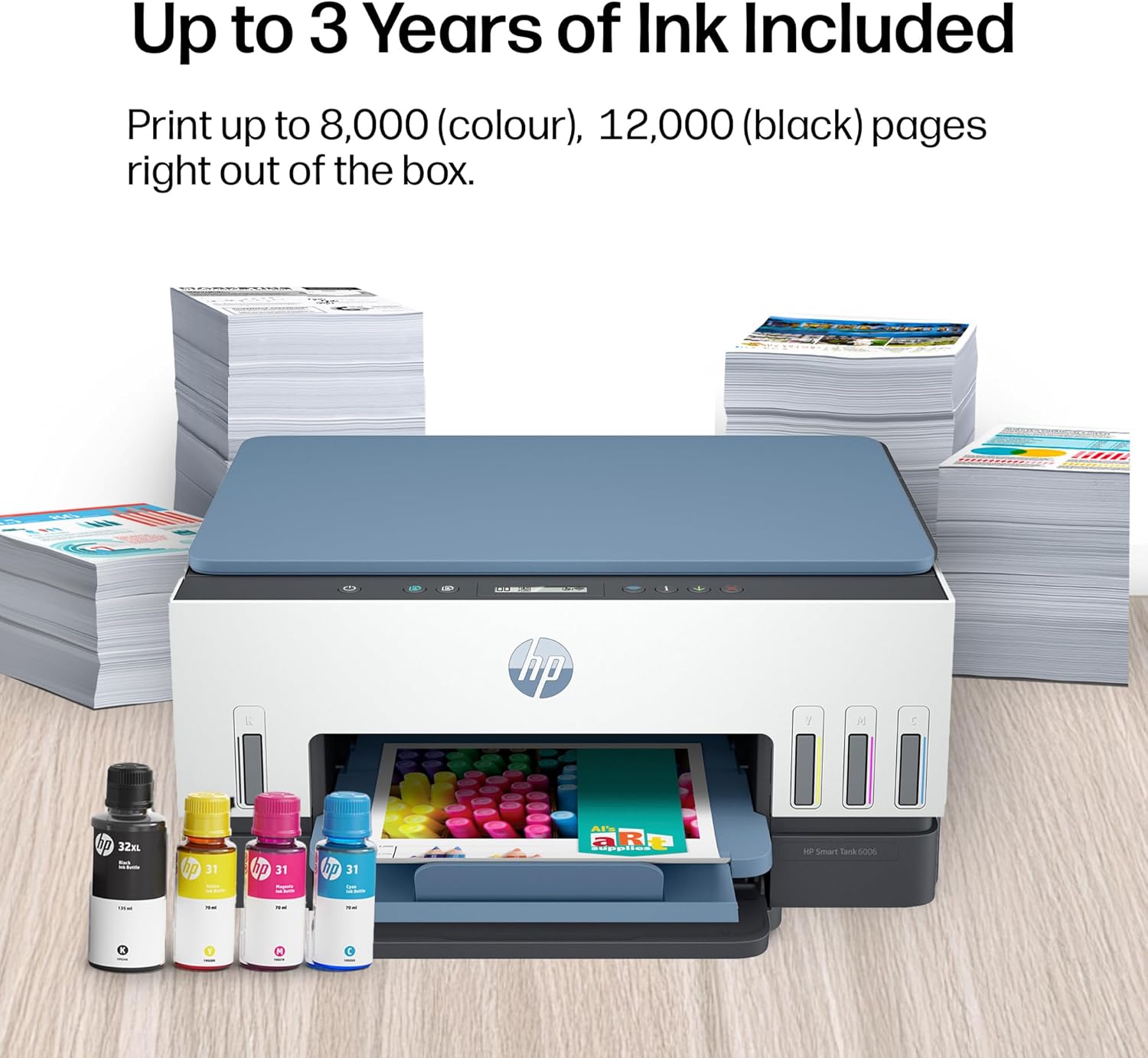
The Smart Tank 6006 uses a cartridge-free ink tank design, with HP stating up to 12,000 black pages or 8,000 colour pages with Original HP ink included in the box. HP positions this as extremely low cost-per-page for higher volume home printing, which is exactly where this sort of printer tends to make sense.
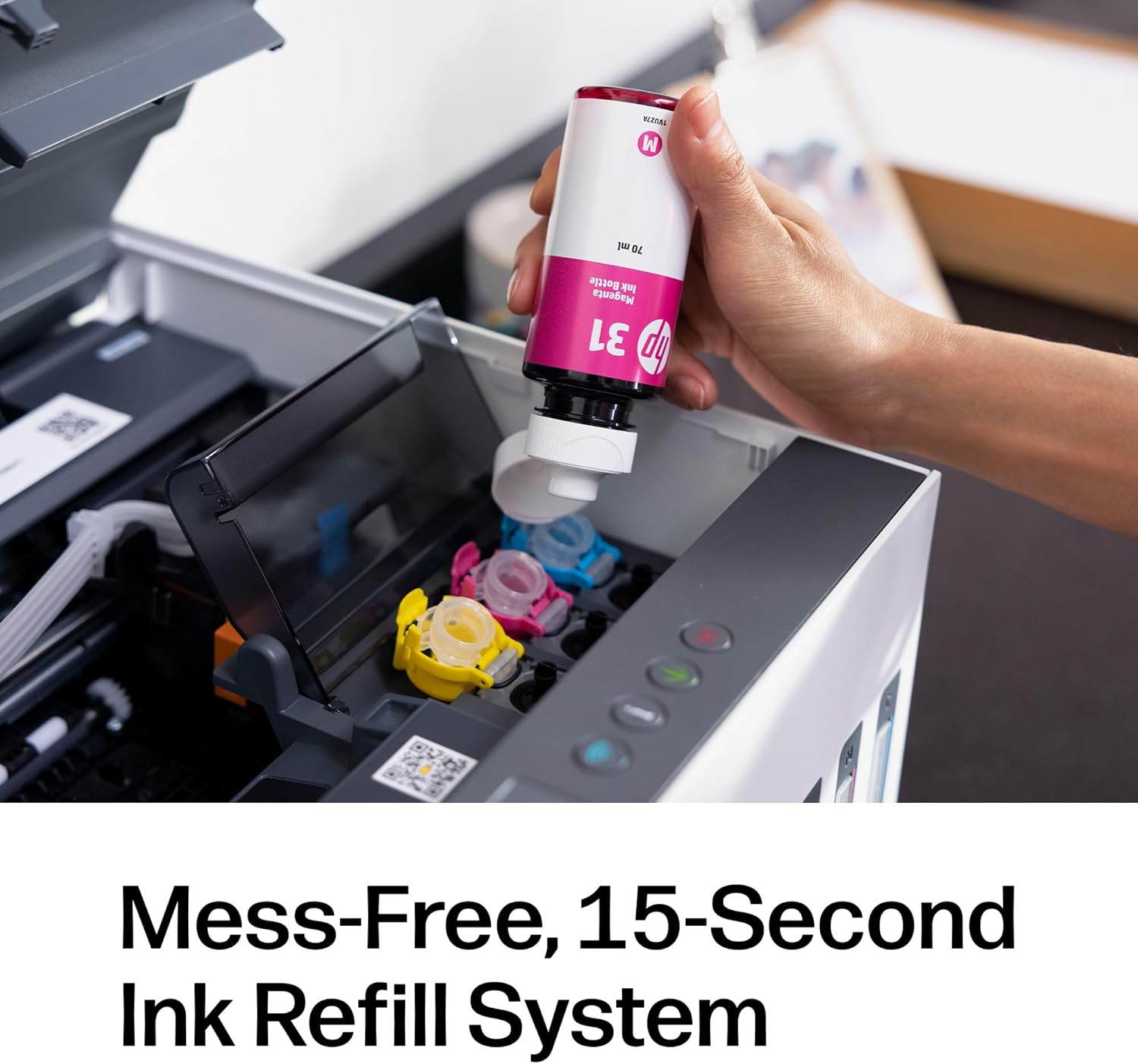
The refill method is described as spill-free and simple. HP’s system is “easy-access” and uses bottles that you plug into the ink tank and let them drain. HP also notes there’s no squeezing and no spilling as part of that spill-free refill approach. If you’ve ever had ink stains during refills, you’ll probably understand why this matters.
A practical micro-scenario: imagine printing a stack of colour pages for a hobby project and then switching to black text for forms later the same day. With an ink tank system, you’re generally topping up what you need when the sensor indicates it’s running low—rather than performing full cartridge changes at unpredictable moments.
Key specifications that affect buying decisions
This all-in-one is designed for the basics you expect from a home printer—printing plus scanning and copying—while leaning into wireless convenience. It supports automatic two-sided printing for multi-page jobs, and HP includes low-on-ink sensors to help you plan refills.
There’s also mention of compatible Original HP ink bottles for refilling: HP 32XL Black and HP 31 Colour bottles. If you’re considering this, it’s worth checking availability in your area and whether you’re comfortable sticking with the Original HP bottles named by HP.
Who it suits (and who should think twice)
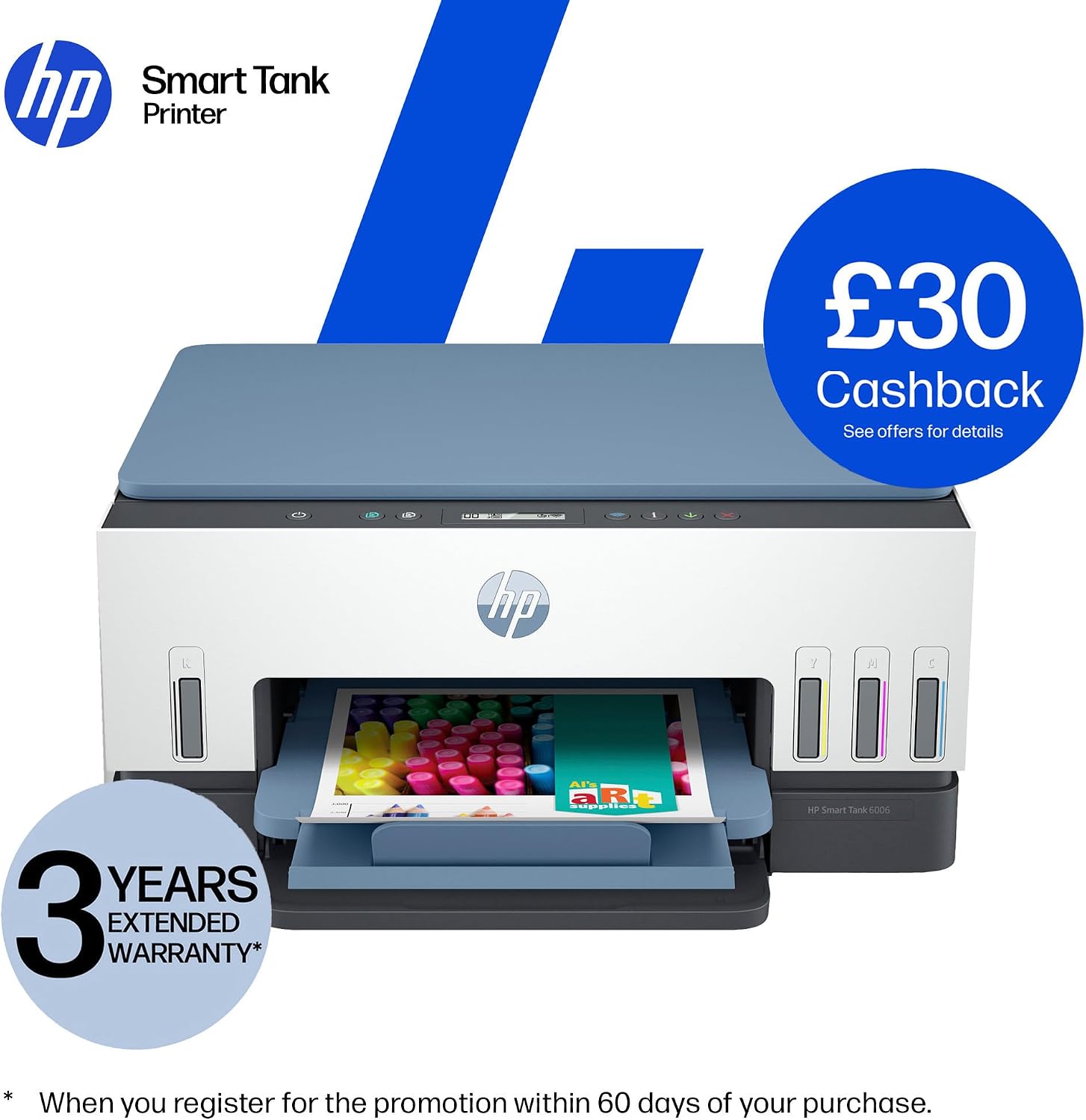
It’s a good fit if you print at home fairly often—especially multi-page documents—and you want fewer ink-change interruptions. You’ll likely appreciate the guided set-up videos, the dual band Wi‑Fi with self-healing, and the automatic two-sided printing.
It makes sense if you’re also the sort of household that does a mix of black text and colour graphics, and you’d rather manage refills on your terms instead of handling cartridges.
You may want to skip it if you only print very occasionally, because ink tank systems can be a long-term commitment. It might not be a great match if you strongly prefer cartridge-style convenience, or if you don’t want to get involved with refilling at all—even with a spill-free design.
Buying verdict
If you’re after a home all-in-one that leans into wireless convenience, automatic two-sided printing, and a cartridge-free ink tank approach, the HP Smart Tank 6006 looks like it’s built for day-to-day volume rather than sporadic printing. The guided set-up, illuminated smart buttons, and low-on-ink sensors all point to a “less hassle, more done” philosophy.
On the other hand, if your printing is rare or you prefer the simplest possible ink workflow (cartridges in, done), an ink tank printer may feel like the wrong trade. Check your own usage pattern first—this type of model tends to shine when you’re regularly producing both black and colour pages.
Mini FAQ
How many pages of ink does it include?
HP states the box includes Original HP ink for up to 12,000 black pages or 8,000 colour pages.
Does it support wireless printing?
Yes. HP highlights dual band Wi‑Fi with self-healing for faster, more reliable connections.
Is it really spill-free to refill?
HP describes its spill-free refill system as easy-access and designed to avoid squeezing and spilling. The refilling method involves plugging the ink bottle into the ink tank and letting it drain.
Does it print double-sided?
Yes. The printer supports automatic two-sided printing.
Does it scan and copy as well as print?
Yes. It’s an all-in-one printer for print, scan, and copy.