

GPC Image PGI-570XL CLI-571XL 6-pack ink cartridges 🖨
Reviews
Price
Product description
This set of replacement ink cartridges offers a cost-effective way to print everyday documents and photos with Canon PIXMA printers, delivering clear text and balanced colour for home or small office tasks. With a six-pack that covers pigment black and the main colour inks, it aims to keep printing running without frequent interruptions while matching common PIXMA series models.
Key Points
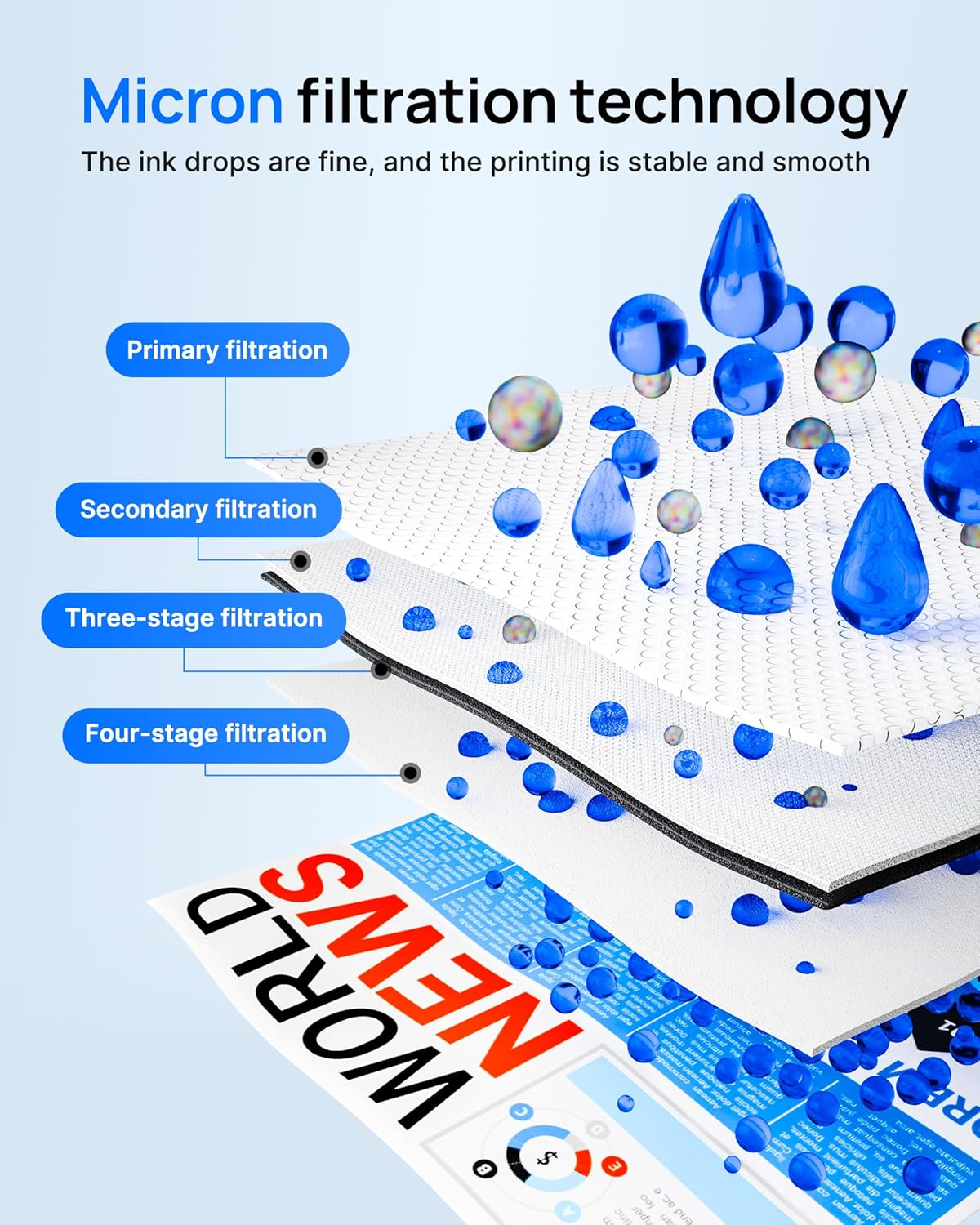
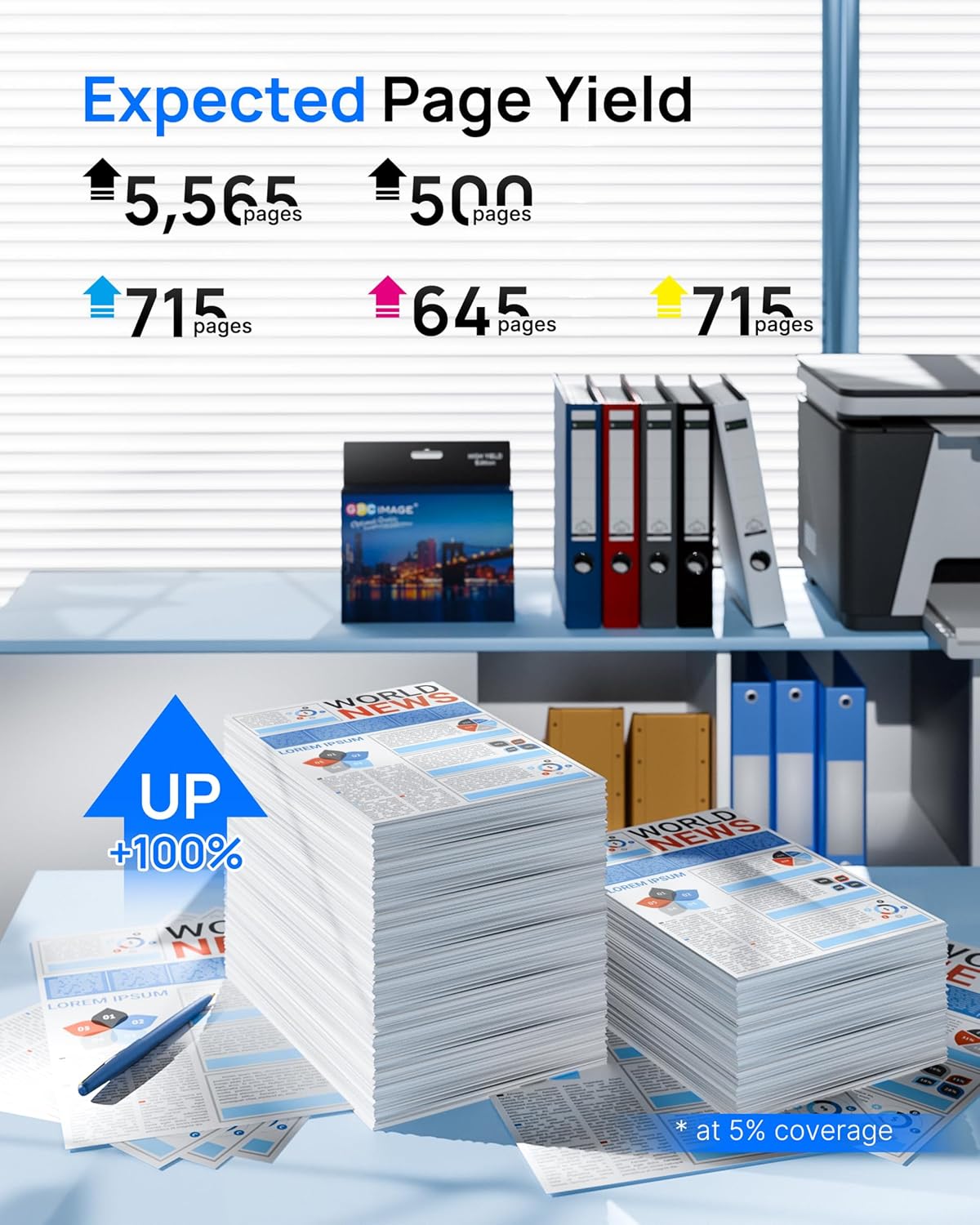
The cartridges include extra yield for standard use, which helps reduce trips to restock and keeps an affordable per-page cost. Colour prints show good saturation for photos and graphics, while pigment black produces sharper text for letters and reports. Consider that page yield figures are provided by the manufacturer and are based on 5% A4 coverage.
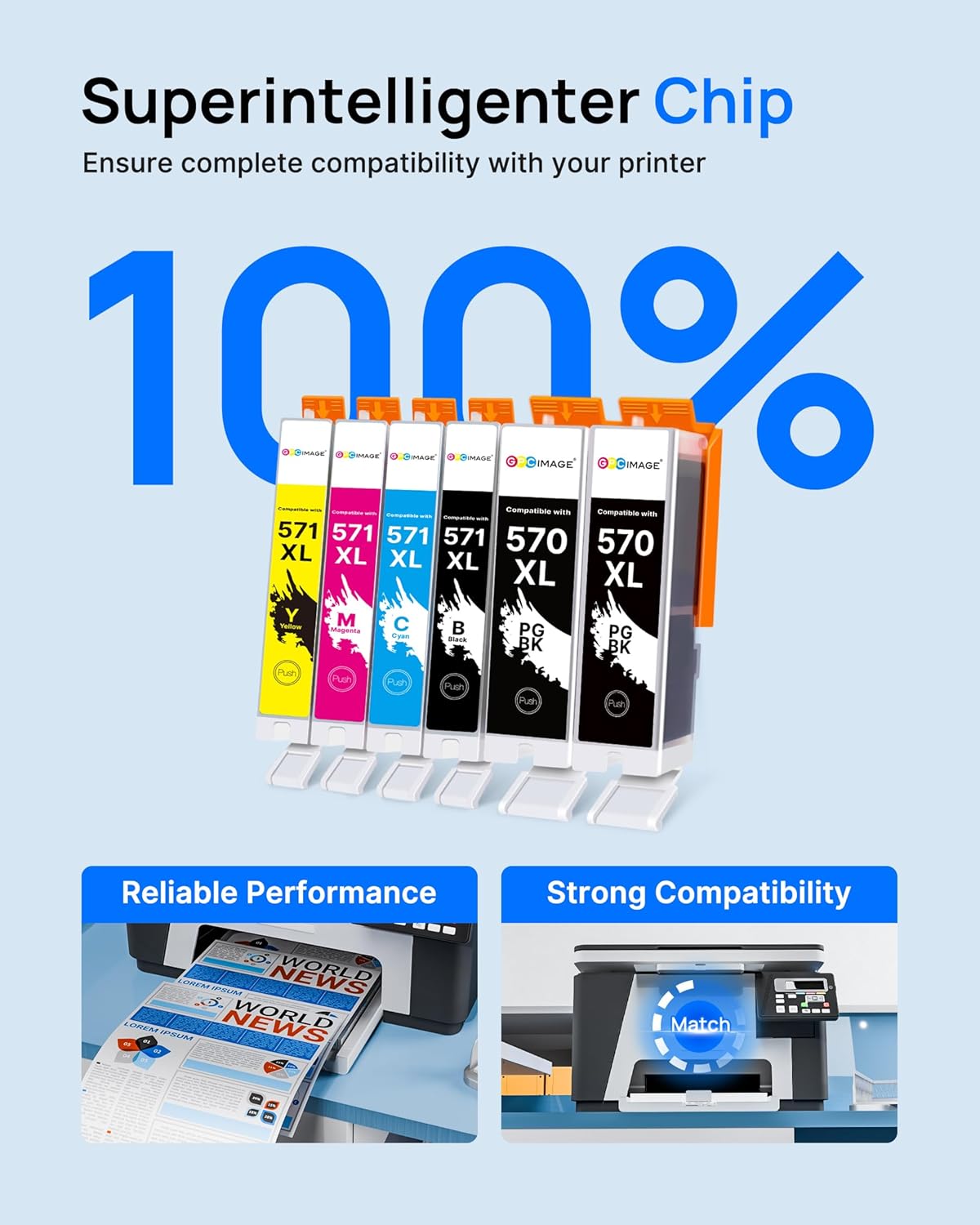
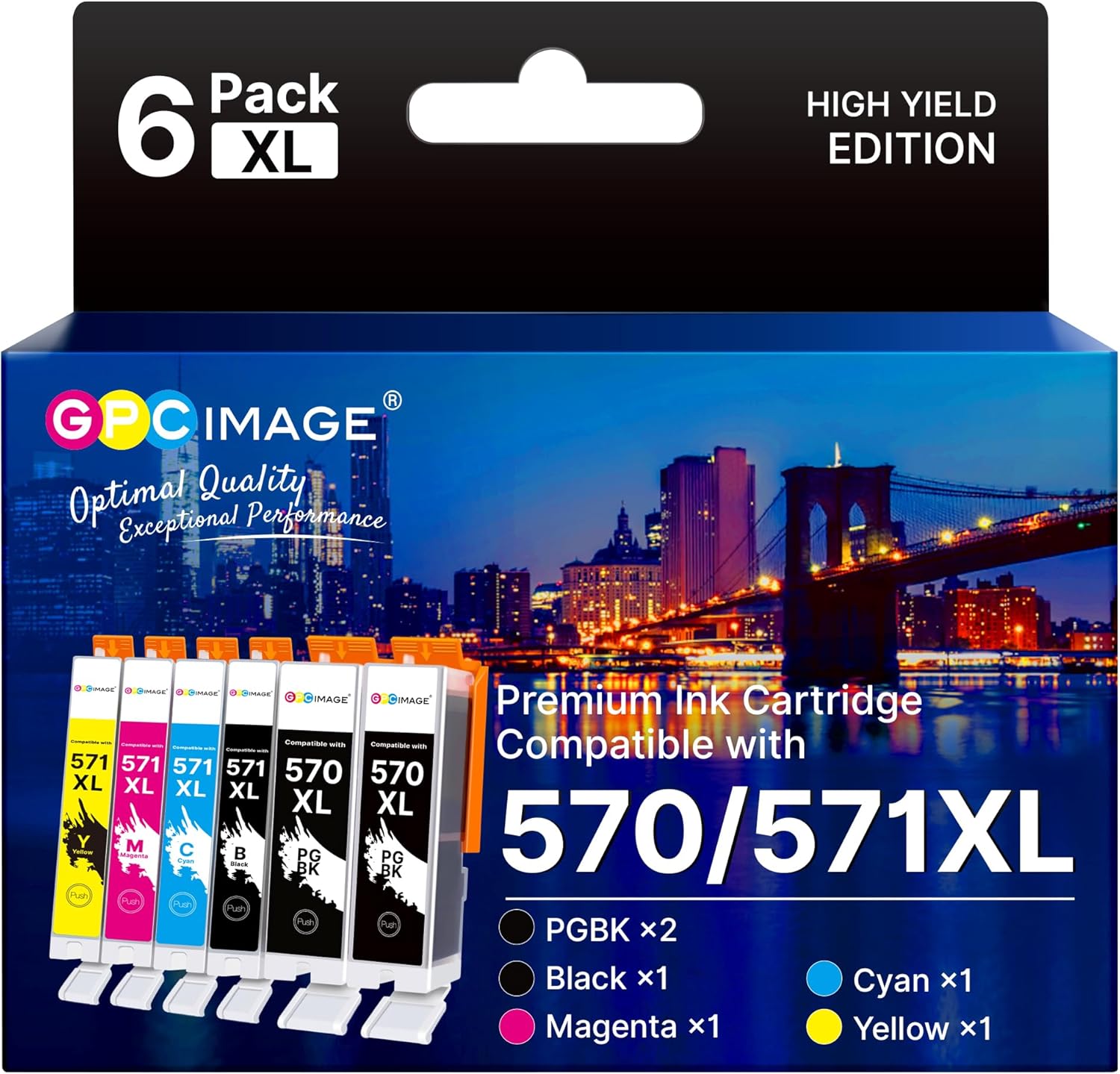
There is a practical mix in the pack: two pigment blacks, two standard blacks, and one each of cyan, magenta and yellow. This distribution suits users who print a mix of text-heavy documents and occasional colour materials. Note that these are compatible third-party cartridges and not original Canon supplies, so printhead performance may vary slightly between printer models.
Technical Specifications
- Name: GPC IMAGE PGI-570XL CLI-571XL (6 Pack)
- Contents: 2 PGBK, 2 BK, 1 C, 1 M, 1 Y
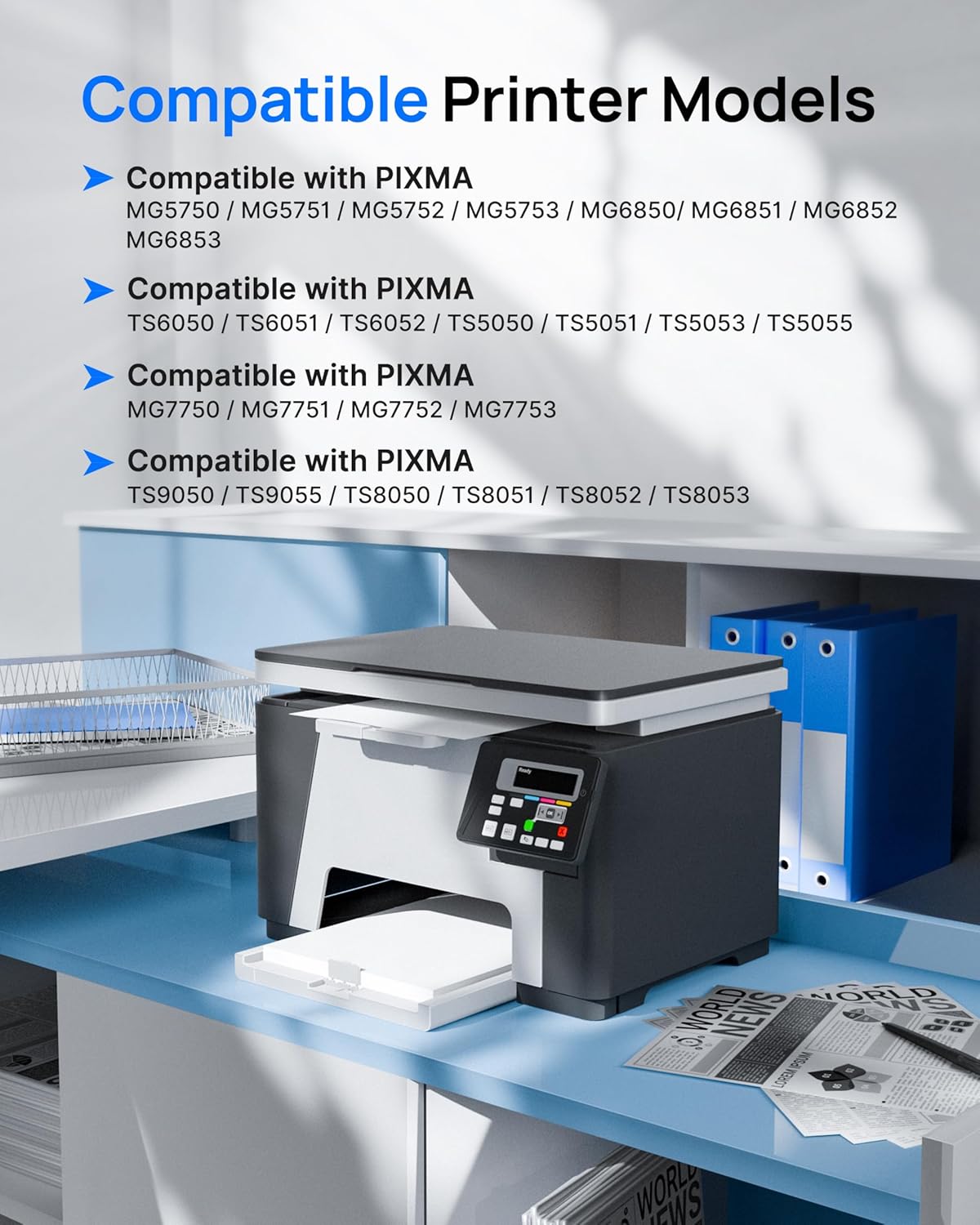
- Compatible printers: PIXMA MG5700 / MG5750 / MG5751 / MG6850 / MG6851, TS5050 / TS5051 / TS5053 / TS5055 / TS6050 / TS6051 / TS6052, MG7750 / MG7751 / MG7752, TS8050 series, TS9050 series
- Page yield (according to the manufacturer): 500 pages per pigment black, 300 pages per colour cartridge at 5% coverage
- Type: Compatible third-party ink cartridges, not original equipment manufacturer

Benefits
These cartridges allow longer printing runs due to the XL capacity variants, reducing downtime and supply handling. Colour consistency is suitable for everyday photo prints and classroom materials, and the pigment black option improves legibility for business documents. Using a full set helps avoid colour imbalances that can occur when replacing a single colour on its own.
An advantage of having two blacks in the pack is that you can reserve one for text-intensive work while the other serves as a general-purpose black, which can be useful if you alternate between matte documents and photo printing. Also, the pack format can be more economical than buying single cartridges separately. 🖨️
Usage Recommendations
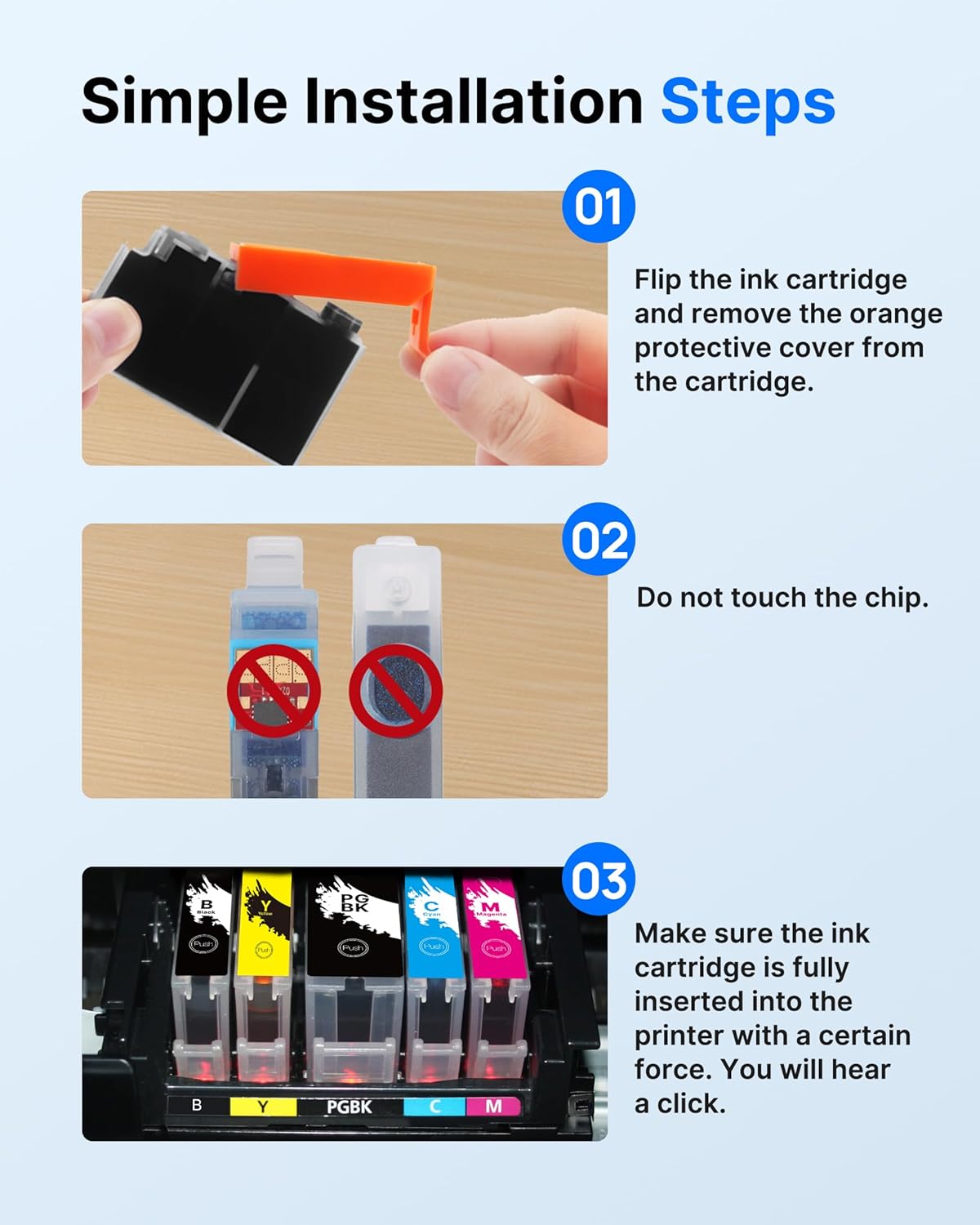
Install cartridges following the printer’s alignment and priming instructions to reduce the chance of streaking or misalignment. If you store spares, keep them in a cool, dry place and avoid prolonged exposure to direct sunlight. For best colour results, use the printer’s recommended paper types and select the appropriate print quality settings when producing photographs. Consider running a nozzle check if colours appear faint, as occasional maintenance cycles may be needed when switching between original and compatible inks. 🎨