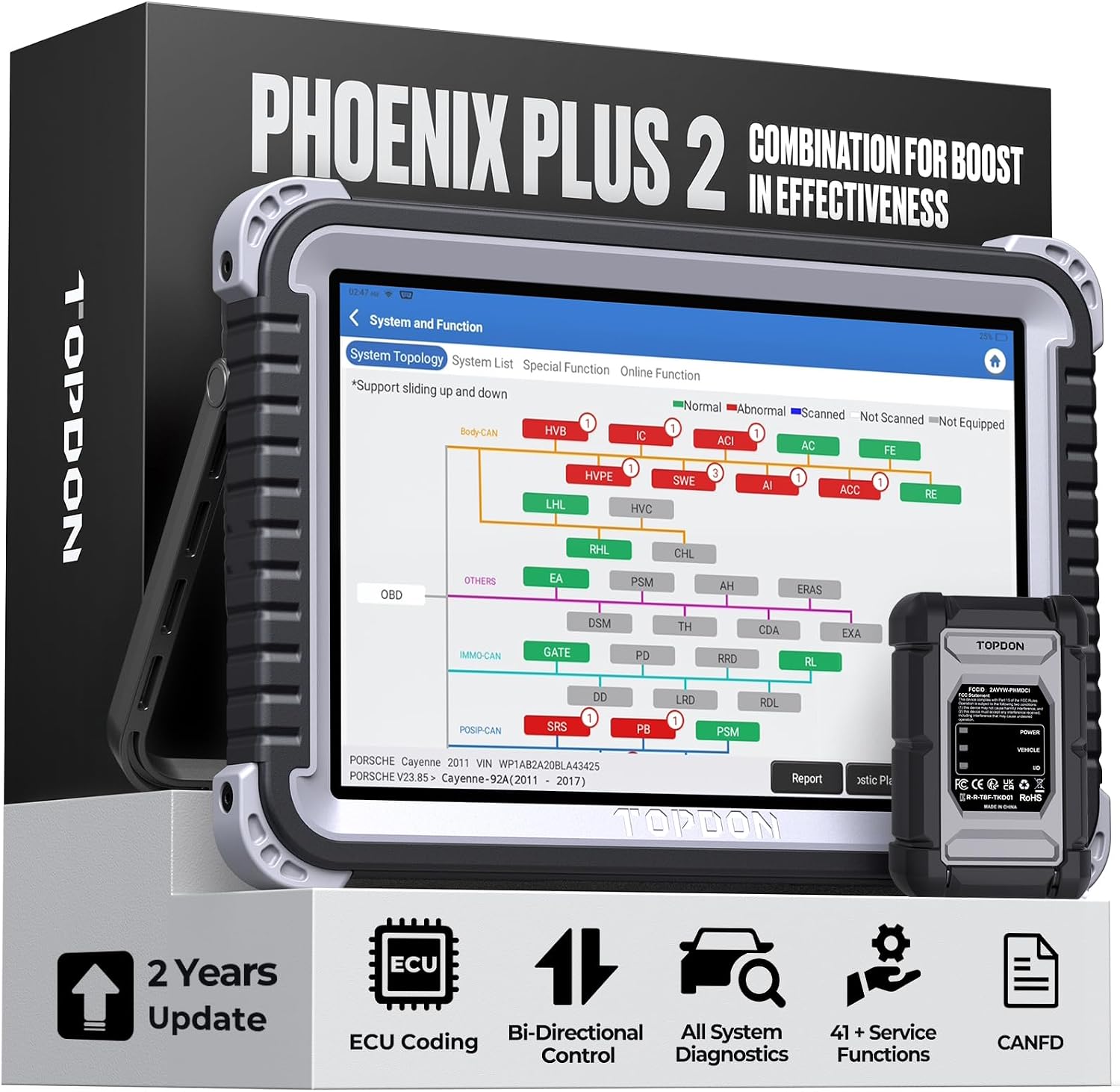
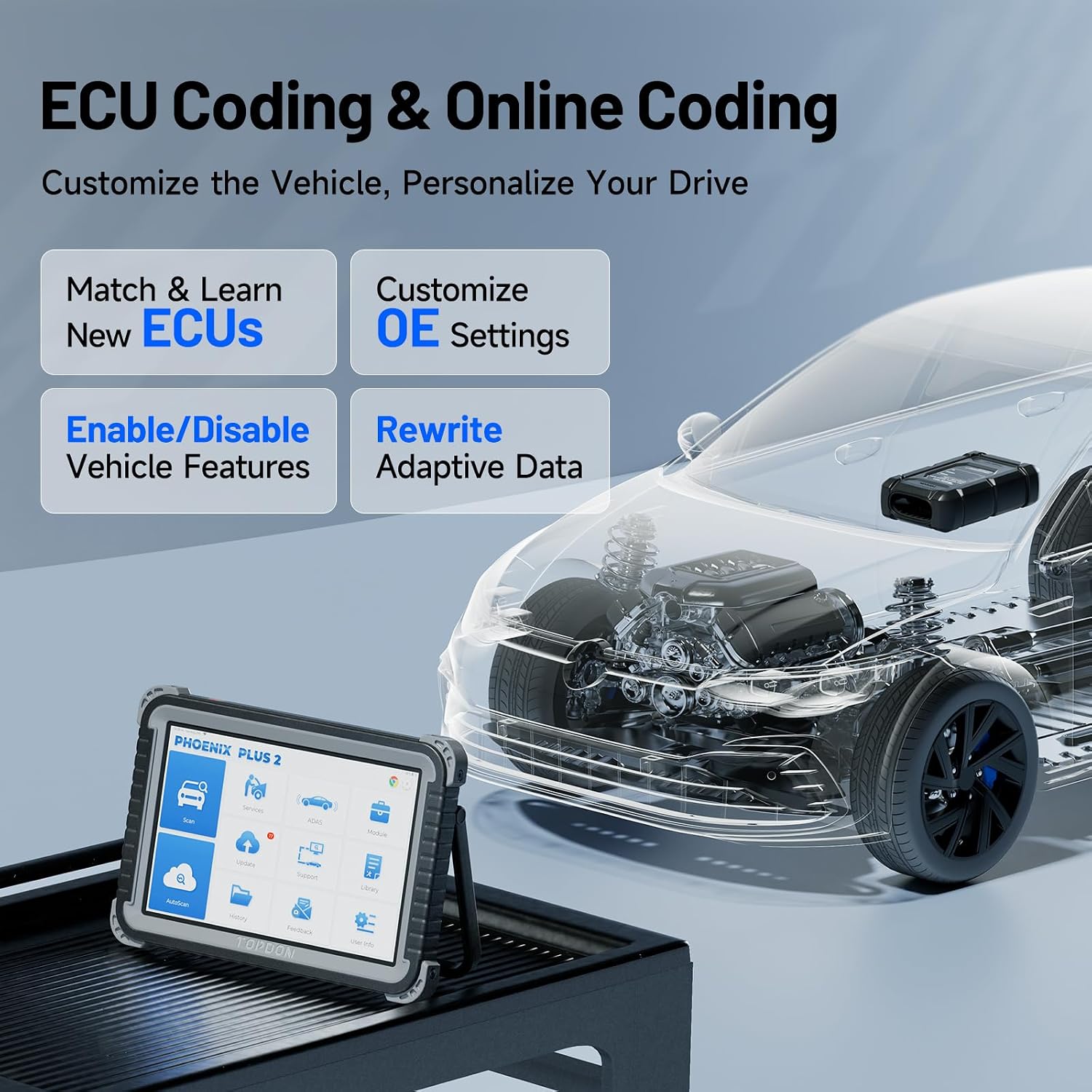
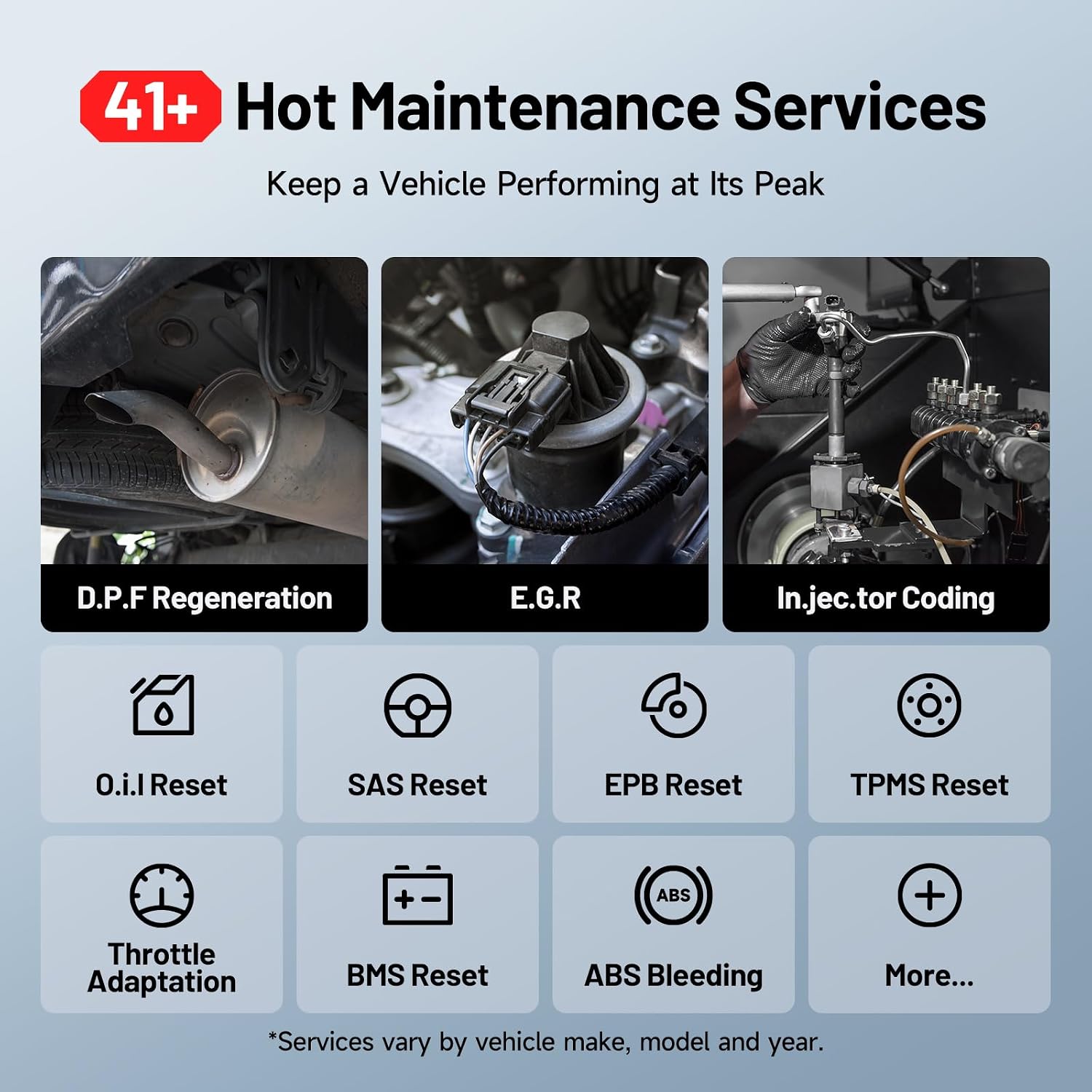
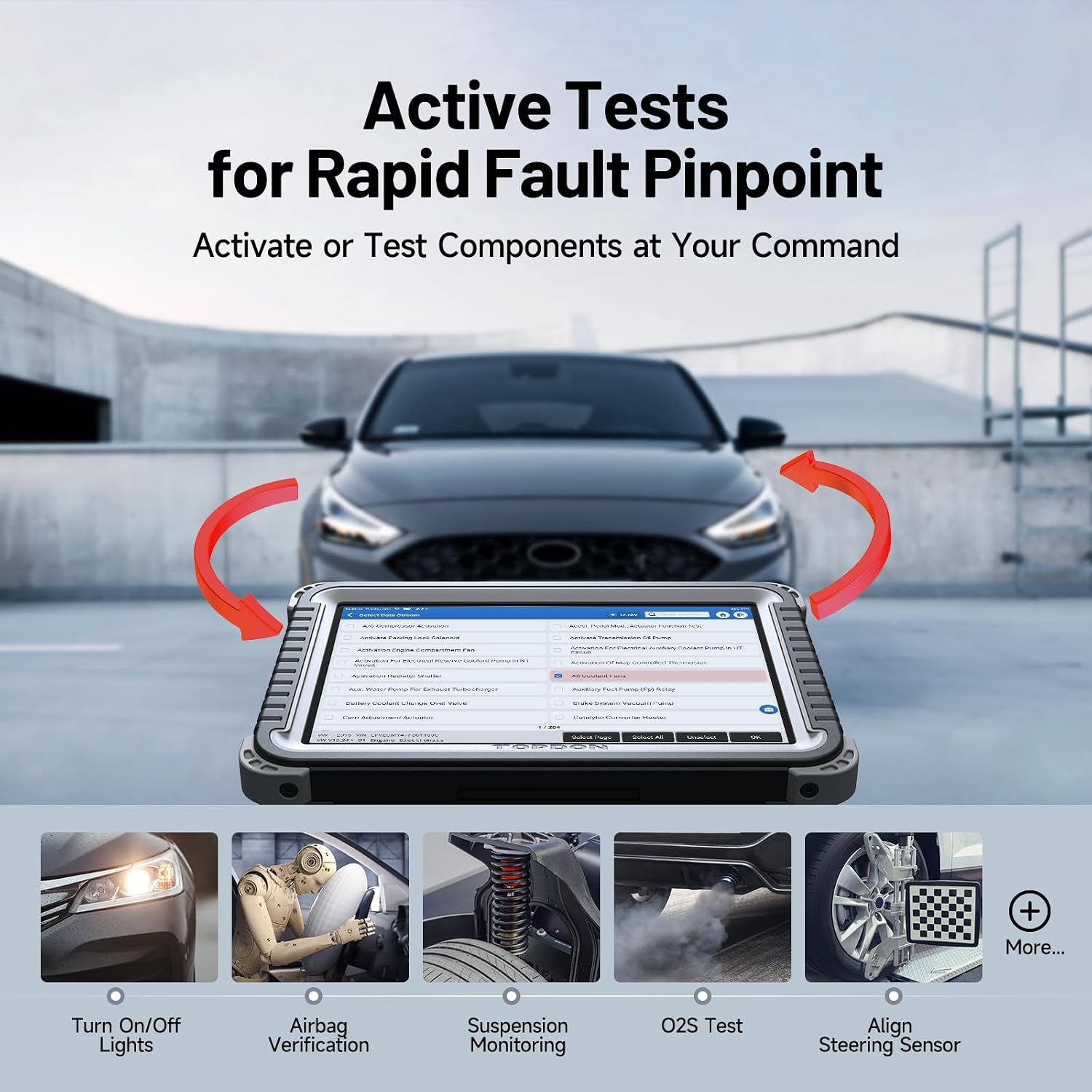
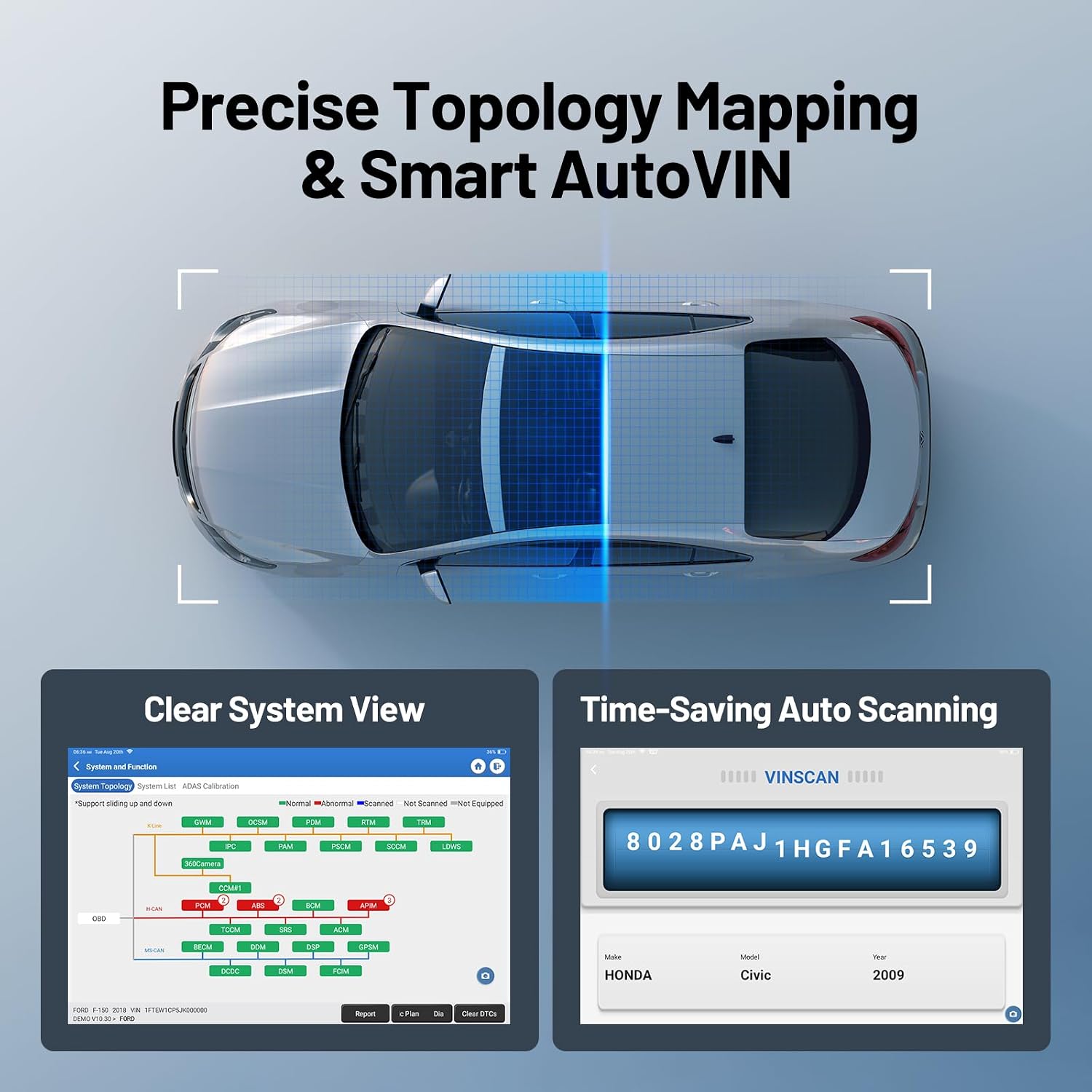
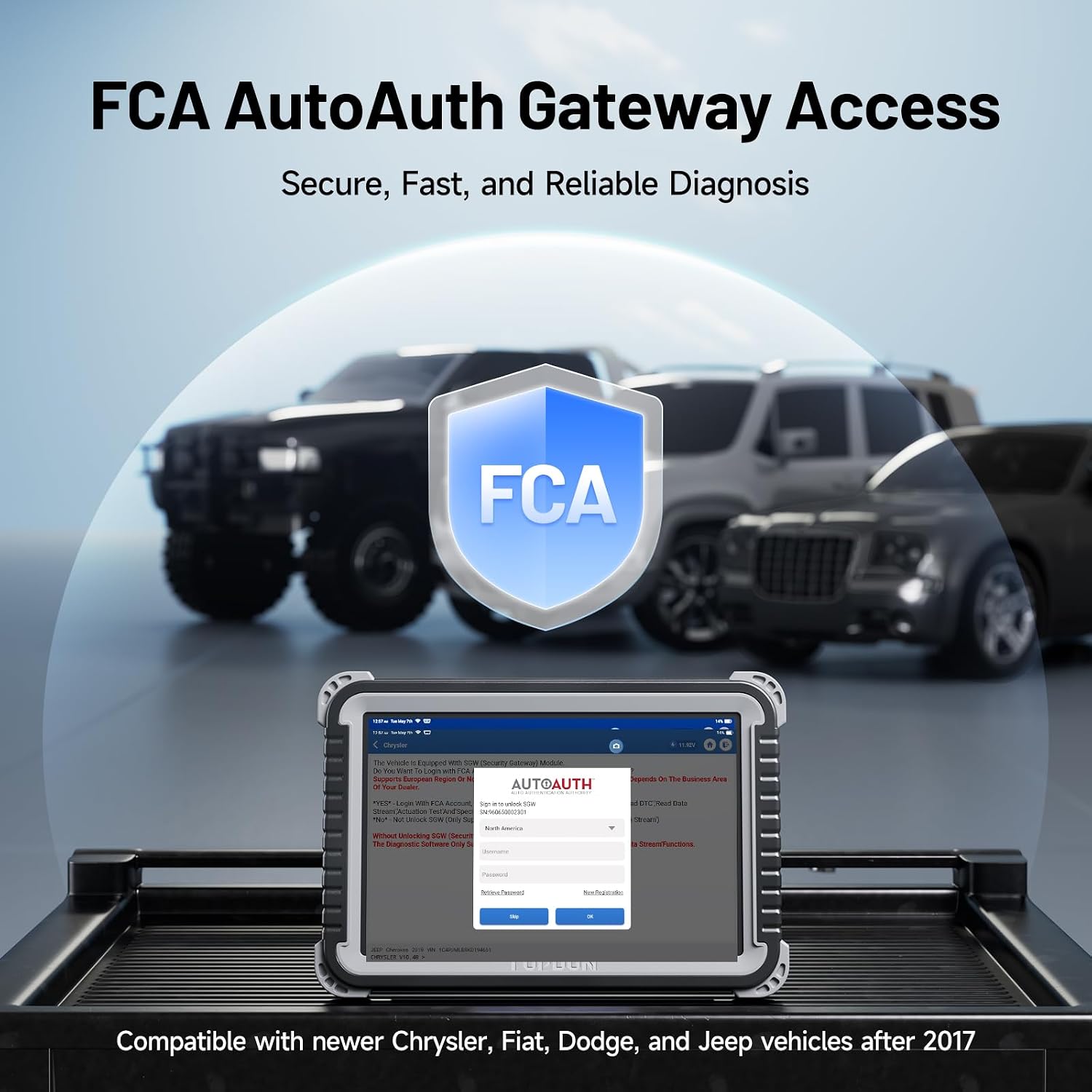
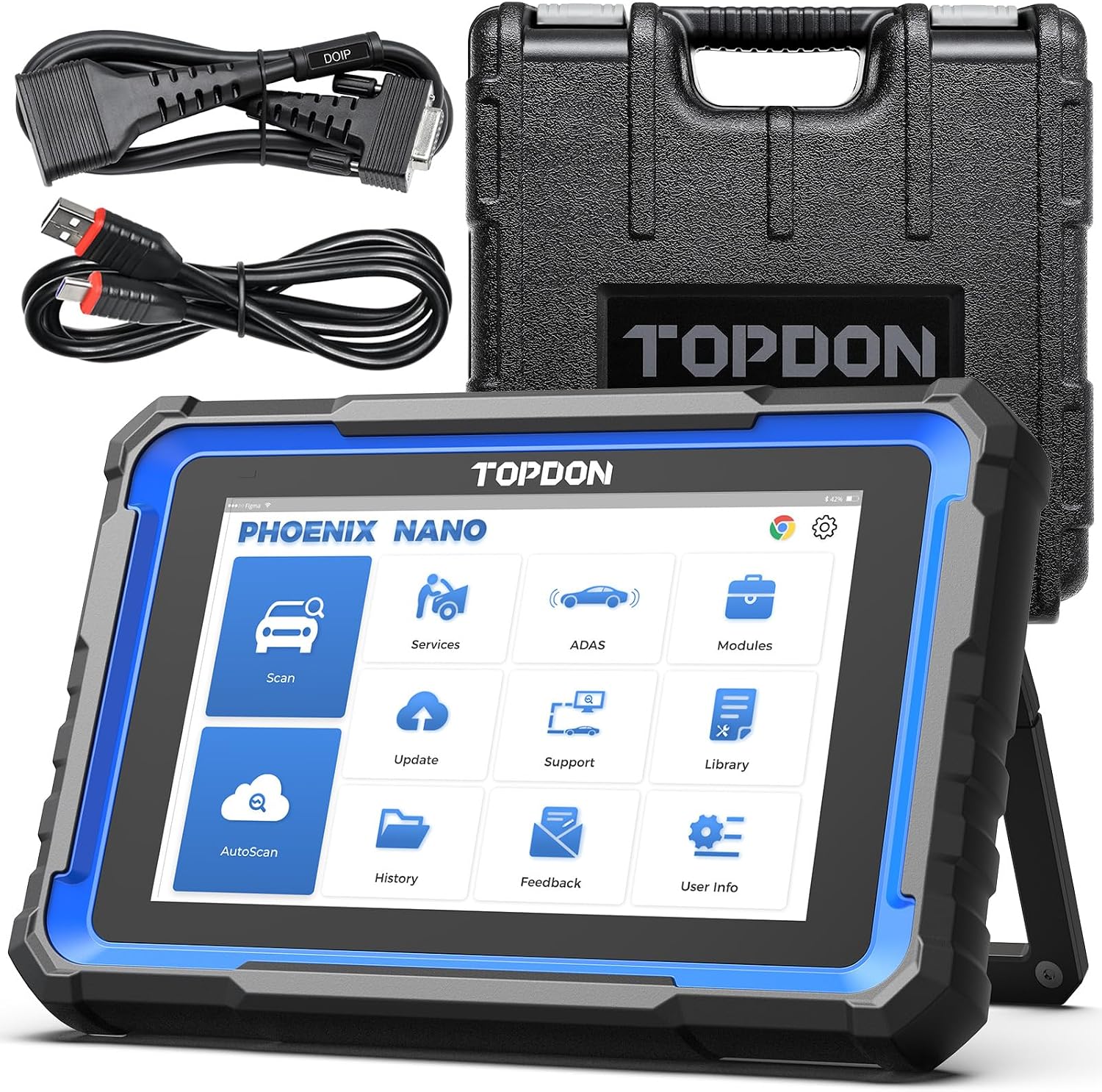
What it is and what it solves\nThe TOPDON Phoenix Plus is a high-end car diagnostic tool designed for advanced ECU coding and comprehensive system diagnostics. Built on Android 10.0, it uses a 10.1" touchscreen and 64GB of storage to handle complex repair workflows. If you need more than basic fault finding, this device aims to streamline maintenance with bi-directional control and guided procedures that cover a wide range of systems.\n\n## Core features and what stands out on paper\nOn the surface, the Phoenix Plus combines ECU coding with an all-system scan, a topology mapping view and AutovEIN/AUTOSCAN-style automatic ECU connection. The device supports 41+ maintenance services, including routine resets and specialised tests like oil pressure, brake vacuum and injector tests. It also offers FCA AutoAuth compatibility for more seamless access in compatible vehicles. A long battery life—claimed to last over 10 hours—coupled with free software updates for 2 years, adds value for longer sessions in the shop.\n\n## How it performs in practice\nBi-directional control means the tool can perform actions such as turning off ACC and cycling the fuel pump, which may help verify system responses during diagnostics. The topology mapping visualises vehicle systems as a tree, enabling a quick overview of conditions with a single tap. AutoVIN and AutoScan aim to speed up fault location, which is useful when time is tight in a busy workshop. However, in real-world use the effectiveness of advanced coding and certain tests depends on vehicle year, make and trim, so results can vary.\n\n## Who it’s for (and who it isn’t)\nThis tool suits workshops and professional technicians who perform ECU coding and cross-system diagnostics on a wide range of vehicles—from US units built since the mid-1990s to EU cars post-2000 and many Asian models after 2008. If your work is mainly basic code reading or you primarily service a narrow set of models, you might find a more modest scanner more straightforward and cost-effective.\n\n## Strengths and potential drawbacks\nWhat stands out: a broad feature set, guided procedures, and strong connectivity options with Android-based software. The long battery life and 2-year update window add practical value for field work. What may not be perfect for every garage: the depth of certain tests or coding procedures can depend on vehicle compatibility and software status, some users might prefer a lighter, simpler tool for quick diagnostics.\n\n## When it makes sense to buy\nIf your typical workflow includes ECU coding, multi-system diagnostics and maintenance resets across a diverse fleet, the Phoenix Plus could streamline processes and reduce trip times to the dealer. It’s worth considering if you need guided, measurable procedures and a robust on-device workspace for long repair days.\n\n## What to review before purchasing\n- Vehicle compatibility vary by model and year, confirm supported systems for your usual fleet.\n- Battery endurance matters in a busy workshop, plan for charging options during long sessions.\n- Availability of updates for your most-needed modules and the ease of applying them.\n- FCA AutoAuth capability is useful if you work with FCA-family vehicles, check coverage for specific models.\n\n## Practical usage example\nIn a typical garage day, you might use AutoScan to identify faults across modules, then use topology mapping to target a suspected subsystem. When a fault requires reprogramming or coding, the ECU coding feature helps apply the necessary changes within the supported vehicle list. This is especially helpful when diagnosing intermittent faults or when preparing a vehicle for inspection after component replacement.\n\n## Conventional alternatives and thinking points\nIf you primarily perform generic OBD2 scans, a simpler reader may be sufficient. For those needing deep ECU coding and guided maintenance workflows across multiple brands, a tool like this provides a more integrated experience, though it comes with a higher learning curve and investment.\n\n## FAQ snapshot\n- Q: Is it compatible with all brands? A: It claims wide compatibility across US, EU and Asian vehicles, but real-world results depend on specific models and year.\n- Q: How about updates? A: Free One-Touch Wi‑Fi software updates for 2 years are included.\n- Q: Do I need ongoing subscriptions? A: The base offering focuses on device updates, ensure you’re comfortable with potential future software needs.\n- Q: Is it easy to use for a busy workshop? A: The guided procedures and topology map help, but there may be a learning curve for advanced ECU coding.\n\n## Is it worth it?\nWorth considering if your work frequently involves ECU coding and cross-system diagnostics across a broad vehicle range, otherwise, a simpler tool could suffice for basic needs.