

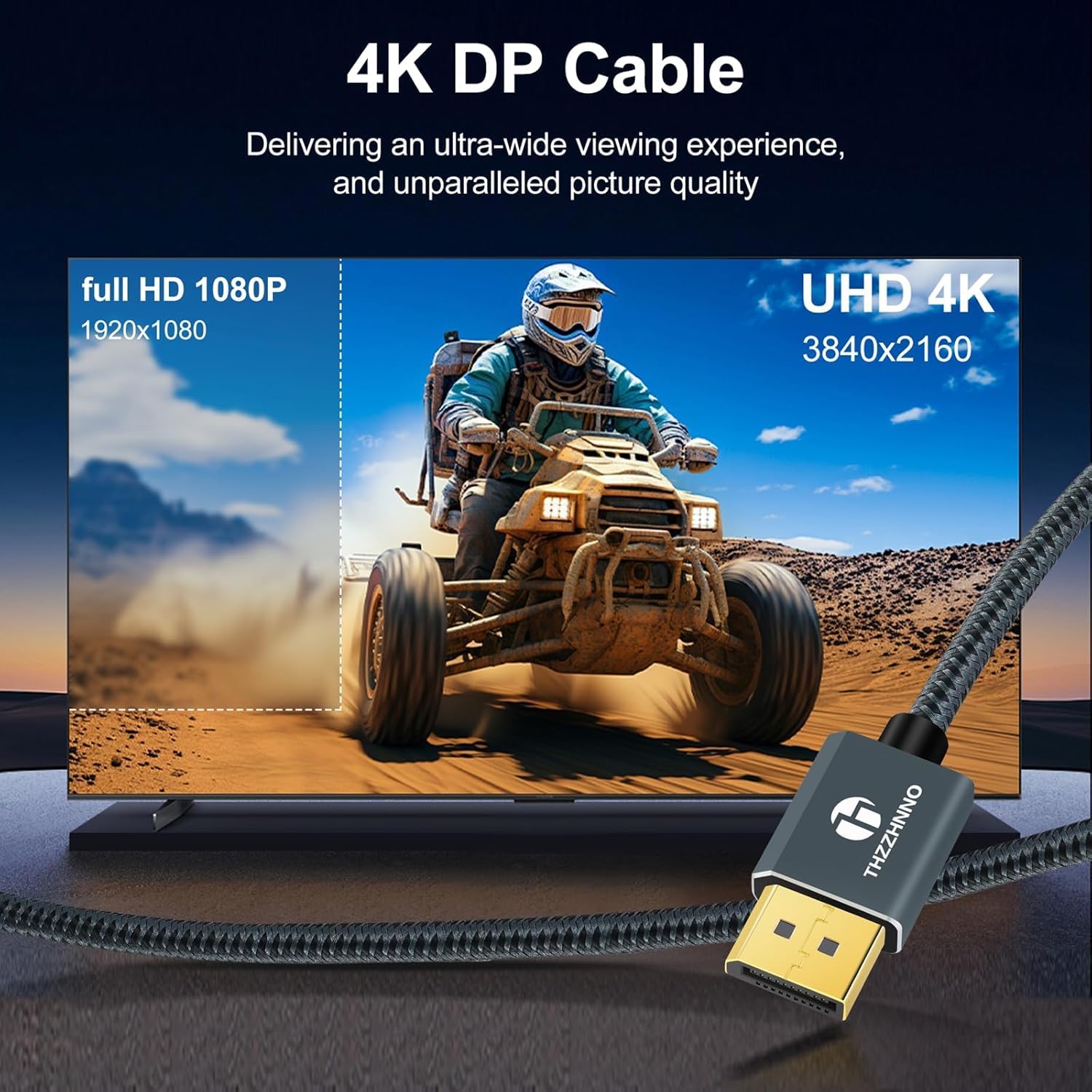
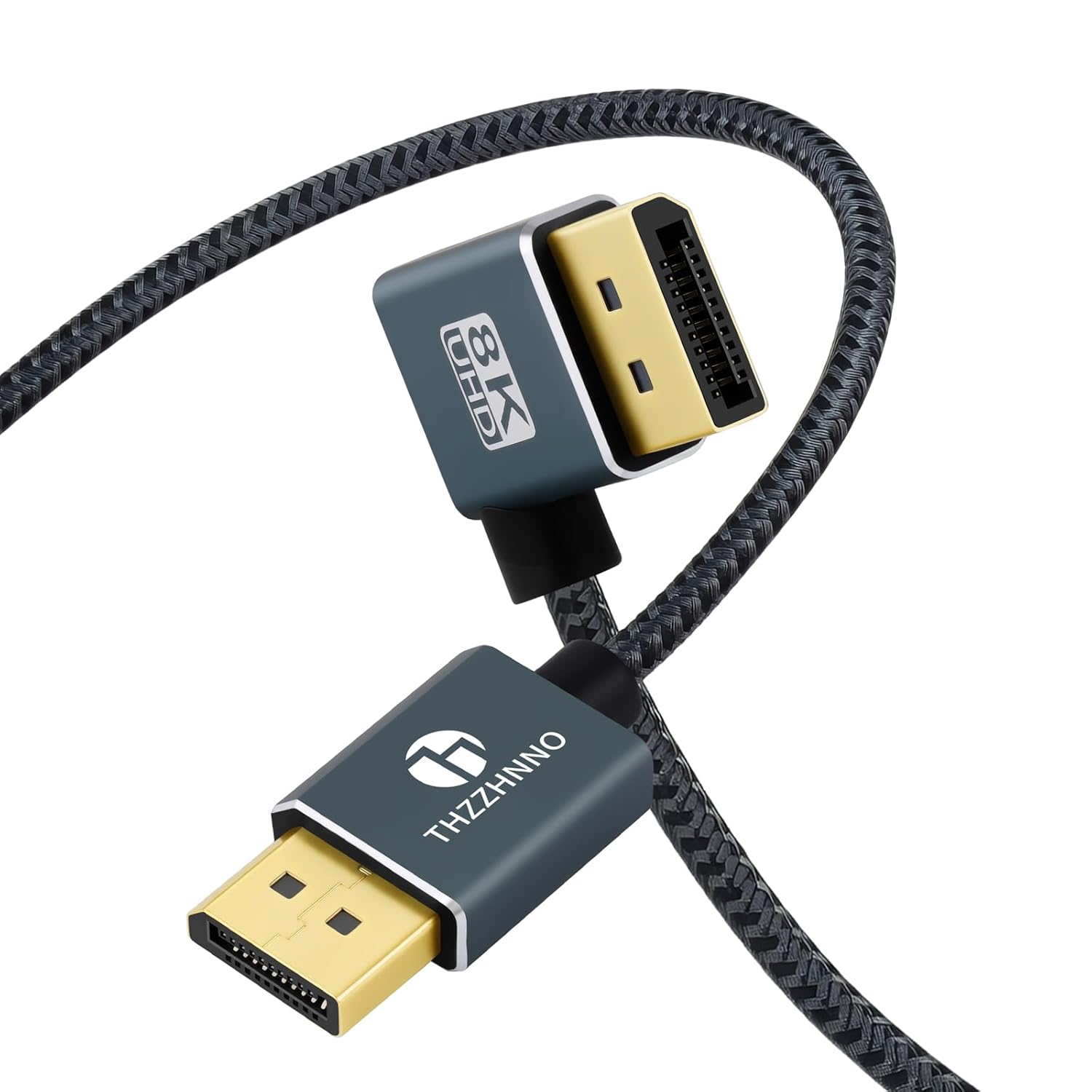
Thzzhnno 90° DisplayPort Cable 1M – 8K-ready, Left-Angled 1.4 DP Cable for Gaming and Professional Setups
Product description
What it is
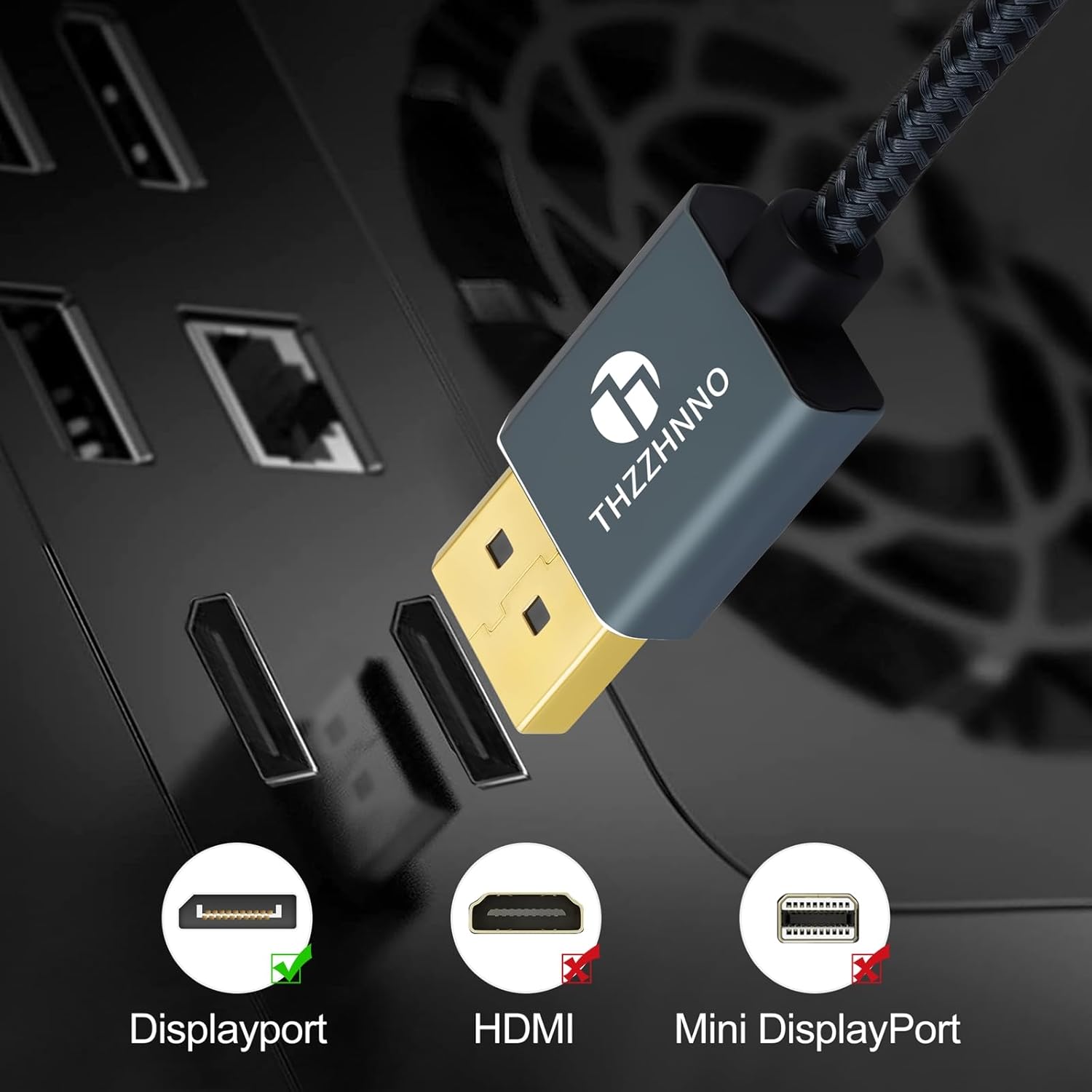
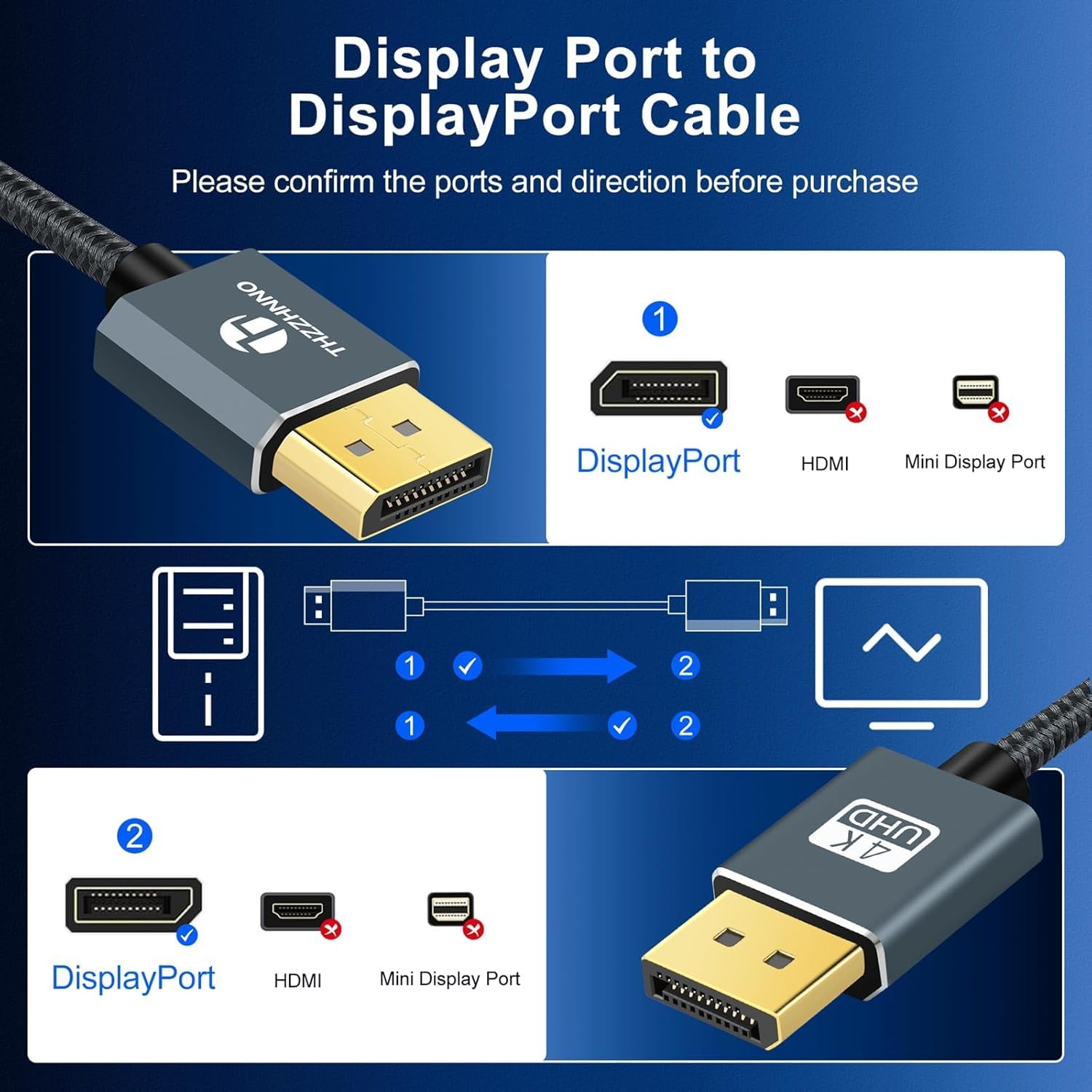
The Thzzhnno 90° DisplayPort Cable is a 1 metre, left-angled DisplayPort 1.4 lead designed to simplify connections in tight spaces behind compact PC builds, monitors, or home theatre setups. It aims to deliver high bandwidth for modern displays, with compatibility across a range of graphics cards, monitors and computers.
Why this may matter
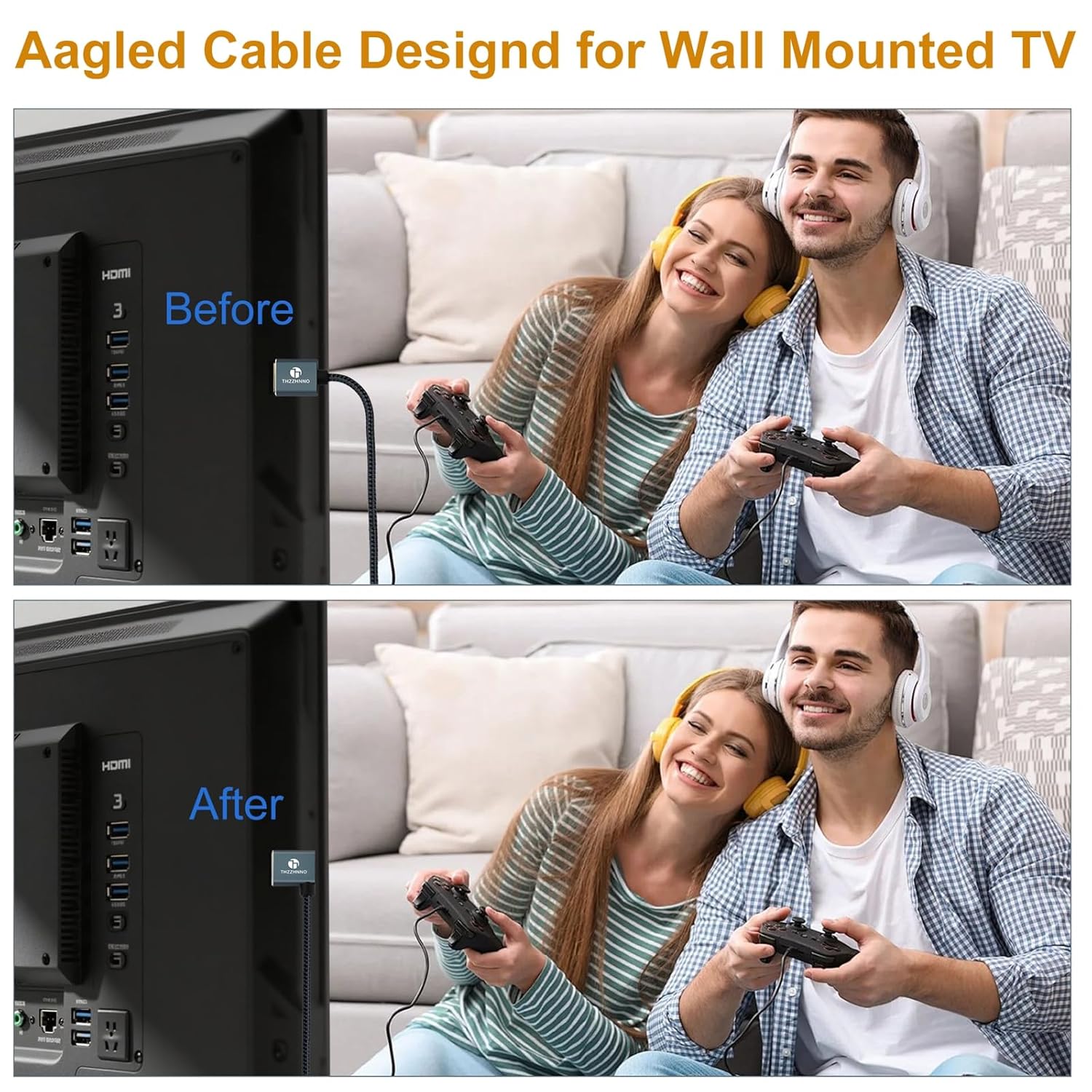
On paper, the cable supports ultra‑high resolution imaging and smooth data transfer. If your workflow or gaming rig relies on high frame rates and detailed visuals, a DP 1.4 lead can help you push 4K at 60Hz and, in theory, higher resolutions. The 90° joint helps reduce bending and interference in tight spaces, potentially improving connector longevity and stability where clearance is limited.
Pros and what stands out
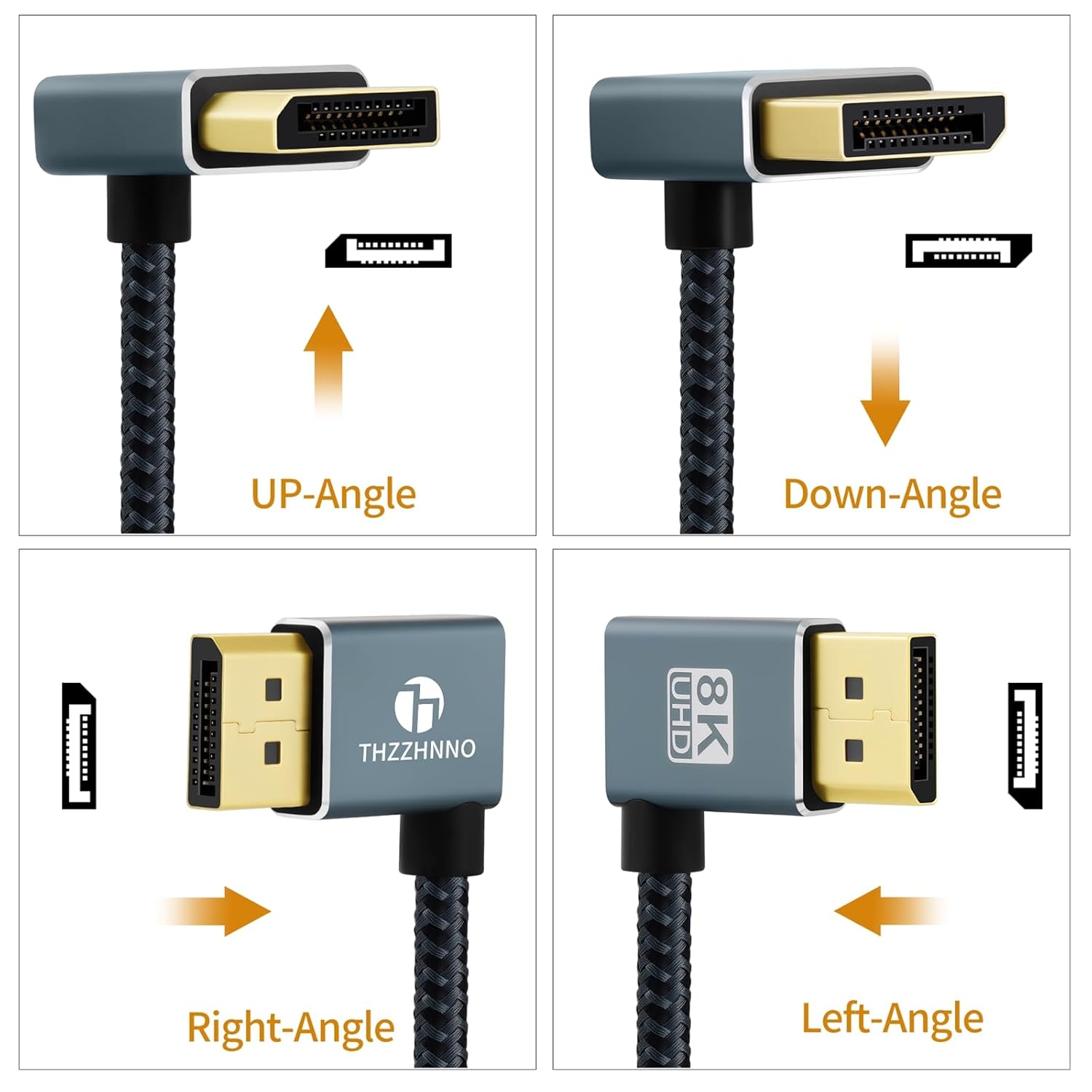
The standout feature is the 90° left-angled design, which is particularly useful behind compact towers or when the desk space behind a monitor is restricted. This design can reduce tension on the connector, helping to maintain a stable signal over time. Another positive aspect is broad compatibility: the cable is described as plug-and-play with a variety of devices, including gaming consoles and high-performance laptops, which minimises the need for additional adapters.
Limitations and what to watch
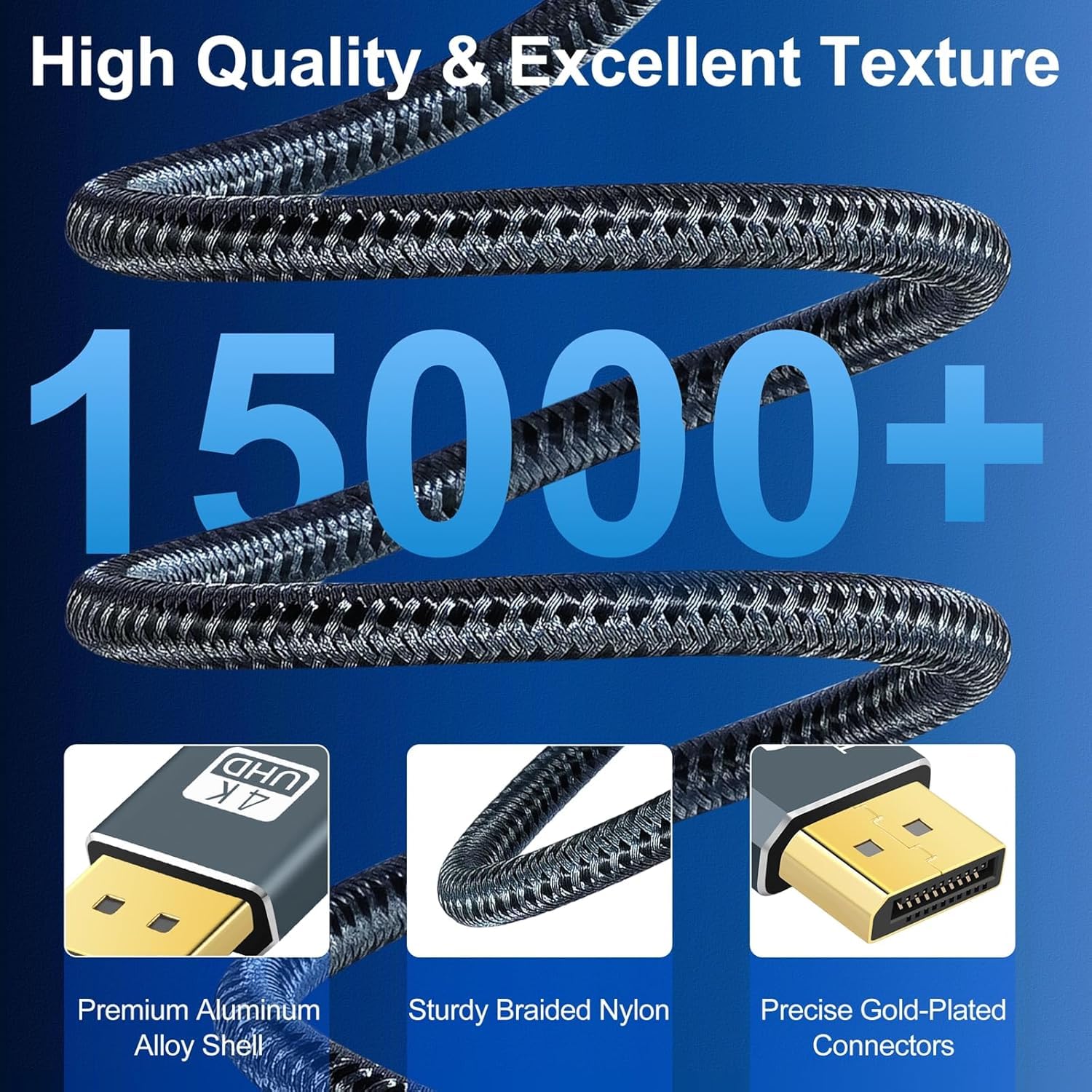
As with any high-bandwidth cable, actual performance depends on the capabilities of the host system and the connected display. If your setup doesn’t push past 4K/60Hz, you may not notice the full benefit of 8K support. The base description also doesn’t detail certification, braiding, or shielding, so if you’re building a system with long cable runs or an environment with electromagnetic interference, you may want to verify additional protection features.
Ideal use cases
- High-end PC gaming with compatible graphics cards and monitors that support DP 1.4 features.
- Professional workstations requiring accurate colours and sharp detail, particularly when desk space behind the monitor is tight.
- Home theatre or media rooms where rear clearance is limited and a robust 90° connector could simplify routing.
Who it’s for and who it isn’t
It’s worth considering if you need a compact, right-angled solution that reduces cable strain and fits in tight spaces. If you don’t utilise 8K content or you work with standard 1080p setups, the advantages may be less noticeable, and a simpler cable could suffice. For setups with very long runs or strict certification requirements, verify that this cable meets any specific benchmarks you rely on.
Before you buy: what to check
- Confirm your GPU and monitor both support DP 1.4 features you intend to use (e.g., 4K/60Hz, or 8K enablement).
- Consider your space constraints behind the PC and monitor, the 90° design is intended to ease cable routing in tight spots.
- Look for compatibility with other devices in your chain to ensure seamless plug‑and‑play operation.
How it compares, in practice
Compared with straight DP cables, this left‑angled variant offers a practical solution when space behind the setup is limited. If you prioritise maximum gain in resolution and frame rate only in a spacious rig with clearances, a higher-end or differently positioned connector might be worth exploring. For many users, the main decision comes down to space and ease of connection rather than chasing marquee 8K performance in every situation.
Decision: Is it worth it?
Is it worth it? If you need a compact, space‑saving DisplayPort solution that can handle high‑resolution outputs and you value plug‑and‑play compatibility, this cable is a sensible option to consider. It may not be essential for basic 1080p setups, and you should be mindful that real-world gains depend on your equipment and usage. A solid choice if you want to tidy cable runs and reduce strain behind tight‑space setups.
Quick FAQ
- What does 8K transmission mean here? It indicates support for very high resolutions, subject to the capabilities of your host devices.
- Does the 90° design affect compatibility? Generally not, it’s designed to improve routing and reduce bend stress.
- Can I use this with a gaming console? The description suggests broad compatibility, but verify that your console and display support DP 1.4 features you plan to use.