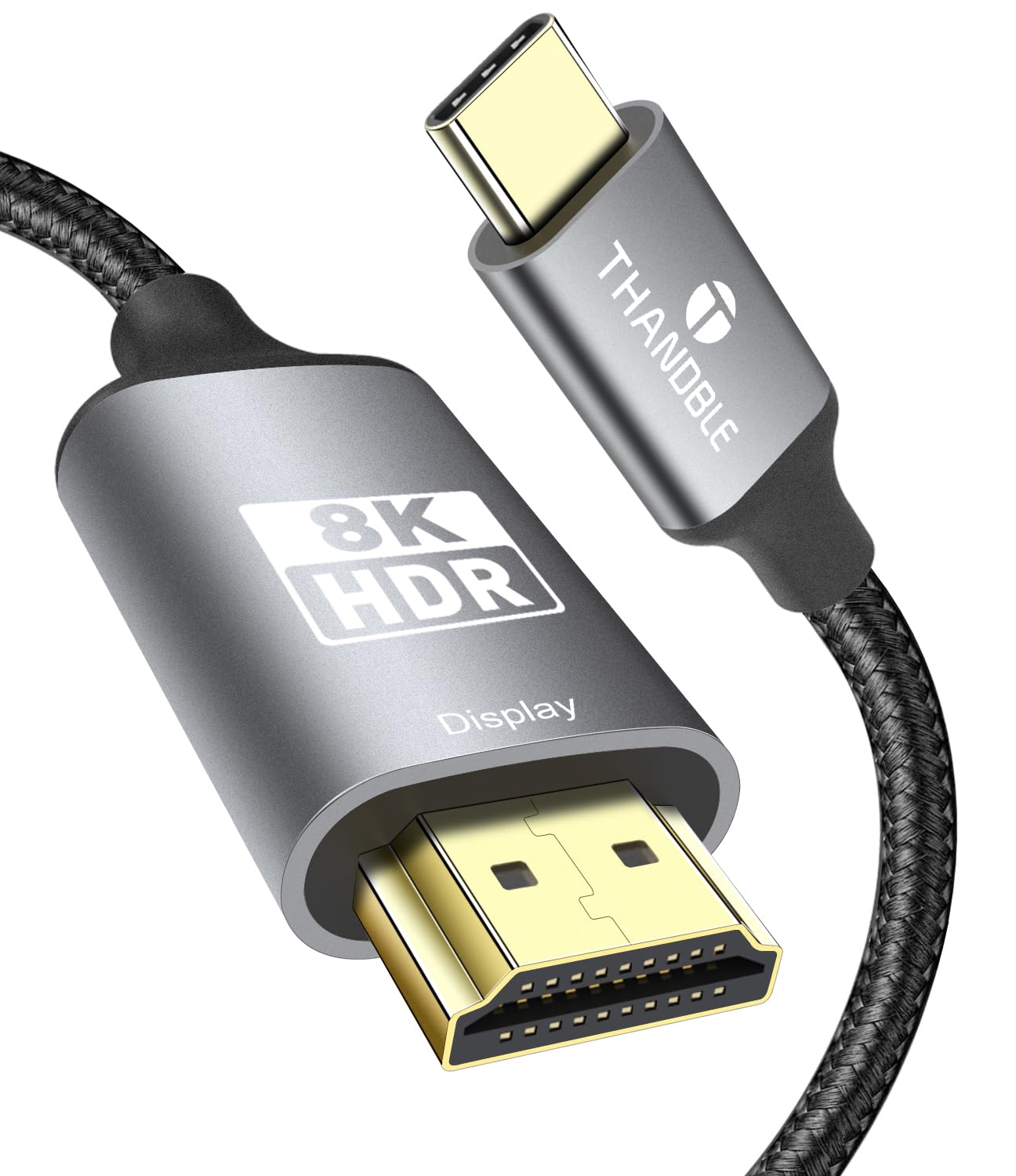
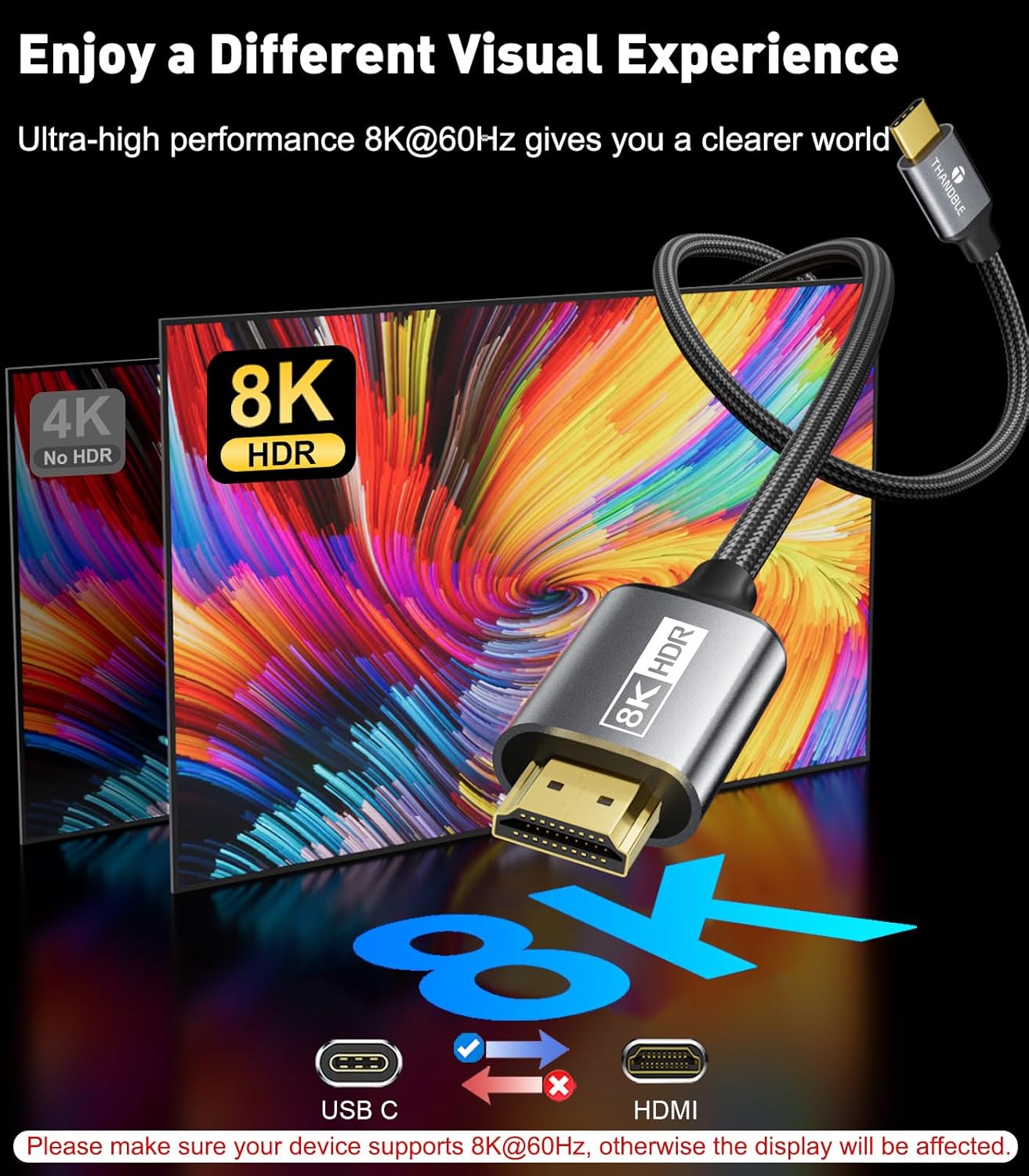
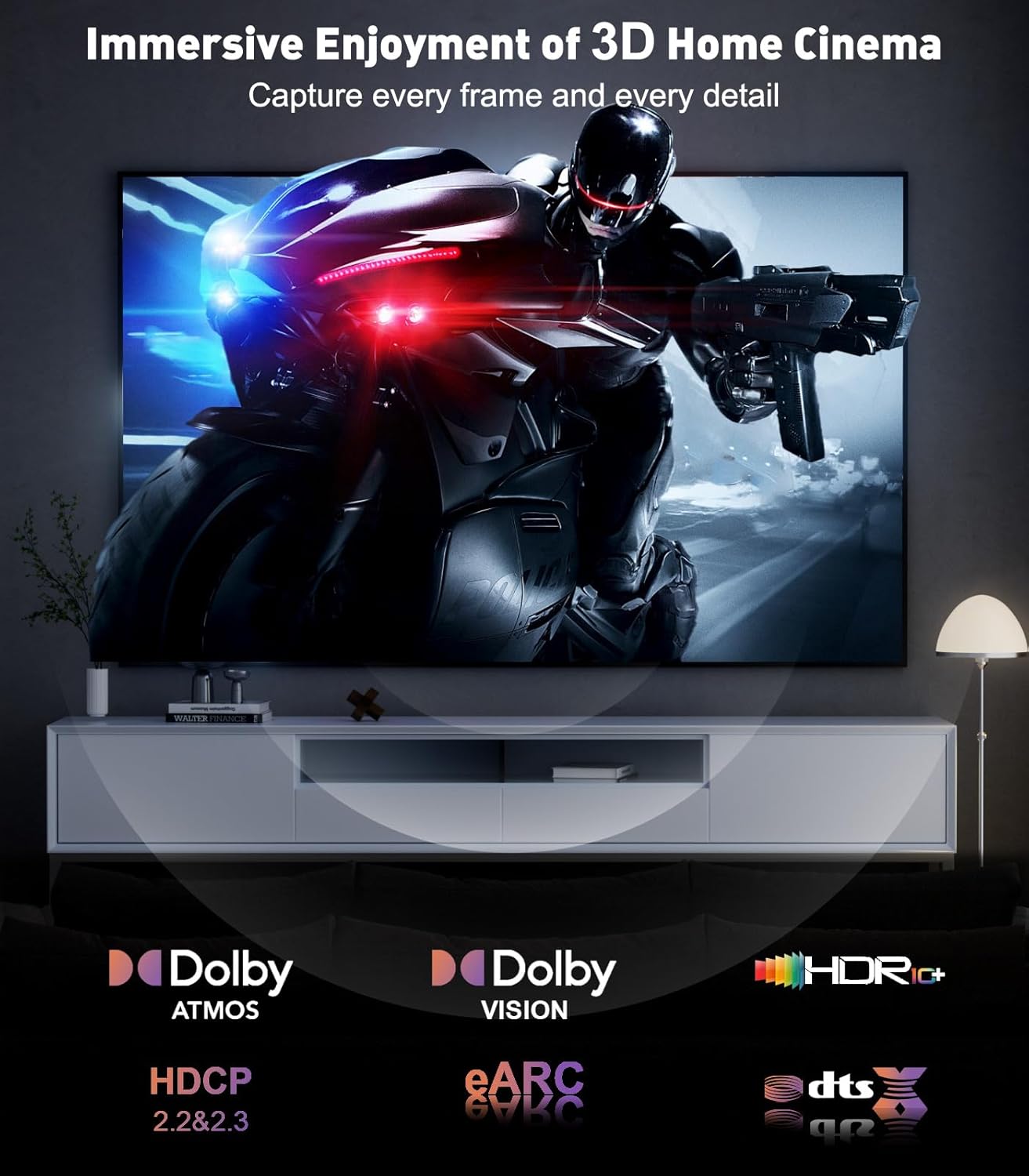
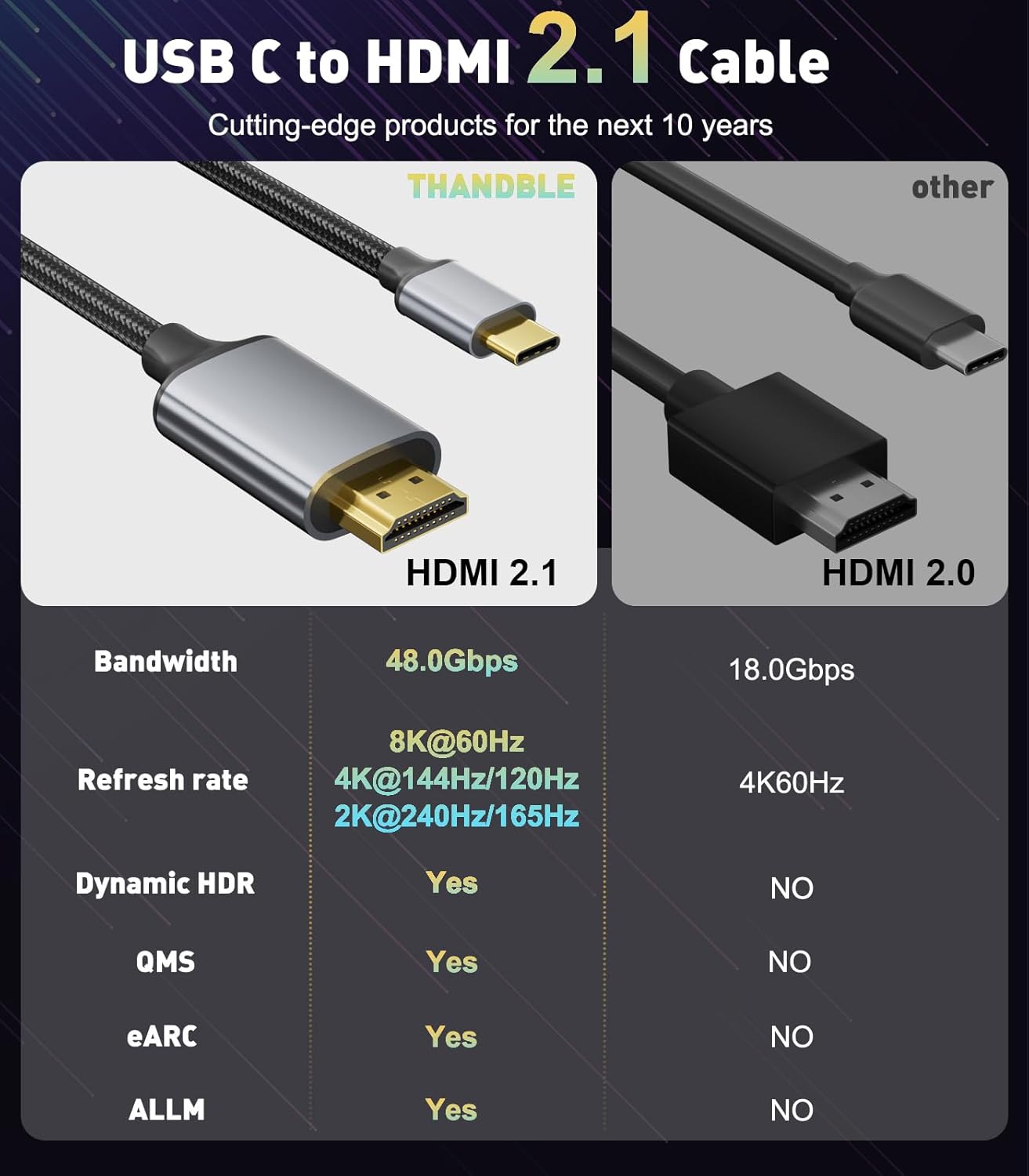
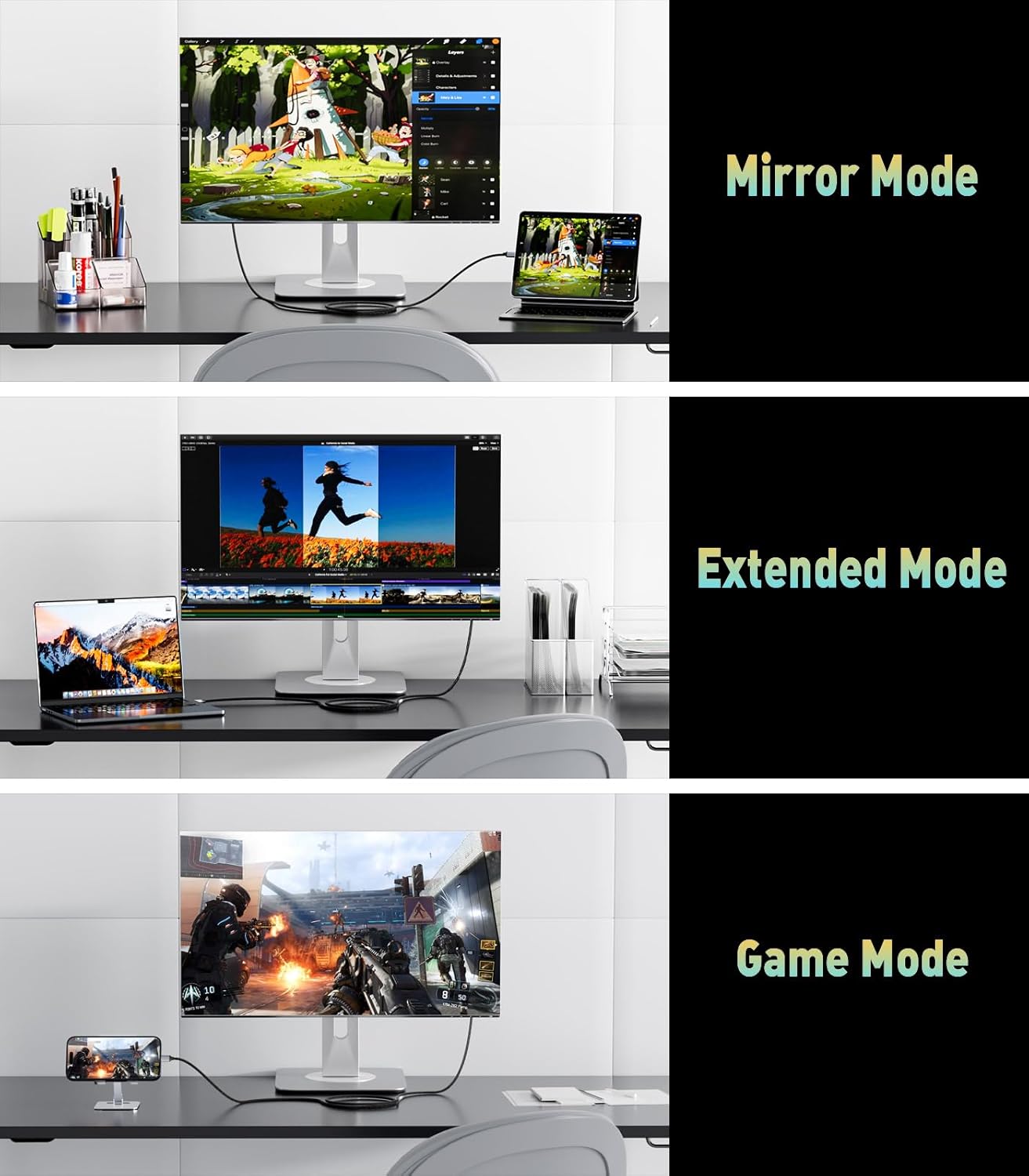
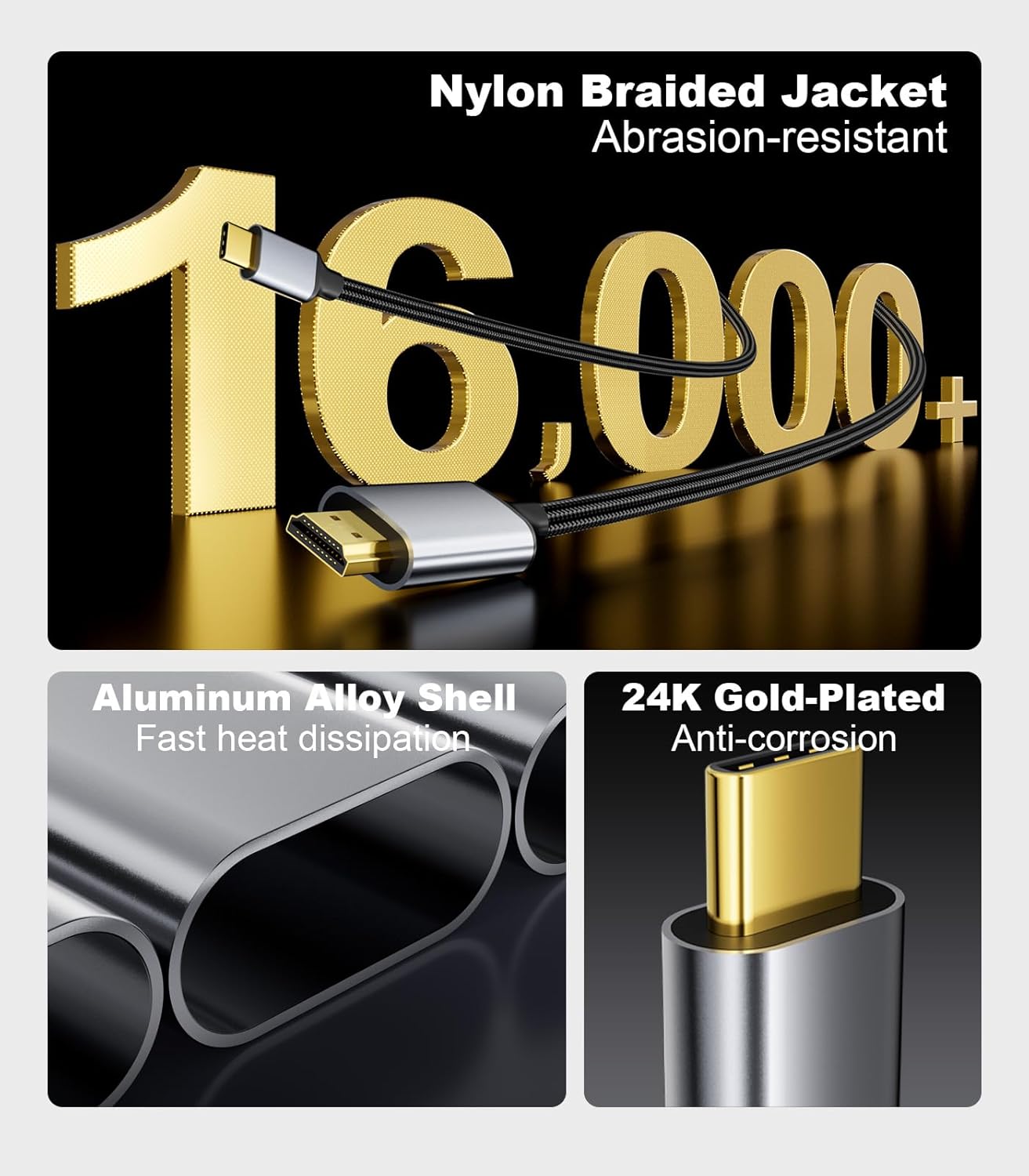
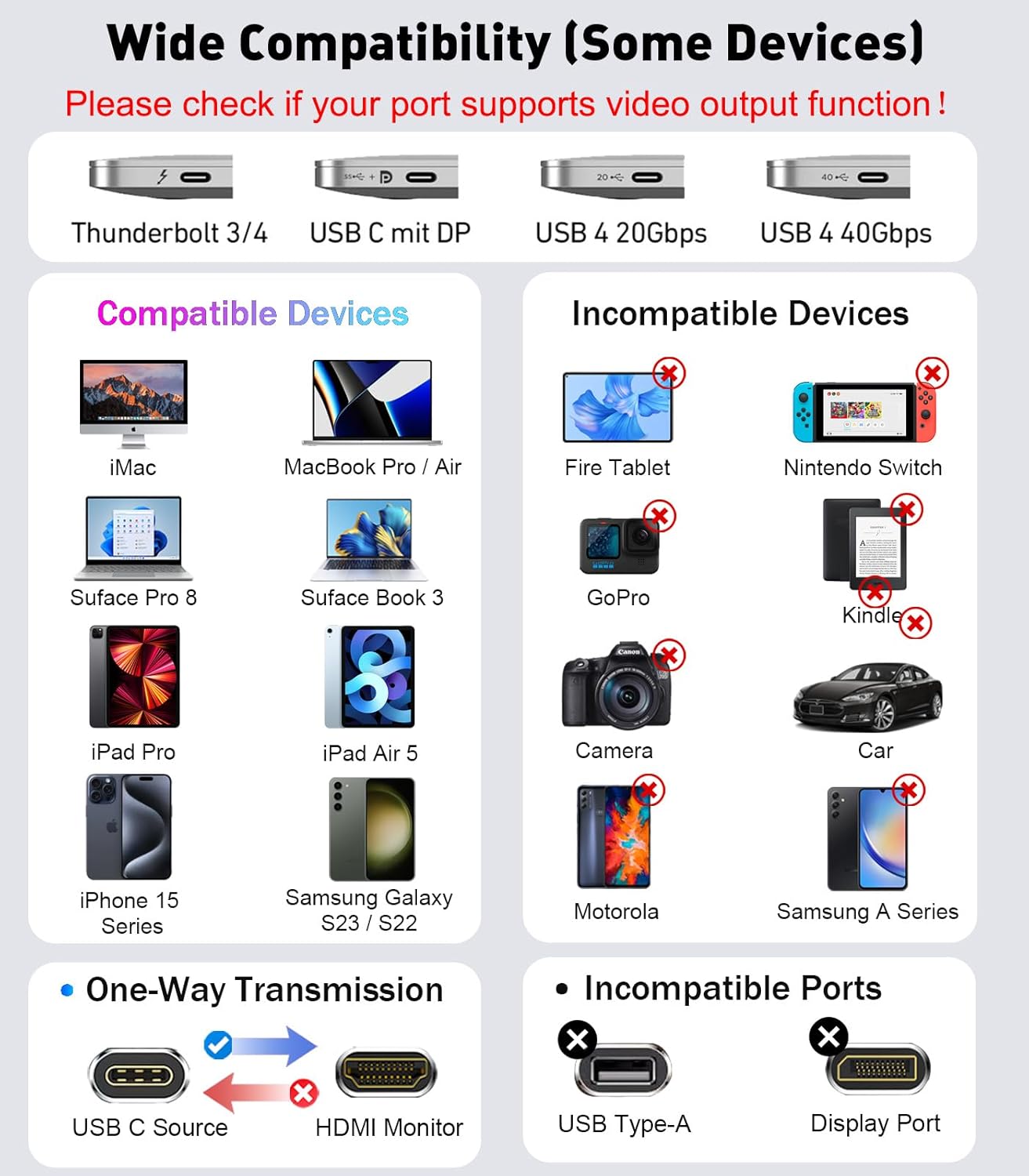
What it is and what it solves\nThis THANDBLE USB C to HDMI 2.1 cable is designed to connect USB-C devices with DisplayPort Alt Mode to HDMI displays, enabling high‑refresh and high‑resolution output. It aims to reduce the common frictions of extending a laptop or phone screen to a larger monitor by providing a single-cable solution for video transmission up to 8K@60Hz, with 4K up to 120Hz or 60Hz and 2K up to 240Hz, depending on the source and display capabilities. \n\n## How it performs\nOn paper, the cable uses HDMI 2.1 with a bandwidth of 48 Gbps, supporting dynamic HDR, DSC, HDCP 2.3 and 3D. It is described as unidirectional—from USB‑C source to HDMI display—and compatible with Thunderbolt 3/4/5, USB 4 devices and a range of laptops, tablets and smartphones listed in the notes. There is a caveat that macOS systems may limit output to 4K 60Hz. The build is described as a one‑piece moulded design aimed at durability and stable high‑quality output. Practically, you’re looking at a cable that should work well for watching sports, movies or giving you a bigger canvas for presentations, gaming and photo albums, provided the source and display both support the stated modes.\n\n## The good and the not so good\nPros: high potential bandwidth, wide compatibility with USB‑C/Thunderbolt devices, long 3m/10ft length offers flexible setups, supports advanced video features like HDR and large‑resolution modes. Cons: for some setups, particularly macOS, 8K may not be achievable due to system limitations, and the cable is unidirectional (not suitable for HDMI to USB‑C output). It may require confirming DP Alt Mode support on the source device and ensuring the display can handle the target resolution/refresh rate.\n\n## Who it’s for\nIdeal for users with USB‑C or Thunderbolt laptops or devices (MacBook Pro/Air, XPS, ThinkPad, etc.) who want a straightforward method to drive an external monitor or TV at high resolutions and high refresh rates, especially when working with USB 4 or Thunderbolt ports. It’s particularly relevant if you prioritise a single cable for both data and video in professional or multimedia workflows.\n\n## When it makes sense to buy\nIf you need a dedicated USB‑C to HDMI 2.1 connection that supports 8K/4K high‑refresh scenarios and you have compatible source and display hardware, this cable offers a straightforward solution without extra adapters. It makes sense if you want a fixed, longer reach (3m) for a desktop‑free setup, and you value the claimed 48 Gbps bandwidth for smooth playback.\n\n## What to check before buying\nVerify your source device supports video output over USB‑C (look for DP Alt Mode) and that your display can handle the desired resolution and refresh rate. Remember the note that not all systems or displays will deliver 8K, and macOS systems may cap output at 4K 60Hz. Consider cable length needs and whether you require bidirectional capability, which this cable does not provide.\n\n## Practical use case\nImagine a MacBook Pro connected to a 4K TV for a weekend movie night or a presentation—there’s a single cable, minimal clutter, and you’re likely to enjoy fluid motion at high resolutions if your devices support it. If you’re gaming, you’ll want to check the source’s capabilities, while 8K is great on paper, real‑world gains depend on both sides of the chain.\n\n## What you’ll notice in use\nYou’ll see the benefit of higher refresh rates when paired with compatible monitors, and HDR‑capable displays can take advantage of the dynamic HDR and related technologies. Expect reliability from a single‑piece moulding design, but be mindful of the unidirectional nature and the potential for limitation when using non‑supported devices or OS constraints.\n\n## Is it worth it? The decision in one line\nWorth considering if you need a long, reliable USB‑C to HDMI 2.1 link for high‑refresh, high‑resolution output on compatible devices, otherwise, confirm device support and revisit alternatives if 8K isn’t a priority.\n\n## FAQ\n- Does this cable work with all USB‑C devices? It supports devices that provide DP Alt Mode and USB 4/Thunderbolt connections, but not every USB‑C port is guaranteed to output video. Check your device’s specs.\n- Can I get 8K 60Hz on macOS? macOS may limit output to 4K 60Hz on some systems. If 8K is essential, verify both source and display capabilities.\n- Is the cable reversible? No, it is unidirectional—from USB‑C source to HDMI display.\n- Will it require any adapters? No, it is a direct USB‑C to HDMI cable.\n- What about HDR and other features? HDR, DSC and HDCP 2.3 are supported in the description, subject to your source and display compatibility.