

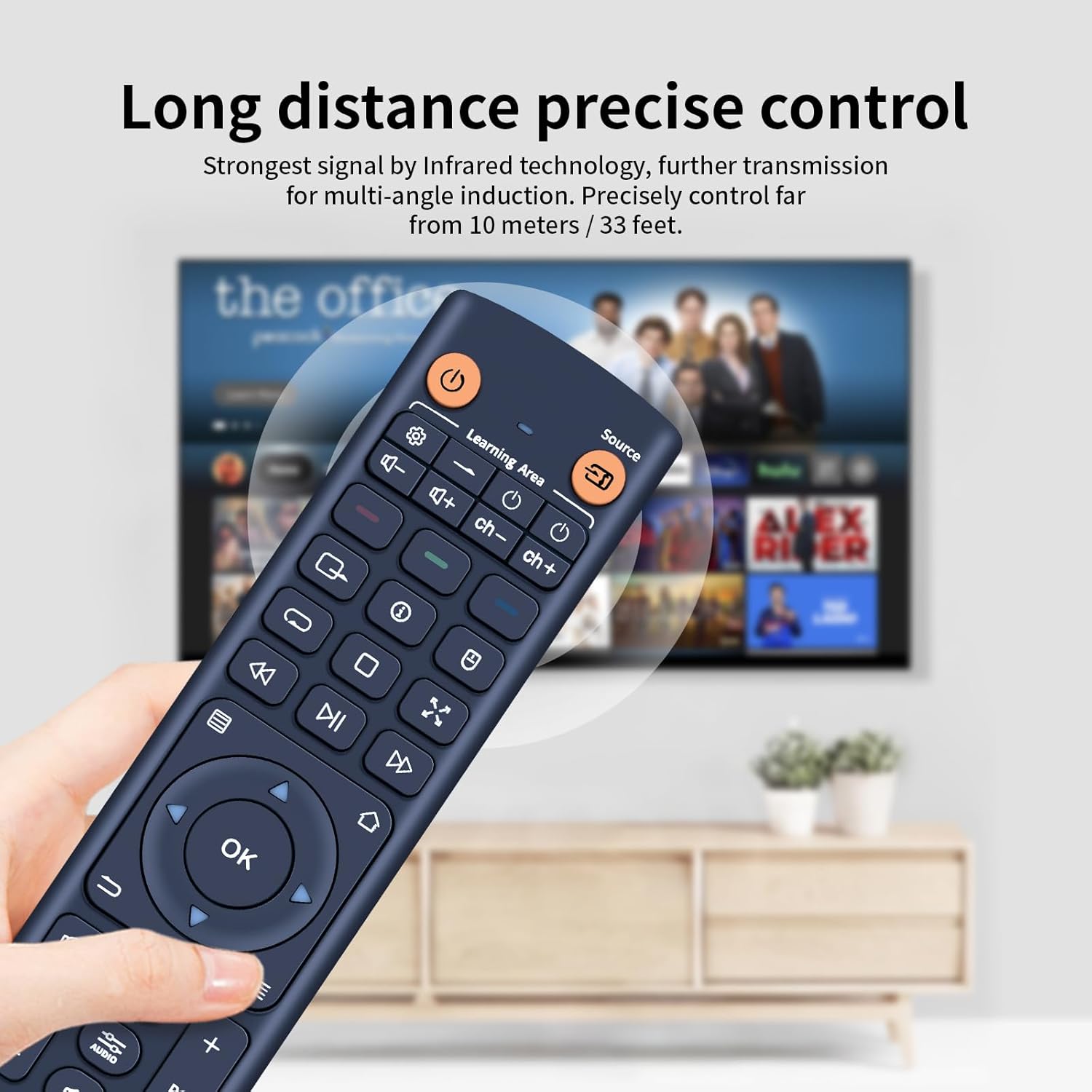
TCNOUMT V11 replacement remote control for Zidoo TV set-top boxes (3x AAA)
Product description
What it is and why you’d buy it
This TCNOUMT V11 replacement remote is designed to replace a damaged or old remote for compatible Zidoo TV set-top boxes. On paper, the main appeal is simple: you should get back the same day-to-day control you had before, with an easy setup process and a comfortable, lightweight feel.
If your current remote has stuck buttons, won’t respond properly, or you’ve lost the original, a replacement like this can be the fastest way to get things working again without having to re-learn the controls. That’s the practical angle here, not flashy features.
The essentials
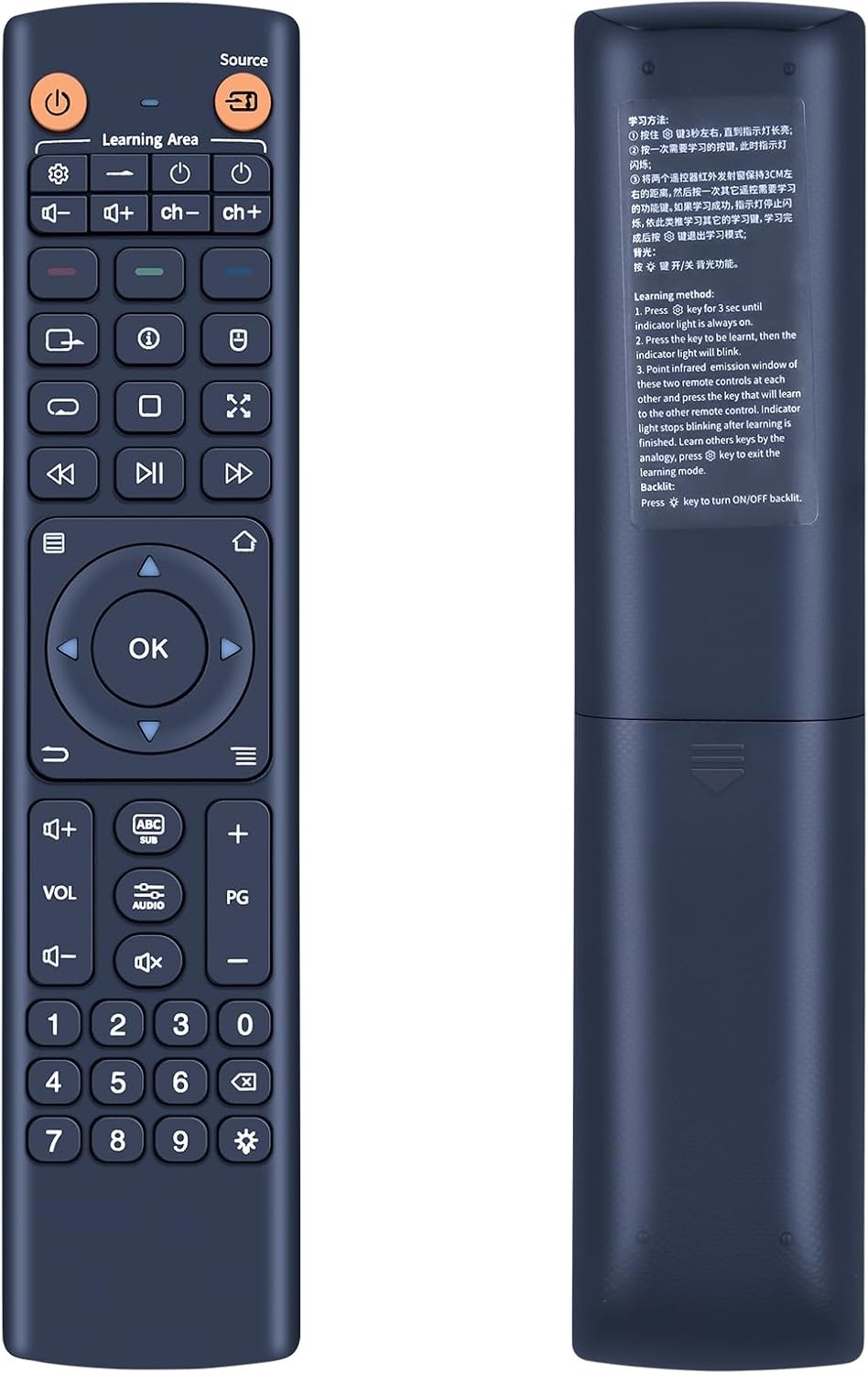
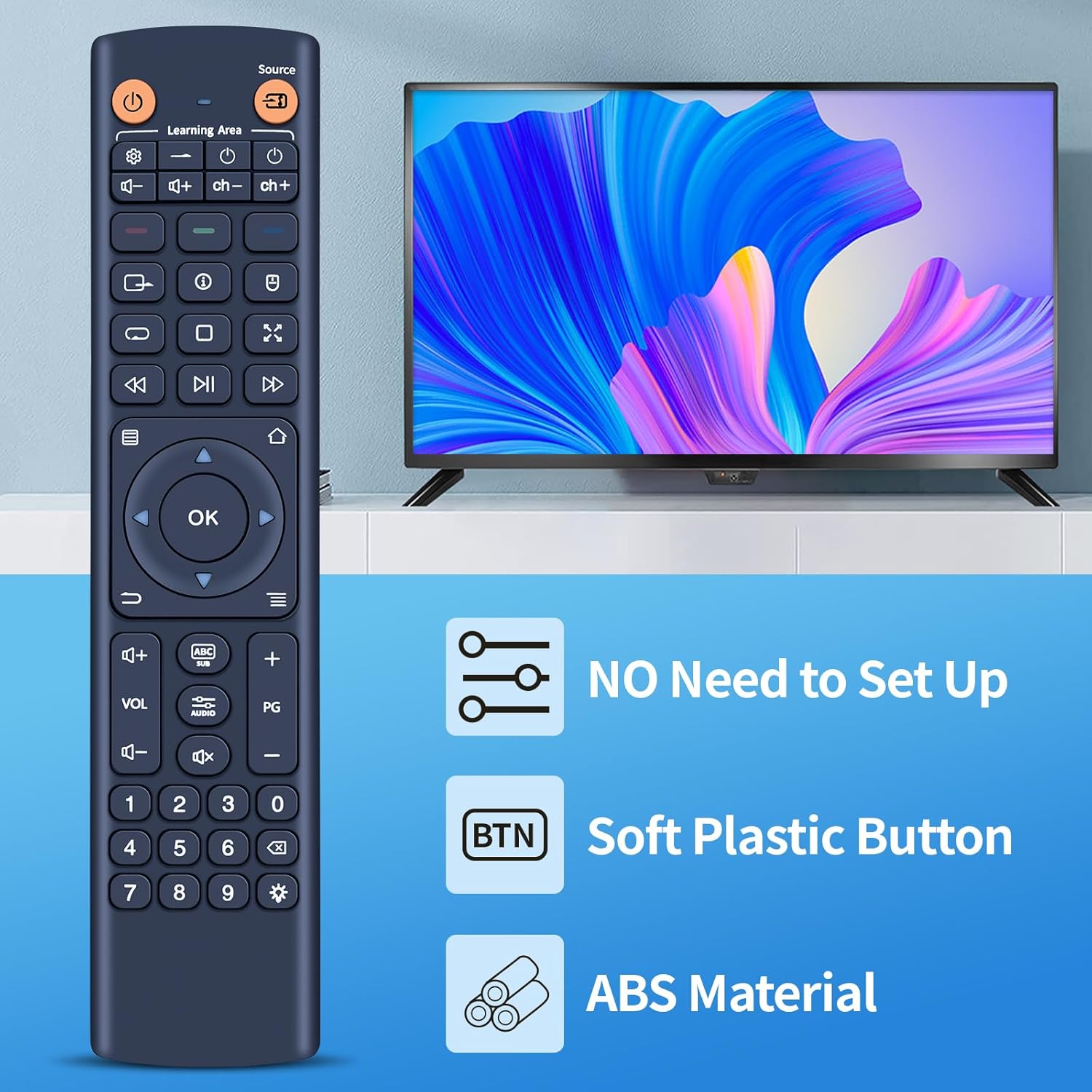
The remote is described as having an ergonomic design for a comfortable grip, including for people of different ages. It also uses soft silicone buttons, which is a small thing but can make a difference if you’re using it regularly. The body is a sturdy plastic case, with a battery compartment cover intended to hold up to normal handling.
One thing to be aware of: the base description also notes that depending on the button and model, some functions may not be available. That doesn’t necessarily mean it won’t work for you, but it does mean you should think of it as “replacement functionality” that broadly matches the original, rather than a guarantee that every single button feature will behave identically across every scenario.
Key takeaways for setup and matching
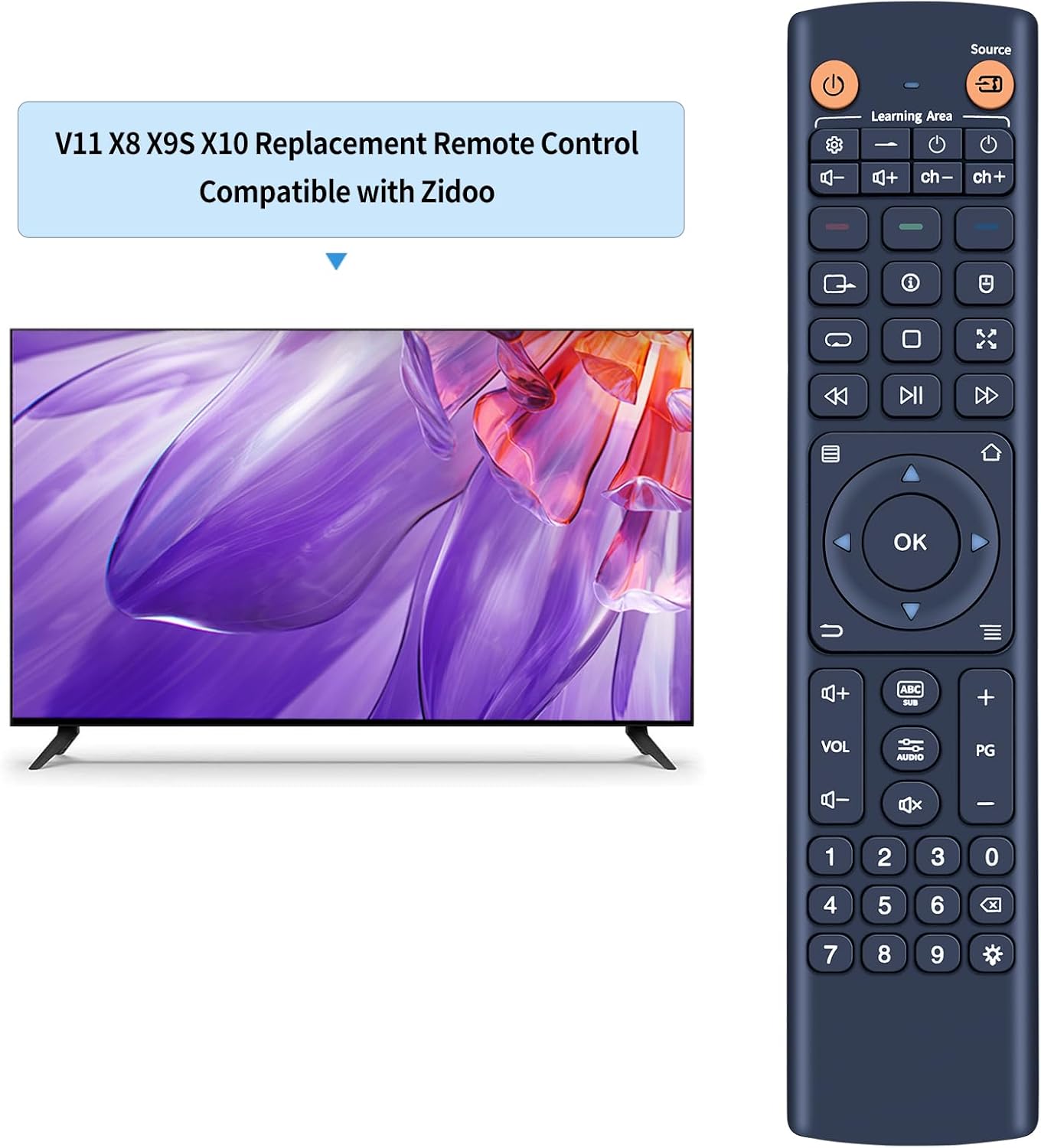
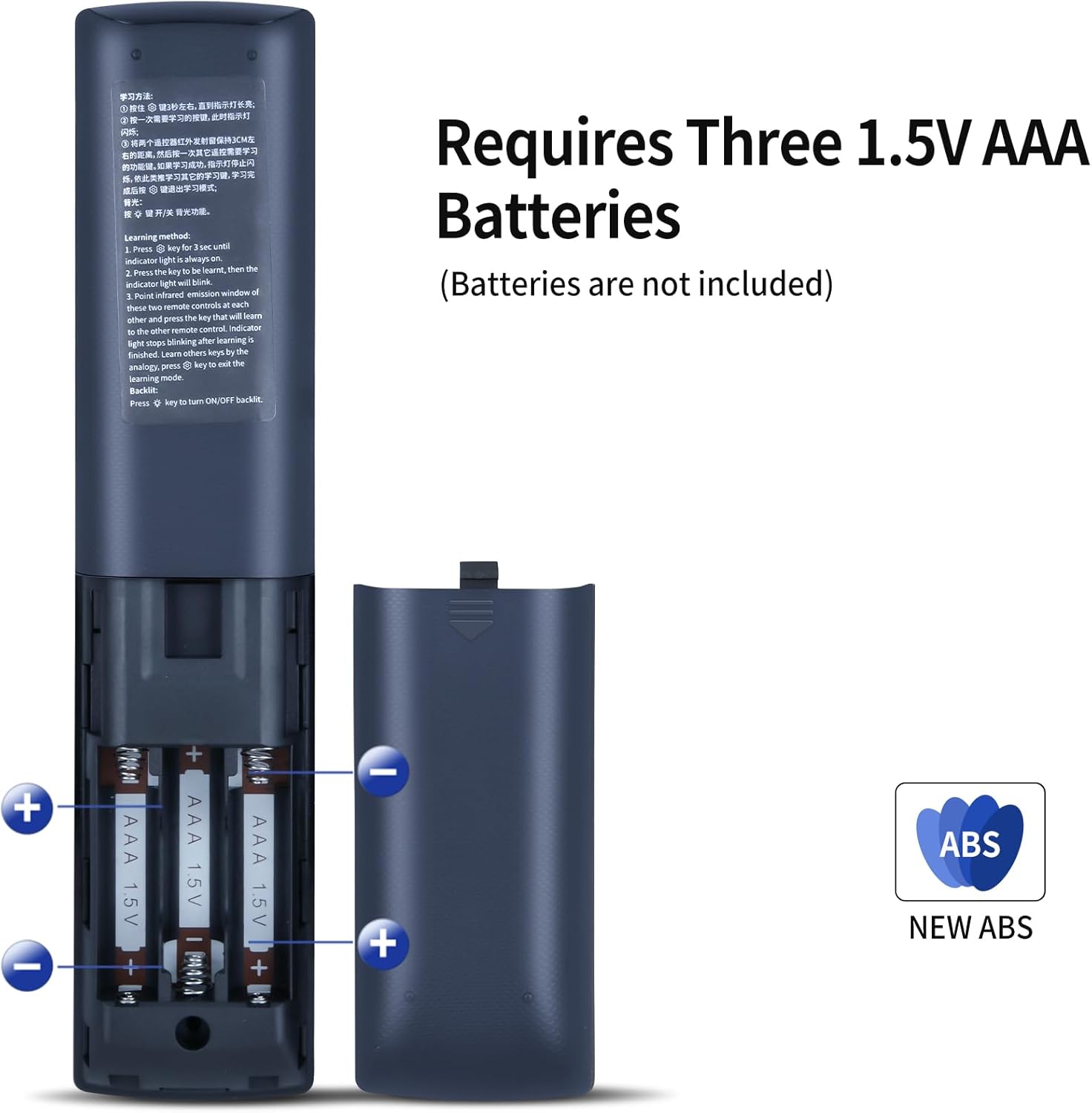
Setup is straightforward: it only requires 3 AAA batteries (not included). The pairing instructions are said to be provided in the package, and once pairing is successful, the remote can be used.
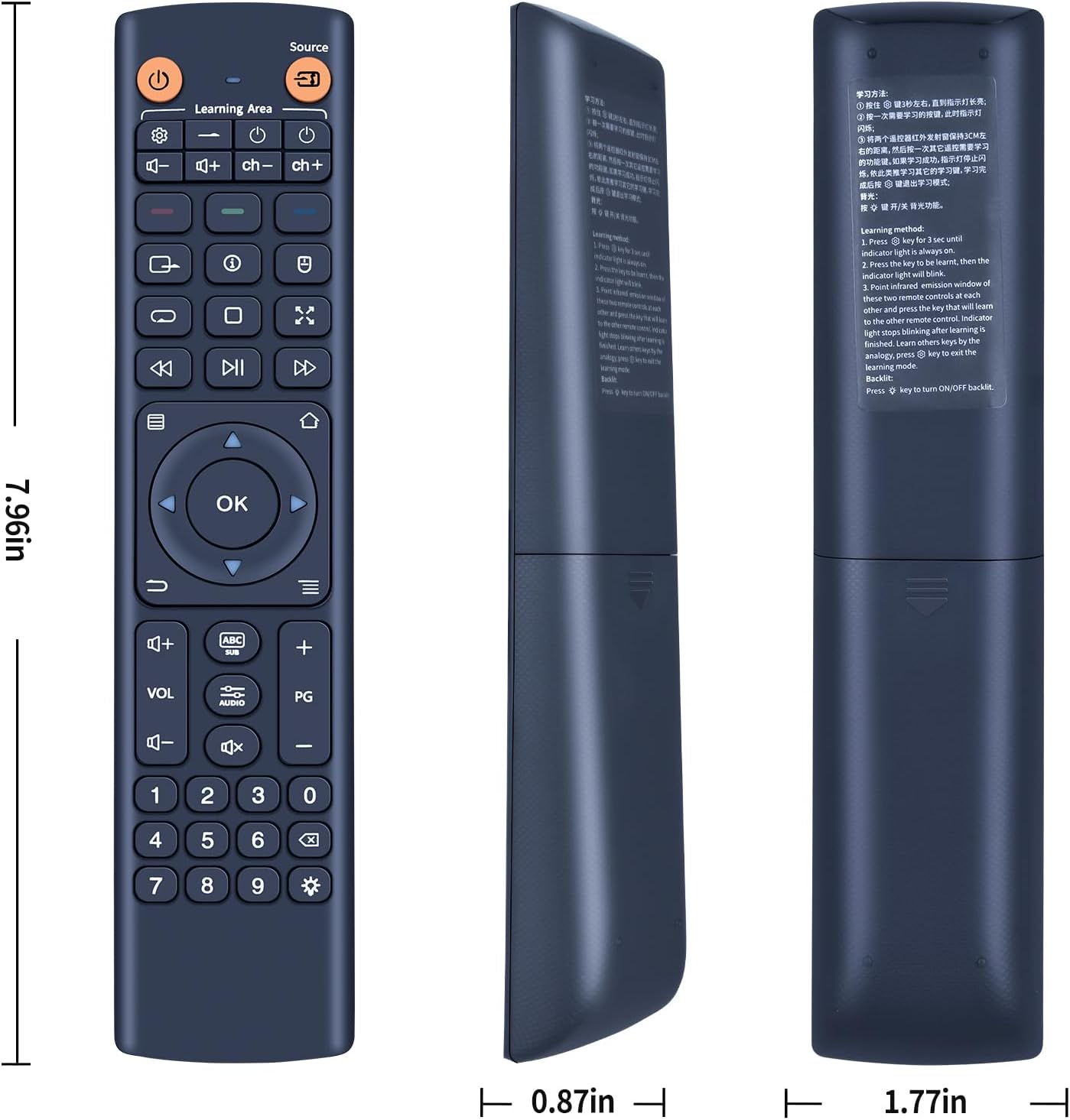
Still, the buying caution is important. The instructions explicitly ask you to check the remote picture carefully before ordering and pay attention to the symbol of the button to make sure it matches exactly what you need. If you’re ordering based on trust alone, you might end up with a “close” remote that doesn’t line up properly. Not ideal.
A practical example: if you press a button on your existing remote and the on-screen action doesn’t match what you expect, compare that button’s symbol against the picture for this V11 model before assuming the pairing failed.
What you’ll notice day to day
In everyday use, the main improvements you’re hoping for are responsiveness and comfort. The soft silicone buttons should help with tactile control, and the lightweight, ergonomic shape is the kind of detail that tends to matter more than people expect—especially if multiple people in the household use the TV box.
The downside? If the “some functions may not be available” note applies to your specific box, the remote might control the basics but leave you missing a less-used button feature. It’s not a deal-breaker for everyone, but it can feel annoying if you rely on specific functions.
Who it suits (and who might want to skip it)
It makes sense if you mainly need a dependable replacement remote to get back to standard navigation and control, and you’re comfortable checking the button symbols against your current remote.
It may not be a great match if you want a guaranteed one-to-one clone for every function, or if you’re not confident you’ve identified the exact remote variant you need. If your priority is “no surprises at all”, you may want to double-check compatibility details thoroughly before buying.
Mini FAQ
FAQ: pairing, batteries, and compatibility
Does it work straight away?
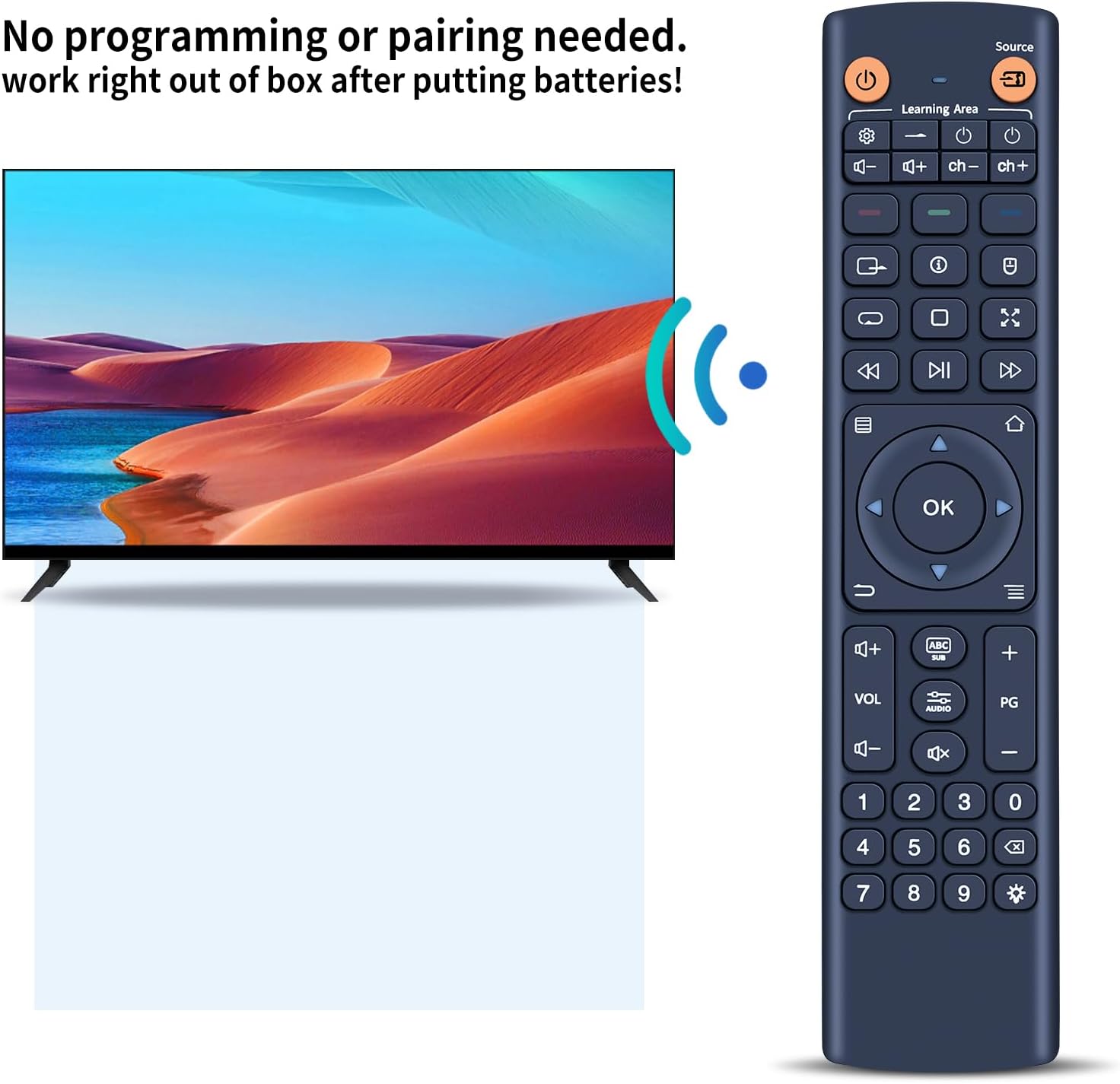
It’s designed to be set up by inserting 3 AAA batteries and then pairing according to the instructions in the package. So it should be usable after a successful pairing, but it isn’t described as plug-and-play without that step.
Are the batteries included?
No. You’ll need 3 AAA batteries, and they’re listed as not included.
Will every button function the same as the original?
The description notes that depending on the button and model, some functions may not be available. So it’s best to treat it as a replacement that matches broadly, with a chance of missing specific functions.
How can I avoid ordering the wrong version?
Check the remote picture carefully before purchasing and pay attention to the symbol of the button to ensure it matches exactly.
What if pairing doesn’t work?
The base information doesn’t provide troubleshooting steps, but the first thing to verify is the correct remote variant and then follow the pairing instructions included in the pack.
Final verdict
It’s worth considering if you’ve got a Zidoo box and you’re replacing a damaged or outdated remote, and you’re willing to do the sensible pre-purchase check of the button symbols and remote picture. It suits everyday use where comfort, straightforward setup, and basic reliable control matter.
You may want to skip it if you’re expecting every single function to be identical, or if you’re not sure you’ve matched the exact remote variant. Given the “some functions may not be available” note, confidence in the right match is the difference between a smooth replacement and a frustrating partial one.