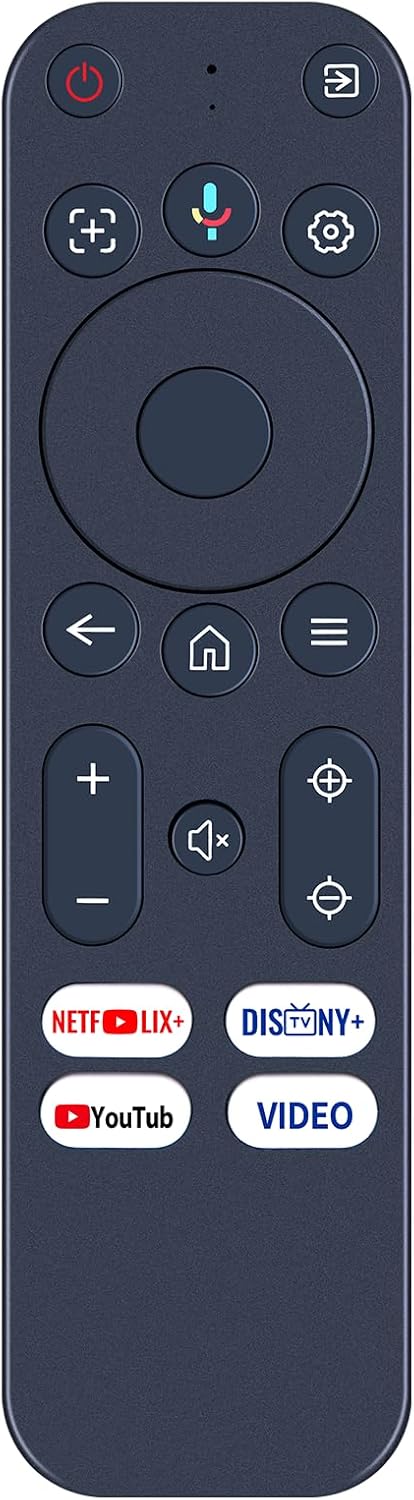
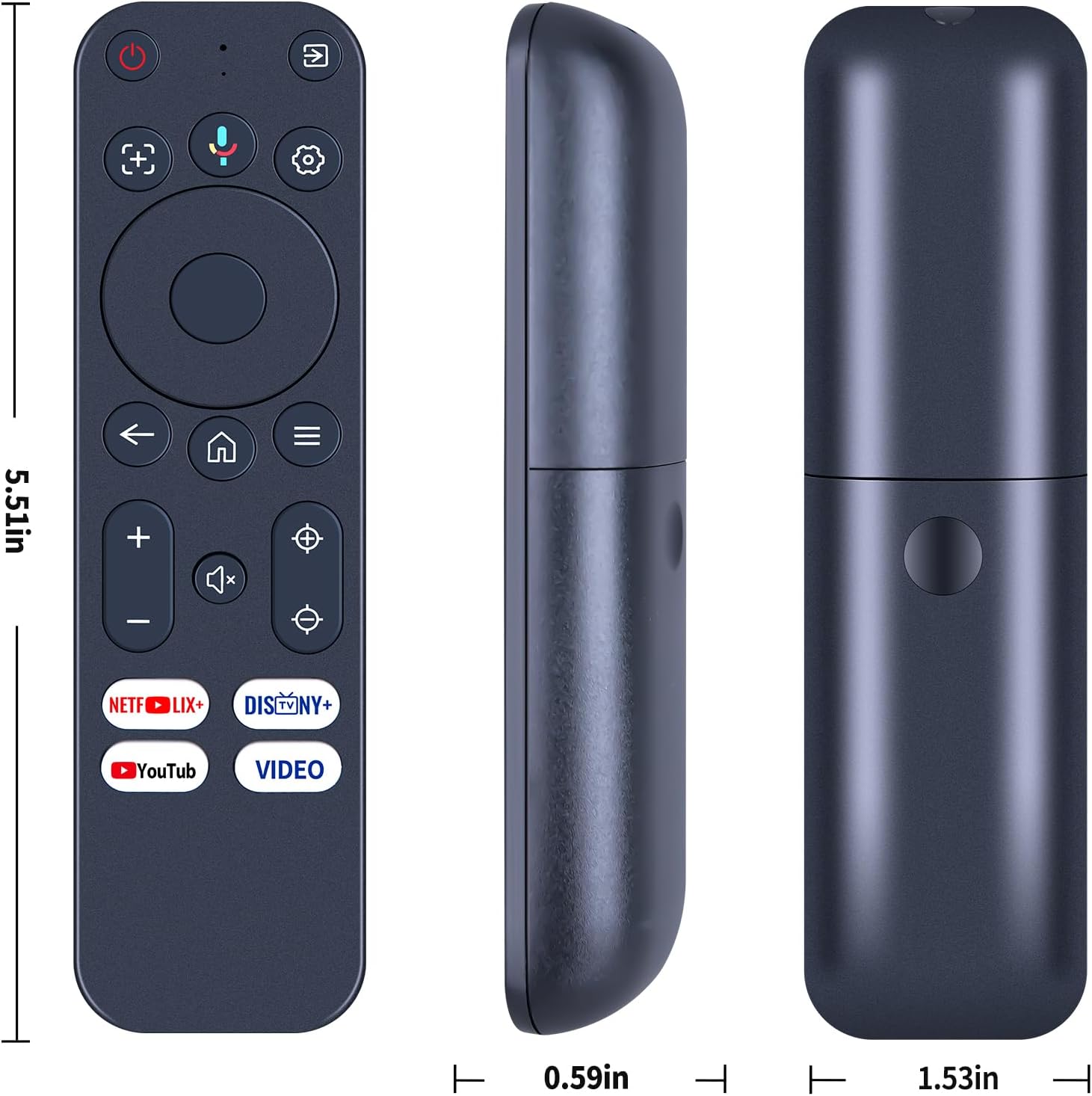
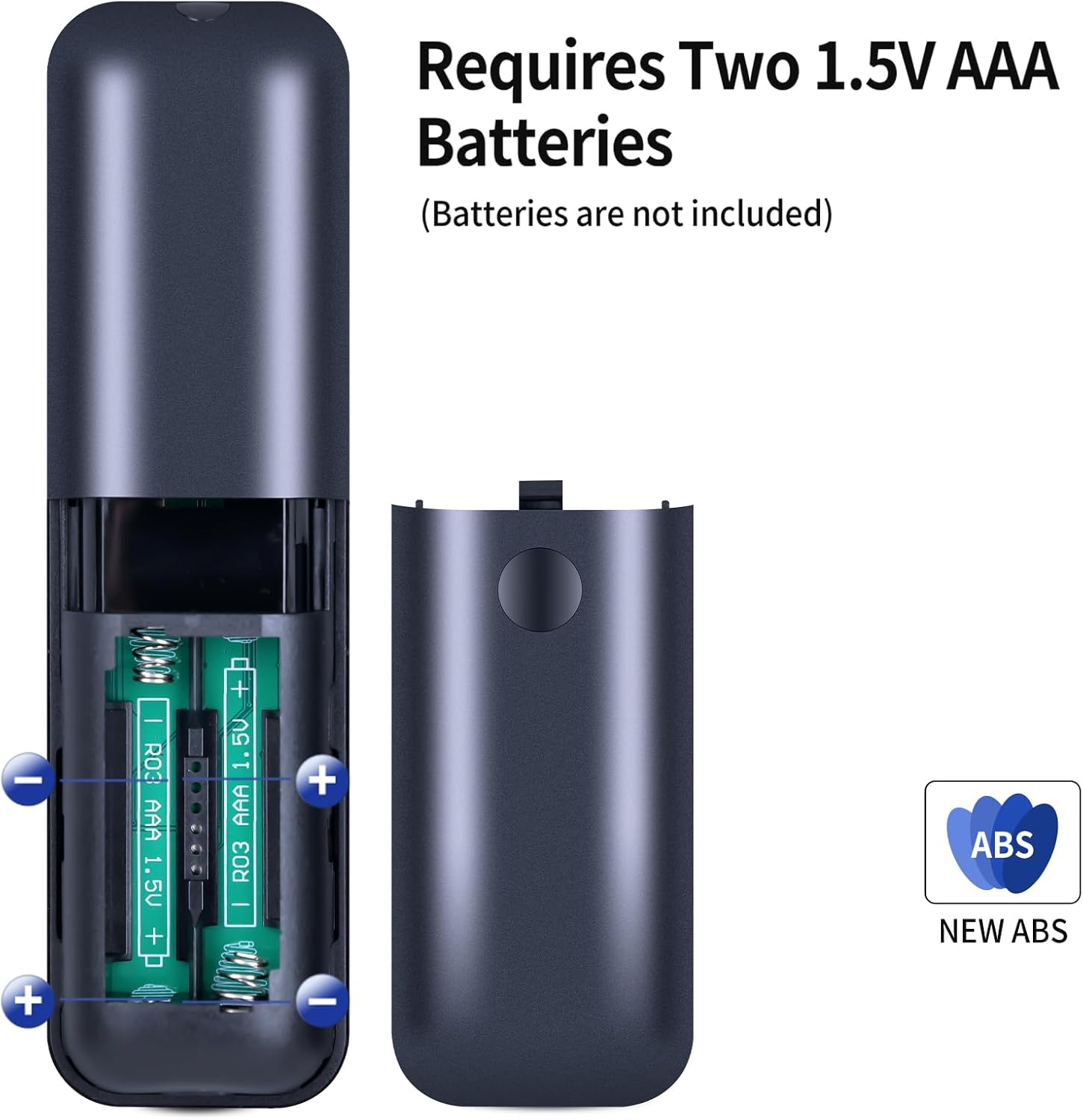
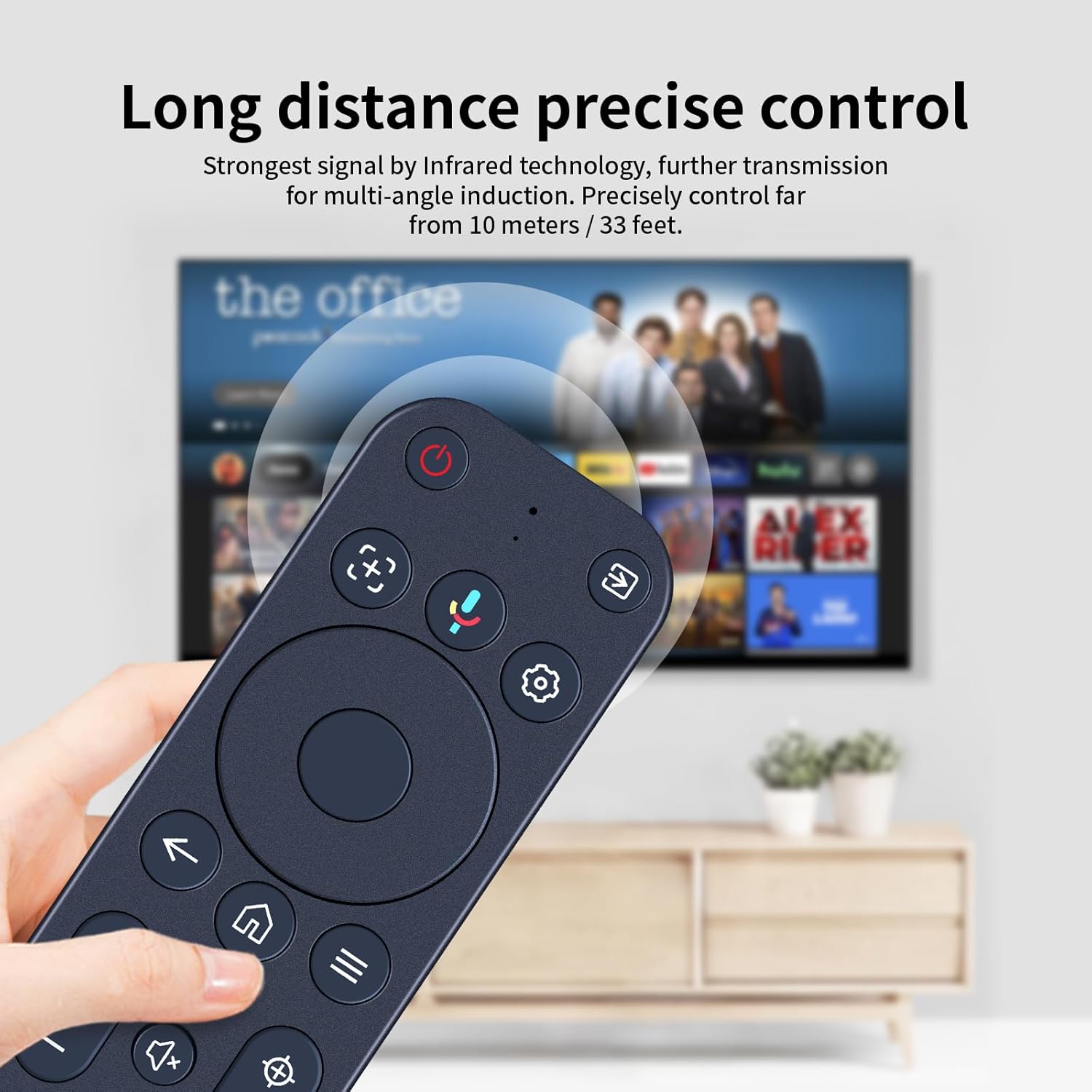
What this is and which problem it solves\nIf your original projector remote is lost, damaged, or simply needs replacing, the TCNOUMT Replacement Voice Remote provides a practical, plug-and-play solution. It’s designed to mimic the functions of the original remote for Yaber K3, K3 Pro, T2, T2 Plus and K2s Smart Projector, helping you regain control without a trip to the shop. While it claims to offer the same basic functions, you should expect that some model-specific features may vary depending on the button and model. This makes it a sensible option if you prioritise serviceability and ease of setup over chasing a premium, feature‑dense remote.\n\n## How it works in practice\nThe remote is marketed as plug-and-play: simply insert 2x AAA batteries (not included) and you should be able to use it right away. There’s no separate programming step required for basic operation, which is convenient if you want a quick fallback remote. The pairing process is described in two stages: first, you power on the device and initiate pairing by holding the RETURN and HOME buttons together for 3–5 seconds, the indicator should flash to show it’s in pairing mode, and then it confirms once paired. If you need to pair a new remote, the instructions advise unpairing the previous one before pairing the new unit.\n\n## When it makes sense to buy\n- You want a straightforward replacement that mirrors the core navigation and essential controls of the original.\n- You favour quick, no-fuss setup, especially if your current remote is unreliable or non-functional.\n- You own one of the compatible projectors listed (K3, K3 Pro, T2, T2 Plus, K2s) and need a backup you can rely on.\nIn short, if you prioritise practicality, reasonable price and ease of use over advanced, brand‑exclusive features, this replacement can be a sensible pick.\n\n## When to temper expectations\n- If your setup relies on niche or highly specific button mappings that are model‑dependent, some functions may not be available or behave exactly as on the original remote.\n- If you often swap between devices or require a remote with a feature set tailored to a particular use case, a multi‑device or higher‑end remote might be a better long‑term fit.\n- It’s important to verify the button layout precisely matches your exact model, as the manufacturer notes to check the remote image before purchase.\n\n## What to check before buying\n- Confirm your projector model and the button you need to control, the warning about matching the button symbols is a useful guardrail.\n- Consider whether you’re comfortable with a basic replacement rather than a feature‑rich original.\n- Plan for two AAA batteries and keep in mind this is a non‑rechargeable power source option.\n- If you’ve already paired another remote, you’ll need to unpair it before pairing this one, following the steps described.\n\n## Practical usage example\nImagine you’re setting up a quiet movie night and find your current remote won’t respond to key commands. With the TCNOUMT replacement, you can power on, navigate menus, adjust volume and select inputs without fuss, thanks to a familiar layout and immediate plug‑in operation. It’s not a universal remote, but for the stated models it keeps the basic duties very approachable.\n\n## What stands out vs. what stays ordinary\n- It offers a straightforward, no‑frills replacement path without extra programming.\n- The pairing steps are explicit, even allowing for a secondary setup if you’ve previously paired a different remote.\n- The note about button symbols is sensible, it nudges you to confirm you’re buying the correct model.\n- On the downside, it may not support every function your original remote offered, depending on the specific button mapping of your model.\n\n## Technical snapshot (brief)\nThis is a replacement remote designed for compatibility with specific Yaber projector models. It requires 2x AAA batteries and has a pairing procedure that involves the RETURN and HOME keys. The product page cautions that some functions may not be available depending on the button and model, so expect a practical, not a perfect, replica of the original experience.\n\n## Key takeaways\n- Practical replacement that cuts out the need for programming.\n- Quick pairing process, with explicit unpairing steps if you’re adding a new remote.\n- Check the exact button layout to ensure it matches your model to avoid missing functions.\n\n## FAQ (practical answers)\n- Is this compatible with my projector? It’s listed for Yaber K3, K3 Pro, T2, T2 Plus and K2s, verify your exact model and button layout before purchase.\n- Do I need to program it? No separate programming is required for basic use, batteries are needed.\n- What if some buttons don’t work as expected? It may be model‑dependent, verify the symbol on the button matches your original remote.\n- How do I pair a new remote? Pairing involves turning on the device, then holding RETURN and HOME for 3–5 seconds until the indicator flashes, then confirming the pairing in the settings if required.\n\n## Final verdict\nIs it worth it? Worth considering if you want a simple, affordable replacement with minimal setup that aligns with a modest feature set and a straightforward pairing process. It’s best for users who prioritise practicality and don’t need a perfect, feature‑complete stand‑in for the original remote.