


Presentation Clicker Wireless Presenter for PC
Product description
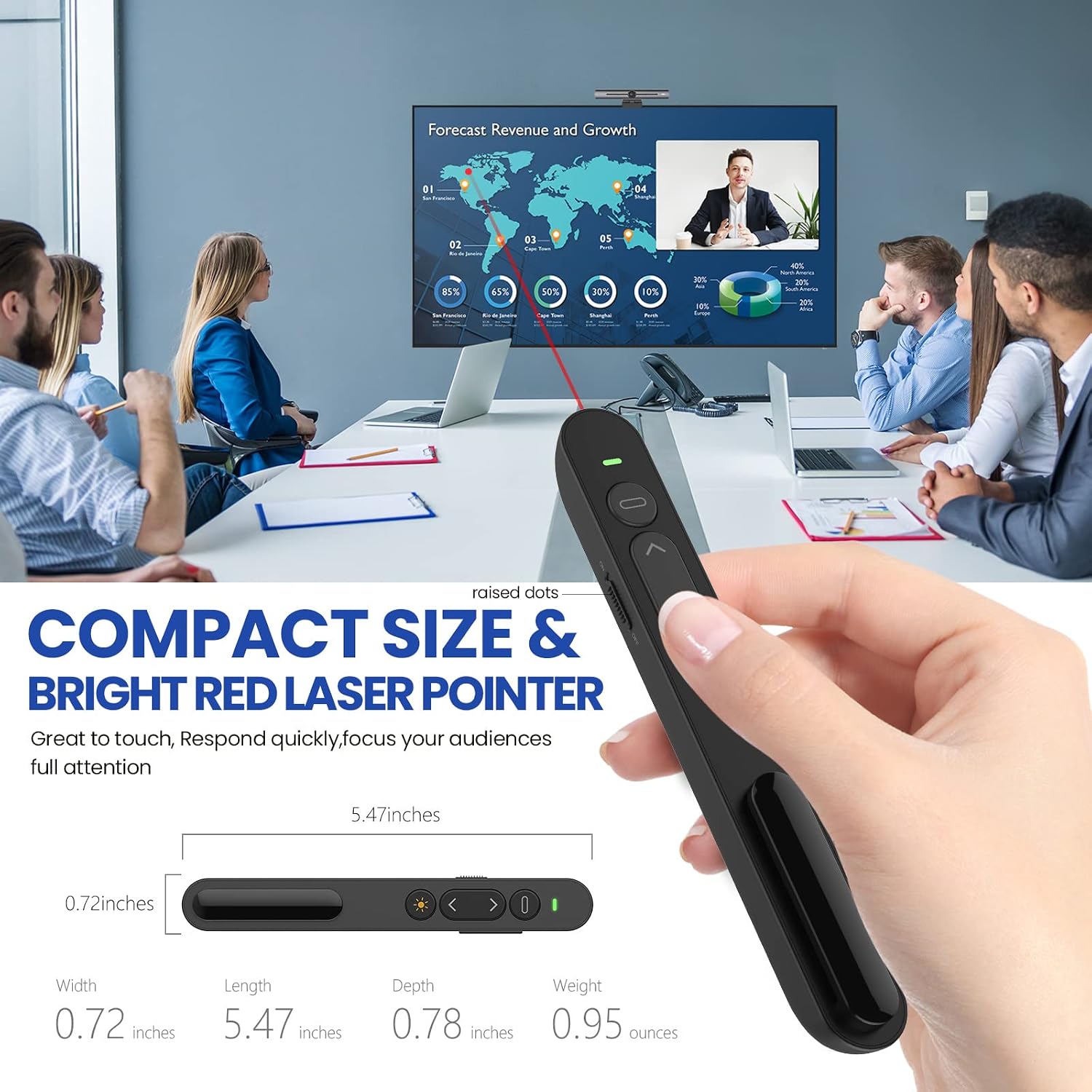
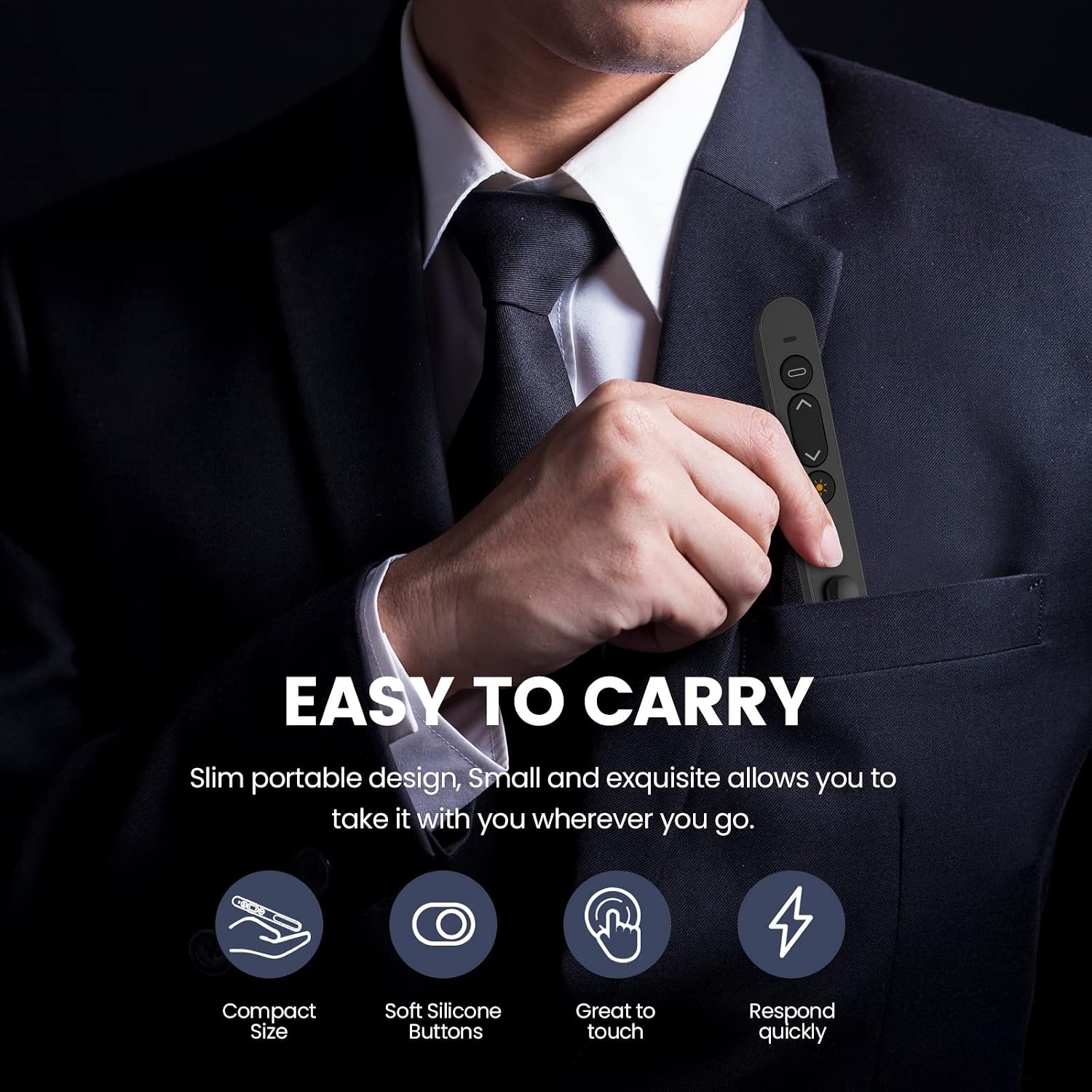
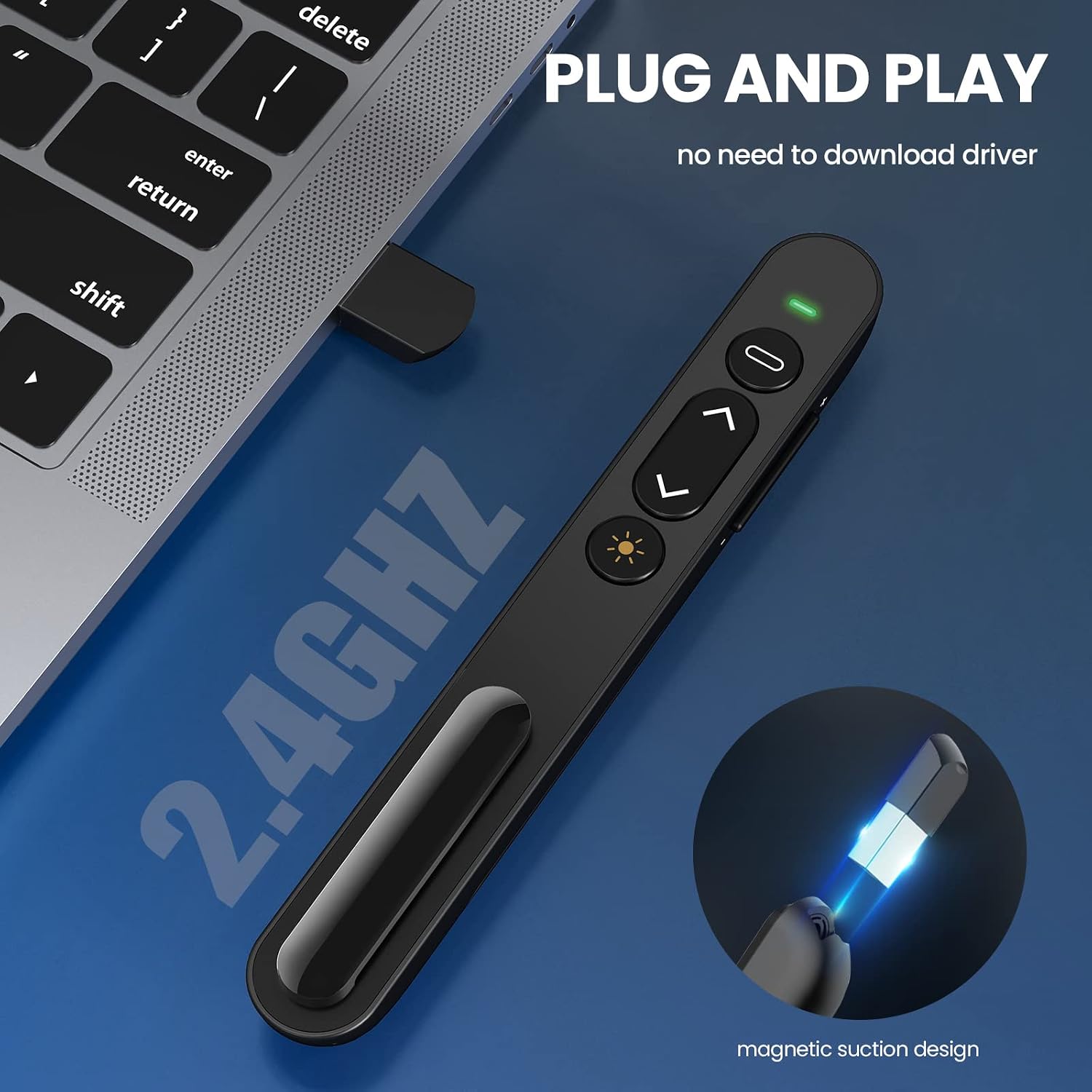
This compact wireless presenter puts slide control and a red laser pointer into a slim, pocketable unit for classroom, office or meeting use. It offers simple plug and play operation with a built-in USB receiver and a claimed wireless range up to 100 metres, making it practical for lecture halls and conference rooms where freedom of movement matters.
Key Points
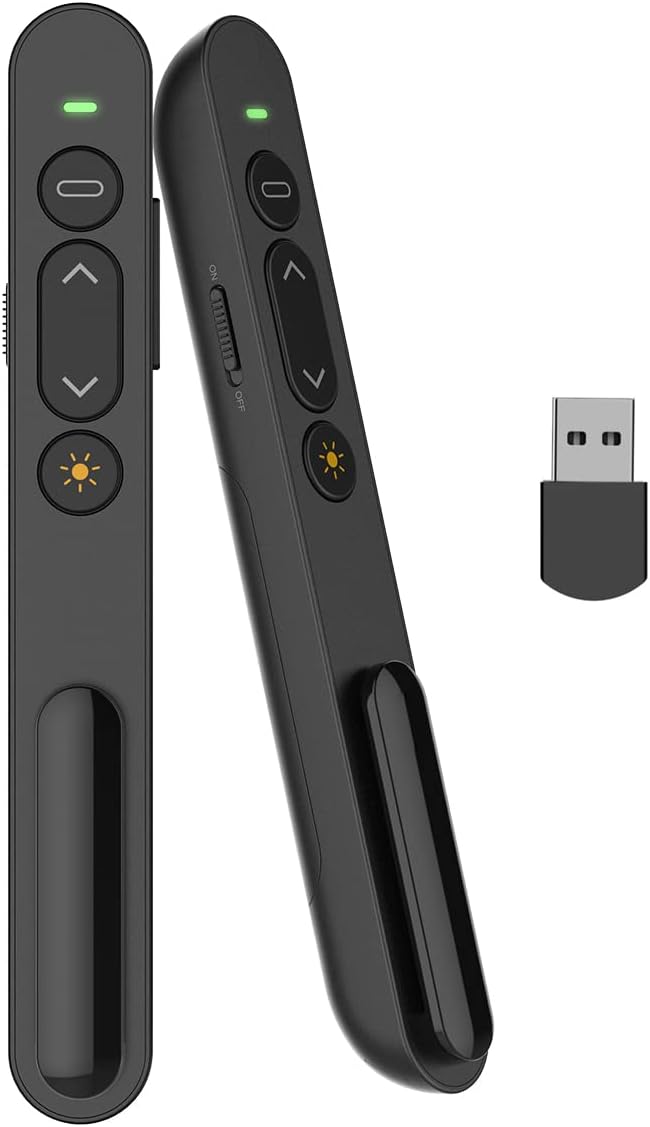
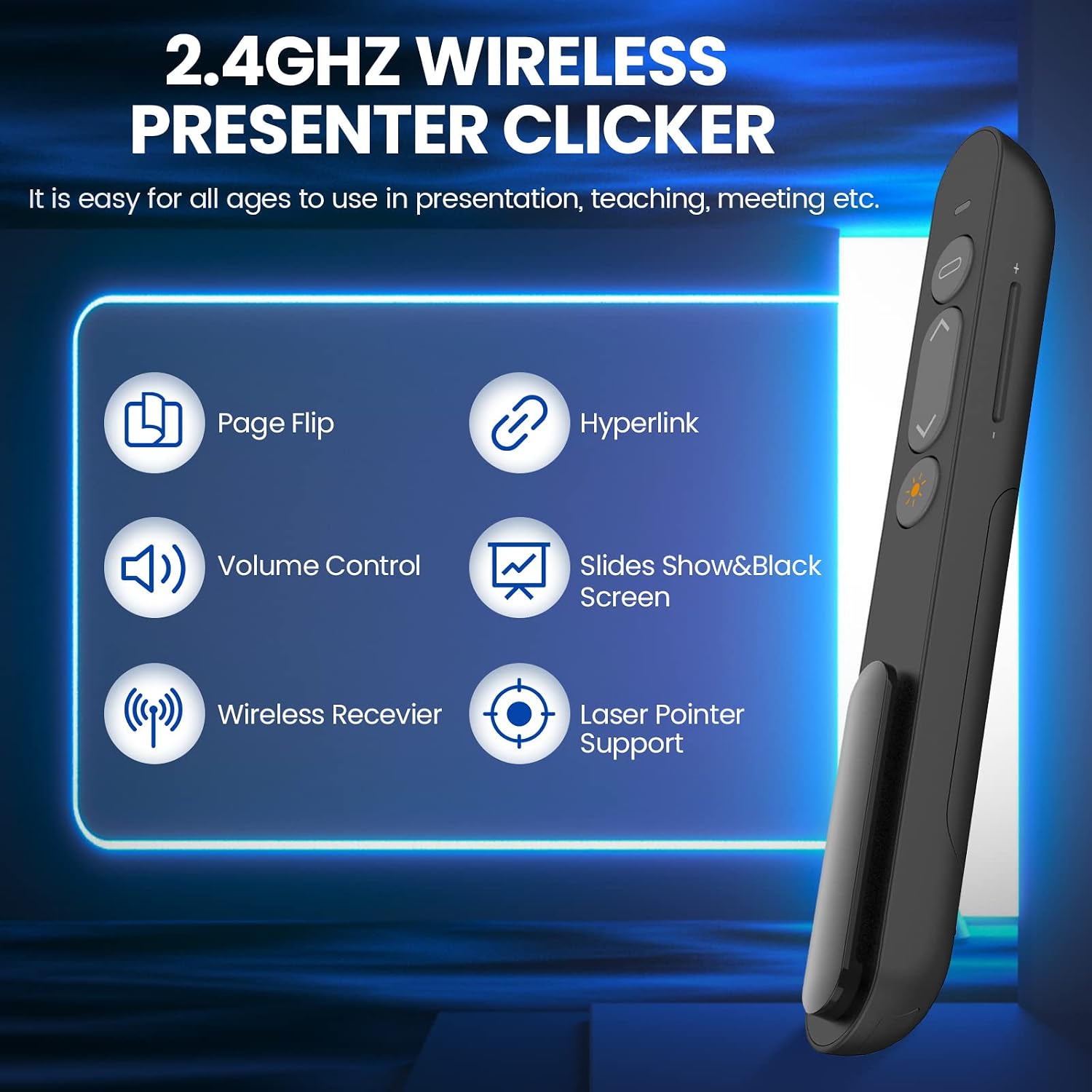
The presenter uses 2.4G RF technology so it works without pairing or drivers on most modern systems, including Windows and Mac OS. It stores the USB receiver in a docking bay built into the remote, which makes transport easier and reduces the chance of losing the dongle. The keypad combines nickel-plated metal dome switches with silicone covers for a tactile feel that is comfortable during long presentations. A red laser pointer highlights key areas on screen or physical charts 📊 and the unit includes common controls such as next slide, previous slide, play/pause and a black-screen function to focus attention.
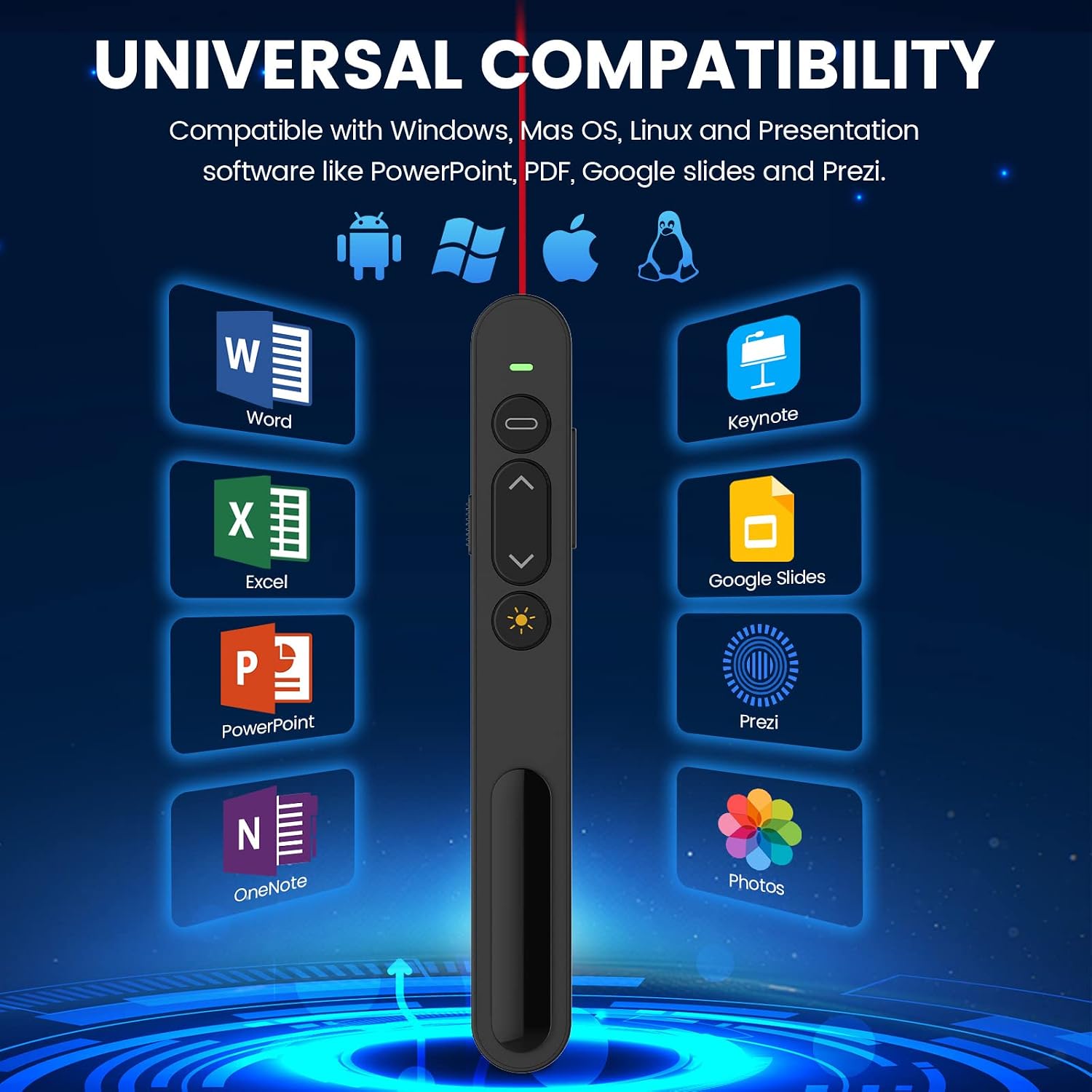
Energy-saving modes are built in with auto standby and deep sleep features that extend battery life, and a manual on/off switch prevents accidental activation when kept in a bag. The device supports common presentation formats like PowerPoint, Keynote and PDF files, and is reported to be compatible with Prezi and other slideshow software according to the manufacturer. Setup is straightforward and suitable for teachers and professionals who need a reliable remote without software installation 🔋.
Usage Recommendations
For lectures and meetings test the USB receiver in the laptop before you start to confirm the operating system recognises the device. Aim the red laser at non-reflective surfaces and avoid pointing it at people's eyes. If you intend to use the presenter in a large auditorium, consider doing a quick range check as walls and equipment may affect the effective distance. Keep spare batteries available if you expect extended sessions, because battery life varies with usage and is influenced by the frequency of laser and button use.
Technical Specifications
- Name: Presentation Clicker for PowerPoint
- Wireless frequency: 2.4G RF
- Claimed range: 100 metres according to the manufacturer
- Laser type: Red laser pointer
- Compatibility: Windows 7 or later, Mac OS 10.10 or later, PowerPoint, Keynote, PDF, Prezi
- Receiver: Mini USB, plug and play, built-in docking bay
- Controls: Page up, page down, play/pause, black screen
The remote is practical for everyday presentation tasks, offering straightforward functionality with energy-saving features and a storage bay for the USB receiver.