

TCNOUMT replacement remote for Epson CO-FH01, CO-FH02 and CO-W01 home cinema projectors
Product description
What it is and why people buy it
If your projector remote has gone missing, stopped responding, or looks a bit worse for wear, a like-for-like replacement is usually the quickest fix. This TCNOUMT replacement remote is designed to mirror the functions of the original remote for specific Epson models, so you’re not left navigating menus awkwardly just to start a film.
On paper, the idea is simple: swap the old remote for this one, insert batteries, and get back to normal viewing. It’s also aimed at anyone who just wants the basics to work—no pairing, no faff.
Worth noting, though: not every button or function may be available depending on the exact button layout and projector model. That’s a small detail, but it matters if you rely on one or two specific controls.
Key points
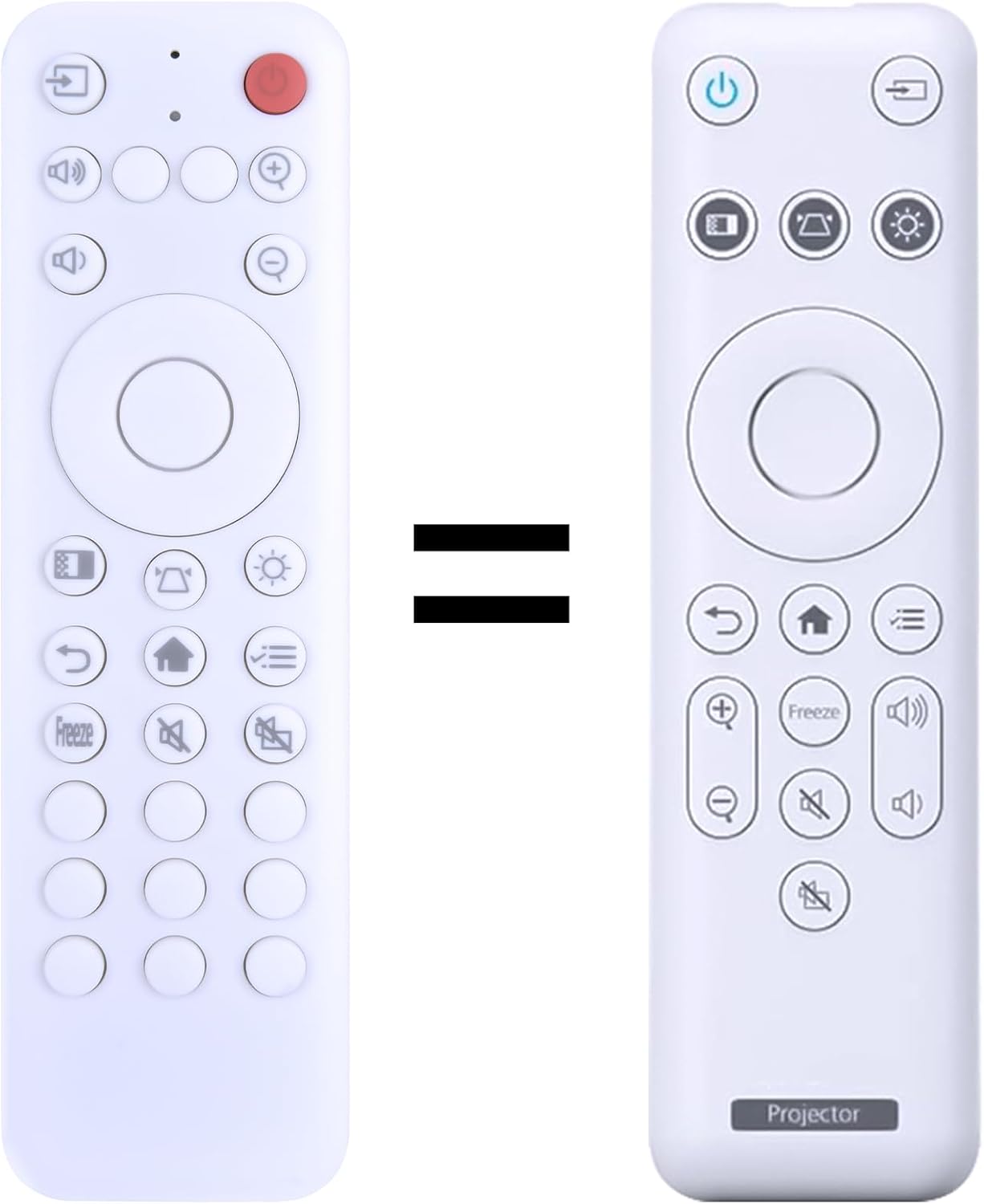
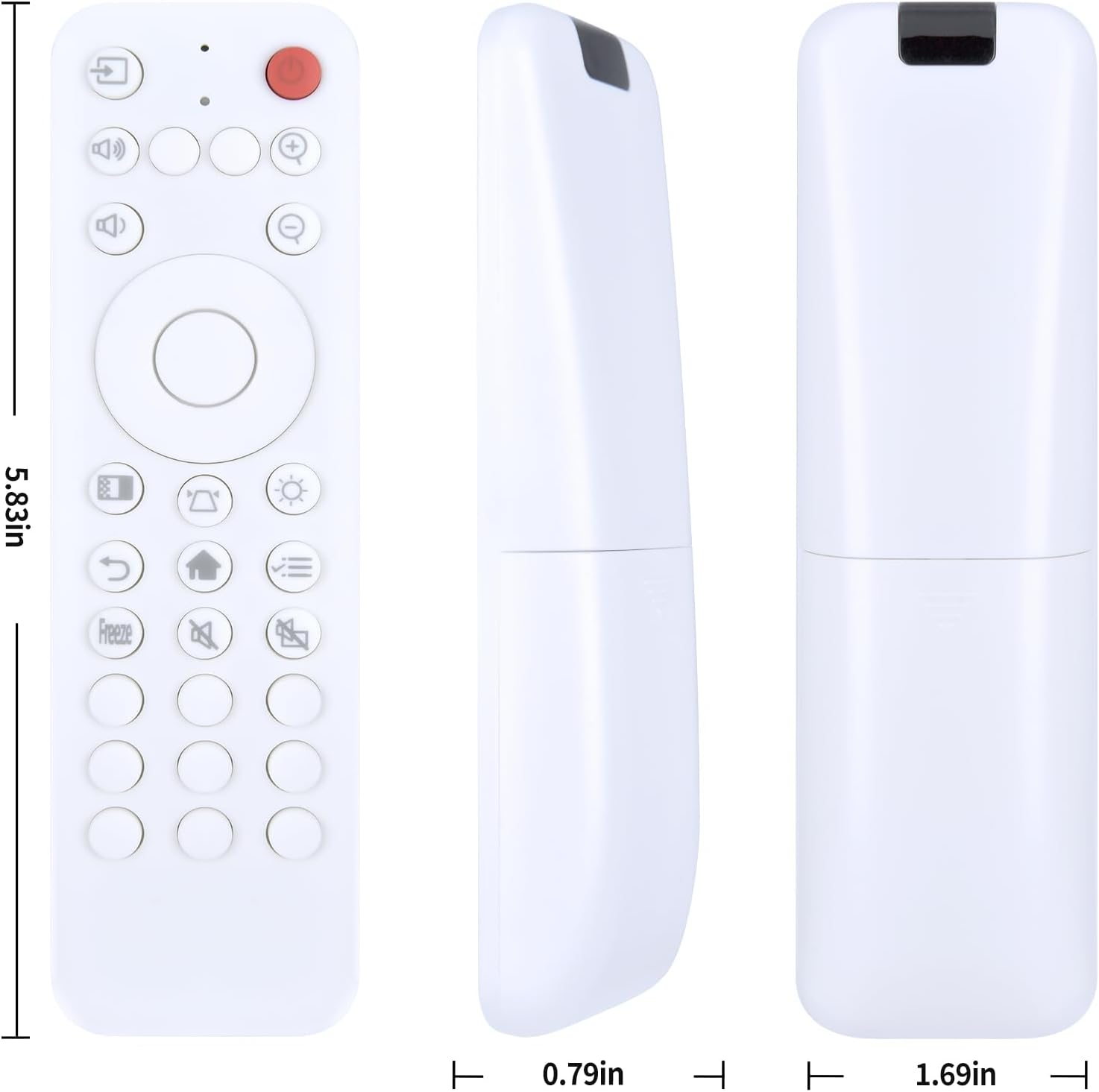
This is a replacement remote for compatible Epson home cinema projectors, built for everyday handling and easy use. The remote is described as lightweight with an ergonomic grip, plus silicone buttons intended to feel comfortable under the fingers—useful if more than one person in the house uses it, or if you’re replacing a remote that’s been handled daily.
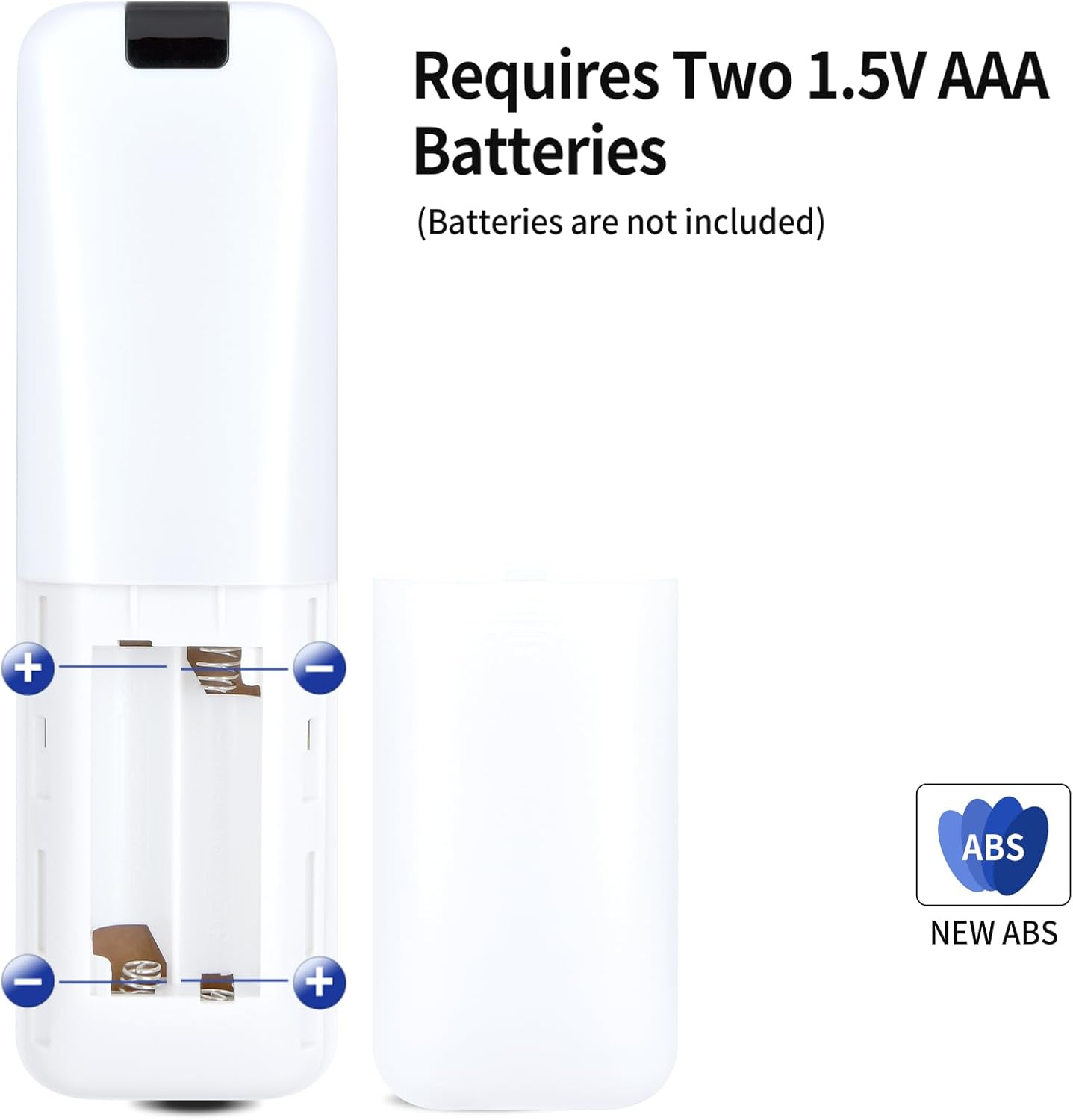
Setup is meant to be straightforward. The guidance provided is “no programming”: you simply insert 2x AAA batteries (not included) and use it with your device.
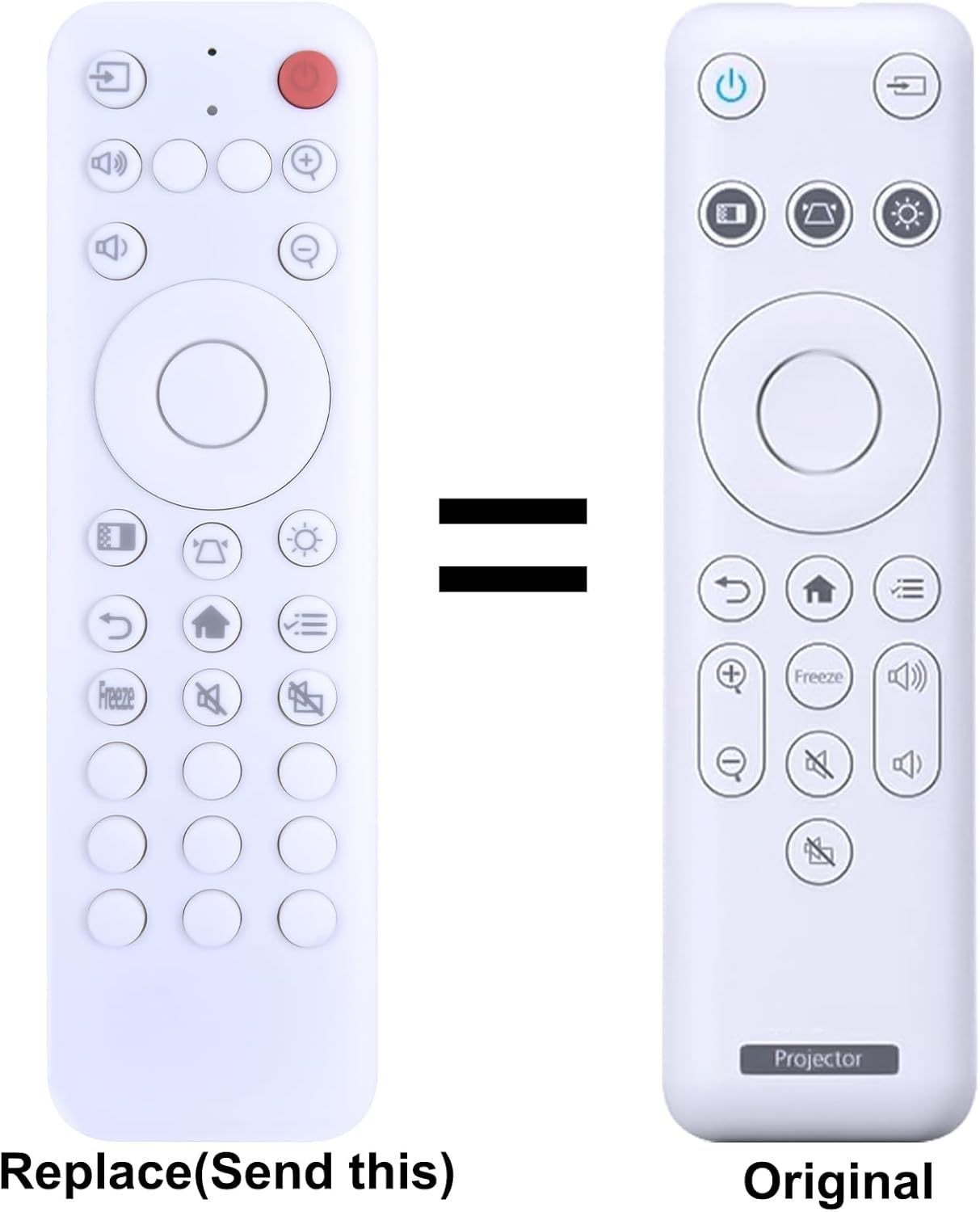
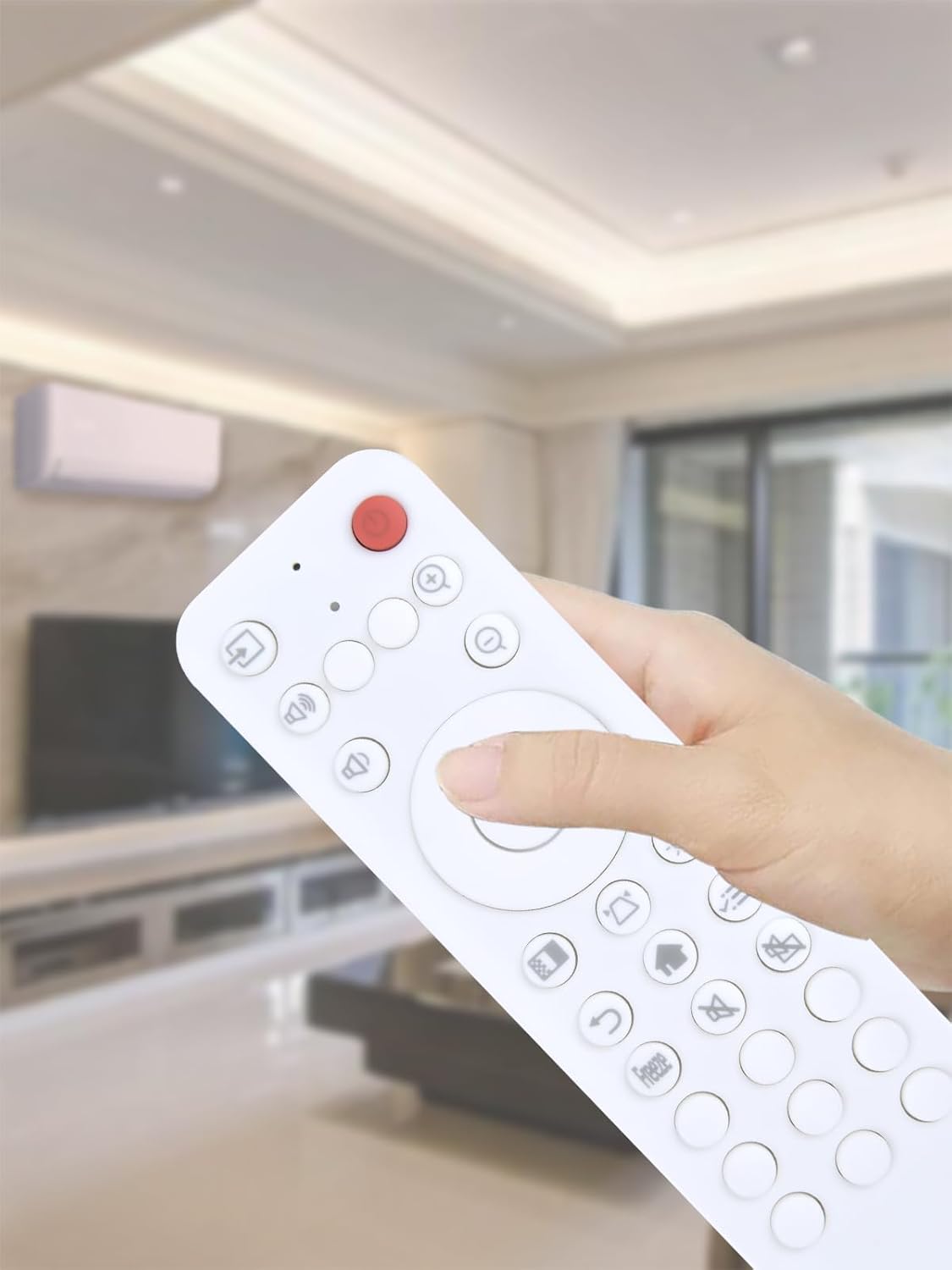
There’s also a practical warning to take seriously: you should compare the remote control picture before buying and check the button symbol layout. That’s because remotes that look similar can still differ in button markings.
What you’ll notice in use
The main “feel” here is about control without hassle. The soft silicone buttons are there to make everyday pressing more comfortable, and the case is described as sturdy, with a battery compartment cover designed to hold up to regular use.
In a typical home cinema setup, this is the sort of remote you’d keep within reach next to the sofa: power on, switch inputs, and run basic controls while you’re settling down. If your current remote is unreliable, this replacement approach is often less disruptive than troubleshooting projector settings—especially if you just want the unit to behave the way it did before the remote started acting up.
The practical side: setup and compatibility checks
Setup is described as simple: insert 2x AAA batteries (not included) and you should be ready to operate. There’s no mention of learning codes or programming steps, which is exactly what you want if you’re replacing a broken remote at the last minute.
Compatibility is tied to the projector model range listed for this remote: Epson CO-FH01, CO-FH02 and CO-W01. Even then, the description adds a caution that some functions may not be available depending on the button and model.
That means it’s a good idea to double-check two things before committing: - The remote image you’re looking at matches the one you need (especially the button symbol layout). - Your projector model is one of those listed, and you’re not expecting every single button function to be identical.
What to consider before buying
This remote replacement is a sensible value-focused buy if your main goal is restoring basic control quickly. The lightweight ergonomic design and silicone buttons suggest it’s built for frequent everyday use rather than anything fancy.
However, it may not be the best fit if you need a very specific function mapped to a particular button. The description explicitly says that some functions may not be available depending on button and model, so if you rely on one niche control, there’s a chance you could be disappointed.
Pros and limitations
Where it makes sense: - You want a replacement remote with the same general functions as the original. - You prefer a simple “insert batteries and go” setup. - You want something comfortable to hold for different users.
Where you may want to be cautious: - Not all functions may work depending on exact button layout and model. - You should check the picture and button symbols carefully before ordering, because near-matches can happen. - Batteries aren’t included, so you’ll need 2x AAA to use it immediately.
Is it worth it?
It’s worth considering if you’ve got an Epson CO-FH01, CO-FH02 or CO-W01 and you just need your remote back to working order without programming. It fits the “everyday replacement” role well: lightweight, ergonomic grip, silicone buttons, and a sturdy case with a battery compartment cover.
You may want to skip it if you’re depending on specific button functions being available exactly as on your current remote, or if you’re not confident the button symbol layout matches what you need. In that case, take extra time to compare the remote picture before purchasing.
Mini FAQ
Will I need to programme this remote?
The description says no programming is required. You insert 2x AAA batteries (not included) and use it.
Are the batteries included?
No—batteries are not included, so you’ll need to provide 2x AAA.
Does it work with my Epson projector?
It’s listed for Epson CO-FH01, CO-FH02 and CO-W01. If your model is different, compatibility isn’t guaranteed.
What if some buttons don’t do the same things?
The guidance notes that depending on the button and model, some functions may not be available. If you need specific controls, double-check the button symbol layout against the remote you’re replacing.