

TCNOUMT replacement remote control for Epson projectors (EH-TW8200W, EH-TW9200W, EH-TW9400W and listed models)
Product description
What it is and why you’d want it
If your Epson projector remote control has gone missing, stopped responding, or just isn’t comfortable to use anymore, a replacement remote can be a surprisingly cost-effective fix. This TCNOUMT replacement remote is designed as a direct alternative for specific Epson models listed in the product name, covering EH-TW8200W, EH-TW9200W, EH-TW9400W and several model codes (like H587B, H588A, H589C, and others).
On paper, the appeal is straightforward: it’s meant to provide the same day-to-day functions you’d expect from an original-style remote, so you can get back to adjusting settings, switching inputs, and using the projector without digging out a phone app or living with a faulty controller.
The essentials: setup, buttons and feel
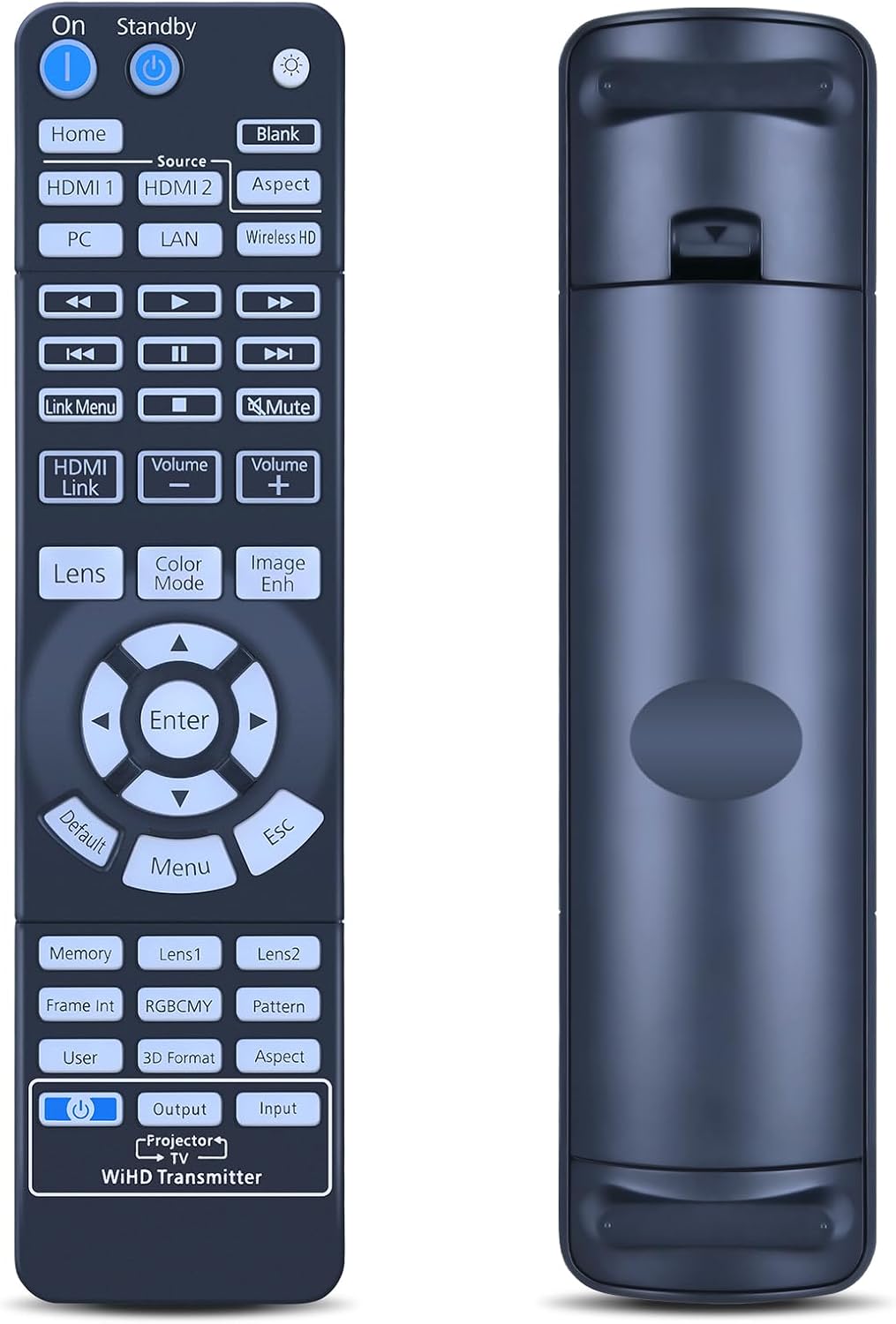
A key practical point is that this remote is described as “easy to set up” with no programming required. In this kind of replacement, that matters because it reduces the hassle to a simple battery install (the battery itself is not included).
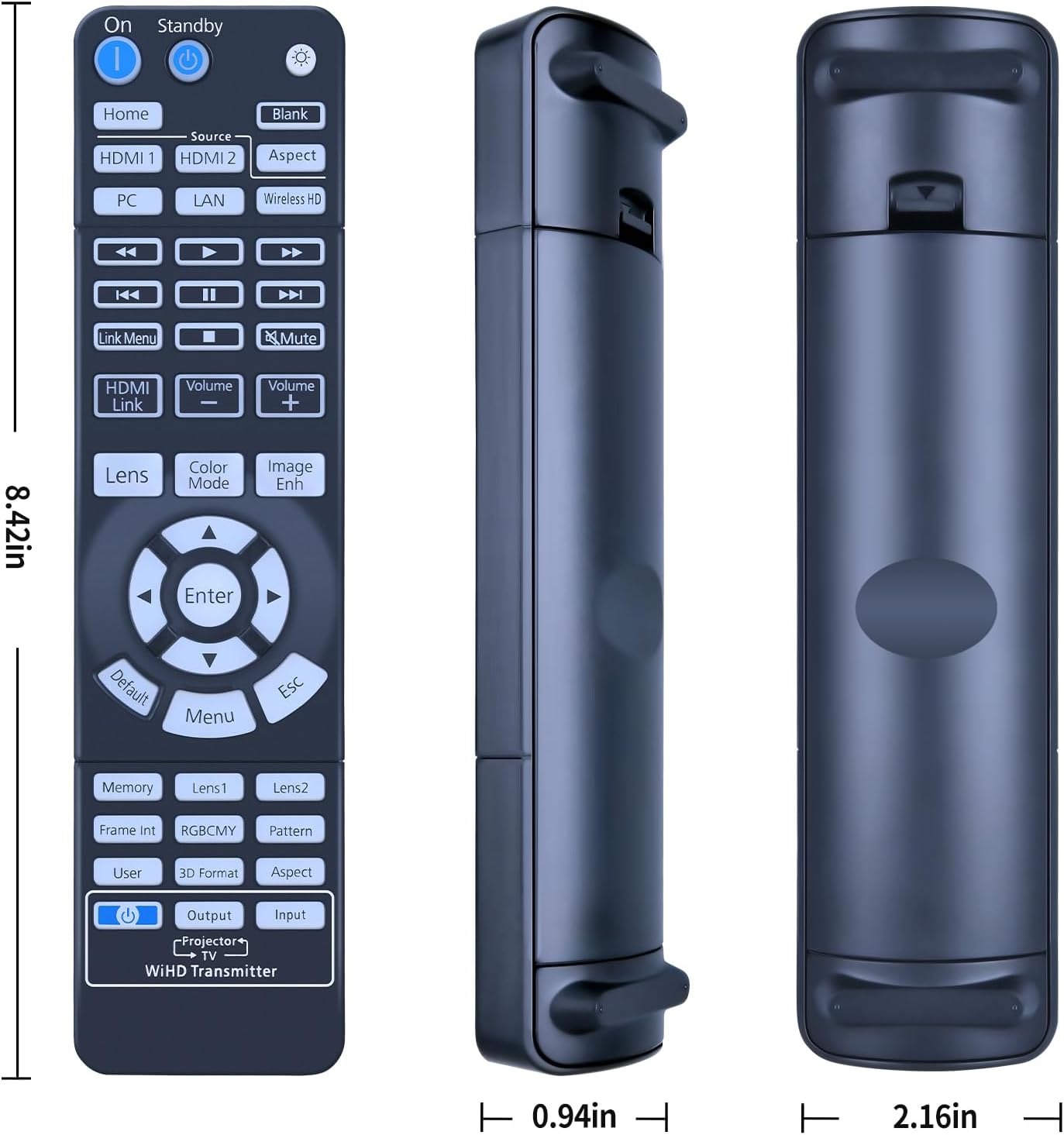
The build is also aimed at everyday reliability. The remote uses a durable plastic body and has a battery compartment cover. The buttons are described as soft silicone, which should make repeated pressing feel more comfortable than hard, clicky keys. It’s also described as lightweight and ergonomic—good for anyone who wants something easy to handle, not just for adults but also for older users or children in a home setting.
That said, there’s one limitation worth keeping in mind: depending on the button and the specific projector model, some functions may not be available. This is common with third-party remotes in general, so it’s not necessarily a deal-breaker, but it’s something to be aware of.
Key points to check before you buy
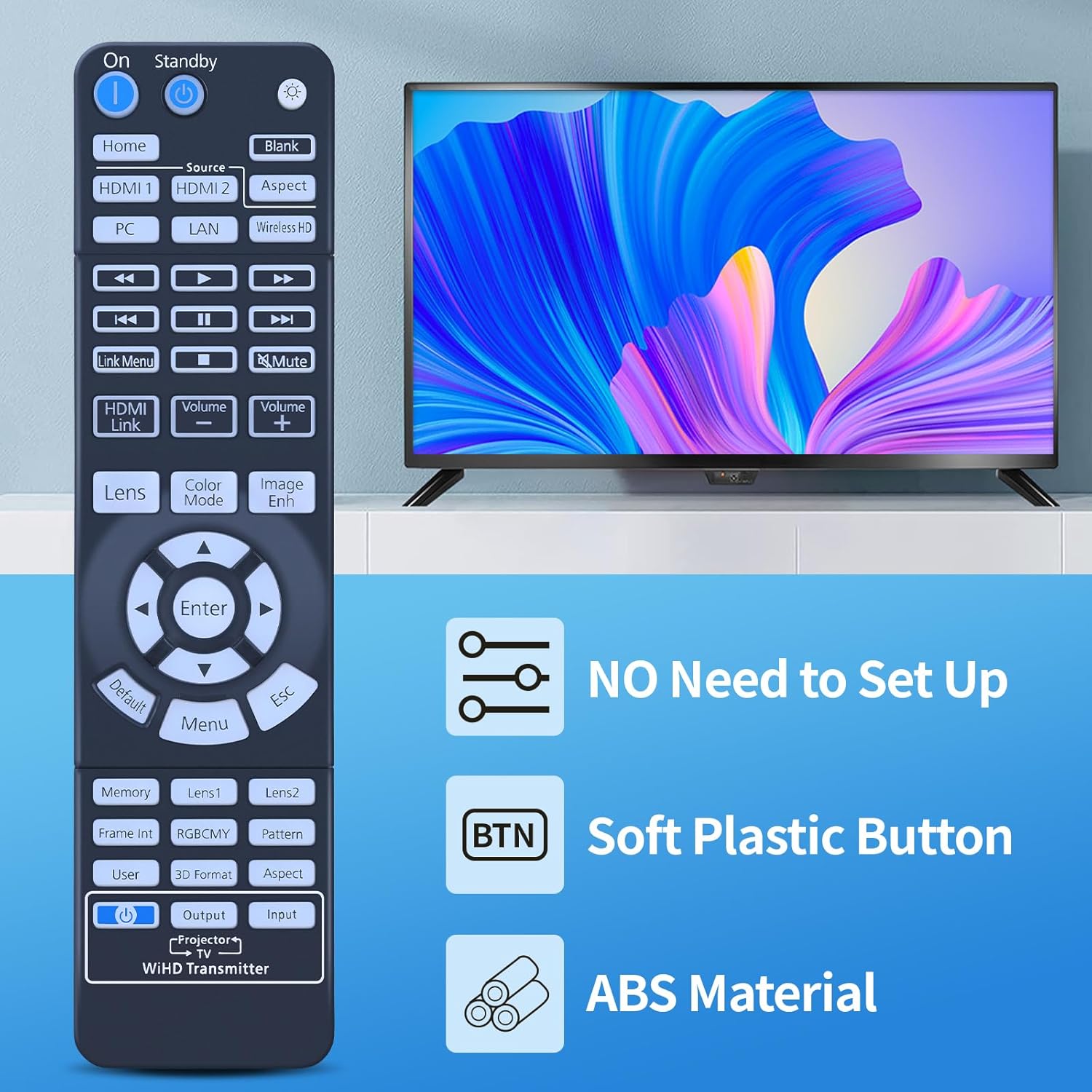
Before ordering, the listing asks you to check the remote image carefully and pay attention to the button symbol. That’s because remotes can look very similar while key buttons (or their icons) differ between variants.
To avoid disappointment, it’s sensible to: - compare the button layout and key symbols with your current remote (or the one you’re replacing) - make sure you’re matching the right Epson projector model from the list in the product title - double-check that the buttons you rely on most are present and clearly correspond
If you’re missing your original remote entirely, this is where buyers sometimes get caught out—so take your time matching the photos.
What you’ll notice in everyday use
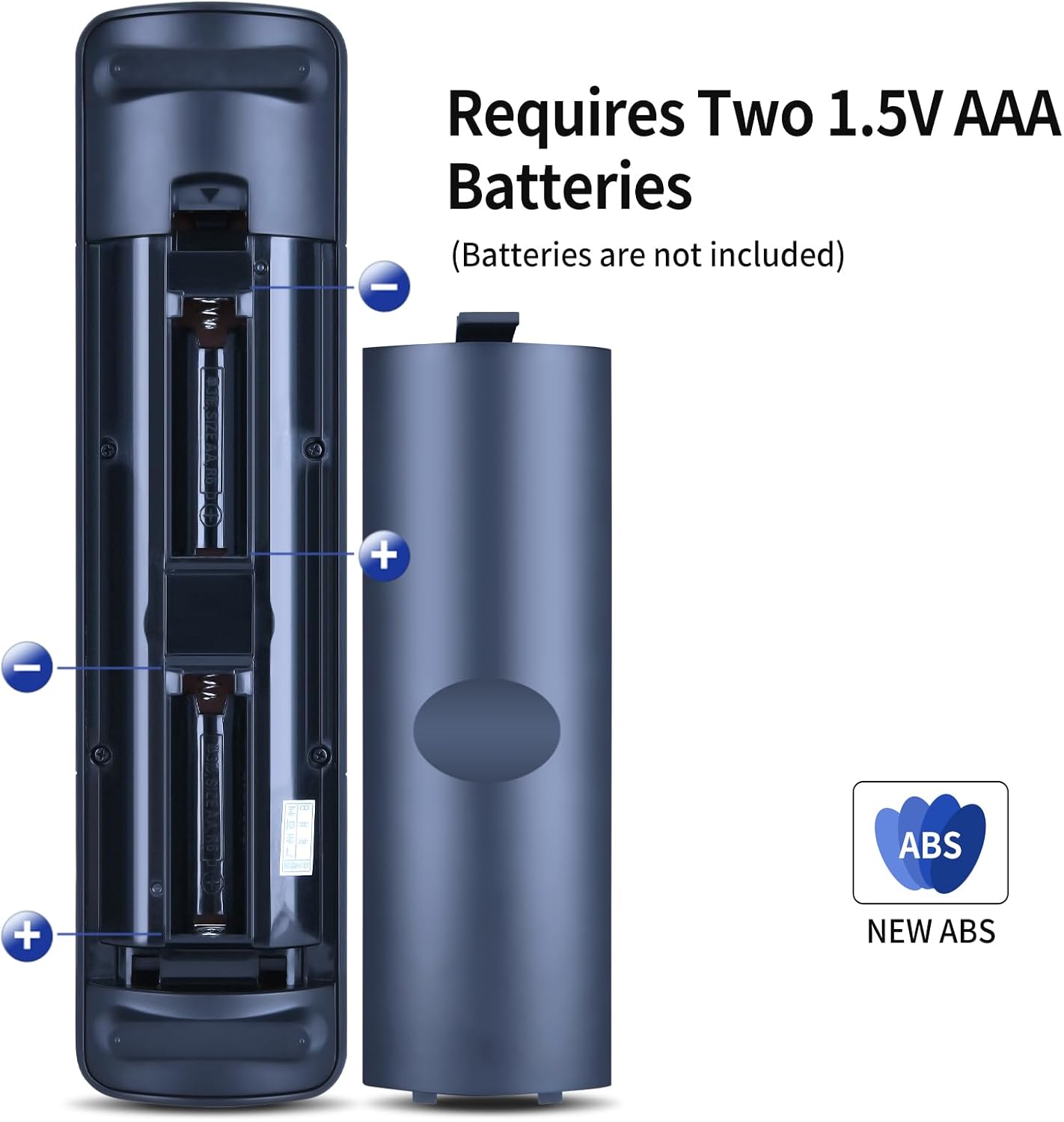
Once the battery is fitted, the remote is intended to work immediately without programming. In practice, that usually means quicker turnaround from “problem” to “back in business”. For example, if you’re using a projector for a weekly film night, you can swap the remote, aim it at the screen, and get back to changing picture modes or inputs without waiting for any setup.
The ergonomic shape and soft silicone buttons should help if the remote gets used a lot—think TV-style routines like pausing, adjusting, and switching sources. It’s not perfect—some replacement remotes feel slightly different to originals—but it’s designed to be comfortable for regular home use.
Is it worth it? (Buying verdict)
It’s a solid pick if you want a straightforward replacement for an Epson projector remote from the models listed in the product name, and you’re happy to match the remote layout carefully using the provided images and button symbols. It makes sense if your current remote is damaged or unreliable, and you just need a workable controller with minimal setup.
You may want to skip it if: - you need every function to work exactly like the original on a particular model (the listing notes some functions may not be available depending on button/model) - you can’t confidently match the button symbols or layout (the listing explicitly warns to check the image)
Overall, this sits more in the practical “replacement” lane than the premium “fully identical experience” lane. If you prioritise usability and don’t want a complicated setup, it’s likely to do the job.
Mini FAQ
Will I need to program it?
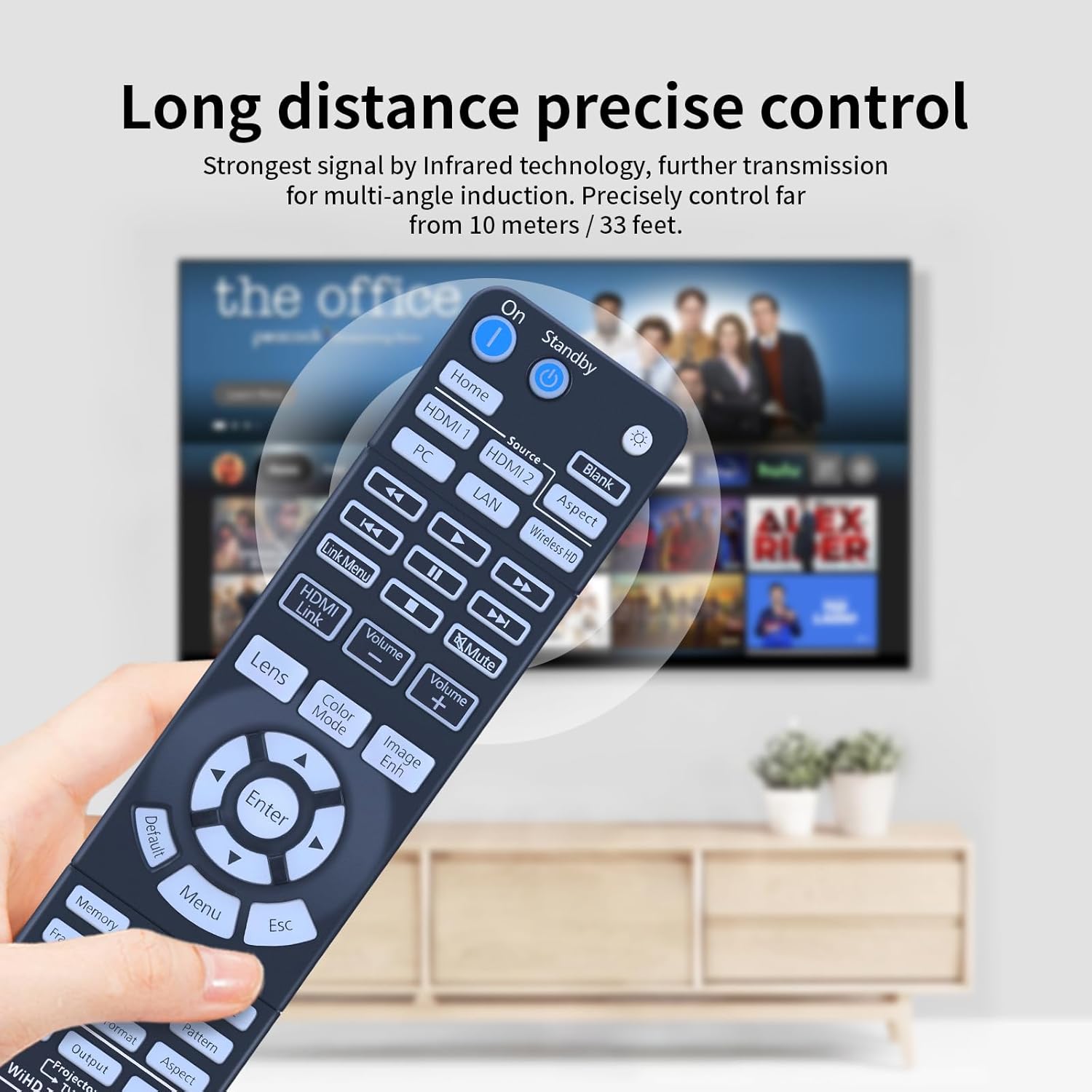
The listing states it does not require programming and should work by simply installing the battery (battery not included).
Are all remote functions guaranteed to work?
Not necessarily. It notes that depending on the button and the model, some functions may not be available.
What battery does it use?
The listing mentions a battery compartment cover, but it does not specify the battery type in the information provided.
How do I make sure it matches my projector?
Carefully compare the remote image and especially the button symbol with your current remote or the exact unit you’re replacing.
What if I’m buying for a different Epson model?
This is intended for the Epson models listed in the product name, if your projector isn’t on that list, compatibility may not be what you expect.