

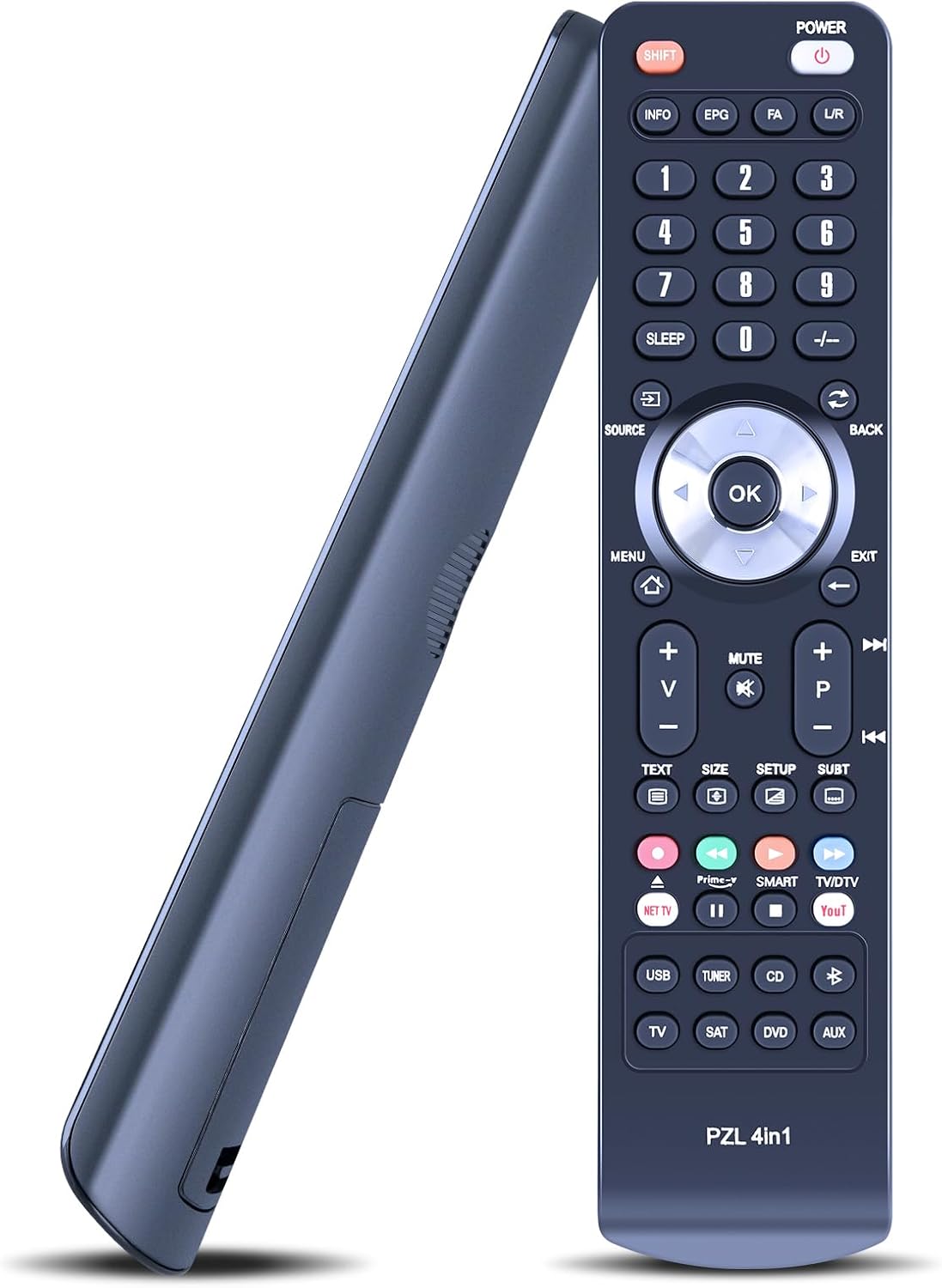
TCNOUMT replacement remote for Bang & Olufsen Beovision MX TVs (MX4000/MX4002/MX6000/MX7000)
Product description
What it is and why you’d want it
A missing or faulty remote can turn an otherwise straightforward TV day into guesswork. This TCNOUMT replacement remote is made to step in for an older, damaged, or simply worn-out Beovision MX remote, aiming to give you the same day-to-day controls again. On paper, the appeal is simplicity: you’re not meant to program or configure anything, just insert batteries and use it.
Key points to know before buying
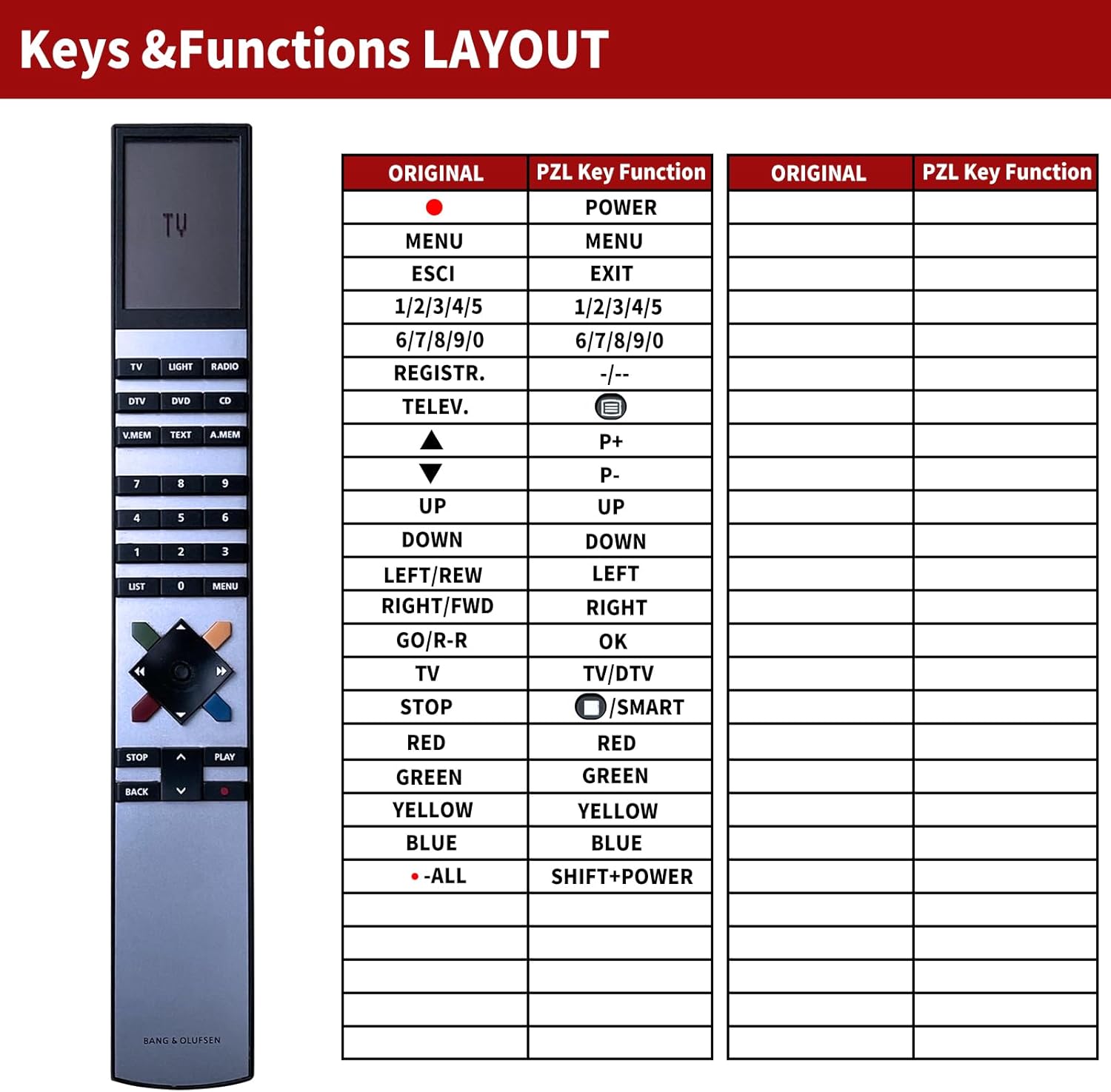
This is a replacement remote, not a universal “learn to work with everything” controller. Compatibility is specifically stated for Bang & Olufsen Beovision MX models including MX4000, MX4002, MX6000, and MX7000. Depending on the button layout and the exact model you’re replacing, some functions may not be available. That’s not unusual for remotes that are designed around a particular original.
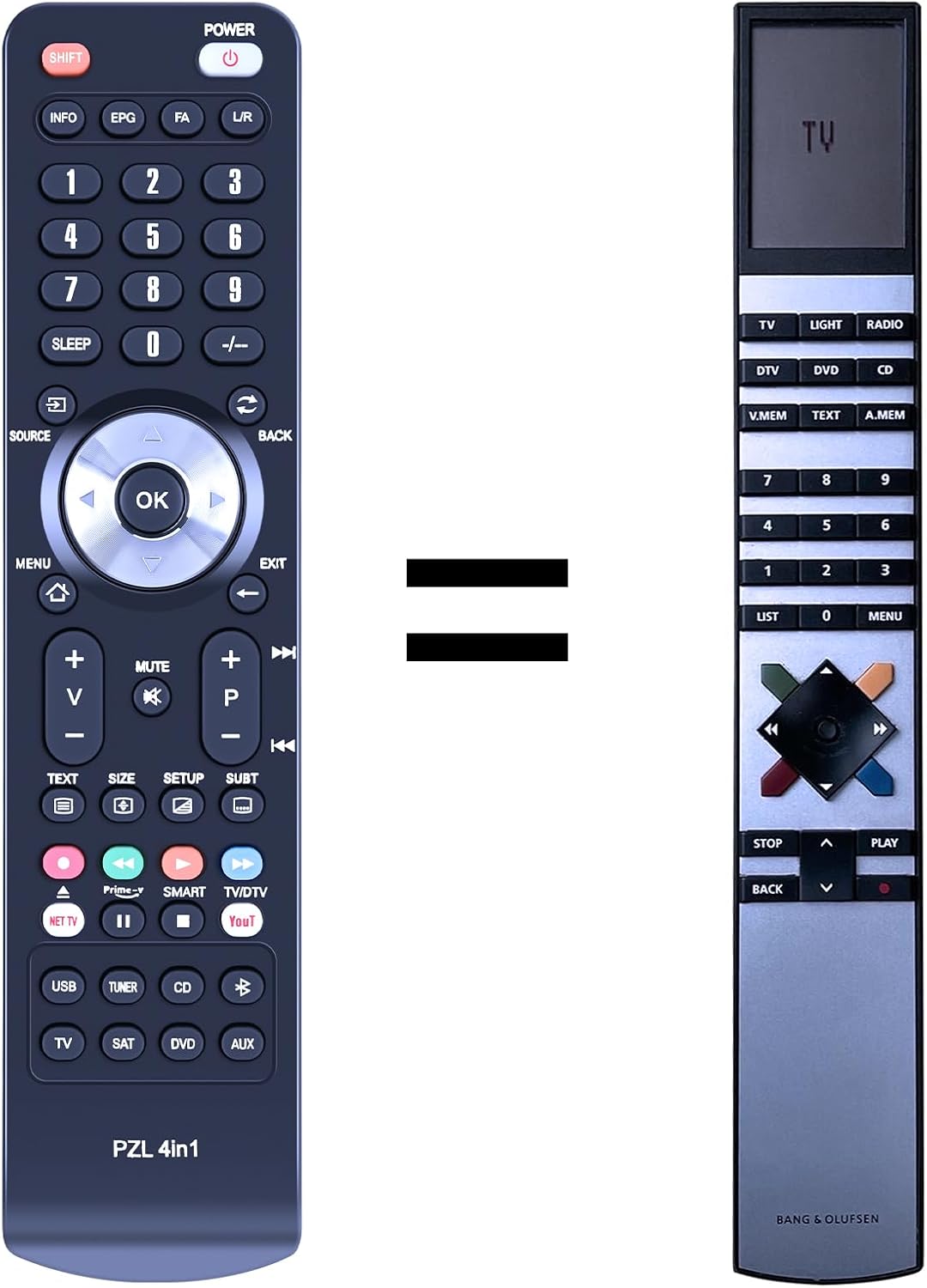
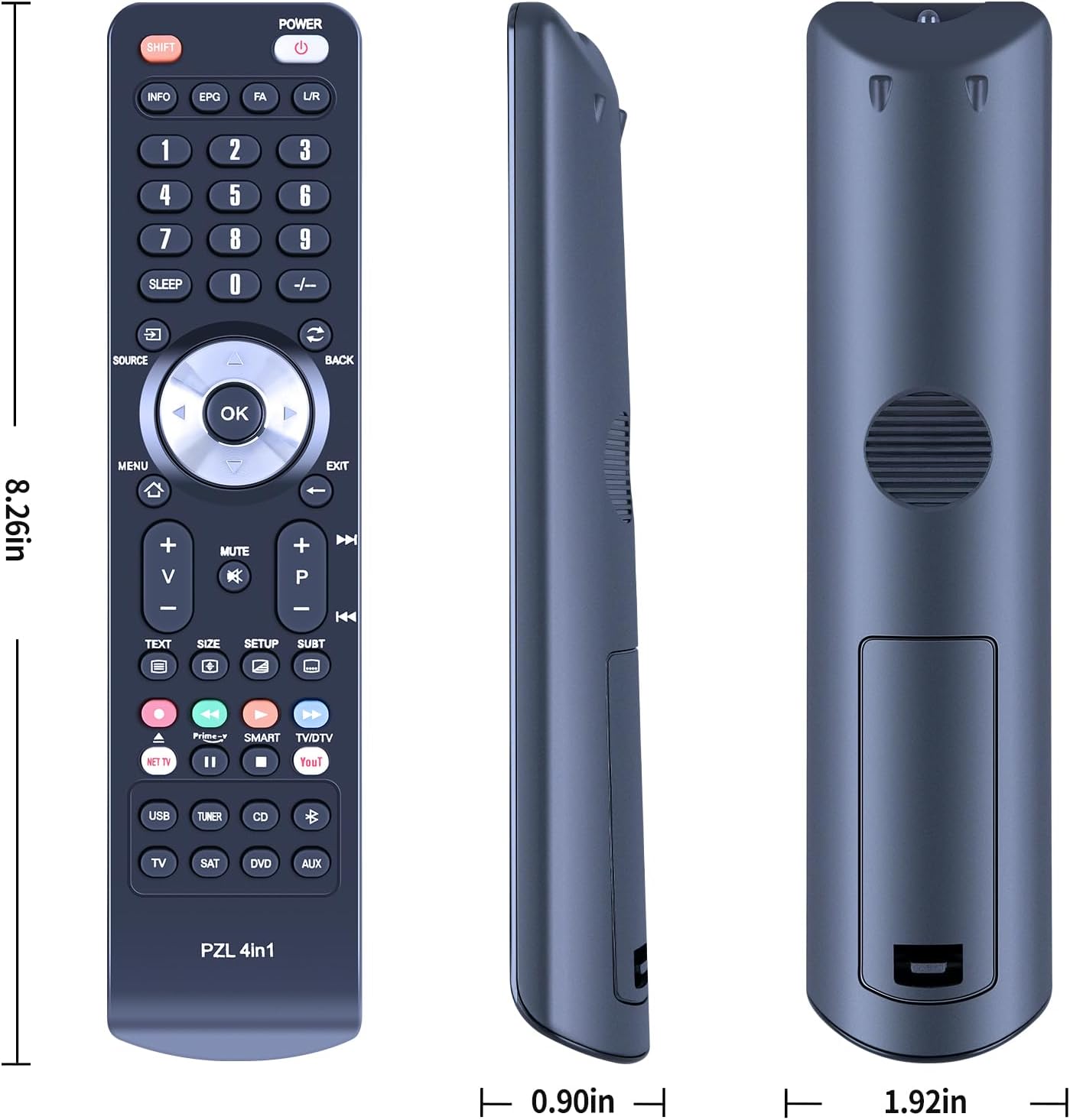
You’ll also want to be comfortable with one practical step: check the remote image carefully before purchase. The instructions specifically say to pay attention to the button symbol, to make sure it matches what you need. If your current remote has a different label or symbol, there’s a risk the replacement won’t line up exactly.
The essentials of setup (what to expect in real use)
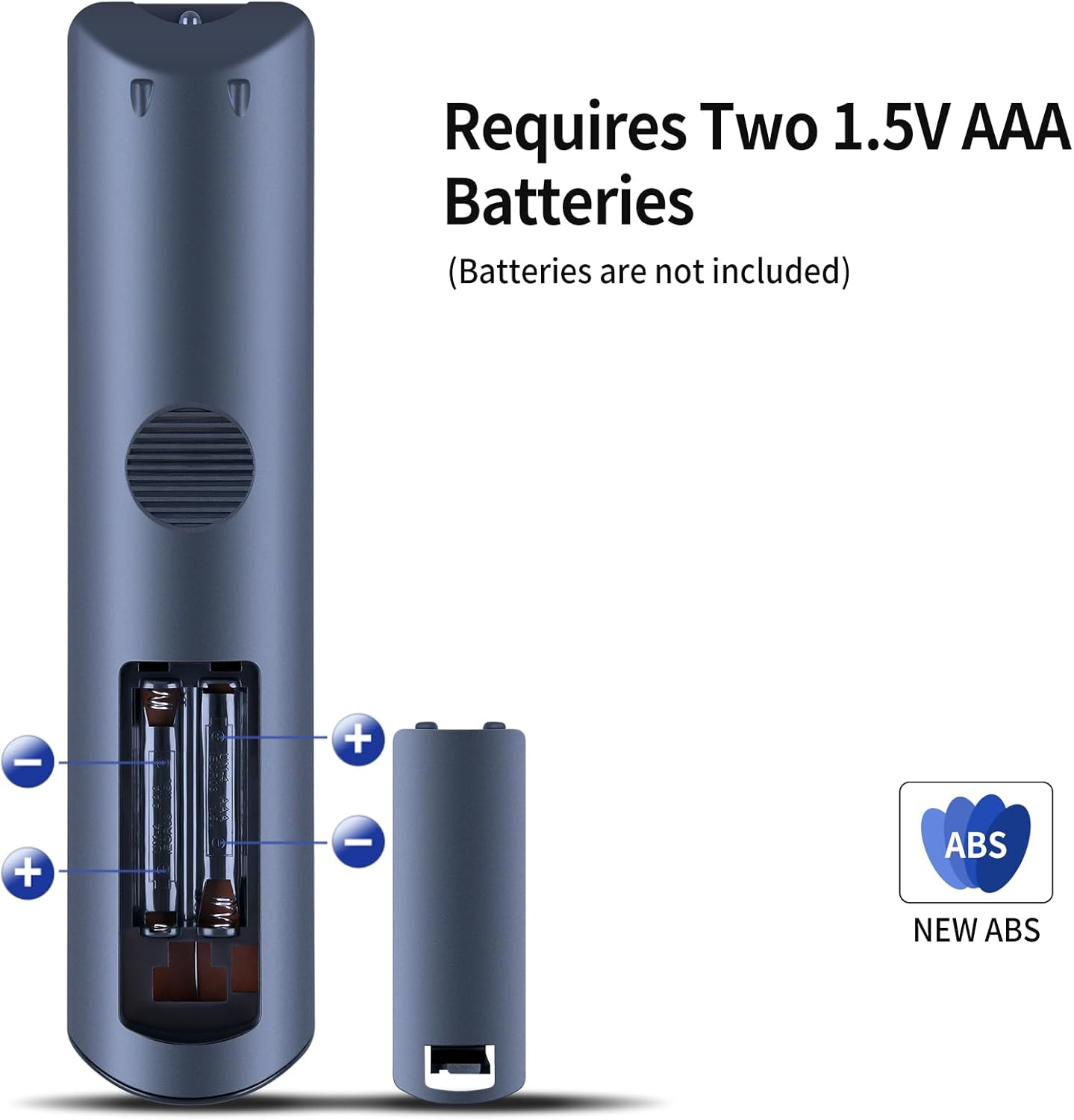
The setup approach is straightforward. It’s described as plug and play, with no programming or configuration required. Insert 2 AAA batteries (batteries not included), point it at the TV, and it should work.
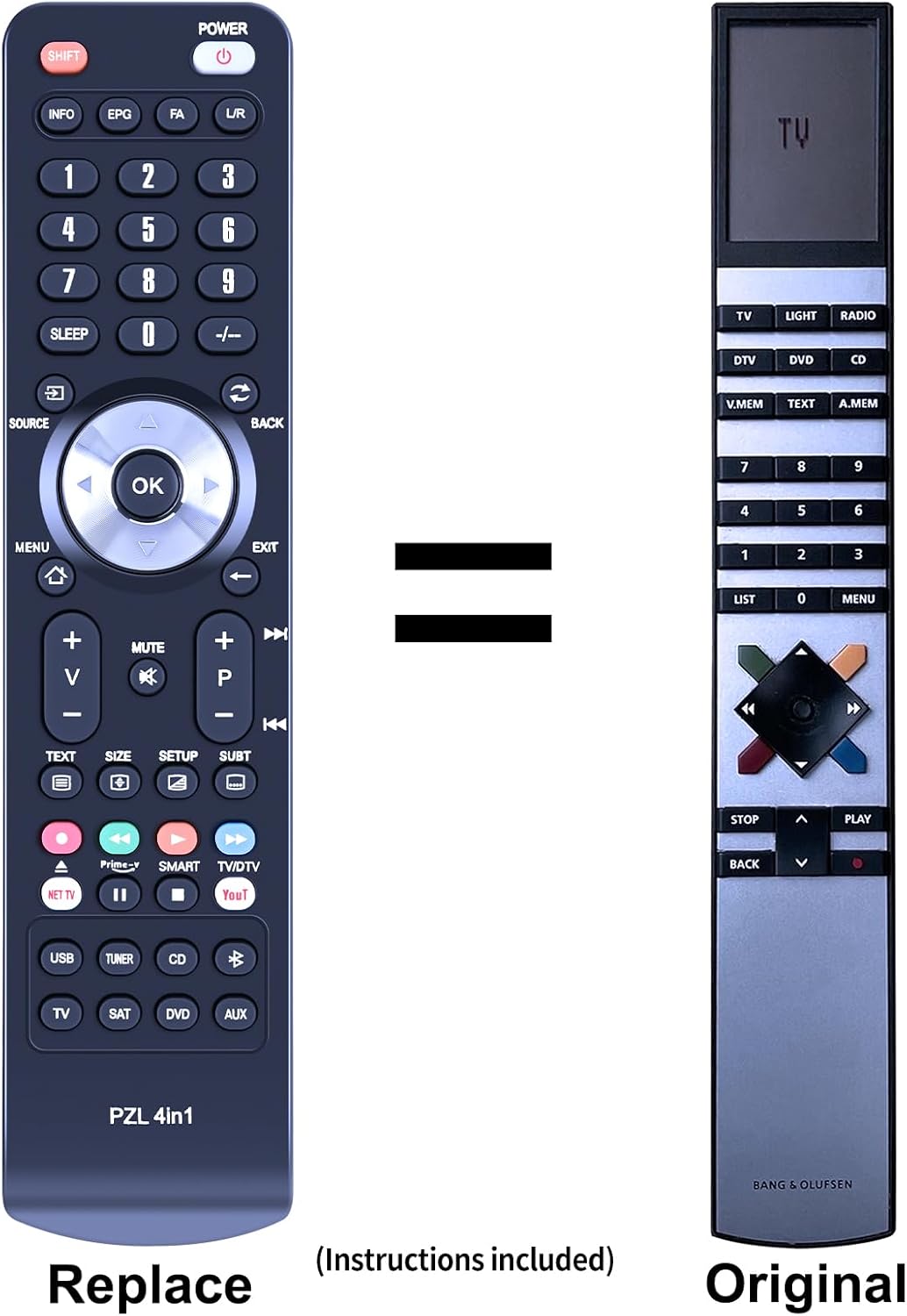
A quick example: if you often switch inputs or adjust volume during evening viewing, you shouldn’t have to “pair” anything first. You can keep the process the same as you would with the original remote—open the battery compartment, pop in AAA cells, and get back to using the TV normally.
What stands out about this replacement
The most convincing part here is the intent: a practical swap for a worn remote, aiming to restore familiar control. The remote is made from ABS material, and it’s described as durable. The design is also said to be simple and portable, with soft-touch silicone buttons that should feel pleasant for regular use.
Where it may fall short
It’s not perfect for every situation. Because compatibility is model-specific (MX4000, MX4002, MX6000, MX7000 are the ones listed), it may not suit you if your TV isn’t one of those. Also, “same functions as the original remote” comes with an important caveat: depending on the button and model, some functions may not be available. If you rely on a particular button doing one specific thing, it’s worth double-checking the button symbol matching guidance before ordering.
It also stays in replacement territory rather than offering anything extra. If you’re expecting features beyond a direct replacement, this isn’t the angle it’s positioned around.
Who it suits (and who should be cautious)
It makes sense if you want a like-for-like replacement for a Bang & Olufsen Beovision MX remote and you’re happy to follow the “check the image and button symbol” advice. If your goal is to get back to everyday viewing controls without spending time on programming, this type of remote is usually the quickest route.
You may want to skip it if you don’t know your exact Beovision MX model, or if the button layout on your existing remote doesn’t match what’s shown in the product image. If precision matters because you use specific functions repeatedly, the “some functions may not be available” note is the bit to take seriously.
Is it worth it?
A solid buy if you own one of the listed Beovision MX models and you need a straightforward replacement remote that works via plug and play with 2 AAA batteries. It’s also a sensible choice if your current remote is physically damaged or simply unreliable, and you’d rather replace than troubleshoot.
Don’t buy if your TV model isn’t MX4000/MX4002/MX6000/MX7000, or if you can’t confidently match the remote button symbol from the listing image to your original. In that case, you could end up with a remote that looks right but misses a function or two.
Quick FAQ
How do I set it up?
It’s described as plug and play, with no programming or configuration needed. You insert 2 AAA batteries (not included) and use it.
Which TVs is it compatible with?
Compatibility is stated for Bang & Olufsen Beovision MX models: MX4000, MX4002, MX6000, and MX7000.
Will all functions work exactly like the original?
The description notes that depending on the button and model, some functions may not be available. Matching the button symbol is important.
What should I check before ordering?
Check the remote image carefully and pay attention to the symbol on the button so it matches your existing remote.