

TCNOUMT Replacement Remote Control for VOPLLS Smart Projector VP-1
Product description
What it is and who it’s for
The TCNOUMT replacement remote is designed as a practical stand‑in for the original controller of the VOPLLS Smart Projector VP-1. If your current remote is damaged or missing, this unit aims to restore the full range of functions you’d expect, without needing extra software or setup. It’s best suited for users who want a straightforward, plug‑and‑play solution that doesn’t complicate the viewing experience.
Key features
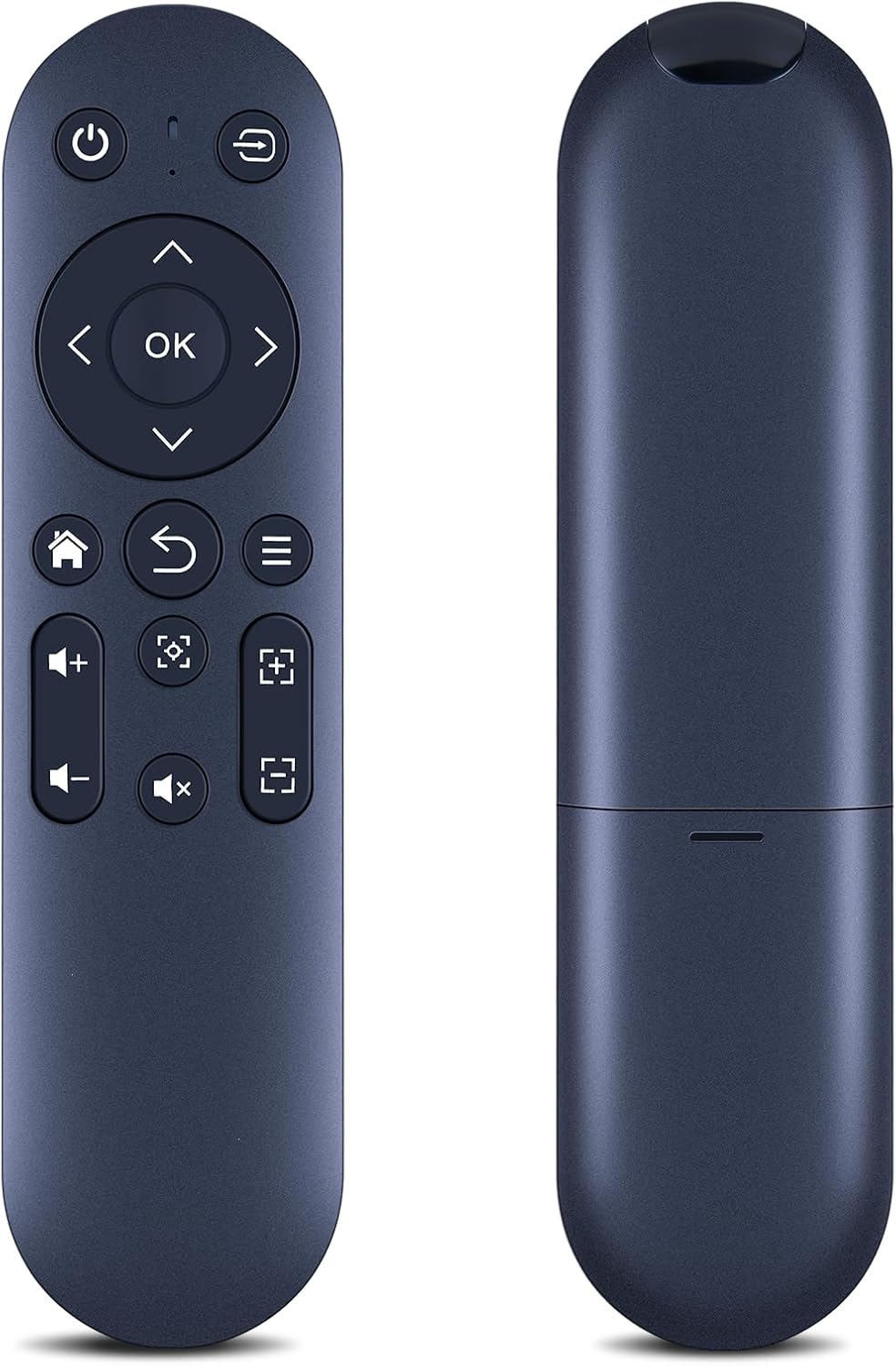
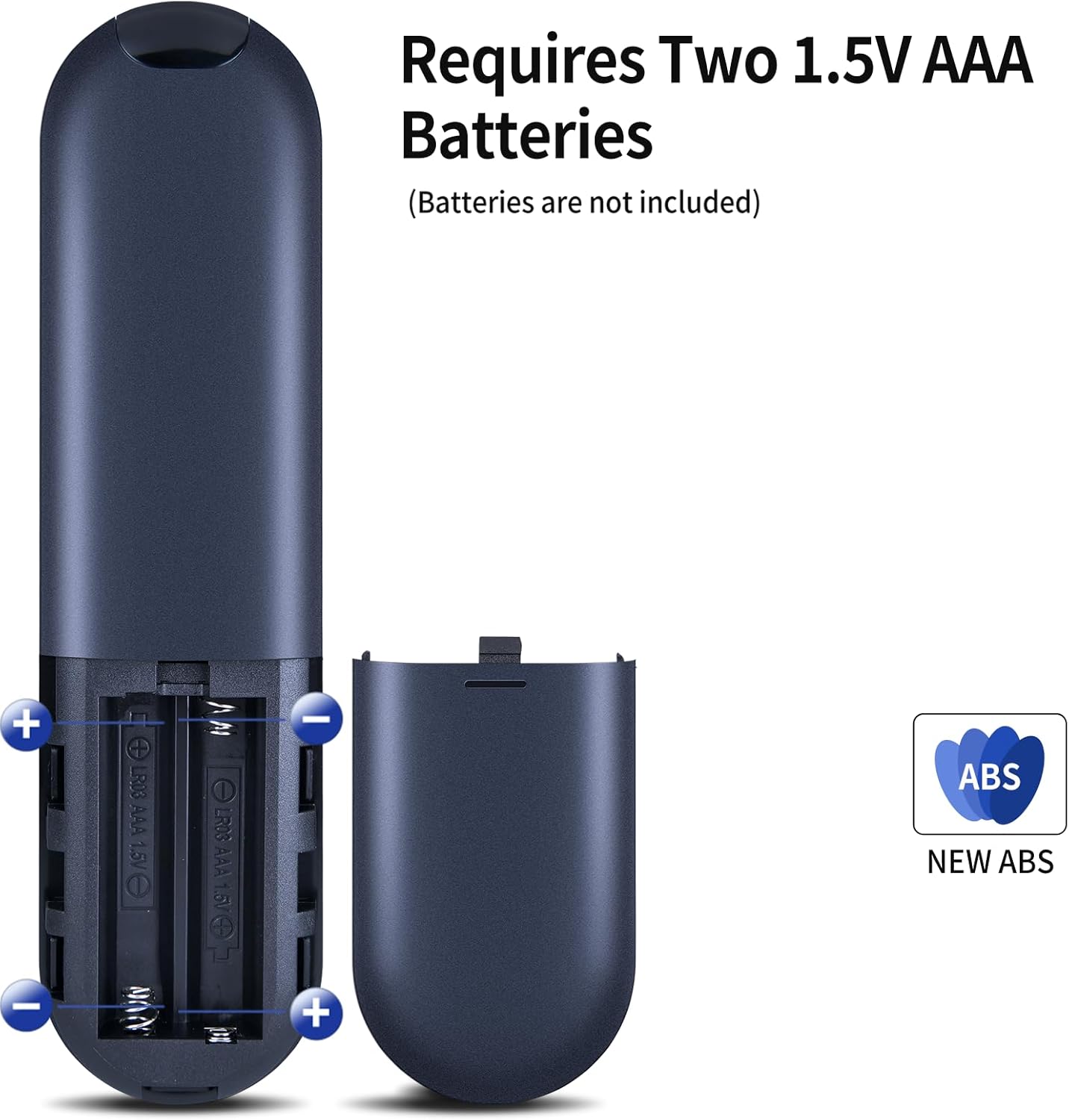
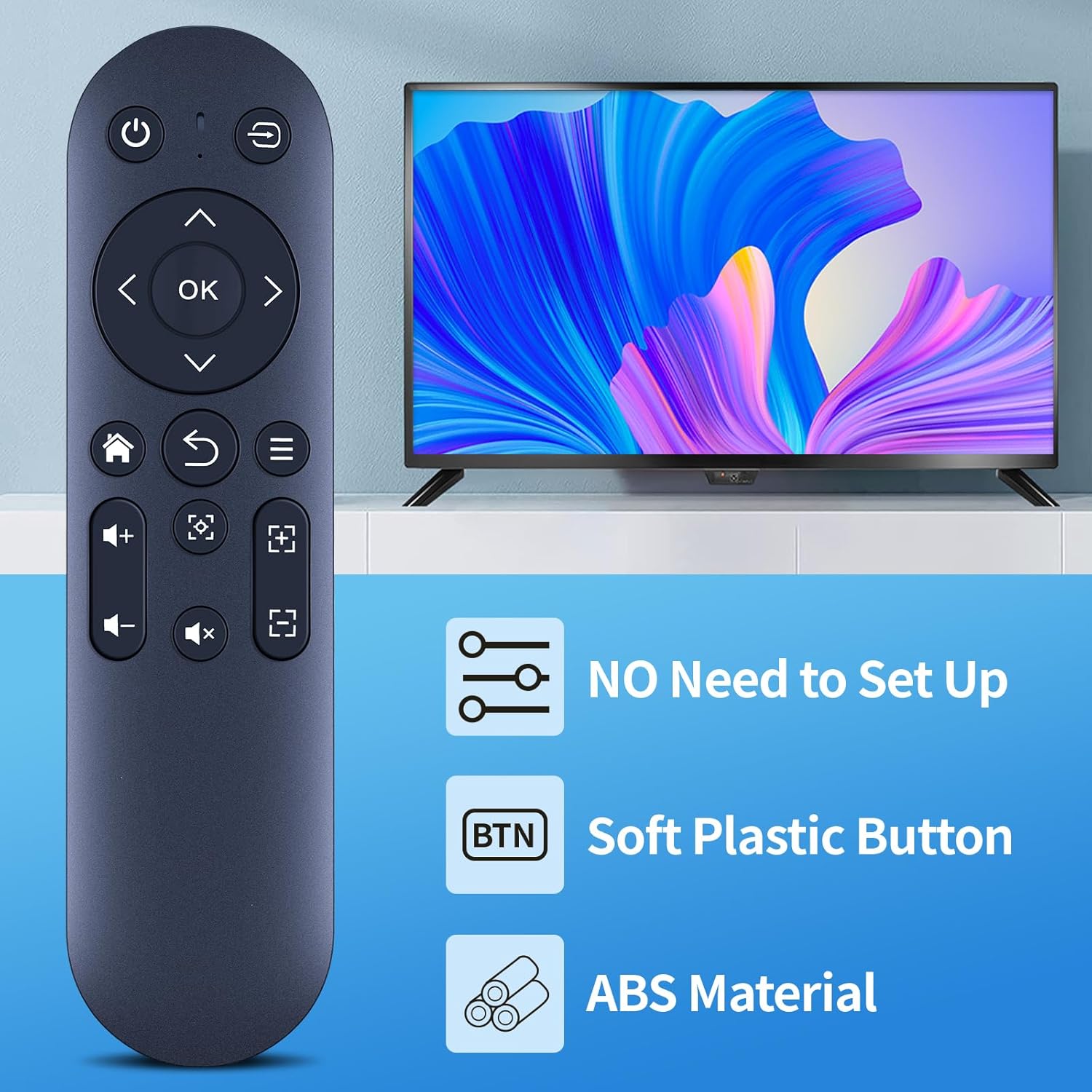
This replacement comes in a durable plastic case with a dedicated battery compartment cover and soft silicone buttons. The design emphasises tactile feedback, so pressing a button should feel reliable and responsive. It’s advertised as plug‑and‑play—simply insert 2×AAA batteries (not included) and you’re ready to go. Importantly, functionality may vary depending on the specific button and model, so not every function present on the original remote may be available.
How to use it
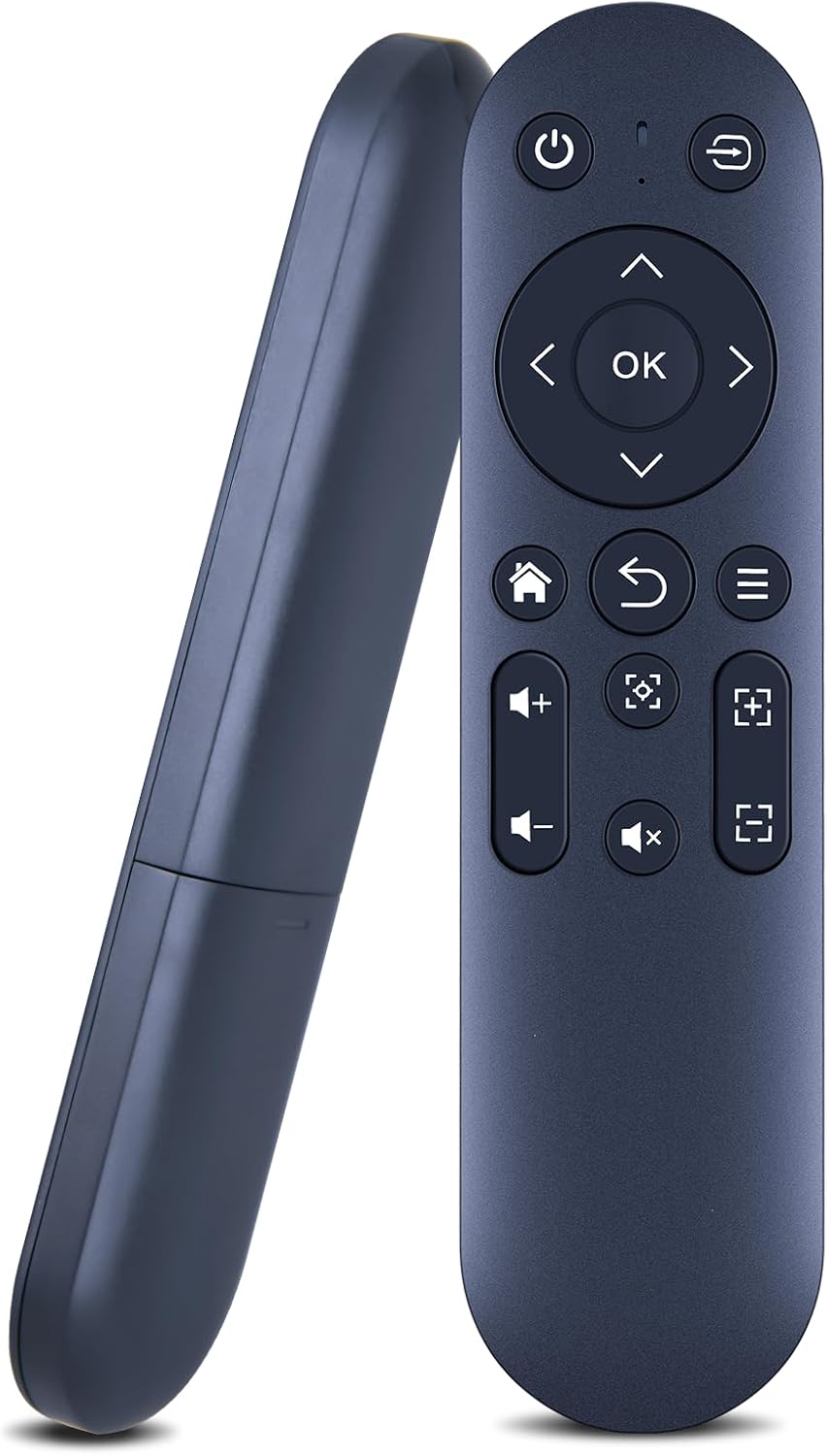
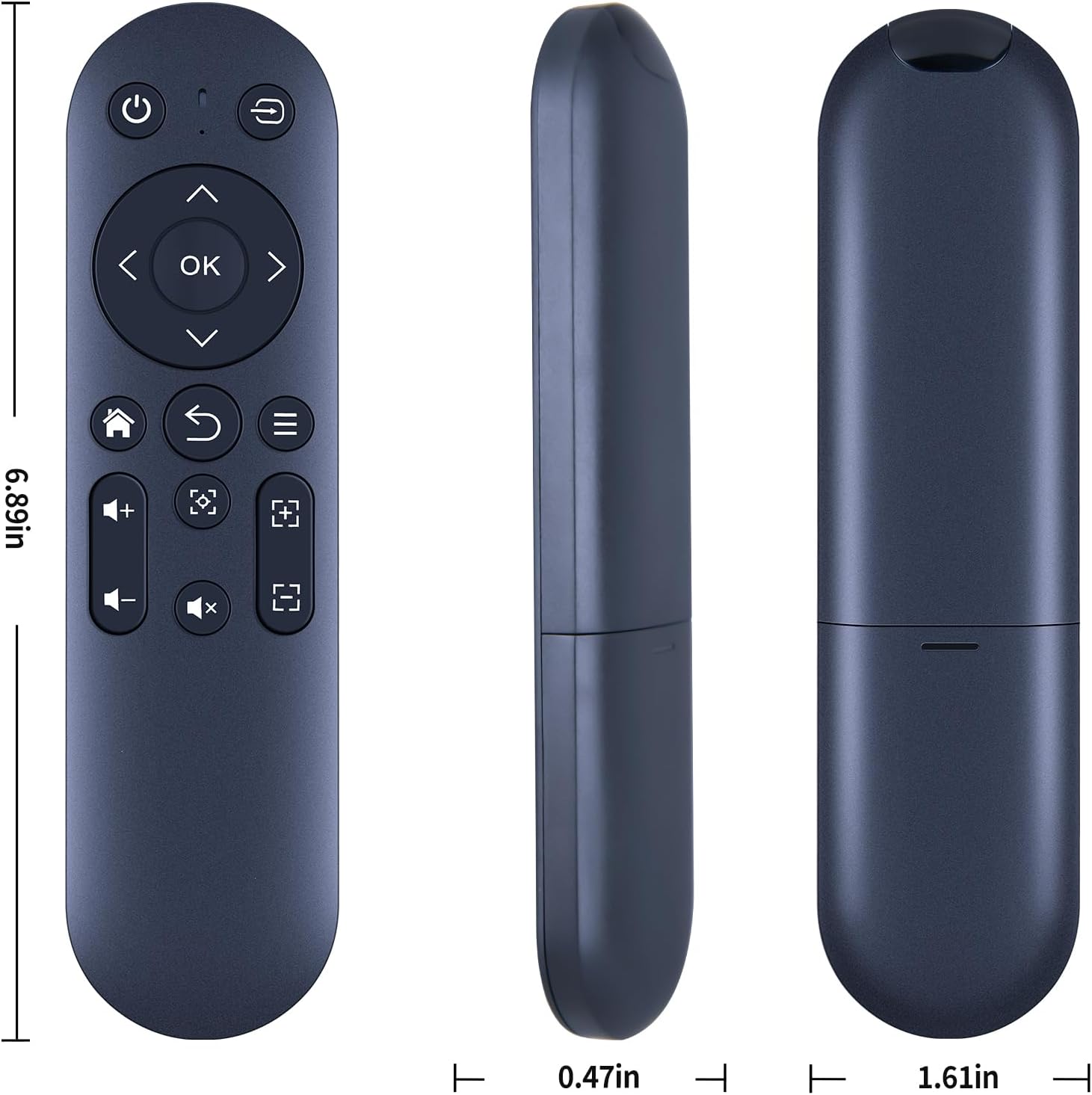
No programming or complex setup is required. Open the battery compartment, insert two AAA batteries, align the remote with the projector, and you should be able to operate standard controls. Before purchasing, it’s advised to check the remote’s button symbols carefully to ensure they match the remote you need exactly.
What you’ll notice in use
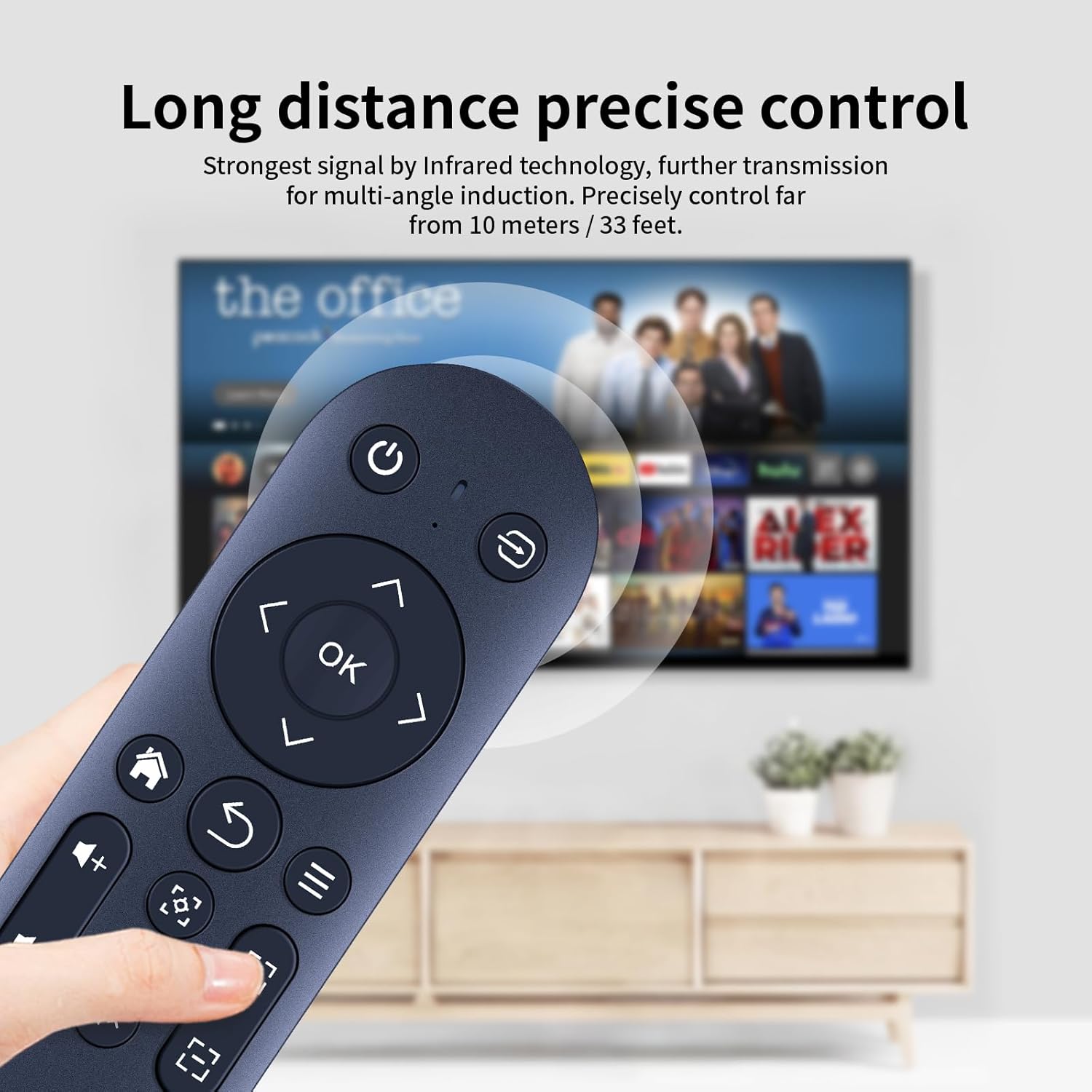
If you prioritise a simple replacement, the soft‑touch buttons and sturdy casing should offer a comfortable, everyday experience. The tactile feedback helps with accurate presses during quick adjustments or when hiding away from the main unit to minimise reflections. It won’t be perfect for every function—some features available on the original might not be reproduced on this substitute—so it’s worth considering what you actually use most.
Things to consider
This is not a universal remote and effectiveness hinges on matching the button symbols to your VP‑1 controller. Batteries are not included, so you’ll need to procure two AAA cells. If you rely on advanced or niche functions, confirm compatibility for your preferred tasks before buying. Also, if you’ve got a very particular layout or ergonomic preference, a different remote might feel more natural.
Practical use case
Imagine you’ve misplaced the original remote and want a quick recover of basic operations like powering on/off, volume, and input selection. In that scenario, this TCNOUMT replacement offers a low‑friction option that can get you back to watching content without any technical hurdles. It’s a sensible back‑up for everyday use rather than a feature‑rich controller.
Is it worth it?
It’s worth considering if you need a straightforward, affordable back‑up that mirrors the essential functions of the VP‑1 remote. If you often use rare or advanced commands, or if you require a highly specific button layout, you may be disappointed. In short, a solid choice for practical replacement, not a premium upgrade.
FAQ
- What if the remote doesn’t work after inserting batteries? Check that the button symbols match your original remote and confirm you’ve inserted the batteries correctly. If issues persist, contact the seller for guidance.
- Are there any compatibility limitations I should know about? The product notes indicate some functions may not be available depending on the button and model. Verify you’re aiming to replace the VP‑1 remote specifically.
- Does it come with batteries? No, batteries are not included.