

TCNOUMT replacement remote control for Philips Smart TV (32PHS6000 / 32PHS6050 series)
Product description
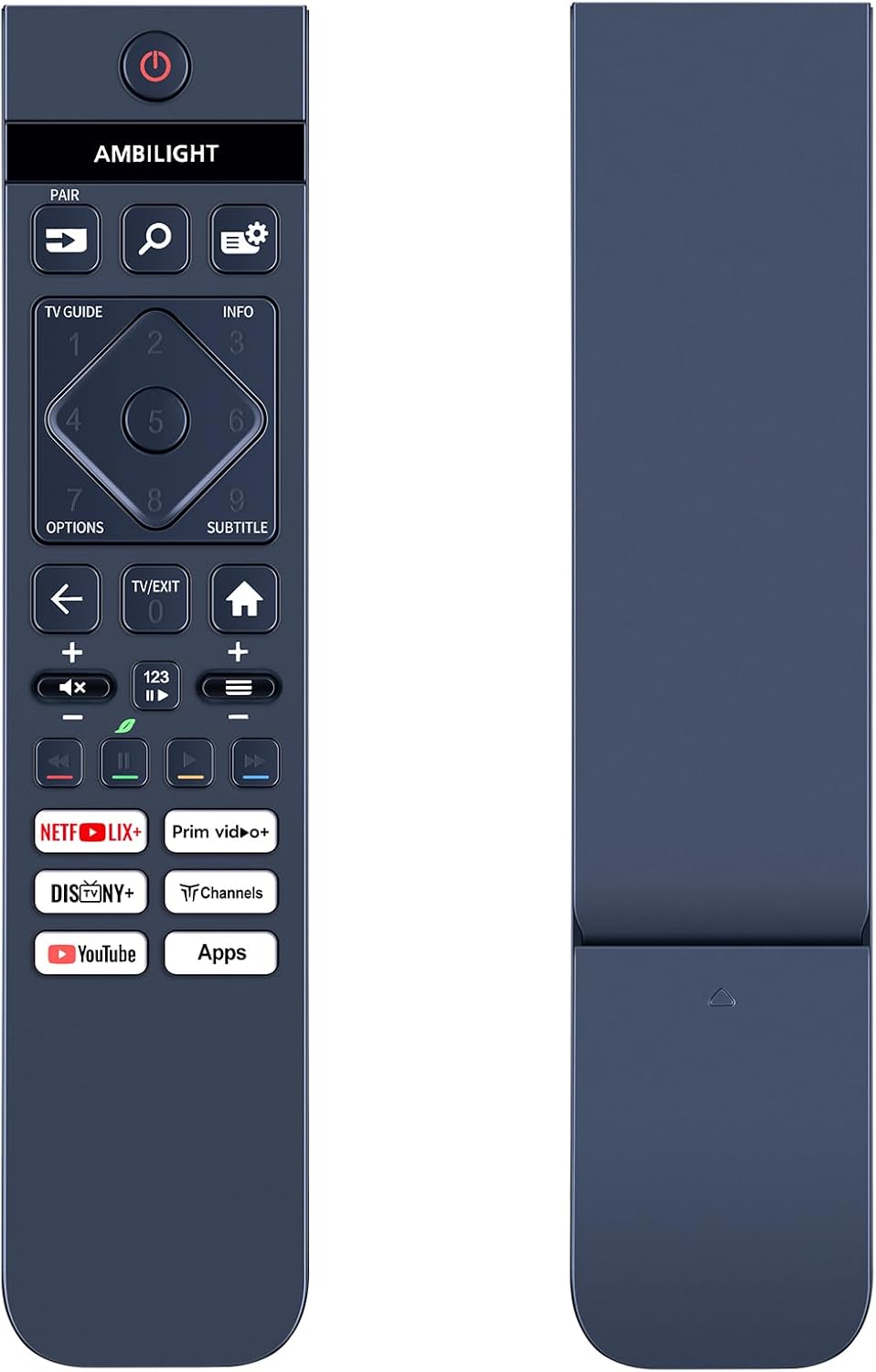
If your Philips Smart TV remote has gone missing, cracked, or simply stopped responding, this TCNOUMT replacement remote is designed to bring the basics back without fuss. On paper, it’s a straight swap for certain Philips 32-inch Smart TV models in the 32PHS6000 and 32PHS6050 ranges, aiming to match the original remote’s functions.
That “plug and play” promise is the main draw: no programming, no pairing steps. Still, there’s one catch worth respecting before you buy—remote buttons can vary by model, and the listing itself asks you to check the button symbols against your current remote.
The essentials
This is a replacement remote control for specific Philips Smart TV models listed as 32PHS6000 and 32PHS6050 variants (including examples shown with /12 and /05). The idea is simple: if your original remote is damaged or worn out, this offers the same kind of daily control experience.
It’s also positioned as a practical, everyday item rather than a “smart” upgrade. You’re not getting extra features or customisation here—just the functions you need to operate your TV comfortably from the sofa.
What you’ll notice day to day
A big part of whether a remote feels “right” is physical usability. This one uses a sturdy plastic body with a battery compartment cover, and the buttons are described as soft silicone for easier handling.
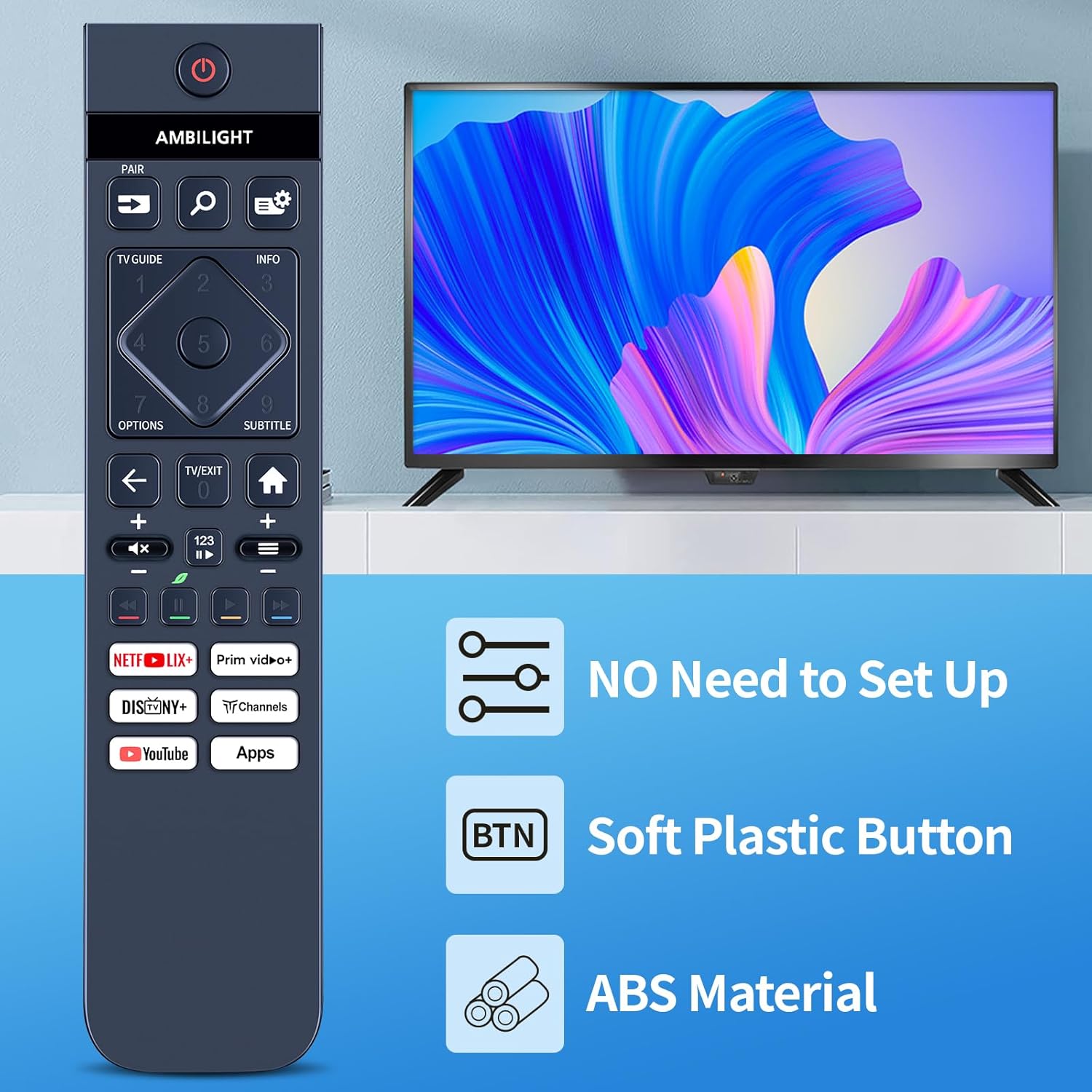
In real life terms, that usually means fewer annoying finger slips and less clicky, hard-to-press controls—especially if you use the remote often during evenings or for quick channel and menu navigation. The buttons are also described as precision-made, with tactile feedback you can feel rather than just guess.
Plug and play setup (and the limitation)
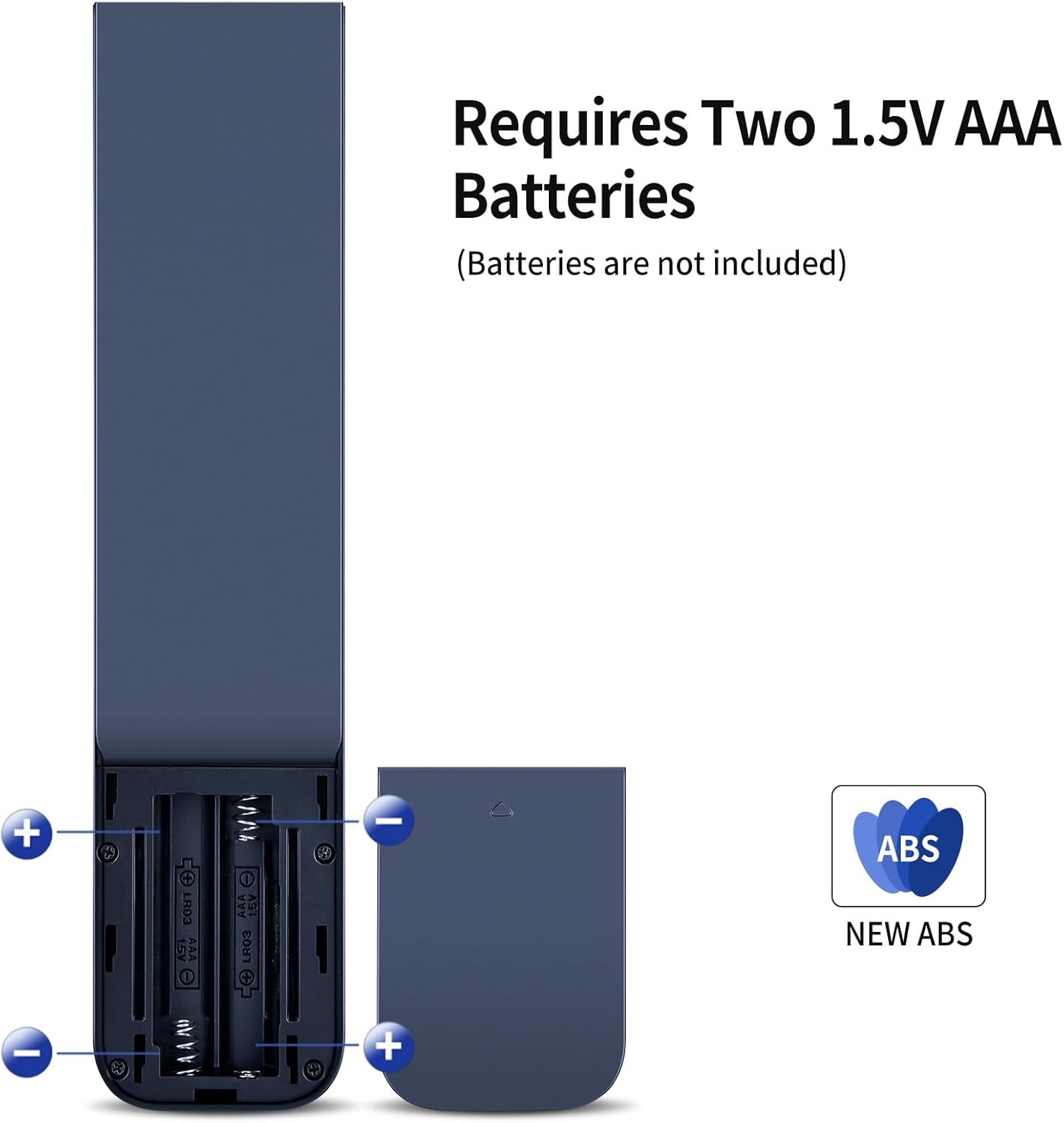
The listing is quite clear: you don’t need programming or setup. You just insert 2x AAA batteries (not included) and it should work.
Do bear in mind that “same functions” can depend on the button layout and TV model. It’s not guaranteed that every function will be available on every variant, so if you rely on a specific button for a particular feature, you’ll want to double-check compatibility first.
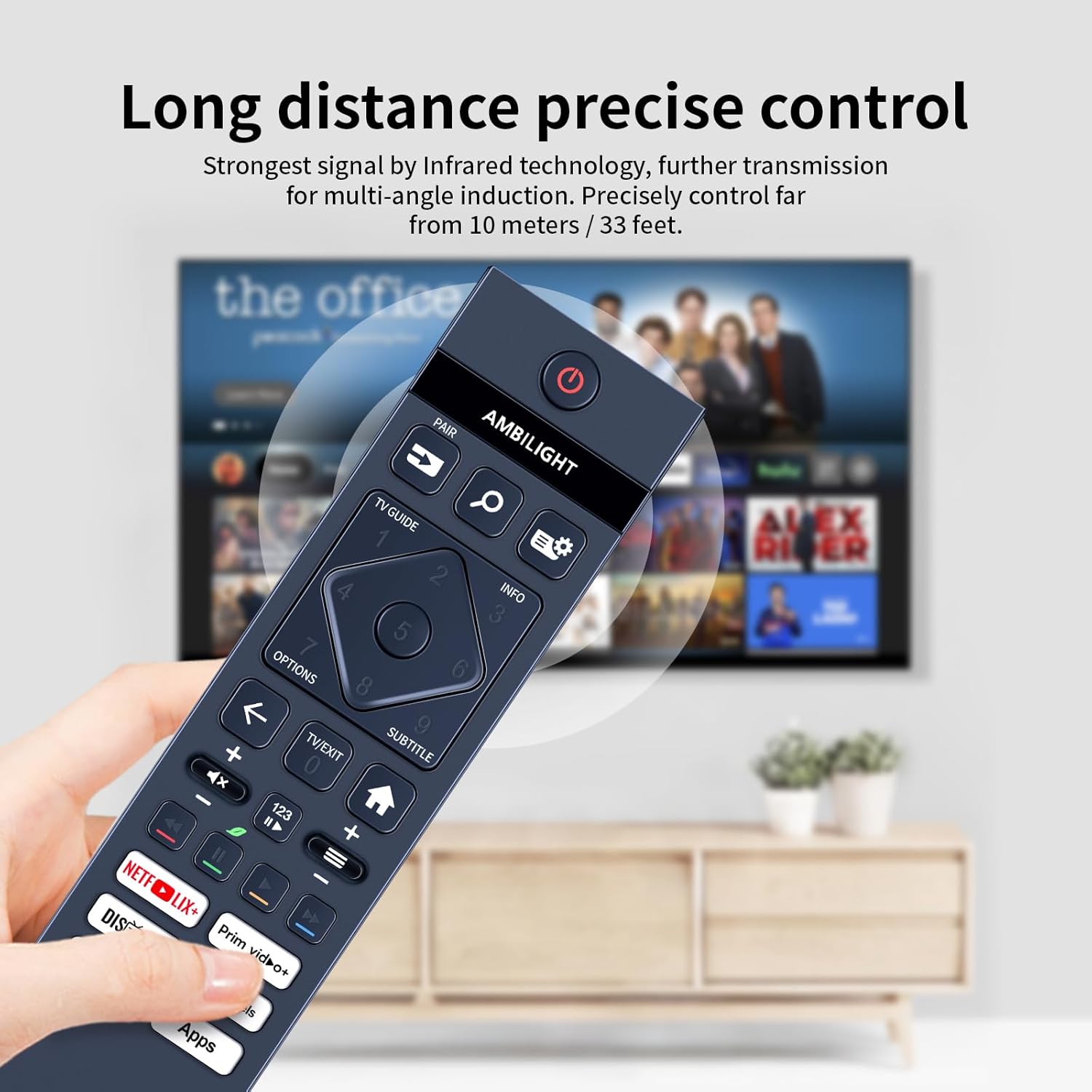
Also, the seller explicitly notes that you should compare the remote picture you’re buying with your current remote—especially the symbol on the button. That’s a sensible step, because two remotes can look similar while still differing in layout.
Compatibility & requirements you should verify first
Before ordering, don’t just match the TV model name—use the guidance from the listing and compare the remote’s button symbols to your own.
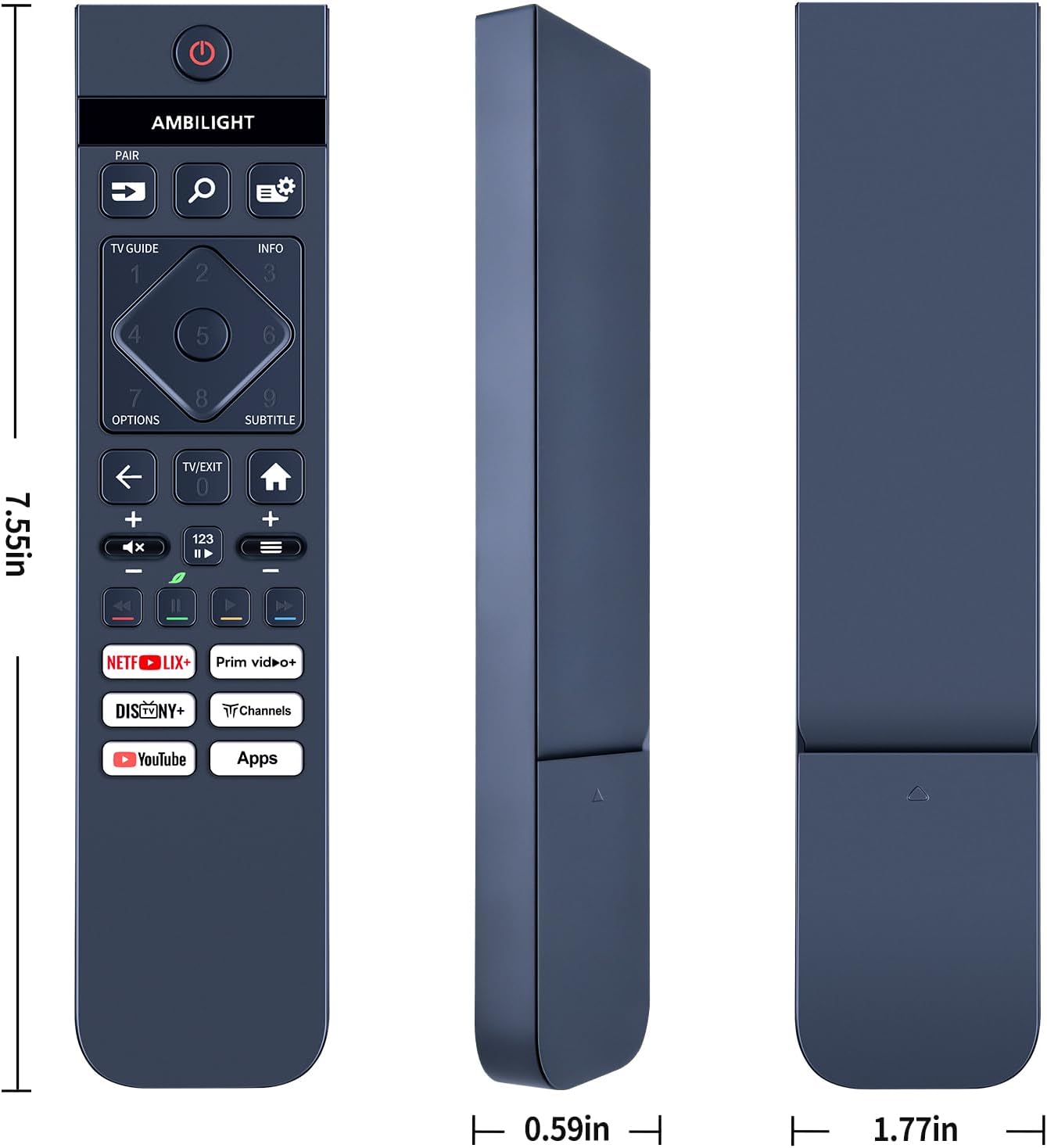
If your current remote has a distinctive icon on a key button, that’s the kind of detail that can make the difference between a smooth swap and a slightly annoying mismatch. The listing specifically asks you to check the remote control picture carefully, then confirm the button symbol matches what you need.
Who it suits (and who should skip it)
It makes sense if you want a straightforward replacement remote for a Philips Smart TV within the 32PHS6000 or 32PHS6050 family, and you prefer something that works immediately with two AAA batteries.
It might not be the best match if you’re buying without comparing the button symbols, or if your current remote has a slightly different layout for your exact model. In those cases, you could end up with missing functions—nothing dramatic, but still inconvenient.
Mini FAQ
Does it require programming or setup?
No programming or setup is required, according to the listing. You insert 2x AAA batteries and it should work.
Are the batteries included?
No. Batteries are not included.
Will it work exactly like the original remote?
It’s described as a replacement that gives the same functions as the original, but the listing also notes that some functions may not be available depending on the button and model.
What should I check before buying?
Check the remote picture carefully and pay attention to the symbol of the button to make sure it matches the remote you need.
Is it worth it?
Worth considering if you have a Philips 32PHS6000/32PHS6050-series Smart TV and you want a simple, immediate replacement remote with soft silicone buttons and no programming steps. It’s the kind of purchase that usually makes sense for everyday viewing, when you just need the remote to work again.
You may want to skip it if you can’t compare the button symbols (or you’re unsure which exact remote layout you have). The potential for some functions not being available is the main limitation mentioned, so the safest approach is to confirm the match before placing the order.