

Replacement Voice Remote for Chromecast with Google TV / Google TV Streamer (Remote Control Only)
Reviews
Price
Product description
What it is and why you might want it
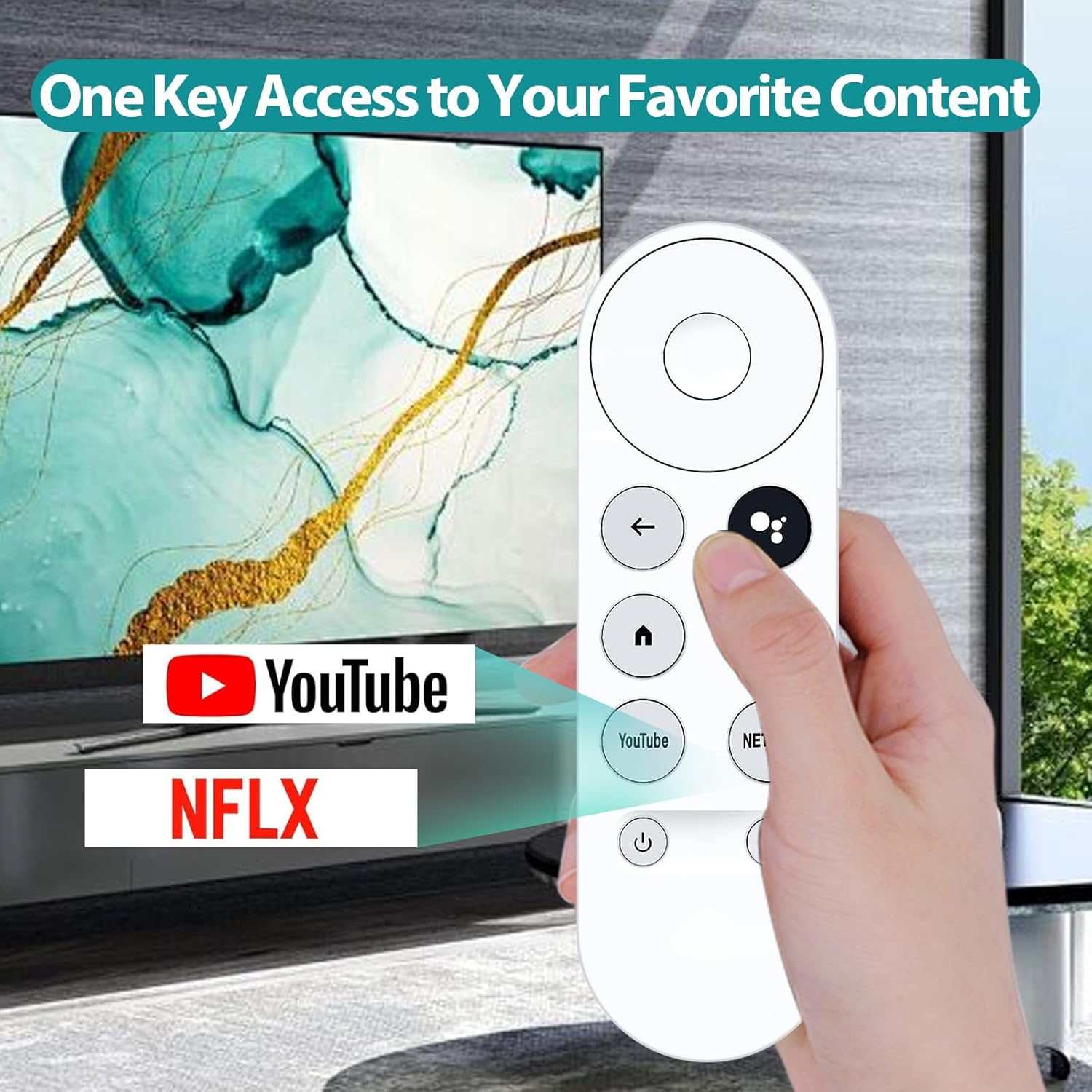
This replacement voice remote is made to stand in for the original remote for Chromecast with Google TV (HD/4K), Google TV Streamer, and Chromecast 4K-style devices. In other words, it’s for when your remote goes missing, breaks, or you simply want a backup so you’re not stuck hunting for spares every time you want to watch something.
On paper, it’s intended to work “identically to the original remote”, which is exactly what many people need from a replacement: the same day-to-day controls, without having to relearn a new layout. That said, you’ll still want to verify compatibility before ordering, because the whole point here is matching your specific Chromecast/Google TV setup.
A quick real-life scenario: imagine you’ve got a box set queued up, you press a button and nothing happens—then you swap in this replacement and your Google TV navigation and voice search return to normal within a couple of minutes.
The essentials: voice control (and the one limitation)
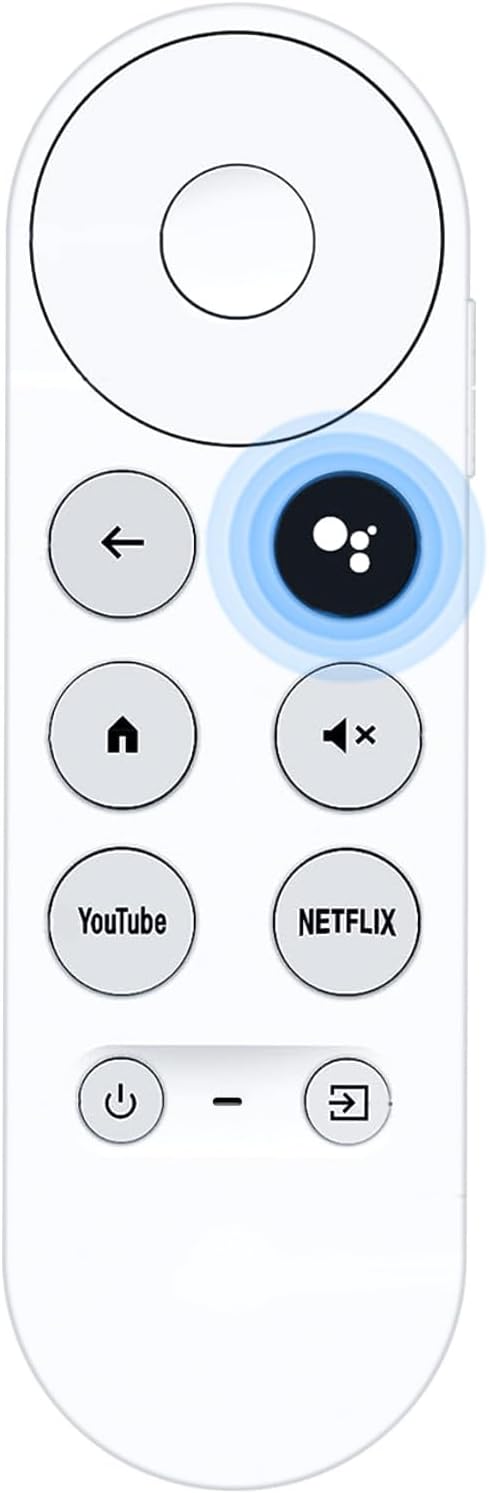
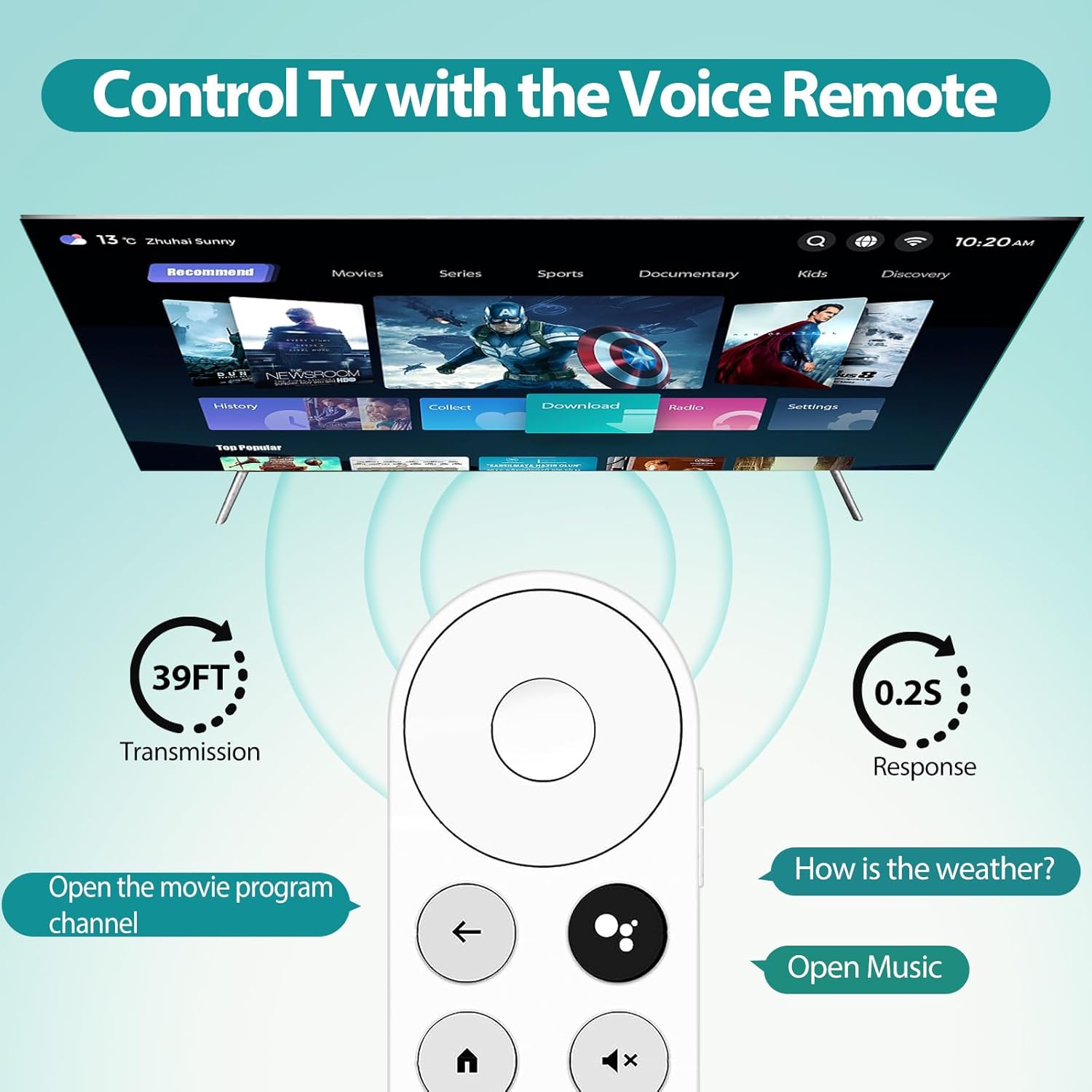
A key feature is voice control via Google Assistant. The remote includes a microphone button, so you can speak commands such as lowering the volume, playing music, or searching for specific content.
The important limitation is that voice functionality requires a compatible TV or device with voice support. So if your setup doesn’t provide that voice capability, the remote may still handle basic navigation and playback, but the voice part won’t be fully useful. It’s worth checking this before assuming every feature will work straight away.
If you like “hands-free” searching—say, asking for a particular genre while you’re moving around the room—this is the kind of remote that makes that smoother. If not, you’re essentially paying for voice in exchange for convenience.
Pairing, setup and everyday feel
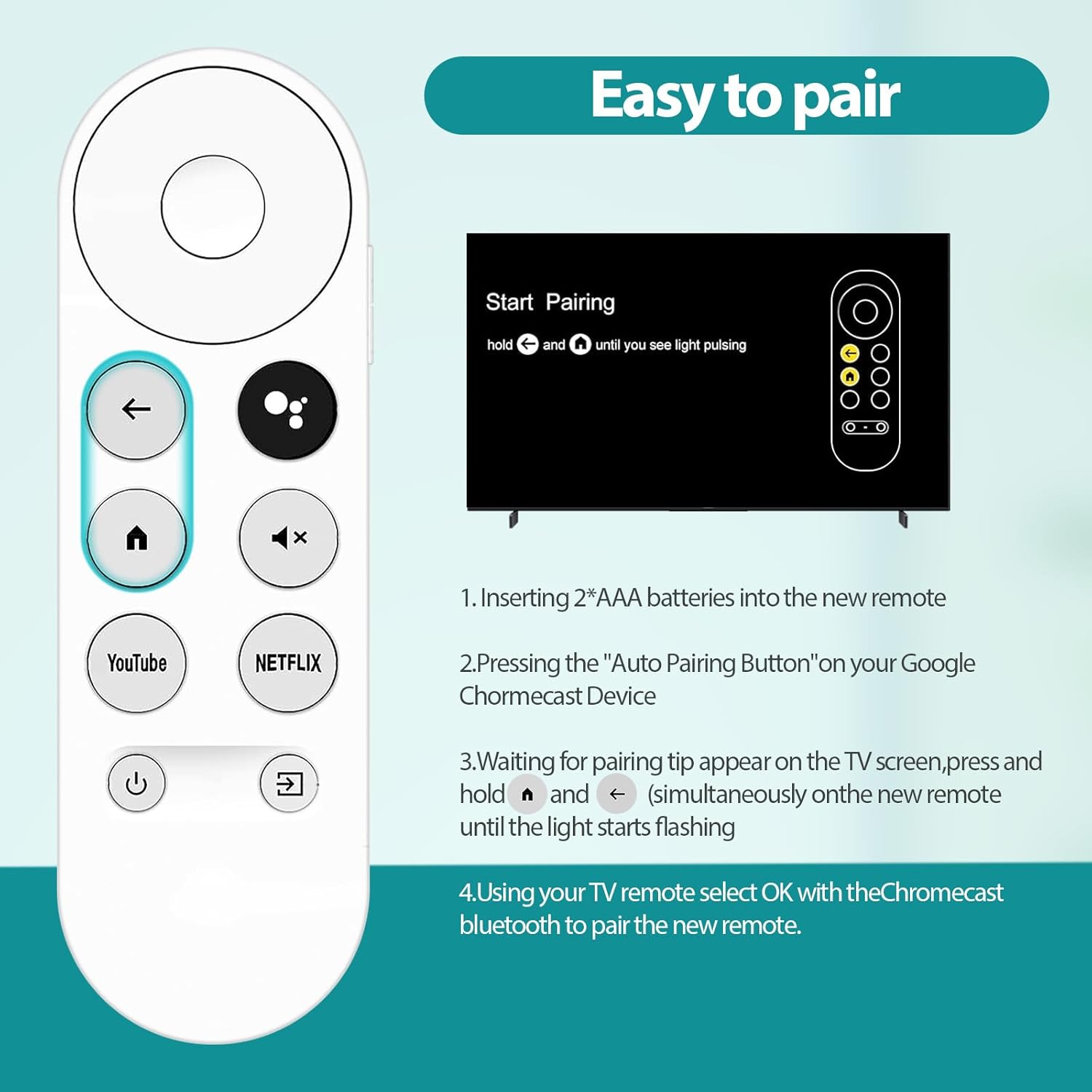
Pairing is described as a simple two-step process:
Press the pairing button on your streaming device, then press and hold the Back and Home buttons together for around 10 seconds until the LED indicator flashes.
In practice, this means you’re not relying on a complex app or lengthy menu hunting. It’s the sort of setup routine that usually works best when the remote is already in reach and the streaming device is powered on.
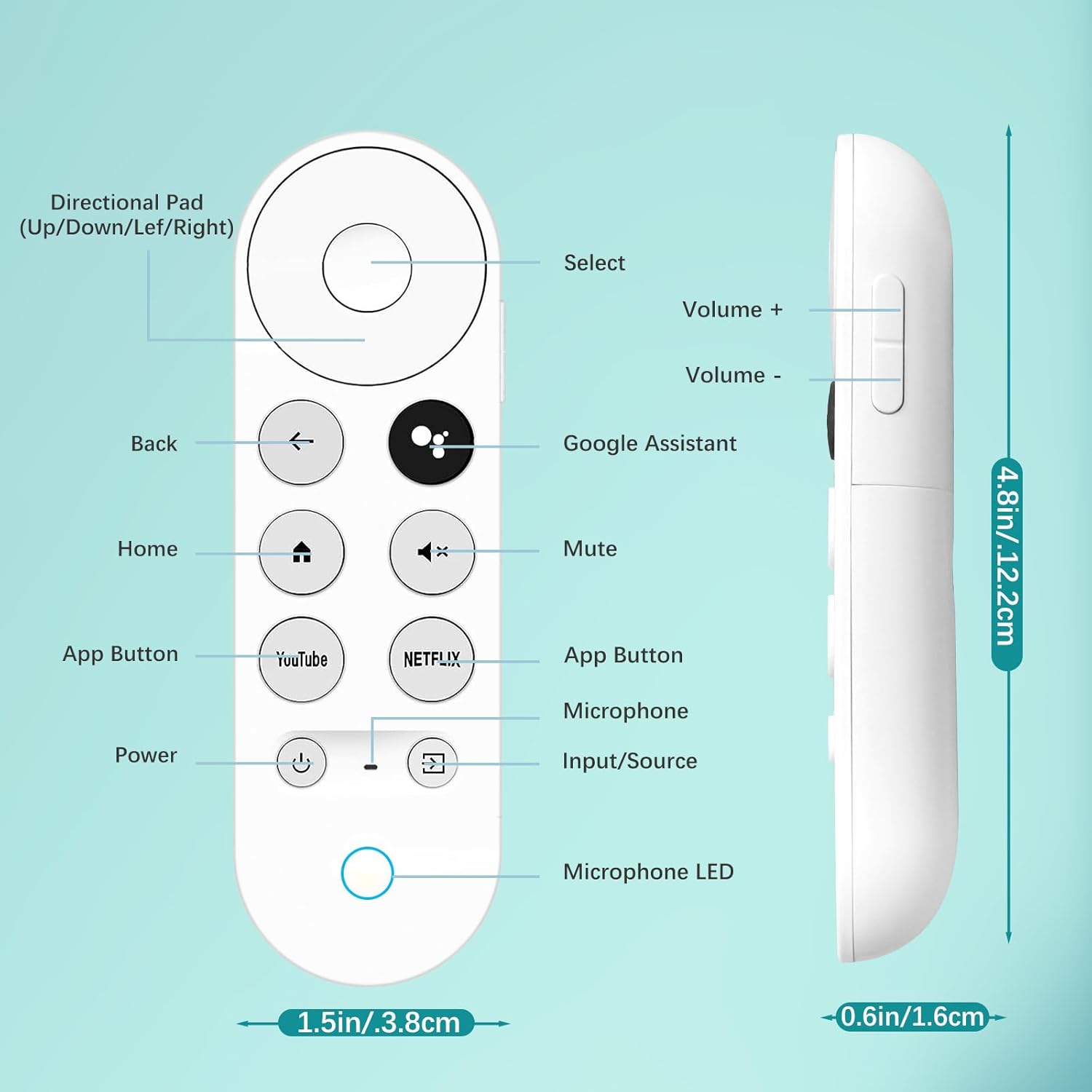
Comfort-wise, it’s built using ABS plastic with an “upgraded chip” for stable performance. The layout is described as intuitive for navigation and the grip is ergonomic, which matters because a replacement remote gets used far more than you’d expect—volume tweaks, pause/play, scrolling to find the right show.
One small catch: it requires 2×AAA batteries, and they’re not included, so you’ll want to have a couple on standby.
Where it shines (and where it may fall short)
This remote makes the most sense if you want a straightforward backup or replacement that supports voice commands for compatible setups.
Where it’s a strong match
- You need a spare for everyday viewing and don’t want to improvise with a non-voice controller.
- You’re specifically using Chromecast with Google TV (HD/4K), Google TV Streamer, or Chromecast 4K devices and want the same-style experience.
- You value searching by voice—quickly finding comedy shows, for example, without scrolling through menus.
Where you may want to think twice
- If your TV/device doesn’t support voice, you may not get the main “voice remote” benefit.
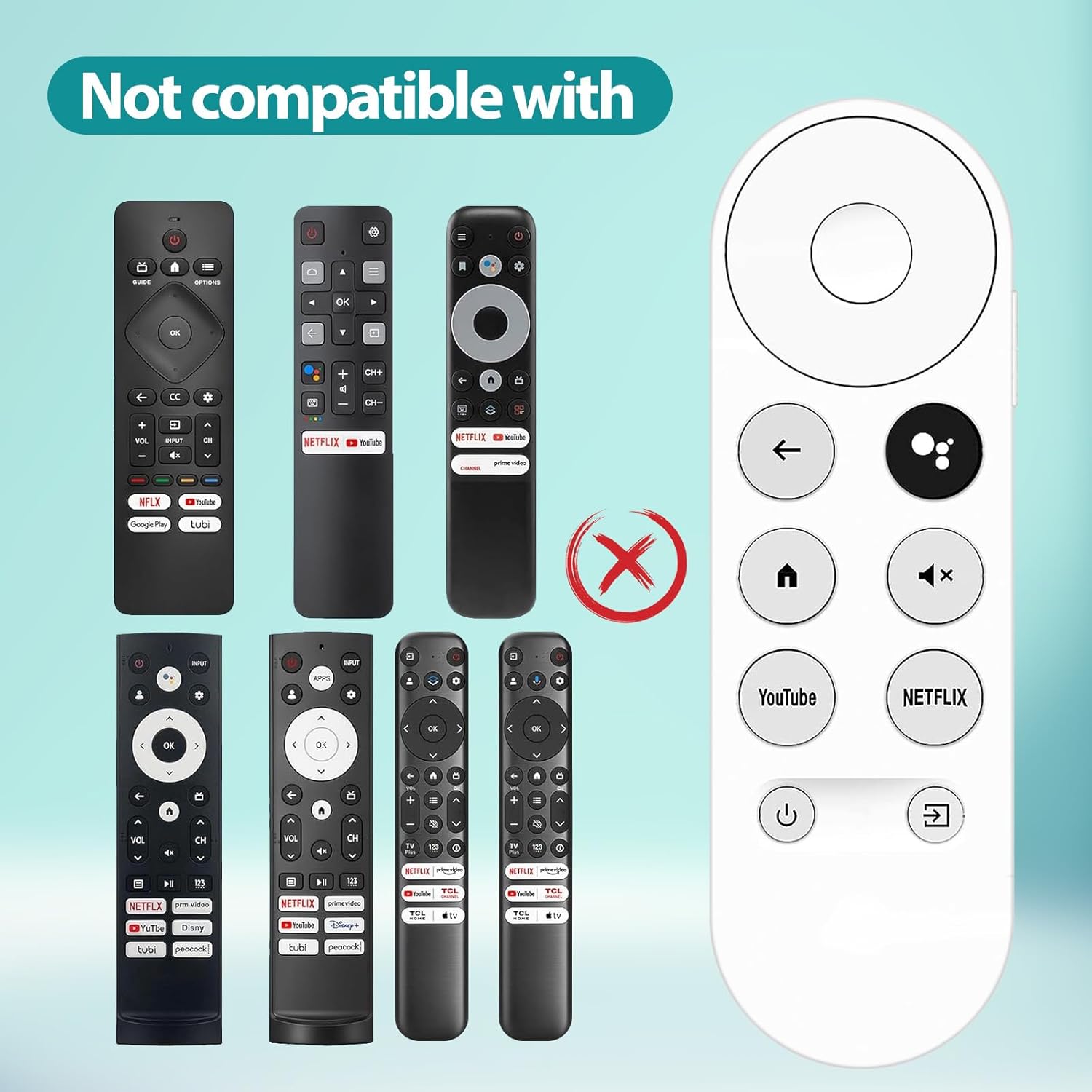
- If you’re ordering without confirming compatibility, you risk ending up with a remote that doesn’t behave the way you expect for your setup.
- As a remote control only product, it won’t solve issues that come from the streaming device itself—if the device has a fault, a replacement remote won’t fix that.
Tech specs
- Type: Remote control (replacement voice remote)
- Material: ABS plastic
- Voice control: Google Assistant (microphone button)
- Batteries required: 2×AAA (not included)
What to check before you buy
Before you commit, it’s worth doing two quick checks:
First, compatibility. The listing calls out specific Chromecast/Google TV setups, and it explicitly advises verifying compatibility before ordering. Don’t treat that as optional.
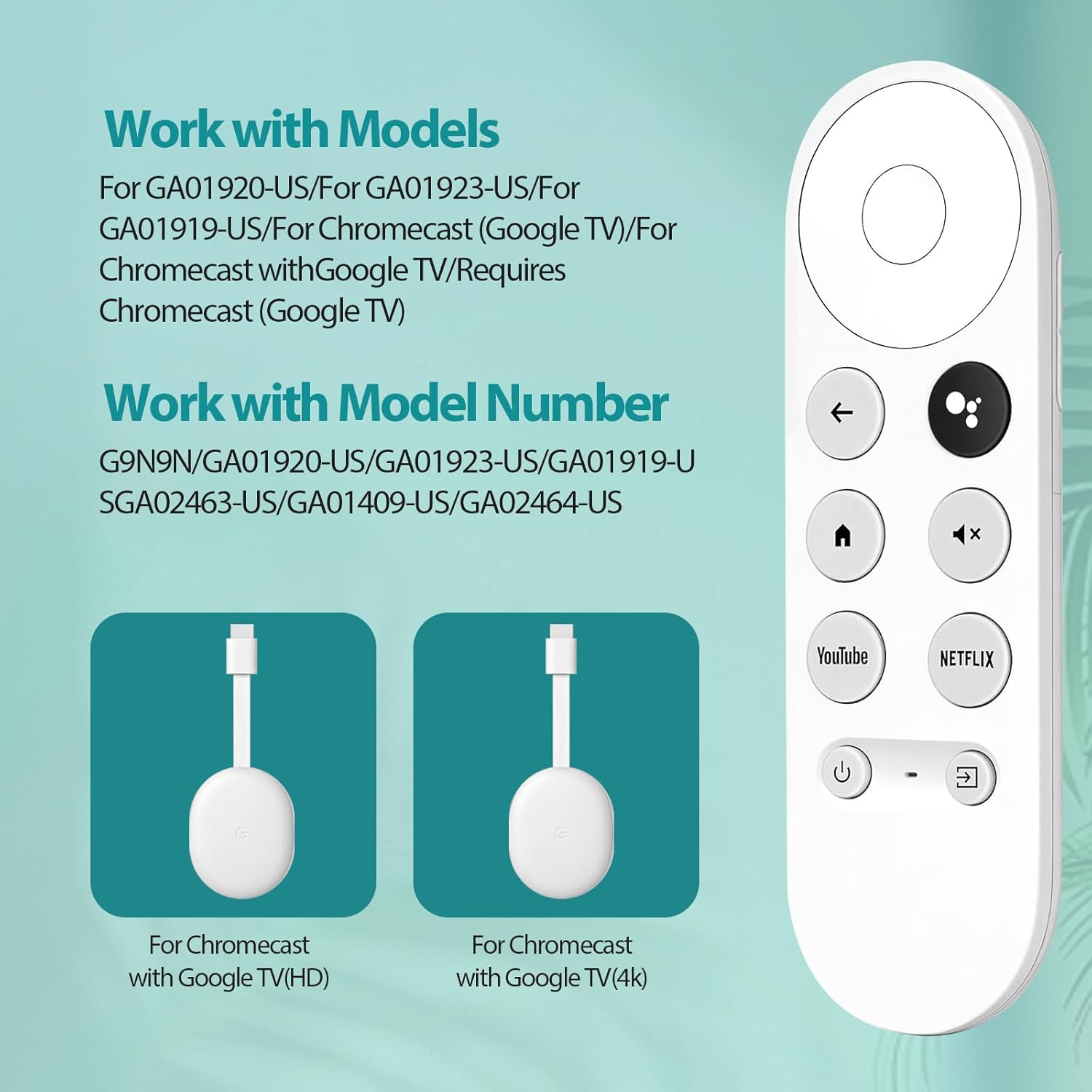
Second, voice support. Voice functionality requires a compatible TV or device with voice support. If your setup is basic or doesn’t have voice capabilities, you could be buying the feature you can’t use.
Also note that the remote is “remote control only”, so you should expect to supply the batteries yourself.
Mini FAQ
Does this remote include batteries?
No. It requires 2×AAA batteries, which are not included.
How do you pair it?
Pairing is done in two steps: press the pairing button on the streaming device, then press and hold Back and Home together for about 10 seconds until the LED flashes.
Will voice control work on any TV?
Not necessarily. Voice functionality requires a compatible TV or device with voice support.
Is this suitable as a backup?
Yes, that’s one of the main reasons it’s positioned as a replacement/backup remote for an existing streaming setup.
Can I use it without checking compatibility?
It’s not recommended. The listing specifically says to verify compatibility before ordering.
Final verdict
It’s a sensible buy if you need a replacement voice remote for the Chromecast with Google TV / Google TV Streamer / Chromecast 4K family and you actually want voice search and commands through Google Assistant. Pairing is described as quick, the design is aimed at comfortable everyday use, and it’s a straightforward “remote control only” replacement you can keep as a backup.
However, it may not be the best choice if your TV/device doesn’t support voice, because that’s the main differentiator here. And if you’re not confident about compatibility, it’s better to double-check first rather than risk ending up with a remote that doesn’t match your setup.