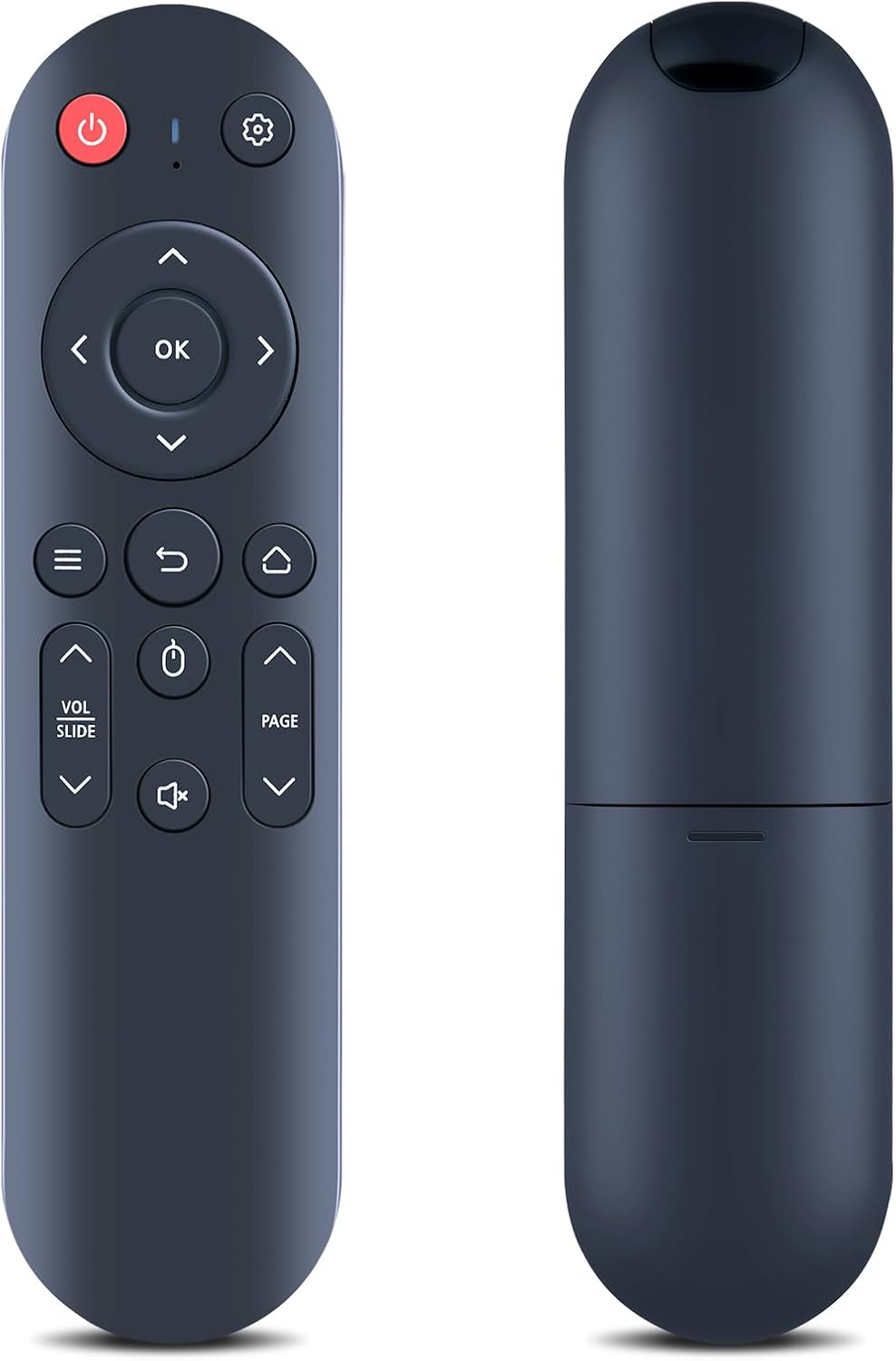
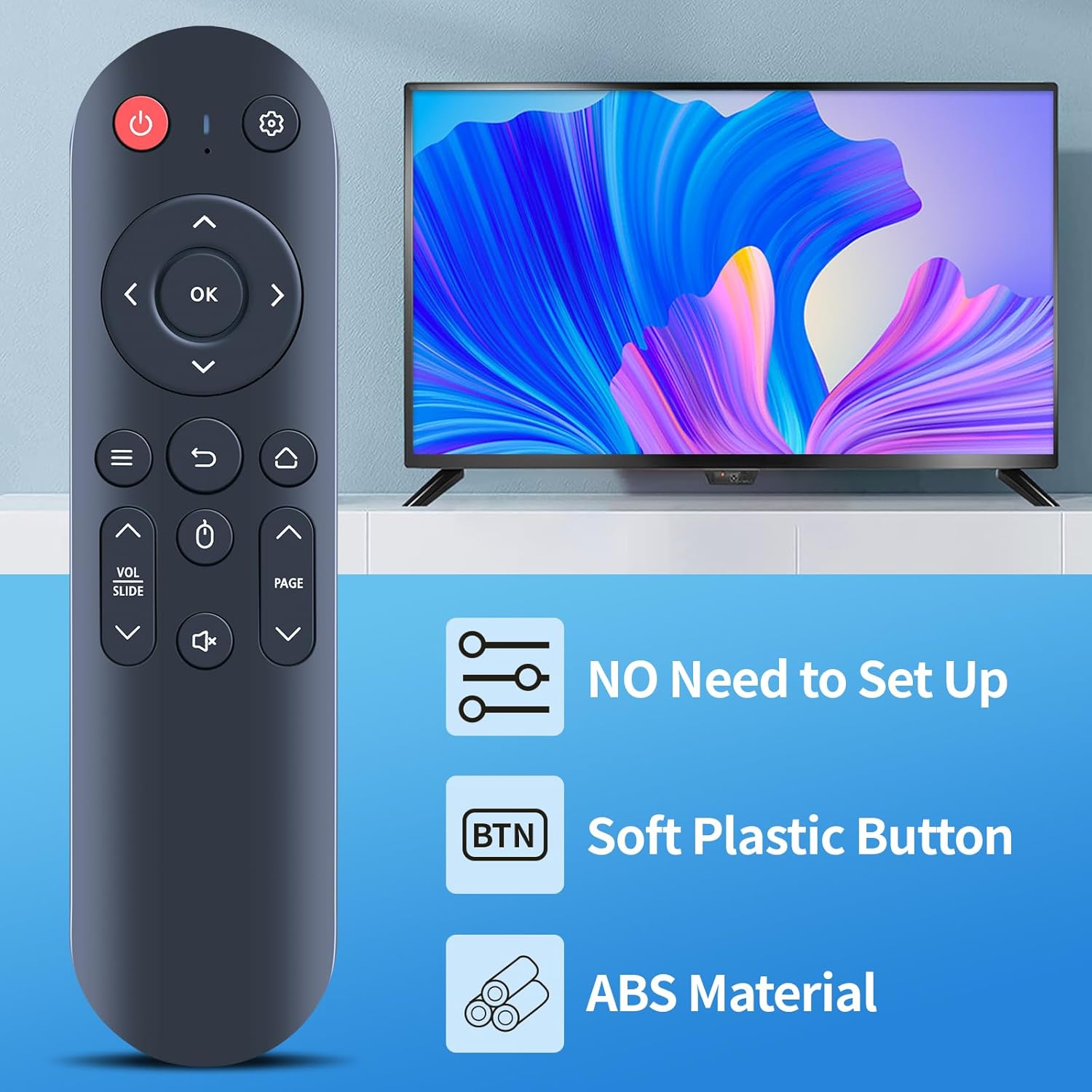
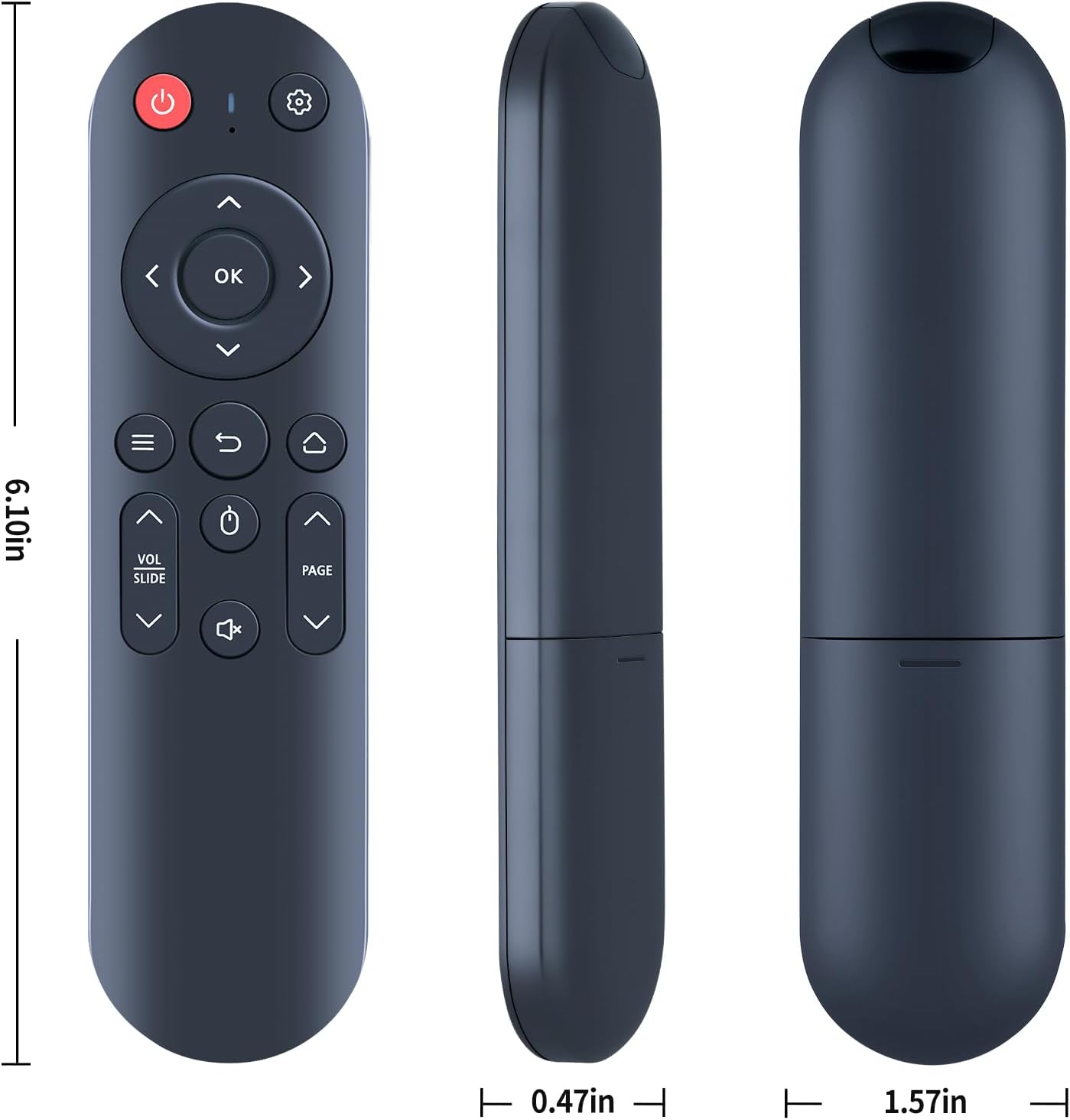
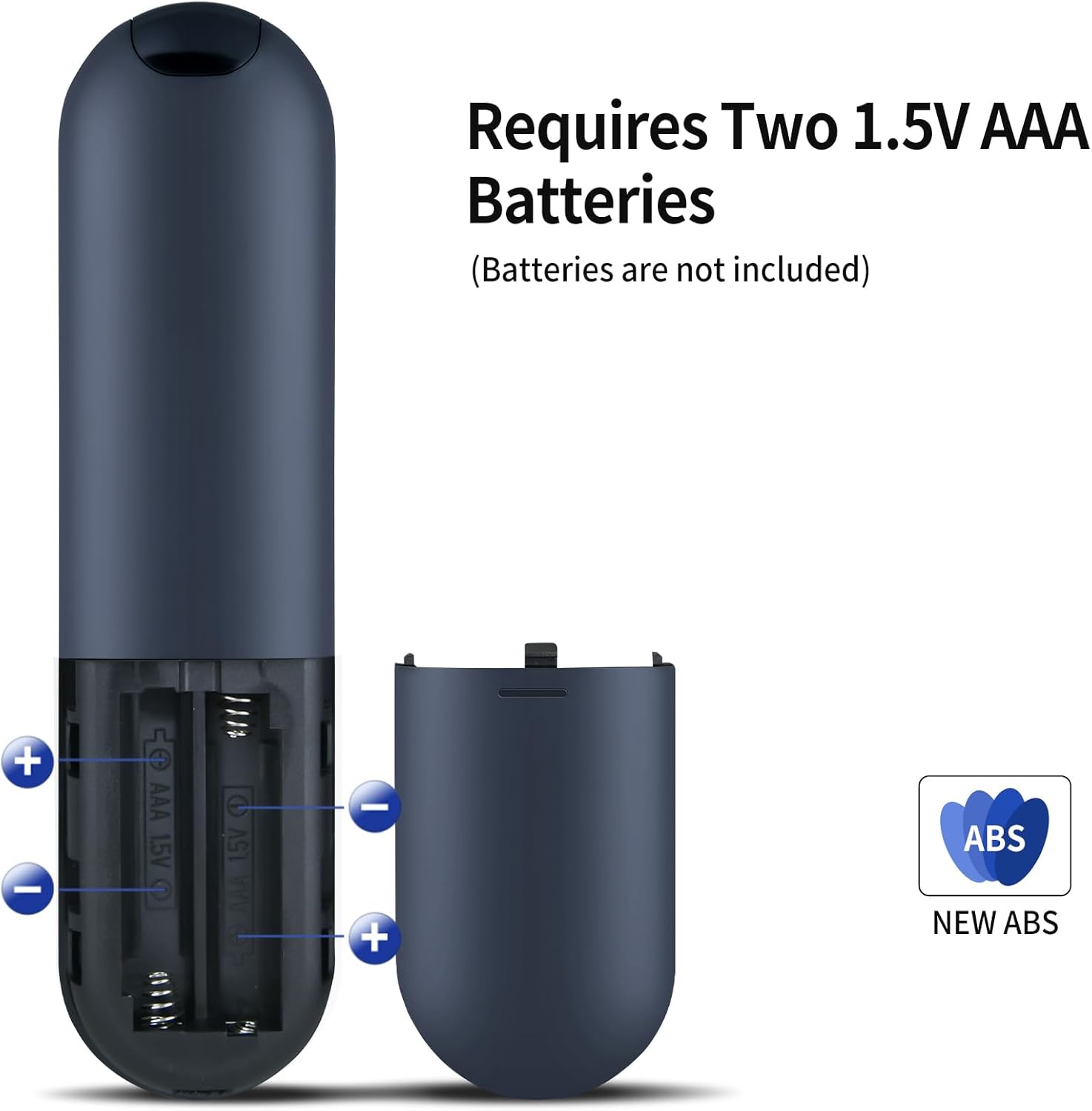
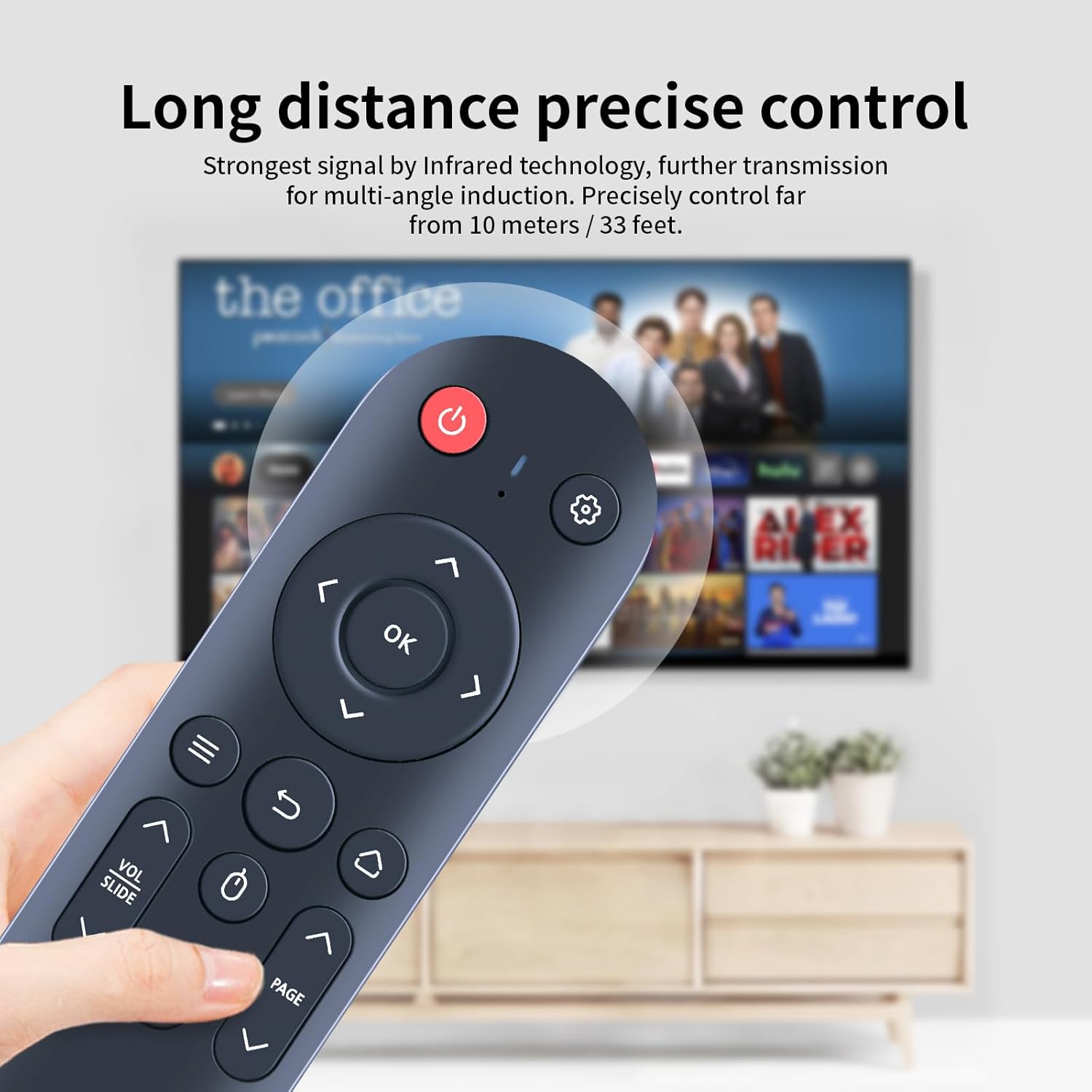
What it is and who it’s for\nA practical replacement remote designed to mirror the function of your original control for FEARWIKY Maypug P1 Putbecy projectors. If your current remote is worn, lost, or damaged, this model offers a straightforward solution that aims to restore everyday usability without the need for complex programming. It’s pitched as a plug-and-play option that expects you to simply insert 2× AAA batteries.\n\n## How it works\nNo setup is required beyond loading fresh batteries. The remote is built with a sturdy plastic housing and a battery compartment cover, and it uses soft silicone buttons to deliver tactile feedback. The design emphasises reliability for routine tasks, like power, navigation, and basic projector control. However, as with any third-party replacement, some functions may not be available depending on the button mapping and the exact model you’re using.\n\n## What stands out\nOn the surface, the key advantages are simplicity and immediacy: plug in batteries and you’re ready to operate. The tactile buttons can feel nicer to use than cheaper options, and the durable build aims to withstand daily handling. A prudent caveat is to check the button layout carefully before purchase to ensure it matches your existing remote’s functions.\n\n## Who it’s for\nIdeal for anyone whose FEARWIKY Maypug P1 Putbecy projector is missing its remote, or whose original remote no longer functions reliably and you want a straightforward replacement without extra software or pairing steps. It’s more suited to typical home or small-office use where basic controls are sufficient.\n\n## When it makes sense to buy\nIf you prioritise a hassle-free, immediate replacement and you’re comfortable with a non‑branded alternative, this remote could be a sensible choice. It’s particularly convenient if your use-case revolves around standard navigation, input changes, and power control rather than advanced configurability.\n\n## What to look out for before buying\nCarefully compare the button symbols on the remote with your original to ensure key functions align. Remember that some features might not be available if the button mapping differs from the original model. If you rely on a very specific function set, this replacement may not cover every need.\n\n## Practical use example\nImagine you’ve just moved the projector into a different room and want quick access to power and menu navigation without rummaging for the original remote. This replacement offers a quick, unobstructed way to operate in a relaxed, everyday scenario.\n\n## Quick comparison with alternatives\nCompared with higher-end or branded remotes, this option focuses on plain usability and value. If you need extensive feature support or guaranteed full compatibility with every button, you might explore other options or verify compatibility more exhaustively.\n\n## FAQ\n- Will this remote work right away with my projector? Yes, it’s designed as plug-and-play with 2× AAA batteries, but verify button layout matches your model.\n- Can I use rechargeable batteries? Yes, but ensure they provide sufficient voltage and aren’t prone to leakage.\n- What if a button doesn’t function as expected? Double-check the symbol on the remote against your original and contact the seller if there’s a mismatch.\n\n## Final verdict\nIs it worth it? It makes sense if you want a straightforward, budget-friendly replacement that restores normal operation without extra setup. It suits users who value immediacy and a solid tactile feel, while recognising that it may not cover every feature of the original remote.