

Amazon Kindle Scribe (64 GB) with Premium Pen – write on books, built-in notebook and AI note tools
Product description
The essentials
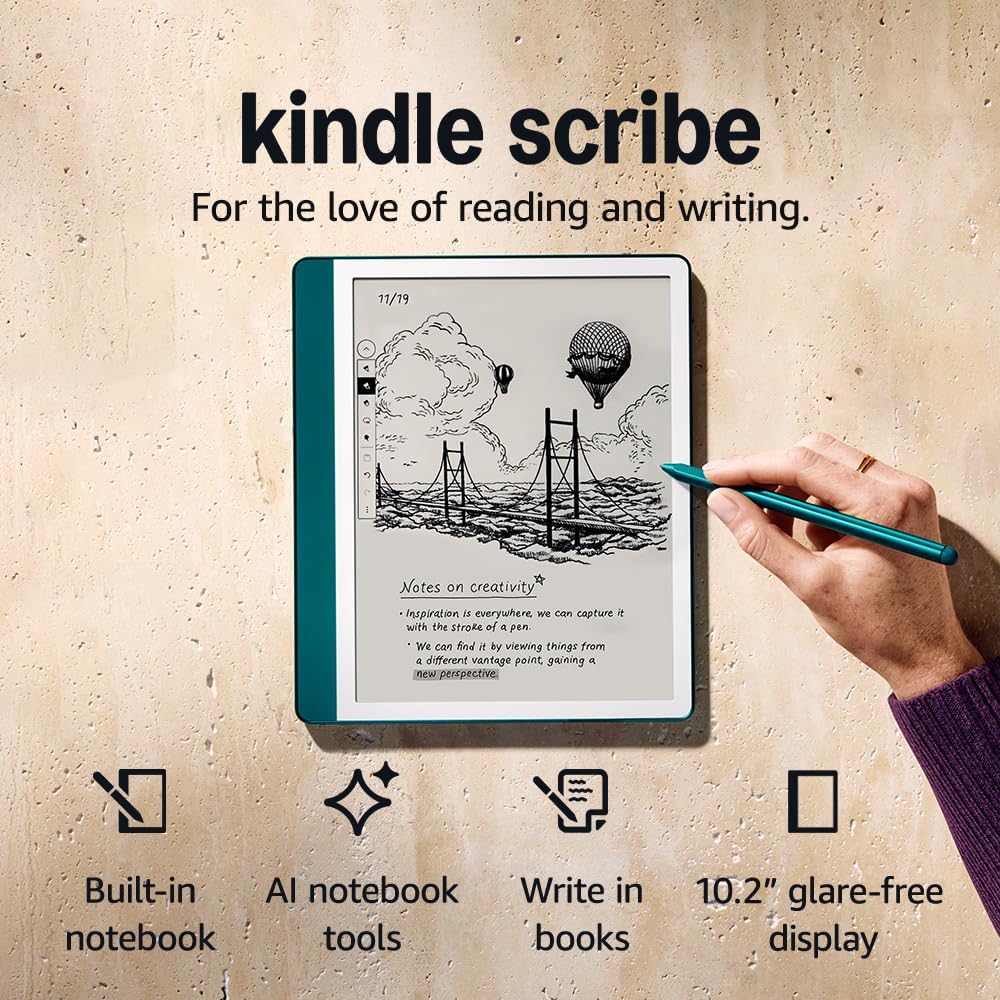
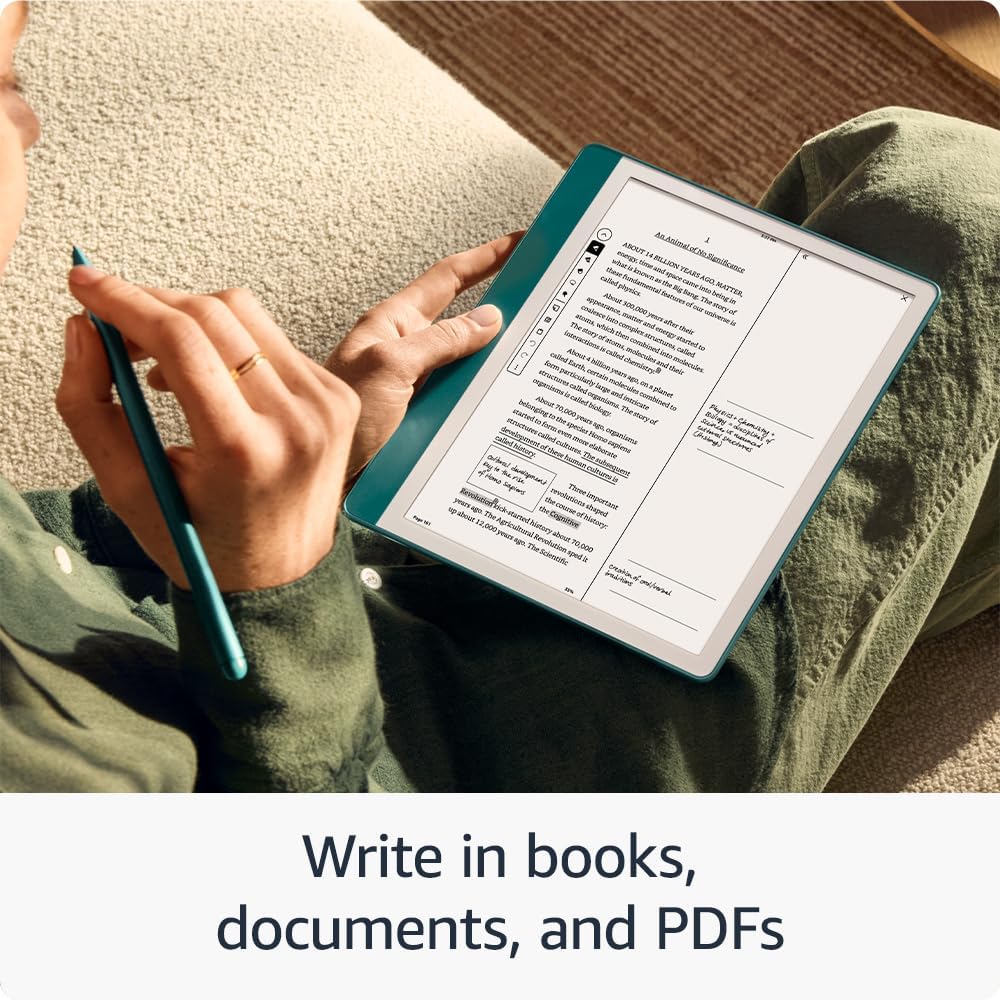
Kindle Scribe is a single-purpose-everyday device: it’s a Kindle for reading, plus a notebook for writing and marking up documents. If you like the idea of jotting down ideas directly on the same pages you’re reading, it uses an Active Canvas approach so you can start writing where you want, rather than reaching for a separate pad.
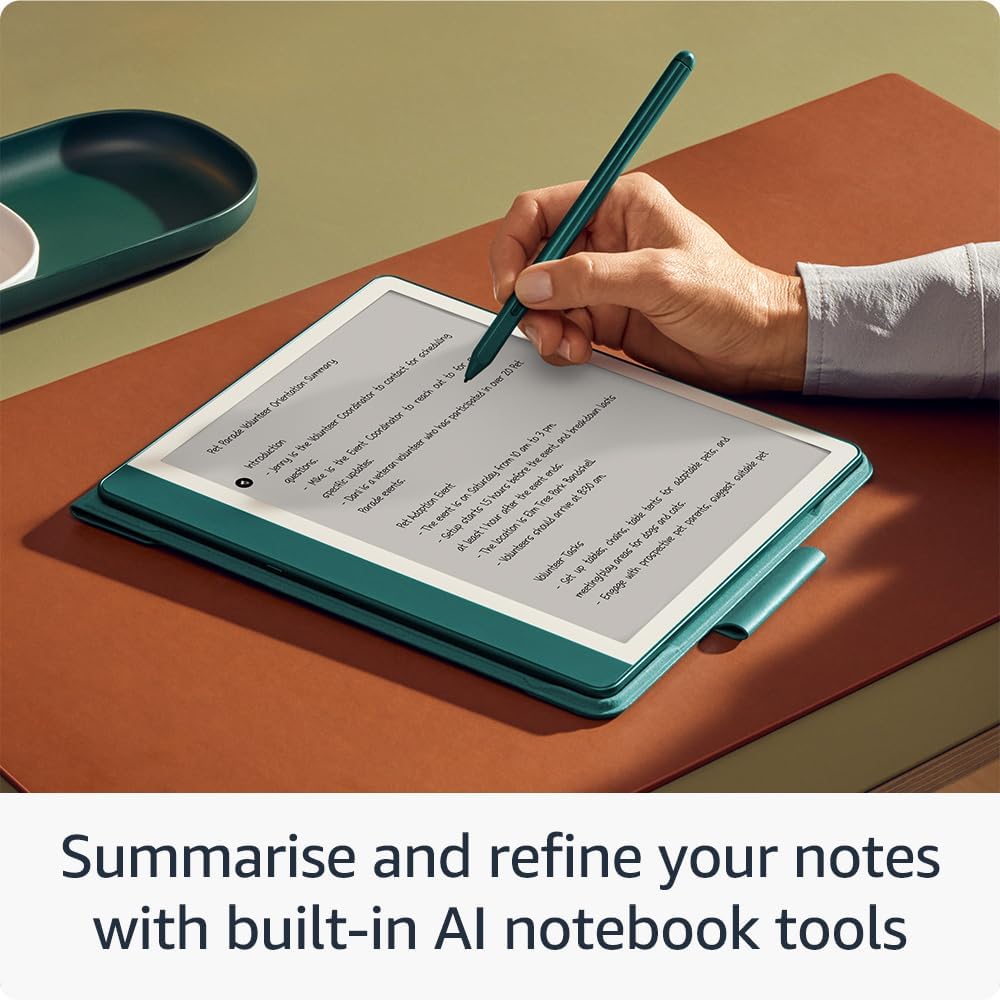
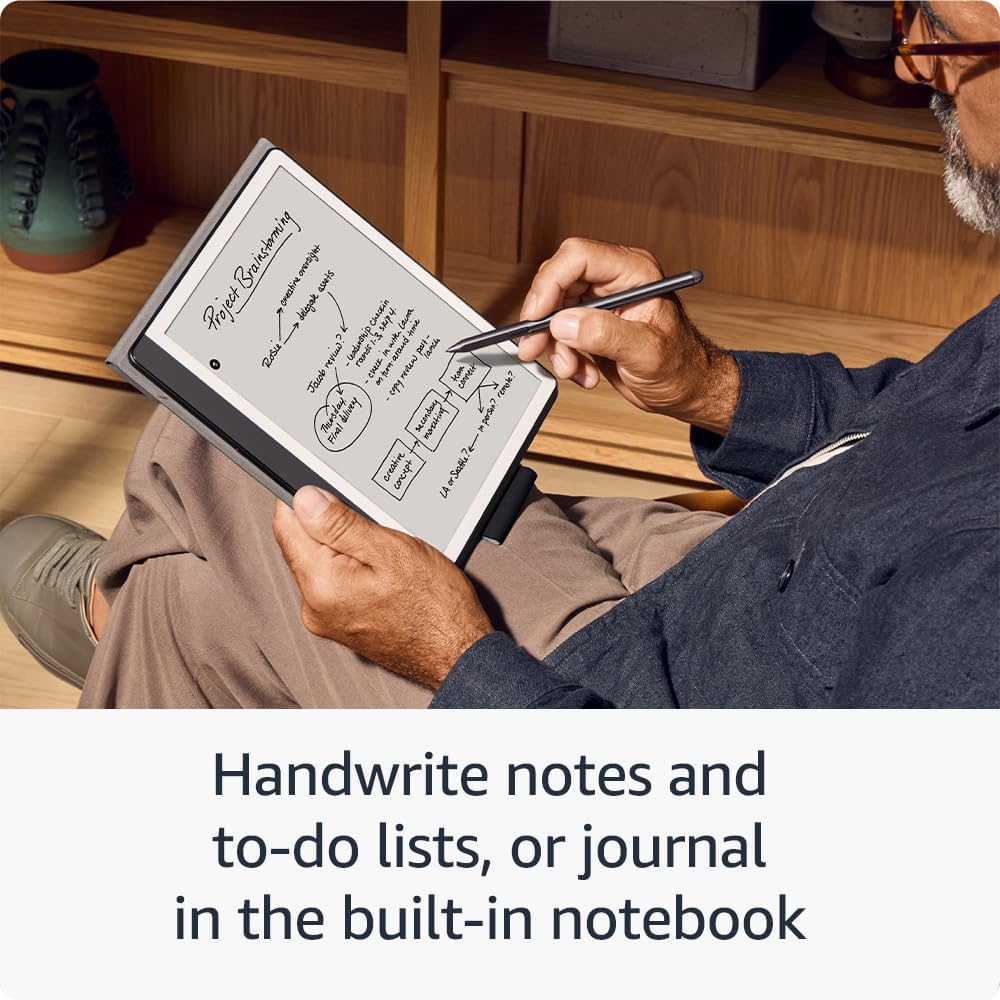
You also get a built-in notebook for meeting notes, to-do lists and journalling in one place. On top of that, the notebook experience includes AI notebook summarisation tools, aimed at helping you refine handwritten notes into something you can use more quickly.
This is the kind of kit that can feel really natural on a commute or at your desk—assuming you’re happy with a pen-and-screen workflow rather than a traditional tablet.
What you’ll notice day to day
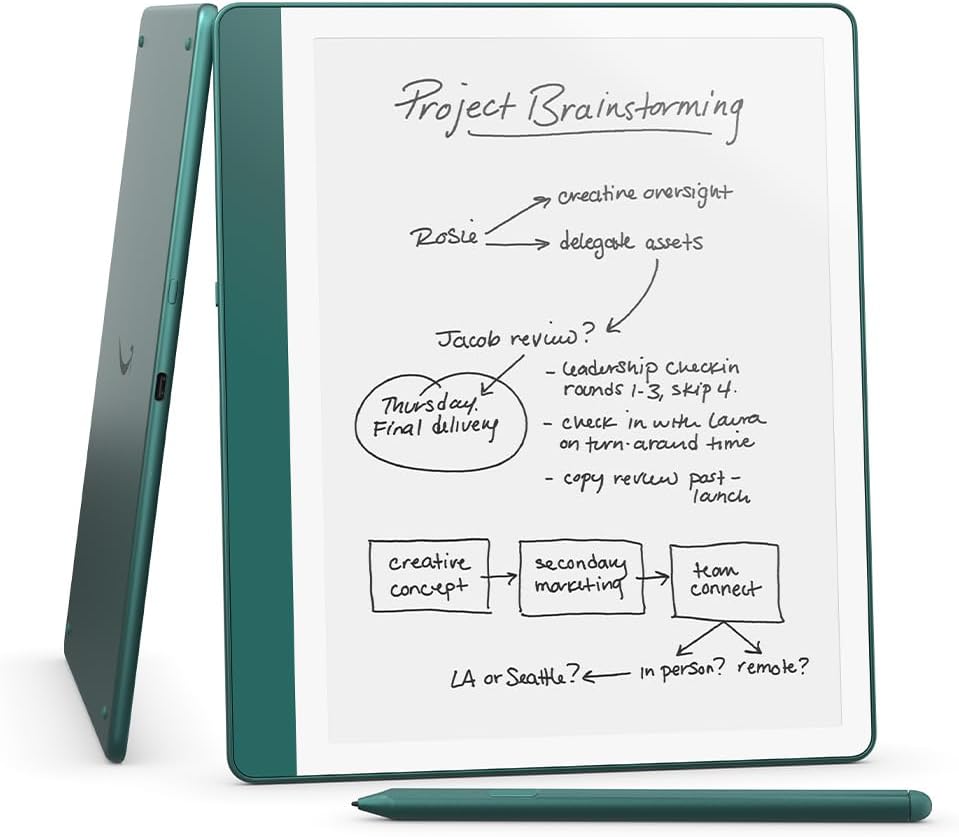
The redesigned flush-front display is paired with uniform white borders, and the Premium Pen is included with the setup-ready promise: no setup or charging needed, you just start writing. The writing experience is designed to feel like writing on paper, supported by features like a shortcut button and a soft eraser.
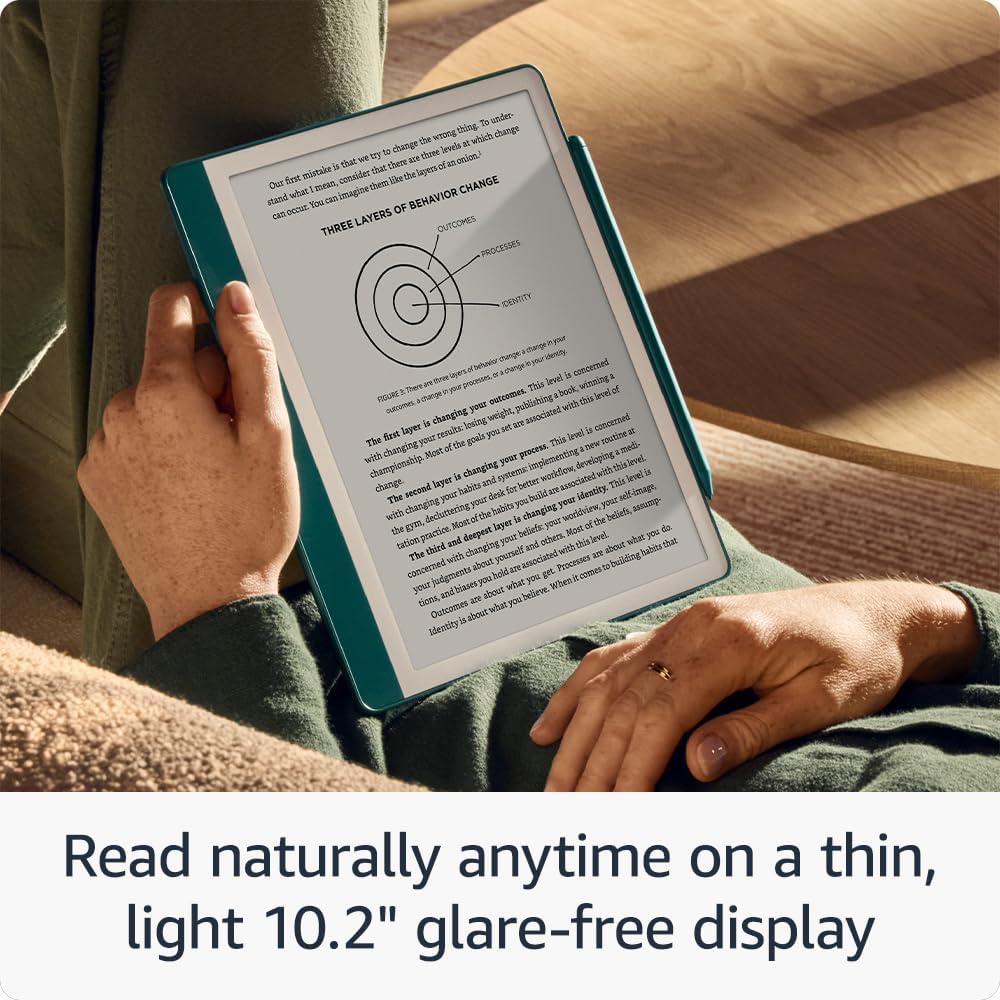
For reading and writing in different conditions, the 10.2" glare-free, front-lit display with 300 ppi is built for “anytime, indoors and out” use. The glare-free angle is particularly relevant if you often read near windows or in rooms with overhead lights, where some screens can get distracting.
One more thing worth noting: it’s purpose-built for reading, writing and marking up documents, with no notifications or social media. If you’re buying this to reduce distractions, that “quiet” design is a real part of the appeal.
Where it shines (and how it fits)
Kindle Scribe makes sense if you want one device to handle three common tasks:
- Reading books and capturing ideas while you’re still in the flow
- Writing notes and keeping them organised as part of your wider reading/work
- Marking up documents, then revisiting your notes without digging for scraps of paper
On paper, the Active Canvas idea is the headline: start writing on the page and it creates space for your notes. You can expand the margins to add more notes, or collapse them to see the original page—handy when you want the page view back without losing the notes you made.
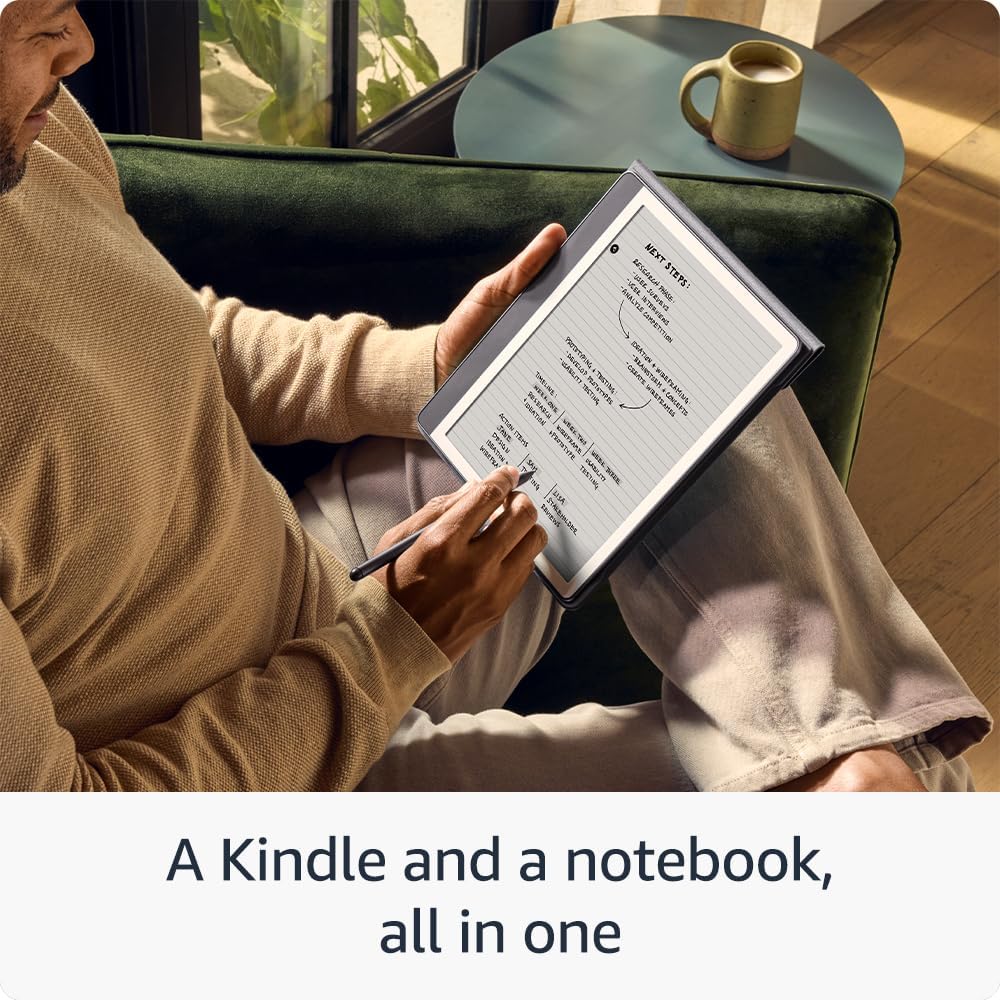
It’s also the sort of device that can be surprisingly practical for everyday life. For example, you could read through a document, highlight the key paragraph with your notes right in the margin, and then later convert handwritten notes to text so you can email them to yourself or contacts.
Things to consider before you buy
This device is aimed at people who genuinely want to read, write and mark up using a pen-first e-ink style experience. If your priority is app-hopping, lots of notifications, or a more “tablet-like” interaction model, Kindle Scribe may feel more limited than you’d like.
Also, while the built-in AI notebook tools are designed to summarise and refine notes, it’s still worth keeping expectations sensible: these tools can help you turn messy handwriting into something clearer, but they won’t replace good note-taking habits or careful review of what’s produced.
And since the listing focuses on writing on books and documents, if you mainly want to type long-form content or edit documents heavily, you may find other devices better suited—depends quite a bit on how you work.
Tech overview (relevant details only)
Tech specs
- Type: e-reader with built-in notebook and pen
- Storage: 64 GB
- Display size: 10.2"
- Display type: glare-free front-lit display
- Display resolution: 300 ppi
- Pen: Premium Pen included (Jade Metallic), designed to start writing without setup or charging
Is it worth it?
Kindle Scribe is a strong choice if you want a distraction-light reading and writing setup, with the ability to write directly on books and documents using the included Premium Pen. It’s especially worth considering if you like the idea of capturing thoughts in the moment—then converting handwritten notes to text and using built-in summarisation tools to tidy things up.
You may want to skip it if you’re mainly looking for a multimedia, notification-driven device or you expect a tablet-style experience for typing and heavy editing. In that case, it’s likely to feel more “single workflow” than flexible.
If you’ll use it for reading plus real note-taking—meetings, to-do lists, journalling or marking up documents—it’s the sort of device that can earn its place quickly.
Mini FAQ
FAQ
Can you write directly on the page while reading? Yes. It’s designed so you can start writing on a page and use Active Canvas to create space for your notes.
Does it include a notebook for handwritten notes? Yes. There’s a built-in notebook for things like meeting notes, to-do lists and journalling.
Are handwritten notes convertible into text? The description says you can convert handwritten notes to text and then email them to yourself or contacts.
Is there a pen included? Yes. The Premium Pen is included, with the claim that you don’t need setup or charging to start writing.
Is it distracting like a tablet? It’s purpose-built for reading and writing with no notifications or social media, so it’s designed to stay out of your way.