

Syntech Link Cable 5m — USB 3.0 to USB-C VR Link for Quest 3/2, Pico 4 & SteamVR
Product description
What this is and what it solves
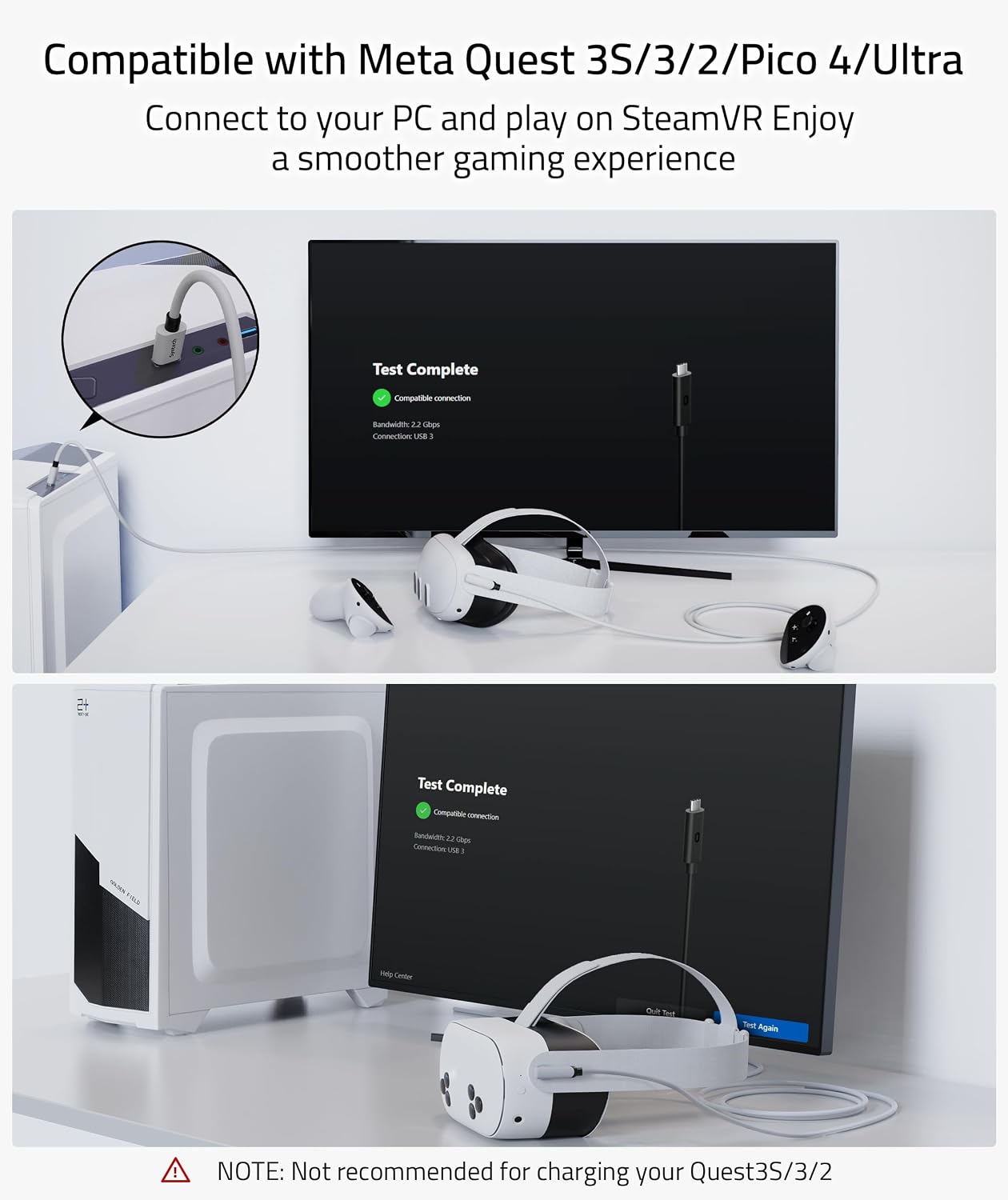
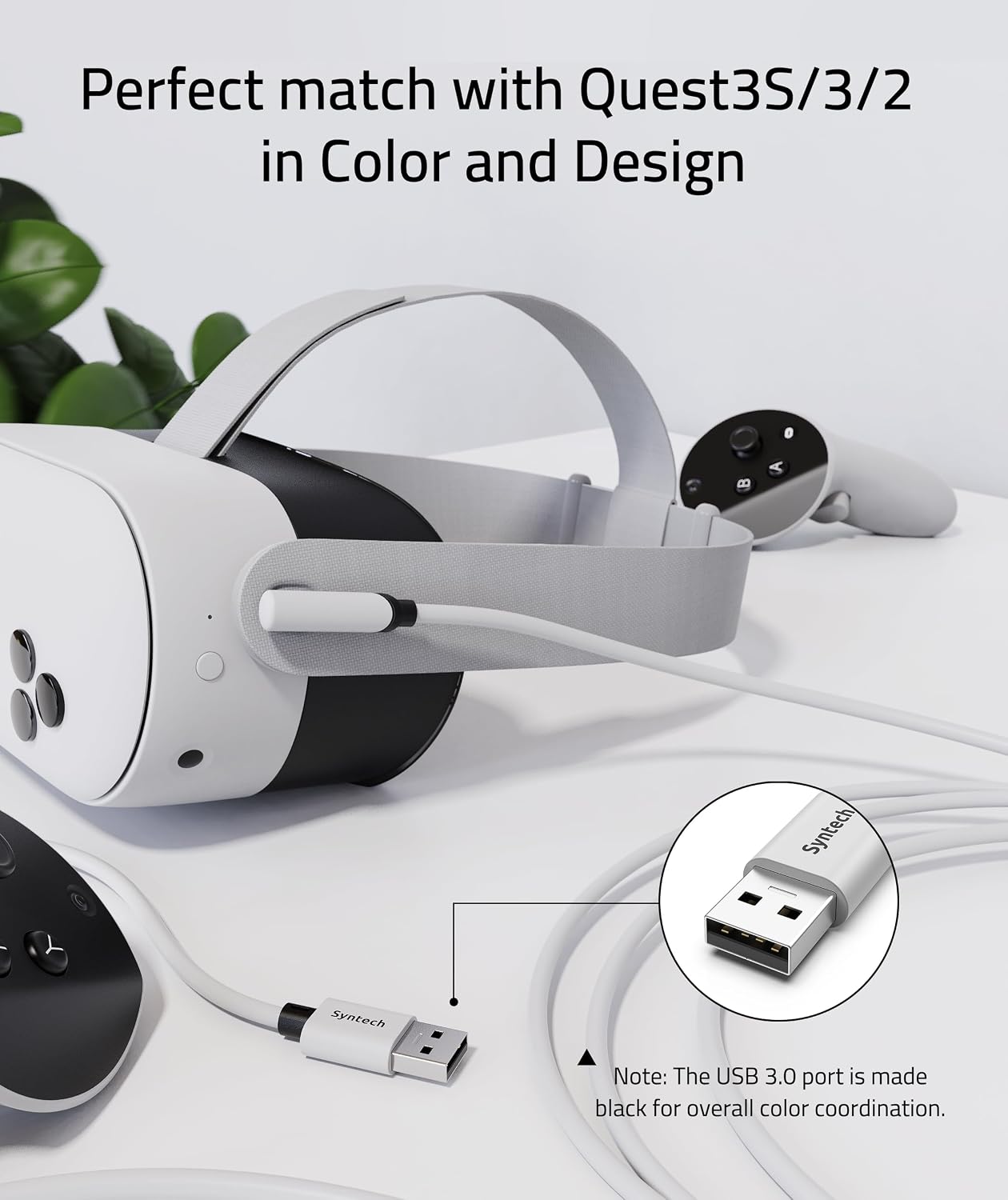
The Syntech Link Cable is a 5 m (16 ft) USB 3.0 USB-A to USB-C cable designed to connect VR headsets such as Meta Quest 3/3S, Quest 2, Pro, Pico 4 and compatible devices to a gaming PC. Its purpose is to enable a wired link for Rift apps and SteamVR titles, delivering a more stable PC VR experience than wireless setups in some scenarios. The cable is tuned with a matching colour and design to sit nicely with the Quest line, helping to minimise visual clutter when you’re plugged in.
How it performs on paper
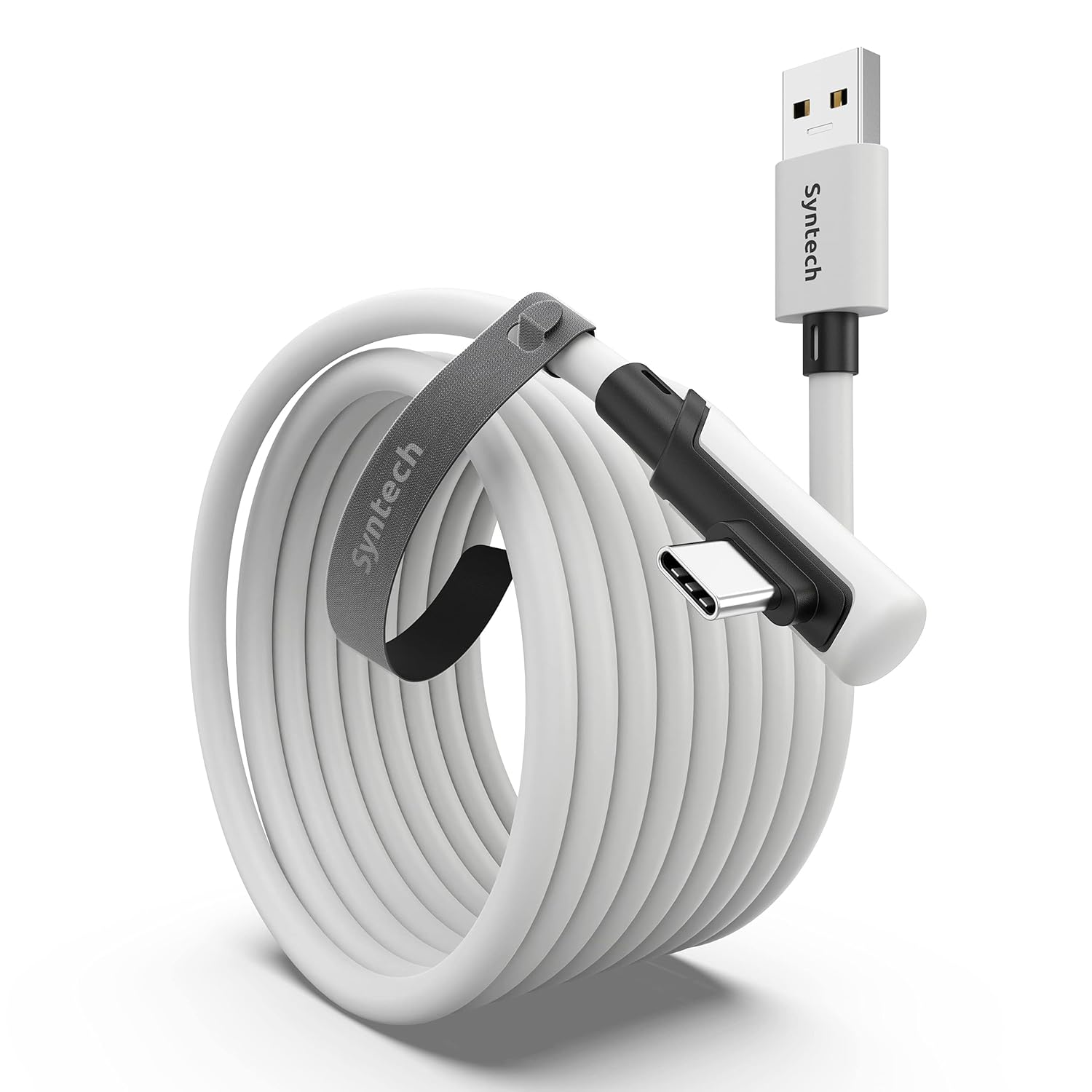
On the data transfer side, this cable supports USB 3.0 transmission speeds and is built to maintain a stable data stream with a continuous current. A Velcro strap is included to secure the cable to the headset and prevent disconnections during movement. The USB-C connector is presented in a low-profile L-shape to improve comfort during play. A key caveat is that the charging current decreases with length, so it’s not recommended for charging quests while in use, and it’s best used when the headset isn’t at a critically low battery level.
What stands out in use
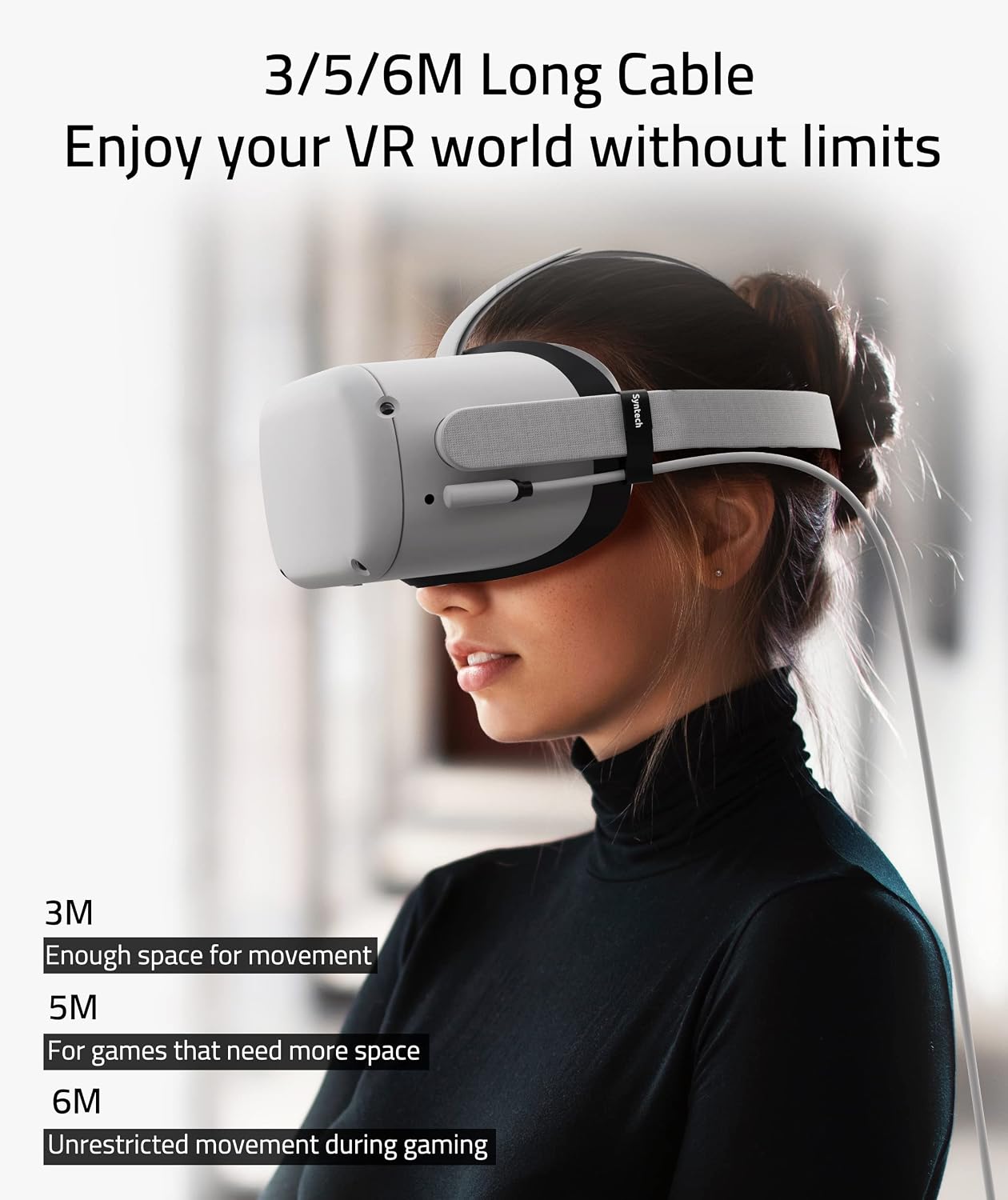
Length matters for room-scale VR, and at 5 metres you’ll gain a generous amount of freedom from tethered setups. The L-shaped USB-C connection can reduce stress at the port during active play, which can be a real plus if you move around a lot. The included Velcro strap is handy for tidying the cable away when you’re finished, helping avoid trips or accidental yanks.
Limitations and caveats
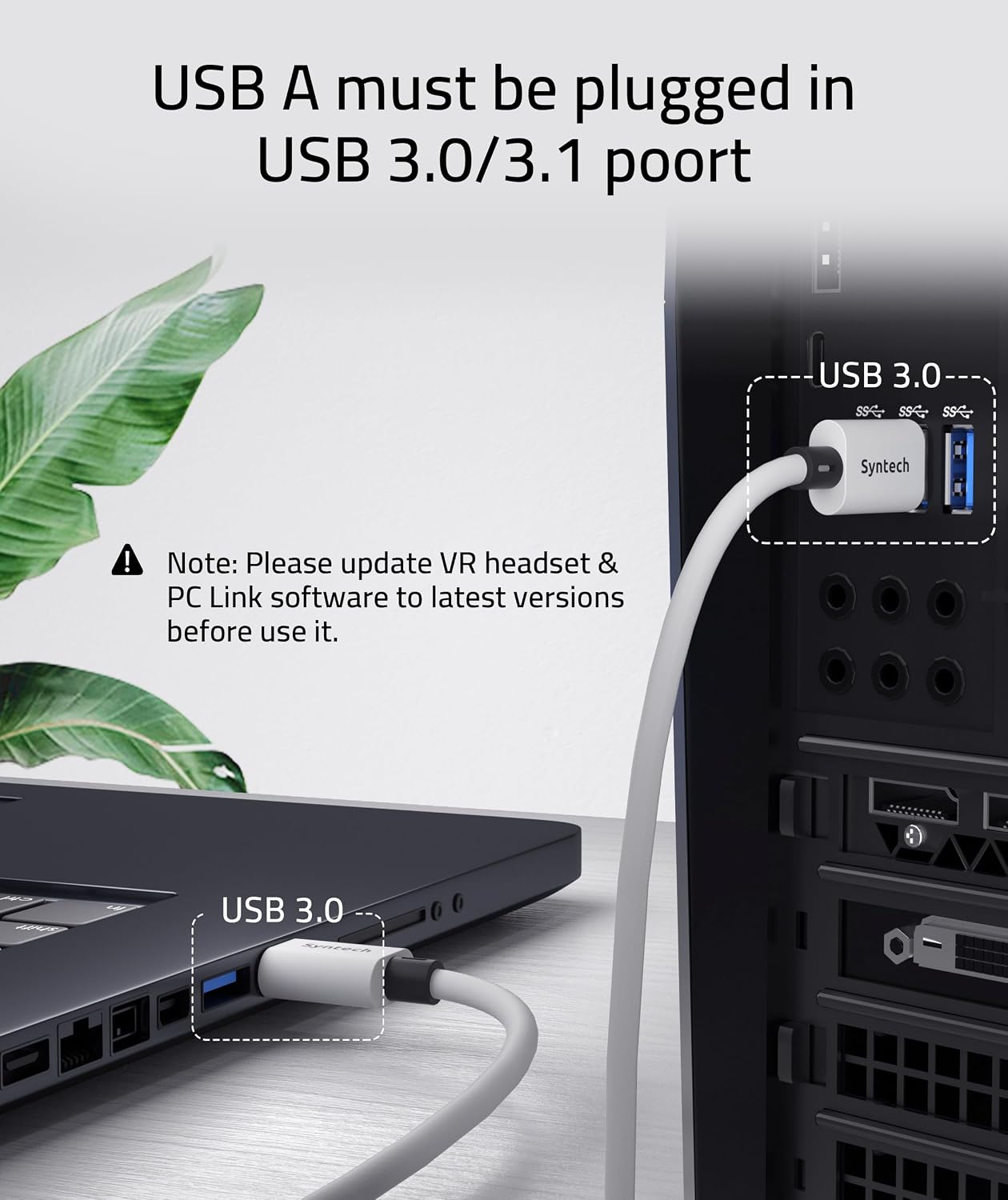
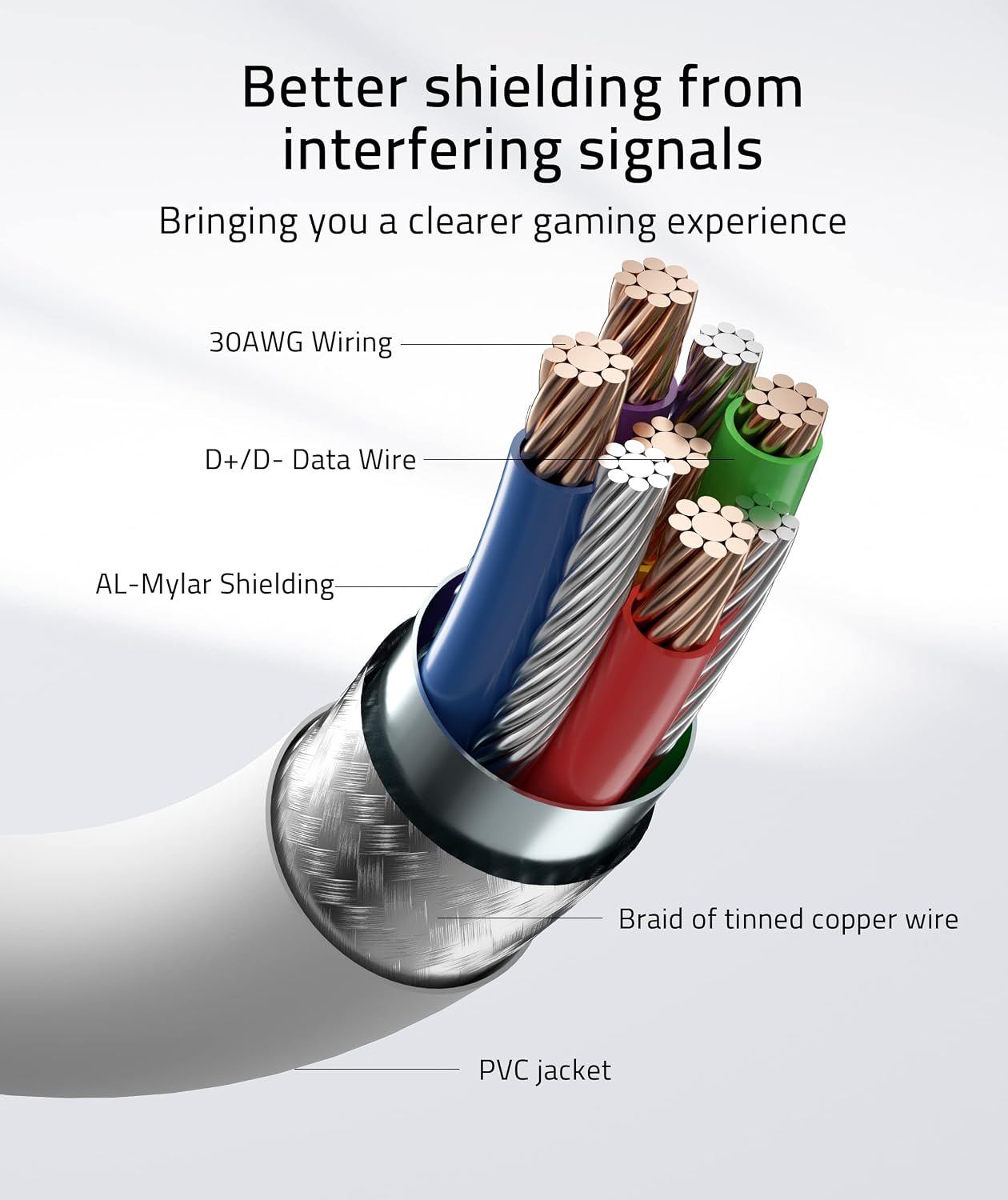
The main limitation to note is the charging caveat: longer cables tend to draw less current, so this is not ideal for charging the headset during play. If your battery is already low, you may prefer to charge beforehand or use a separate power source. While the cable aims to offer reliable data transmission, you should ensure you plug into a USB 3.0/3.1 port on your PC to maximise performance.
Who it’s for
This cable suits players who want a straightforward, cost-conscious wired link to a PC for Rift apps and SteamVR games, particularly if you own Quest 3/3S or Quest 2 and are after a tidy, longer solution than shorter leads. It’s reasonable for those who value the balance between length, connection stability and a simple setup over v2 features or ultra-high-end performance.
Who it isn’t for
If you primarily play while the headset is near-empty or you require charging while playing, you may find this cable less suitable. Likewise, if you expect the absolute fastest possible charging while gaming, a dedicated charging option may be preferable.
What to review before buying
- Check that your PC has a USB 3.0/3.1 Type-A port available for the best data transfer performance.
- Confirm that you’re comfortable with wired VR and the length suits your play space.
- Consider your headset’s current battery level and whether you’ll need to charge during sessions.
Practical use scenario
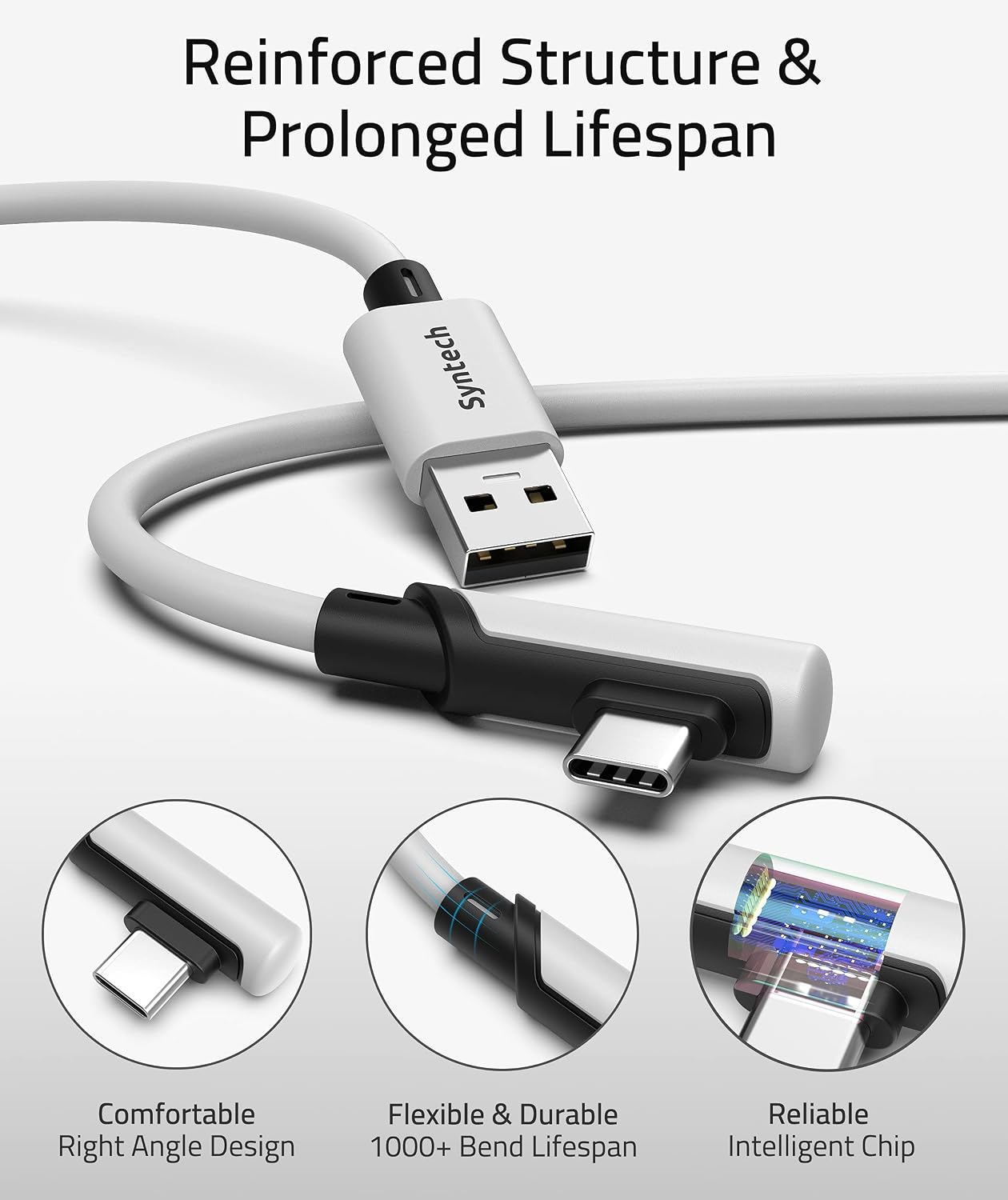
Imagine you’re in a sizable play area with Quest 3 linked to a PC to play a SteamVR title. You’ve got space to move, and the 5 m cable lets you step away from your PC desk without tugging the headset. The Velcro strap keeps the line tidy as you pace from one side of the room to the other, and the L-shaped USB-C connector reduces strain at the port when you pivot or bend during intense scenes.
A quick comparison note
Compared with shorter or purely wireless setups, this cable offers a tangible sense of connection stability and room to move. It’s particularly sensible if you value reliable PC VR access for Rift ecosystem titles and SteamVR, without venturing into premium high-end cabling.
FAQ (where data allows)
- Is this compatible with Quest 3S and Quest 3? Yes, the product description lists compatibility with these models.
- Should I use this to charge while gaming? Not recommended—charging current reduces with length, so charging during play may be inefficient.
- Do I need to use a specific USB port on my PC? The notes advise using a USB 3.0/3.1 port for best results.
Is it worth it?
Worth considering if you want a longer, generally reliable wired link for PC VR and you’re mindful of the charging caveat. It’s a pragmatic option for extending play space without splashing out on higher-end cabling, provided you don’t rely on in-session charging.