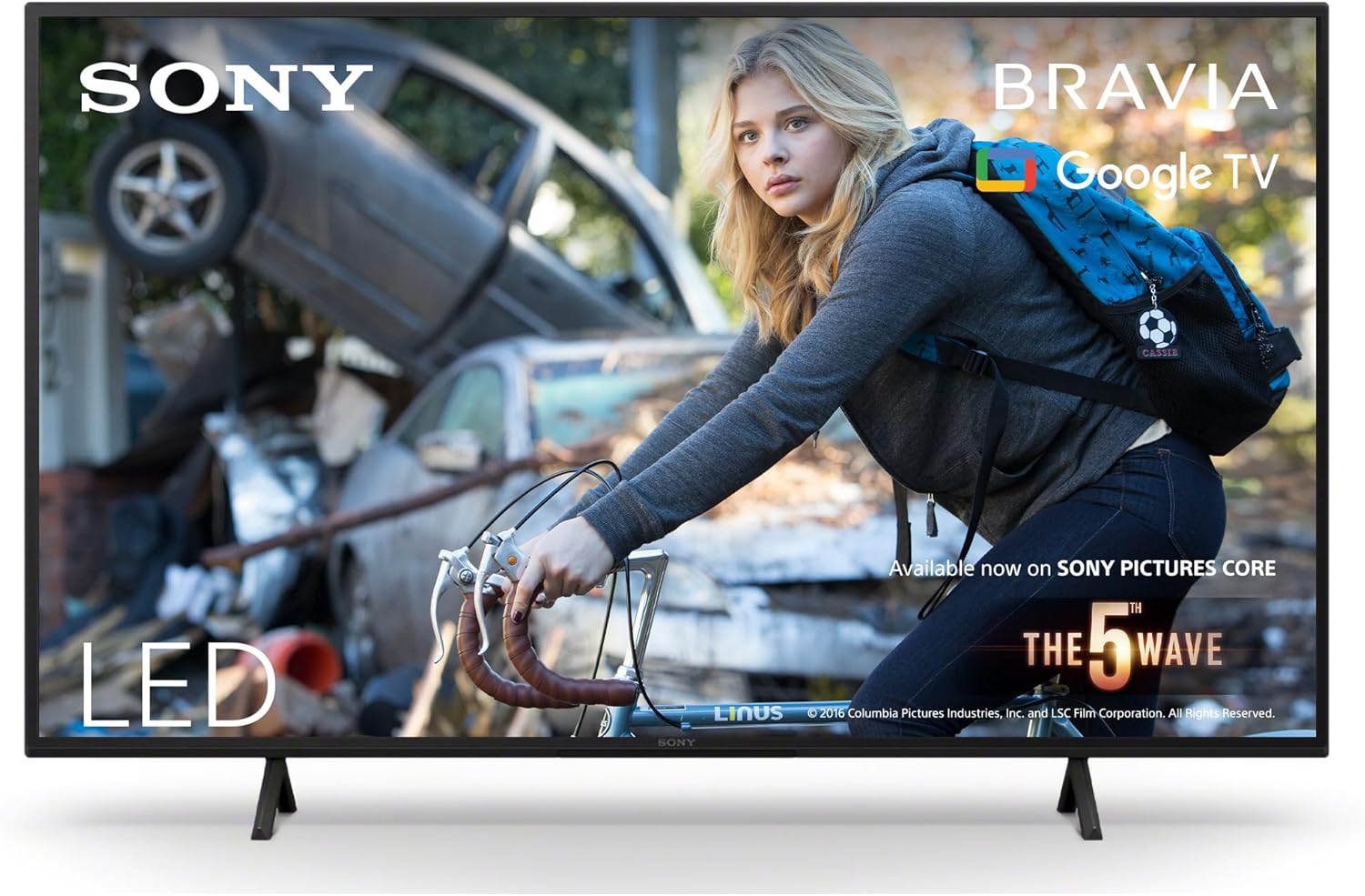
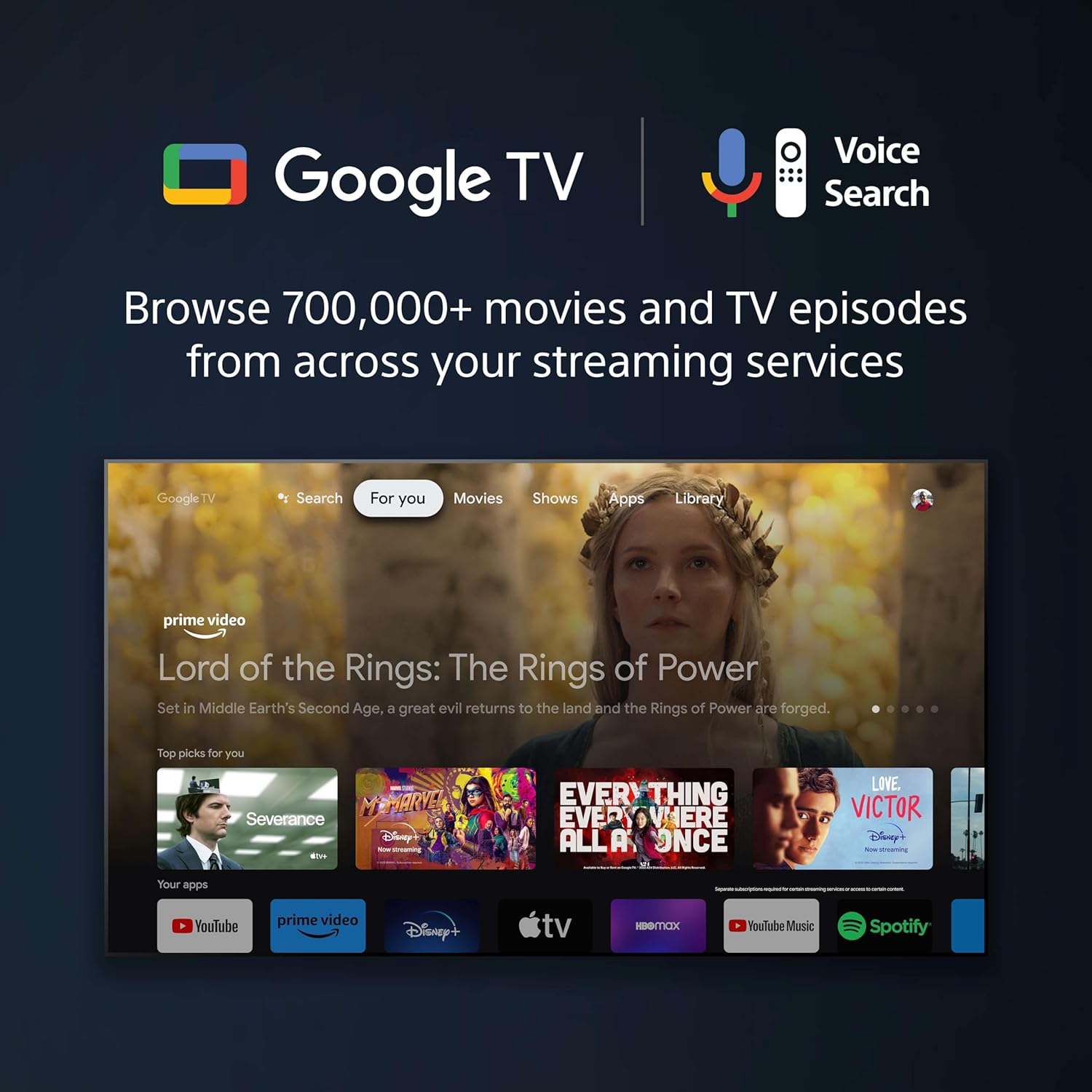
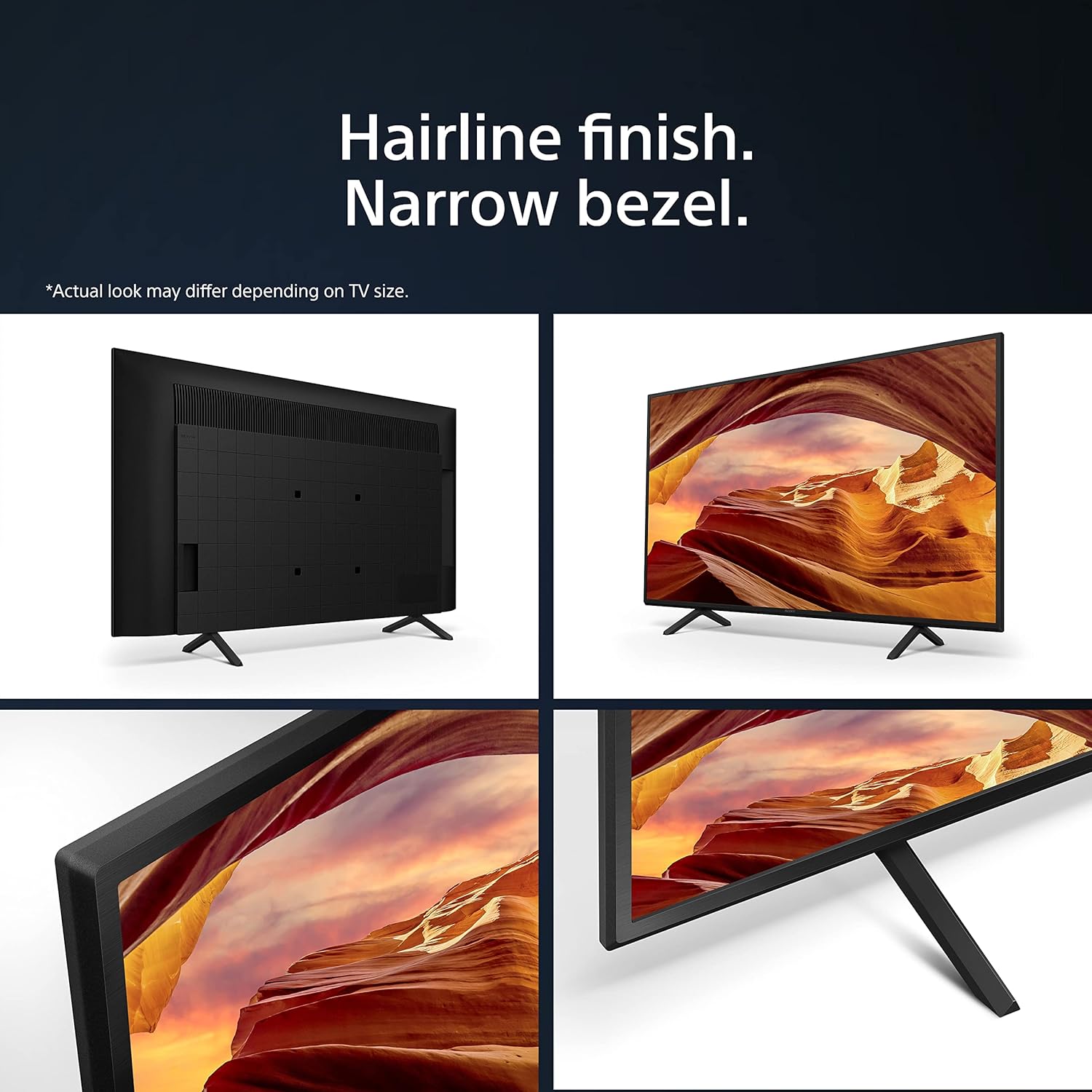
What it is and what it solves\nThe Sony BRAVIA KD-43X75WL is a 43-inch LED smart TV designed to deliver crisp 4K HDR pictures with real-time image processing. It combines a compact screen size with Google TV, offering access to thousands of apps and streaming services. If you want a straightforward upgrade for watching films, series, and casual gaming without fuss, this model aims to cover those needs in one mid-range package.\n\n## Picture quality and processing\nSony highlights the X1 Processor as the engine behind bright, colourful pictures, with Dolby Vision support to improve contrast and colour depth. On the back of that, you get Auto HDR Tone Mapping to preserve detail in very dark or very bright scenes. It’s not a flagship panel, but the combination of processing and HDR helps content look more balanced in typical living room lighting.\n\n## Audio performance\nThe X75WL includes Sony’s X-Balanced Speaker Unit. In practice, this is meant to deliver a fuller sound with better bass response for a TV in this size without needing external audio equipment. It’s fair to expect clearer dialogue and more impact during action scenes, though it won’t replace a dedicated sound setup for cine‑quality immersion.\n\n## Design and usability\nDesign wise, Sony sticks to a minimal aesthetic with a slim profile and slim blade stand, which helps keep the focus on screen content. The narrow bezel design reduces visual distractions, making it a sensible choice for small to medium-sized living spaces where aesthetics matter as much as function.\n\n## Gaming features\nFor gamers, the KD-43X75WL includes Auto Low Latency Mode via HDMI 2.1 and Auto HDR Tone Mapping. The dedicated Gaming Menu adds a Crosshair and Custom Screen options, which may aid certain fast‑paced games. If you prioritise a smooth, responsive experience, this is a helpful addition, though the TV is not marketed as a high‑end gaming monitor.\n\n## Apps and ecosystem\nRunning Google TV, the TV provides access to a broad app library and smart features designed to organise content around your interests. It’s practical for households that want a single device for streaming, casual browsing, and occasional app use, without juggling multiple devices.\n\n## Who it’s for\nIdeal for viewers who want a compact 4K smart TV with solid processing, dependable HDR, and a simple everyday interface. It’s a sensible choice if you’re upgrading from an older Full HD set or replacing a smaller display where a dedicated soundbar might be a later upgrade.\n\n## Limitations and caveats\nOn paper, the X75WL offers good all‑round capability for its class, but it isn’t a top‑tier OLED or a premium LED panel. Viewers who hunt for peak brightness or cinema‑grade HDR grading might prefer stepping up to a higher tier. Also, the Google TV experience depends on app availability and performance network conditions, so some streaming rigidity is possible if your Wi‑Fi is patchy.\n\n## Practical considerations before buying\n- Check room lighting and viewing distance, a 43-inch screen is comfortable for a seated viewing distance typical of smaller lounges.\n- Consider whether you’ll benefit from a separate sound system to complement the built‑in speakers for cinematic content.\n- If gaming is a priority, ensure your HDMI devices and internet connection meet your expectations for latency and smoothness.\n\n## What it compares to in approach\nThis model sits between budget 4K sets and higher‑end mid‑range TVs. It offers a balanced approach: decent processing, HDR support, and a practical smart platform without stretching into premium pricing. If you’d rather have a bigger screen or ultra‑high brightness, you might prefer a larger model or a different panel type, if you want compact size with decent features, the KD‑43X75WL is a sensible fit.\n\n## FAQ — quick practical answers\n- Does it support Dolby Vision? Yes, it includes Dolby Vision processing for enhanced HDR.\n- Is the TV good for gaming? It has Auto Low Latency Mode and a Gaming Menu, which helps with responsive gameplay.\n- Can it handle 4K streaming smoothly? Google TV and the X1‑powered processing support 4K streams, subject to source quality and network conditions.\n\n## Is it worth it?\nWorth considering if you want a compact 4K smart TV with a solid processing core, reliable HDR, and a practical app ecosystem, at a sensible mid‑range price point. It may not satisfy buyers chasing the brightest HDR or the most immersive cinema experience, but for everyday viewing and casual gaming, it makes a strong case.\n