

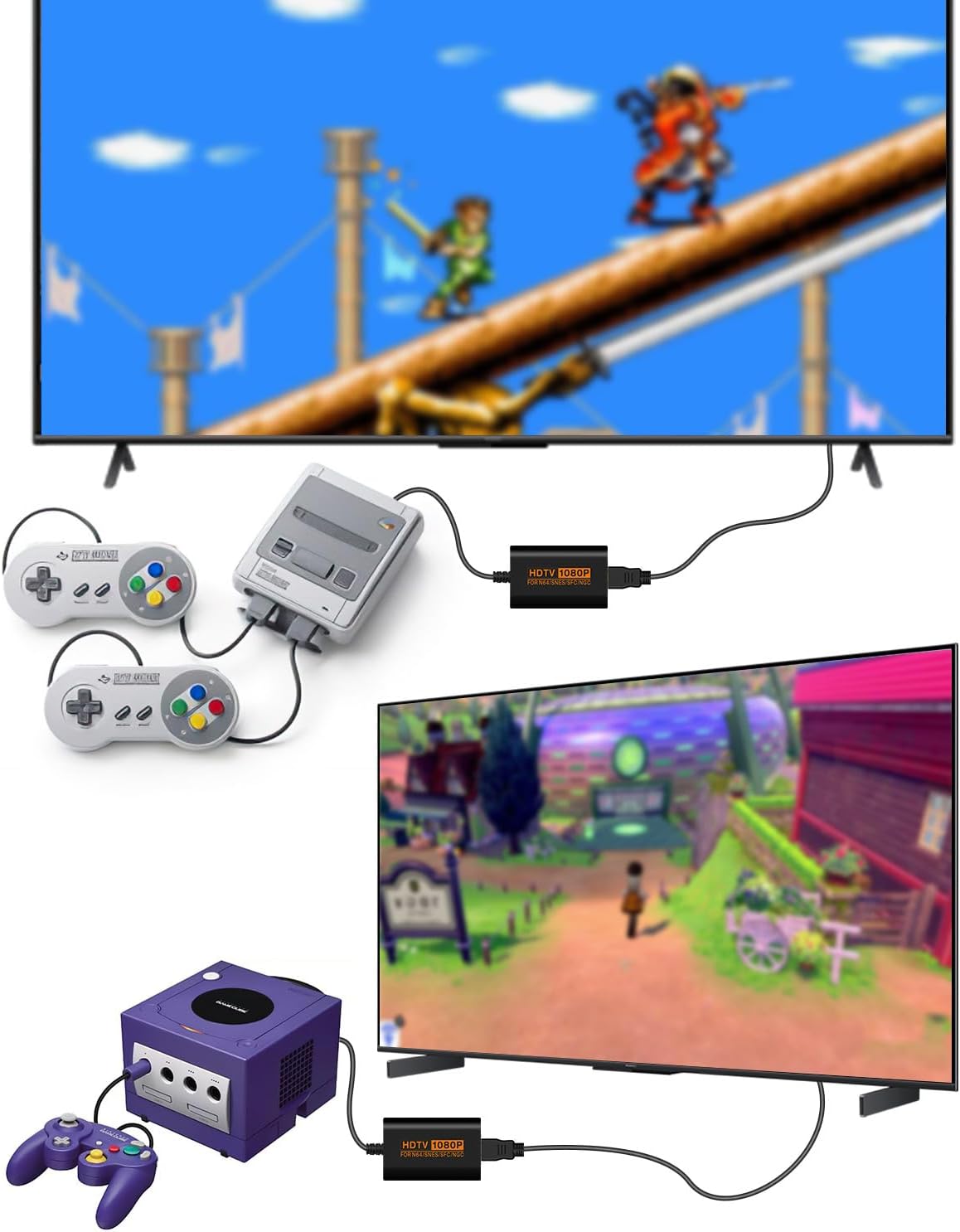
Sehawei N64 to HDMI Converter for N64, SNES/SFC and NGC consoles (up to 1080P)
Reviews
Price
Product description
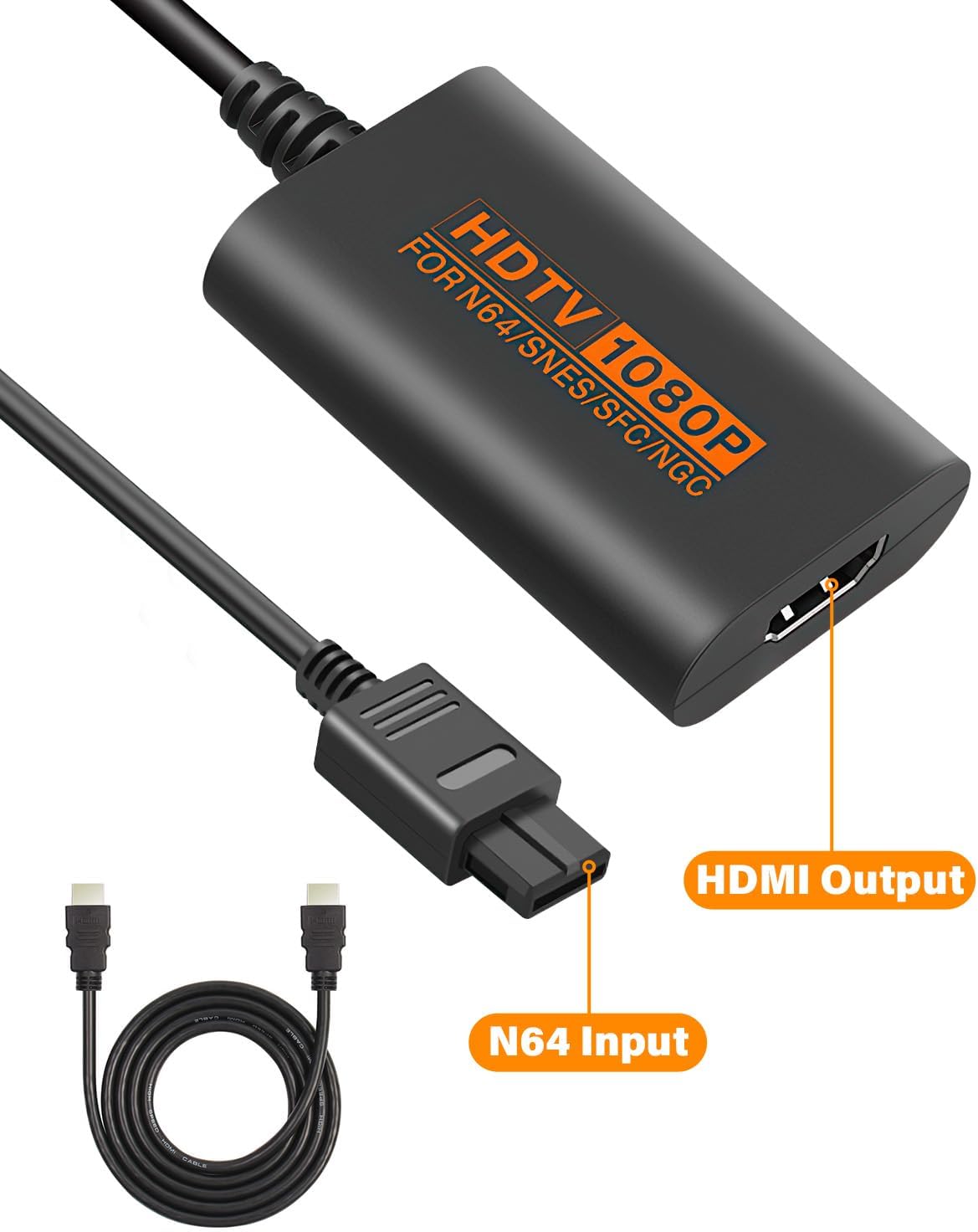
If you’ve still got an N64, SNES/SFC or GameCube (NGC) setup, the biggest headache is usually the same: getting classic signal quality onto a modern HDMI TV. The Sehawei N64 to HDMI Converter is designed as a simple “bridge” cable, taking console video/audio out and outputting it over HDMI.
On paper, it’s a plug-and-play adapter that avoids driver installs, and it’s pitched for compatibility across different display modes (PAL/NTSC) and multiple classic systems. The other headline is that it supports full digital HDMI output up to 1080P, which is exactly the kind of spec that helps when you want the TV to do the scaling rather than relying on older connections.
What it is and what problem it solves
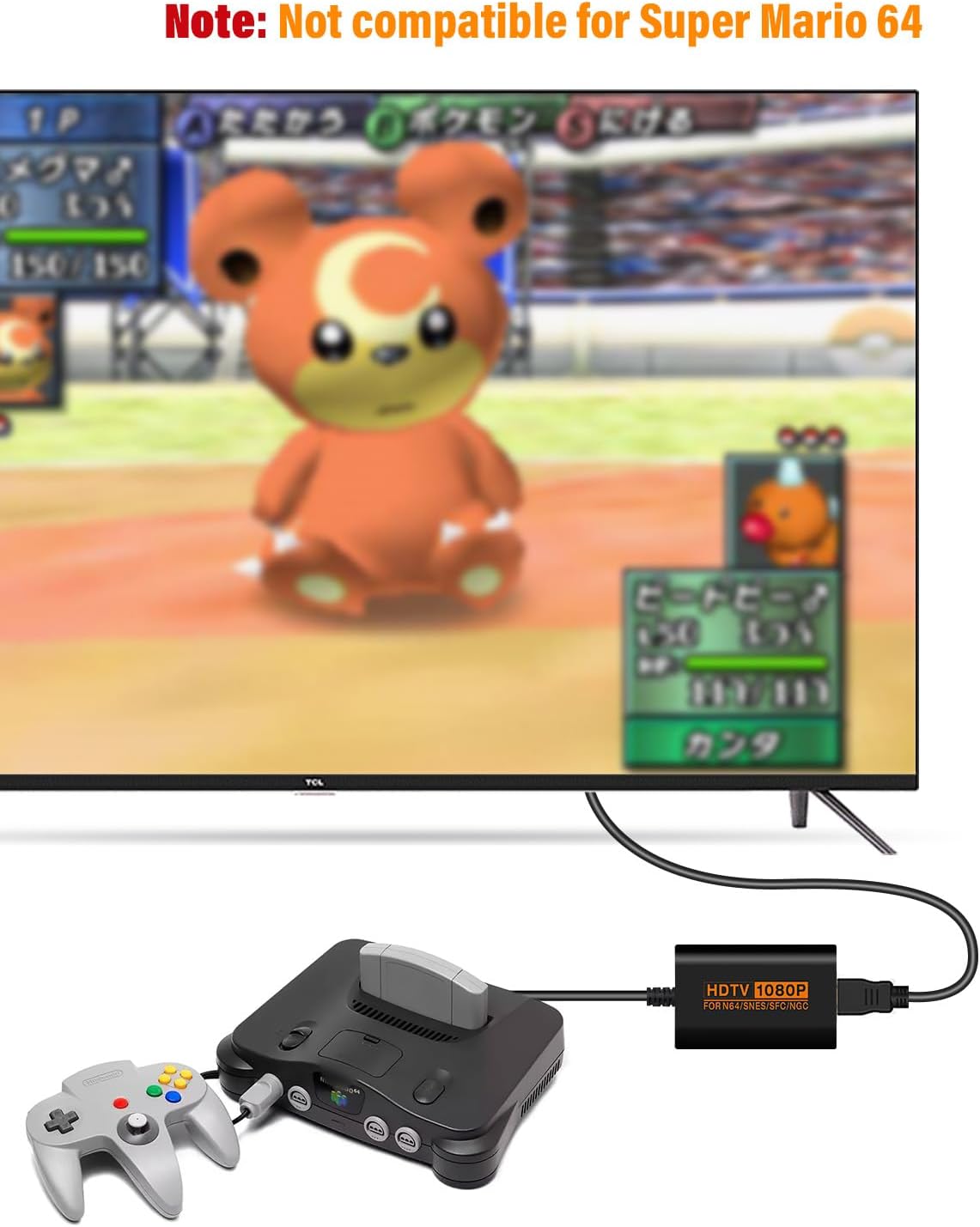
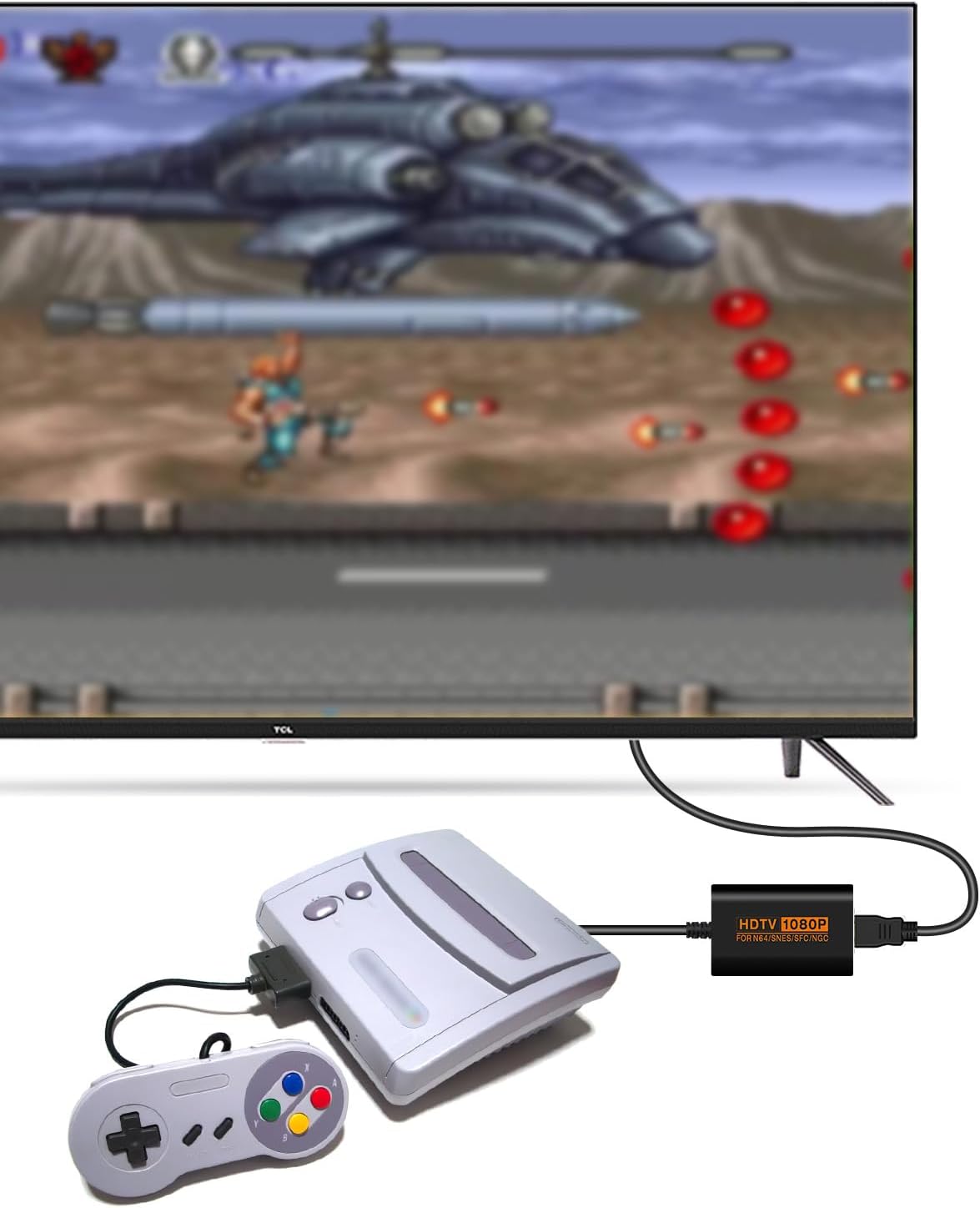
This is an HDMI converter adapter cable for retro consoles. It’s meant to connect an N64 / SNES / SFC / NGC source to an HDMI TV, so you don’t have to hunt for older TVs or bulky upscalers as a separate purchase.
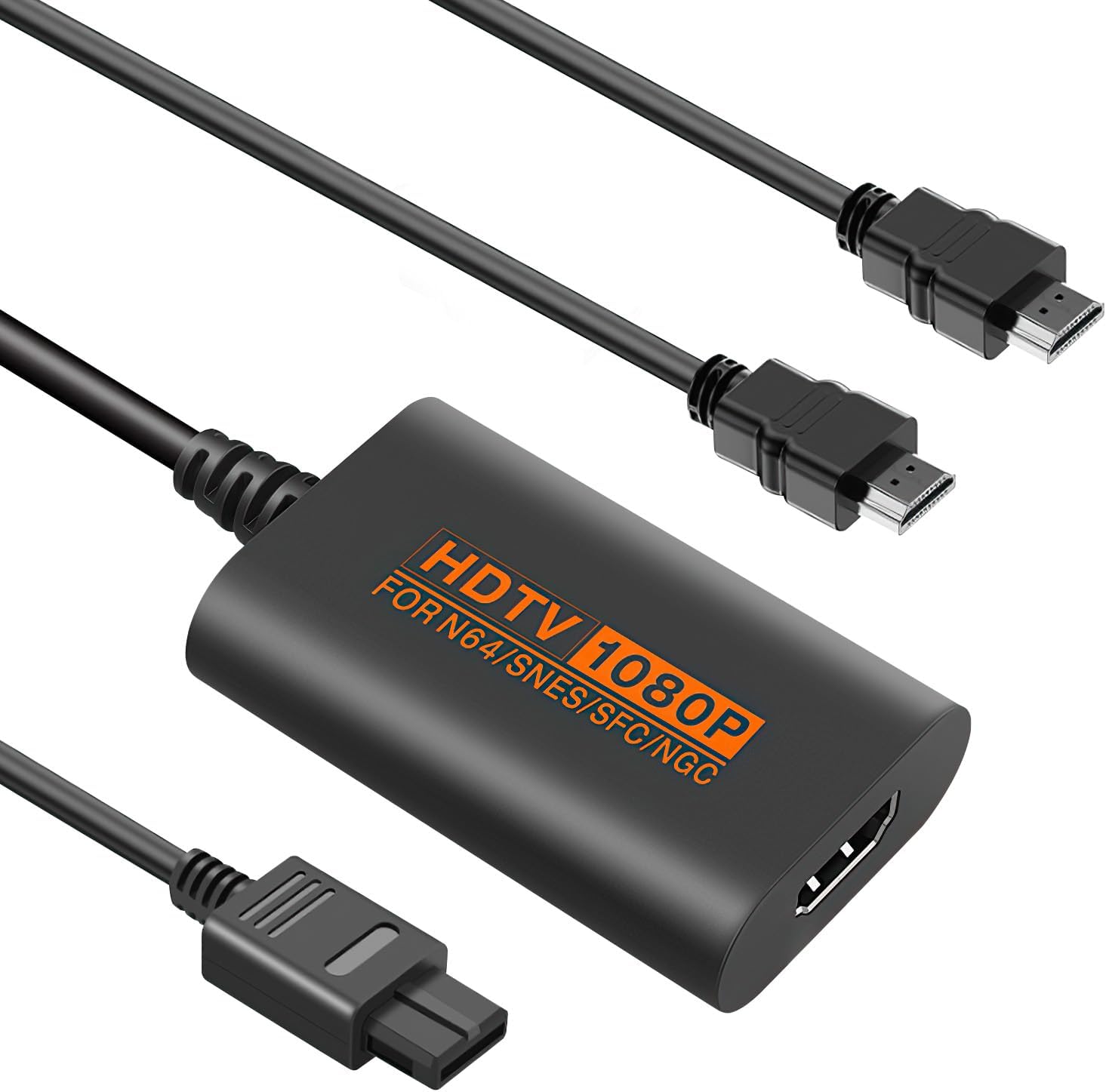
The practical upside is straightforward: you keep using your original console and games, and you just route the signal into an HDMI input. In everyday use, that means fewer moving parts—switch on the TV, connect the adapter, then load up a game and let the HDMI chain handle the display.
The essentials: how it’s set up
The Sehawei adapter is described as plug and play, with no driver installation needed. In most homes, that translates to a quicker setup than older “driver required” solutions—particularly helpful if you’re moving the kit between rooms.
You get the converter itself, a USB cable, and an instruction manual (available in English, German, French, Italian and Spanish). So while the core idea is simple, it’s still worth skimming the manual before the first session—retro consoles can be fussy if the display mode setting doesn’t match.
Picture and sound expectations (1080P via HDMI)
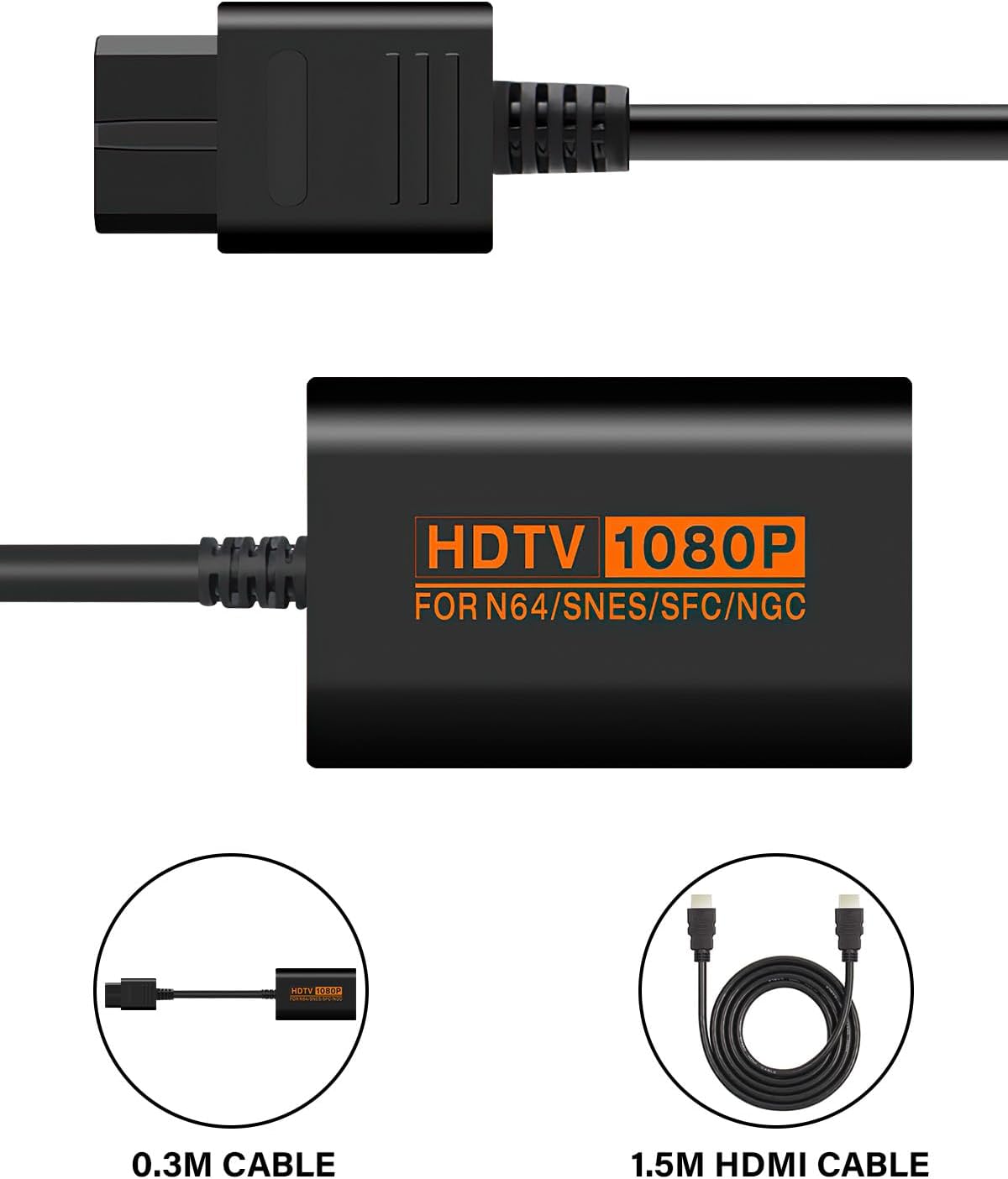
The converter is positioned as supporting full digital HDMI output up to 1080P for video and audio. That matters because HDMI is a clean, modern interface, and it’s generally easier for TVs to recognise than analogue-era connections.
That said, it’s also worth tempering expectations. Even with “up to 1080P” support, what you actually see depends quite a lot on your specific console output and your TV’s scaling. Some retro setups look great once adapted, while others can still look a bit soft or aliased compared with modern native titles—so if you’re chasing a flawless modern look, this may feel limited.
Compatibility and display modes: the bit you should double-check
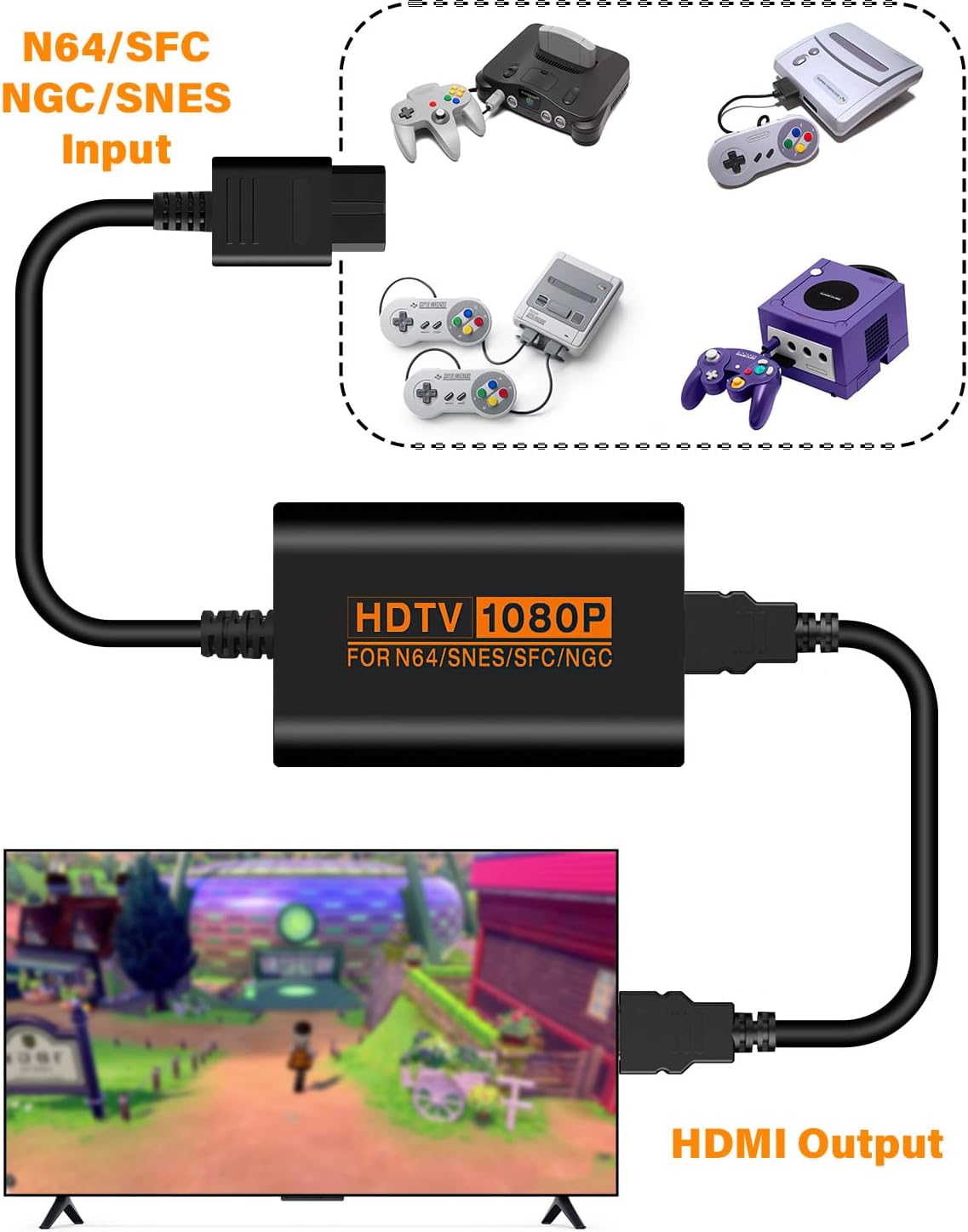
The listing states compatibility with display modes for N64/SNES/SFC/NGC (PAL/NTSC). It also frames the adapter as handling both video input mode and HDMI output mode.
Where you can reduce disappointment is by making sure you’re using the right console region and the correct display mode for your setup. If your console output doesn’t line up with what the adapter expects, you could end up with a blank screen or a display that doesn’t behave correctly—annoying, but usually avoidable if you confirm the region/mode first.
What stands out, and where it might fall short
What you’ll likely like: - A straightforward way to bring classic console audio/video into an HDMI TV. - No driver installation, so setup tends to be quick. - Support for HDMI output up to 1080P for both video and audio. - Multi-console positioning (N64, SNES/SFC, NGC), which can make it good value if you own more than one system.
Worth noting / limitation to keep in mind: - “Up to 1080P” is not a guarantee of a perfect, pin-sharp image in every situation. Your TV’s scaling and the console’s native signal can still affect the final look. - Compatibility is tied to PAL/NTSC display modes, so if your region setup doesn’t match, you may need to adjust settings before everything works smoothly.
Who it suits best (and who should skip it)
It makes sense if you mainly want to play retro games on a modern HDMI TV without going down the rabbit hole of older connections or complicated installation.
It may not suit you as well if you: - expect modern-level clarity and consistency regardless of console model and TV. - already have a converter solution that works reliably and you’re simply buying for convenience. - can’t be bothered to verify PAL/NTSC mode alignment for your console.
Mini FAQ
Will it work with different console display modes?
The adapter is described as compatible with PAL/NTSC display modes for N64/SNES/SFC/NGC. If you run into issues, it’s usually worth checking your console output settings first.
Do I need to install drivers?
No—it's described as plug and play, so there’s no driver installation needed.
Does it send audio as well as video?
Yes, the HDMI output is stated as supporting video and audio over HDMI (up to 1080P).
What do I get in the box?
You should receive the N64 to HDMI converter, a USB cable, and an instruction manual.
Final verdict
If you want an easy way to connect N64/SNES/SFC/NGC consoles to a modern HDMI TV, the Sehawei N64 to HDMI Converter is a sensible, low-fuss pick—especially because it’s positioned as plug and play and supports HDMI output up to 1080P for both video and audio. Just keep your expectations grounded: the final image depends on the console’s native output and how your TV handles scaling, and PAL/NTSC alignment is something you’ll want to get right before judging it.
It’s not the best choice if you’re chasing a consistently “modern” look or if you’d rather avoid any setup fiddling around display modes. If you’re happy with that trade-off, it should do the job it’s designed for.