

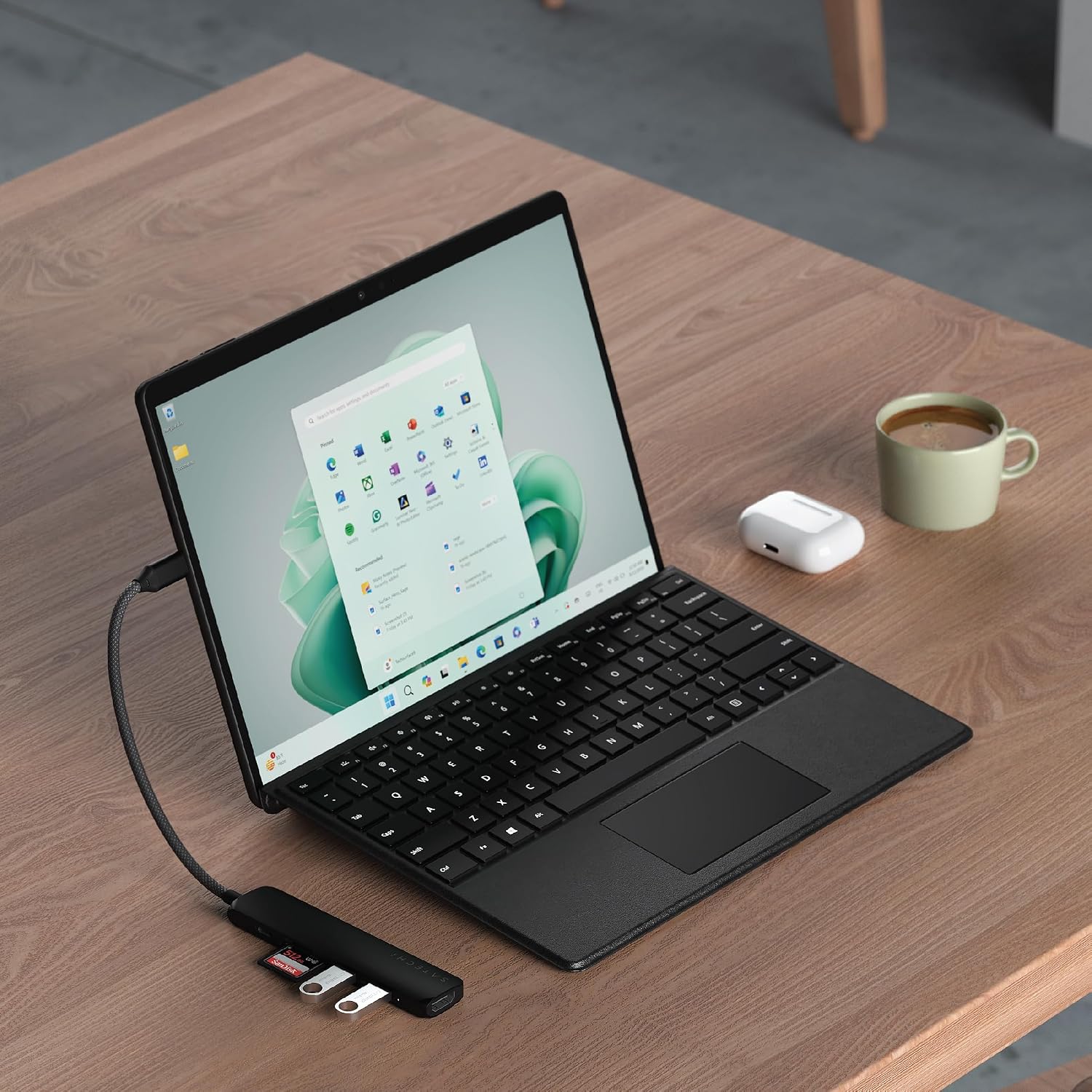
Satechi 6-in-1 USB-C Hub Slim Plus Multiport Adaptor with HDMI 4K@60Hz and 100W USB-C PD Charging (Black)
Product description
If your laptop setup is feeling a bit cramped, a compact USB-C hub can pull a lot of weight. The Satechi 6-in-1 Slim Plus is built around a simple idea: give you HDMI for external displays, a couple of USB ports for day-to-day accessories, SD/microSD access for media, and USB-C Power Delivery so you don’t have to juggle chargers.
It’s the kind of adaptor you’ll likely end up using on work trips, in meetings, or whenever you want a cleaner desk. That said, compatibility and expected performance depend heavily on what your device supports—especially for video output on Windows.
Key takeaways (at a glance)
The hub focuses on four practical jobs: video via HDMI up to 4K@60Hz (with a suitable cable), charging through USB-C Power Delivery (up to 100W input and up to 75W output), quick file transfer through a USB-A 3.2 port rated at 10Gbps, and media card reading with built-in microSD/SD readers.
Where it feels most “worth it” is when you want one slim adaptor to cover multiple peripherals: an HDMI cable for presentations, a USB-A connection for a drive or adapter, and SD card access for photos or downloads. Build also looks thoughtfully handled for travel, with a sturdy aluminium enclosure and a reinforced neck.
What matters most for your setup
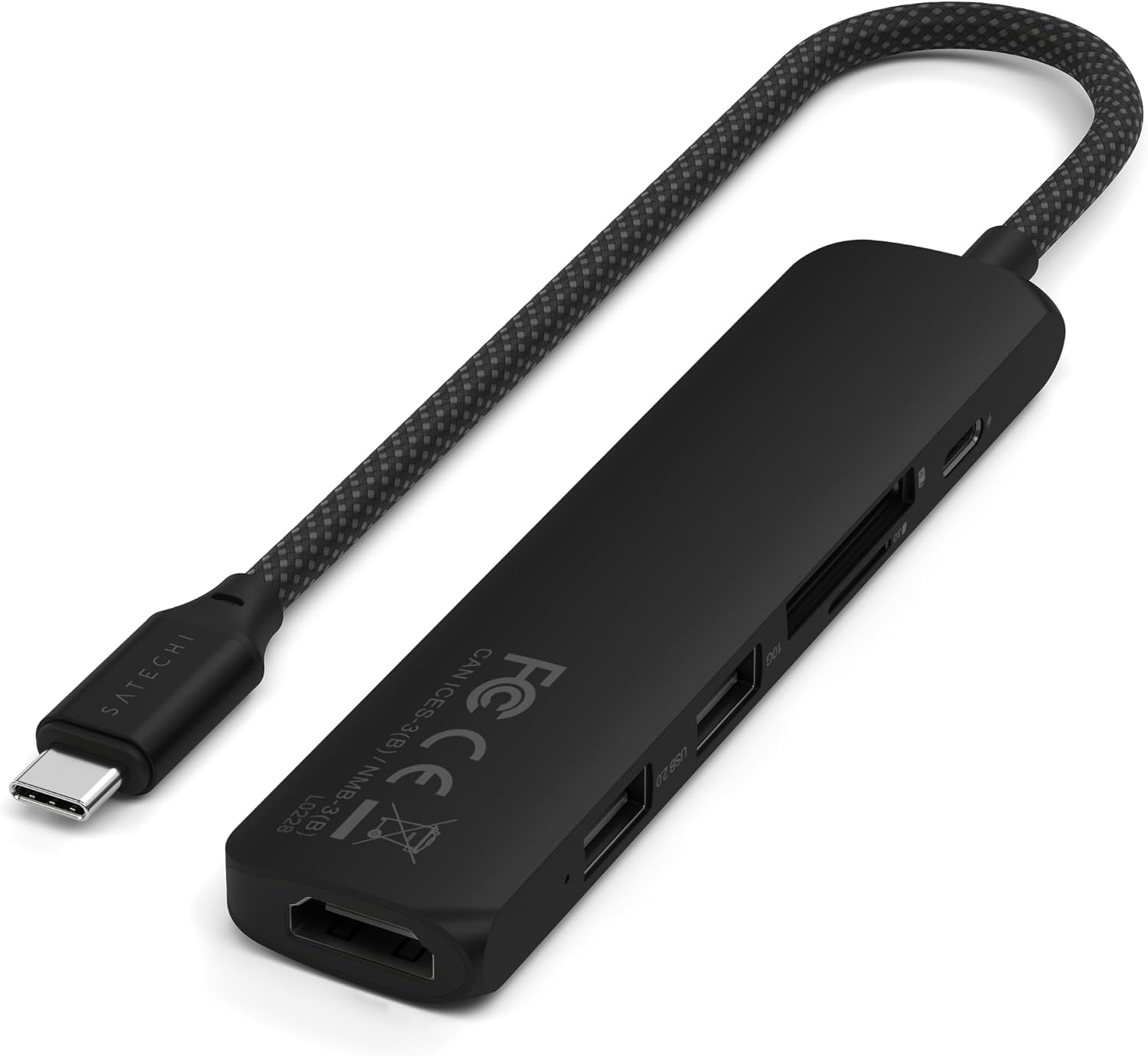
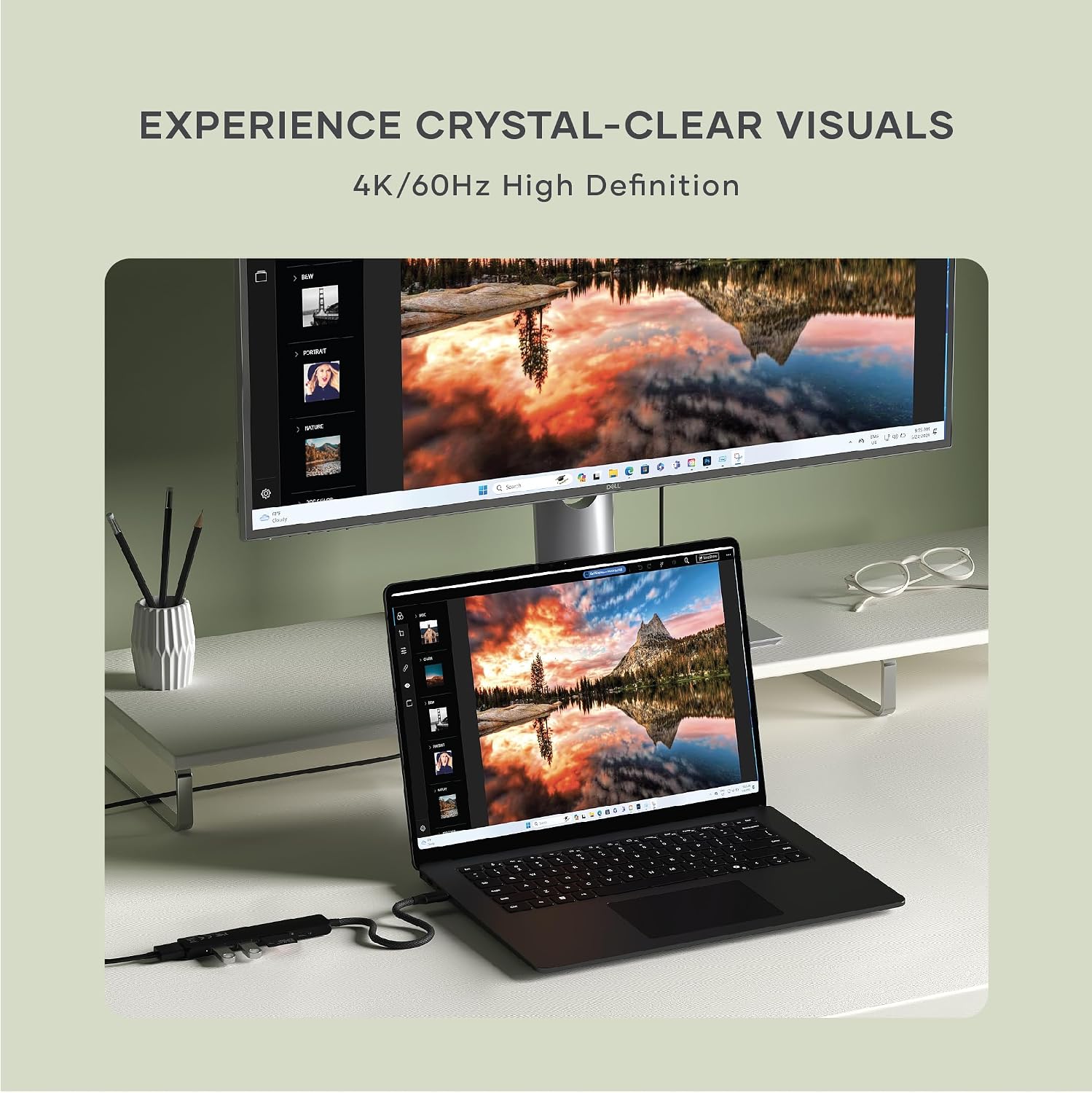
On paper, the most important feature is the HDMI output: the adaptor supports HDMI connection for 4K at 60Hz, using an HDMI cable plugged into the hub. For streaming, showing slides, or extending your workspace, that’s the spec you’ll care about when you don’t want a “works, but not quite” kind of display experience.
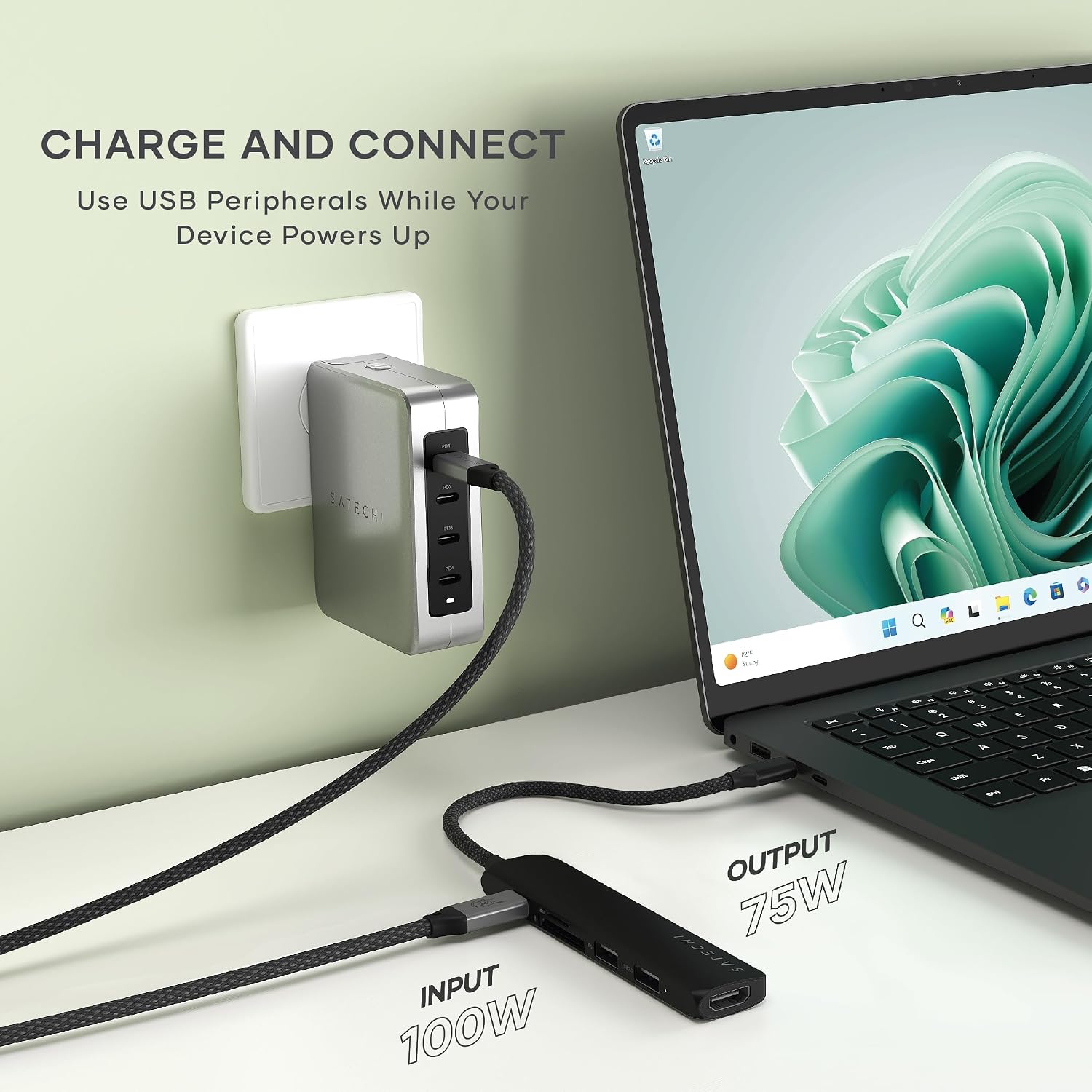
Next comes charging. If your device supports it, the hub is designed to accept up to 100W input and provide up to 75W output. That can simplify your desk and reduce cable clutter—particularly useful if you regularly work from a single power source.
The essentials: ports, data, and card readers
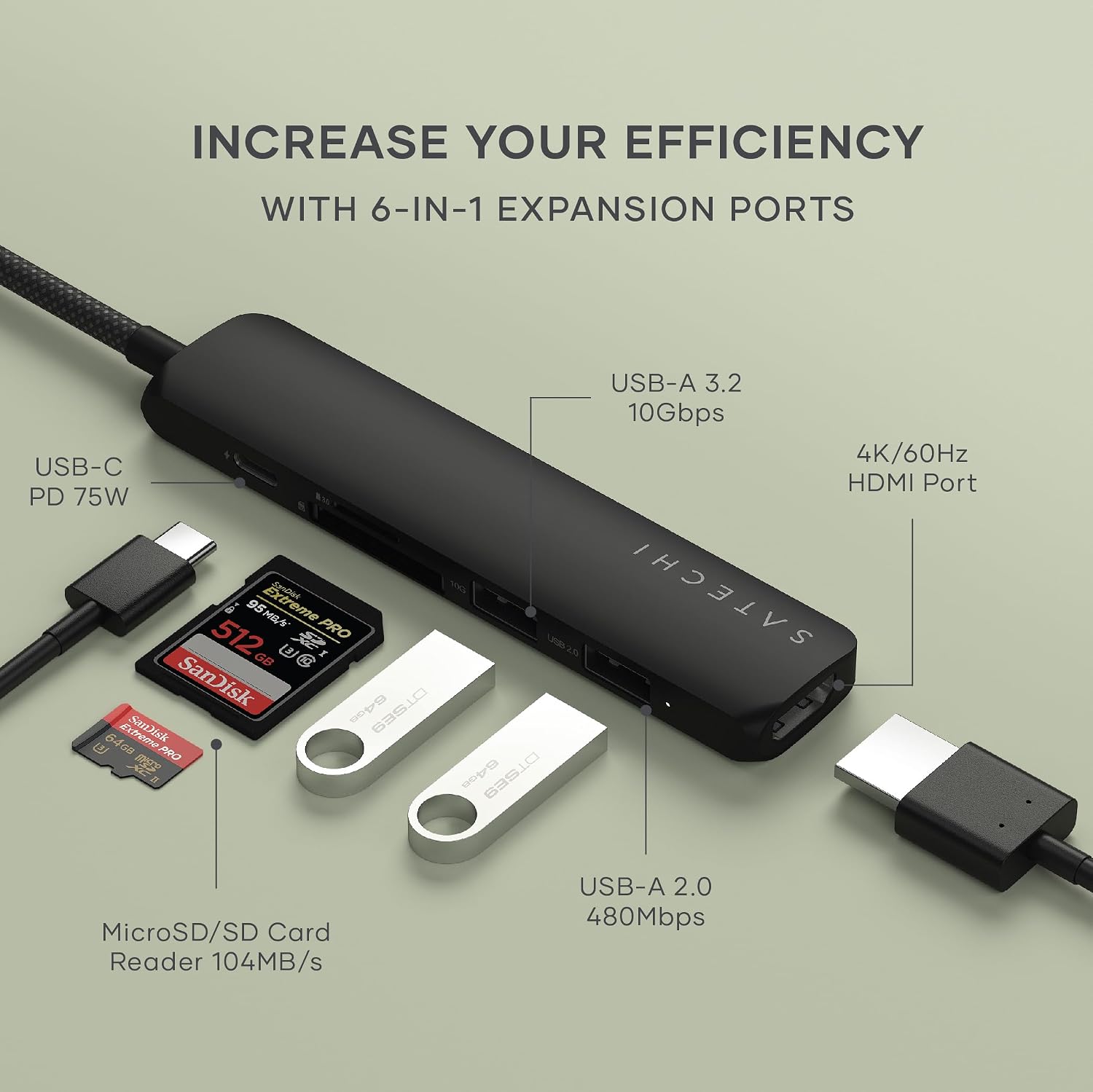
This is a true multiport adaptor rather than a one-trick HDMI lead.
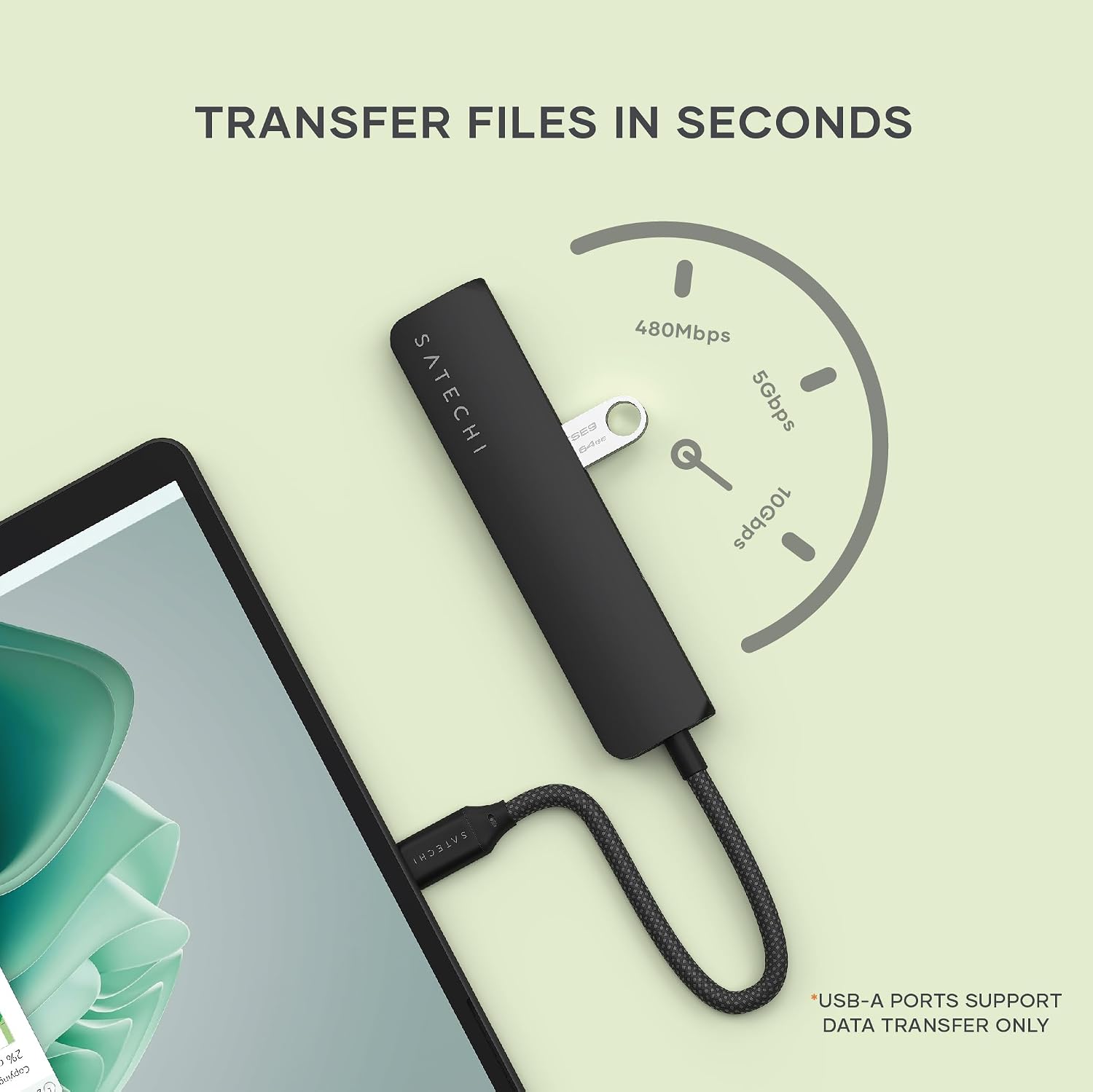
- USB-A data: there’s a USB-A 3.2 port rated at 10Gbps, and a second USB-A 2.0 port at 480Mbps for standard peripherals.
- Card reading: built-in microSD and SD card readers supporting UHS-I, up to 104MB/s.
For creatives and busy office users, the card readers can be a real timesaver. Imagine you’re coming back from a shoot: you slot an SD card into the hub, copy media to your MacBook or Windows laptop, and then plug the same hub into HDMI for a client review on a meeting screen. It’s not just “extra ports”—it reduces the number of boxes and adapters you need to carry.
What you’ll notice in everyday use
The rounded Type-C connector is designed to sit securely, which matters more than you might think when the adaptor is frequently moved between bags and docks. The aluminium enclosure and braided cable also aim to hold up better than flimsy dongles.
There’s also a small but practical detail: the hub uses Taiwanese chipsets from Parade Technologies, which the manufacturer positions around enhanced security and data privacy. Whether you personally care about that depends on your workflow, but it’s a sensible inclusion if you handle files that aren’t meant to be shared.
Tech summary
HDMI support is specified for 4K at 60Hz, using an HDMI cable (HDMI 2.0 or higher). USB Power Delivery is specified as up to 100W input and up to 75W output. For data, the hub includes a USB-A 3.2 port rated at 10Gbps and an additional USB-A 2.0 port at 480Mbps. Media performance is listed as UHS-I support up to 104MB/s.
One thing to keep in mind: the operating temperature is stated as 30–50°C. Also, if you’re using a Windows PC, the entry notes that you’ll need Thunderbolt 4, Thunderbolt 3, USB4, or USB 3.2 Gen 2 with DP Alt Mode for optimal performance. That limitation can be the difference between “plug and go” and having to troubleshoot.
Who it suits best (and who should be cautious)
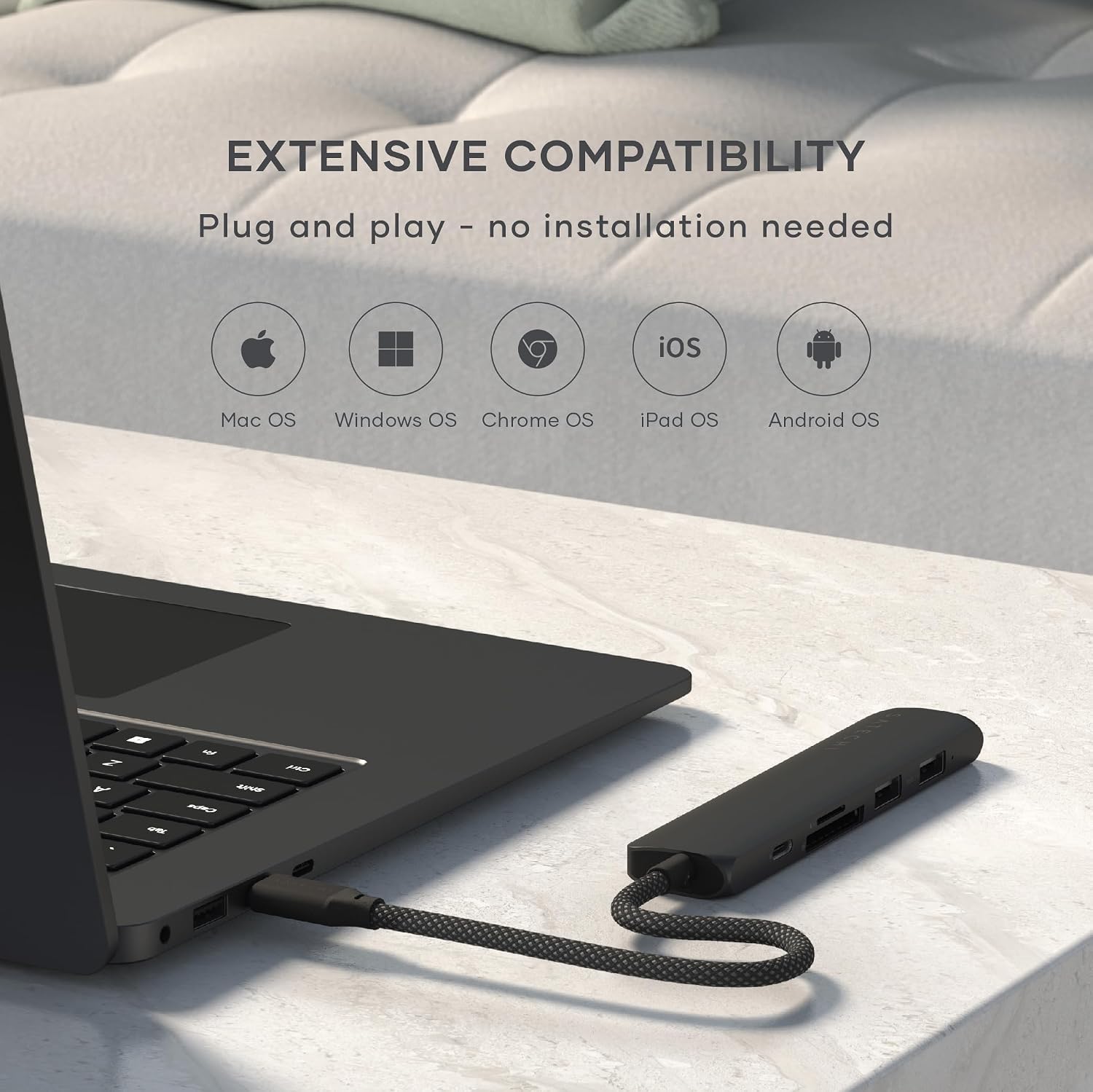
It makes sense if you want a slim hub for a mixed setup: HDMI display output, charging through the same cable, at least two USB-A connections, and SD/microSD access—particularly on MacBook Air/Pro models and iPad.
It may not suit you if your priority is maximum flexibility across devices without checking video/DP Alt Mode support. Windows users should be a bit more careful here, because the hub’s optimal performance relies on specific port standards listed above.
It also may feel like “more than you need” if you only want one function, like HDMI alone or card reading alone. In that case, a simpler adaptor could be less hassle and fewer moving parts.
Careful buying checks before you commit
Before purchasing, it’s worth confirming:
- Your laptop or tablet supports the standards needed for your video output expectations.
- Your power setup matches the hub’s Power Delivery behaviour—especially if you plan to run the laptop from the hub.
- You’ll actually use the SD/microSD readers and the two USB-A ports (otherwise you’re paying for features you might not touch).
Mini FAQ
Does it support 4K at 60Hz video output?
The hub is designed for 4K@60Hz via HDMI when you connect an HDMI cable (HDMI 2.0 or higher) to the hub.
How many USB ports does it include?
It includes 2x USB-A data ports: one USB-A 3.2 (10Gbps) and one USB-A 2.0 (480Mbps).
Can I charge my laptop through the hub?
It supports USB-C Power Delivery with up to 100W input and up to 75W output (so it can power your laptop and essential devices, depending on your device’s support).
What about SD and microSD cards?
It has built-in microSD and SD card readers with UHS-I support, up to 104MB/s.
Will it work with any Windows PC?
The notes state that Windows PC users require Thunderbolt 4, Thunderbolt 3, USB4, or USB 3.2 Gen 2 with DP Alt Mode for optimal performance.
Is it worth it?
Buy it if you want a compact 6-in-1 hub that covers HDMI 4K@60Hz, USB-C PD charging, two USB-A ports with one faster 10Gbps option, and SD/microSD reading in a travel-friendly aluminium design.
Skip it (or be more cautious) if your device doesn’t meet the stated Windows requirements for optimal video performance, or if you only need one feature—because then a simpler, single-purpose adaptor may suit you better. For users who frequently switch between desk work and meeting rooms, though, this kind of all-in-one setup tends to be the practical choice.