

Muchfox USB to HDMI 3M cable for 1080P
Product description
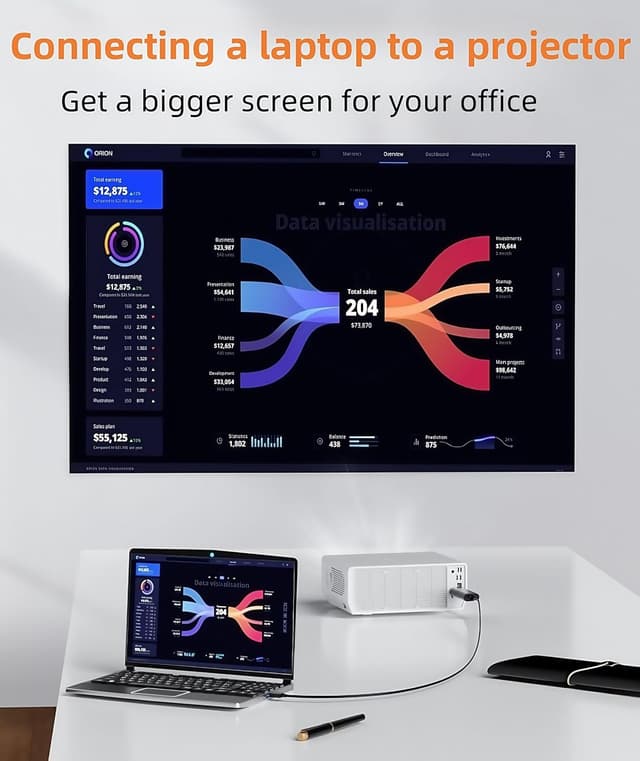
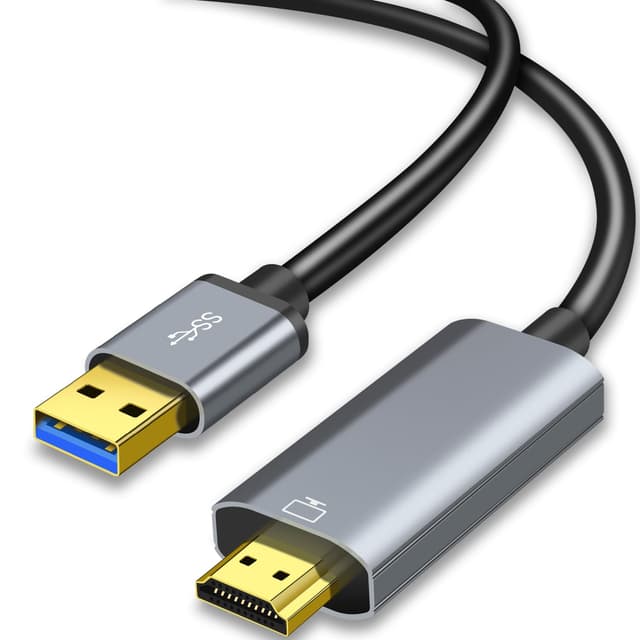
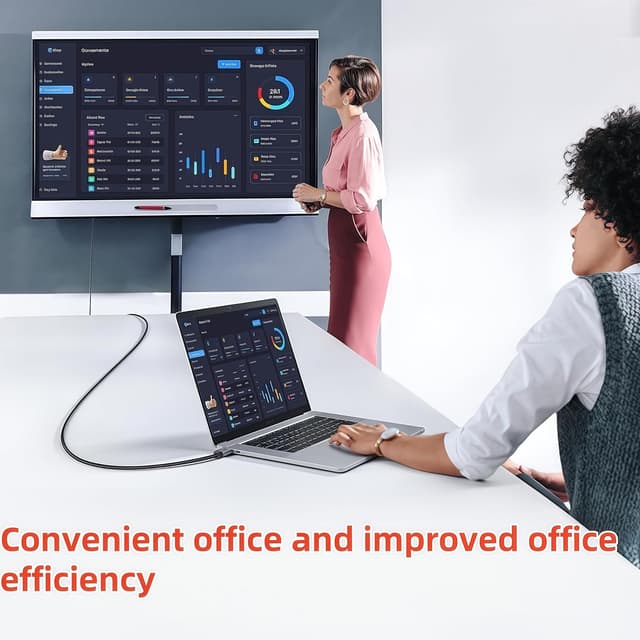
If you need a practical way to show what is on your laptop on a bigger screen, this Muchfox USB to HDMI cable is built for that exact job. It turns a USB connection into an HDMI output so you can connect to an HDMI enabled monitor, projector, TV or HDTV, with no extra HDMI cables required. With built in drivers, setup is straightforward once you follow the on screen prompts, and the cable length of 3M gives you more flexibility around your desk or room. 📺
This is a one way USB to HDMI video transmission cable, so it is the right kind of accessory when your goal is display output from a computer rather than charging or sharing files. It supports common Windows versions, and it is also compatible with Mac OS, while the built in driver approach helps reduce the hassle of finding separate software. 🎥
Key points
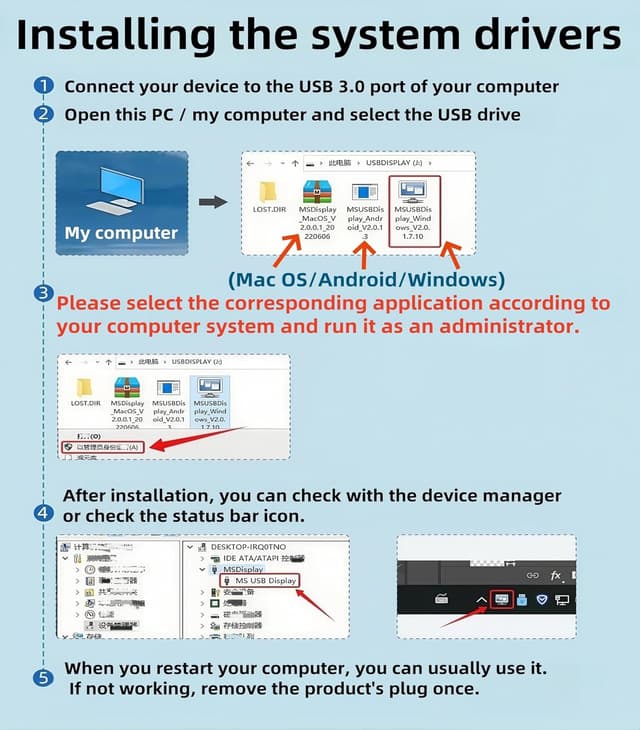
The core benefit is simple, you can connect a USB enabled device to an HDMI enabled display using one cable. That makes it useful for home viewing, training sessions, video calls, or presentations where a larger screen helps people see details more clearly. The cable includes built in drivers, and for the first time connection you install the driver and then follow the instructions shown on screen. Once installed, you can usually plug in and use with less friction.
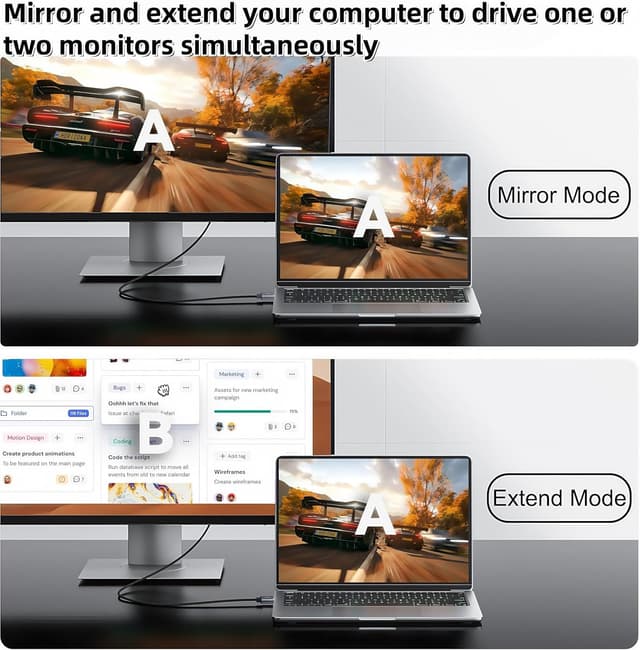
It also supports useful display workflows through mirror mode and extend mode in Windows. Mirror mode lets you put your laptop screen onto the HDMI display for a shared view, while extend mode supports multitasking across multiple windows, such as working while a second screen shows additional content. If your day involves switching between documents, spreadsheets, or web pages alongside a call, this dual mode approach can make your setup feel more fluid.
Keep in mind this is not for charging, and it is not for file transfer. It is also not bidirectional, so the signal conversion direction is from USB to HDMI only. If you expect it to work for two way connections or expect the USB port to behave like it sends data back, you will need a different type of adapter.
Tech specs
- Name: Muchfox USB to HDMI Cable
- Type: USB A to HDMI Male cable
- Format: HDMI display output from USB video transmission
- Size: 3M cable length
- Resolution: HD 1080P
- Colour: Not specified
- Audio: Audio included for HDMI output
What to know
The driver behaviour is worth noting because it affects first time setup. The cable uses built in drivers, but you still need to install the driver the first time you connect it. Once your equipment is powered on and you plug the cable into your computer, the driver initiation is designed to start automatically, and you can then follow the on screen prompts for installation. The included CD is described as a driver backup, and you can also download the driver from Displaylink if needed.
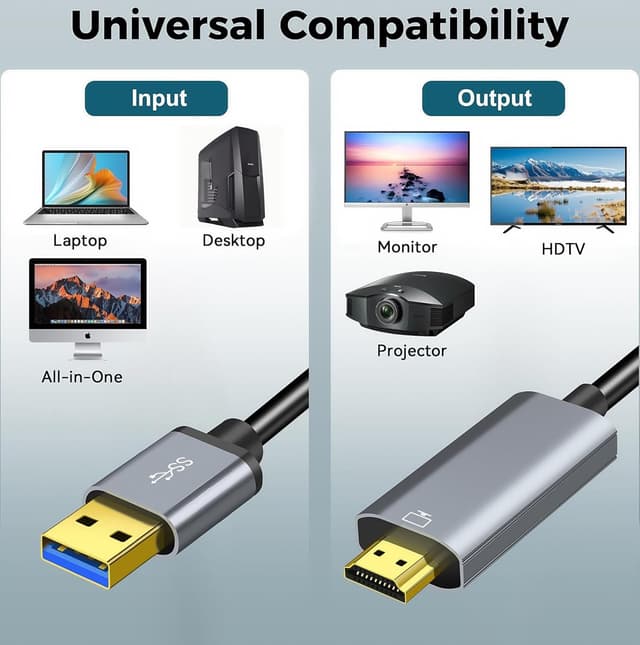
Wide compatibility is mentioned for laptop and desktop use with Windows 11, 10, 8.1, 8, and 7, and it is also described as compatible with Mac OS. The compatibility list provided includes brands such as Dell, Lenovo, Huawei and Xiaomi, which should help you gauge whether it will suit your existing setup. At the same time, there are specific limitations to be aware of, it is only supported for laptop and desktop use, not for other devices with USB 3.0 ports such as PS3, PS4, Xbox, Chromebook, Roku and similar.
There are also practical switching details if you use Windows. The cable supports mirror and extend modes, and you can use the Windows WIN+P shortcut keys to switch between them. That makes it easier to respond to different scenarios, for example mirroring for meetings where everyone needs the same view, or extending when you want more screen area for parallel tasks.
How to use it
To get reliable results, start by checking that your laptop or desktop is the device providing the USB connection, and your monitor, projector, TV or HDTV is the HDMI receiving display. Place your devices so the 3M cable reaches comfortably without strain on ports. Before plugging in for the first time, make sure your equipment is on, then connect the USB end to your computer and the HDMI end to your HDMI display.
After connecting, install the driver when prompted. If the mobile phone cannot eject the application, the guidance says to open the MSU disk in file management to install the application, so do not panic if it behaves differently on certain systems. Also check the user manual for installation details if you run into prompts that appear unusual.
During use, remember the signal direction is one way, so this cable is for converting from USB to HDMI. It will not charge your device and it will not transfer files. That clarity helps avoid frustration when you are looking for an all in one USB adapter, rather than a focused display converter for desktop and laptop workflows.
Technical details that affect day to day fit
It is a good fit if you have a laptop or desktop and want a simple way to add a second screen for everyday multitasking, video conferencing, corporate training, or watching content on a larger display. It makes sense if you prefer a stable connection that supports both mirror and extend modes, so you can choose the layout that matches what you are doing.
You may want to skip it if you are trying to use it with consoles, streamers, or other non laptop and non desktop devices that expose a USB 3.0 port, because the stated compatibility is limited to laptops and desktops. It might not be a great match if you need bidirectional connectivity, or if you specifically want to charge a device or transfer files over USB.