

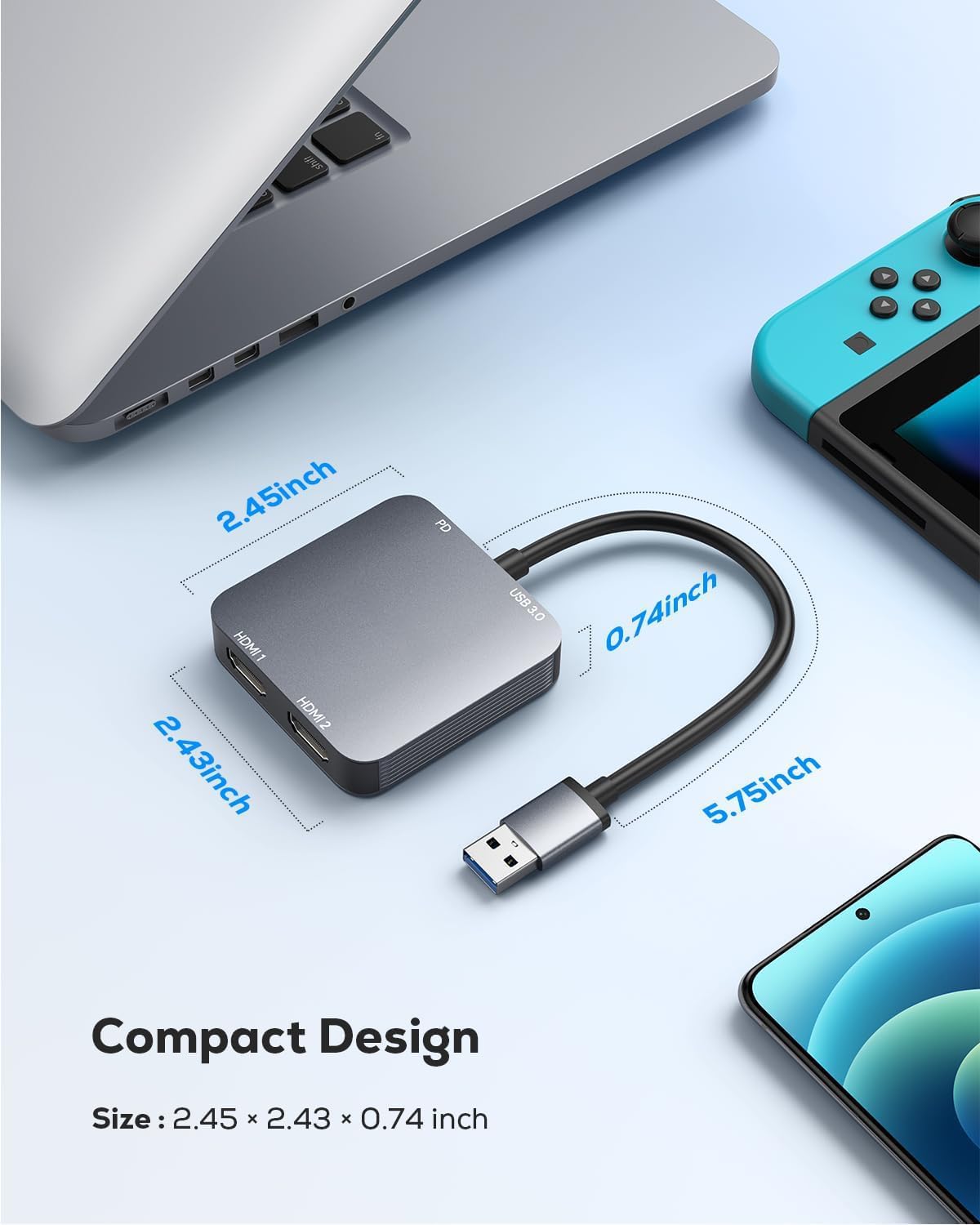
ABLEWE USB 3.0 dual HDMI adapter
Product description
If you need an easy way to run two external displays from a laptop or desktop, the ABLEWE USB 3.0 to Dual HDMI Adapter is a practical solution for everyday work setups. It turns a single USB 3.0 connection into two HDMI outputs, so you can mirror or extend your desktop for multitasking, video calls, and training sessions. With plug-and-play installation and support across major operating systems, it can help you tidy up a home office or improve your workstation layout with less fuss. 😊
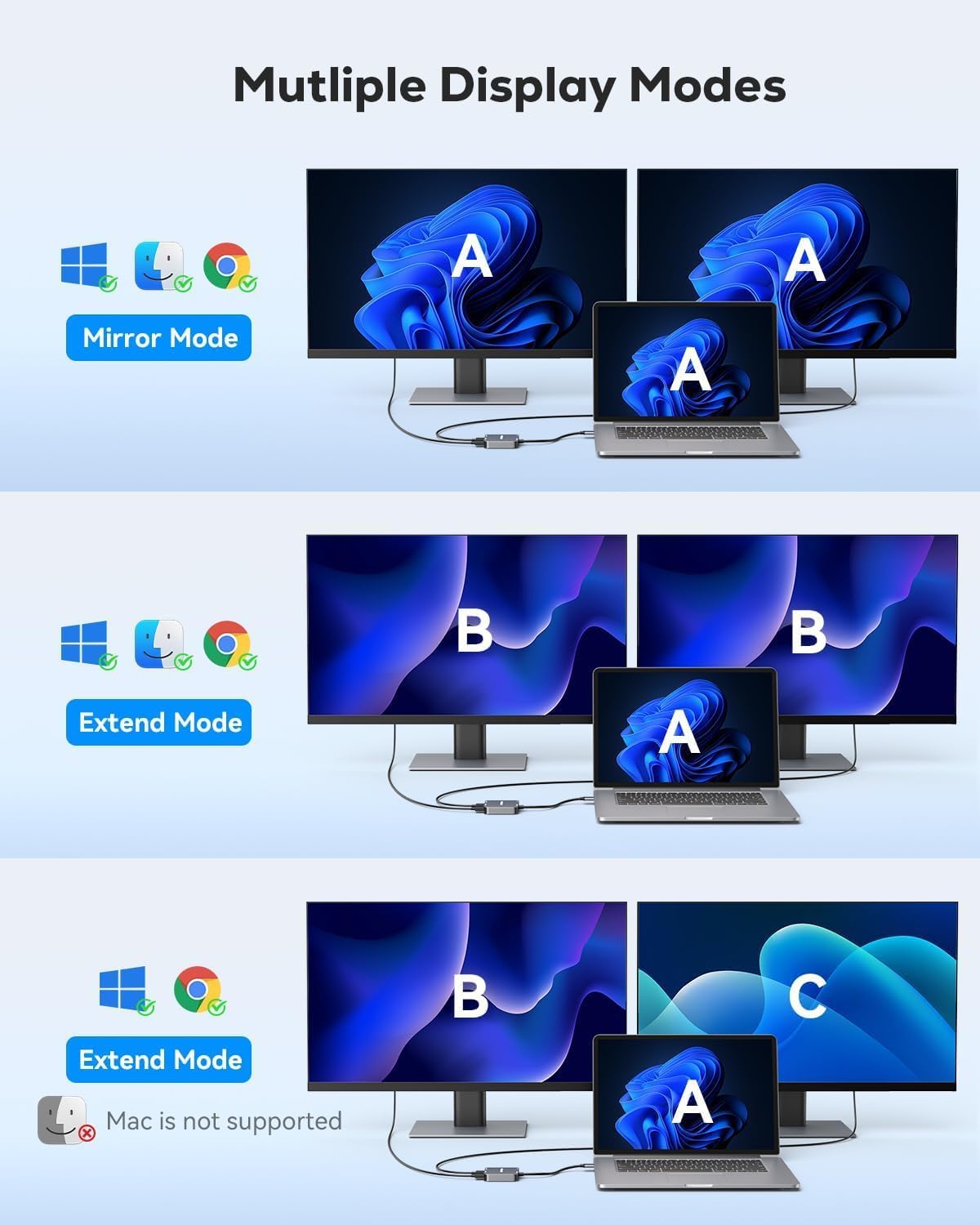
It also includes a USB C power port that powers the adapter only, which helps it remain stable during use. Depending on your device and operating system, you may get mirroring mode, and on supported systems you can typically extend your workspace across two screens.
The essentials
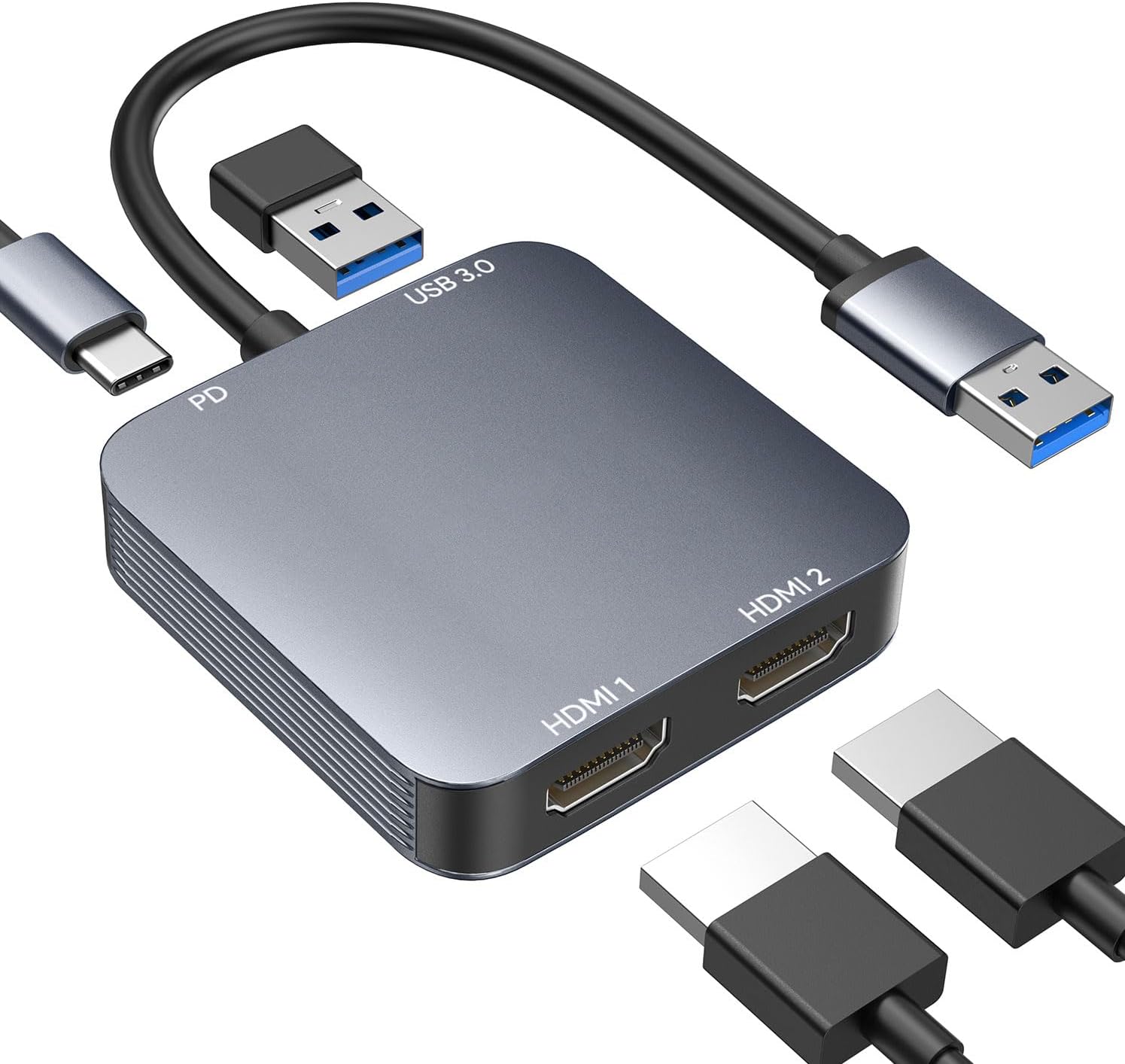
This USB 3.0 to Dual HDMI Adapter adds two HDMI ports to your setup, letting you connect two external monitors from a compatible computer. That makes it useful when you want more screen space for spreadsheets, documents, dashboards, or side by side video content. It can also be helpful for meetings and corporate training where presenters want a wider, clearer desktop view. 📺
The adapter is designed for simple operation, with an auto driver install process once you plug it in. After connecting, you can follow the on screen prompts for installation and get connected without complicated setup routines. The aluminium alloy casing is built for everyday reliability and better heat insulation during longer sessions. 🔧
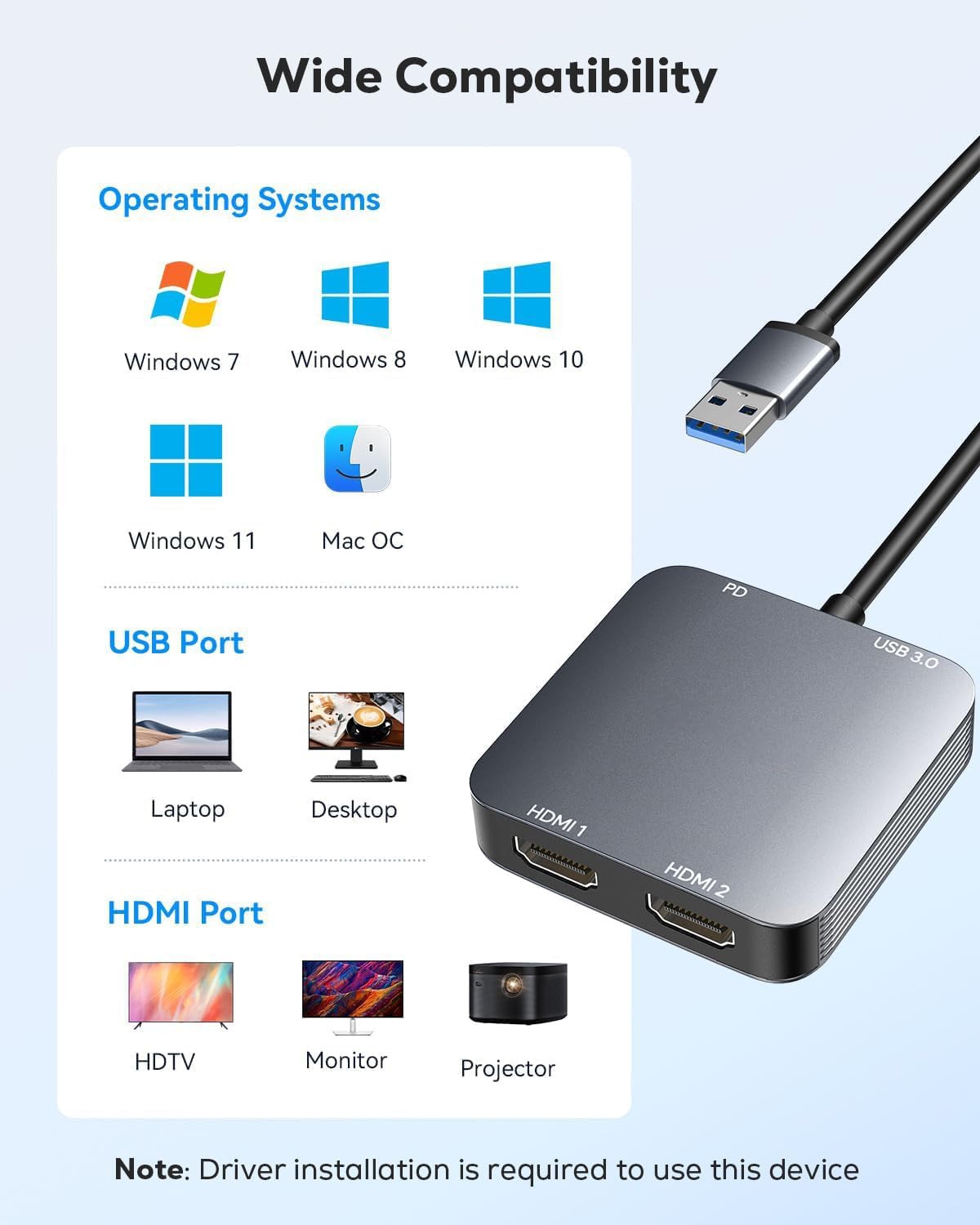
You should note that macOS supports mirror mode only due to system limitations of macOS itself. Linux, iOS, and Unix systems are also not supported, so it is worth checking your operating system before purchase. That small consideration can save time if you are preparing a specific Mac based workspace.
Key features
A key advantage of this adapter is its multi port approach: it includes two HDMI outputs and a dedicated USB 3.0 port for data. According to the product information, the USB 3.0 connection supports up to 5Gbps data transfer, which is relevant when moving large files or working with media on external displays. There is also a USB C power port that supplies power only to the adapter, helping it run steadily during display use. ✅
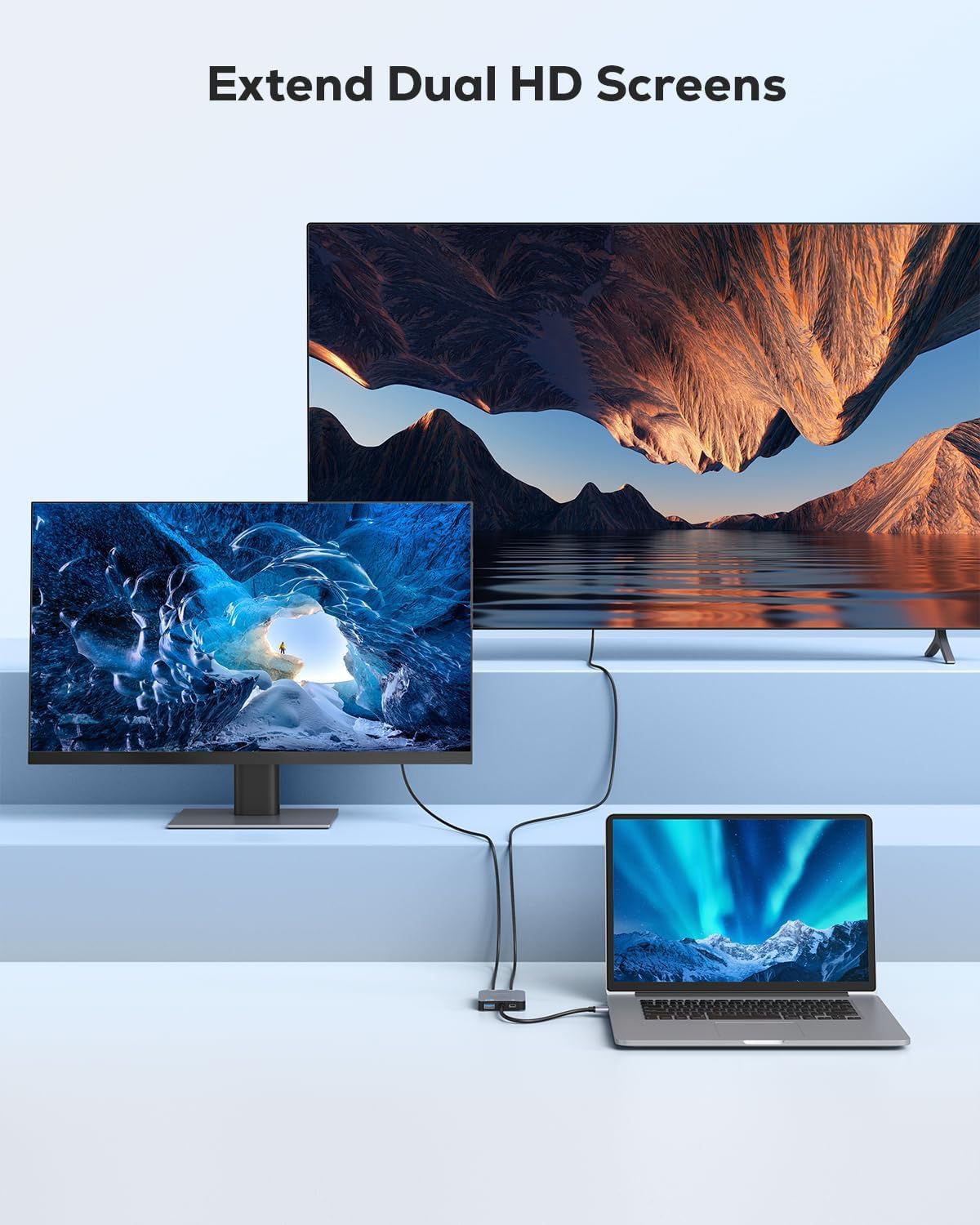
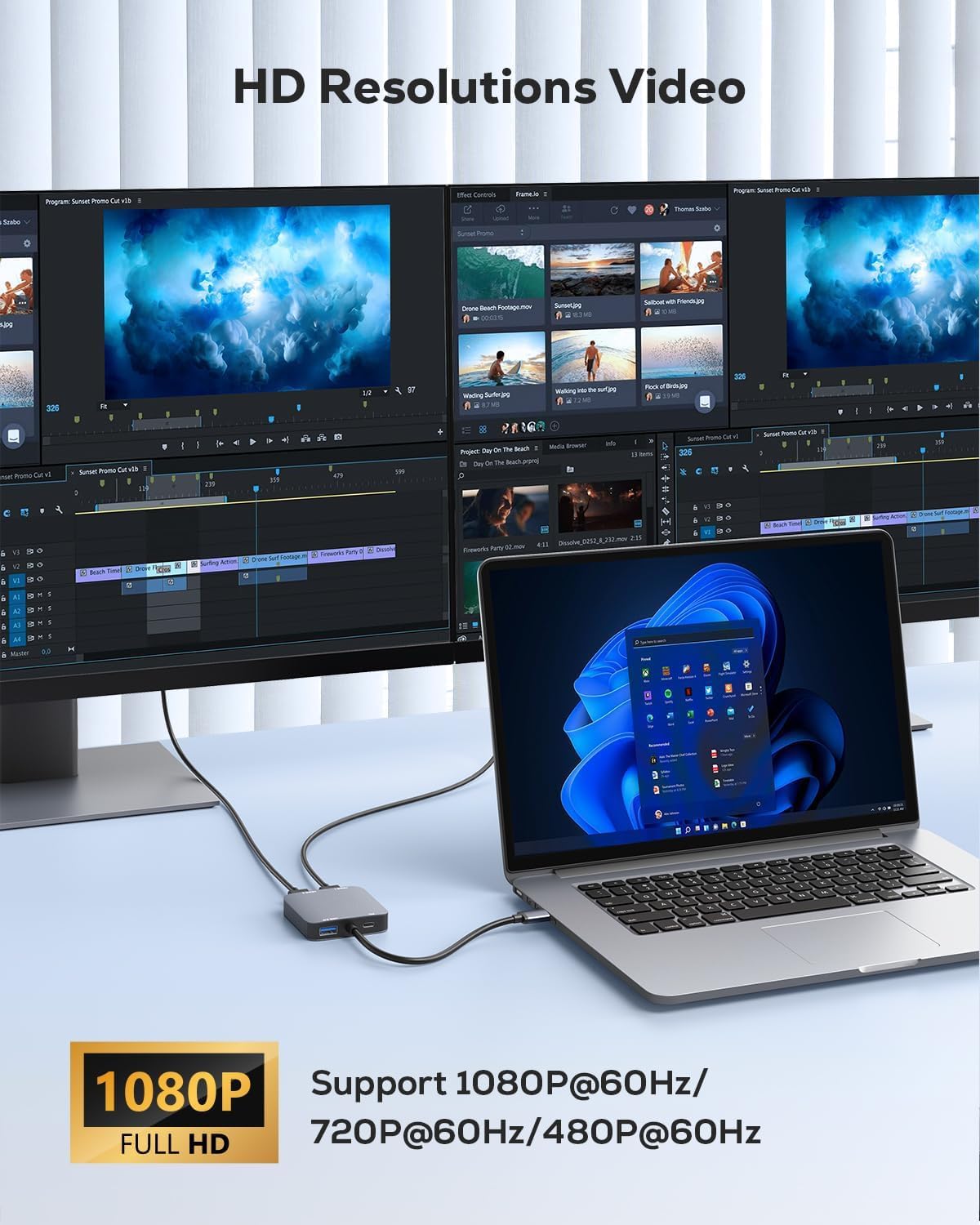
For display output, the two HDMI ports allow you to mirror or extend your computer display workspace across two monitors. The adapter supports media display resolutions up to 1920 by 1080 at 60Hz, with support for 3D display as stated by the manufacturer. In real world terms, that means it can suit day to day office work, multitasking layouts, and common training or conferencing workflows.
Dual HDMI output can be especially useful when you want one screen for your main application and another for references, notes, or controls. It is also a straightforward way to reduce the need to swap cables when you are alternating between single and dual monitor workflows. If you are running video conferences, the extra workspace can make it easier to keep chats, documents, or presentation materials visible at the same time.
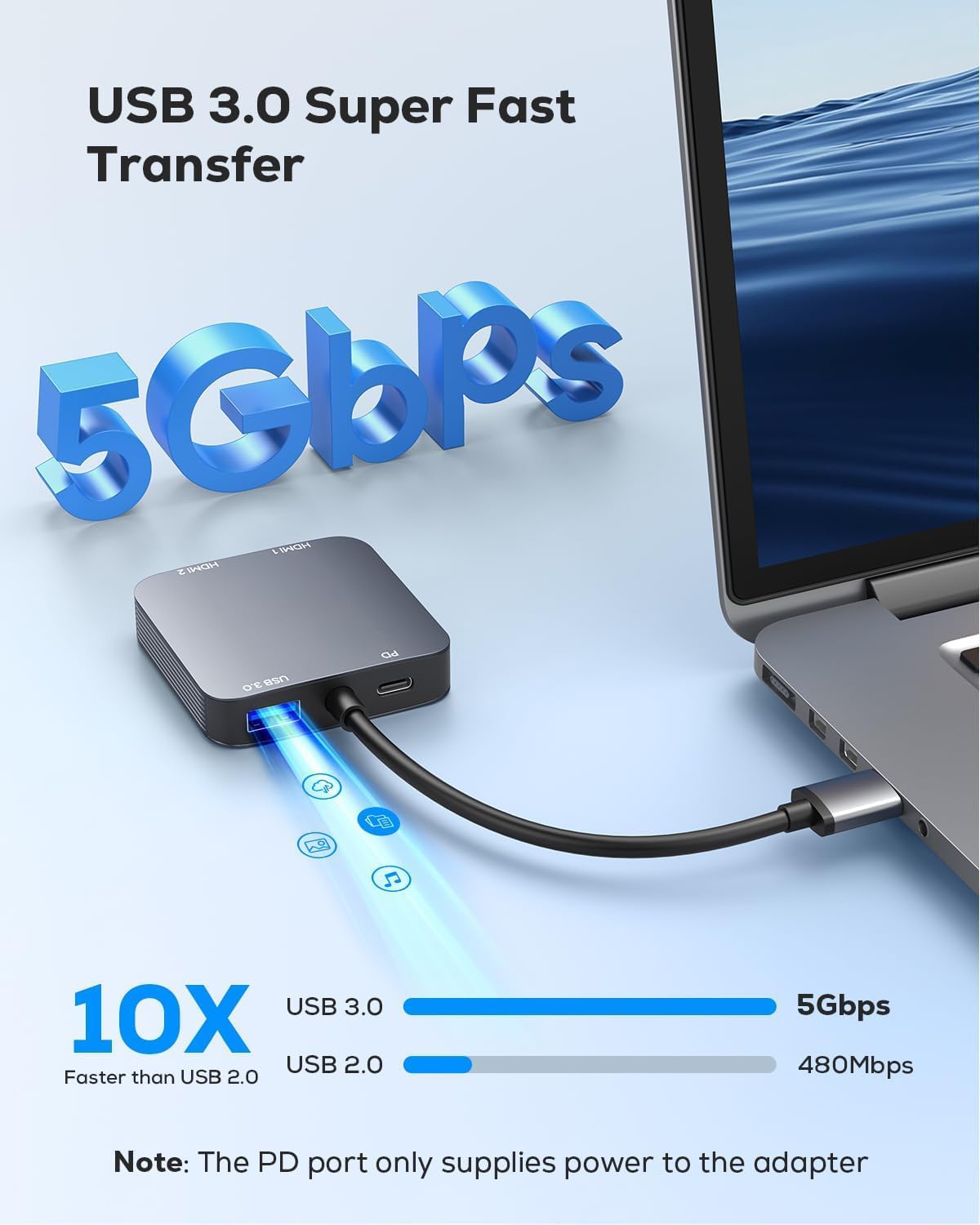
The adapter is built around an integrated IC chip that supports performance stability and reliability, which matters when you are using it throughout the day. It is also described as plug and play with auto driver installation, which can reduce the time you spend troubleshooting on the first connection. If you prefer a simple workflow with minimal setup, that matters as much as the technical spec.
Tech specs
- Name: ABLEWE USB 3.0 to Dual HDMI Adapter
- Type: USB 3.0 to Dual HDMI adapter
- Capacity: USB 3.0 data transfer up to 5Gbps
- Resolution: up to 1920 by 1080 at 60Hz
- Display modes: mirror or extend
- Power input: USB C power port power only
- Operating systems supported: Windows 11/10/8/8.1/7, Mac OS 10.15 and later, Chrome OS, Android 5.1 and later
Who it’s for
It makes sense if you want a compact way to add two external monitors to a laptop or desktop without changing your core hardware. You’ll like it if your daily work includes multitasking, video calls, or training content where a wider display layout helps you stay organised. It is also a practical choice when you want a straightforward installation process and can follow on screen prompts.
It may not suit you if you are using macOS and need both monitors to act as independent extended displays, since macOS systems only support mirror mode due to system limitations. It might also be a mismatch if your setup relies on iOS, Linux, or Unix, because these systems are not supported according to the product notes. Before buying, it is worth confirming your operating system so your expected display behaviour matches what the adapter supports.