

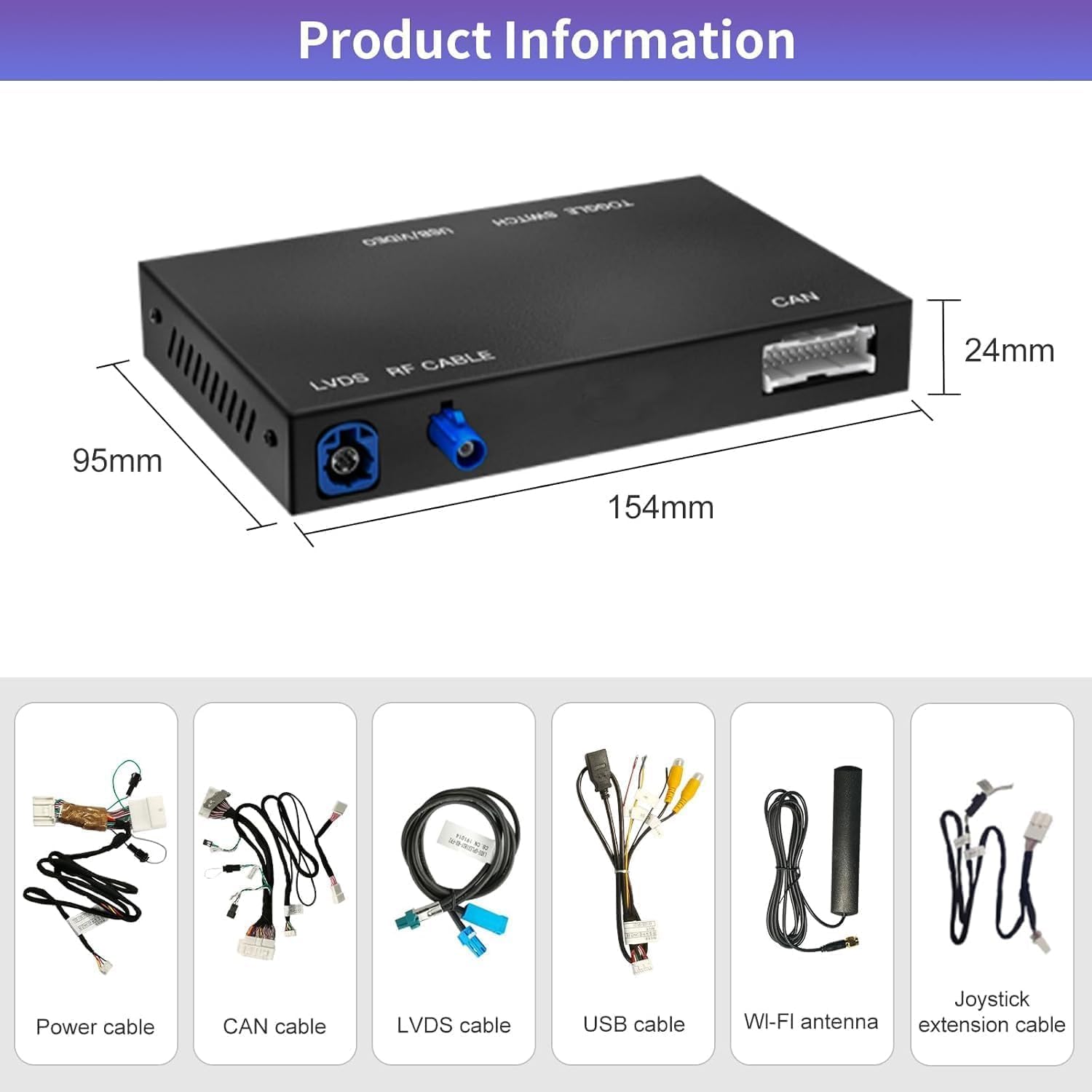
Road Top Wireless CarPlay Retrofit Kit Decoder for Lexus (small touchpad/joystick) – adds CarPlay/Android Auto functions
Product description
If you’ve got a Lexus with the small touchpad/joystick centre controls, this Road Top retrofit kit decoder is designed to let you add a CarPlay-style interface without replacing your factory setup. It’s aimed at people who want extra media and connectivity, but don’t want to end up with an aftermarket screen sitting in the dash.
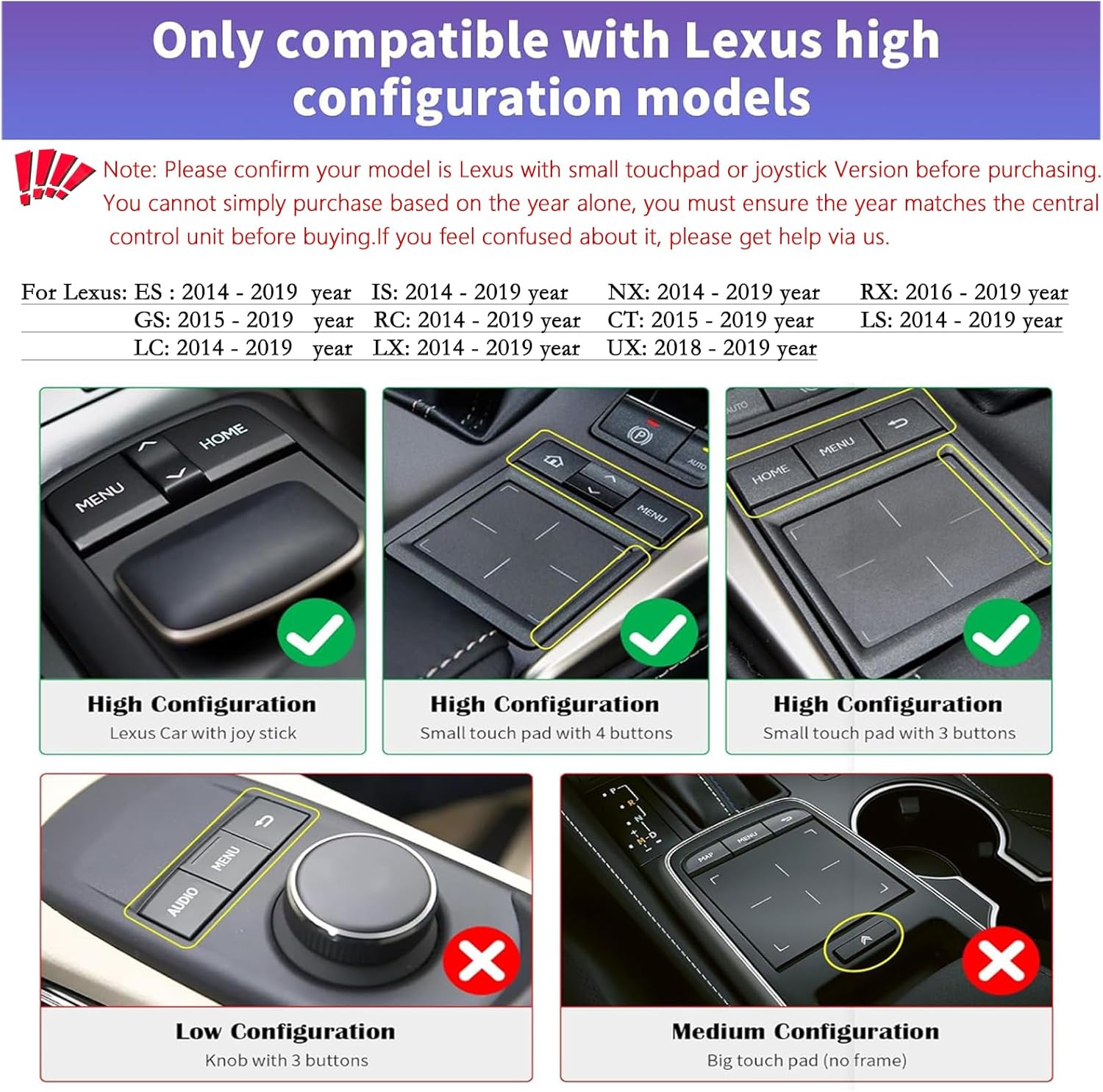
The tricky bit? This kind of decoder kit is very specific to the vehicle’s central control unit. The seller’s guidance says you can’t judge compatibility by year alone, so it’s worth double-checking before you buy.
At a glance
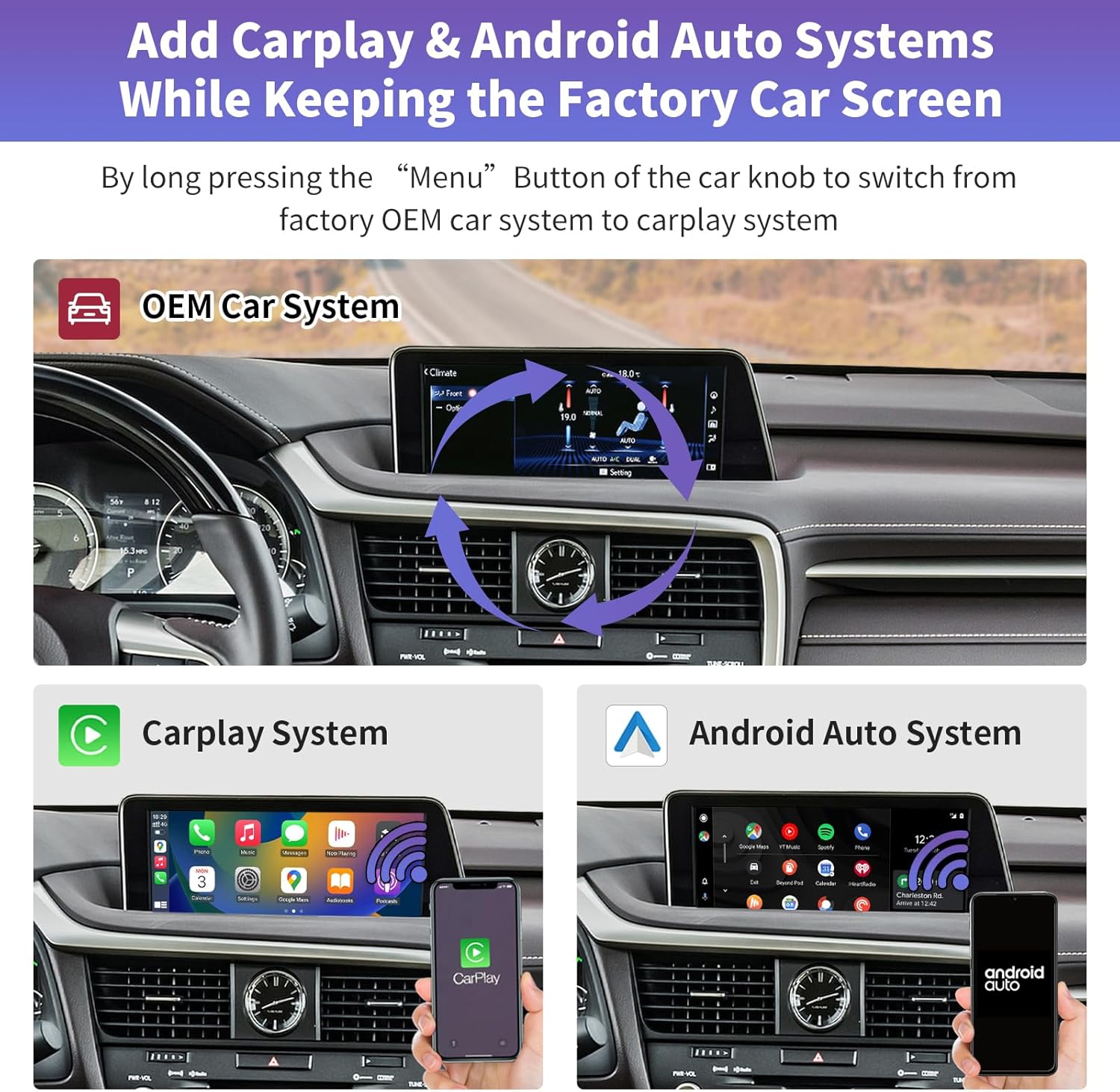
This kit is described as a CarPlay interface decoder box, not a car screen. The idea is that you remove the dashboard (or at least access it enough to work on the existing setup) and then connect the decoder to the original CD host device using the included wiring. After installation, the car’s original system should remain, while extra functions are added.
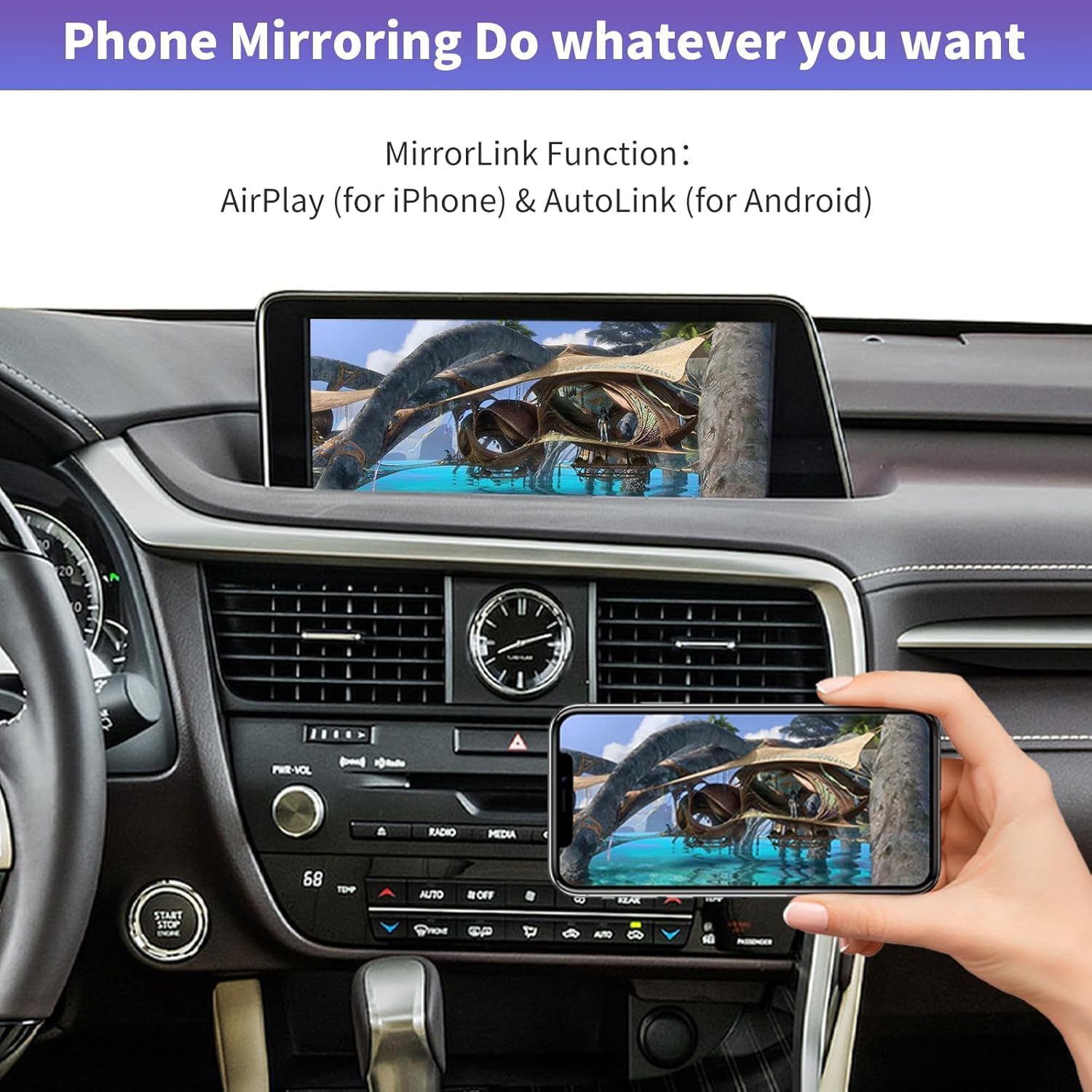
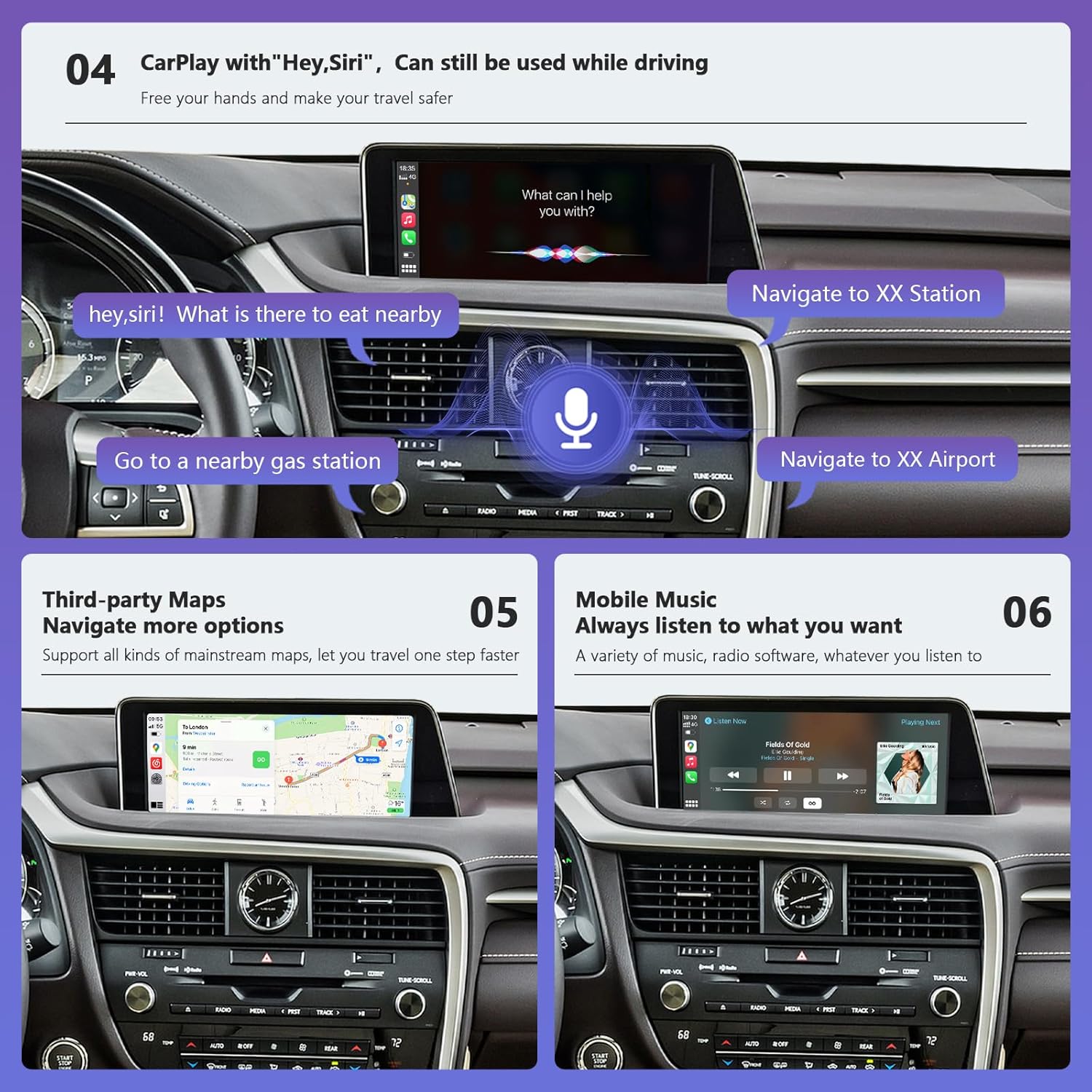
On paper, it supports wireless and wired Apple CarPlay, plus wireless and wired Android Auto, along with MirrorLink. There’s also support mentioned for watching video, TV news, photos, and navigation. Voice control is also mentioned for Siri and Google, and the package includes steering wheel control integration for some functions.
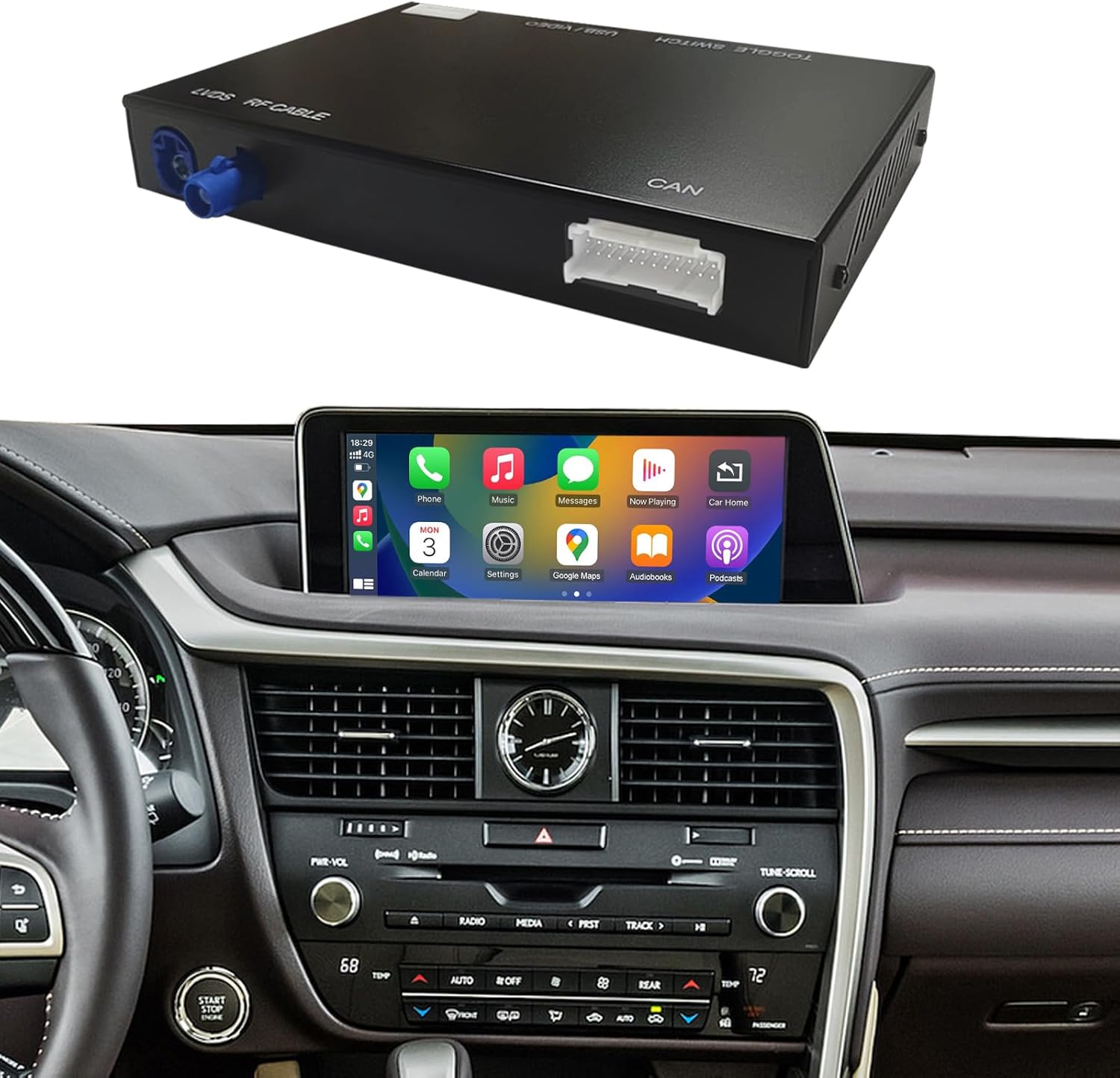
It’s not perfect for everyone: if you’re not comfortable with dashboard removal and cable connection, or if your Lexus doesn’t match the “small touchpad/joystick” version, it can be a frustrating purchase.
Key features
Where this kit focuses most is on everyday in-car use. After installation, you should be able to use CarPlay and Android Auto (wireless or wired, depending on how you set it up) for common tasks like media playback, navigation, and running apps via your phone.
The decoder also calls out entertainment and media-type features such as watching video and TV news, alongside photo viewing. If voice control matters to you while driving, it mentions Siri and Google voice control.
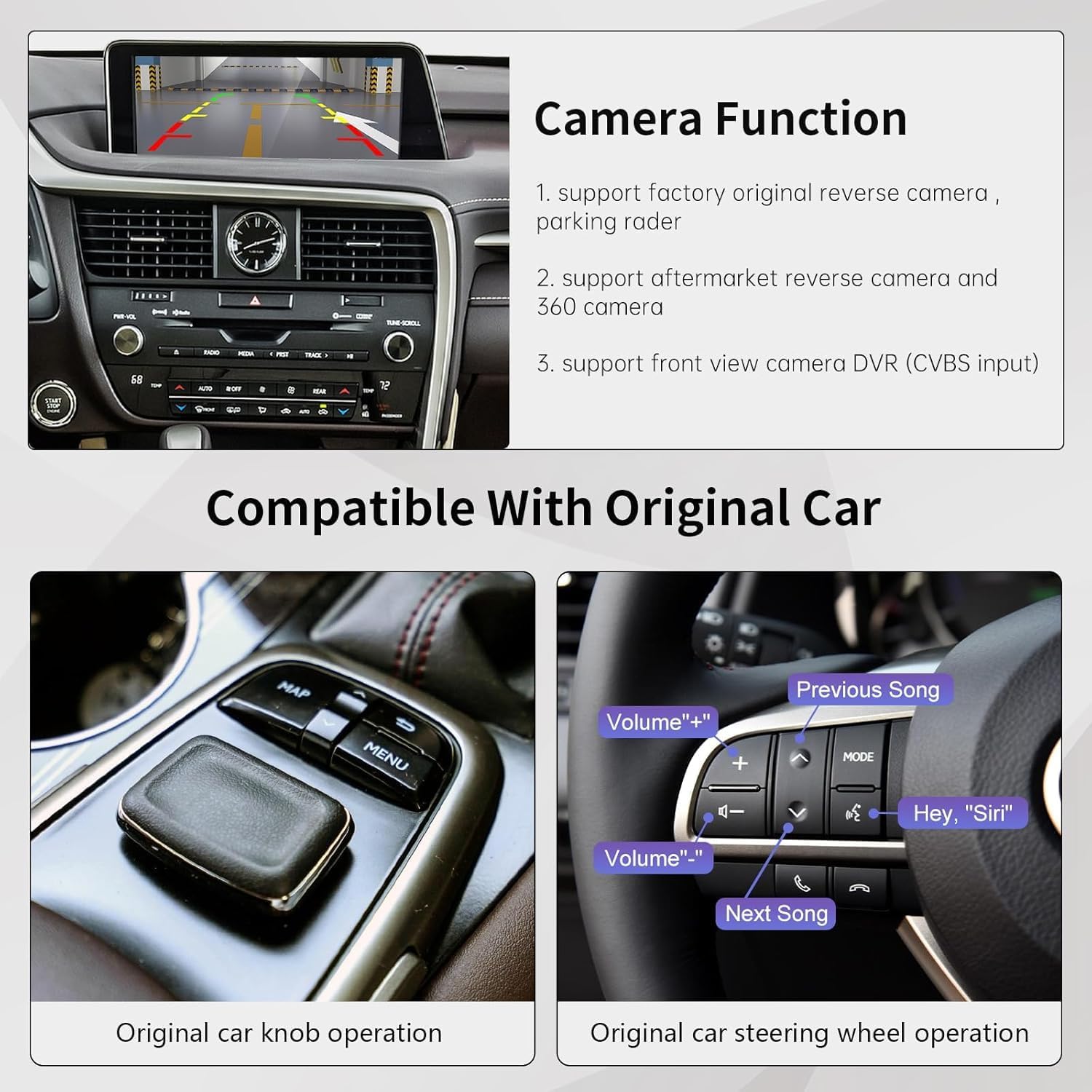
For parking and driving aids, it includes guidance for reverse camera support: factory original reverse camera and parking radar are mentioned, and it also references support for aftermarket reverse cameras and 360 camera setups. For dashcam-style use, it mentions a front view camera DVR using a CVBS input.
Steering wheel controls are another part of the pitch. The kit is said to support voice control button, Tel button, and voice buttons. The note is that other steering wheel buttons are not supported, so it’s worth setting expectations accordingly.
The essentials (installation and compatibility)
Installation is not “plug and play” in the casual sense. The instructions say you need to take out the car dashboard to connect wires, and that many problems come from wrong cable connection and settings. It also advises confirming all features work before putting everything back.
Compatibility is the main decision point. The fitment section lists Lexus models in the RX, NX, ES, UX, LS, LX, RC, LC, GS, CT and other series, with year ranges provided. But the seller’s warning is clear: you cannot simply purchase based on year alone. The year must match the central control unit, and the “small touchpad or joystick” version is specifically called out.
If you’re unsure, the guidance is to send an original car dashboard picture and your model and year so they can help confirm. In practice, that extra step can save a lot of time if your centre unit is different from what you expect.
One practical example: if you mainly want wireless CarPlay for maps on longer drives, you’ll want to be sure the steering wheel voice/Tel controls work as expected. If they don’t, you can still use CarPlay through the interface, but it changes the day-to-day convenience.
What to know before you buy
This is best approached as a retrofit decoder kit for a specific Lexus interior setup. If your car matches the small touchpad/joystick version, the feature set looks broad for the category: CarPlay + Android Auto (wireless and wired), MirrorLink, media/TV-type features, voice control, and camera-related inputs.
However, there are clear limitations to factor in:
- It’s not a car screen replacement, so you’re relying on your existing dash system and integration.
- It may not suit you if you need full steering wheel button coverage, because only certain buttons are stated as supported.
- The installation complexity (dashboard removal and correct wiring/settings) can be a deal-breaker if you prefer minimal DIY.
It may also feel like a “gaps and edge-cases” purchase: if something is slightly different about your central control unit, it’s not something you can easily brute-force. The seller even notes that wrong wiring and settings are a common cause of issues.
Usage tips
Getting the most from it is mostly about setup discipline. Before you close everything up after installation, check that the features you care about actually respond: CarPlay/Android Auto connectivity mode (wireless and/or wired), voice control behaviour, and the reverse camera and parking radar options if you use them.
If your goal is hands-free control while driving, focus on testing the steering wheel voice and Tel button support early. The kit supports voice control and Tel/voice buttons, but other buttons are not supported, so you’ll quickly learn what you can and can’t use.
And if you’re after video/TV-style features, treat it as an integration feature rather than something you’d assume will work exactly like a modern standalone media system. The kit’s promise is connectivity and interface additions, but real-world behaviour can depend on installation quality and correct settings.
Final verdict
This Road Top wireless CarPlay retrofit kit decoder is worth considering if you have a Lexus RX/NX/ES/UX/LS/RC/LC/GS/CT/LC/LX/UX series with the small touchpad/joystick centre control, and you’re willing to do the wiring work (or have it done) properly.
It’s not the best choice if you’re trying to buy purely on year, or if your centre unit version doesn’t match what’s described—because the seller explicitly says you need to confirm the central control unit, not just the production year. It also may not suit you if you want full steering wheel button functionality across the board.
Frequently asked questions
Is this kit a new screen for my dashboard?
No. It’s described as a CarPlay interface decoder box, not a car screen.
Does it support wireless CarPlay?
Yes, it’s stated to support wireless CarPlay (and wired CarPlay as well).
Does it support Android Auto?
Yes. It’s described as supporting both wireless and wired Android Auto.
Can I buy it just based on the year of my Lexus?
The seller’s guidance says you cannot simply purchase based on year alone—the year must match the central control unit, and you should confirm the “small touchpad/joystick” version.
What’s the hardest part of installation?
Dashboard access and wiring. The instructions say you need to take out the car dashboard to connect wires, and that wrong cable connection/settings are a common cause of problems.