

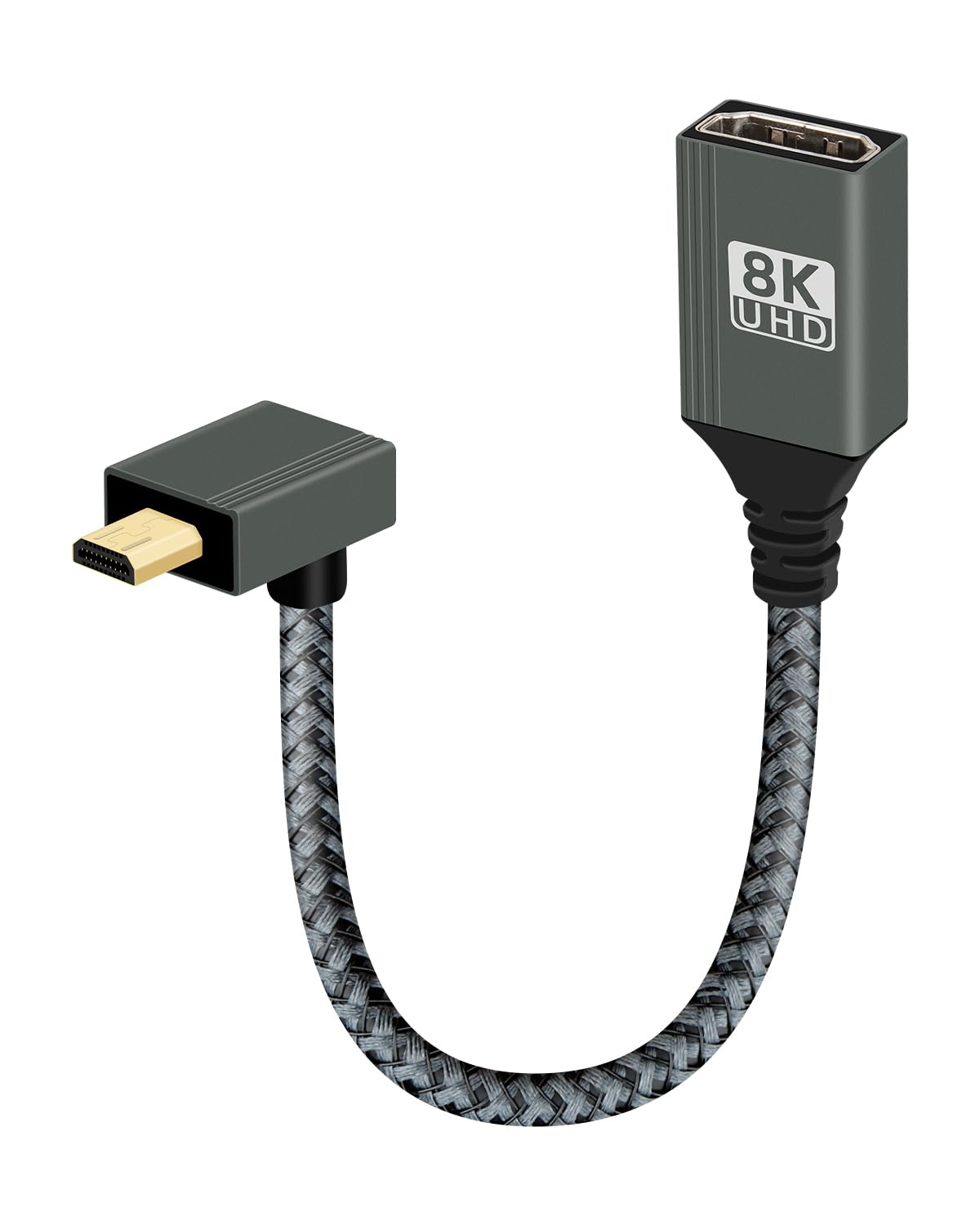
RIIEYOCA 8K 90 Degree Up Angle Micro HDTV 2.1 Cable (15cm) – 8K@120Hz, 48Gbps
Product description
What it is
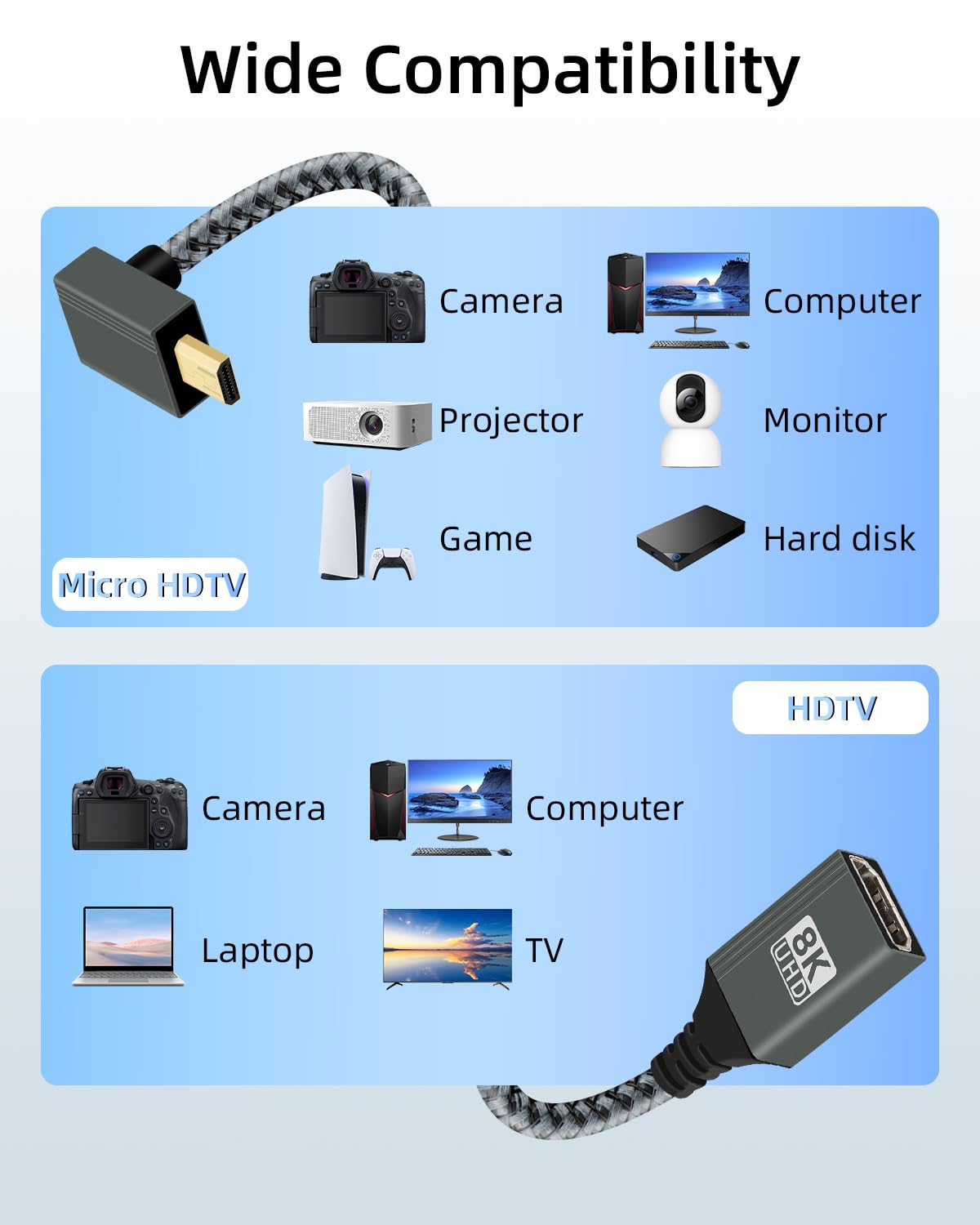
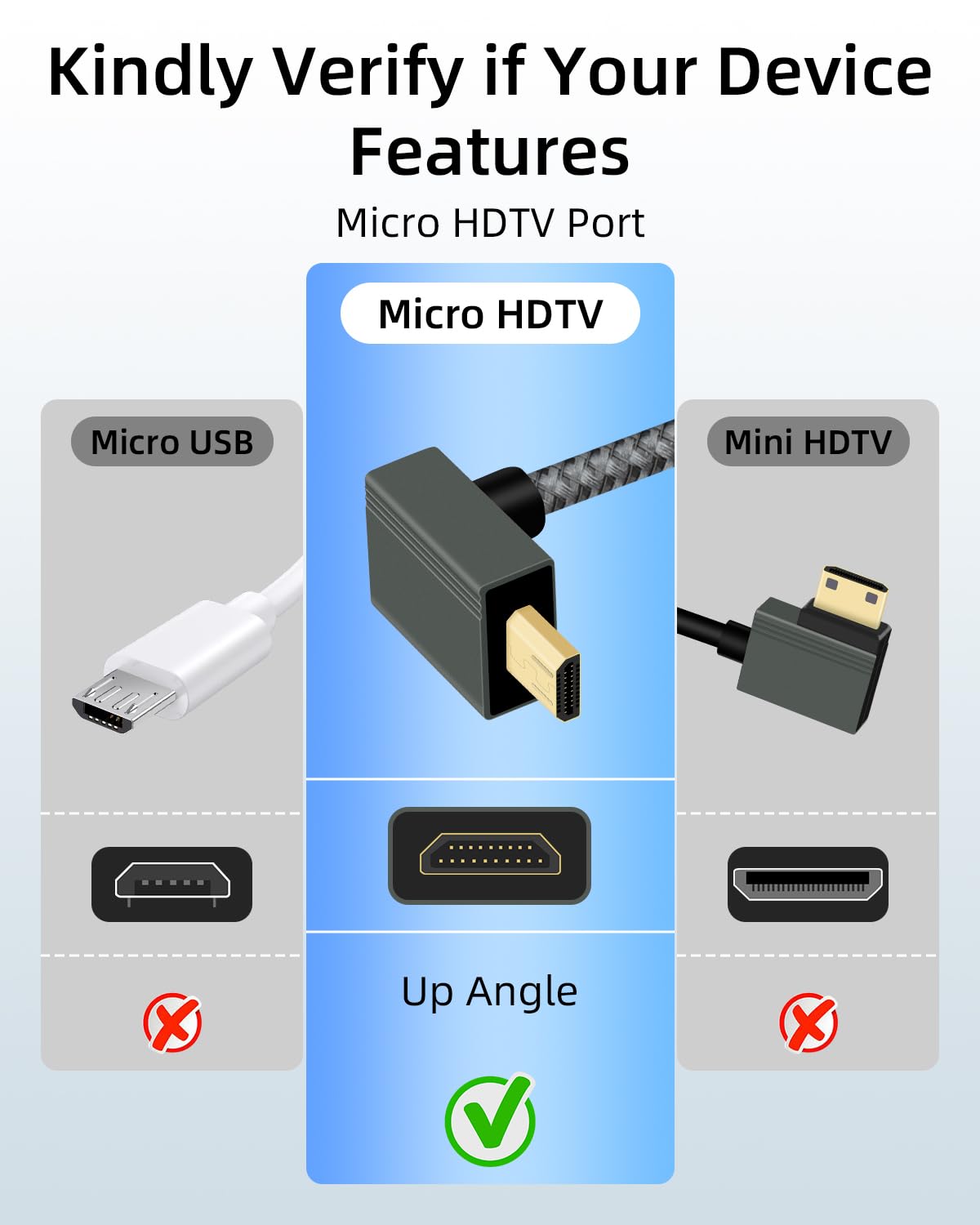
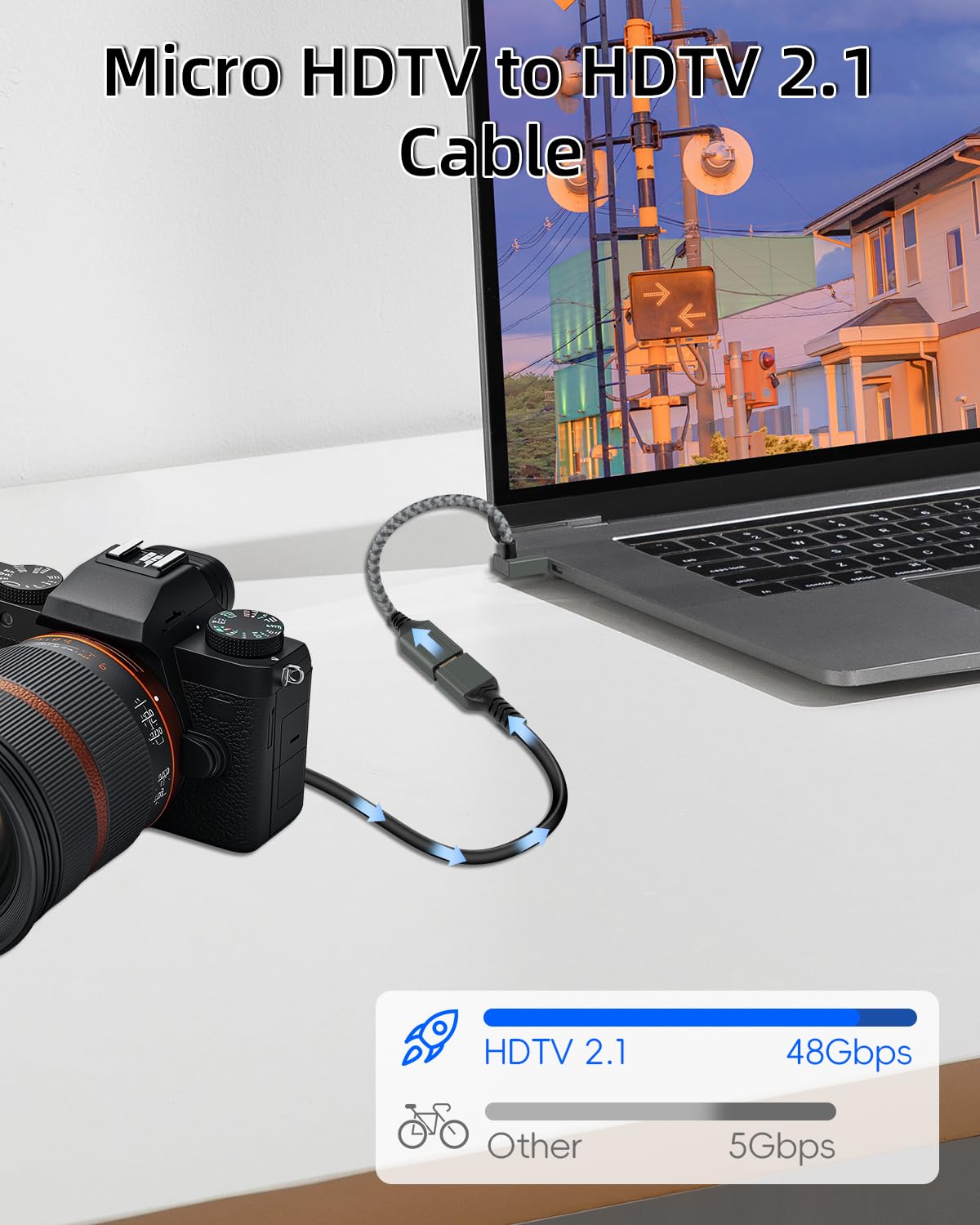
The RIIEYOCA 8K 90 Degree Up Angle Micro HDTV to HDTV adapter is a short, angle-adjusting cable designed to connect micro HDTV devices to standard HDTV ports. It is pitched at users who need high bandwidth with a tight space footprint, such as mounting behind wall-mounted TVs, cameras, or consoles where space is at a premium.
What problem it aims to solve
This cable addresses two common nuisances: harsh cable bends in tight setups and the need for high data throughput to support high‑frame‑rate content. With a 90° design, it reduces strain on ports and helps keep installations neat in cramped or wall-mounted environments. It also aims to support high‑bandwidth demands without adding extra bulk to the cable run.
Key features in practice
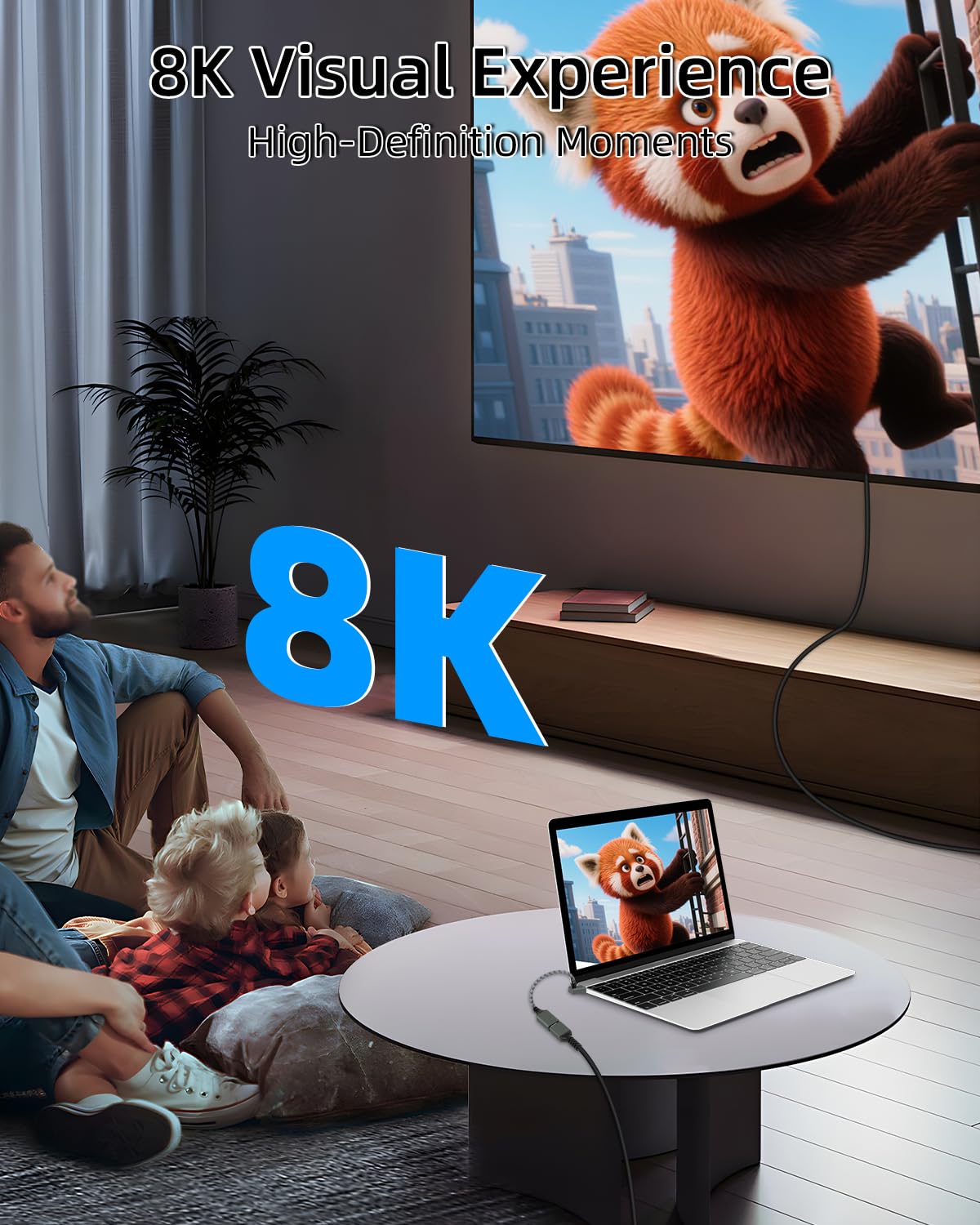
On paper, the connector supports HDTV 2.1 specification with 8K at 120Hz and 48Gbps bandwidth. In theory this opens the door to high‑fidelity gaming or video playback when your source, port, and display all match the standard. The 15cm length suits short runs where a longer cable would be intrusive. The 90° head is designed to lie flush against devices, which can help when space is tight behind a TV or camera rig.
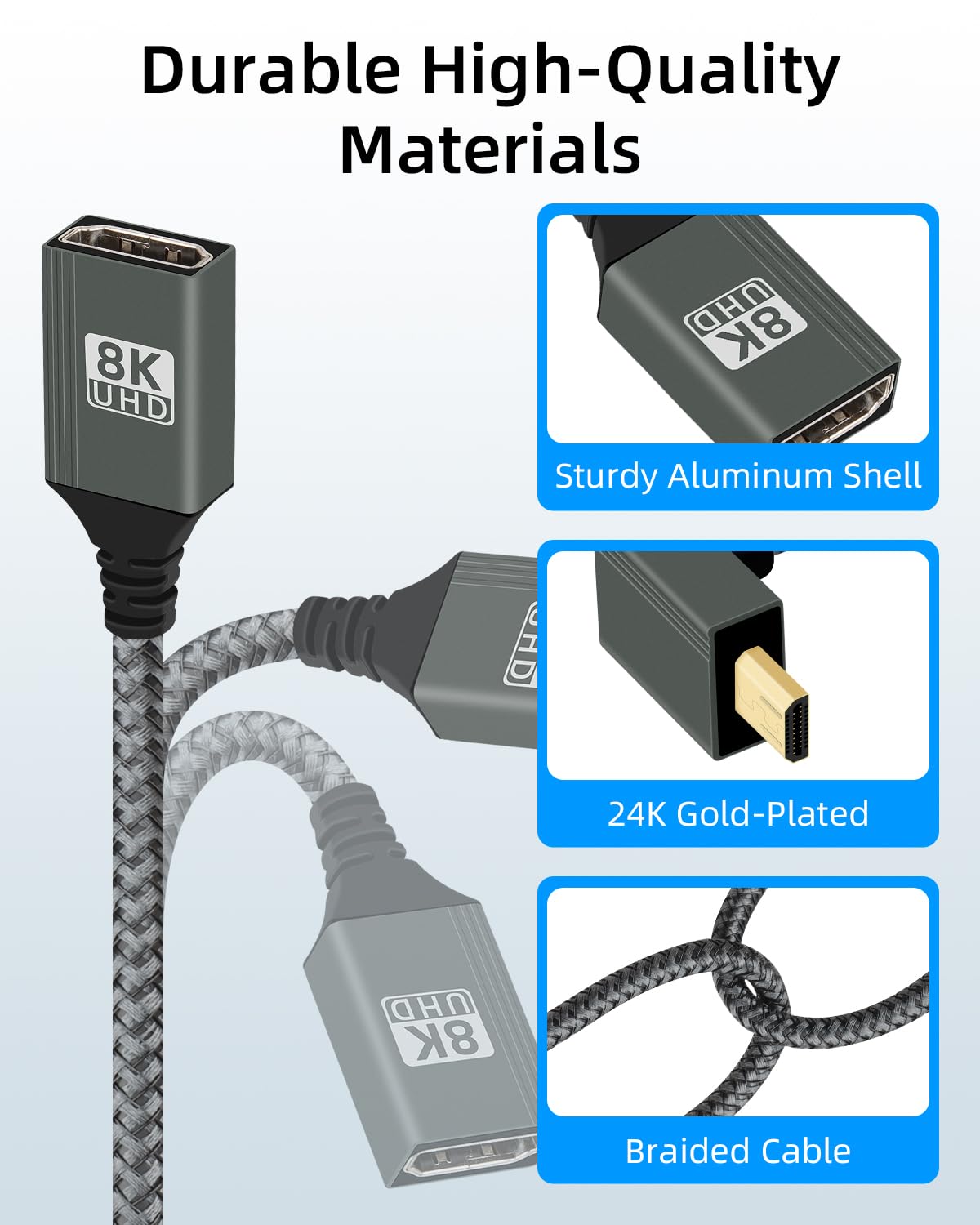
The build emphasises durability: a nylon braided sheath provides abrasion resistance, and dual shielding helps suppress EMI. The metal housing aids heat dissipation, which is sensible during extended use. Gold‑plated contacts are included to promote a reliable connection.
The practical downsides to note
On the practical side, performance hinges on the entire chain. If your source device, the HDMI port, and the cable itself don’t all support HDTV 2.1, you won’t realise the full 8K@120Hz/48Gbps potential. In real‑world terms, you may not notice a difference unless you’re driving genuinely high‑end content or professional workflows. Also, at 15cm, it’s a very short cable—great for tidy setups, but less flexible if you need more length or to route around obstacles.
Who it’s for
This is likely to appeal to users assembling compact, high‑performance multimedia setups: gamers with space constraints, videographers who need reliable short connections behind cameras or monitors, and professionals who value a low‑profile, high‑bandwidth link without bulky cables.
Who it isn’t ideal for
If your system doesn’t support HDTV 2.1 or you don’t require 8K/120Hz, the benefit is marginal. It may also feel limited if you need more than about 15cm of cable or if your environment benefits from a more flexible long cable. In short, it’s a targeted solution for very specific high‑bandwidth, space‑constrained scenarios.
When it makes sense to buy
Consider this cable if you prioritise clean, space‑efficient connections in a high‑bandwidth setup and you can verify compatibility across source, port, and display. It can be sensible for tight installations where a conventional straight 2‑meter cable would interfere with furniture, gimbals, or wall mounting.
What to check before buying
- Confirm your devices support HDTV 2.1 and can handle 8K@120Hz (and that your ports are compatible).
- Ensure you actually need a short 15cm length, if you require more reach, this exact model may not fit.
- Check for EMI considerations in your setup, the dual shielding helps, but layout can still matter.
Practical usage scenarios
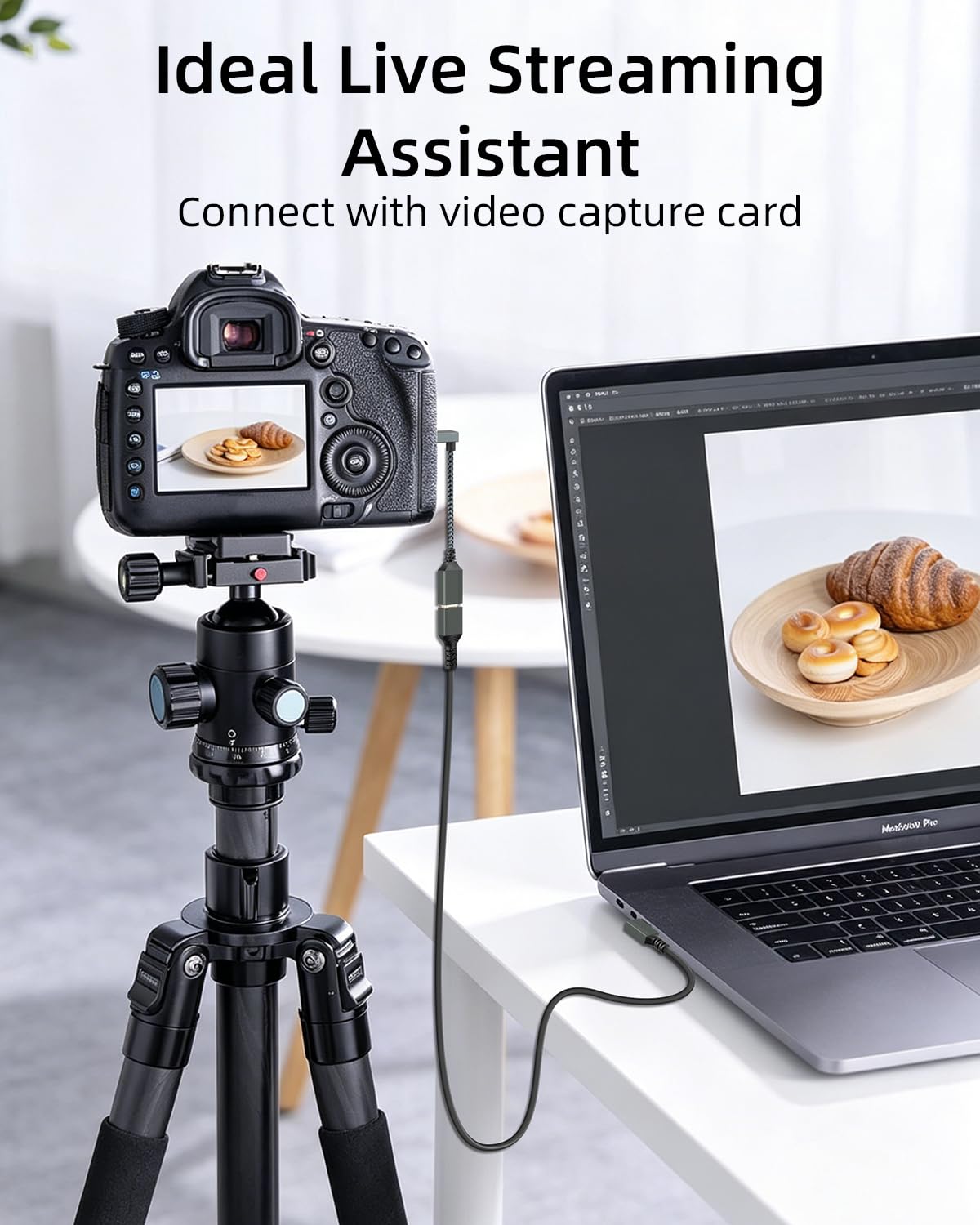
Imagine attaching this short, angled adapter behind a wall‑mounted TV where cables would otherwise kink or clash with a wall bracket. Or use it on a camera rig where a right‑angle connection keeps the live view monitor flush against the body, reducing snag risks during shoots.
Quick comparison of approaches
If you don’t need the 8K/120Hz bandwidth or space benefits, a standard straight cable of similar length might be simpler and offer more flexibility. For setups that demand very tight routing, this 90° design provides a cleaner path than a generic right‑angle adaptor that sits awkwardly against the port.
FAQ
- Is this compatible with older HDTV standards? It is described as fully supporting HDTV 2.1 and backward compatible with HDTV 2.0 and older, but full performance requires compatible devices.
- Will it fix every space issue? It helps with tight spaces, but layout, furniture, and wall configurations can still limit effectiveness.
- Can I use it for non‑video audio tasks? The description mentions eARC compatibility for certain audio formats, but actual use depends on your devices.
Final verdict
Final verdict: Worth considering if you need a compact, high‑bandwidth link in a space‑critical setup and you can confirm device compatibility. Not the best choice if you require flexibility in length or if HDTV 2.1 features aren’t supported by your gear.
Is it worth it?
It’s a good fit if you’re prioritising space efficiency and high throughput in a controlled environment and you don’t mind a very short cable.
Mini use‑case example
You’ve got a camera with a tight rig and a monitor mounted on the top, the 90° micro HDTV cable lets you attach the monitor without the cable bending sharply or protruding into the shot, keeping the rig sleek and less prone to accidental tugs.
Quick FAQ (at a glance)
1) Do I need HDTV 2.1 on all components? Yes, for maximum 8K@120Hz/48Gbps performance. 2) Is the cable physically heavy? The nylon braid and metal housing are aimed at durability, but it remains a short, lightweight lead. 3) Can I rely on this for long gaming sessions? Heat dissipation is aided by the aluminium housing, but performance depends on the entire setup.