

RFIVER universal TV stand legs and table-top riser for 20–65 inch TVs (up to 40KG, VESA 200x100–800x500)
Reviews
Price
Product description
The essentials (what this is for)
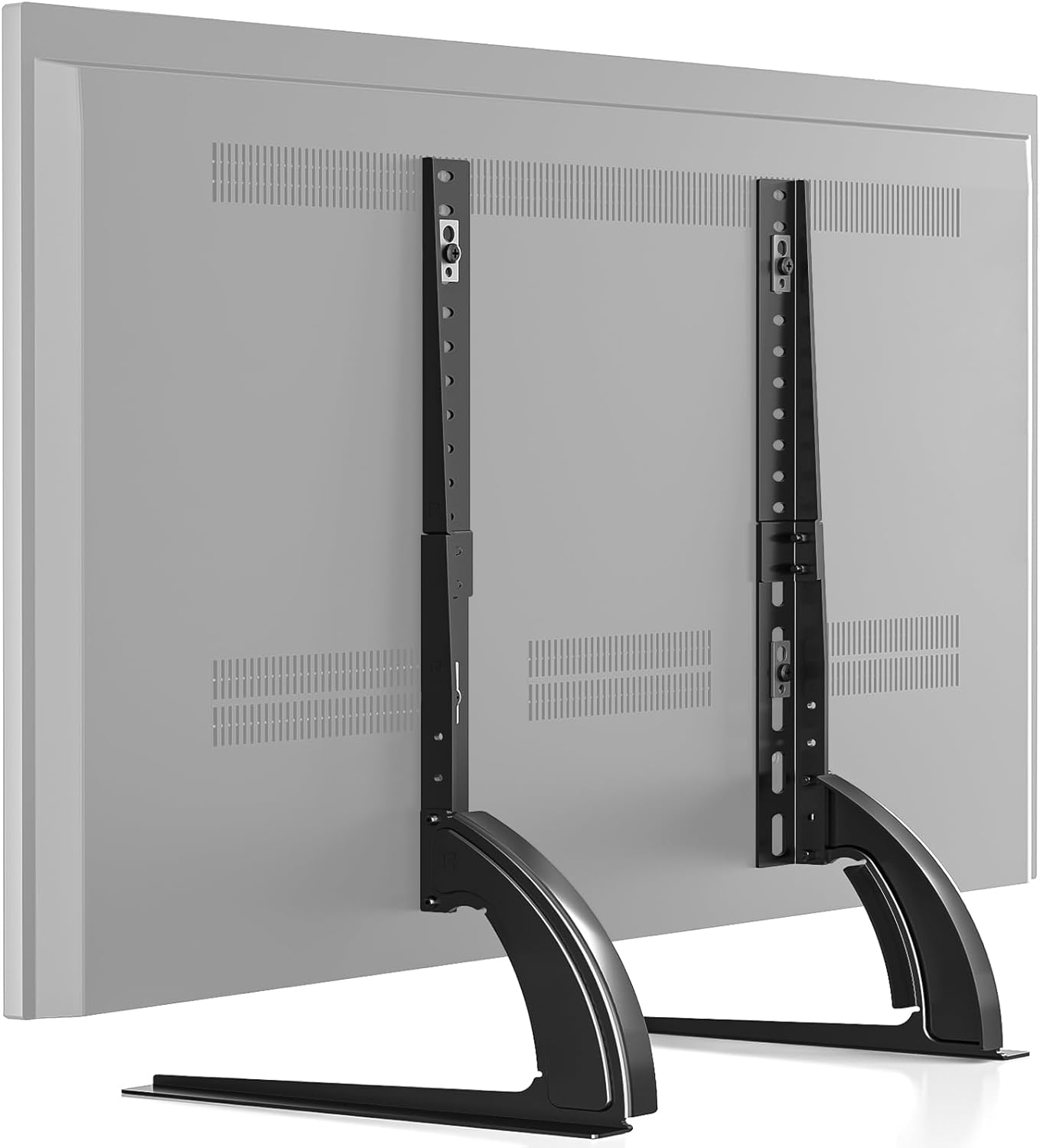
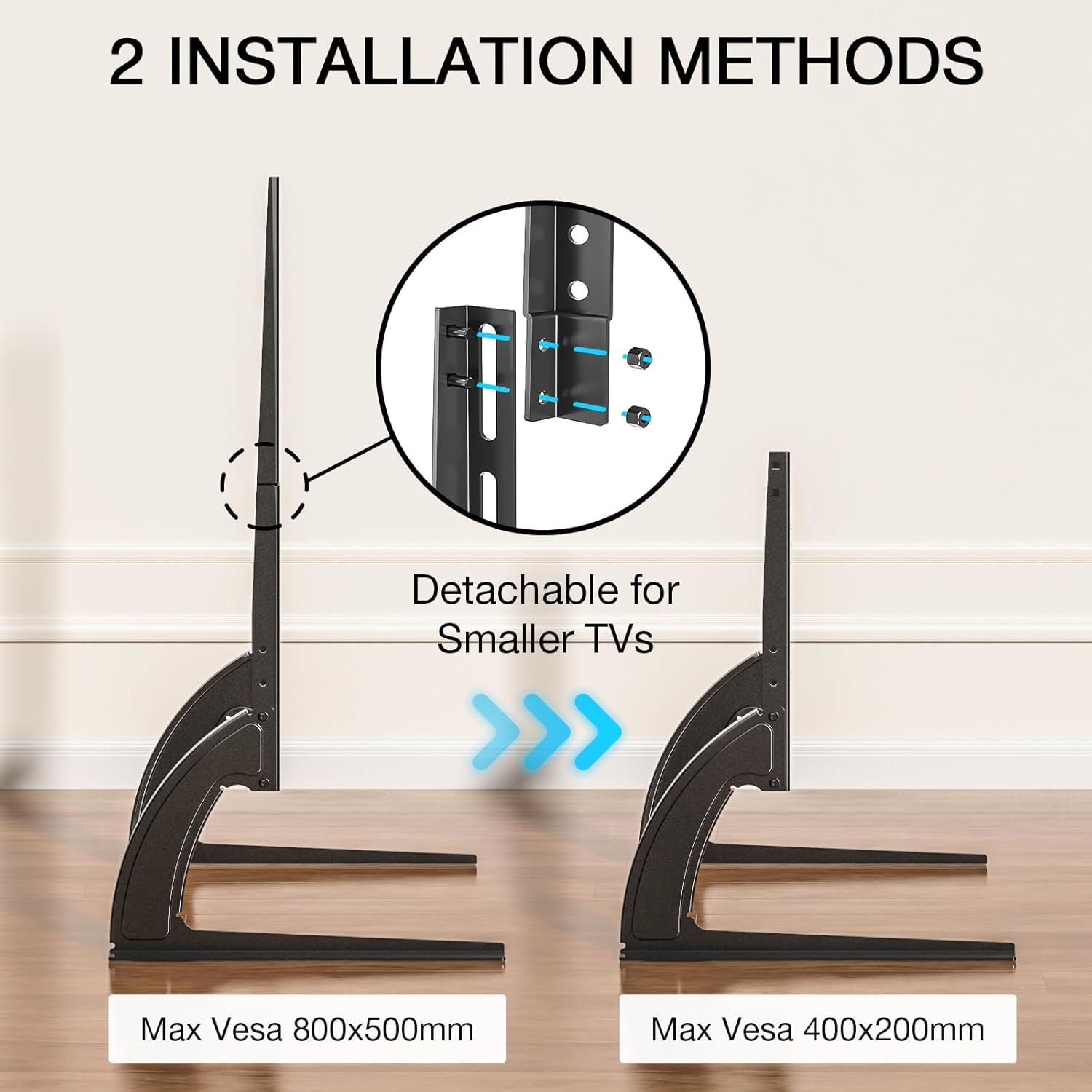
RFIVER’s universal TV stand legs are a table-top replacement pedestal riser designed to lift a TV off your furniture without dealing with a wall-mount. On paper, it’s aimed at TVs in the 20 to 65 inch range that use a VESA mounting pattern from 200 (W) mm x 100 (H) mm up to 800 (W) mm x 500 (H) mm. It’s also described as suitable for flat and curved screens, which matters if you’re trying to standardise what sits on your stand.
If your existing feet are missing, mismatched, or you just want more clearance under the screen, these stand legs are the kind of practical fix that can save time. And because you’re using a desk-style setup rather than drilling into a wall, it tends to feel less disruptive.
Key features that affect day-to-day use
The main attraction here is straightforward: adjustable height and a sturdy build. The frame is stated to be made from resistant steel with 2 mm thickness, with a maximum support claim of up to 40KG.
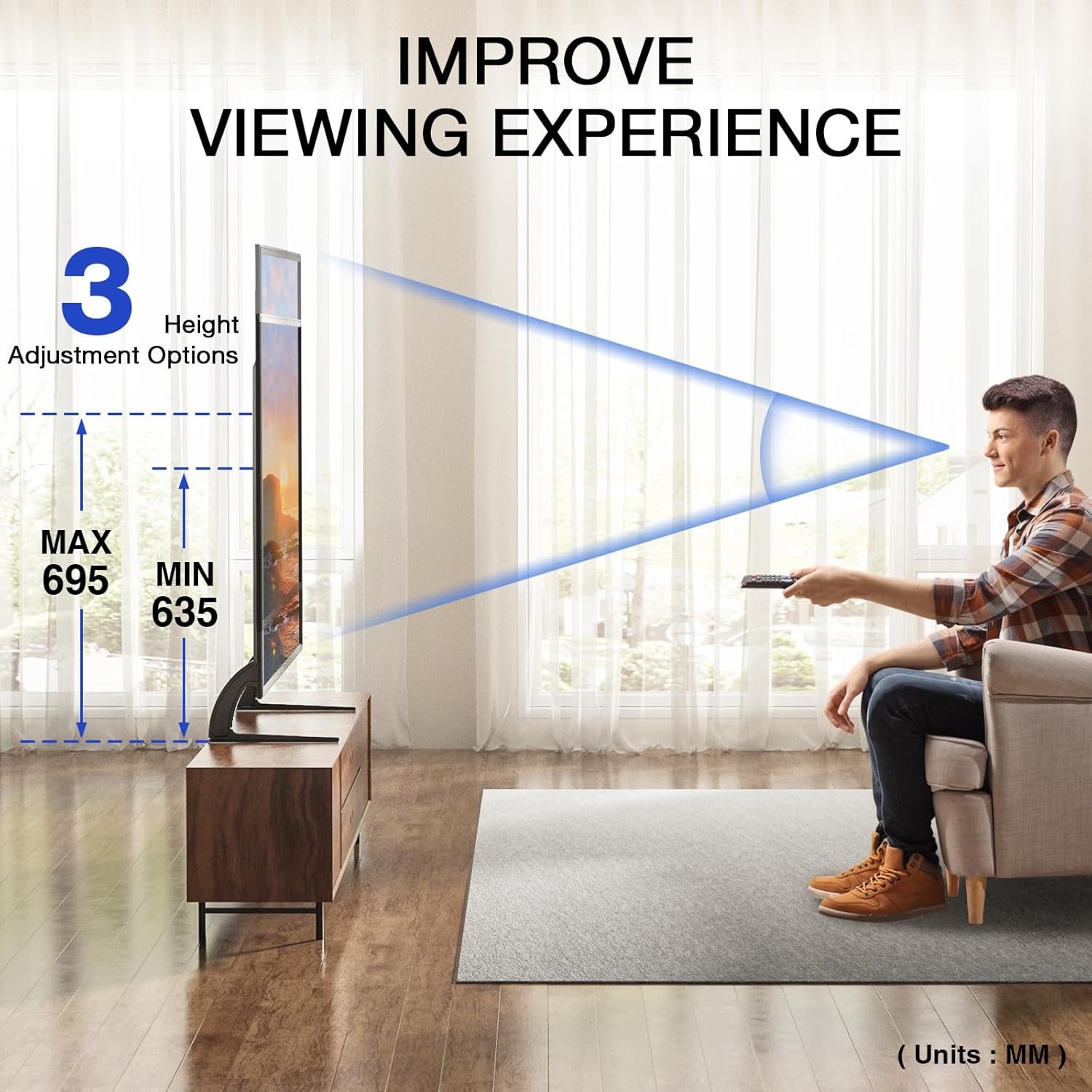
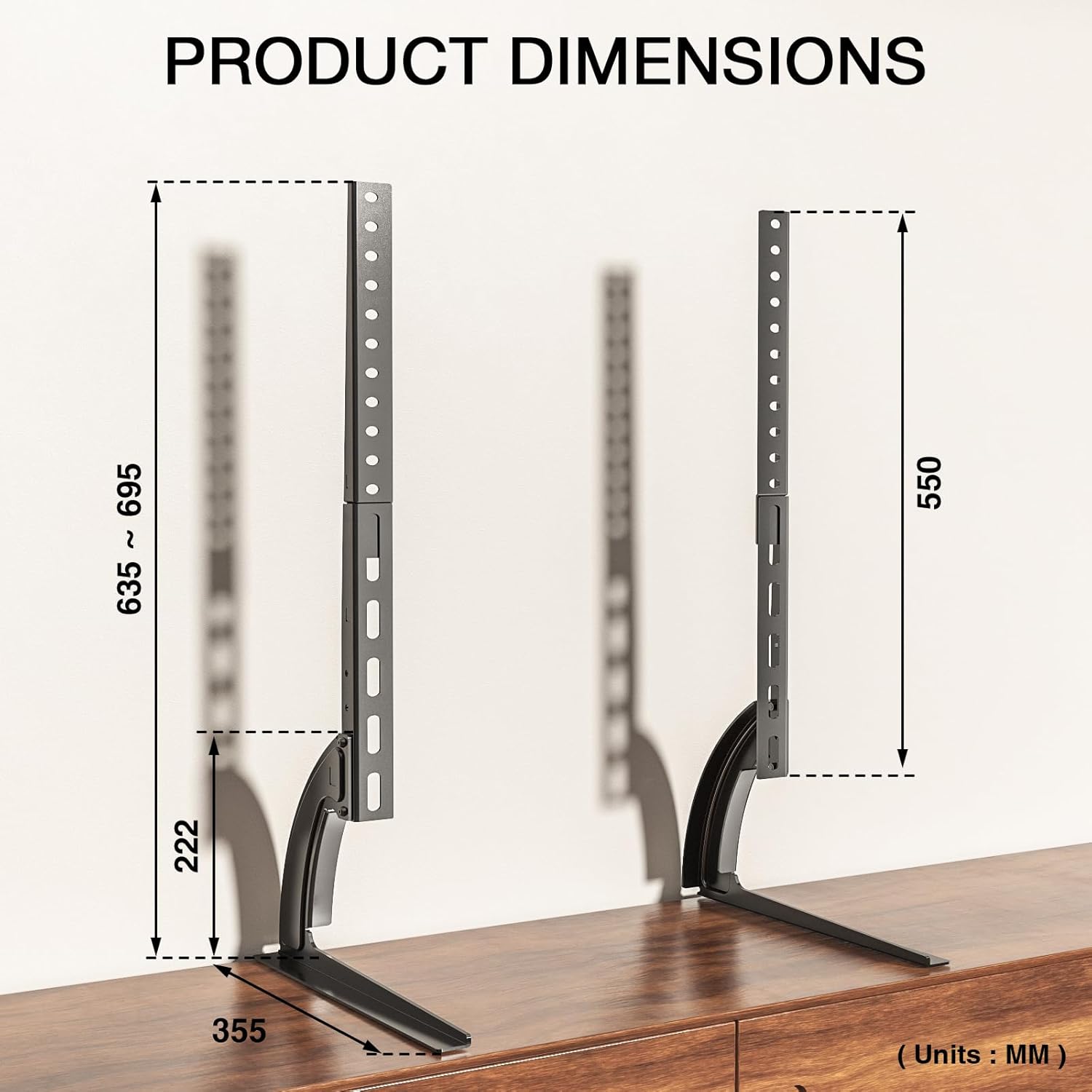
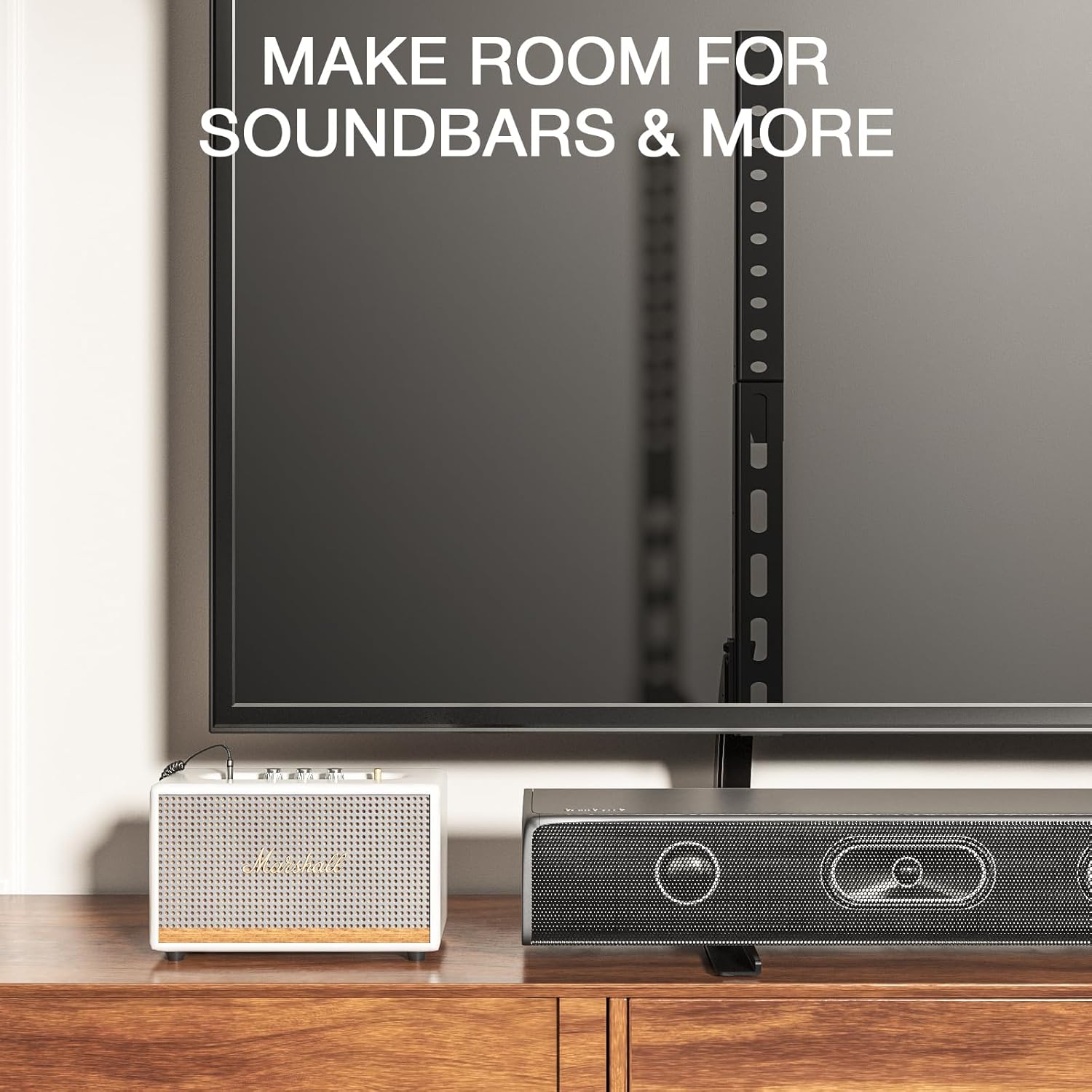
Height can be adjusted in two ways: first by using different mounting positions through the stand holes (described as two settings), and second by removing the top hook. The stated height range is from 635 to 695 mm, so there’s at least some room to get the screen closer to your viewing comfort.
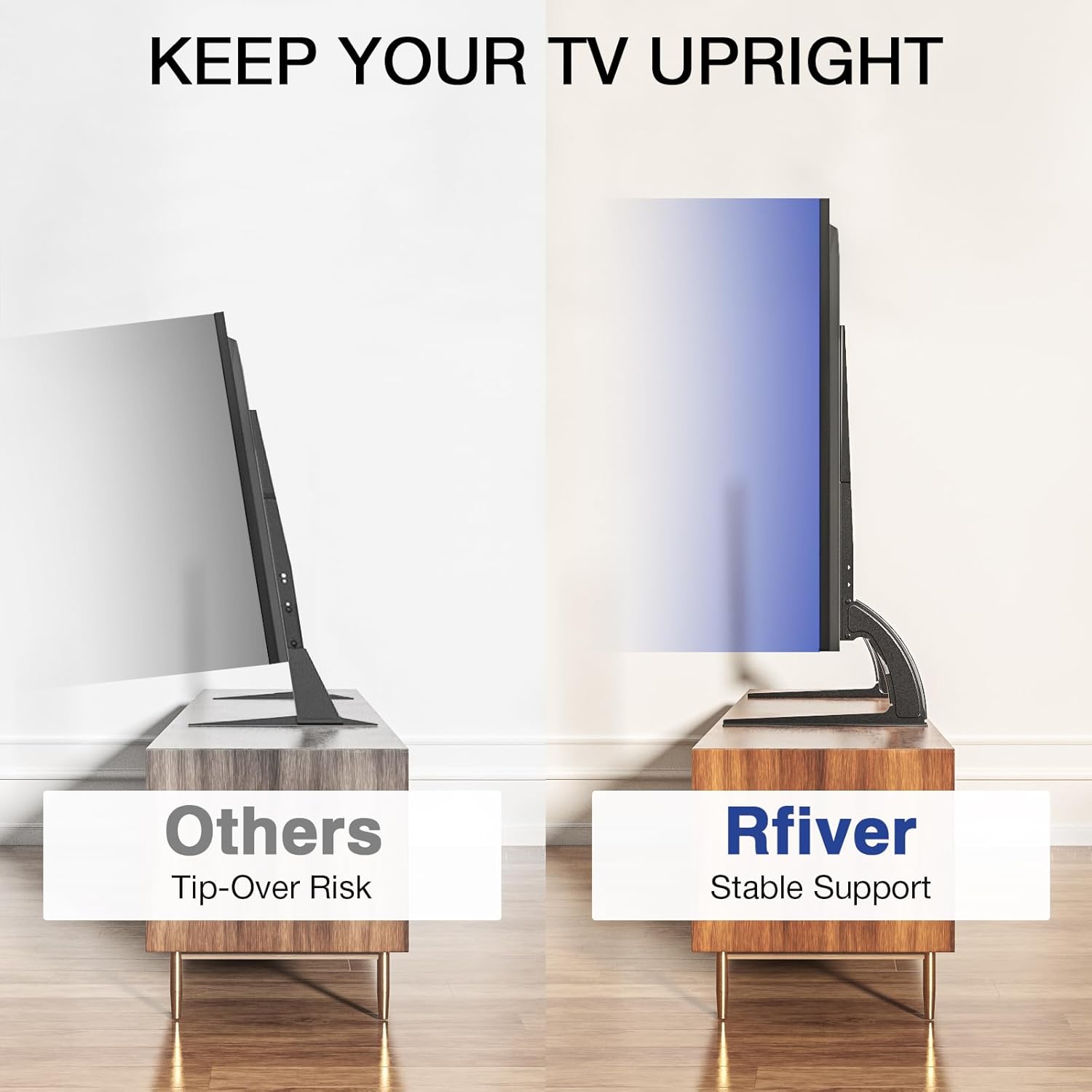
There are also soft pads on the bottom of the support area. That’s a small thing, but it usually makes a noticeable difference for stability and helps reduce the risk of scuffing furniture.
At a glance: compatibility and limits worth checking first
This is the bit that determines whether it’ll work for you. You’ll want to confirm your TV’s VESA pattern matches the supported range (200x100 mm through to 800x500 mm). If your TV sits outside that range, the stand legs may simply not line up.
Weight is another common sticking point. The product states a maximum capacity of up to 40KG, but it’s still smart to check your TV’s own weight rather than assuming it’s safely within limits. For heavier sets, this is not the category to gamble with.
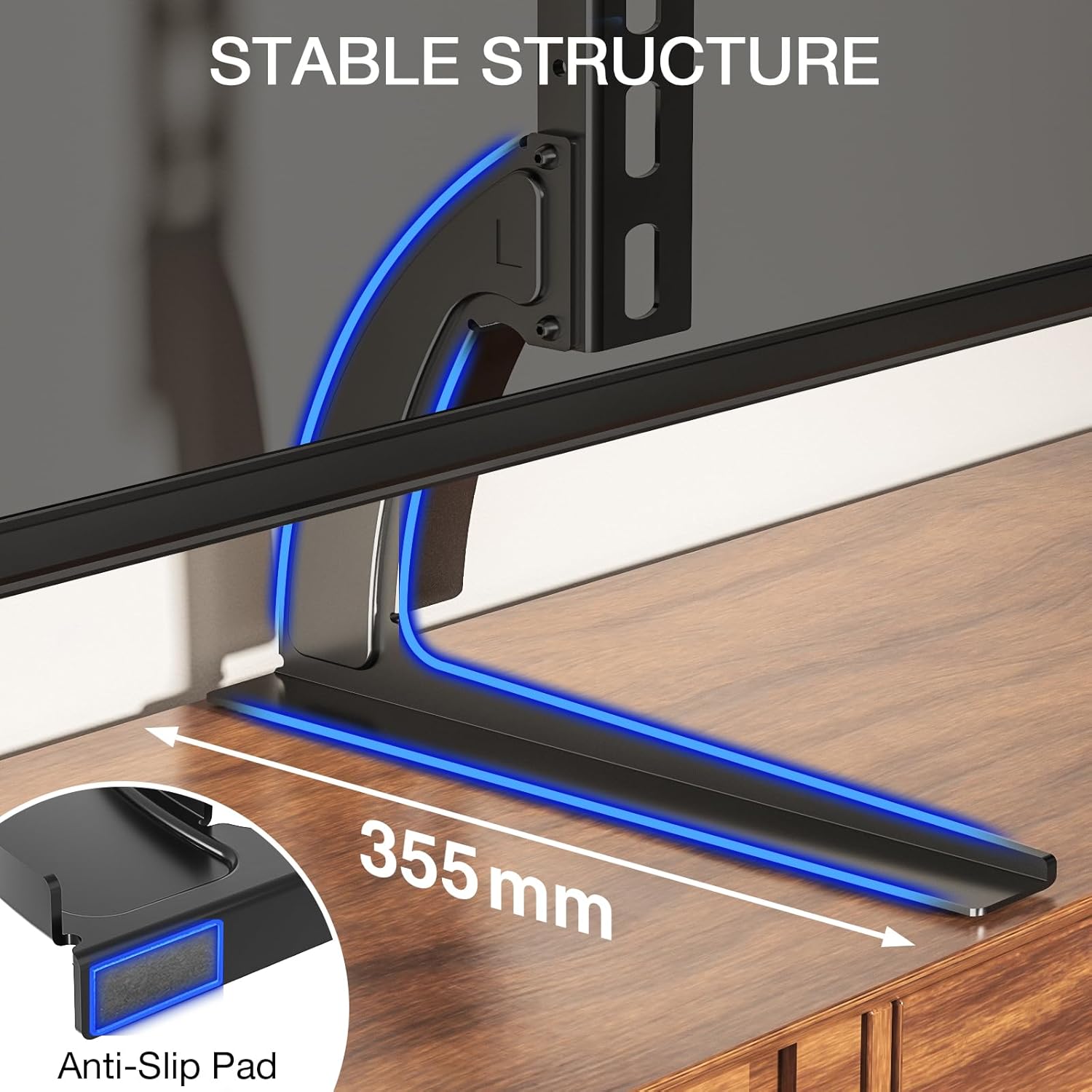
Also, while it can replace a wall-mount setup “on the table top” (so, no wall perforation is required), it won’t magically solve furniture-size issues. If your stand is narrow or your TV sits close to edges, you’ll still need to consider whether the footprint is practical.
Getting it set up: what the build experience is like
The instructions are described as easy, with assembly said to take only a few steps and a few minutes. There’s mention that the screws needed for mounting the TV will be included, and the process is meant to be straightforward.
A micro example of use: imagine you’re moving a TV from a previous stand to a new cabinet. You locate the correct VESA holes on the back of the TV, attach the mounting points to the riser legs, then set the TV down so the pads sit flat. From there, you pick the height option that brings the screen to a more natural eye line for your room layout.
That said, this kind of setup lives or dies on alignment—so take your time with the VESA fit before tightening everything fully.
Where it shines (and where it may fall short)
It’s a solid choice if you’re after a universal, table-top replacement that supports a wide VESA range and offers a bit of height flexibility. It also suits people who don’t want to drill into a wall, but still want their TV on a clean pedestal-style base.
However, it may not suit you if your TV’s VESA pattern is outside the stated range, or if your TV’s weight is near the upper limit and you can’t verify it’s within the 40KG cap. It also sits more in the “practical replacement riser” camp than in a fully featured media stand. If you want lots of cable management, shelves, or more complex posture adjustments, you may find this kind of stand leaves you wanting.
Should you buy it? (final verdict)
It makes sense to buy the RFIVER universal TV stand legs if your TV is between 20 and 65 inches, uses a VESA pattern within 200x100 mm to 800x500 mm, and you’re comfortable with a maximum load of up to 40KG. It’s particularly attractive if you want a desktop riser with adjustable height (635 to 695 mm) and you’d rather avoid wall-mounting.
You may want to skip it if you can’t confirm VESA compatibility, you don’t know your TV weight, or your furniture setup leaves little room for a stable pedestal footprint. In other words: if your main goal is stability and simple elevation without wall drilling, this is worth considering—if you need something highly custom or feature-heavy, it might not be the best match.