


RayNeo Air 3s 201" AR/XR glasses
Product description
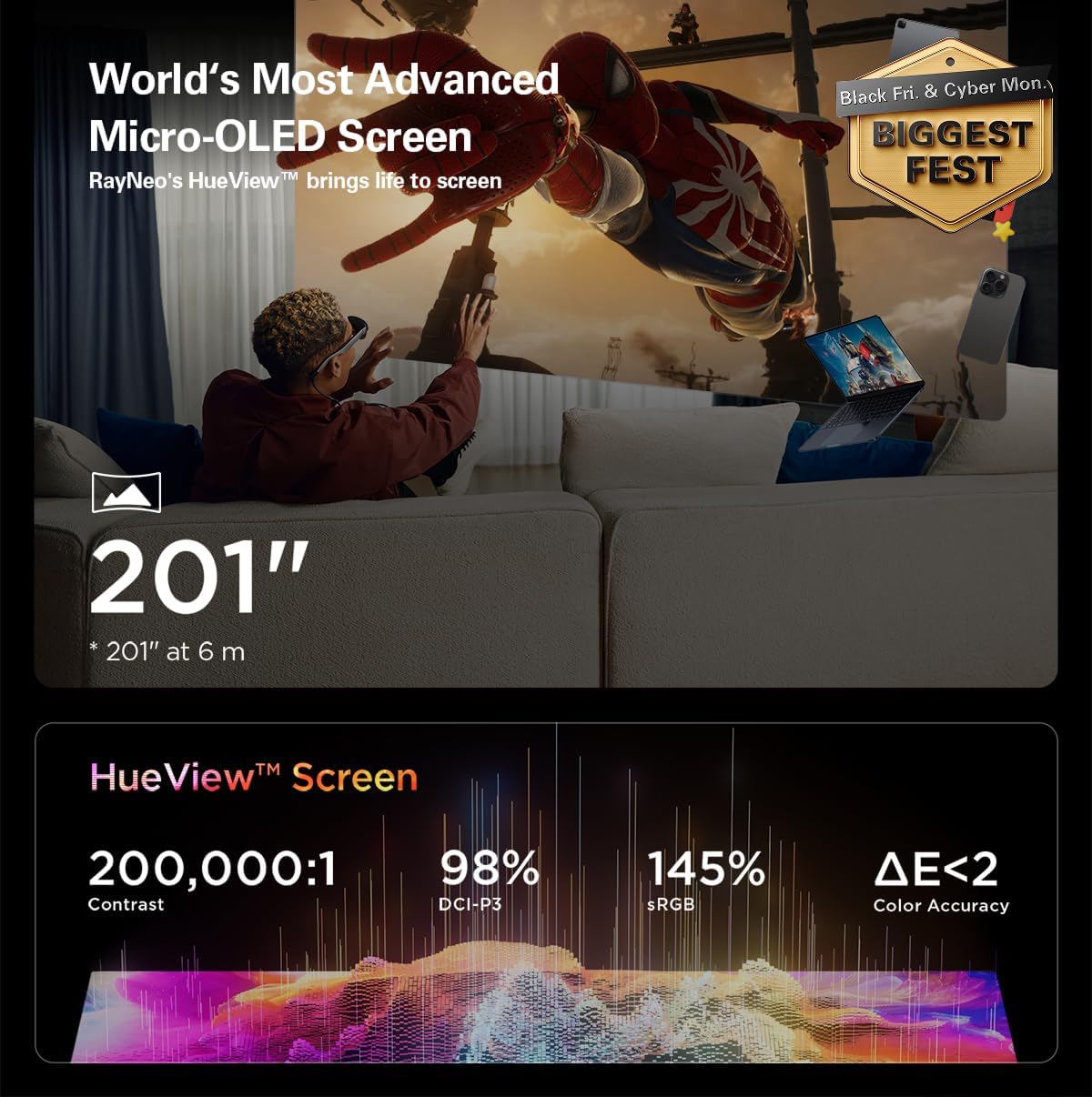
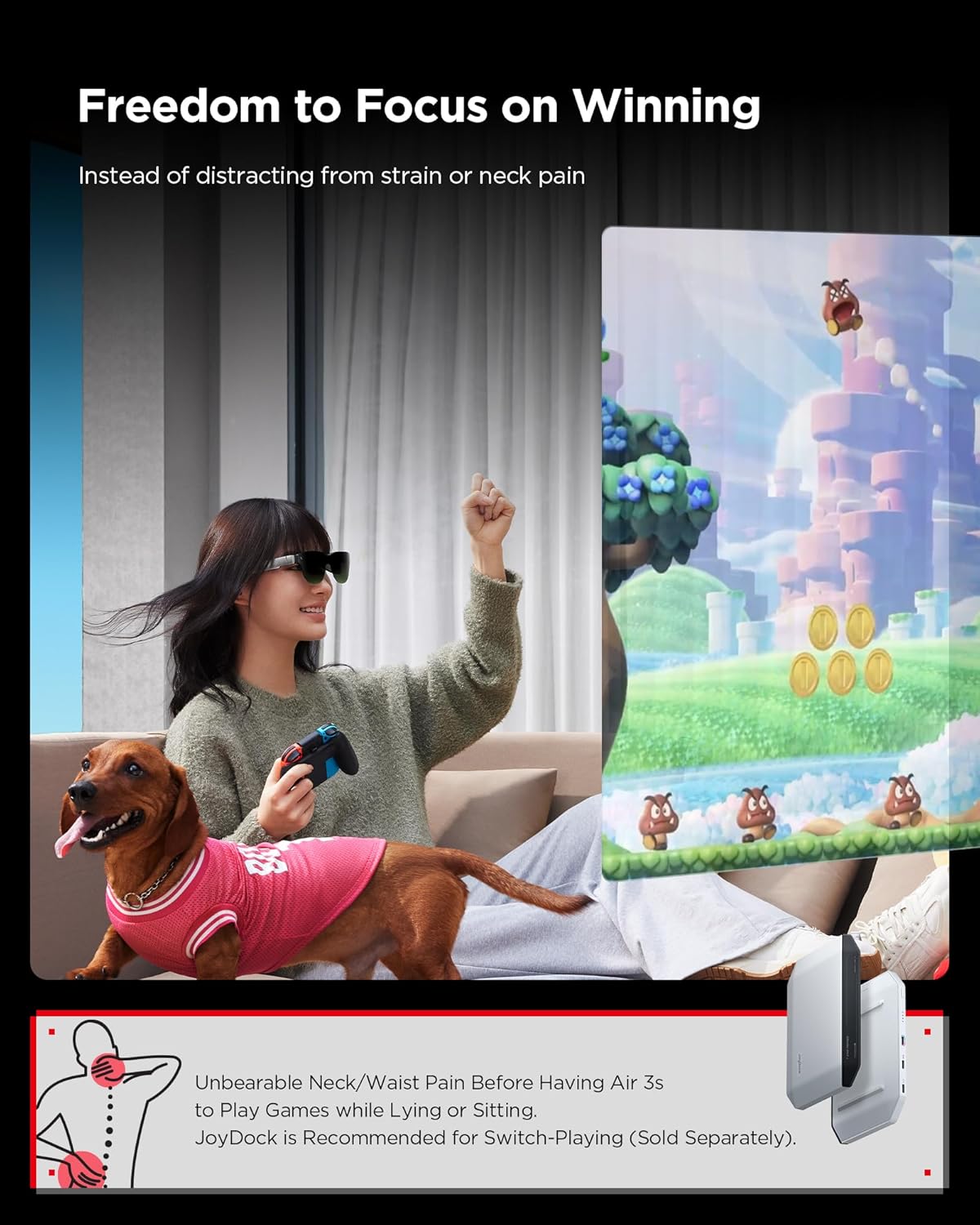
This pair of AR/XR glasses turns smartphones and consoles into a private, large-format viewing experience, offering a portable theatre for movies, gaming and productivity. The RayNeo design projects a 201 inch FHD image with a smooth 120 Hz refresh rate, making gameplay and fast action easier to follow while keeping the device compact enough for travel. The headset also aims to reduce eye strain with low blue light and high-frequency dimming according to the manufacturer.
Key Points
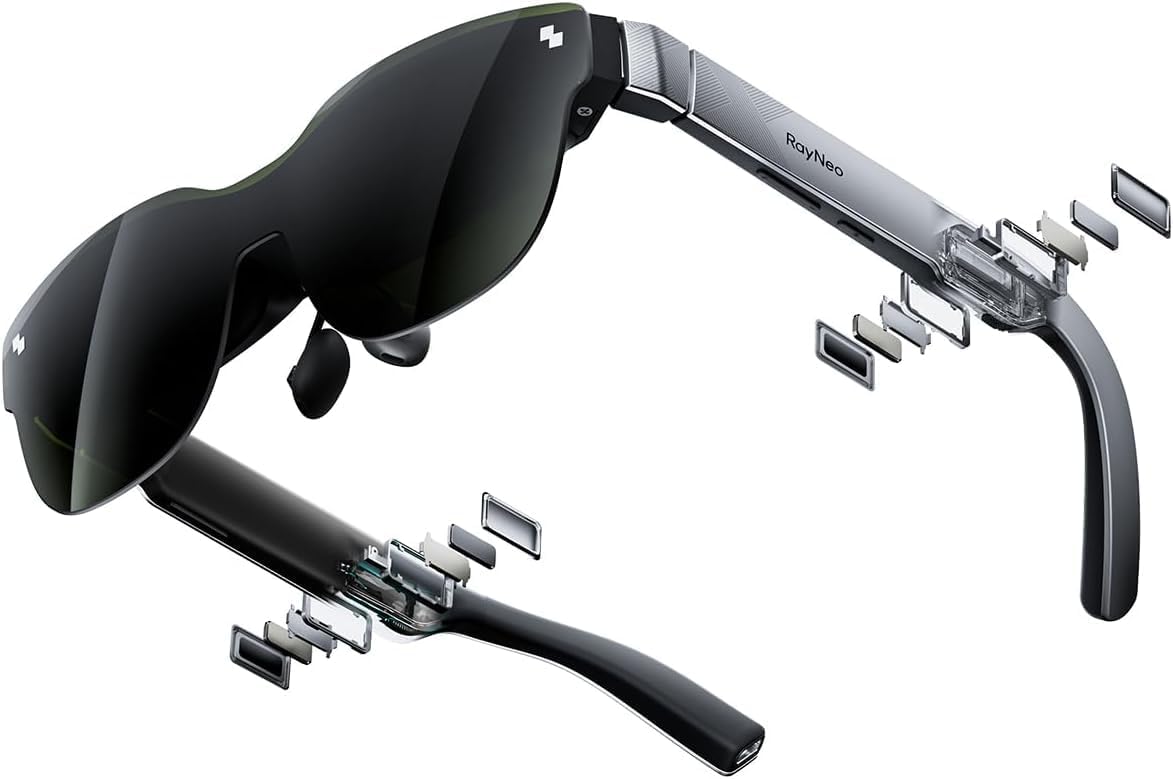
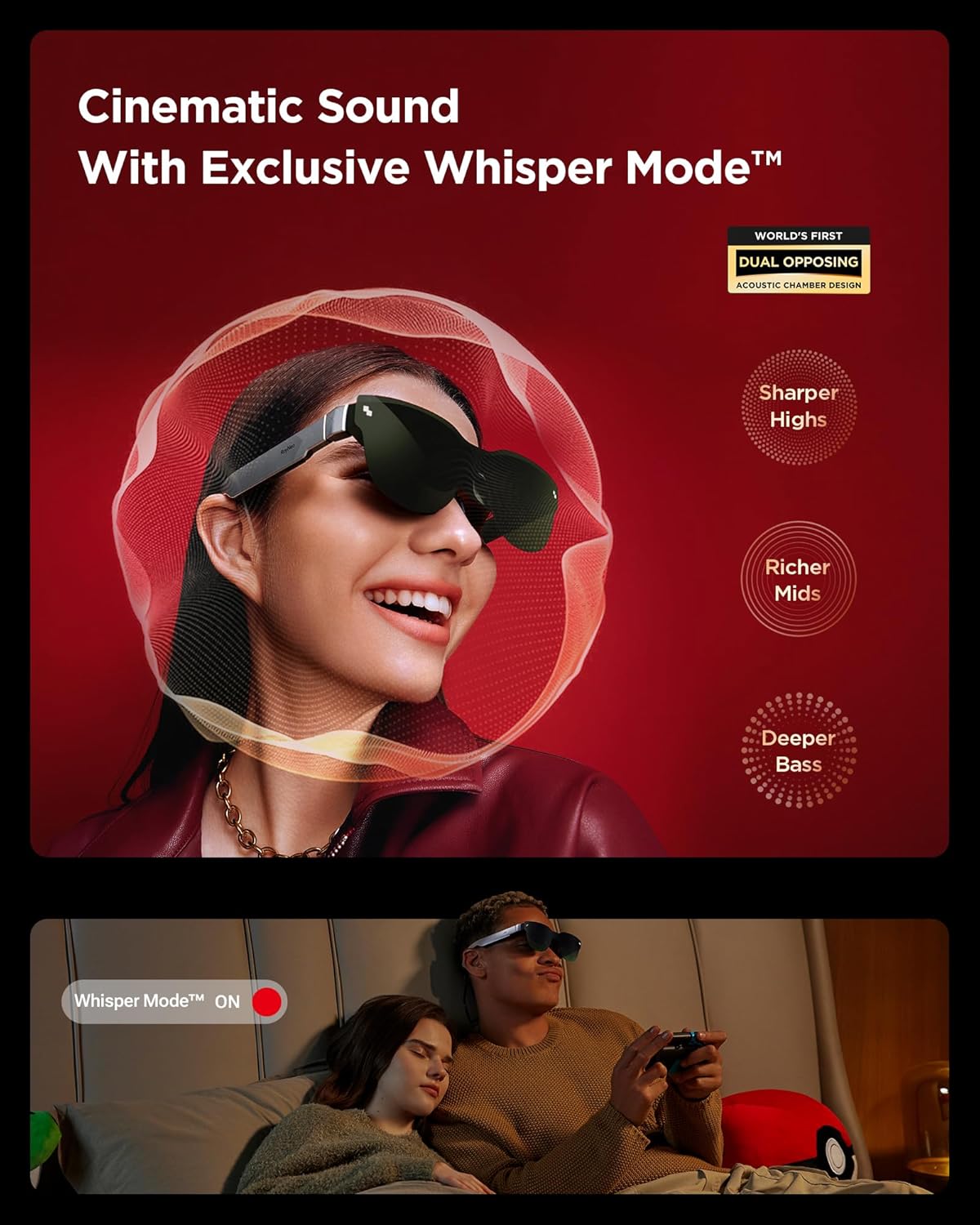
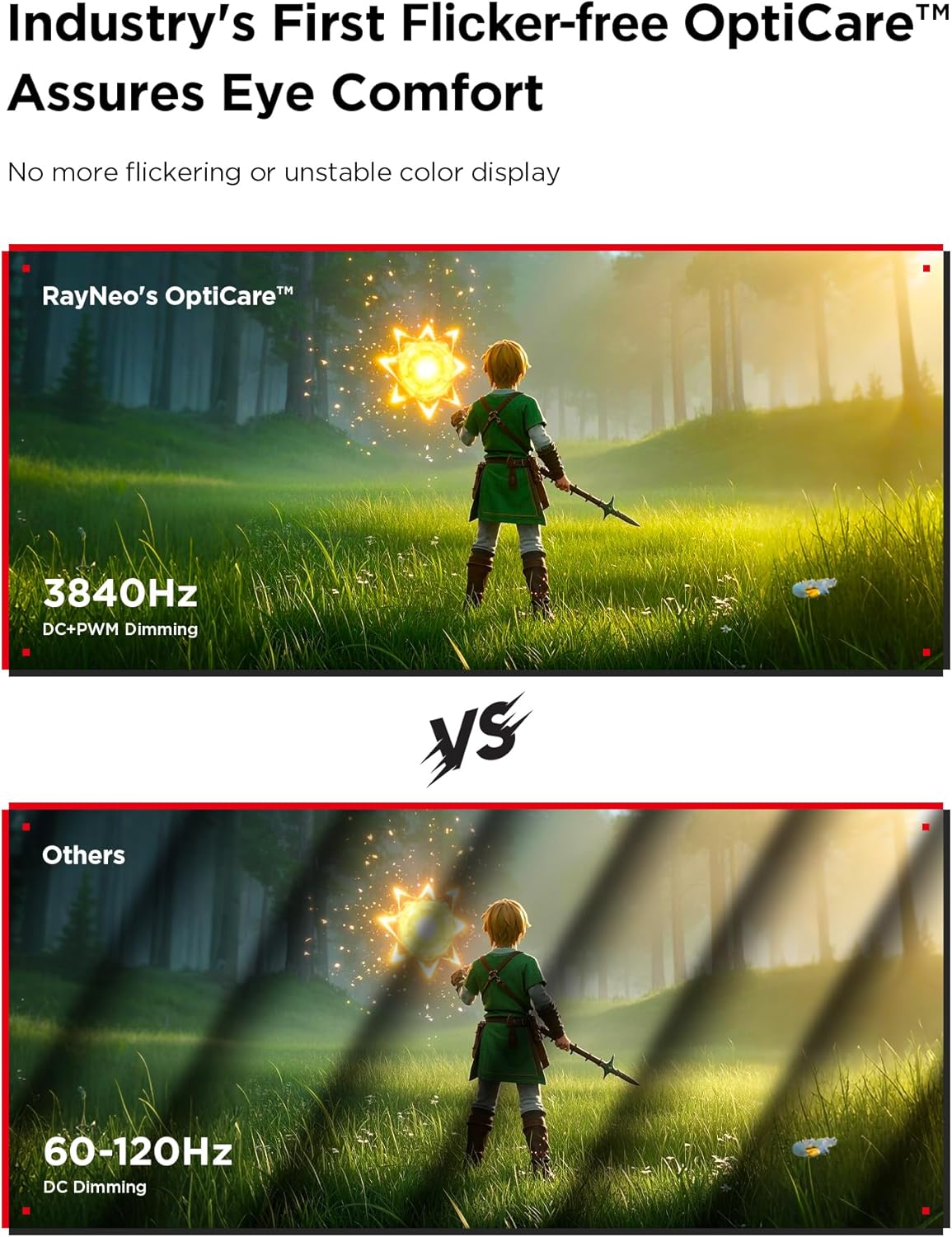
The eyewear delivers a high colour gamut with manufacturer-quoted 98% DCI-P3 and a ΔE below 2 for more accurate tones and vivid images. It includes the company’s OptiCare system which uses 3840 Hz CC dimming and PWM adjustments to reduce flicker, helping long viewing sessions feel more comfortable. Audio is handled by an opposite dual acoustic chamber designed to enhance bass and clarify mid and high frequencies, while Whisper 2.0 mode keeps audio private so nearby listeners hear little to nothing. The headset blocks around 99.6% of external light, improving contrast in bright spaces and protecting viewing privacy.
Usage Recommendations
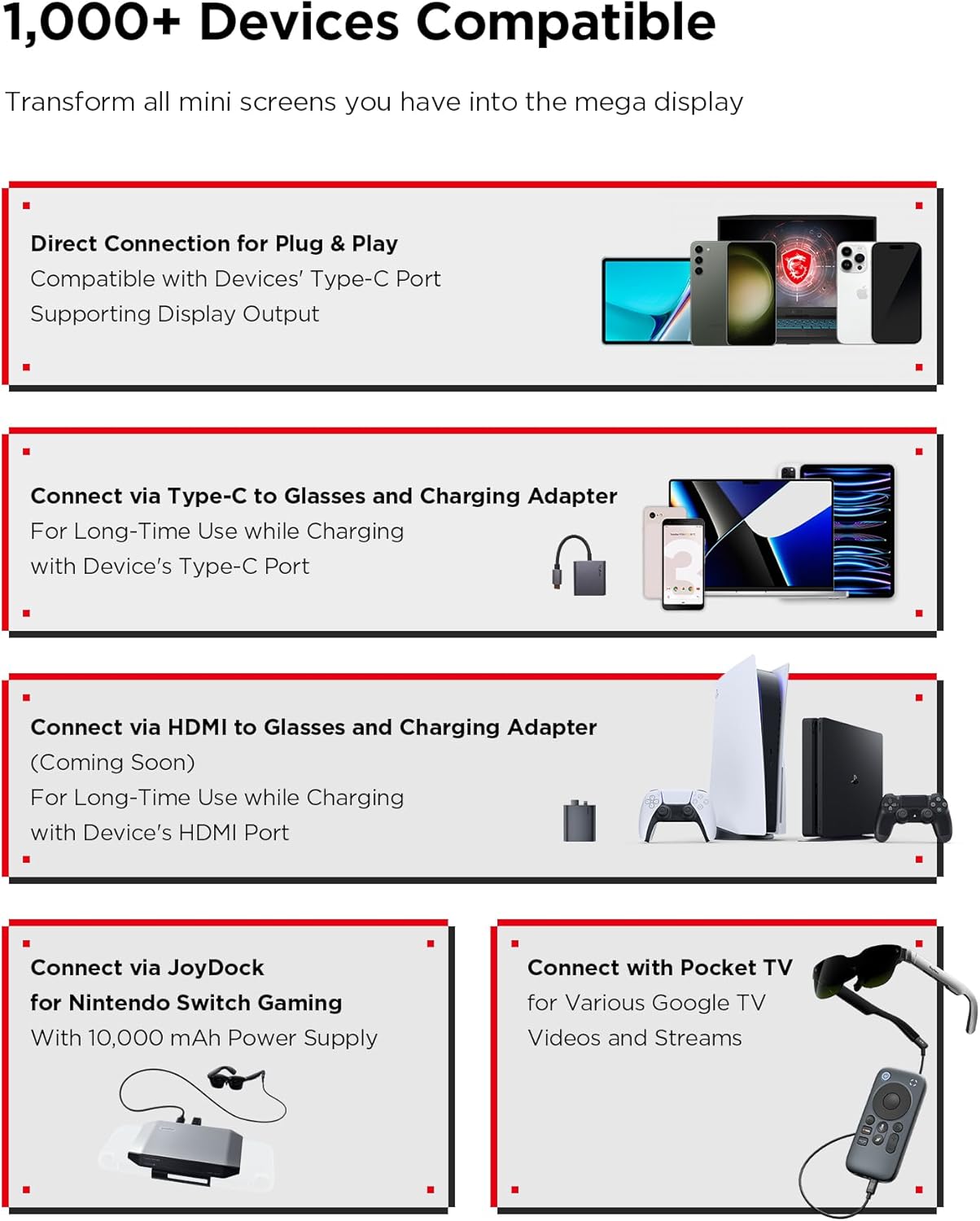
For the best experience, connect directly using DisplayPort compatibility or an HDMI adapter to output a full FHD signal and maintain the 120 Hz refresh rate for gaming. The glasses work with a wide range of devices including recent iPhone and Android phones, computers such as Mac, and consoles like Switch and PS5. When using on the move, keep brightness adjusted to ambient light to prolong battery life and reduce potential discomfort from prolonged high luminance. Consider that full comfort and colour accuracy may depend on device output settings and content resolution.
Technical Specifications
- Name: RayNeo Air 3s
- Display size: 201 inch equivalent FHD
- Colour gamut: 98% DCI-P3, 145% sRGB (manufacturer figures)
- Refresh rate: 120 Hz
- Flicker control: 3840 Hz CC dimming, PWM attenuation
- Light blocking: 99.6% external light reduction
Practical Tips
Use the gaming mode for fast-moving titles to benefit from the higher refresh rate and smoother animations, and switch to standard mode for everyday tasks or video playback to conserve power. If you plan long sessions, lower the brightness and enable the low blue light setting to help reduce eye fatigue. Note that maximum visual performance depends on the source device and cable or adapter used, and some settings may require adjustment to match preferences. 🕹️🎬.