

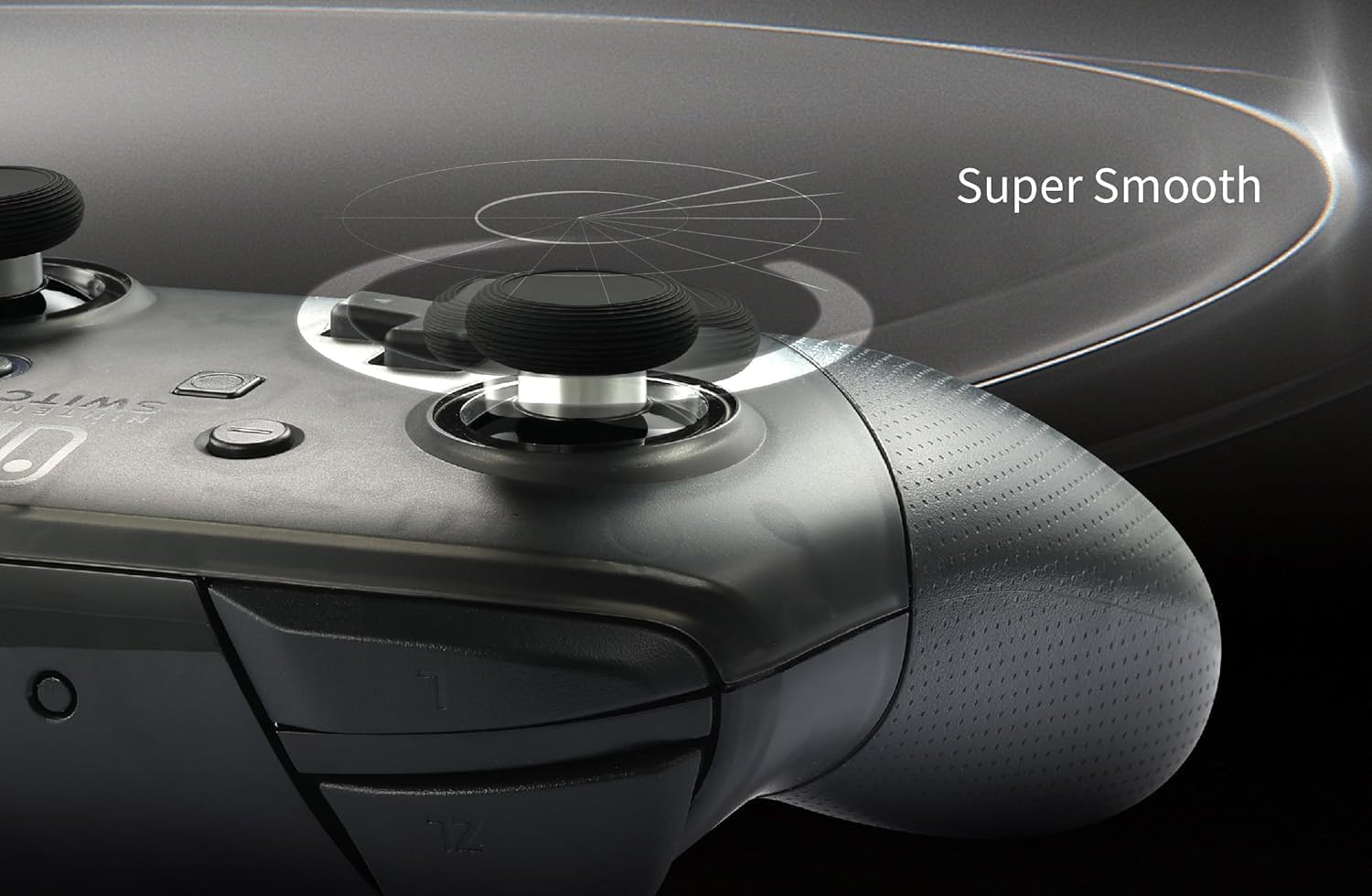
GuliKit Anti-Drift TMR Joysticks for PS4 DualShock – replacement upgrade kit with two thumbstick caps
Product description
What it is and why people buy it
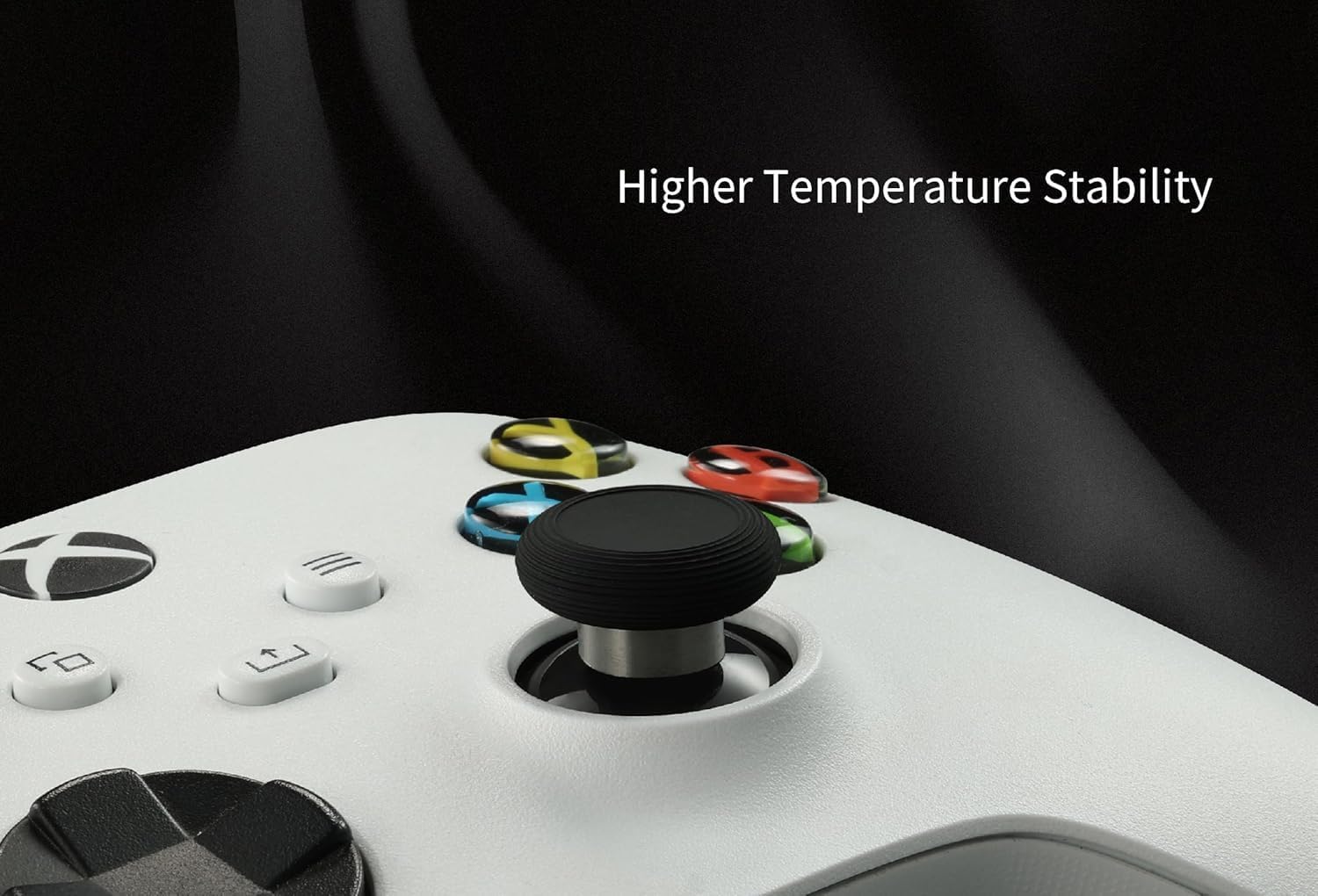
GuliKit’s Anti-Drift TMR joysticks are an upgrade/replacement kit aimed at PS4 DualShock controllers that are showing stick drift or that simply need a more dependable thumbstick sensing approach for long-term play. On paper, the big promise here is electromagnetic, contact-less TMR sensing (so no traditional mechanical wear path), paired with anti stick drift positioning and “excellent temperature stability”.
The reality check: this isn’t a plug-in replacement you can treat like a simple accessory. It’s a repair-style part, and you’ll need to be comfortable with desoldering and soldering, plus running calibration afterwards. If you want something you can install without tools or technical effort, it may not suit you.
Key points to understand before you commit
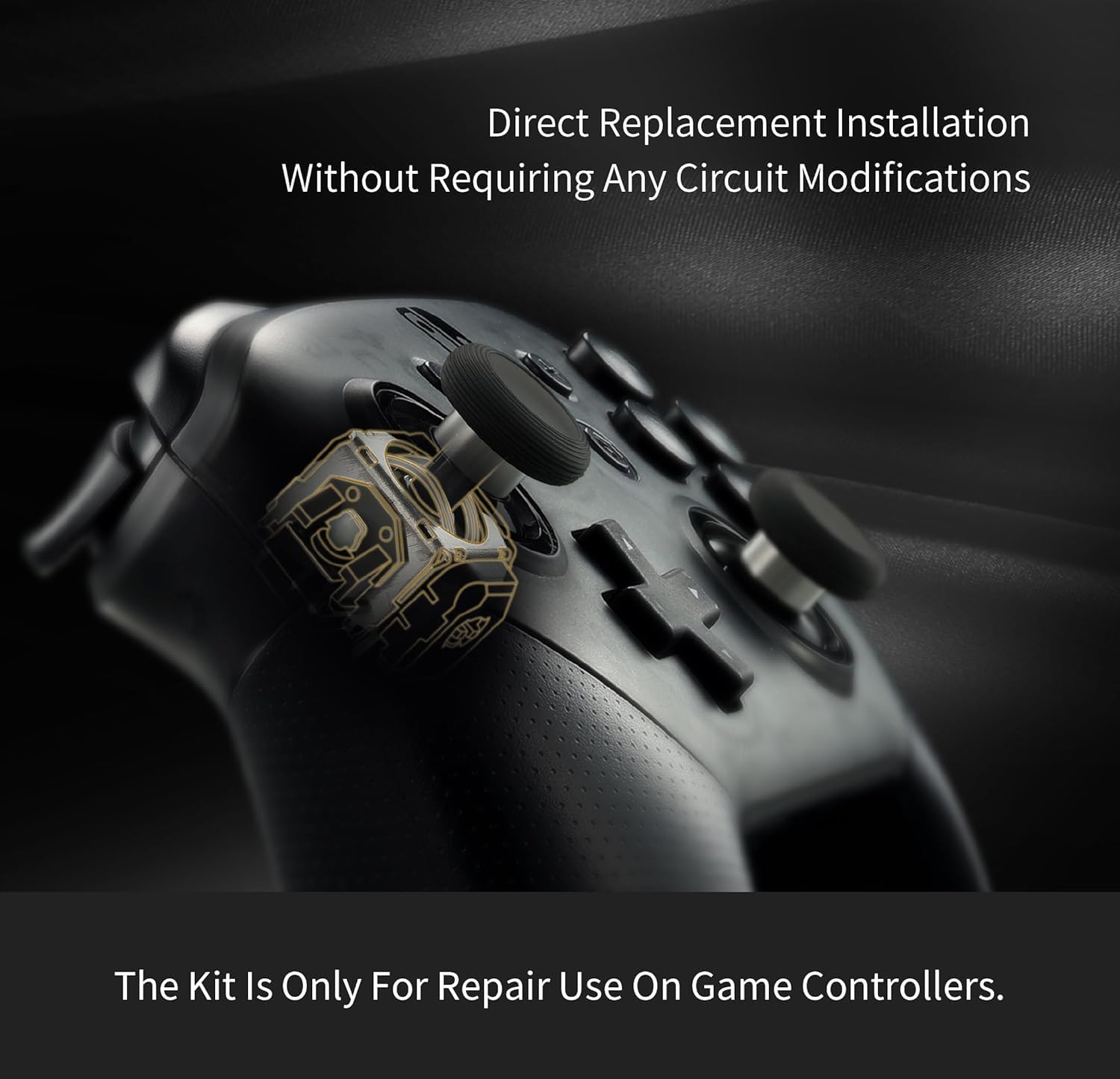
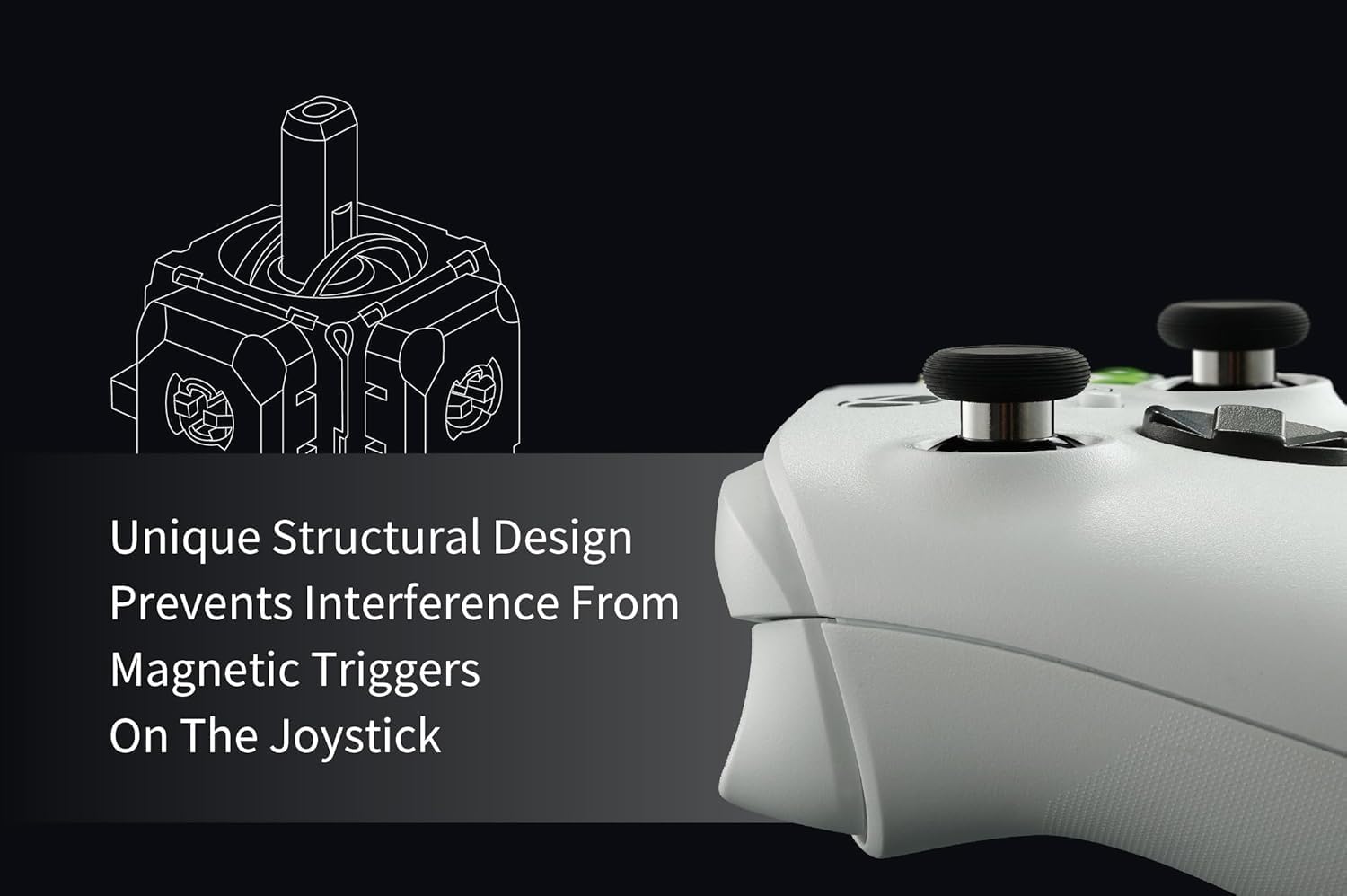
This kit is described as a direct installation replacement approach for the original PS4 DualShock controller. The manufacturer claims it doesn’t require circuit modifications, and it uses a structural design intended to prevent interference from magnetic triggers on the joysticks.

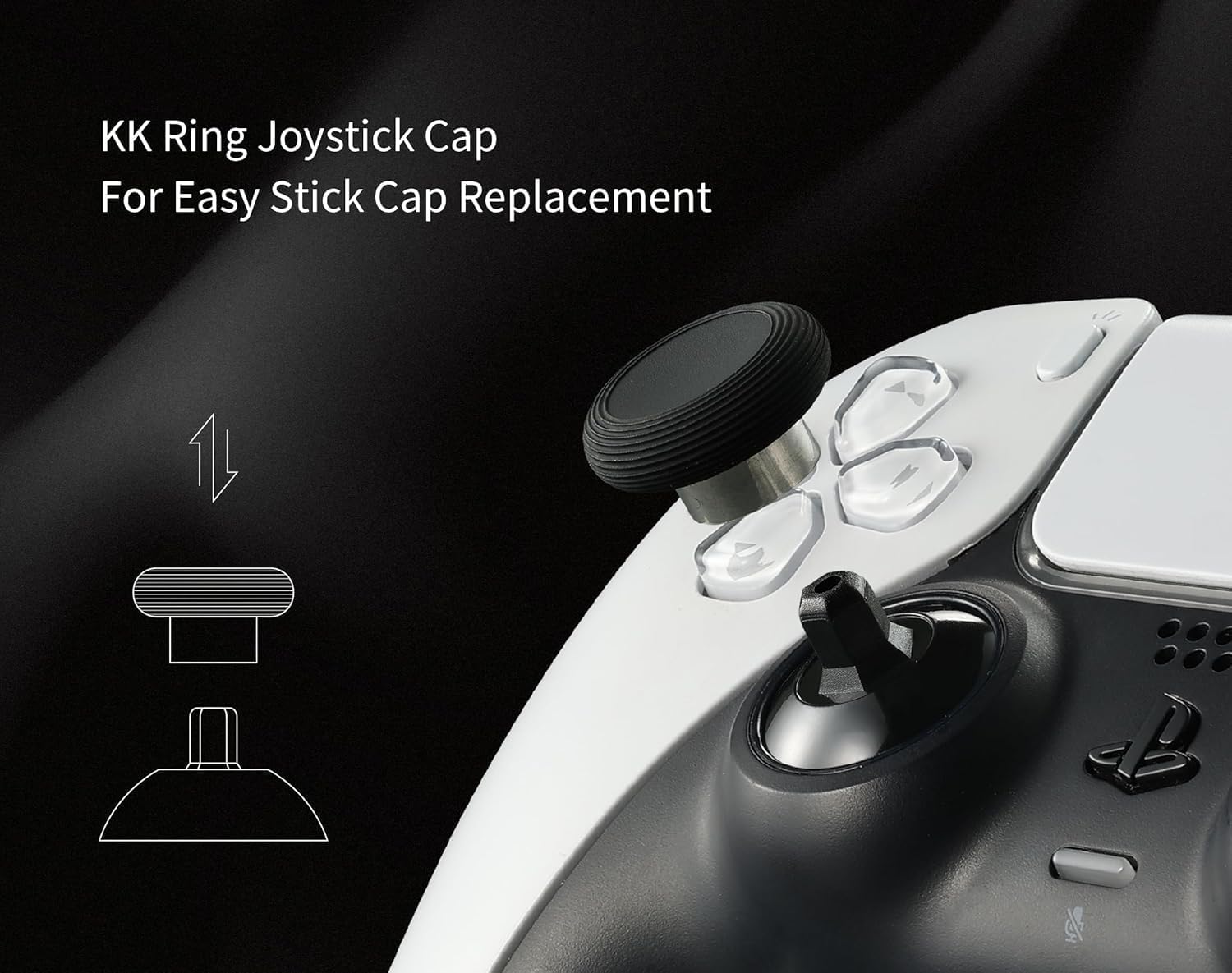
You also get two thumbstick caps/grips/covers included, which helps if your current caps are worn or you simply want a fresh feel on the sticks after the hardware work. For some people, that alone is a small win, even if the main purchase reason is drift.
There’s a straightforward limitation to keep in mind: the repair installation tool kit is not included. So you’ll either need the right replacement tools already, or be prepared to get them.
What you’ll notice in everyday gaming
A lot of joystick upgrade buyers are chasing two things: calmer control when your sticks aren’t perfectly centred, and smoother inputs during fast aiming and movement.
Based on the description, the TMR mechanism is meant to be wear-free/contact-less, which should help with long life compared to wear-prone sensing. It also positions itself around temperature stability and lower power, so in theory your control should remain consistent over longer sessions.
A practical example: if you play shooters where tiny stick nudges matter, drift can slowly turn “steady” into “slightly off” over time. An anti-drift replacement can make the controller feel more predictable again—assuming the calibration step is done properly.
Where it shines (and where it may fall short)
Where it shines: - If you’re specifically dealing with stick drift in a PS4 DualShock and you’re open to repair work. - If you care about longevity and want a contact-less sensing approach rather than a mechanism that relies on wearing components. - If you value consistent thumbstick behaviour over long sessions, particularly with the stated temperature stability.
Where it may not be the best fit: - If you don’t have good desoldering/soldering skills, this kit can be risky. The note is pretty clear that replacement work requires skill. - If you’re expecting a tool-free swap, you’ll likely be disappointed. A replacement tool kit is not included. - If you don’t want to do calibration after installation, this probably isn’t for you.
Getting the most from it
Installation here is described as direct replacement using a replacement tool kit (not included). After installation, you’re instructed to follow the manual guide and run calibration first before use.
That calibration step is worth treating as non-optional. Even if the hardware is fitted correctly, skipping calibration can mean the controller doesn’t behave as expected. If you’re the kind of person who enjoys careful DIY, this setup matches that mindset. If you’re more “swap and play”, it might be better to look at non-repair alternatives.
Also, because the kit is intended to avoid interference from magnetic triggers, it’s another reason to install carefully and avoid shortcuts that could cause misalignment.
Compatibility and requirements (important caveats)
This upgrade is described as compatible with original PS4 DualShock controllers, for thumbstick upgrade and replacement repair, without requiring circuit modifications. However, it’s still a hardware repair task rather than an accessory.
You should be prepared for: - Good desoldering and soldering skills. - A calibration run after installation. - The fact that the repair tool kit is not included.
If you don’t meet those requirements, you may end up spending more time fixing installation issues than it would take to choose a simpler replacement route.
Is it worth it?
It makes sense if you’ve got PS4 DualShock drift problems (or you’re trying to prevent them) and you’re willing to do a proper repair: install the TMR joysticks, then run calibration as the guide suggests. The anti-drift focus, long-life angle, and emphasis on temperature stability are the reasons people usually lean towards this kind of upgrade.
You may want to skip it if you’re not confident with desoldering and soldering, or if you expected a basic, tool-free replacement. It’s not a “grab it and go” purchase, it’s more of a DIY hardware fix, and that’s the trade-off.

Mini FAQ
Is this a plug-and-play replacement?
No. The notes indicate it requires desoldering and soldering skills, and it also mentions a replacement tool kit isn’t included.
Does it require circuit modifications?
The description states it doesn’t require any circuit modifications, using a direct installation approach.
Why do I need calibration?
After installation, the instructions say to follow the manual guide and run calibration first before use.
What’s included in the box?
You get the joysticks, plus 2 thumbstick caps/grips/covers. The repair tool kit is not included.
Does it help with stick drift?
The kit is specifically positioned as anti stick drift, using contact-less TMR electromagnetic sensing intended for long life and wear-free performance.