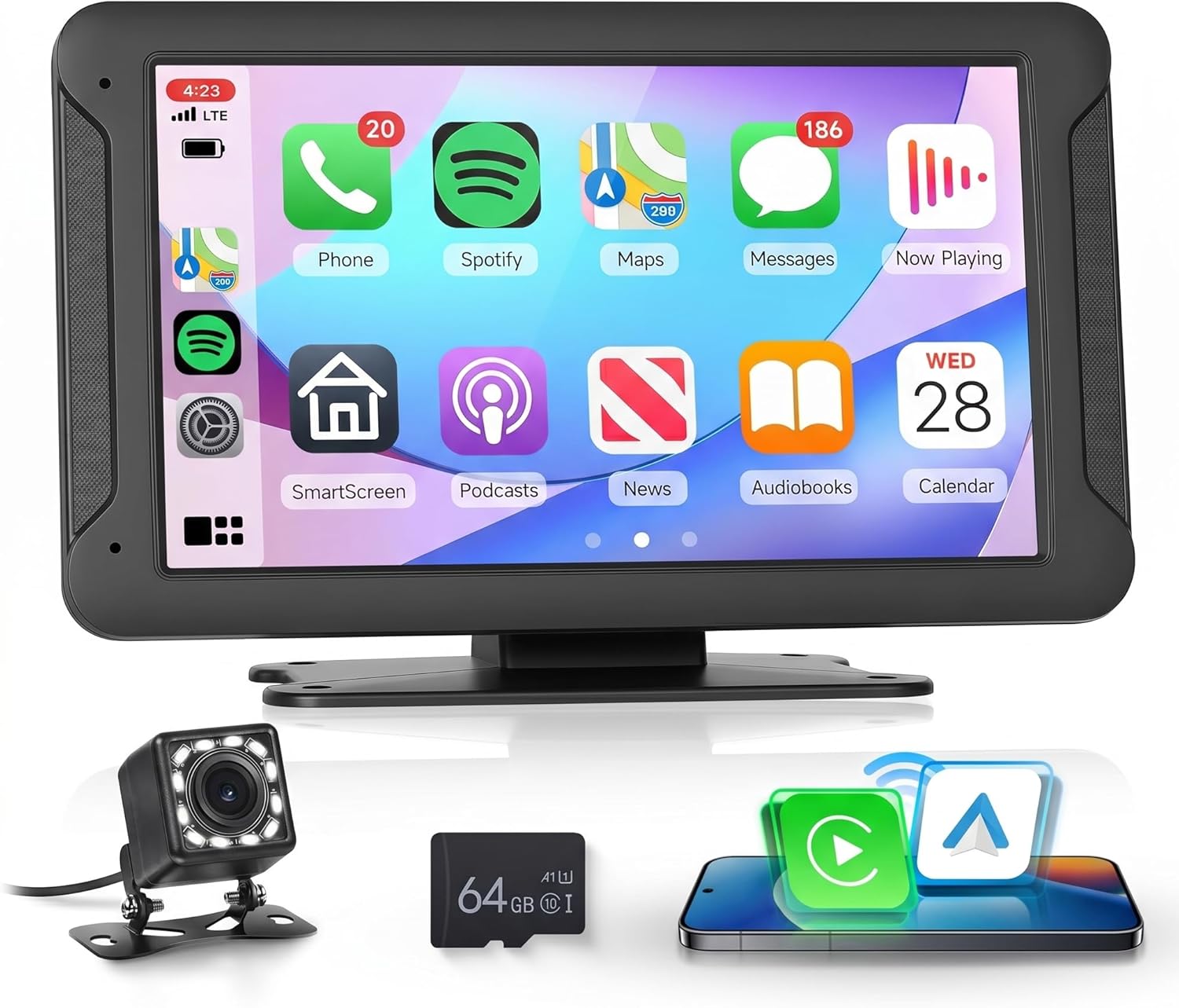
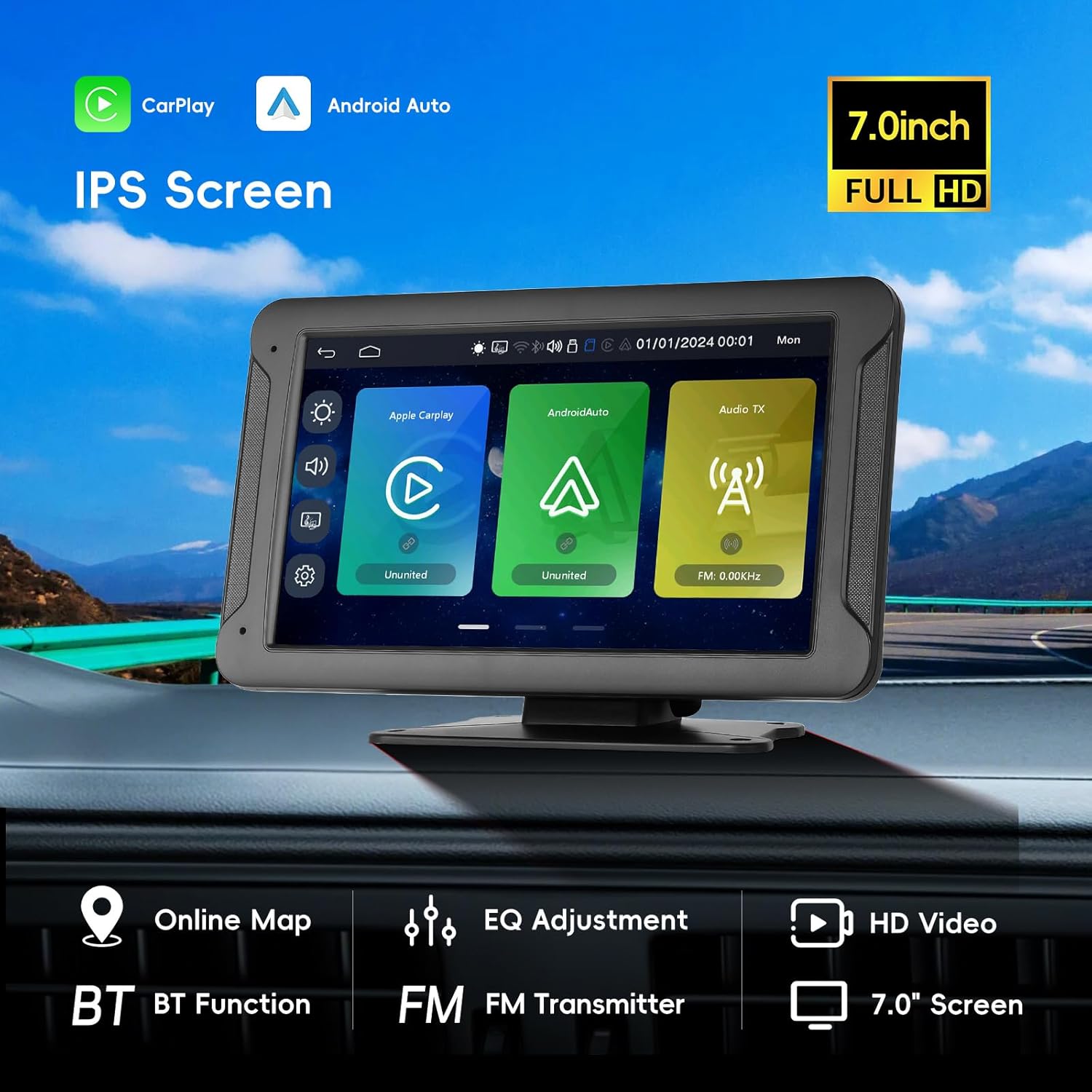
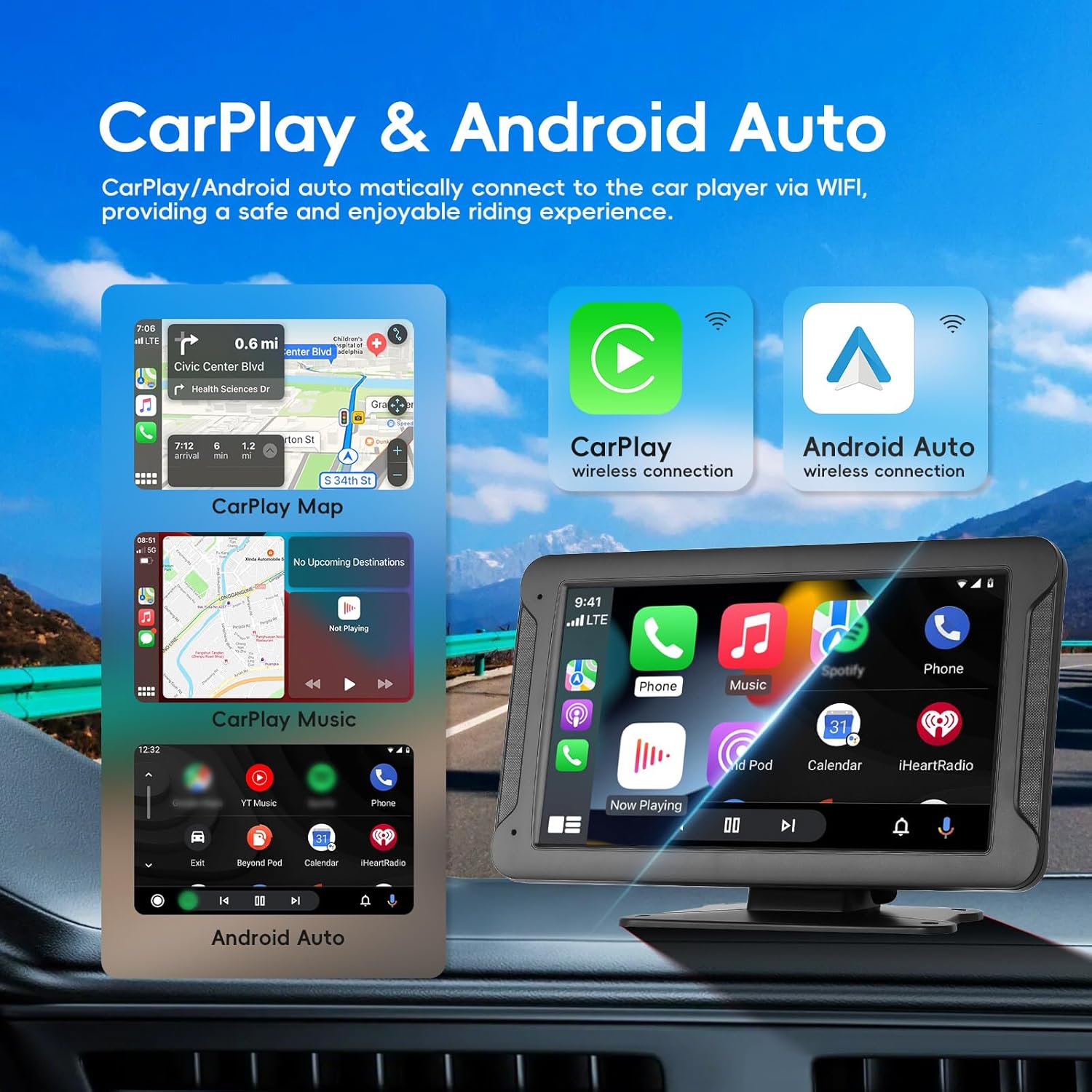
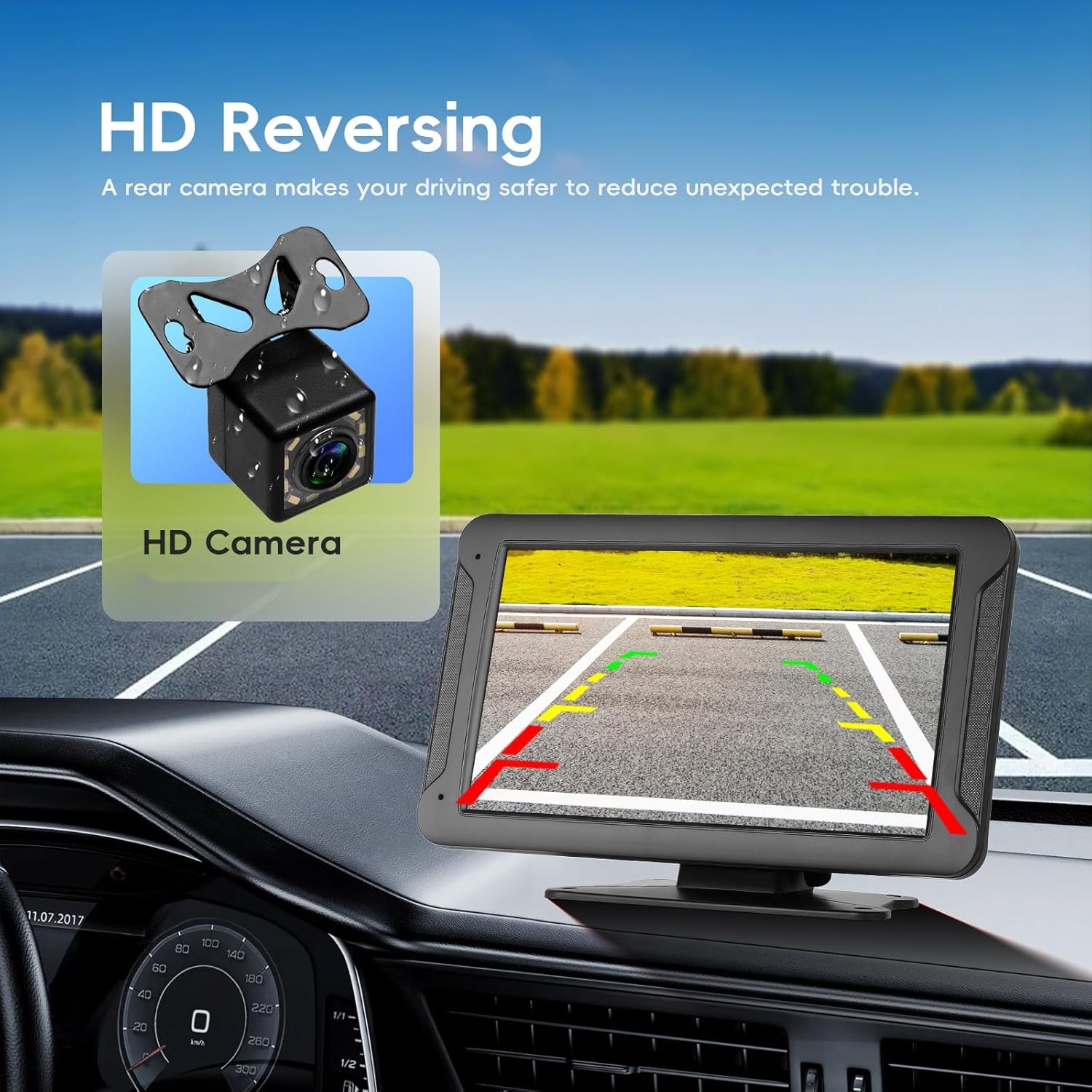
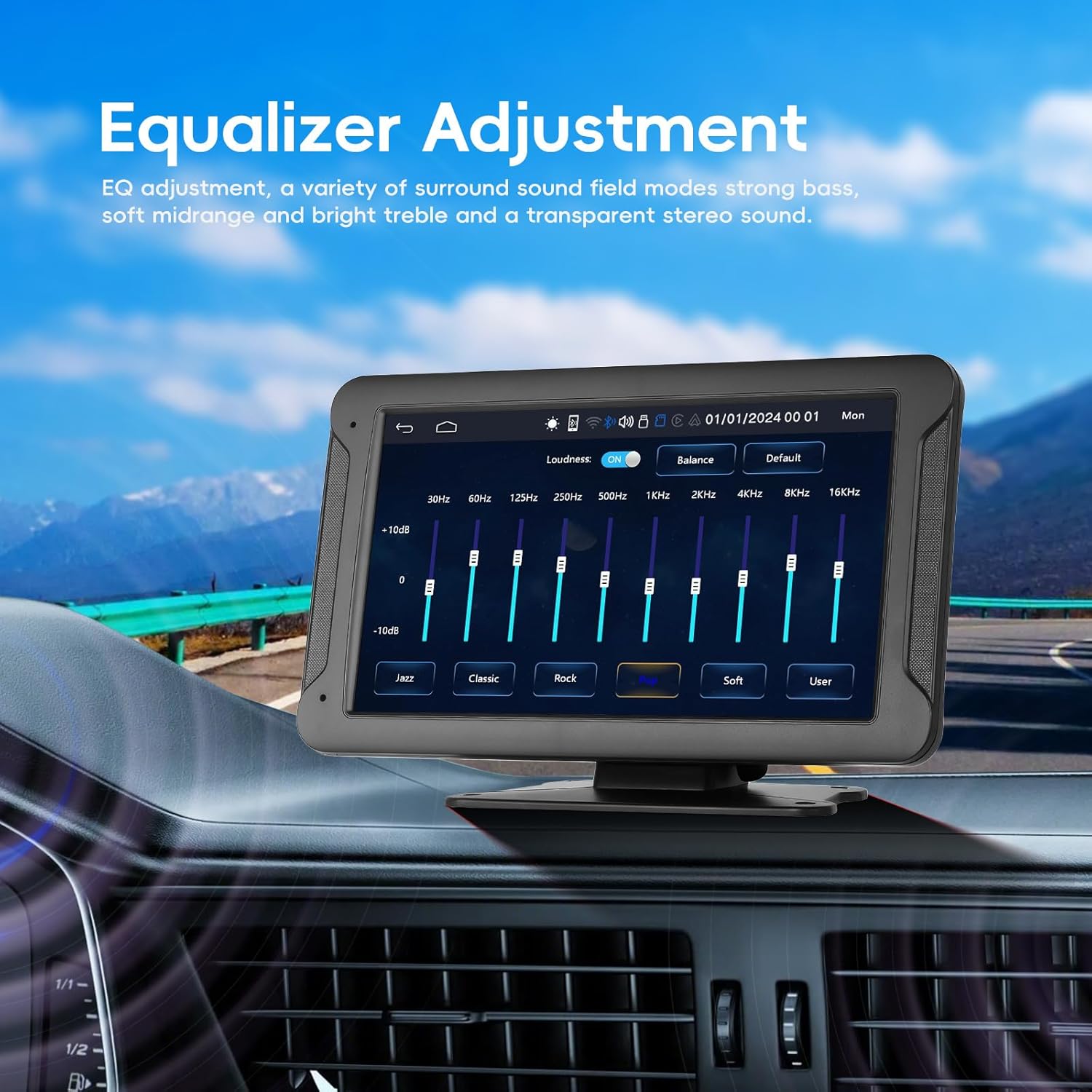
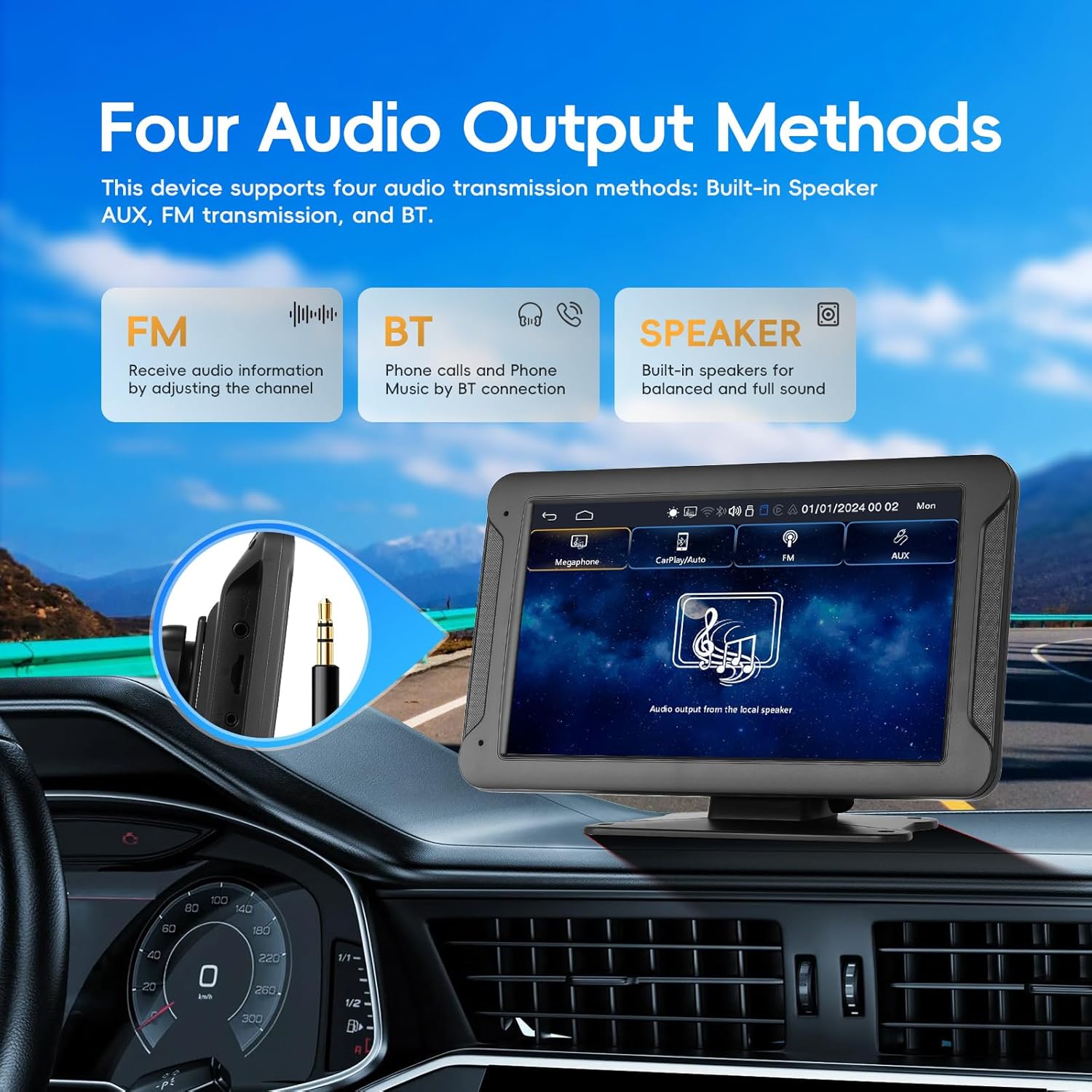
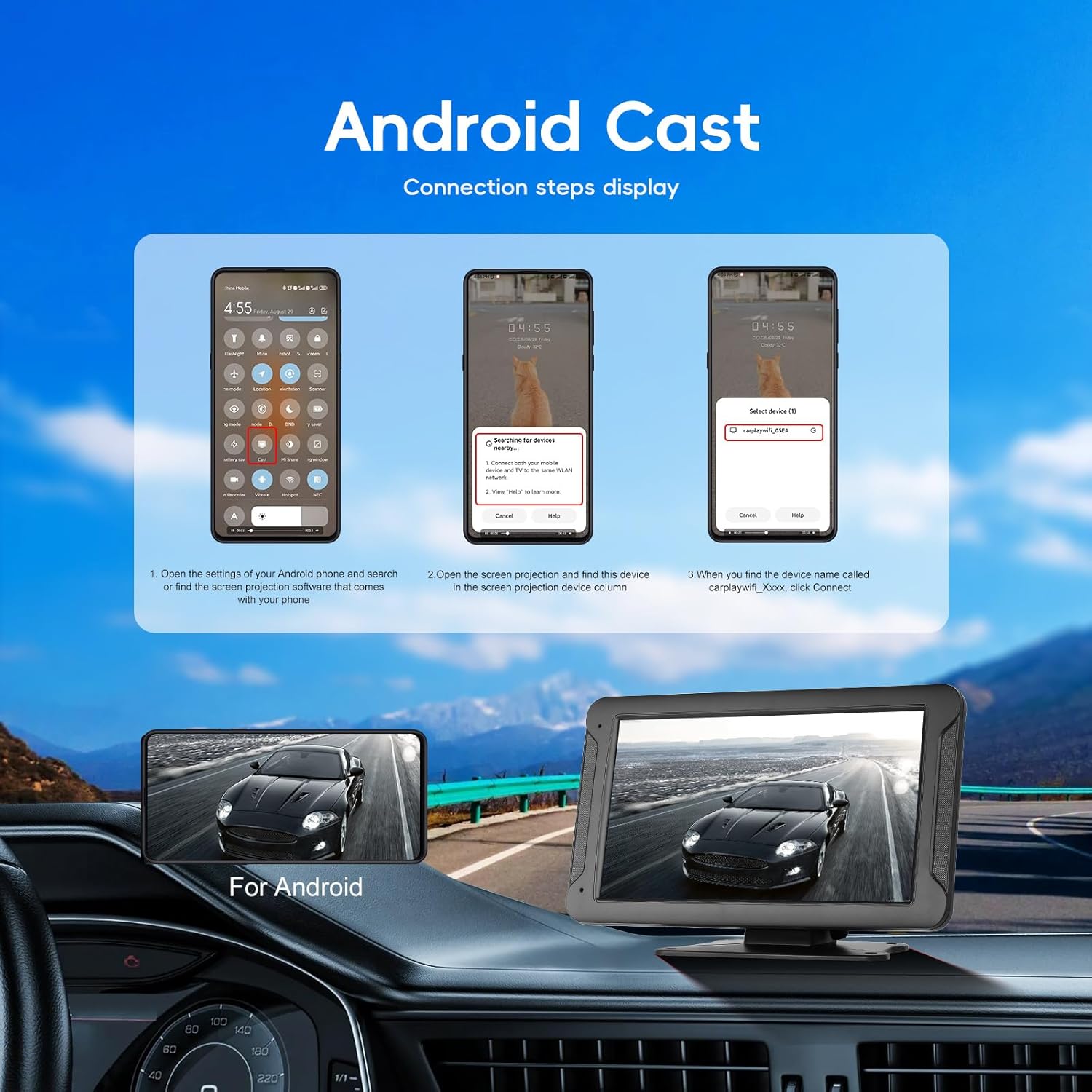
What this is and what it solves\nThis is a portable 7-inch wireless CarPlay and Android Auto display that adds modern smart features to older or rental vehicles without replacing the factory radio. It sits on a windscreen or dashboard mount, connects by Bluetooth and Wi‑Fi, and mirrors your phone for navigation, calls, messages and music. The setup is designed to be quick and cable‑free, which helps keep the cabin tidy on daily commutes or longer road trips.\n\n## How it works in practice\nYou pair the screen with your phone over Bluetooth and a Wi‑Fi link. The system supports wireless CarPlay, Android Auto and AirPlay, so you can access Google Maps or Waze, stream music and use voice assistants without a tangle of cables. A key feature is the Advanced Wireless Mirror Link that mirrors your Android or iOS screen wirelessly, including video streaming to the 7" display, while keeping your phone locked. This can be handy for passenger entertainment or following complex navigation visuals when you prefer larger on‑screen detail.\n\n## Core features at a glance\n- 7" HD IPS touch screen for clear visuals, responsive to taps, even on the move.\n- Wireless CarPlay and Android Auto for hands‑free driving with voice control.\n- AirPlay and Android Cast compatibility widen device support.\n- Multiple audio outputs: Bluetooth, AUX, FM transmitter, or built‑in speakers.\n- Real‑time GPS navigation and OTA updates via the SUPERLINK app.\n- Reverse camera support with automatic screen jump for safer reversing.\n- Plug‑and‑play installation across most vehicles (7–32V).\n- Built‑in 64G TF card expands storage for local media.\n\n## What stands out in everyday use\nOn the road, the appeal lies in the absence of cables and the ability to mirror your phone for visual navigation. The OTA updates promise ongoing improvements, which is useful once you’ve settled into a routine. For families or frequent travellers, the reverse camera integration adds a safety touch when reversing in tight spaces.\n\n## Who this is for and who it isn’t perfect for\nThis solution suits drivers with older or rental cars who still want modern smartphone integration without upgrading the factory head unit. It also suits passengers who benefit from a larger screen for navigation or video while the driver keeps focus on the road. It might not be the best option if you require a permanently integrated touchscreen with dedicated vehicle‑specific controls or if you mainly rely on wired connections in a highly customised cabin.\n\n## What to check before buying\n- Confirm your vehicle’s power availability (7–32V compatibility).\n- Decide your preferred audio route (Bluetooth, AUX, FM or built‑in speaker).\n- Consider where you’ll mount the screen for best visibility without obstructing controls.\n- Ensure you’re comfortable with wireless pairing and occasional OTA updates via the app.\n\n## Practical use example\nDuring a long drive, you can mirror a navigation map from your phone while streaming music through Bluetooth, then switch to the backup camera when reversing into a curb‑side parking space. The screen remains portable, so you could relocate it between cars if needed.\n\n## FAQ (based on available details)\n- Is it really wireless CarPlay and Android Auto? Yes, via Bluetooth + Wi‑Fi.\n- Can you use video apps while mirroring? The Wireless Mirror Link supports streaming video to the display, but your phone remains locked.\n- Does it require tools to install? No tools or dashboard disassembly are needed for a plug‑and‑play setup.\n\n## Final verdict\nIs it worth it? Worth considering if you want a flexible, cable‑free upgrade for in‑vehicle smart features without replacing the factory head unit. It’s particularly sensible for older cars or rental fleets where a temporary, portable solution makes sense. If you prioritise a seamless, built‑in look or high‑end integration, you may want to compare with more permanent aftermarket head units.