

TomTom GO Superior car sat nav with 7-inch display, Wi‑Fi updates, traffic and speed camera alerts
Product description
Quick overview
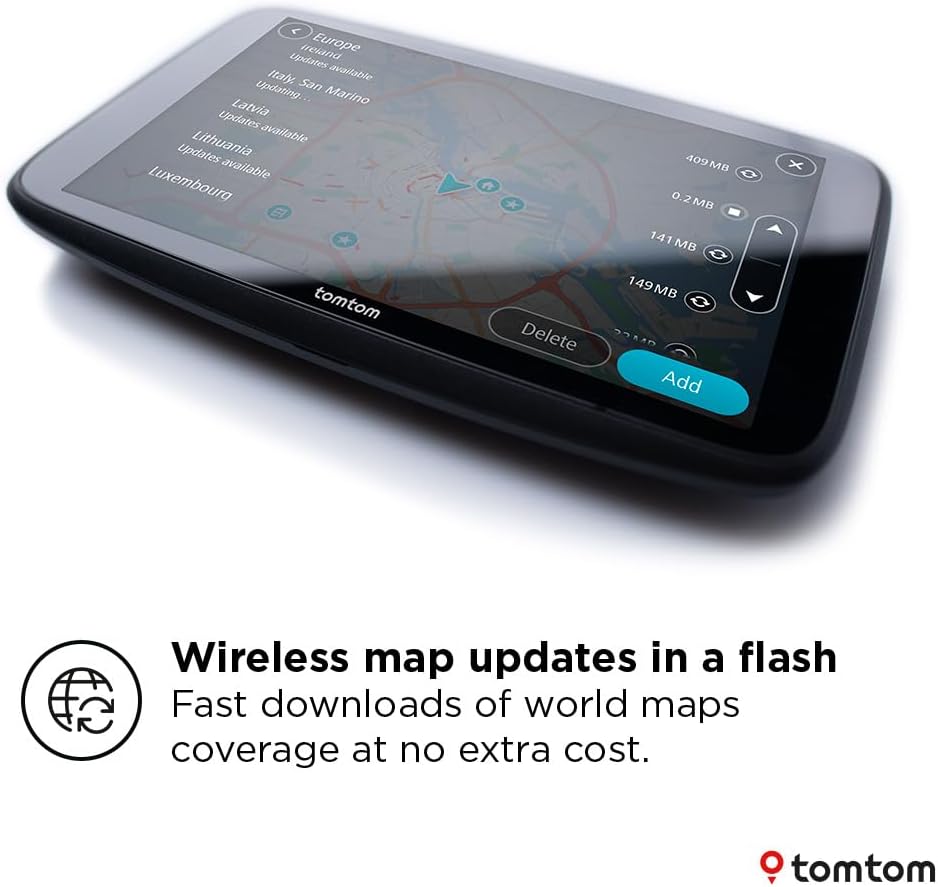
If you’re fed up with a sat nav that needs fiddling or outdated maps, the TomTom Car Sat Nav GO Superior is aimed squarely at “set it up and get moving”. It’s built around up-to-date world maps that can be updated wirelessly via Wi‑Fi, plus trusted TomTom traffic and speed camera alerts.
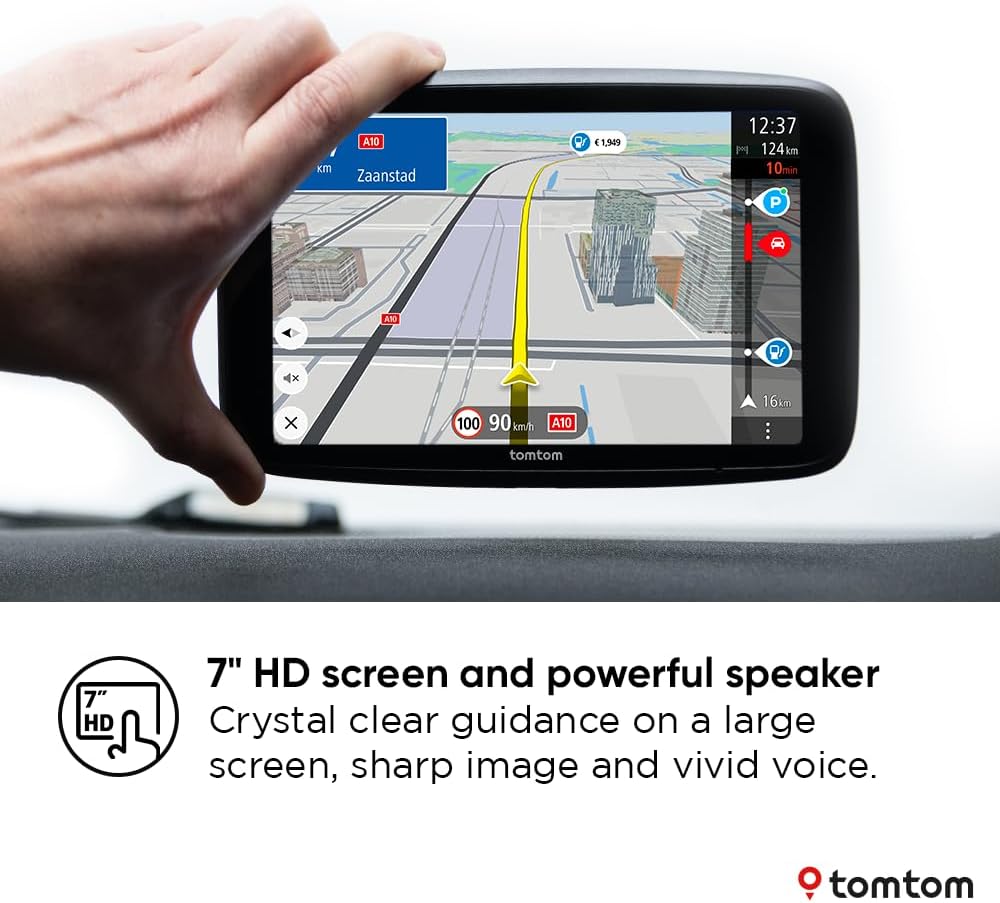
On paper, it also comes with features that are easy to value during normal driving: live-style traffic awareness to help you avoid jams, fuel price information for route decisions, and a Click-Drive mount for a simpler in-car setup. The big 7-inch screen and a powerful speaker are also there for the practical reason you’d expect—readability and guidance you can hear clearly.
What matters most day to day
The headline here is the combination of map freshness and real-time context. With Quick-Updates via Wi‑Fi, you’re not meant to rely on a computer just to keep navigation current. That matters if you regularly drive routes that change—new roads, altered junctions, and shifting traffic patterns can make a “fine most of the time” nav feel suddenly unreliable.
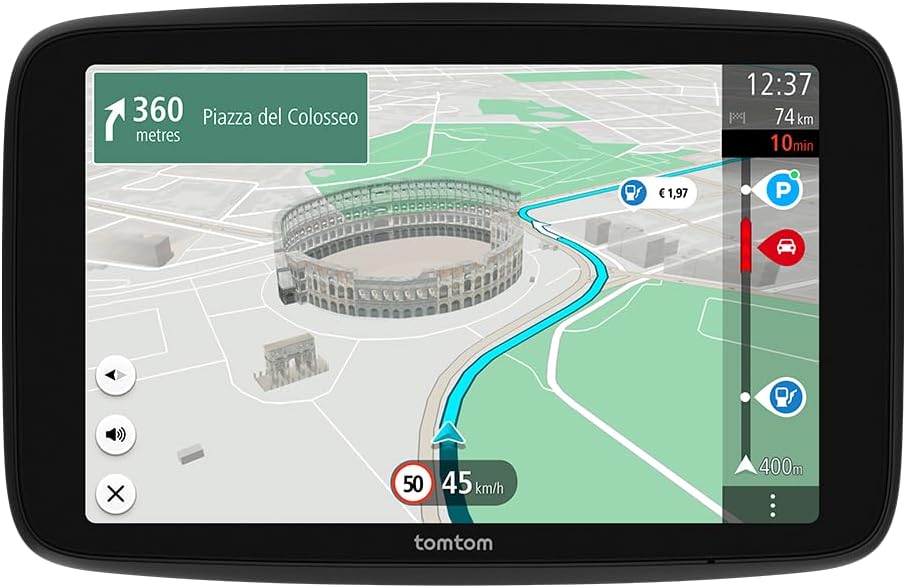
The traffic and speed camera alerts are there to support safer, smoother driving. TomTom Traffic and speed camera alerts are positioned as trusted guidance, including “2 years for free” of speed camera alerts. The idea is that you stay under the speed limit more consistently and you’re not surprised by camera enforcement.
There’s also some genuinely useful extras included for the first period: live fuel pricing info, off-street parking, and EV charging point availability. Not everyone will use every one of these, but if you do them occasionally—like searching for parking or checking where you can top up—these can save time compared with juggling multiple apps.
Key takeaways
Where this GO Superior sits best is for drivers who want a mainstream sat nav that feels responsive, with clear instructions and fewer “update hassles”. The 7-inch display gives you more room to read routes than smaller screens, and the speaker is highlighted for crystal-clear route guidance.
It also leans into performance basics: it includes 2GB RAM for fast responsiveness and a touchscreen interface that’s described as highly responsive. That “swipe easily” behaviour is the kind of thing you notice when you’re zooming in on junctions or tapping around settings while parked at the lights.
Worth noting: the bundle references a “NEW SOFTWARE” angle and a wireless update approach, but the details of what’s enabled on day one can still depend on the setup process and what you choose to sync.
Who it’s for (and who should be cautious)
It’s a solid pick if you’re the kind of driver who wants fewer steps between starting the car and getting a confident route—especially if you rely on traffic awareness and want speed camera alerts for reassurance.
It may not suit you if you mainly drive short, familiar journeys and don’t care about traffic updates or parking/charging info. In that case, the added features could feel like more device than you need.
It may also be a less convincing choice if you’re expecting a “do everything” navigation system purely from specs. The description focuses on navigation comfort, alerts, map updates, and several helpful services, but it doesn’t spell out depth of functionality beyond those items—so if you want very specific advanced driving features, it’s worth double-checking what’s included for your exact use.
Tech specs
- Name: TomTom Car Sat Nav GO Superior
- Type: Car sat nav with traffic and speed camera alerts
- Display: 7 inch
- Memory: 2GB RAM
- Updates: Quick-Updates via Wi‑Fi (no computer needed for updates)
- Alerts: 2 years speed camera alerts
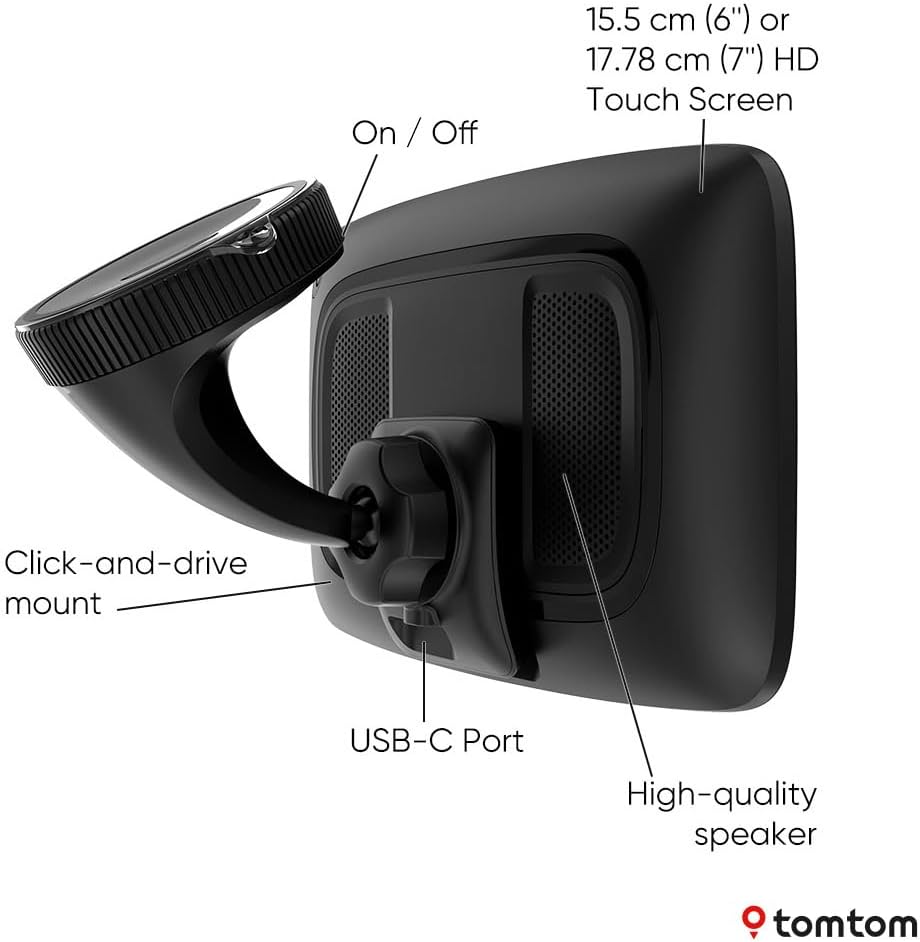
- Mount: Click-Drive mount
- Data features mentioned: Traffic info, live fuel pricing info, off-street parking, EV charging points availability (2 years for free of the listed services)
- Connectivity/update hardware mentioned: USB-C
How to use it (practical set-up in a real drive)
A typical “good day” use looks like this: you mount the Click-Drive bracket in your car, power it using the included USB-C setup, and then you’re routing as normal. The benefit comes from the combination of a bigger 7-inch view and clear voice guidance—when the route line is easy to follow, you spend less time second-guessing lanes or turns.
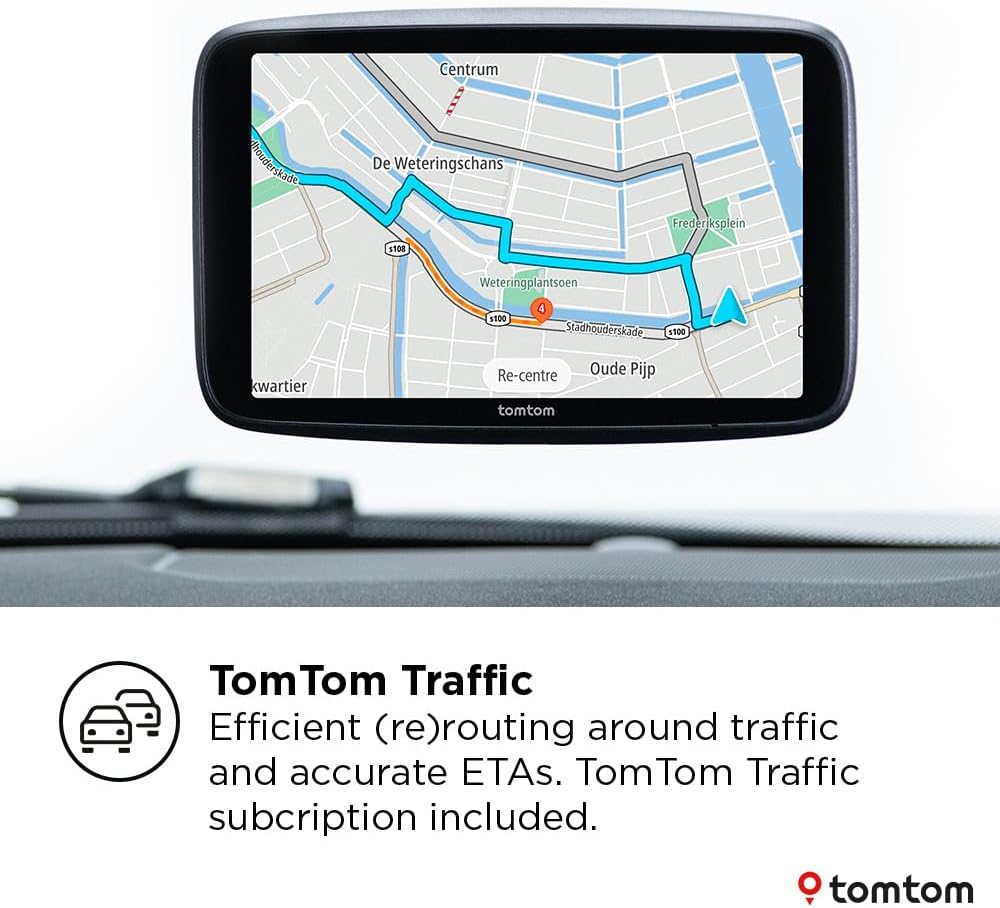
Before you head out, the wireless update angle is meant to reduce friction. Instead of hunting for a computer or cables to refresh maps, you can expect to update over Wi‑Fi when needed, keeping navigation aligned with current road layouts. Then, as traffic builds, the trusted traffic info helps you decide whether to stick or reroute to avoid slower stretches.
Final verdict
Final verdict
Should you buy it? Choose the TomTom GO Superior if you want a 7-inch sat nav that’s designed around up-to-date world maps via Wi‑Fi, plus traffic and speed camera alerts that are positioned as reliable support for safer driving. The free period for speed camera alerts and the included extras (fuel pricing, off-street parking, and EV charging point availability) makes it feel more than just “directions only”.
Skip it or at least think twice if you only need basic navigation for familiar short drives, or if you prefer a phone-based approach where maps and alerts are handled entirely by another device. Also, don’t assume every listed service will be equally useful every day—this set-up makes most sense when you actually benefit from traffic guidance and the practical info while on the road.
Mini FAQ
Does it update maps without a computer?
The description says the maps can be updated wirelessly and effortlessly via Wi‑Fi, with no computer needed.
What alerts are included?
It includes trusted TomTom traffic and speed camera alerts, with “2 years for free” of speed camera alerts.
Are fuel prices and parking included?
It mentions live fuel pricing info and off-street parking availability as part of what you get for “2 years for free”.
Is there EV charging point availability?
Yes, EV charging point availability is mentioned as being included for the free period.
How big is the screen?
The display is a 7-inch screen.