

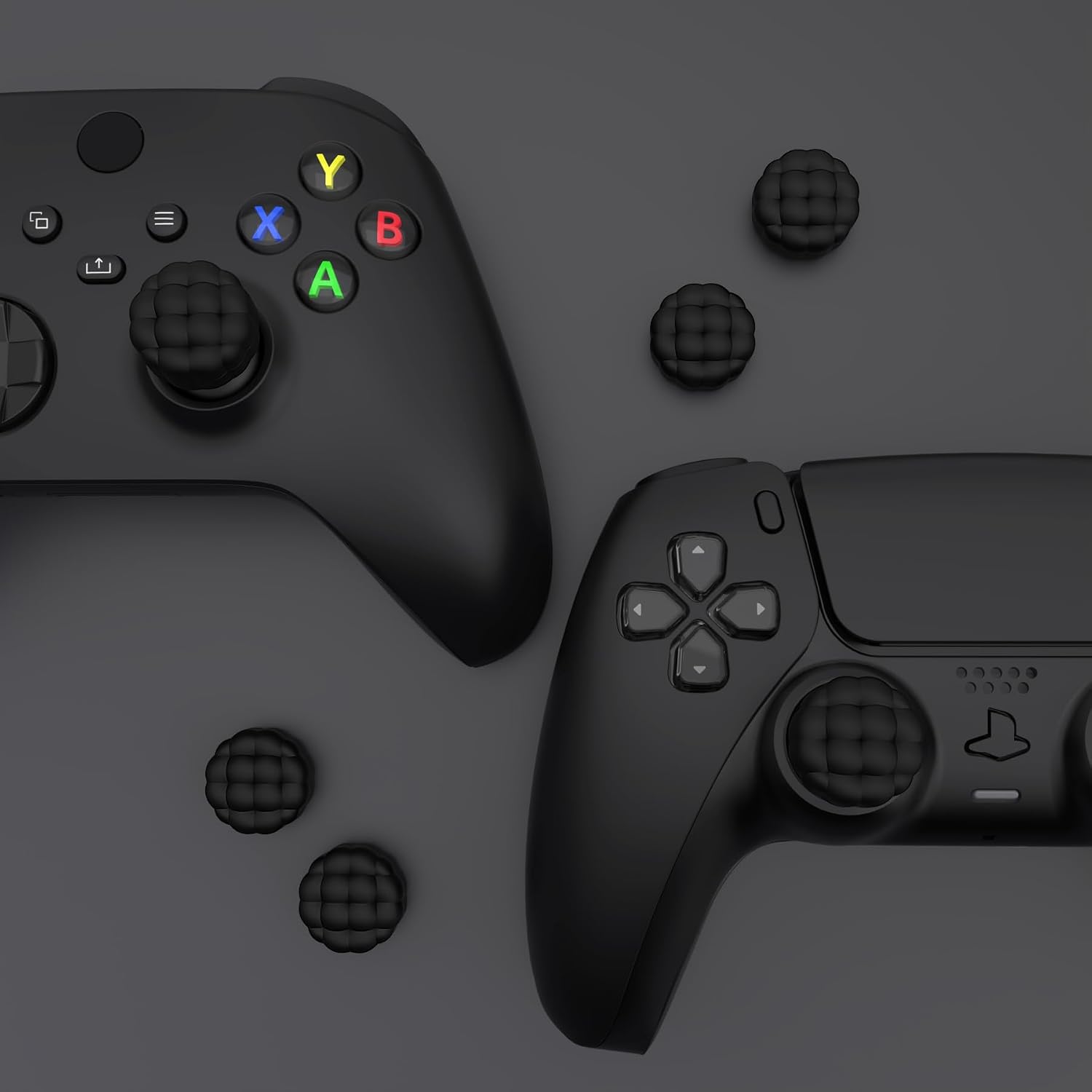
PlayVital Thumb Cushion Caps (Cloud Texture) for PS5/PS4, Xbox & Switch controllers
Product description
What it is and the problem it’s trying to solve
If your thumbsticks feel a bit “grabby” or your thumbs start to ache after longer sessions, cushion-style grip caps are usually the first thing to try. PlayVital’s Thumbs Cushion Caps are designed to sit on top of your controller’s thumbsticks to give you a softer, more secure contact area.
The idea here is simple: instead of a flat cap that can feel slick or hard, you get a soft silicone topper with an air-cushion style design. The manufacturer also talks about reducing strain on hands and thumbs, and that’s the sort of comfort upgrade that can be genuinely useful if you do lots of aiming, camera movement, or just play for hours.
That said, this is still an accessory—your controller won’t magically become a different class of device. If you’re after competitive, extremely fine sensitivity changes, you might find it doesn’t address that kind of need. On paper it’s about comfort and grip security more than performance tuning.
Key features that matter in day-to-day use
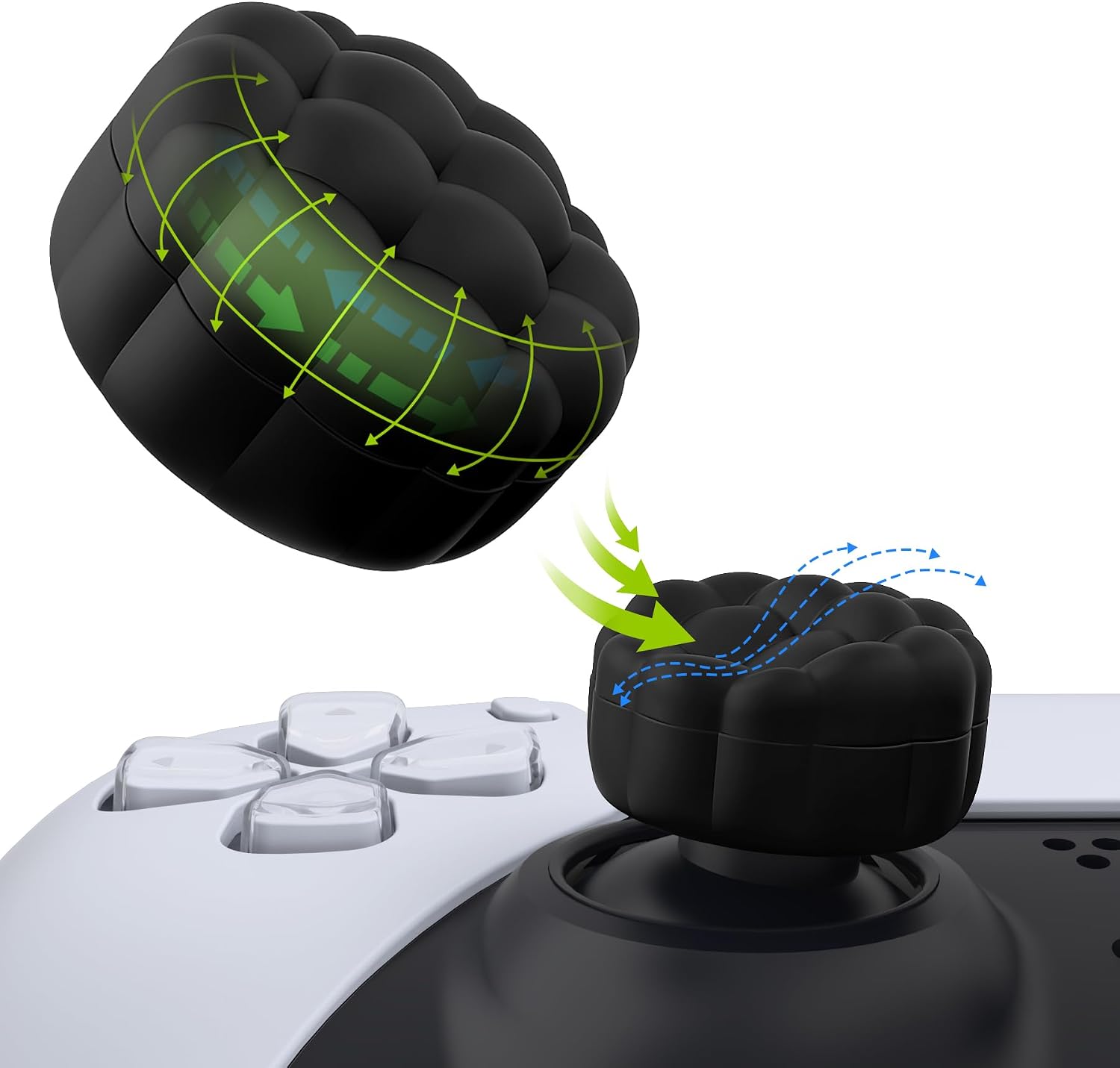
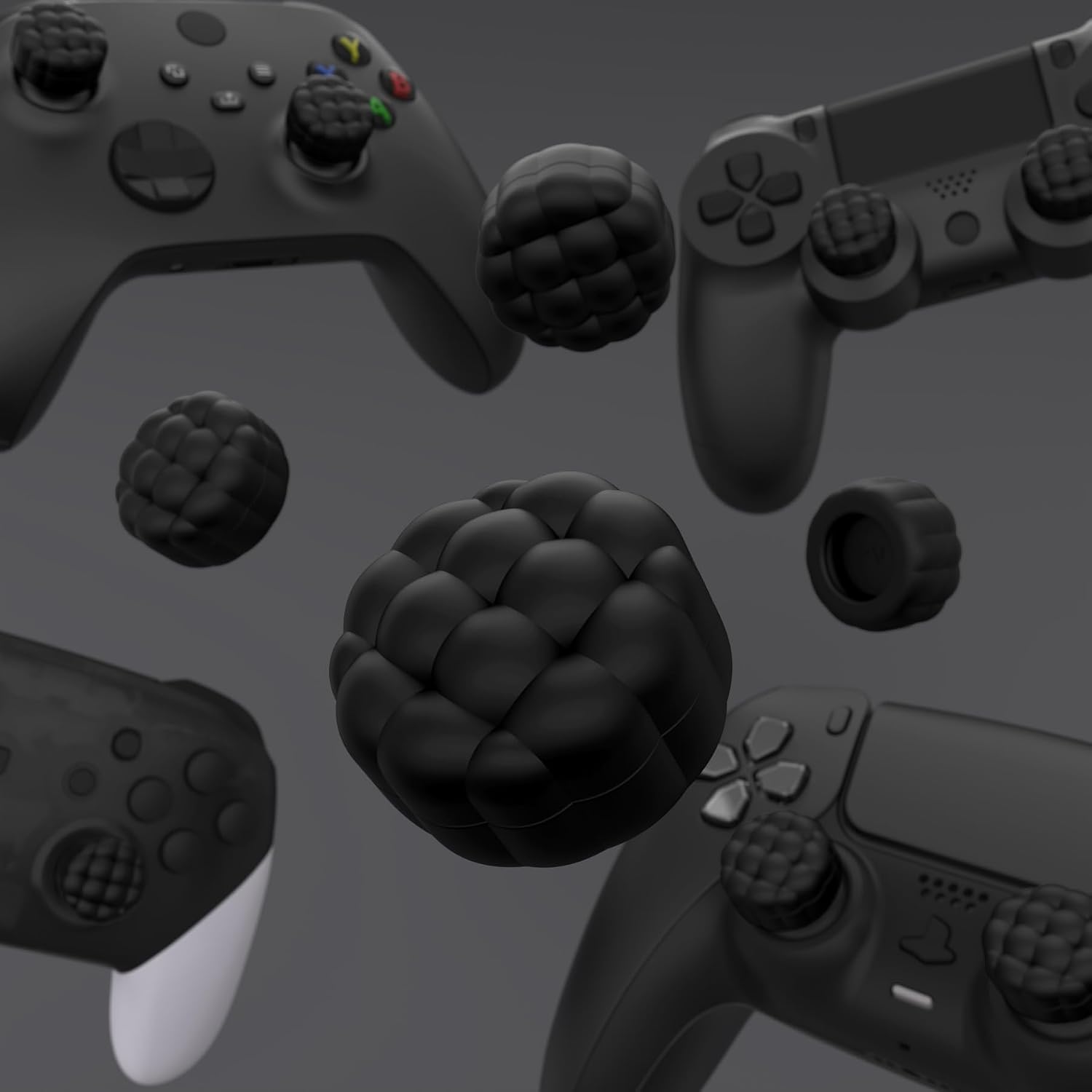
The “puff cloud” top texture is meant to better match your thumb shape and help prevent slipping during play. That’s a big practical point: if your thumbs tend to slide on standard caps (especially if your hands run warm, or you’re swapping between games that demand quick stick movements), a grippy, cushioned surface can make sessions feel more controlled.
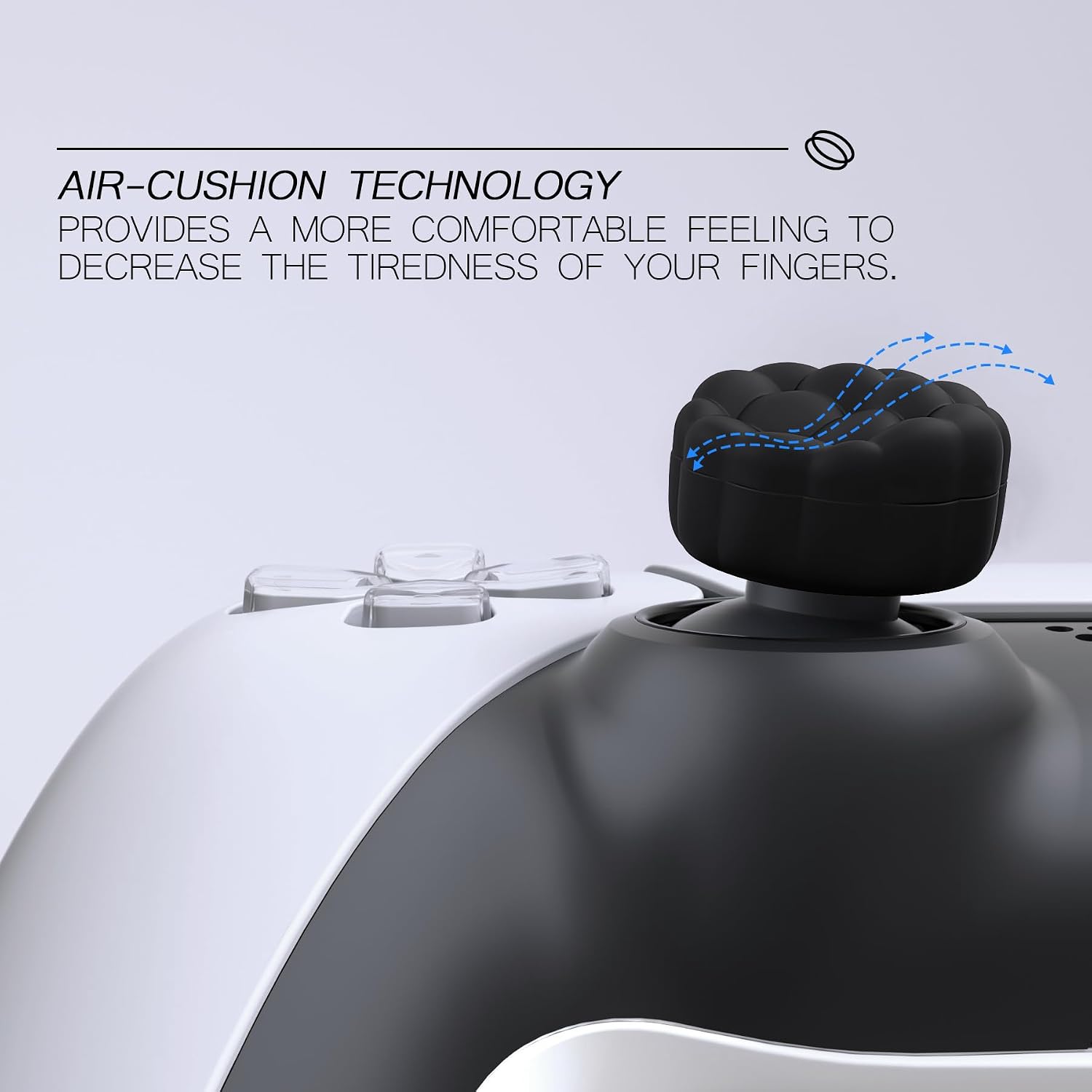
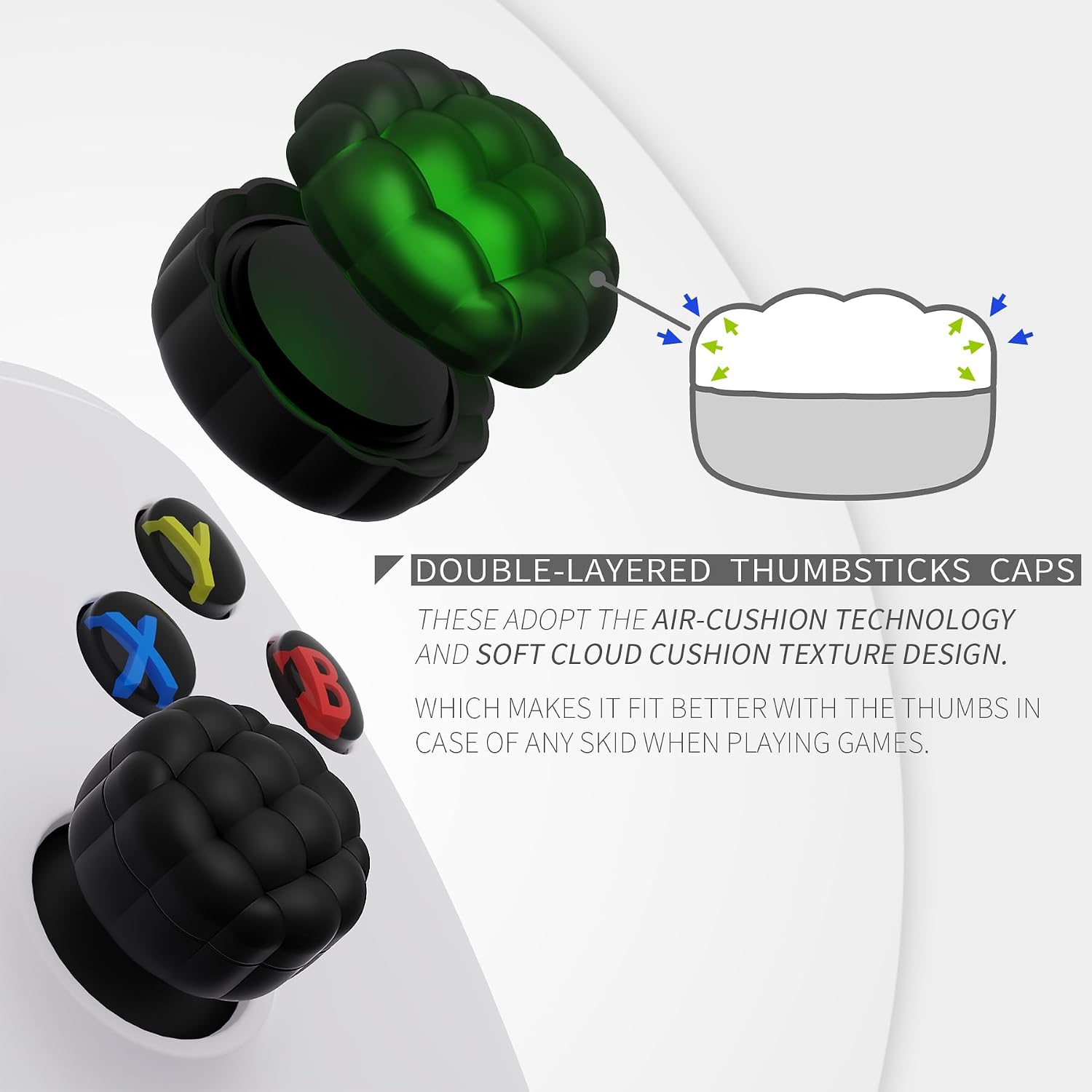
The caps use a double-layer approach and an air-cushion concept. While you won’t feel “air” in the literal sense, the goal is a softer, more forgiving contact. The description also mentions protection—soft silicone that can help prevent rubbing wear on original thumbstick caps if they’re starting to degrade.
For movement integrity, the wording is reassuring: the design aims not to affect the joystick’s range of motion or sensitivity. Obviously, you’ll want to trust that claim only as far as the fit allows—if a cap is slightly off-centre, comfort can improve while feel can still change.
A practical micro-scenario: imagine jumping into an FPS match or a third-person action game. If your aim stick keeps feeling slightly slippery, switching to textured, cushioned caps can make your thumb placement feel more consistent—especially when you’re doing repeated micro-adjustments.
Comfort and grip: where it shines (and where it may not)
Where it stands out is the combination of cushion + texture. Many thumb grips are either purely textured (more grip, but still firm) or purely soft (softer feel, but less control). This product is pitched as both: textured “cloud” top plus a soft silicone air-cushion topper.
It also makes sense if you’re trying to extend the life of your controller’s original thumb caps. Heavy use can lead to wear and rubbing. Having a replacement layer on top can reduce that direct contact.
However, it may not suit everyone. If you find cushioned caps feel too “mushy” or you rely on a very rigid, crisp thumb feel for precision, you might not love the added softness. Also, comfort upgrades can be a bit personal—what feels supportive for one person can feel like extra padding for another.
Compatibility: what it’s meant to fit
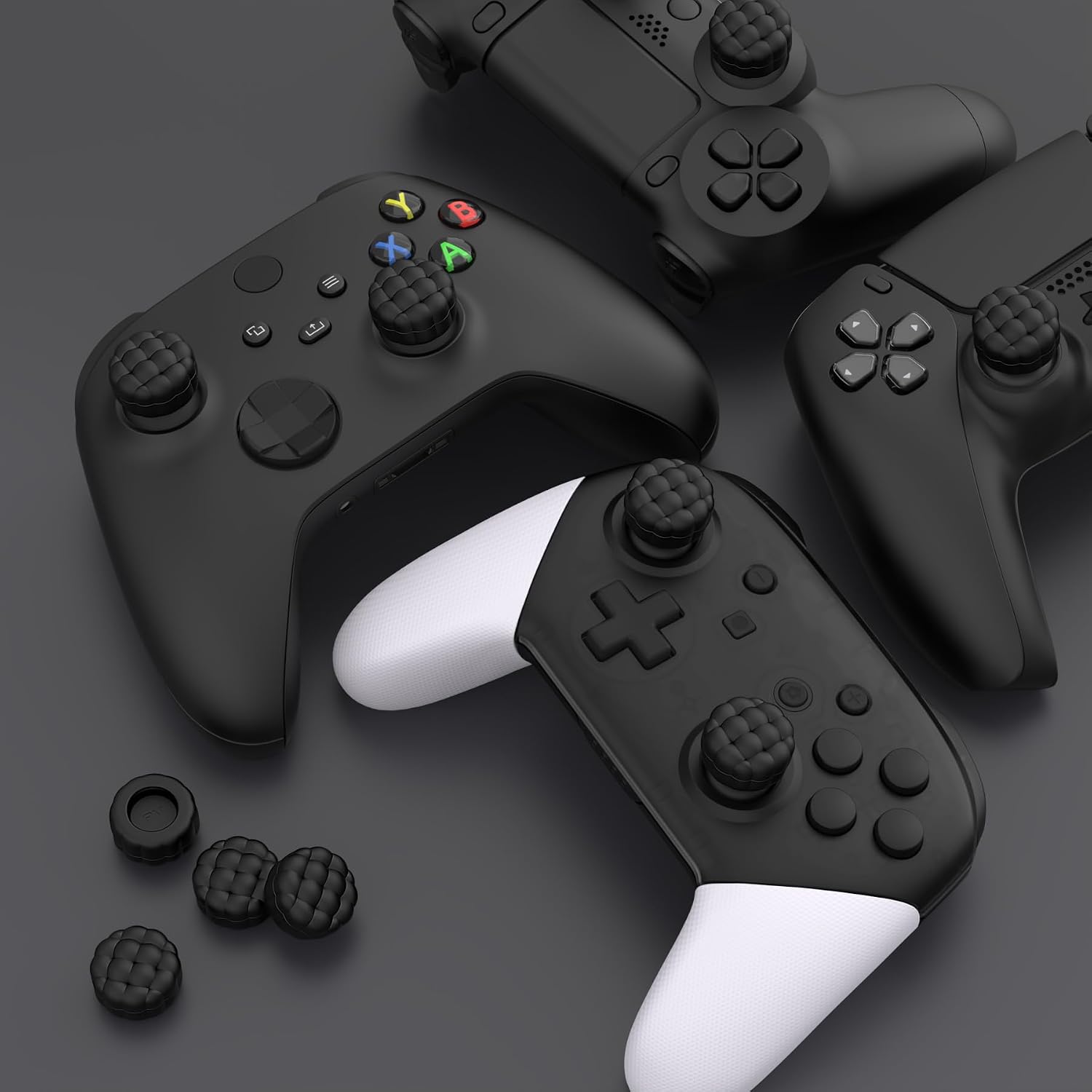
PlayVital positions these thumb cushion caps for multiple systems. The base description says they’re suitable for:
- PS5 (including PS5 Edge standard joystick)
- PS4
- Xbox Series X/S
- Xbox One and Xbox One S/X
- Xbox Elite Series 2 and Elite Series 2 Core
- Switch Pro Controller
- Switch 2 Pro controller Comfort
It’s a “multiple compatibility” accessory, but it’s still worth being careful about the exact thumbstick shape on your specific controller revision. Small differences in joystick caps can affect fit and how securely the grip stays in place.
How to install (and why the method matters)
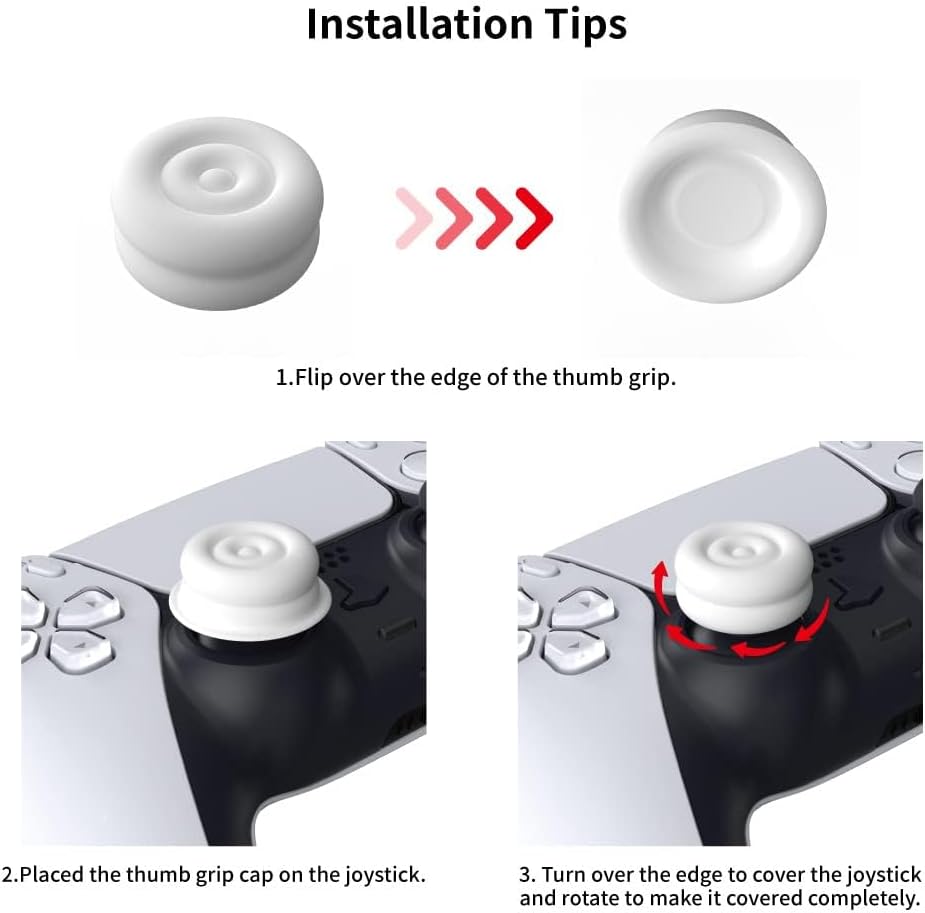
The installation tips are described in two rotation/fold-style approaches:
- Rotate type: align one edge with the joystick, then rotate the grip cap to fit.
- Flip type: turn the grip edge inside out, cover the stick, flip the edge back, then rotate to adjust.
The only real takeaway for buyers: take a minute to get the cap sitting evenly before you start playing. Since the product is designed around comfort and preventing slipping, a slightly uneven placement can reduce the benefit or make it feel less stable.
The essentials: what to check before buying
Before you commit, double-check a few basics:
- Your controller model must match the systems the description claims it fits.
- Make sure you’re comfortable with a softer silicone, air-cushion-style feel. If you prefer a firmer, more direct thumb response, this may not be your first choice.
- Expect that comfort-focused accessories can change how your thumbs “sit” on the stick, even if the description says range of motion and sensitivity should not be affected.
If you primarily want grip to stop your fingers slipping, this looks aligned with that goal. If you’re chasing a specific competitive tuning, you may want to compare against options that focus more on stick feel than cushioning.
Quick user FAQ
Is it meant to improve comfort for long sessions?
The description explicitly targets reduced strain on hands and thumbs, using a soft silicone air-cushion concept and a textured top.
Will it affect joystick sensitivity or range of motion?
The text says it should not affect range of motion or sensitivity, but your actual feel will still depend on how the cap fits and sits.
What’s the difference between the two installation methods?
“Rotate type” is about rotating the cap into place, while “flip type” involves turning the edge inside out, covering the stick, then flipping and rotating to adjust.
Can it protect worn thumbstick caps?
Yes—the description says it helps protect the original thumbstick caps from rubbing off after heavy use or potential damage.
Final verdict
Should you buy it?
A solid pick if you want softer thumbstick contact with a puff-cloud texture to help prevent slipping, especially for longer gaming sessions or for replacing worn grip tops. It also makes sense if you’d rather add a protective, comfort-focused layer than deal with damaged original thumb caps.
It might not be for you if you prefer a firm, very crisp stick feel and think cushioning could reduce precision. It may also be a bit hit-and-miss if your controller’s thumbstick shape doesn’t match the exact cap fit for your model—so take the compatibility claim seriously, but still check the fit once it’s on.