

Logitech F310 Wired Gamepad: a practical PC controller with simple, reliable layout
Product description
What matters most
For PC gaming on a wired budget, the Logitech F310 offers a straightforward, no-fuss gamepad experience. It uses a digital control layout and a wired connection, which means you won’t be chasing batteries or dealing with wireless latency. If you’re after a controller that’s easy to set up and compatible with Windows platforms, this model is worth considering. It’s not about flashy features, it’s about dependable input and longevity for everyday gaming sessions.
Tech specs
The device type is a gamepad designed for PC gaming, with digital control technology and a wired connectivity approach. It supports compatible operating systems such as Win XP, Vista and 7, via USB. The cord length is 1.8 metres, which provides a comfortable range from the PC. The product colour options include Black, Blue and Multi. There is a PS2-style / X1-style hybrid layout reference in the naming, but the core value is a simple, durable wired pad intended for PC use.
What stands out
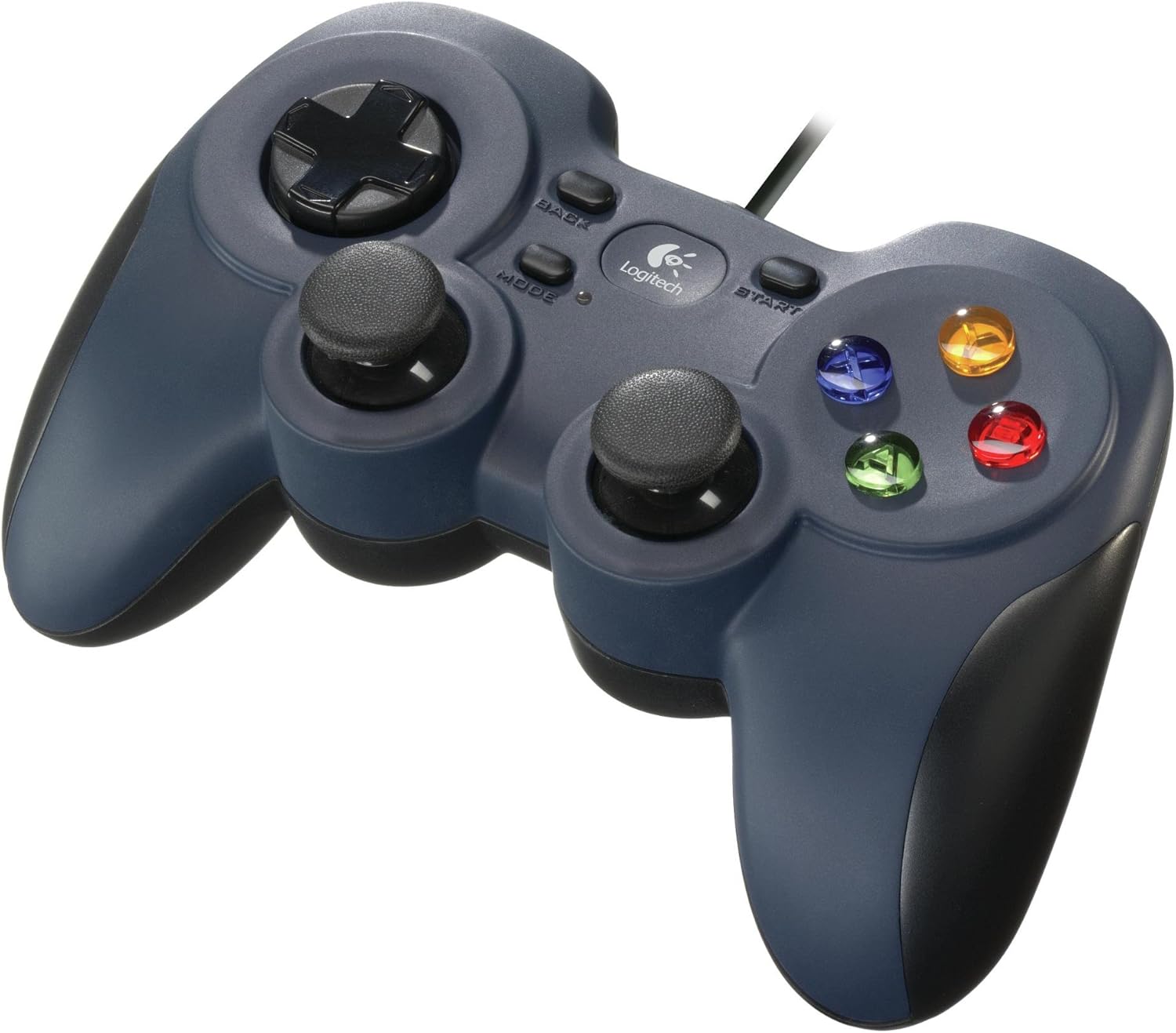
On the surface, the F310 keeps things predictable: a standard gamepad form factor with a dependable USB connection and a length of cable that’s long enough for most desks. For players who prioritise responsiveness and a familiar feel over wireless convenience, it represents a sensible option. It could suit those who want a spare controller for co-op on a desk setup, or someone migrating from older PC gamepads who values a recognisable layout. The absence of wireless features translates into fewer potential battery hassles and a plug-and-go approach.
Usage tips
If you’re setting this up on a Windows PC, plug in the USB and test a few key presses in a game or benchmarking tool. Given its digital control approach, you’ll want to ensure your game’s input settings are configured to the pad’s default mapping, and adjust dead zones if a particular title feels too twitchy or sluggish. The 1.8-metre cord is convenient for sitting back from the screen, if your desk is a touch cramped, you might find the length just enough rather than excessive.
What to check before buying
- Compatibility: confirm your PC’s supported OS list aligns with Win XP, Vista or 7, as listed. For newer systems, you may need an adapter or check for driver compatibility.
- Layout expectation: this model is described as “Controller Console Like Layout, PS 2, 4 Switch D-Pad, Xbox One” in naming. If you favour specific thumbstick or D-Pad feel, you might want to try in-store or review user experiences to see if it matches your preferences.
- Corded reliance: since this is a wired device, there’s no need to manage batteries, but it also means you’ll be tethered to the PC with the cable length as a practical limit.
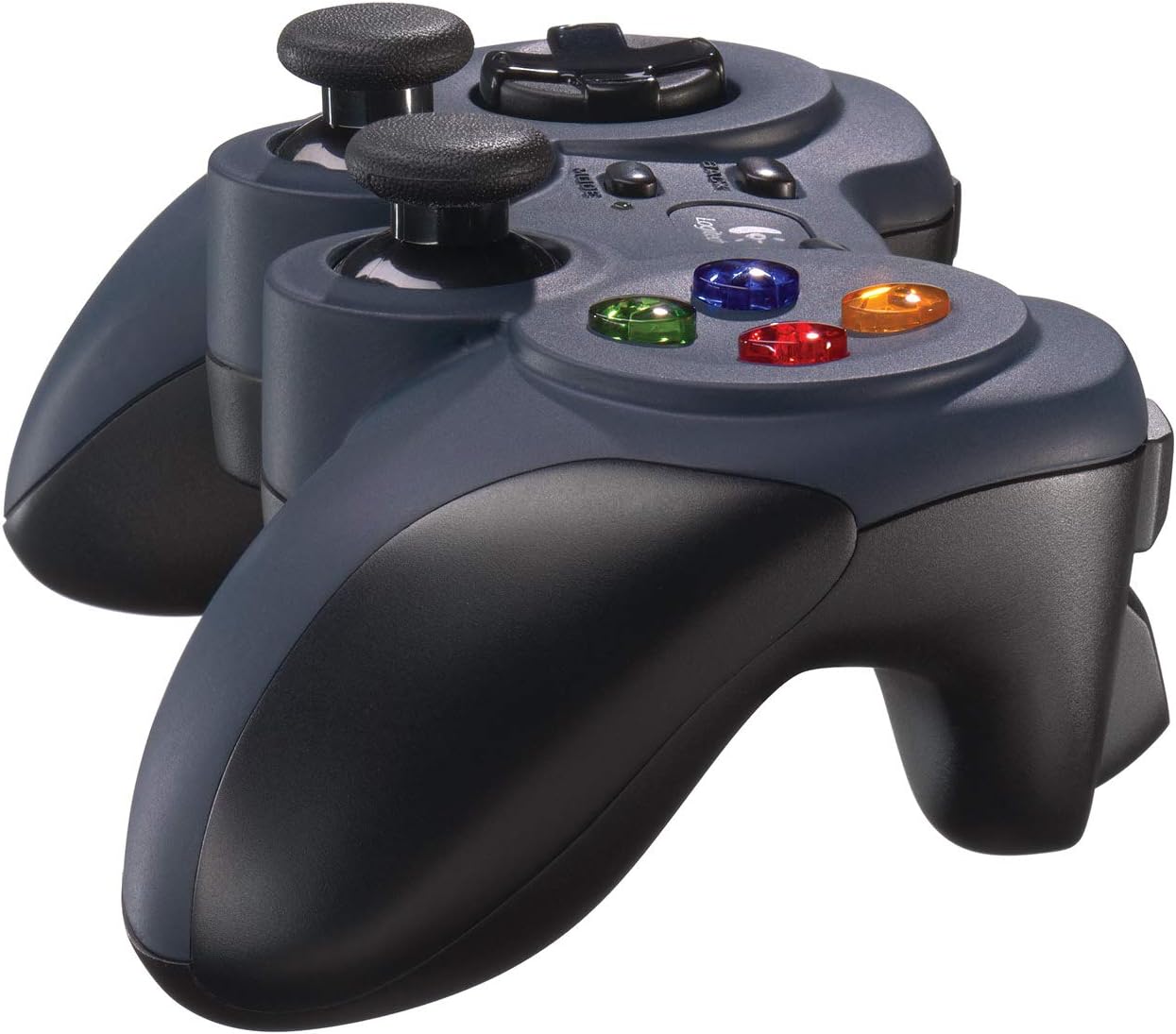
- Build and feel: the colour options suggest different finishes, consider which aesthetic suits your setup, though the core function remains the same.
Practical comparison
If you’re choosing between this wired pad and wireless options, consider value-for-money and stability. A wired model like the F310 typically avoids latency quirks and battery issues, which can be a sensible choice for competitive gaming or shared setups where reliability matters more than wireless freedom. Conversely, if you value portability or want to sit far from the PC, a wireless alternative may be more appropriate. This F310 sits in the pragmatic, entry-to-mid tier of PC gamepads, where durability and straightforward use often trump extra features.
FAQ
- Q: Will this work with modern Windows versions? A: The entry lists XP, Vista and 7, for newer systems, check driver compatibility or consider it as a legacy or spare controller.
- Q: Is the D-Pad responsive for fighting games? A: It’s a standard D-Pad, performance depends on the game’s input mapping and your familiarity with the layout.
- Q: Do I need to install software? A: The description notes digital control and USB connectivity, traditional, plug-and-play usage is expected, though some titles may require calibration within the game.
Is it worth it?
Worth considering if you want a reliable, budget-friendly wired gamepad for PC use and you’re not relying on wireless freedom. It suits casual co-op sessions, older titles that map well to a standard layout, or as a second controller for multiplayer on a single PC. Not the best pick if you expect a premium, feature-rich pad with wireless options or if you need advanced customisation and high-end joysticks for precision tasks. If you prioritise durability and straightforward setup over bells and whistles, this Logitech F310 can make practical sense.