

PAUNEZUEL Android Auto Wireless Adapter UK: Convert Wired to Wireless, Plug and Play
Product description
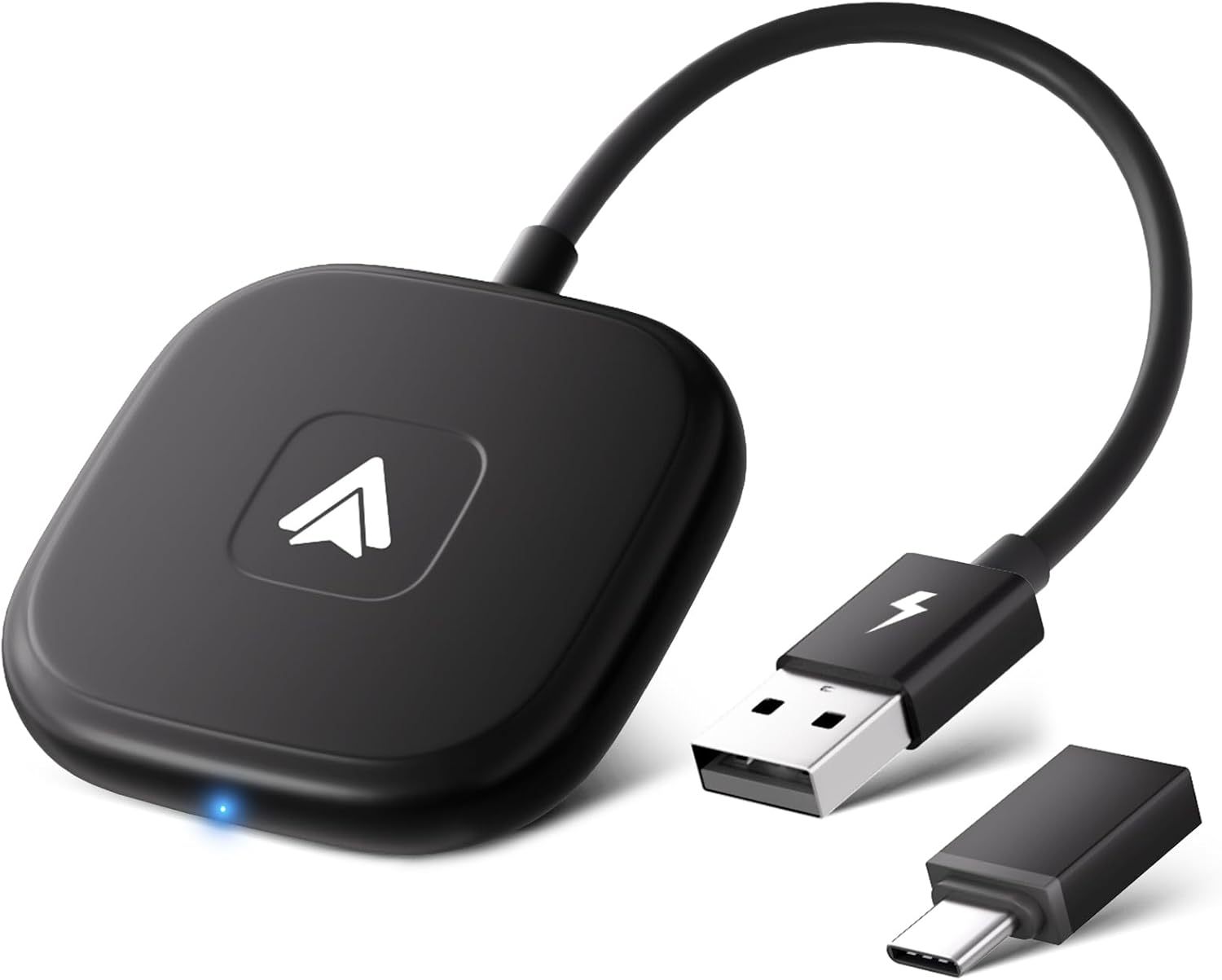
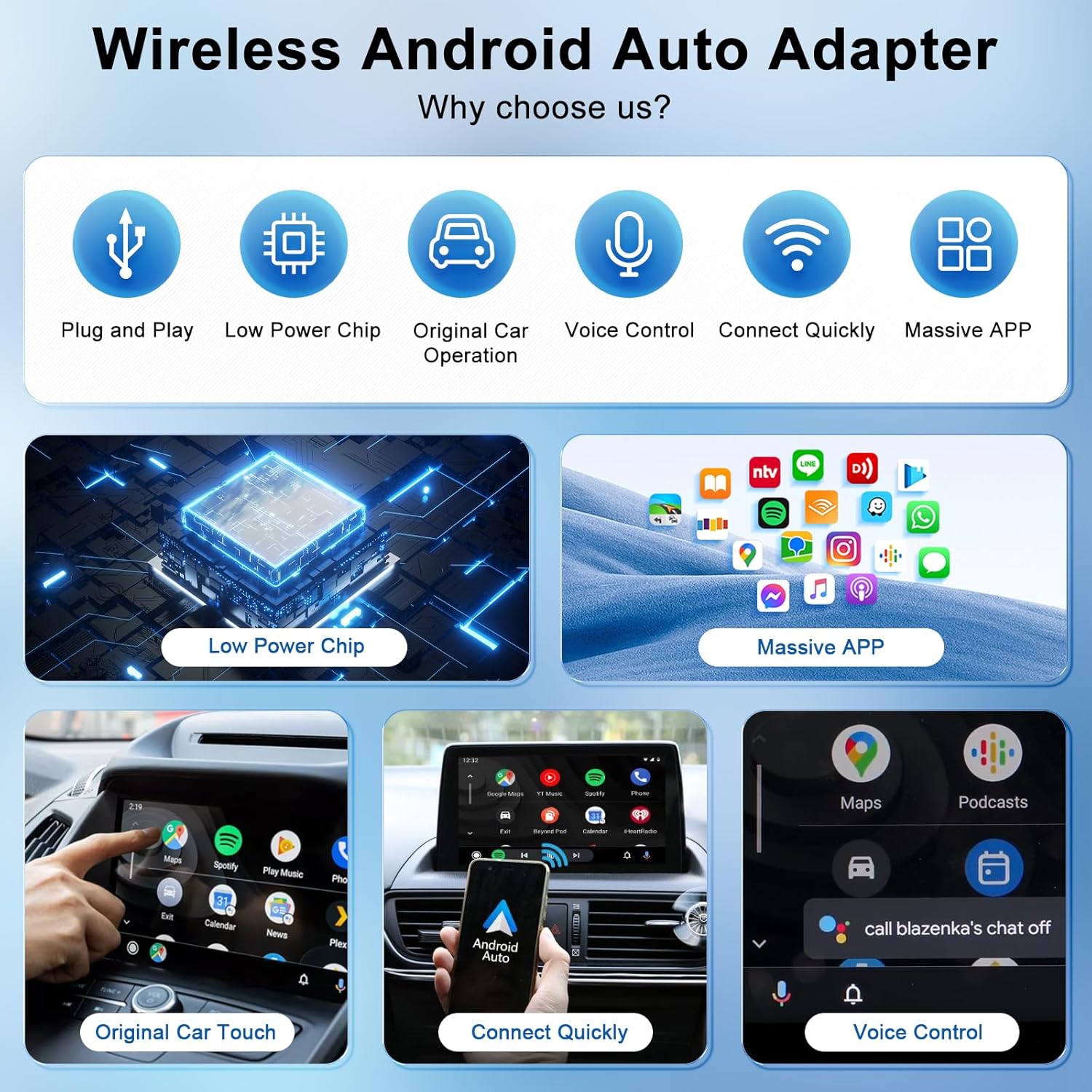
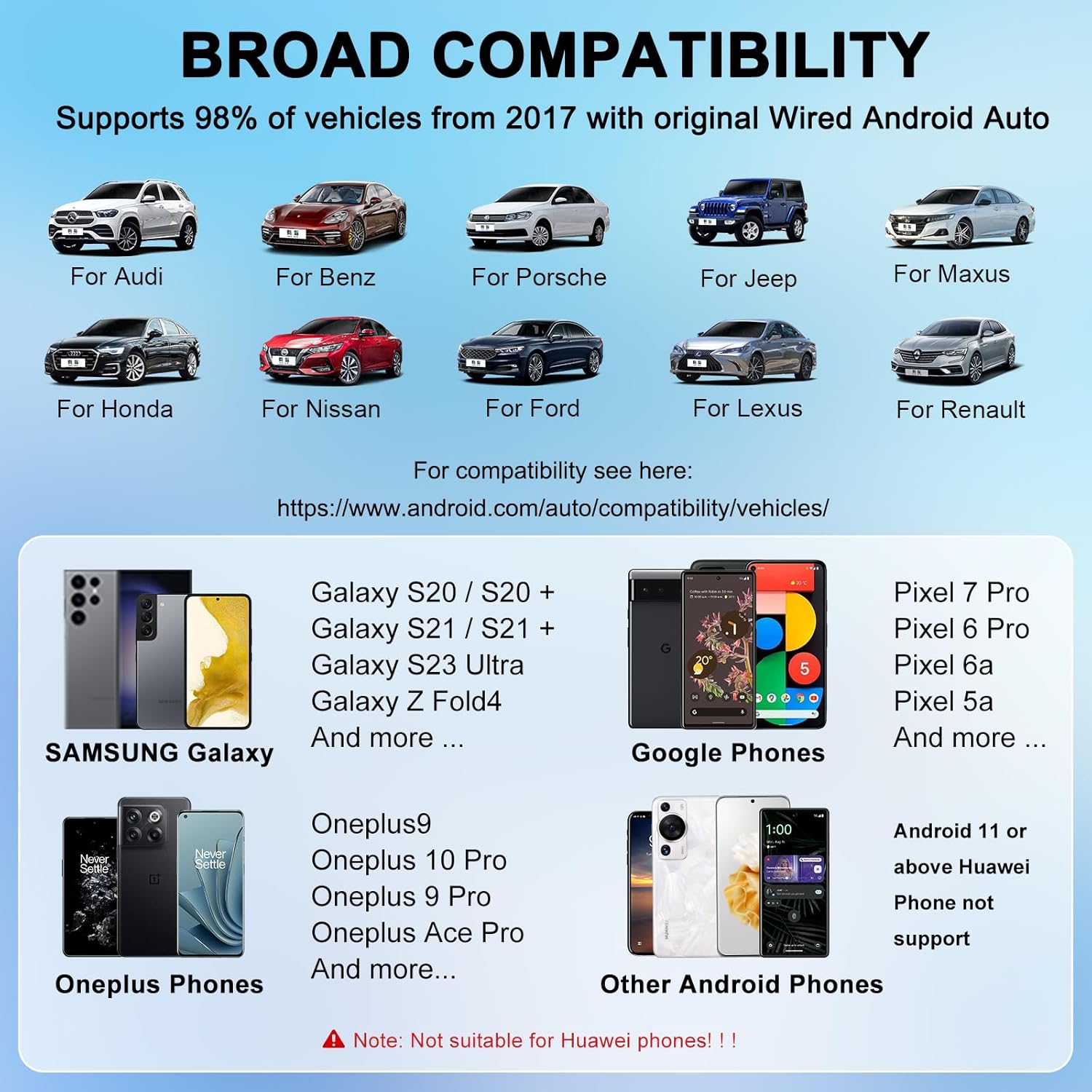
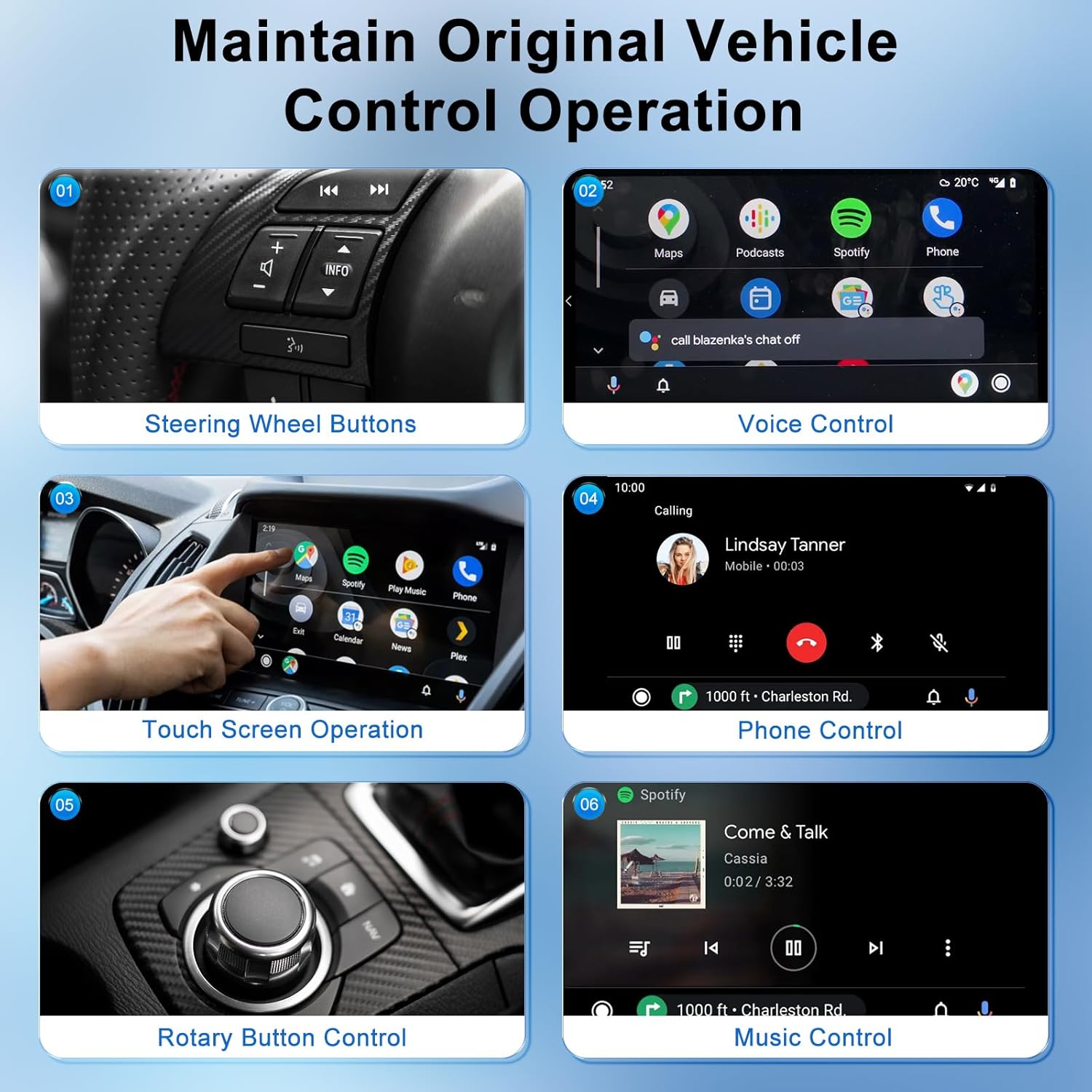
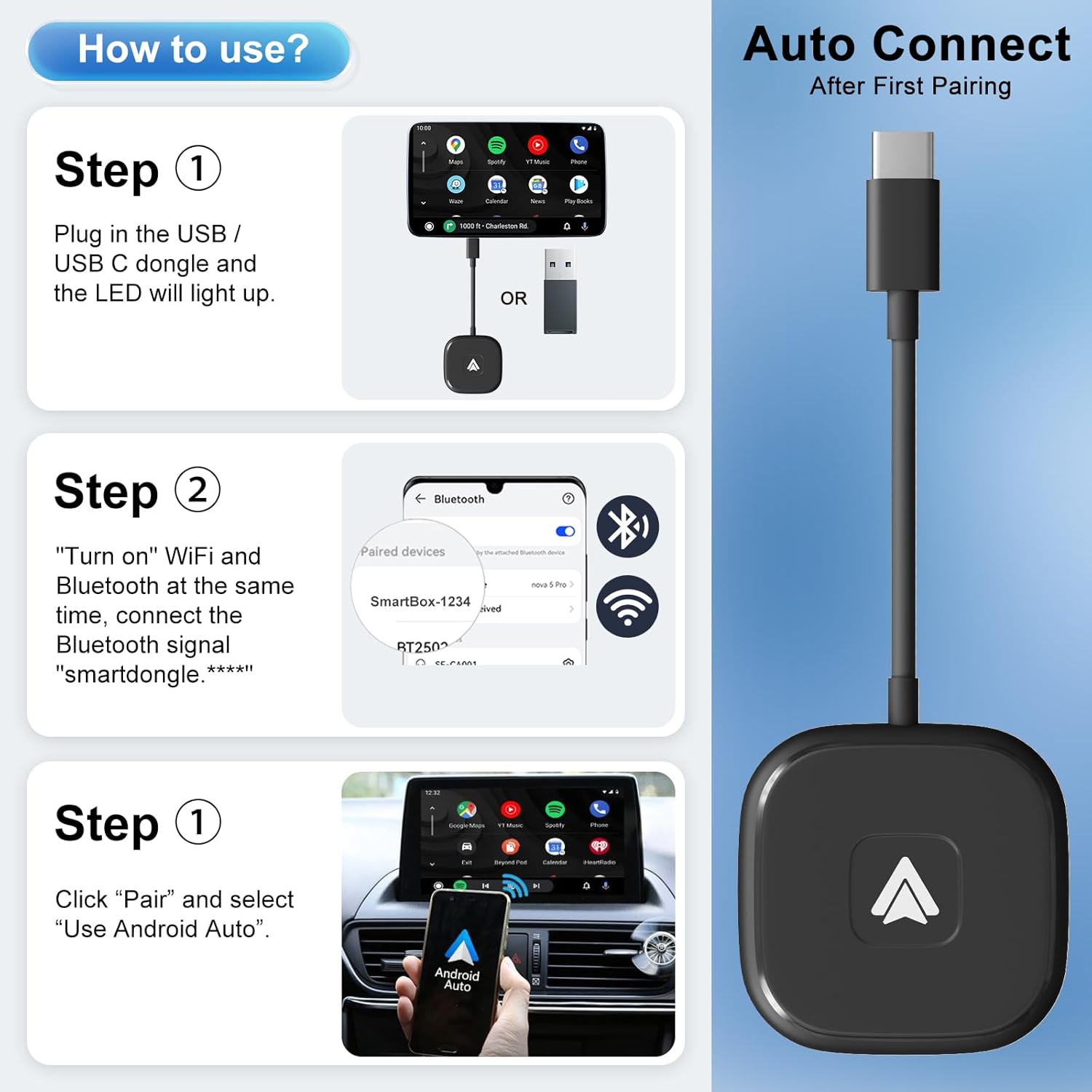
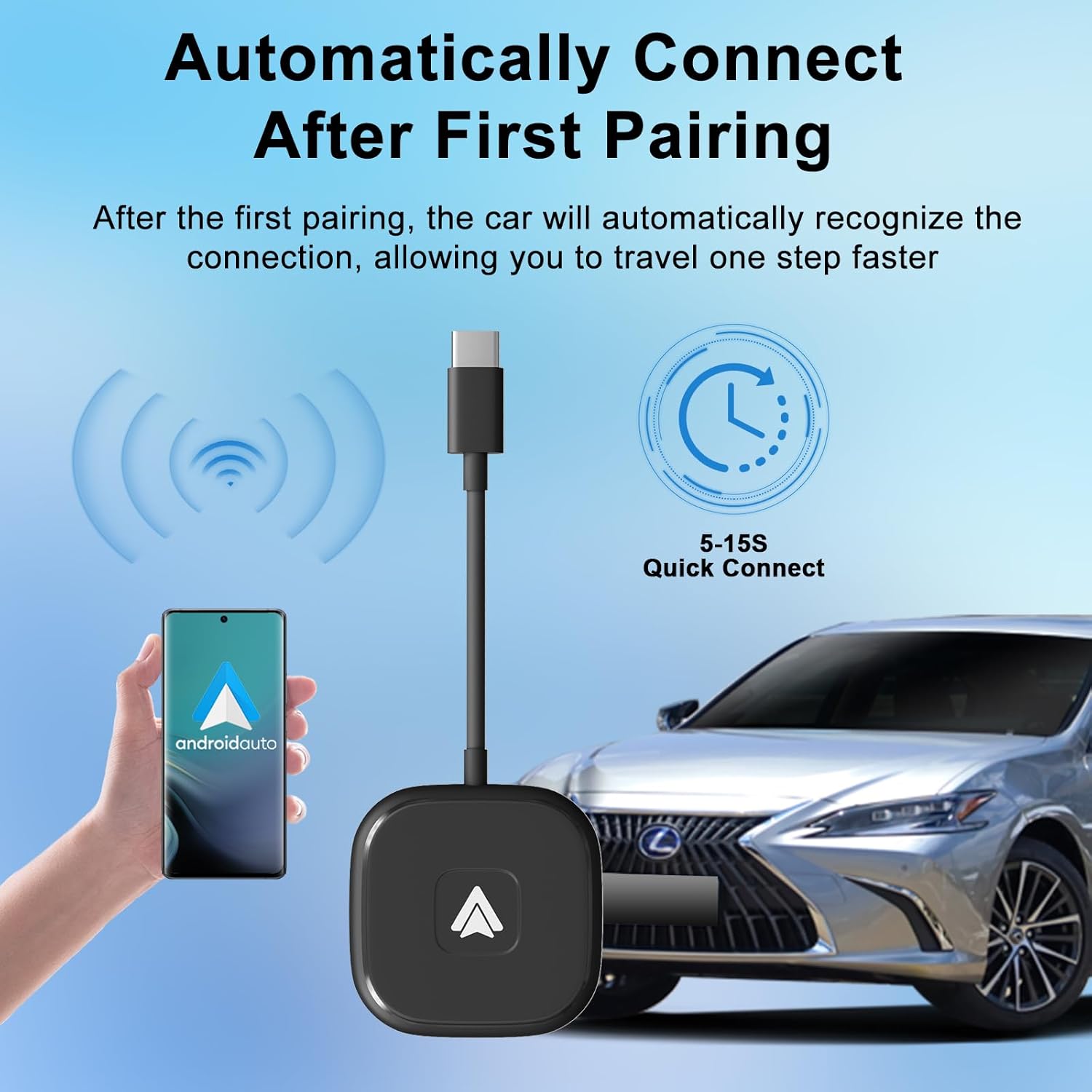
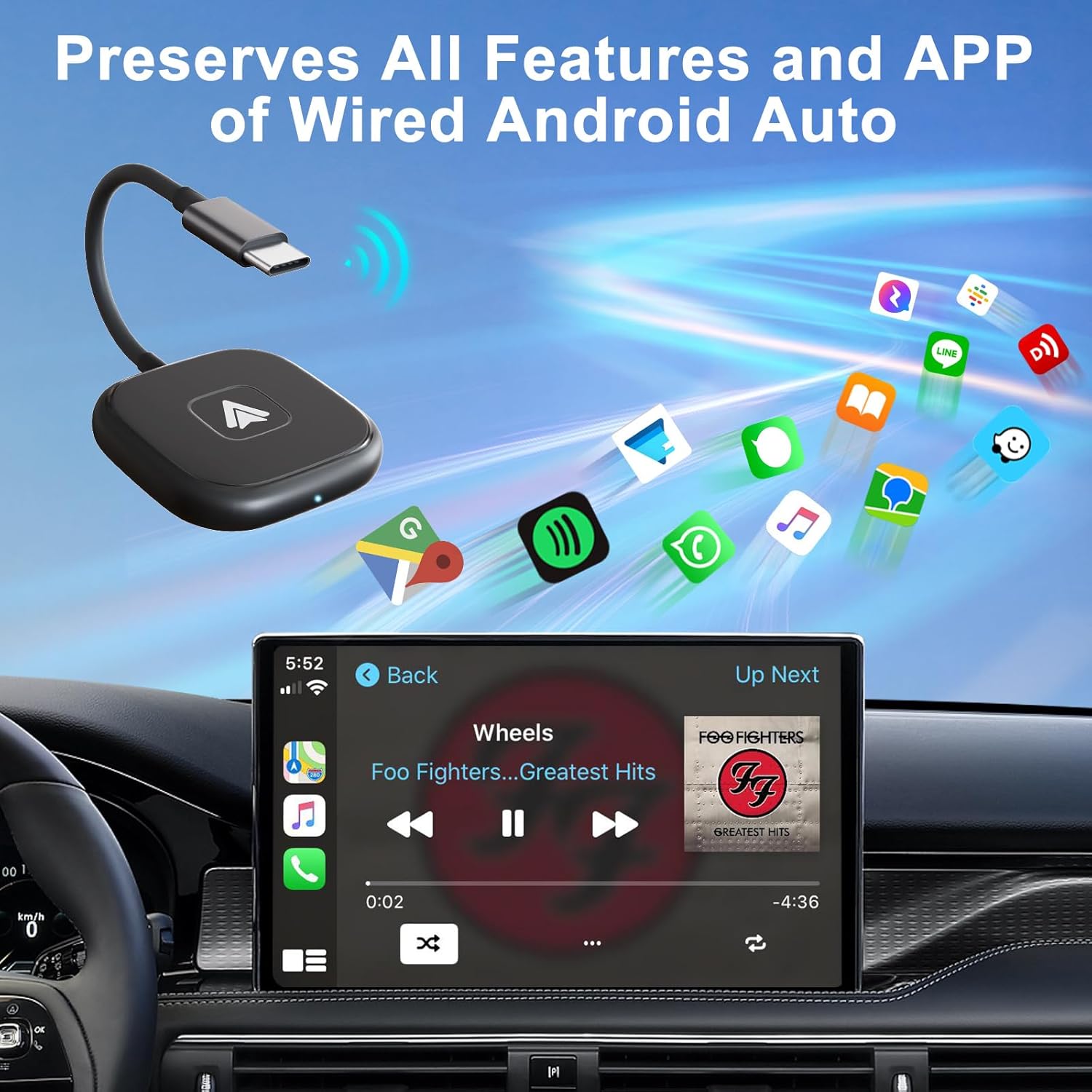
What it is and what it does\nThe PAUNEZUEL Android Auto Wireless Adapter is a simple device designed to transform your car’s factory wired Android Auto setup into wireless. After the initial pairing, you can tuck your phone away and glide along with navigation, music and calls without fiddling with cables. On paper, it looks straightforward: plug into the car’s USB or Type-C port, enable Bluetooth and Wi‑Fi on your Android device, and connect. The LED on the unit confirms power and activity, and the process is described as plug-and-play.\n\n## Compatibility and limitations\nThis adapter targets Android devices running Android 11.0 or newer and cars that already have factory wired Android Auto. It does not support CarPlay or iPhone. If your vehicle doesn’t have wired Android Auto, or if you’re using an older Android version, the device will not enable wireless Android Auto.\n\n## How it performs in daily use\nWith a built‑in 5.8 GHz chip, the aim is reduced delay and smoother real-time transmission for navigation prompts and audio playback. The design is described as stable and durable, with heat dissipation considerations built in. In real-world terms, this means less lag for map prompts and quicker resumption of music after engine start, at least in theory.\n\n## Pros and what to watch for\n- Pros: convenient wireless experience after the initial setup, broad android compatibility (Android 11+), straightforward plug‑and‑play operation, dedicated 5.8 GHz processing for better performance, and an included one‑year warranty with support.\n- Things to consider: it only works with cars that have factory wired Android Auto, if your car uses wireless Android Auto natively or relies on CarPlay, this device won’t change that. The effectiveness can also depend on your phone’s Bluetooth/Wi‑Fi stability and the vehicle’s USB/C port behavior.\n\n## Who it’s for\nIf you drive a car from ~2017 onward and your Android phone runs Android 11 or above, and you want to ditch cables after the initial pairing, this adapter targets you. It may be especially appealing for daily commuters who value a cleaner cabin and quicker start‑up experiences for navigation.\n\n## Who it isn’t ideal for\nIf you rely on CarPlay, iPhone, or your car lacks a wired Android Auto setup from the factory, this device isn’t the right solution. It’s also sensible to temper expectations about flawless performance across all Android models and vehicle configurations.\n\n## When it makes sense to buy\nConsider this if you want a simpler, cable‑free Android Auto experience after the first connection, you have a compatible Android version, and you prefer a plug‑and‑play approach with a warranty. If you’re seeking a premium wireless Android Auto with full compatibility across every car model, you might want to explore other approaches or newer solutions.\n\n## What to check before buying\n- Confirm your car has factory wired Android Auto (not CarPlay).\n- Ensure your phone runs Android 11 or newer and supports the necessary Bluetooth/Wi‑Fi pairing.\n- Be aware that performance can vary by vehicle and USB port behaviour.\n\n## Context and comparison\nIn the landscape of Android Auto options, this adapter represents a pragmatic bridge for those with compatible cars who want to reduce cable clutter. It sits between basic wired setups and more expensive, integrated wireless solutions, offering a straightforward upgrade path without replacing hardware. If you prize simplicity and cost‑effectiveness, this could be a sensible intermediate choice. If you need universal wireless support across all models and platforms, a broader system upgrade may be required.\n\n## Final buying decision\n### Is it worth it?
Worth considering if you prioritise a neat cabin and you already drive a car with wired Android Auto and an Android 11+ phone. Not ideal if your car isn’t compatible or you expect flawless, CarPlay‑free wireless use in every scenario.\n\n## Quick usage scenario\nImagine starting your car, the system recognising your Android device automatically, and you reaching your destination with a clear navigation map and streaming audio—without ever touching a cable once the first connection is established.\n\n## FAQ\n- Does it work with iPhones? No, this adapter is not compatible with CarPlay or iPhones.\n- What versions of Android are supported? Android 11.0 and above.\n- How is setup? Plug into USB/Type‑C, turn on Bluetooth and Wi‑Fi on the phone, then pair, the device lights up to indicate activity.\n