


P13 Pro 13.4 Inch Large Tablet with Android 16, Gemini AI and 4G Dual SIM
Reviews
Price
Product description
What it is and what it aims to solve
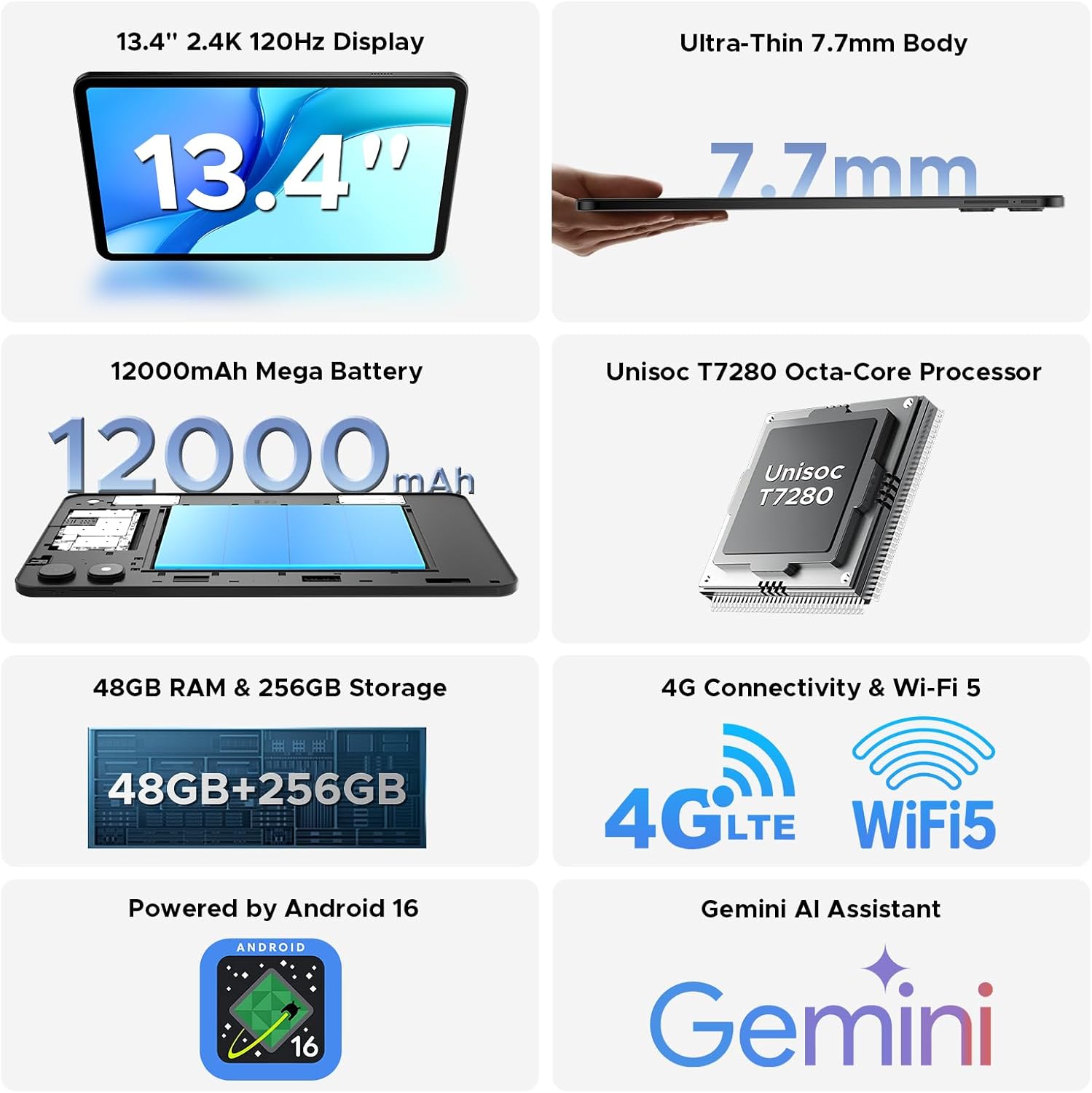
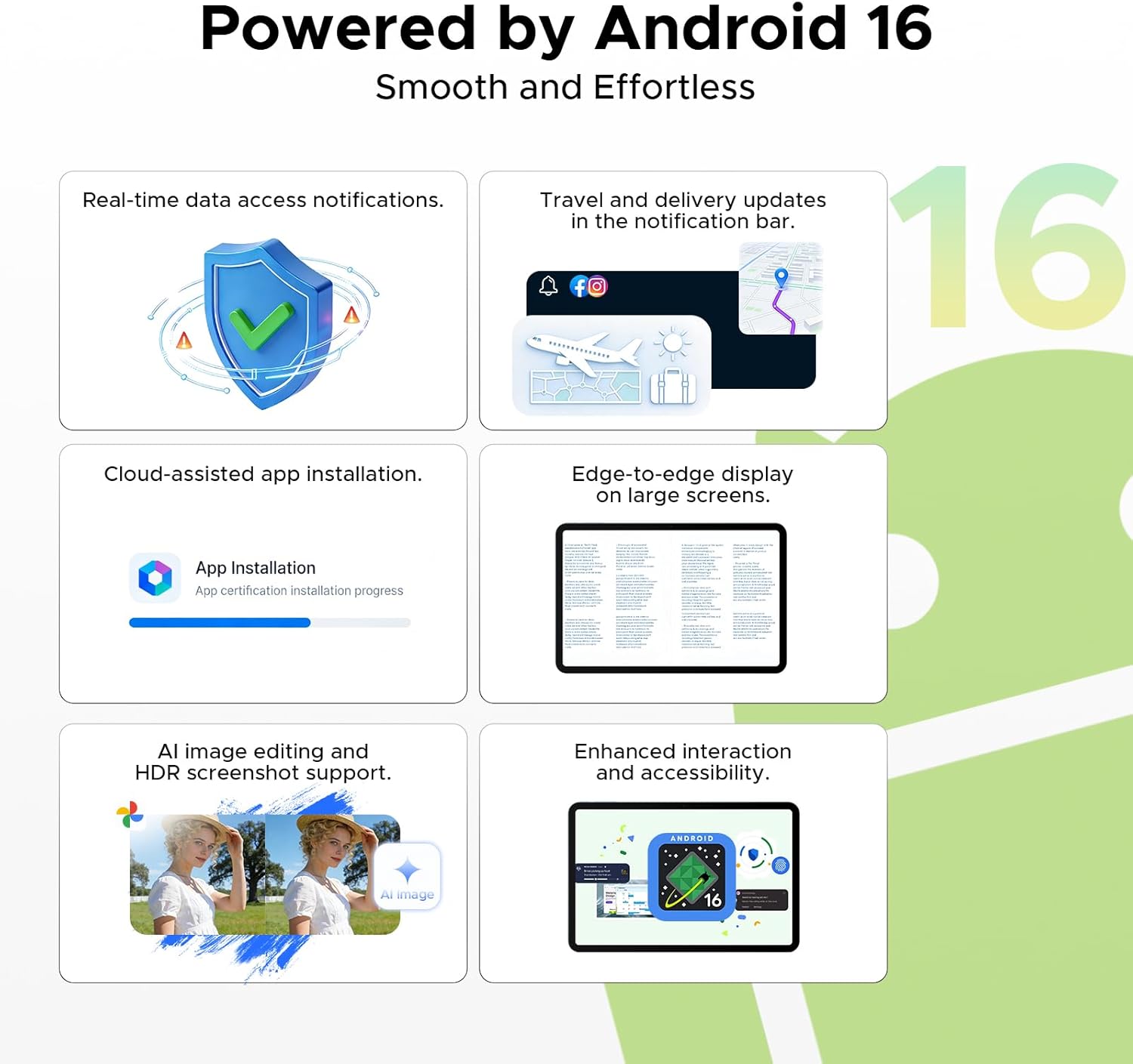
The P13 Pro is a large-screen Android tablet designed to blend productive work with multimedia enjoyment. Its 13.4 inch 2.4K display and 120 Hz refresh rate aim to deliver smooth visuals for tasks like document editing, scrolling through webpages, and watching movies. With Android 16 and Gemini AI, the tablet tries to allocate resources intelligently and offer context-aware services, which may help organise apps and tasks more efficiently. The inclusion of 4G dual SIM support means you can make calls and access data on the go without relying on Wi‑Fi, which could be a practical feature for people who travel or work remotely.
Who it’s for
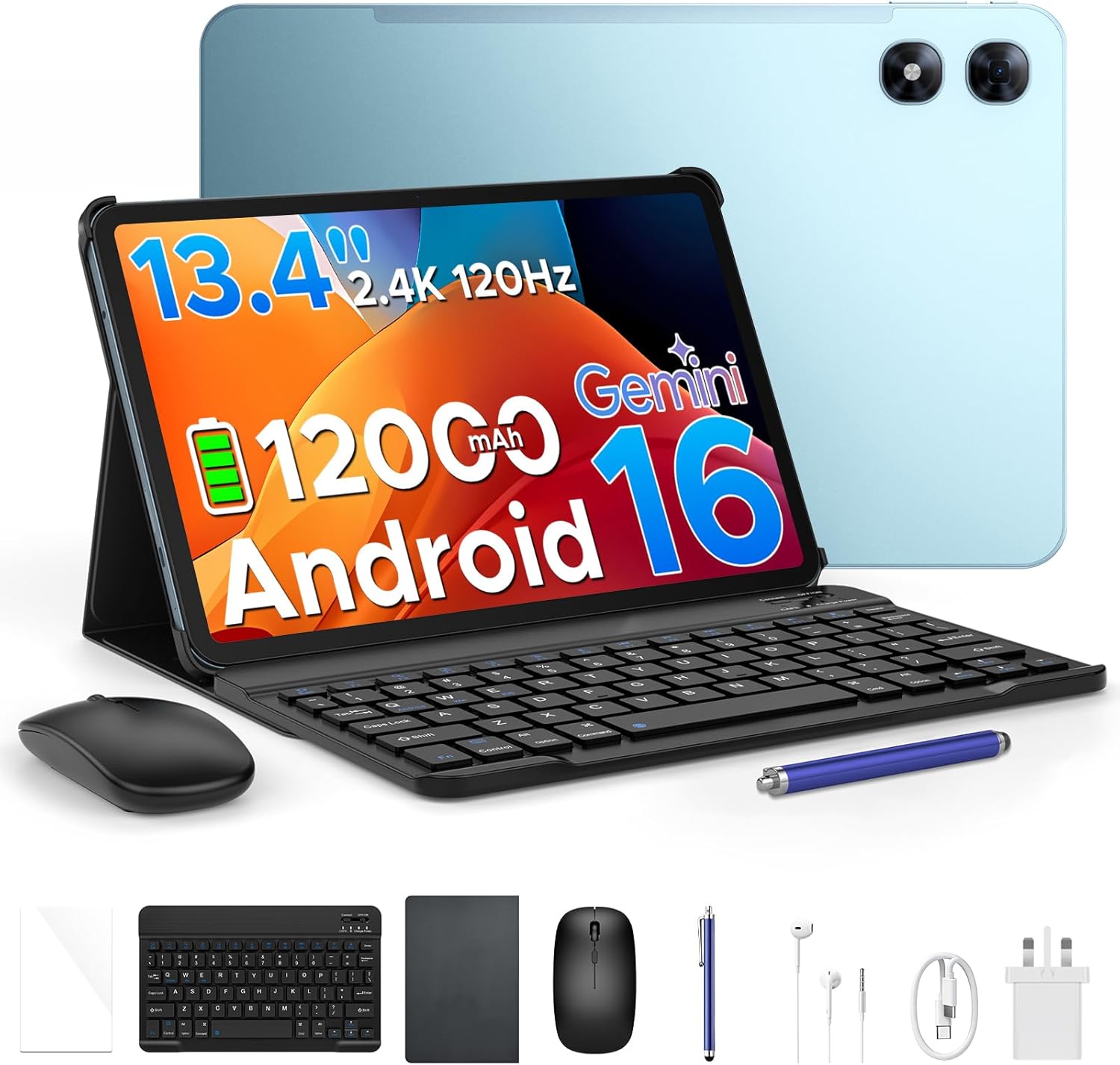
If you value a big, vibrant screen for work and media, and you want a tablet that can double as a connected device away from home, this model could appeal. It also targets users who expect solid multitasking performance, thanks to the T7280 octa-core processor and a substantial memory setup described as 48GB RAM in total with 256GB storage, expandable up to 2TB via microSD. The presence of a stylus and keyboard in the package points to use cases like note‑taking, sketching, and light document editing.
Core specifications at a glance
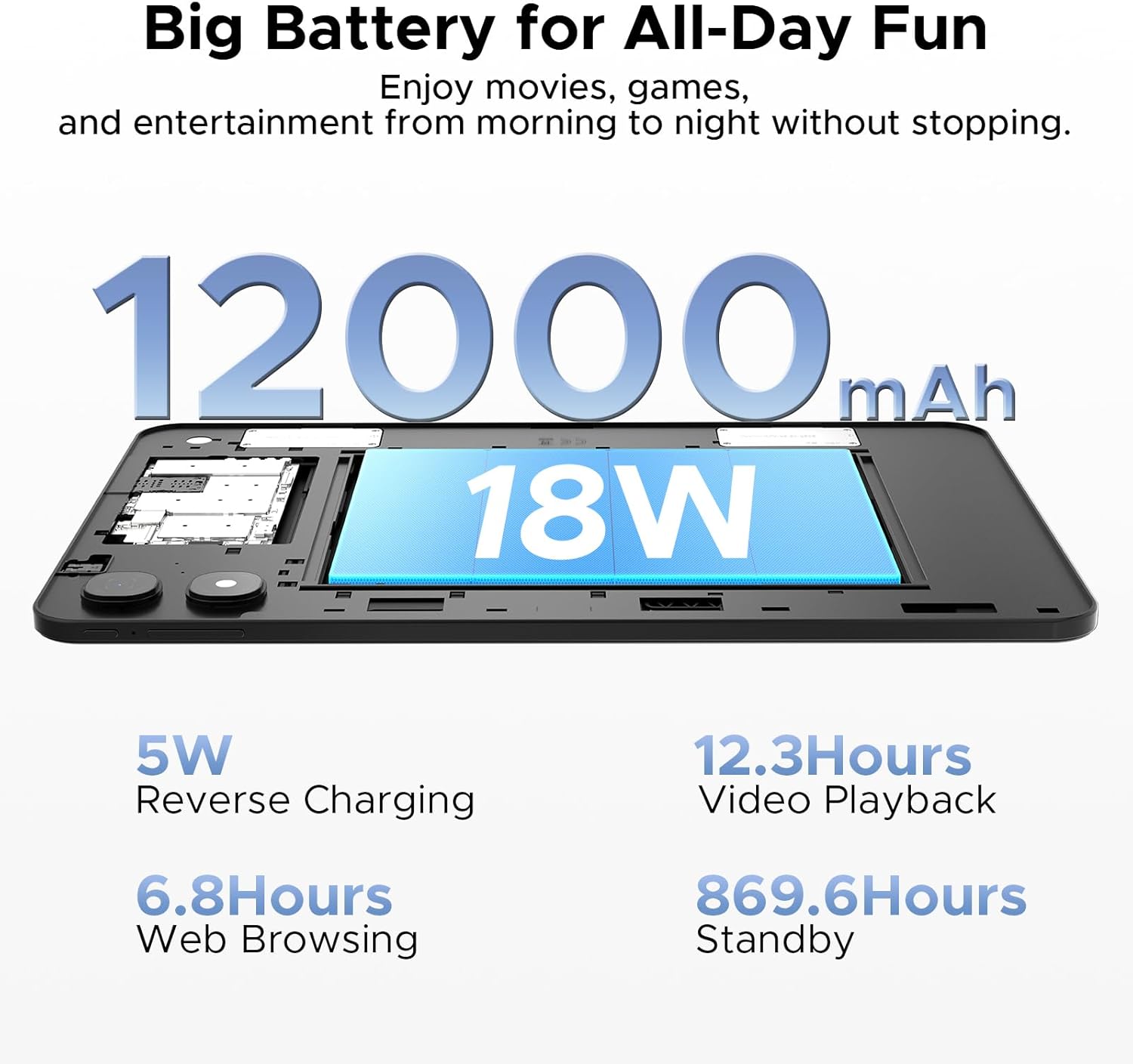
On paper, the P13 Pro arrives with a 13.4 inch IPS panel at 2.4K resolution and a 120 Hz refresh rate for smoother motion. The T7280 octa‑core chip, paired with a claimed 48GB total RAM (via intelligent expansion) plus 256GB of storage, suggests strong multitasking potential. Battery life is advertised around 12,000 mAh with 18W charging, which could help you stretch a day of mixed use. The cameras are 16MP rear and 8MP front, with dual speakers and Widevine L1 for streaming. 5G WiFi and 4G LTE calling enhance connectivity, while Face ID offers quick unlock.
What to know before buying
There are a few practical questions you may want to consider. The exact mix of RAM and its real-world impact isn’t fully detailed beyond the 48GB concept, so real performance will depend on how Android 16 and Gemini AI manage memory. While 2TB of expandable storage is generous, there is no explicit mention of user‑accessible storage layout or speed beyond standard UFS terms. Battery life is described as “up to several days” of video or heavy use, which is optimistic and will vary with brightness, 5G usage, and app load. If you prioritise ultra-light weight or the thinnest form, note that this is a large tablet at 7.7 mm and may not suit every pocket or bag.
Pros and what stands out
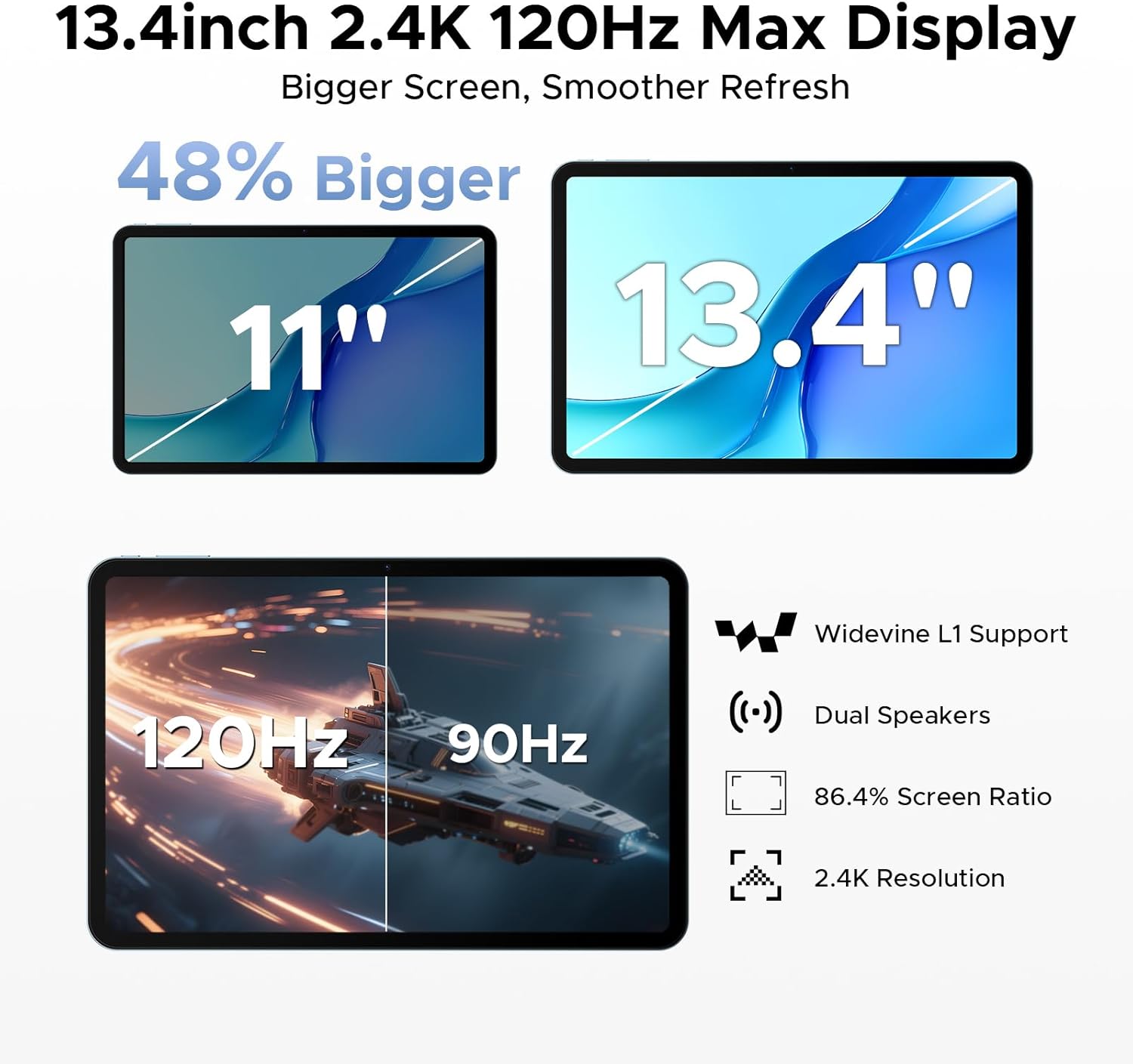
The combination of a large, high-resolution display with a high refresh rate, plus a strong battery and expandable storage, makes this tablet versatile for both work and leisure. The 4G dual SIM capability is useful for staying connected without constant Wi‑Fi dependence, and Widevine L1 certification supports mainstream streaming in high quality. The prospect of Gemini AI for smarter resource allocation could translate into snappier handling of apps and tasks in daily use.
Cons and potential drawbacks
If you expect cutting-edge gaming performance or the peak efficiency of modern flagship chips, the T7280 octa‑core on a 12nm process may not satisfy the most demanding titles or long-term future‑proofing. The 48GB RAM claim is not broken down into a clear breakdown of active vs. virtual memory, which can be confusing. Real-world camera performance in varying light is not described, and the battery life claim, while encouraging, depends on usage patterns such as screen brightness and 5G activity.
How it fits into different use cases
- For students or remote workers: large screen for note‑taking, document editing and video calls, plus keyboard and stylus included.
- For travellers: 4G connectivity and long battery life help you stay productive or entertained on the move.
- For streaming and media on the go: 2.4K display and Widevine L1 support are positives, provided you’re inside a good Wi‑Fi/4G area.
What to check before purchasing
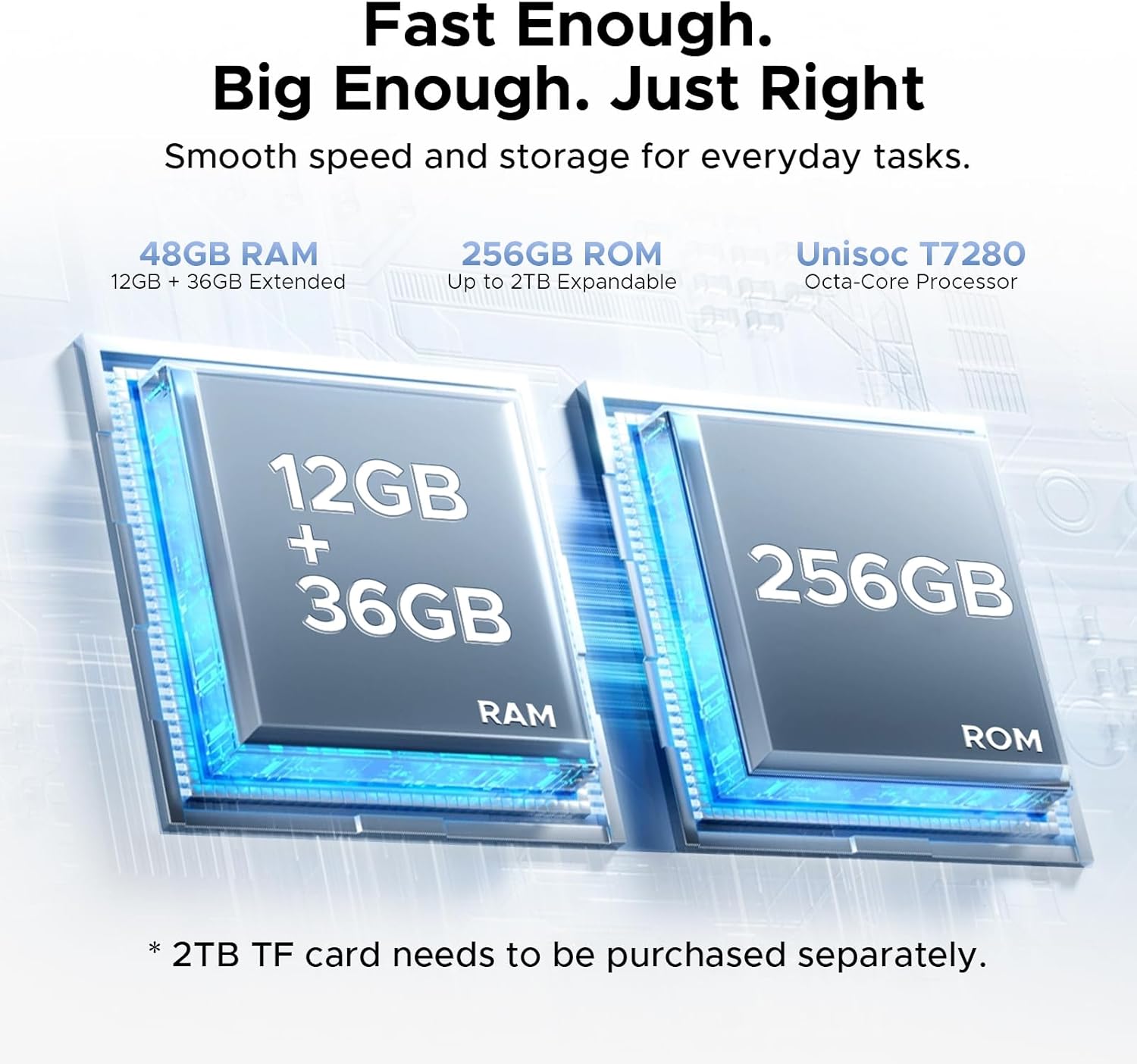
- Confirm how the RAM configuration behaves in practice and how much of the 48GB is available to the user after system needs.
- Check the real-world battery endurance with your typical apps (video, browsing, document work) and whether 18W charging meets your quick top‑ups.
- Consider whether the included keyboard and stylus meet your typing and drawing preferences, or if you’d want to upgrade to more precise accessories.
Practical usage example
Imagine you’re on a long train journey. You can open a multi‑window setup for document edits while streaming a movie in the other window, using the tablet’s large display and smooth 120 Hz refresh. You could take notes with the stylus during a lecture, then sync with cloud storage over 4G for offline access later.
How it compares to alternative approaches
If you prioritise portability above all, a smaller tablet with a lighter footprint might be preferable. If you need the most power for gaming or professional graphics work, a device with a newer, faster processor and more explicit RAM specs could be better. For those who want integrated offline connectivity and a bundled keyboard/stylus, this P13 Pro presents a balanced option that avoids constant Wi‑Fi dependency.
Is it worth it?
Should you buy it if you want a large-screen Android tablet with long battery life, built‑in 4G, and included accessories for productivity on the go? It makes sense if the balance between display quality, connectivity, and flexible storage aligns with your day-to-day needs. It may not be the best choice if you demand the latest flagship performance or ultralight portability. Consider your usage pattern: work on the move, casual entertainment, and note‑taking are good fits, heavy gaming or professional photo/video editing might push you towards alternatives with newer hardware.
FAQ
- How does the 4G Dual SIM feature work in practice? You can insert a SIM to make calls and access data independently of Wi‑Fi.
- Can I expand storage beyond 256GB? Yes, up to 2TB via microSD card.
- What about software updates for Android 16? The information provided doesn’t specify update policies, check the vendor’s support details post-purchase.